Перейти к содержимому

Cornucopia

Скачать бесплатно для ПК · Build 26863782

Ранний доступ Игра продаётся как незаконченная сборка. Функции, контент и сохранения могут измениться до полного релиза.

Cornucopia
Платформа
PC
Дата выхода
Размер файла
1.06 GB
Просмотры
1 086
Списки изменений
2
Комментарии
1
Языки
English
Добавил
Админ

Режимы игры и совместимость

Режимы игры

  • Одиночная игра

Совместимость

  • Поддержка контроллера
Скачать игру Build 26863782

Статус версии

Текущая версия
Build 26863782
Текущая сборка
26879402
Последняя сборка
26879402
Последнее обновление Steam

Скриншоты

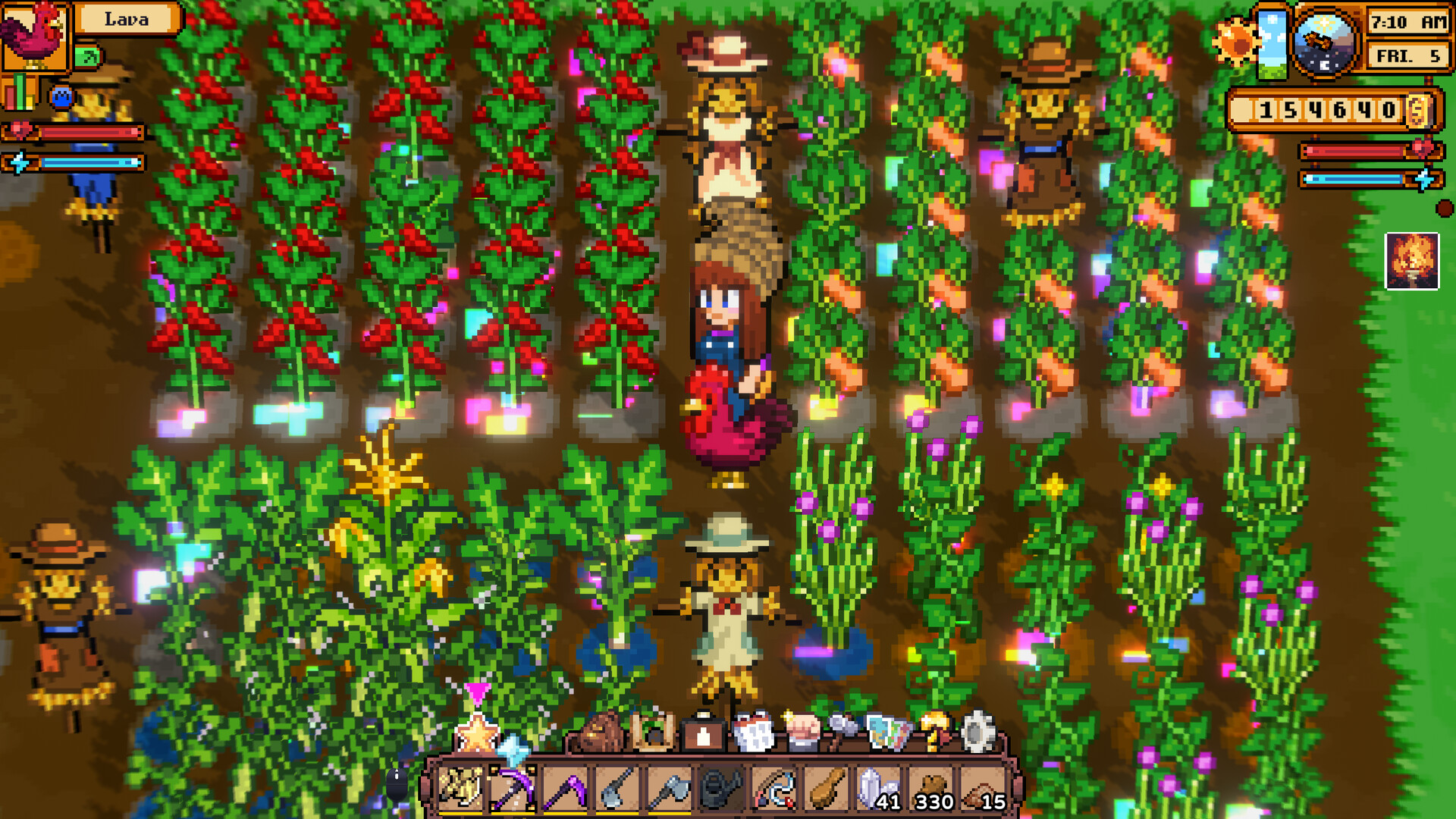
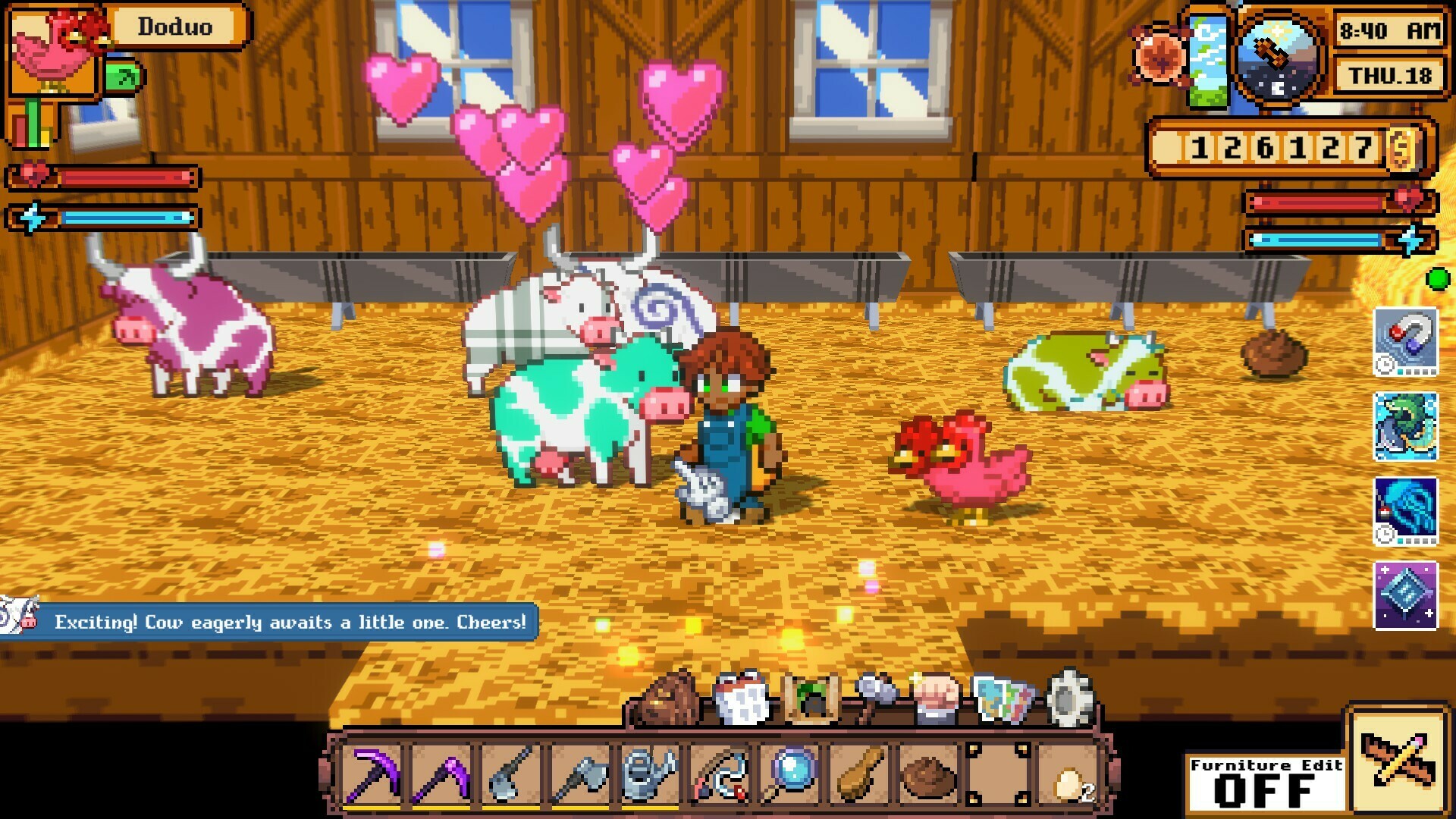
Cornucopia — Скриншоты 1
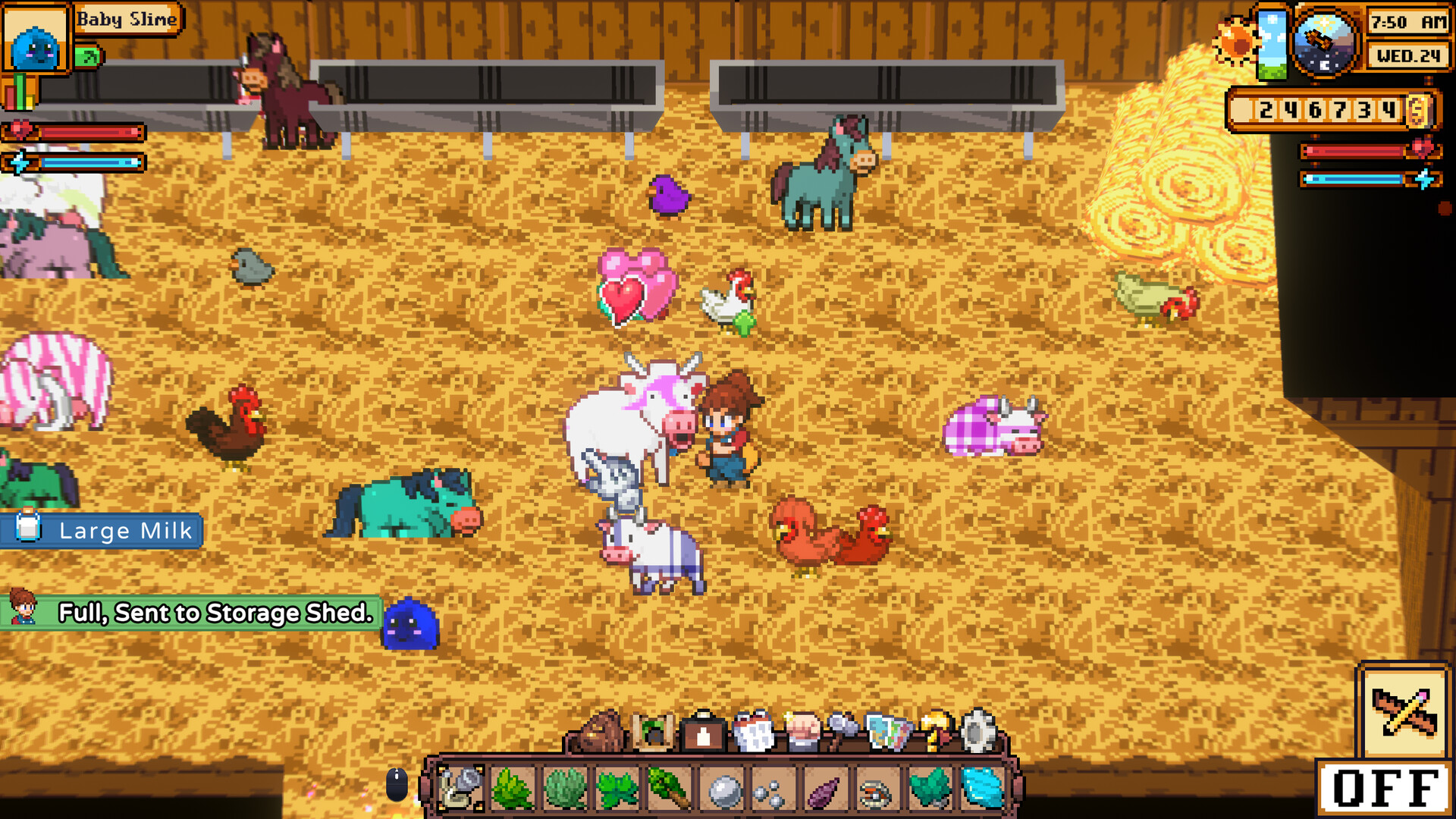
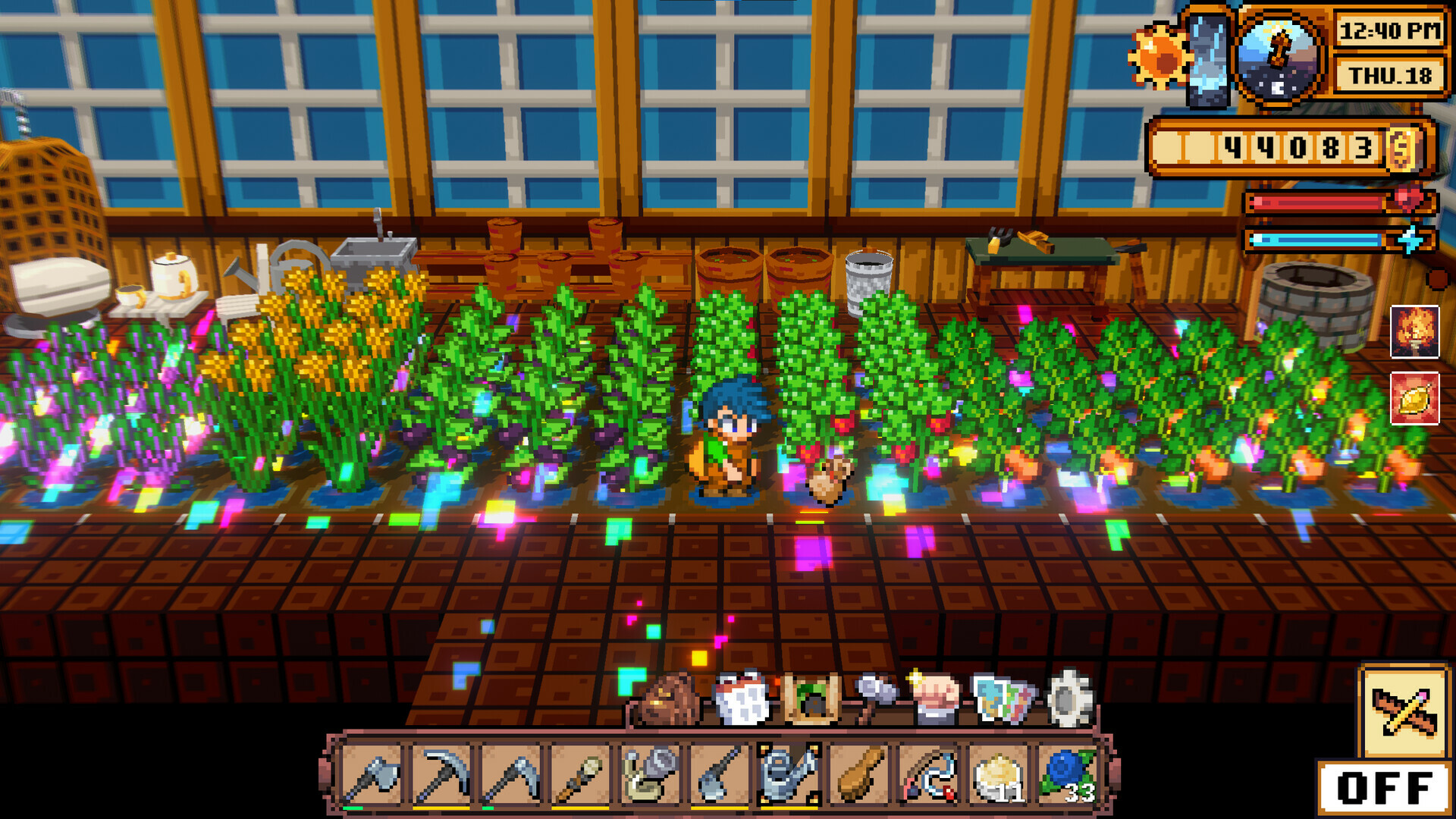
Cornucopia — Скриншоты 2
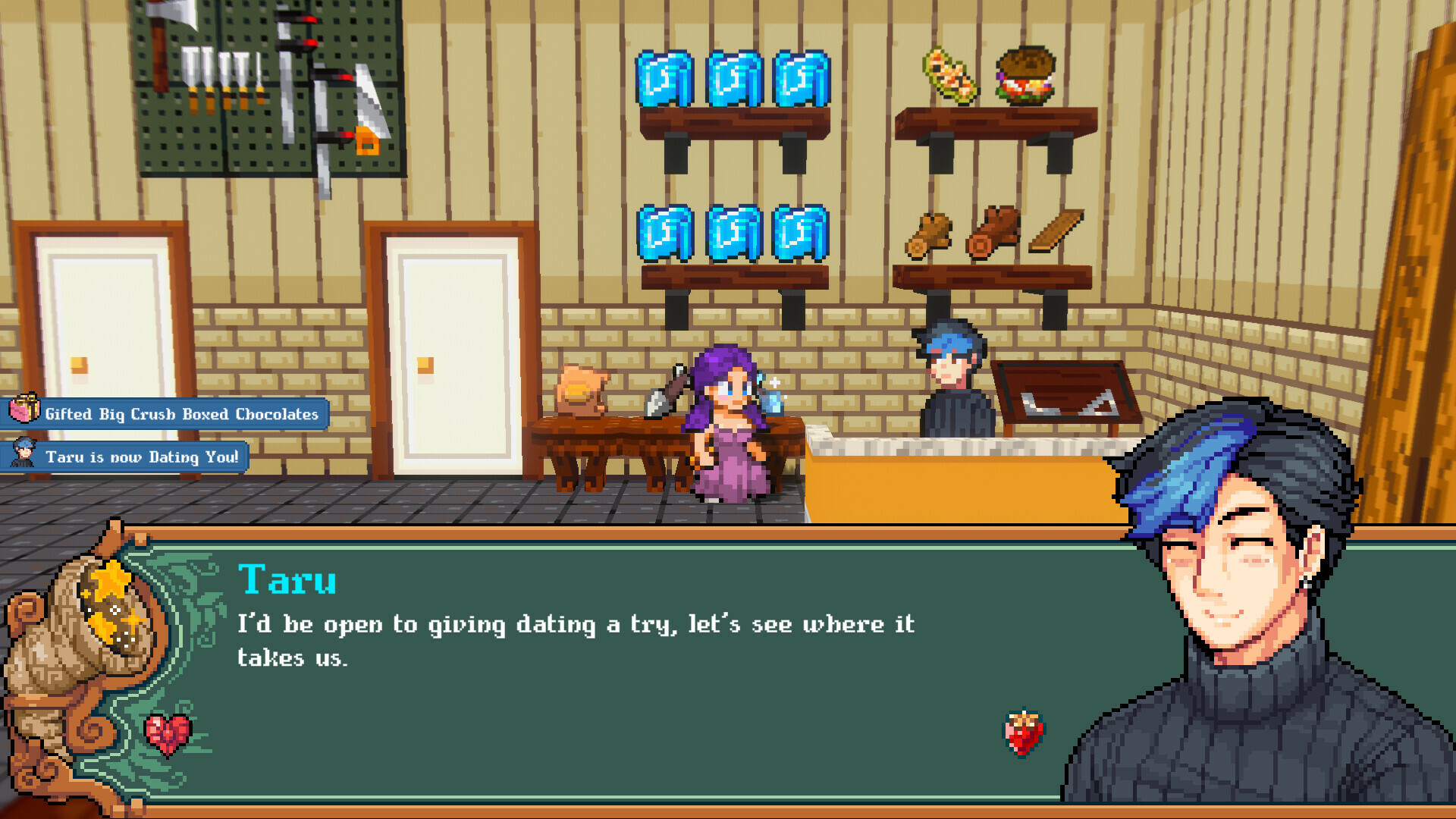
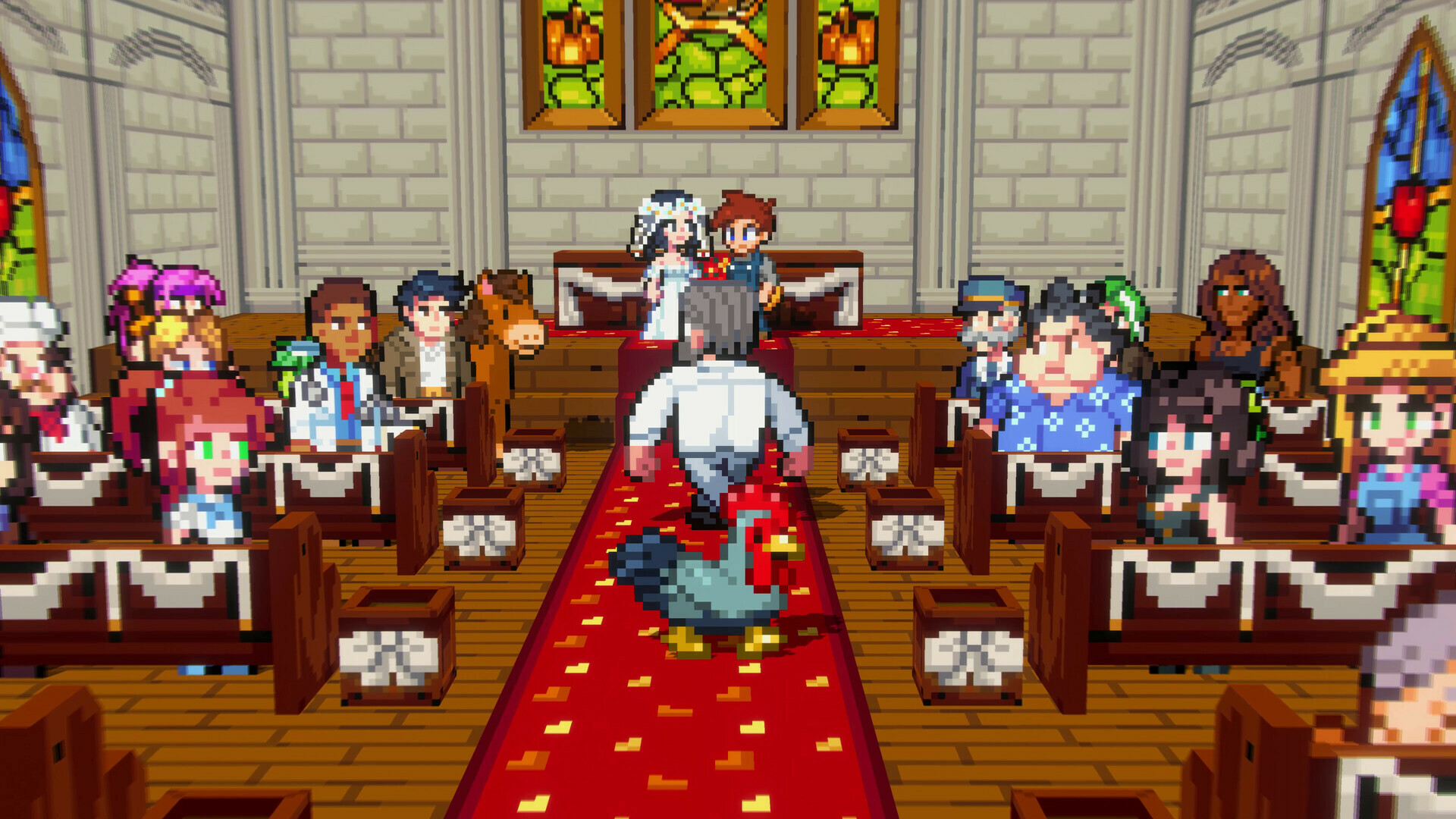
Cornucopia — Скриншоты 3
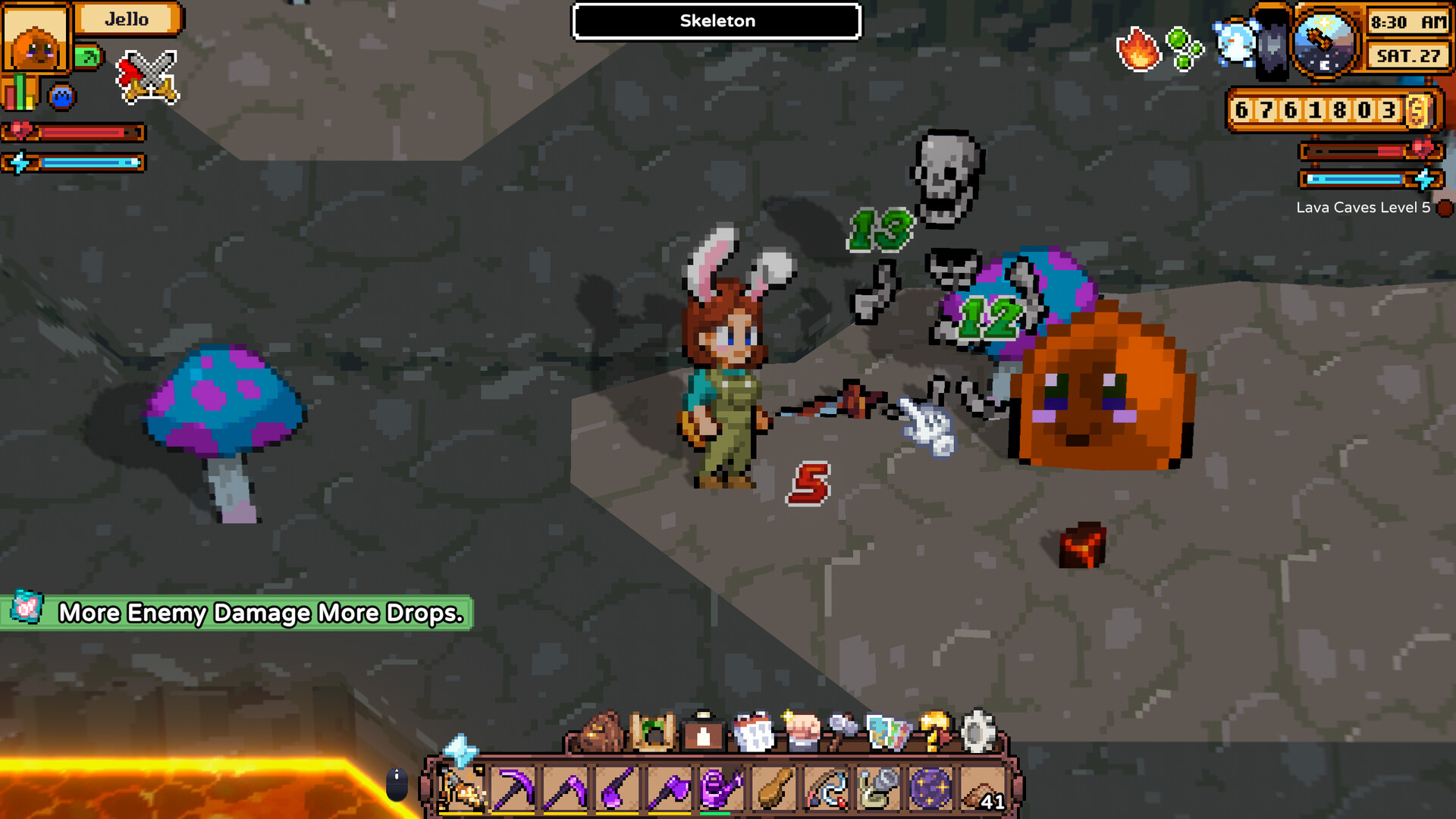
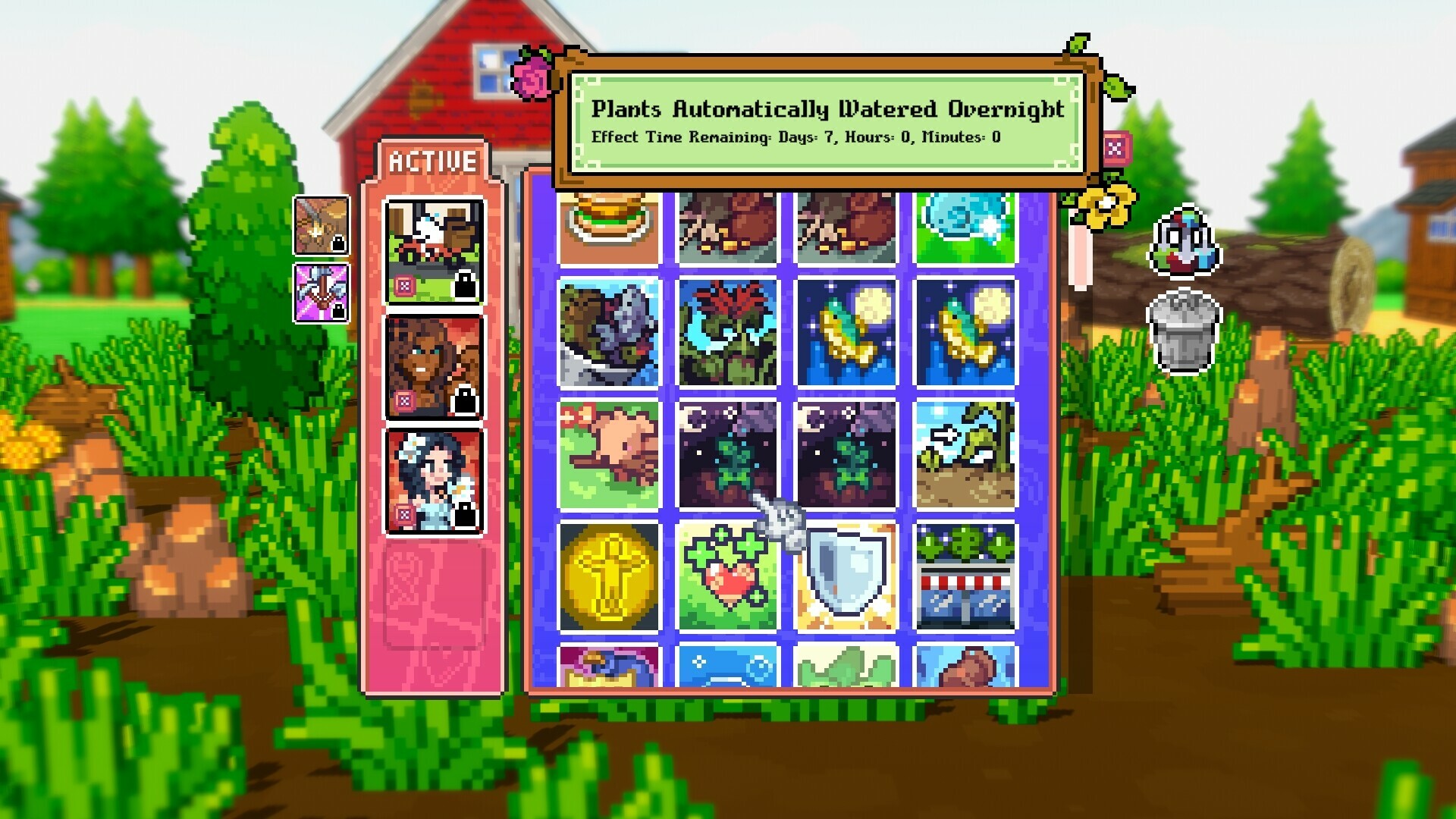
Cornucopia — Скриншоты 4
Cornucopia — Скриншоты 5
Cornucopia — Скриншоты 6
Cornucopia — Скриншоты 7
Cornucopia — Скриншоты 8

Описание

Get ready to immerse yourself in the rich world of Cornucopia, an indie RPG simulation game developed and published by Subconscious Games, available for download on PC in Early Access. Step into a fantastical realm where adventure awaits at every turn. In Cornucopia, you are the master of your destiny, exploring a vast and dynamic world brimming with life. As you embark on your epic journey, the choices you make will shape the fate of this vibrant land. Will you be a benevolent leader, a cunning rogue, or a powerful mage?

With its unique blend of RPG and simulation mechanics, Cornucopia offers an experience like no other. Craft your own narrative as you interact with a diverse cast of characters, each with their own stories and quests. The world of Cornucopia is alive with dynamic events and evolving relationships, ensuring that every playthrough is a unique and engaging experience. As an Early Access title set to be released in 2023, Cornucopia offers players the chance to be a part of the game’s development.

Join the vibrant community and provide valuable feedback to help shape the game’s future. With its enchanting visuals, captivating storytelling, and deep gameplay, Cornucopia promises an unforgettable RPG simulation adventure. Are you ready to embrace the world of «Cornucopia» and carve your path to greatness? Download the game on PC and embark on an epic journey through a land of wonder and magic. Discover the secrets, uncover hidden treasures, and create your own legacy in «Cornucopia.» The destiny of this world awaits your command.

Системные требования

Минимальные

ОС:
Windows 10 64 bit
Процессор:
Intel i3 Processor
ОЗУ:
6 GB RAM
Видеокарта:
ATI 7770, Nvidia GeForce GTX 660 2GB
Диск:
5 GB available space
DirectX:
Version 10

Рекомендуемые

ОС:
Windows 10 64-bit or Windows 11 64-bit
Процессор:
Intel i7 Processor
ОЗУ:
16 GB RAM
Видеокарта:
Nvidia GeForce GTX960+
Диск:
10 GB available space
DirectX:
Version 11

Инструкция по установке

Пошаговый процесс установки

  1. Установка не требуется — релиз полностью готов к игре прямо из коробки: никаких мастеров установки и долгих обновлений.

  2. Распакуйте архив (RAR/ZIP) в короткий путь без кириллицы, например C:\Games\GameName, с помощью WinRAR или 7-Zip — и не запускайте игру прямо из архива: это главная причина проблем с запуском.

  3. Запустите игру через Run Me!.bat (или основной .exe-файл) в папке с игрой. Если ничего не происходит, кликните правой кнопкой мыши и выберите Запуск от имени администратора.

Информация

Разработчик
Subconscious Games
Издатель
Subconscious Games
Платформа
PC
Дата выхода
Размер файла
1.06 GB
Статус
Не указано

Скачать игру

Полная игра 7

Build 26863782 1.06 GB Обновлено 2 дня назад
Скачать Cornucopia.Build.26863782.torrent

Торрент-файл готов

Контрольные суммы файла (MD5 / SHA-256)
MD5: df8d2c6ec5cd4bc1618f5c3e97bfdb3c
SHA-256: b52a65bf712ab2e0215490768fd076ac48886368ddd22e2fca6f2858df752370

Контрольные суммы подтверждают целостность именно этого файла. Это не абсолютная гарантия от вредоносного ПО — всегда проверяйте загруженные файлы.

Другие релизы

v6.9 Торрент piratebay Cornucopia v6.9.torrent

Торрент-файл готов

Контрольные суммы файла (MD5 / SHA-256)
MD5: c3046b2f716a80eb2f3212617b34df05
SHA-256: 61d59cf7d4d17b497d4be68796e233565f31ccd5648c2af1cdffa14c4d1d5605

Контрольные суммы подтверждают целостность именно этого файла. Это не абсолютная гарантия от вредоносного ПО — всегда проверяйте загруженные файлы.

Зеркала в облаке

Списки изменений

Официальные списки изменений для сборок игры
Small Update 12.4 - Big Screen UI, Pet Renaming & Bulletin Board Fixes

Актуально Сборка 26879402

fixes 14

  • the big ones
  • The UI fills big screens again. On 4K TVs and large monitors everything was drawing at half size, now it scales up to fit (thanks xzerox52 and AnimusArray)
  • UI Size is back in Settings under Interface. Pick Smaller, Default or Larger if you want the menus and HUD a little different
  • You can rename your pets and farm animals from the Pets page in the journal, with mouse, keyboard or controller (thanks CozyGamerGirlie)
  • Giving a villager the item their bulletin board request asks for counts for the request now (thanks Kc)
  • Bulletin requests for a kind of item take any size or type of it, so any octopus works for an octopus request
  • The Grape Gemstone cutscene no longer sits on a black screen for a minute and a half
  • A quick right click on an animal that's following you tells it to stay
  • Long farm names show in full on the load screen, and every save card is the same height
  • On controller, moving through the load list lines up properly
  • Money on save cards stays next to the coin after you change the language
  • The villager quest card shows its goal properly in Arabic and Japanese
  • The ghost in the tutorials stands inside the room again instead of below the floor
  • A few tutorial and bulletin board text fixes

Источник: Анонс Steam SteamDB

Major Update: New Minimap, Nightly Tally, Home Shopping Network & More!

Сборка 26863782

It feels good to release this update! It's a pretty massive one to be honest ❤️ 1

It started with pulling on one thread of the intro and the work ended up touching almost every aspect of the gameplay. A lot of the improvements come from how the game "feels" to play, but there's also bunch of new stuff too! Now when you sleep, a nightly tally screen shows everything you got done that day (And the stuff it shows is quite extensive!). The intro cutscenes have been improved and expanded, and tutorials have been reimagined from scratch as a new "Ghost Tutorials" system. You'll find most of the menu's have been reimagined and now live in the journal as tabs, the settings menus included. There's also a new minimap system at the top right of your screen, a new pixel font in every language, one consistent pixel size across the UI, and a bunch more!

Map Improvements 1

The Quests page lists every step of the starting and story quests, with pictures. You can see what to do, where to go, who to see, what to bring and what the reward is. If a quest has a location, there's a button that shows it on the map.

New Ghost Tutorials 1

A see-through ghost of your farmer shows you how to break rocks, use a tool special, plant and water, ship your harvest, fish and craft. It turns to face whatever it's teaching. You can rewatch any lesson from its quest card or from the Tutorials page. Oodles of tutorials! I'm still working on making them better and better!

The New Nightly Tally System 1

Going to bed takes you straight to the tally screen now, no loading screen. Everything you sold that day pops in one by one, the counts climb and the coins fly into your total. Your sales are sorted the same way as the Completion page. The Continue button lights up as soon as your new day is ready.

Fishing '?' explanation screen 8

  • Added fishing peg patterns and improved the layouts

  • Made treasure chests on the fishing board rarer, with the same odds at every fishing spot. The Fishing Treasure card and the moon still raise your chances

  • Only the winning lane lights up green now. Ties go to the lane the last ball landed in

  • The fishing board stays put when you resize the window, and the number of balls left is easier to read

  • The How to Fish lesson now waits until you're standing next to water you can actually cast into

  • Cancelling and quickly casting again now starts a fresh catch

  • The close button now shows while you're reeling

  • Added a ? button next to the fishing board. It opens a How to Fish page that explains every orb, and the round waits while you read

New Placeable Fences and Fence Gates 1

  • You can buy them at Roger's Carpentry or craft them from your Crafting menu.

Combat 14

  • The potential power of weapon and hat attributes now scales with your combat level when you find or buy one, so you won't start out with overpowered gear

  • Fights are easier to read. The enemy health bar sits at the top middle of the screen and flashes on each hit, crits show up in gold, and monster and boss specials mark their actual hit area on the ground and give you time to walk out of it

  • When you're running low in a fight or a cave, Munger runs in and drops you some food. The fuller you keep his bowls, the better the food

  • Gave the Ogre a new Bull Rush attack. It stomps, picks a line through you and charges, so sidestep it!

  • Added a Combat lesson that walks you through your first fight, from your first swing to healing and drops

  • More expensive weapons hit harder, and arrows, bolts and slingshot stones get stronger as your combat level goes up (thanks Philbouer)

  • The torch special flares up and makes nearby monsters back off, and a torch or lantern lights up a warm circle around you underground

  • Tap to drop a bomb close to you, or hold to wind up a longer throw using the Throw power gauge

  • Thrown specials like webs and rocks now aim at where you were standing when the warning started, so you can dodge them with a sidestep

  • Your pets keep hitting a monster while its special is aimed at you, and they move out of the way if it would hit them

  • If a boss knocks you out, it waits for your rematch the next day. Bosses only heal when they really can't reach you (and you can see it happening)

  • The Squid, Slime and Lava Crab bosses show up with a big screen shake (it follows your Screen Shake setting)

  • Uncommon, Rare and Legendary monsters have more health so they put up more of a fight, and cave floors past 10 ramp up in difficulty more gradually

  • Melee hits have a solid thwack, daggers and rapiers play one clean hit sound, and bombs thud when they bounce and land. Walking slime bombs pause when you pause the game

Animals/Pets 9

  • You can now fill chicken feeders and animal troughs, which keeps your animals fed for longer than feeding them one by one

  • Hungry coop and barn animals walk over to a filled feeder to eat, and chickens perch on wall boxes and ladder rungs

  • Out in the yard, chickens only get spooked if you run straight at them, so it's easy to walk up and feed or pet them. They skip their dust baths in rain, snow and storms

  • Your barn stays locked until you get a large animal. In progression mode, Rufus and Rose give you the Barn key in the calf scene, and there's a little unlock moment at the door

  • In progression mode, the Pets page in the Journal opens up when you finish the chicken coop quest. Classic farms and older saves have it open from the start

  • Each pet's stat names in the Journal show in your language (Racing Rank, Power, Speed, Skill and Bond)

  • Added a tab on the pet plate for telling your pet to stop following you

  • In the coop and barn, a resting pet stays put when you walk up to it and follows you again once you move on

  • Chickens act a lot more like chickens. They trot over to beg when you're holding food, and chicks line up behind their hen

Improvements 26

  • Did a big controller and Steam Deck pass. The Journal, Settings and HUD share one crisp pixel size (unless a different size makes more sense), the Map in the Journal fits the whole island at any window size, the D-pad moves along rows and columns, and lists scroll to show where you've landed

  • Each song now plays once and then takes a break, so you can hear the birds and the weather. Rainy and stormy days have no music, and the day's song picks up where it left off after a scene, a cave or a knock-out (thanks Ichino)

  • Crafting and cooking end with a little animation where the materials spiral into the middle of the screen and your new item pops out

  • If a quest wants you to use an item, the slot it's in glows a soft gold until you've used it

  • You now pick your birthday from a season calendar that shows the festival days

  • For every 5 days in a row that you feed Munger, he hops in behind his bowls and hands you the reward himself

  • Fixed emote bubbles getting cut off when their villager is near the edge of the screen

  • A little hint shows you the backpack key until you open your backpack for the first time

  • A short letter on day 2 tells you where seeds are sold, and Camellia's sprinkler letter arrives on day 11

  • Quest plates stay slim and open up when you point at them, and long quest names wrap instead of getting cut off. A quest with only one thing to do just shows its text, with a check mark once it's done

  • Quest markers point at the exact thing you need to use, like the Shipping Bin or a machine. If a step is two zones away, you get a pointer at the edge of the screen and on the minimap

  • The story goal on your HUD is clearer about where to go next

  • On festival days there's a festival plate above your quests. The first time you see it each day, it opens for a few seconds to show you where the festival is

  • The stove tells you what to do next (like "Drop food in to start cooking.") and what your food is going to turn into

  • At the stove, the dish tip in the Cookbook tells you that one click adds every ingredient

  • The recipe page in the Cookbook shows the dish's name at the top, and on a controller the Add card no longer covers the dish's health, energy and buffs

  • Locked recipes now tell you what unlocks them, like "Unlocks at Axe Lv 5"

  • The stove's side storage has a proper background, and its slots match the rest of your storage

  • Hammerheads now count as Any Shark for Killer Ramen (thanks Renasaurus Rex)

  • The stove, fridge, Shipping Bin, Storage Cellar, bed, mailbox, TV and telephone get an outline when you point at them

  • The item you're holding over your head is hidden during minigames and while the cooking window is open

  • Perk cards tell you what they do when you point at them, like "From 8 PM to 6 AM, you catch larger fish." (thanks epiclurker)

  • You can't accidentally use a card anymore while carrying it to the trash (thanks epiclurker)

  • Buying a shelf item with the mouse or a controller asks "Buy X for $N?" first, with No selected by default, so a stray click or button press won't buy anything. The prompt doesn't cover your farmer either

  • At Harold's Fast Cash Bin, the Add Stack price now updates right after each sale

  • Bids you place at the auction now count toward the Auction Quest card right away

Villagers and Festivals 10

  • If you bring a basic seed to the Spring Planting Festival, Rufus asks if you'd like to put one in the crate. Say yes and you get 8 seeds back instead of 5

  • Fixed Taru's date at the Japanese restaurant using his dialogue about Penelope. It has its own lines now (thanks Gwynhwyfara)

  • In 8 and 10 heart scenes, you get friendship lines if you're friends and a romantic version if you're partners

  • In conversations, your farmer's head comes before each reply and looks toward the text and the speaker. Each reply plate is as wide as its text

  • Dialogue pages no longer leave a single word or name hanging over onto the next page, and furniture like the small planter shows its picture when someone mentions it

  • Fixed getting stuck after playing the Cave Rescue Minigame at the Spring Planting Festival. You get put back in front of it now (thanks chal4ever)

  • Fixed Kaho introducing herself twice. She greets you with a welcome back line instead

  • Fixed birthday lines (theirs and yours) playing on the wrong day. Same for Kyoko's lines about her family's birthdays

  • Festivals fade smoothly to black before everyone heads home, and the Fireworks balloon ride line no longer shows up outside the festival

  • Auction results show up as soon as a lot ends, and any message that comes in during a scene waits until the scene is over (thanks Ichino)

Controller and Menus 10

  • Storage has quick buttons on a controller. Back puts in matching stacks, Start takes everything, X moves a stack, LT+X moves half and RT+X moves one

  • At the stove on a controller, the D-pad moves straight onto the pan and A drops your food in. B puts the item you're holding back in its slot, and pressing B again closes the stove

  • With a controller, a ripe crop within reach takes priority, so pressing the button harvests it instead of interacting with a nearby bin or a villager you aren't facing

  • With a controller, Auto picks the Watering Can when you're facing a dry crop, and a Refill hint shows up at water you can fill from

  • On a controller, pressing X with food in your hand feeds the barn or coop animal in front of you

  • With a controller, shop shelves show what a bulk buy gets you, like "Bulk: 10 for $360", and target snapping comes back when fishing ends

  • Fixed the pointer jumping back to the middle on Steam Deck when you scratch more than one scratch card (thanks cottyncandeigh1902)

  • Long Settings lists scroll into view as you move through them, and Select or the Journal key closes the Journal properly from Settings, Cards, the Calendar and Tutorials

  • Pointing at the season, date or money on your HUD shows a tip, and the Calendar always opens on today

  • If you unplug your controller, the button icons on the HUD switch to keyboard keys right away

Text and Languages 14

  • New pixel font across all languages

  • Japanese, Chinese and Korean dialogue pages now break where the box wraps, so the text stays inside it. Villager head icons also line up with the text (thanks Ichino)

  • Menu text fits better in more languages. That covers the Calendar's weekdays and season logos, the Cards tabs, Settings rows and the Credits

  • If a hover box is open when you change the language, it switches right away

  • In Japanese, Chinese and Korean, the watch and the Pass Time box show the time the same way the HUD clock does
  • Note: A lot of changes, improvements and bug fixes aren't listed in these notes, for the sake of brevity and my sanity, lol.
  • What's coming next: I've got a bunch of systems sitting at about 80 percent done that we'll be releasing as separate updates:
  • Modding (custom portraits, clothing, hair and hats)

  • An in-game pixel art editor for modding

  • More hairstyles and outfits

  • Flirting system

  • Arcade Freeplay Mode / Snowboarding

  • Junction Zone remake

  • And more!

Источник: Анонс Steam SteamDB

Отзывы и комментарии

Оценки

4,3 из 5 68 оценок

Архив хранил только оценки, без текста — читать пока нечего.


  1. 🚀 What\'s New in 5.6? 🚀Revamped Farm Terrain: Explore the beauty of our redesigned farm, now featuring a serene water pond, a charming bridge on the east side, and a strategically relocated storage shed. We’ve expanded the farm’s footprint, giving you more space to cultivate your dreams. 🌳🌉Soil Expansion Quest: Unearth a Land Expansion Deed at level 3 Hoe Skill and embark on a quest with Rufus to double your soil area. It\'s time to plant the seeds of your future! 🌾📜 Reimagined Shortcuts and Layouts: Discover a new layout and shortcuts around your farm for a streamlined farming experience. The relocation of the giant log opens up exciting new pathways to adventure. 🗺️🪵Enhanced NPC Interactions: With the new NPC Overhead Display and Cornucopia Dialog GUI, engage with characters in a more intuitive way, complete with names and heart levels. Perfect for planning those special moments with boxed chocolates! 💖🍫Customizable Controls: Tailor your gameplay with customizable keyboard and gamepad controls, ensuring every action feels just right. 🎮⌨️ Money Shaking Effect: Added a shaking effect to the player gui when you gain money.🔧 Polishing the Experience 🔧PlayStation Controller Glyphs: Seamless integration for PlayStation enthusiasts, making your farming adventures smoother and more intuitive. 🎮✨Bug Fixes Galore: We’ve squashed those pesky bugs, including the duplicating shed items and NPC Munger’s fetch quest, for an even smoother gameplay experience. 🛠️🐜🔧 Teaser Previews of Work in Progress 🔧New Character in Development \"Kinoko\": A Mysterious Tanuki named Kinoko!

Поделитесь впечатлением

Помогите другим игрокам понять, чего ожидать.

Оценить игру Ваша оценка (необязательно) Войдите, чтобы оценить
0 / 1000

Оценка превращает ваш пост в отзыв.

Соблюдайте правила нашего сообщества. Открыть правила сообщества