
KitHack Model Club

- Платформа
- PC
- Дата выхода
- Размер файла
- 5.17 GB
- Просмотры
- 696
- Комментарии
- 3
- Языки
- English
- Добавил
- Добавил Админ
Трейлер игры: KitHack Model Club
Скриншоты
Описание
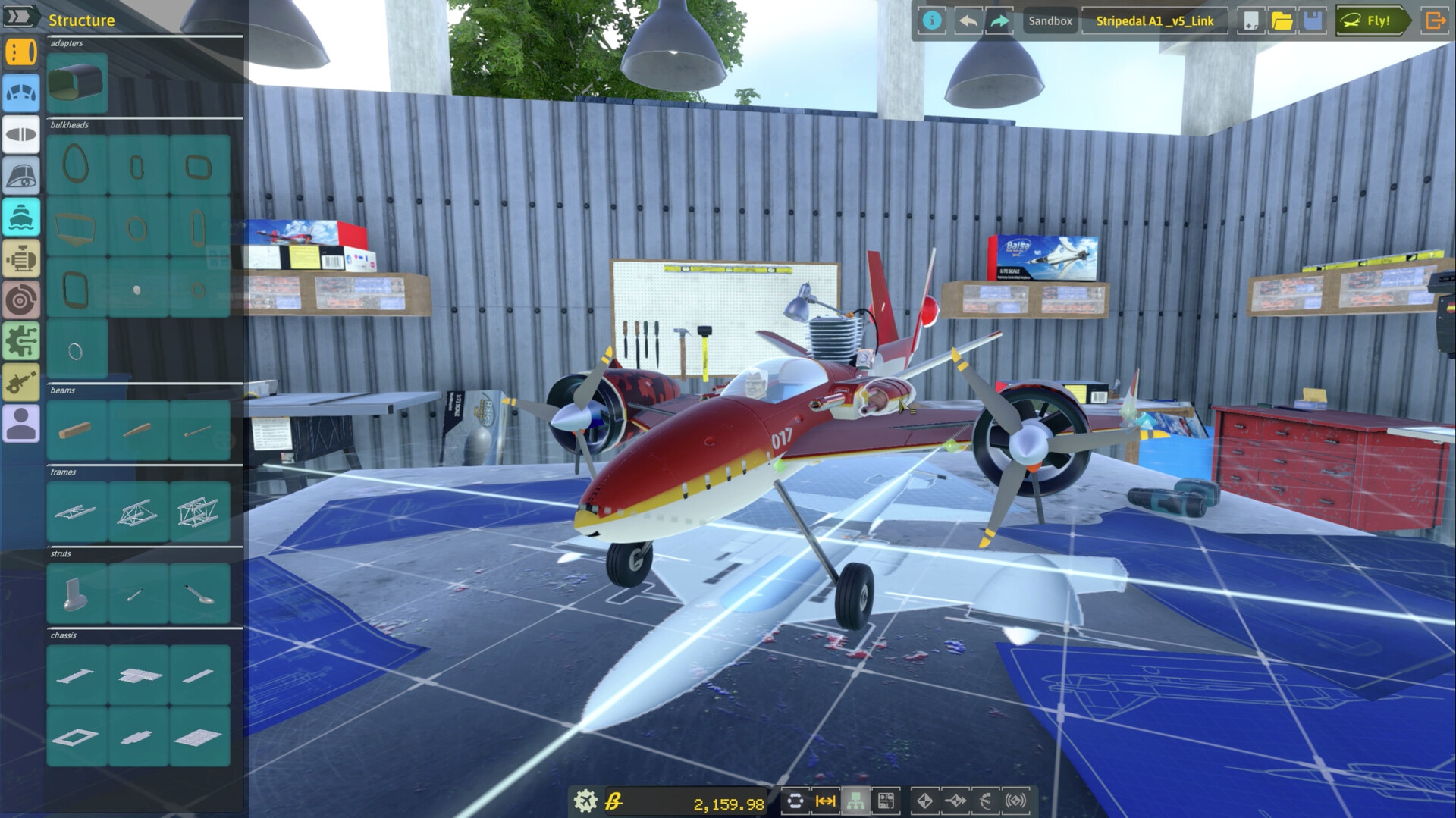
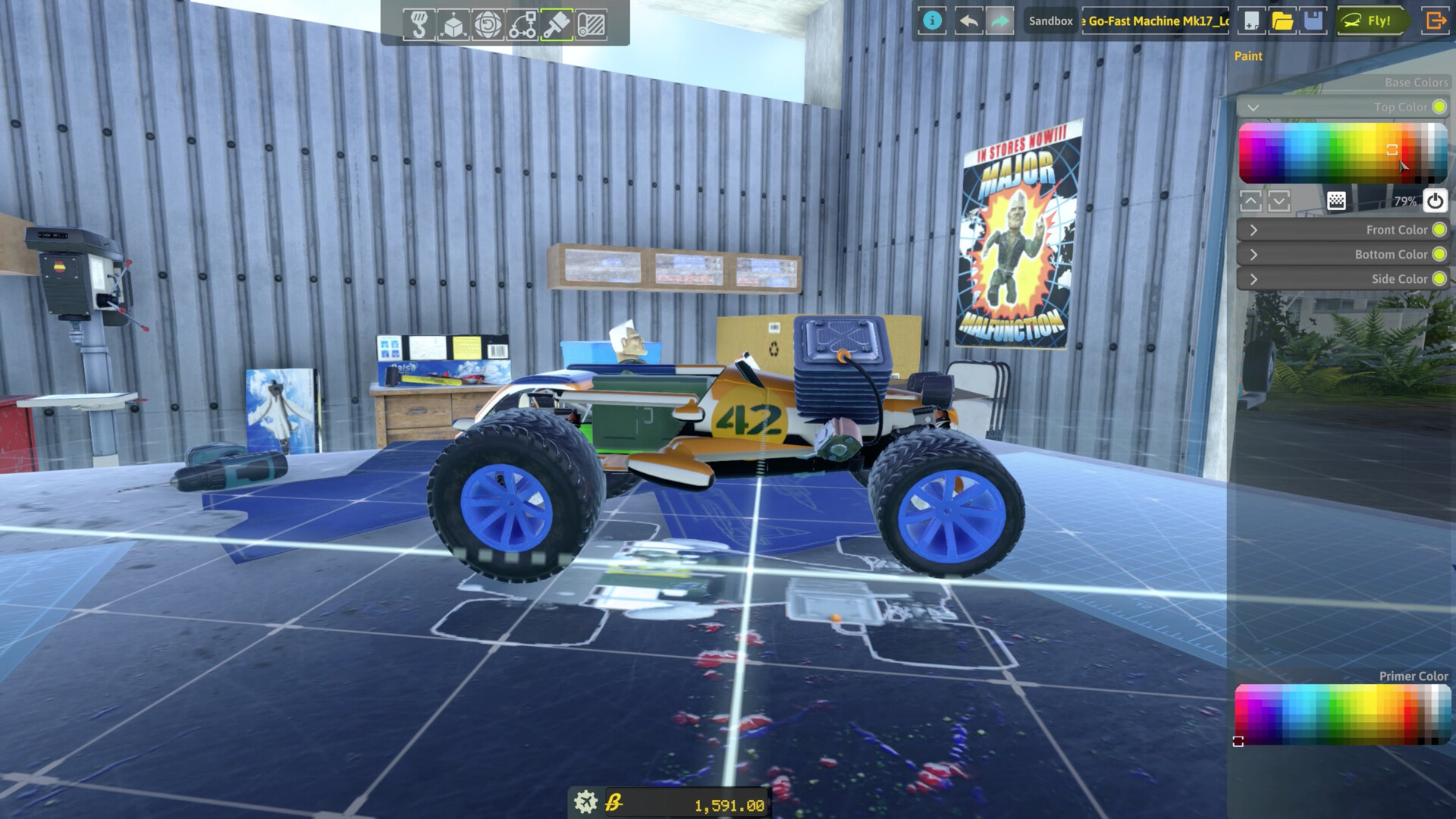
KitHack Model Club is an exciting racing simulator that allows players to create and customize their wildest RC cars. Developed by the team behind Kerbal Space Program, the game combines realistic physics with endless customization options, allowing you to create planes, boats, cars or ingenious hybrid models by connecting different parts together. Every design decision matters as the simulator takes into account the actual geometry of your vehicle, affecting aerodynamics, buoyancy and wheel friction.
NOTE. Uploaded version: 06 April 2025 [v1.5.2] Cracked by TENOKE + Update's. This is Full release and latest version of game. The game is already Packaged in ISO File and ready to run the game after install, read the instruction below. Repack for KitHack.Model.Club.v1.5.2-TENOKE - Fixed the sfv file issue. Sorry for the inconvenience.
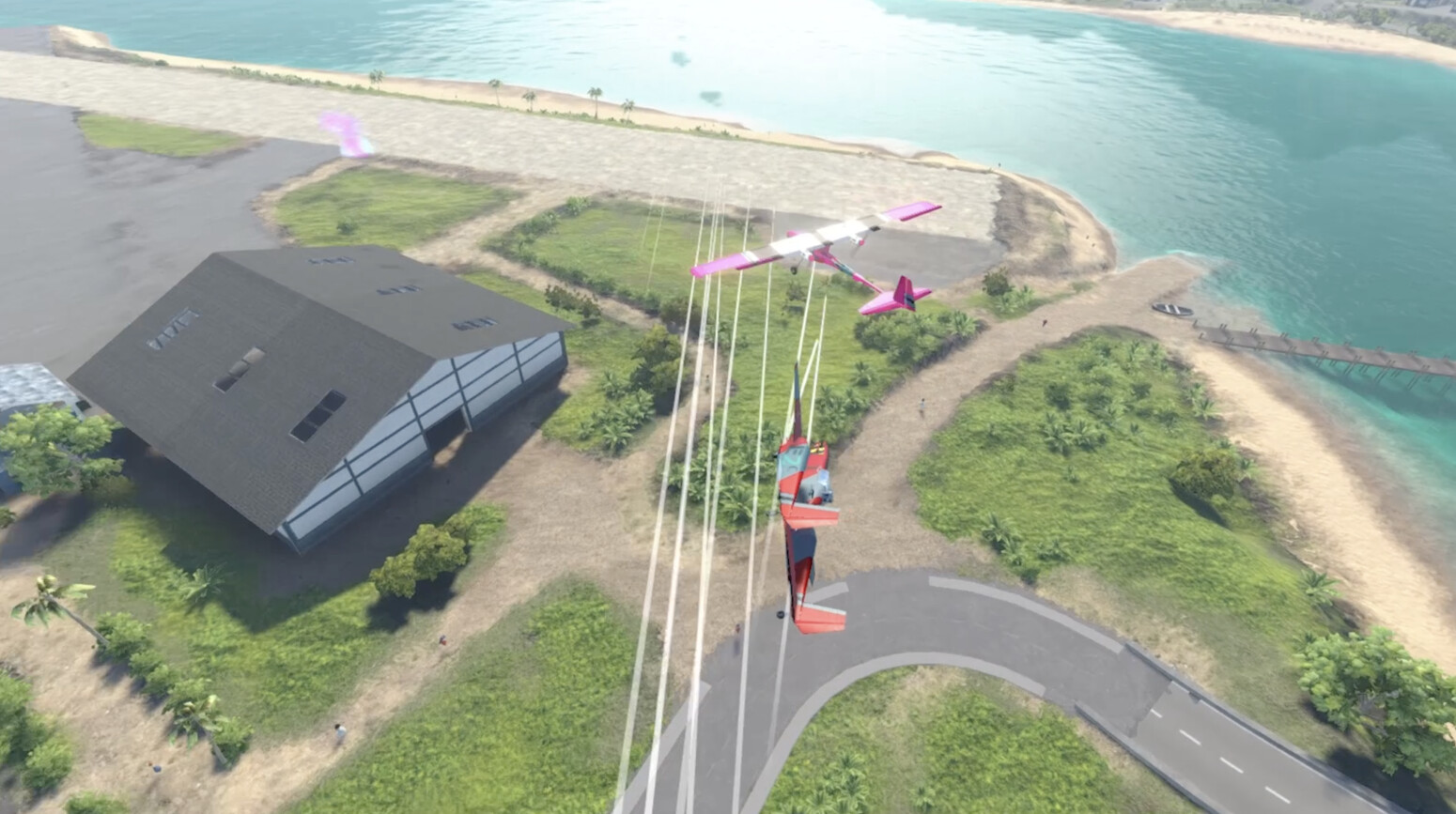
Explore the vibrant landscapes of Wirraway Bay, test your skills in challenges or roam freely with friends to show off your unique creations while navigating traffic and pedestrians. The game supports multiplayer matches with up to 16 players and features a powerful scenario editor that allows you to create your own missions and game modes. Share your creations and missions in the Steam Workshop, or explore the endless possibilities offered by community-created content. With built-in modding support and an SDK, you can add custom parts, maps, and features, making «KitHack Model Club» truly customizable.
Системные требования
Минимальные
- ОС:
- Windows 10
- Процессор:
- Quad Core CPU (Intel Core i7 or equivalent)
- ОЗУ:
- 16 GB RAM
- Видеокарта:
- GeForce GTX 10X0 Series or above
- Диск:
- 7 GB available space
- DirectX:
- Version 11
Рекомендуемые
- Процессор:
- Quad Core CPU (eg, Intel Core i7 10th gen or above)
- ОЗУ:
- 32 GB RAM
- Видеокарта:
- GeForce RTX 20X0 Series or above
Инструкция по установке
Пошаговый процесс установки для TENOKE
-
Смонтируйте .iso-образ — в Windows 10/11 он подключается из контекстного меню, в остальных случаях подойдёт Daemon Tools или похожая программа.
-
Запустите
setup.exeс диска и установите игру — сборки Tenoke взломаны заранее, нужна только установка. -
Если на диске есть папка
Tenoke, скопируйте её содержимое в каталог установленной игры. -
Запустите игру с ярлыка на рабочем столе (от имени администратора).
Информация
- Разработчик
- Floating Origin Interactive
- Платформа
- PC
- Дата выхода
- Размер файла
- 5.17 GB
- Статус
- Сцена (ISO)
Скачать игру
Полная игра
e3f0335055819e901d45bde3dff566da
2688d5c325a26dee3c25882d3a7eb885ffa964ff273b7c69becd1ca373305977
Контрольные суммы подтверждают целостность именно этого файла. Это не абсолютная гарантия от вредоносного ПО — всегда проверяйте загруженные файлы.
Торрент-файл готов
Обзоры
Отзывов пока нет. Будьте первым!





Комментарии (3)
Crash & Burn Update: v1.5.0 Greetings KitHackers! Buckle up and prepare for impact—our Crash & Burn Update is here, and it’s bringing the heat! With explosive new features, fiery gameplay mechanics, and overhauled cockpits, this update is guaranteed to light a spark in your creativity. But be warned: you’ll need to keep your cool as things might just go up in flames—literally! Whether you’re burning rubber, dodging heat blasts, or watching your rivals go out in a blaze of glory, this update has something for everyone who loves to build fast and play hard. Here’s what’s fueling this firestorm of changes: Overhauled Cockpits and FuselageYour cockpits are now hotter than ever with massive upgrades:Fresh textures and materials add sleek style to most cockpit parts.Morphing handles let you resize and reshape cockpits for builds that fit just right.Outdated parts have been deprecated and replaced with better, more customizable options.A new bulkhead profile joins the lineup, adding more flexibility to your designs.Material appearances are now standardized for consistent lighting and color—though your vehicles may sport a slightly new look.Dive into FPV with moving Steering Wheels, Yokes, and Ship Wheels to enhance your cockpit interiors. Caution: Jet BlastFire up the engines—but be careful where you point them! Introducing the Jet Turbine, a powerful, fuel-burning engine that delivers high-speed thrills with a side of flammability. Heat management takes center stage with Heat Blast Zones, where jet engines and rockets now emit damaging heat. Shield parts wisely, as exposed components can burn, ignite, or even explode.Turbines deliver less static thrust than EDFs but maintain power at higher speeds. Perfect for those who love to push the limits!
KitHack Patch #1.4.0 Greetings, KitHackers! We\'re excited to bring you the latest patch notes, packed with several quality of life upgrades and new parts to enhance your building and gameplay experience. We’ve added some exciting new parts and made gameplay smoother than ever. The TL-81 Eos Jet Engine will take your builds to new heights... While the Tiny Helm and Vintage Steering Wheel add a touch of flair! We’ve also improved the Confetti Cannon for more explosive celebrations, along with making cockpit parts scalable to fit whatever your design needs may be! Finally, we\'ve streamlined a few features for a cleaner, more fun experience - Plus a whole lot more! Please see below for the full list of changes: UI Quality of Life Features:Editor Parts List Fix: We’ve resolved an issue where parts list separators weren’t visible until activated twice. Now, they\'ll display correctly on the first go.Rocket Replacement Notification: You\'ll now see an on-screen notification when spent Rockets are automatically replaced on your vehicle.Graphical Artifact Fixed: Fixed an unscaled element that caused a visual artifact in FPV mode. The view should now be smoother than ever!Craft File Warning: Added a handy warning message when attempting to overwrite an existing craft file, helping prevent accidental saves.
Patch #1.3.1 Hello, KitHackers! We\'re back with another Patch to address some of the issues players have encountered, plus a range of tutorial fixes and quality of life updates. More updates to come soon! ROBOTICSDecouplers, Pistons and Rotary Tables now shows the not-connected warning pip if not connected to powerRotary Table Motor mode now works (tries to maintain a target rotation speed)Fixed issues with placement and updating of nodes for semi-flexible parts in the Flex physics simulationThe Sym Lock option in Rotary Tables and Pistons now works.Decouplers will no longer cause parts outside their own subtree to become disconnected after detaching. VEHICLE EDITORFixed an issue that caused newly-attached parts to be positioned incorrectly when using the Mechanisms tool.Fixed a VERY old bug where symmetry clones of ctrl surfaces with manually configured inputs wouldn\'t mirror the roll/yaw axes correctly.Revised the entire logic for Input Configuration Options on Control Surfaces, Motors, and Robotics partsAll inputs can now toggle mirroring over symmetry - Roll/Yaw do this by default.Fixed custom engine input configurations reverting to default sometimes. UIFixed Tooltips visibly jittering sometimes.Fixed radial sliders in morphing part context menus triggering an undo state to be recorded on just opening the menu.Fixed several UI elements being whited out and hard to readFixed the placement of the Motor Power LED on electric motor context menus.The [Reset (Auto)] button in part menus with configurable inputs is now consistently placed just below the inputs themselves.