Перейти к содержимому

Super Battle Golf

Скачать бесплатно для ПК · v1.4.0.798

Super Battle Golf
Платформа
PC
Дата выхода
Размер файла
1.09 GB
Просмотры
1 846
Списки изменений
2
Комментарии
0
Языки
English, French, German, Japanese, Polish, Portuguese - Brazil, Russian, Simplified Chinese, Spanish - Latin America, Turkish, Traditional Chinese
Добавил
Админ

Режимы игры и совместимость

Режимы игры

  • Одиночная игра
  • Мультиплеер
  • Кооператив

Совместимость

  • Поддержка контроллера
Скачать игру v1.4.0.798

Статус версии

Текущая версия
v1.4.0.798
Текущая сборка
26729365
Последняя сборка
26729365
Последнее обновление Steam

Скриншоты

Super Battle Golf — Скриншоты 1
Super Battle Golf — Скриншоты 2
Super Battle Golf — Скриншоты 3
Super Battle Golf — Скриншоты 4
Super Battle Golf — Скриншоты 5
Super Battle Golf — Скриншоты 6
Super Battle Golf — Скриншоты 7
Super Battle Golf — Скриншоты 8

Описание

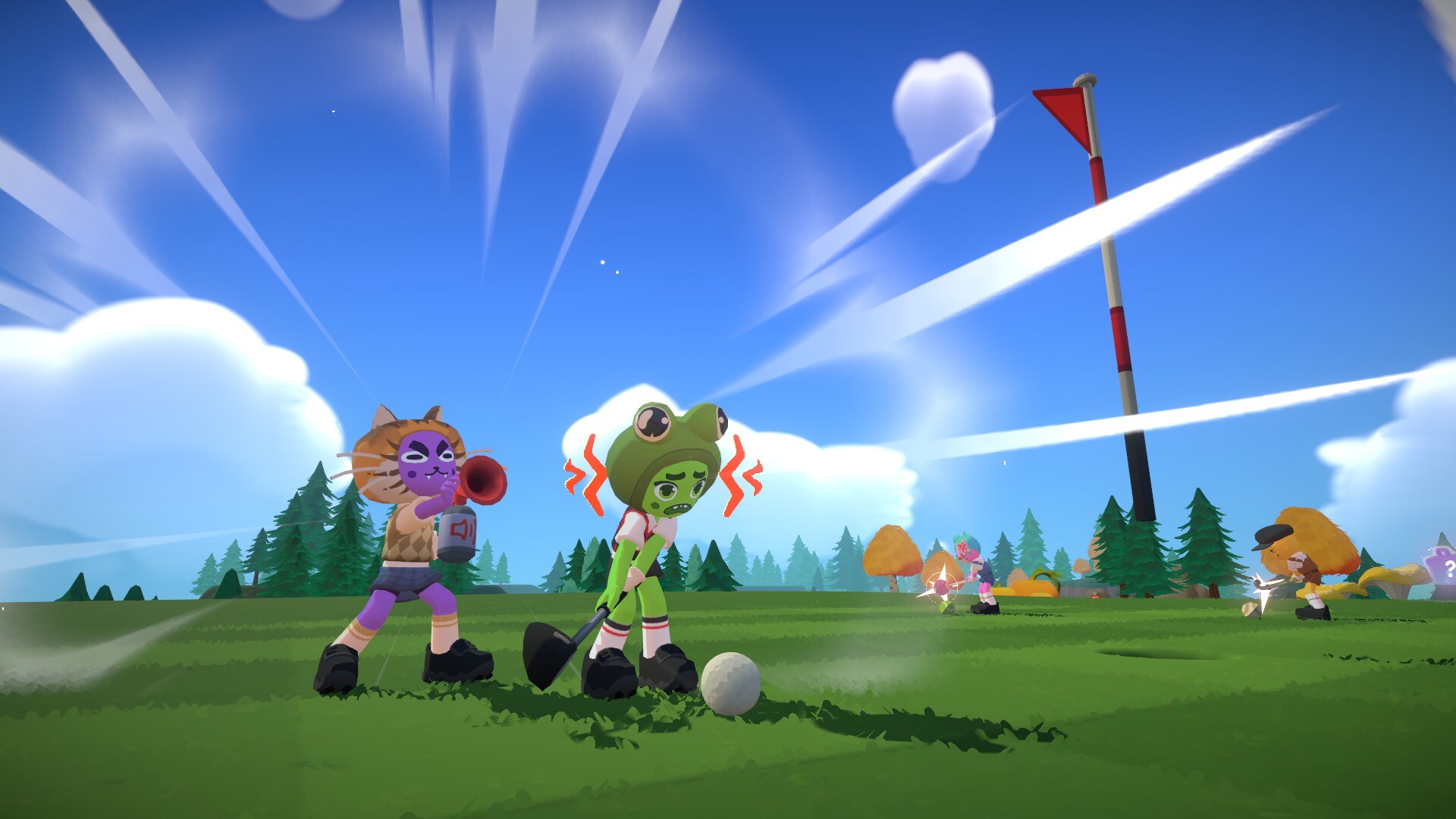
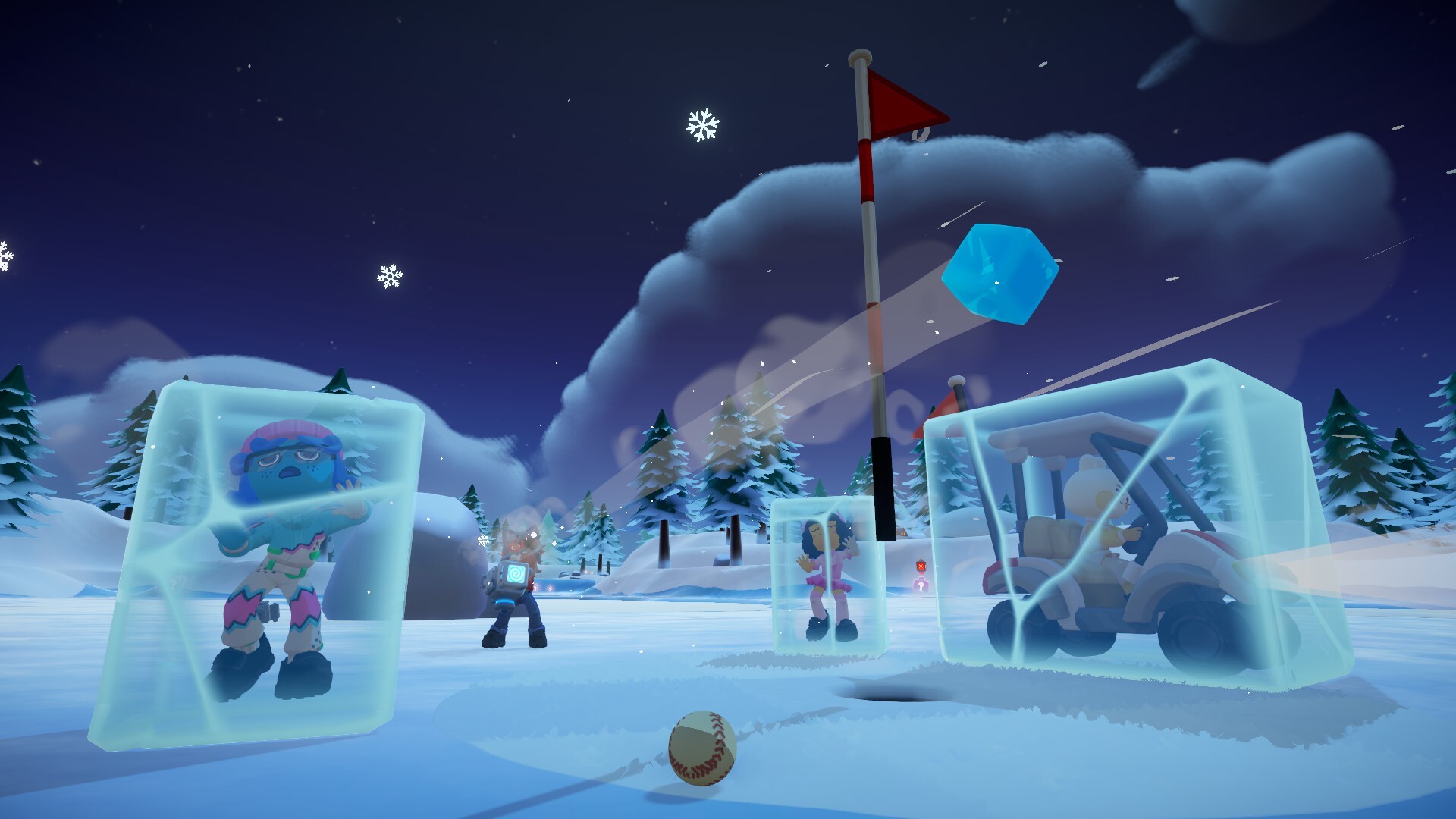
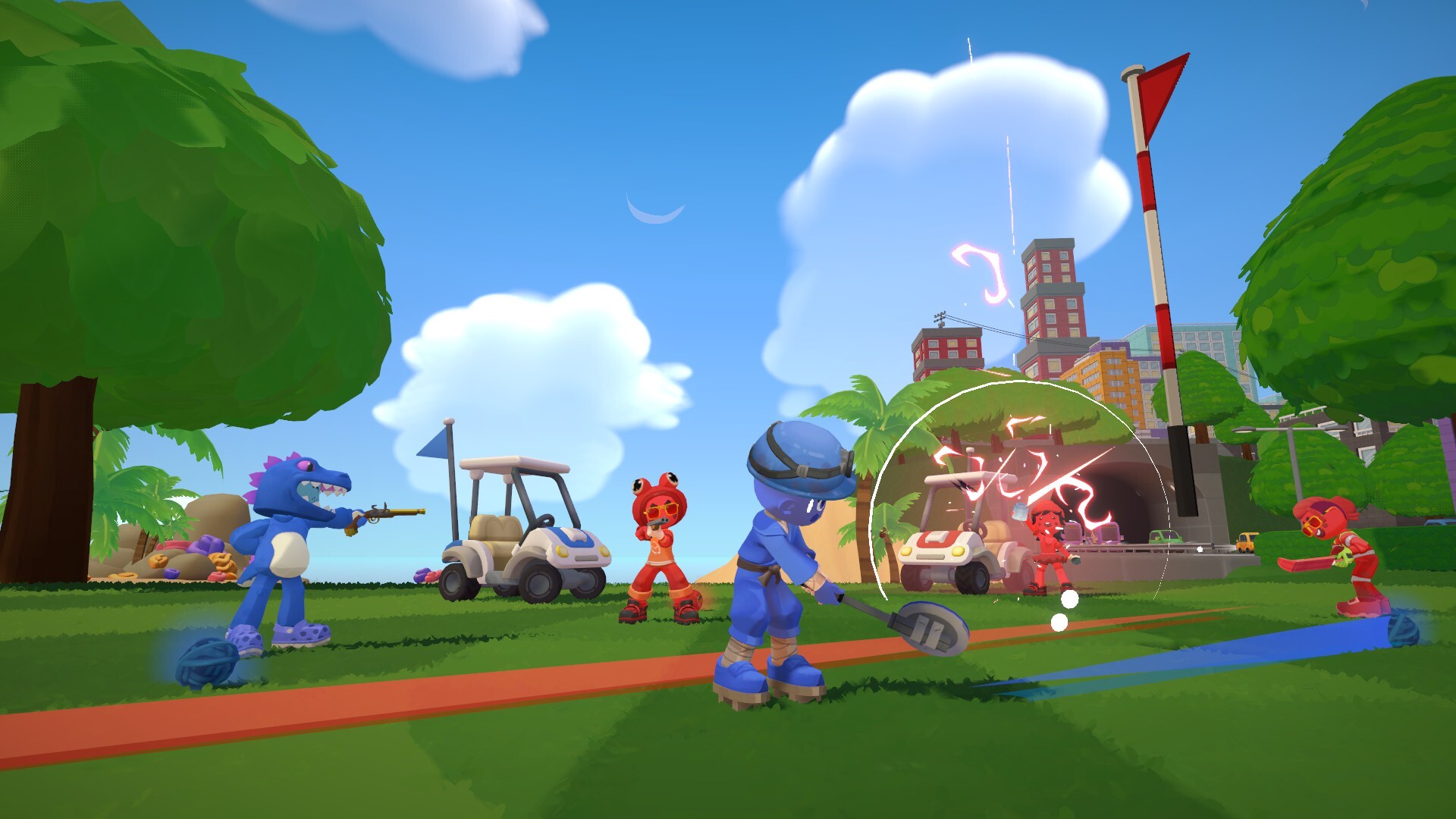
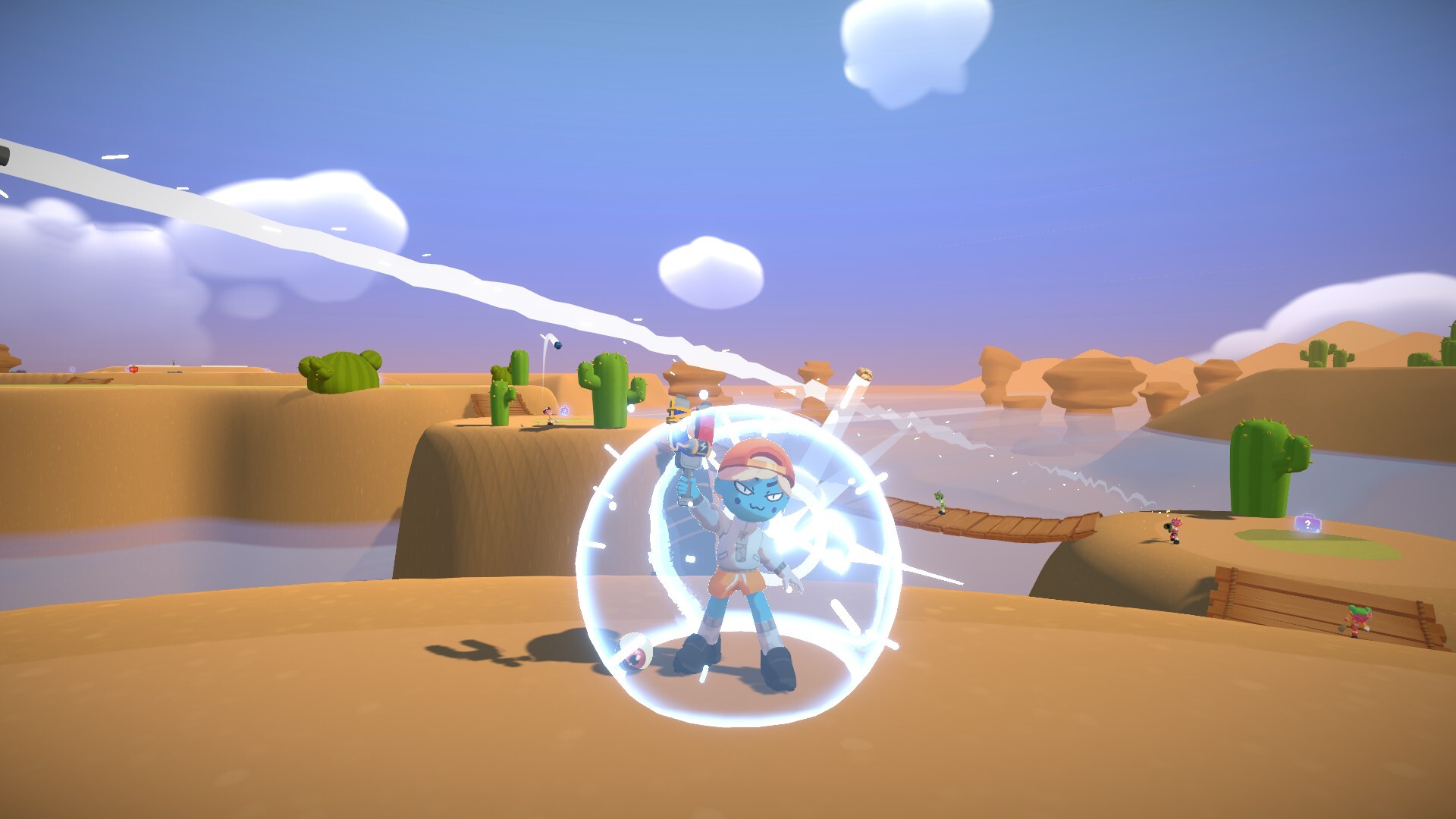
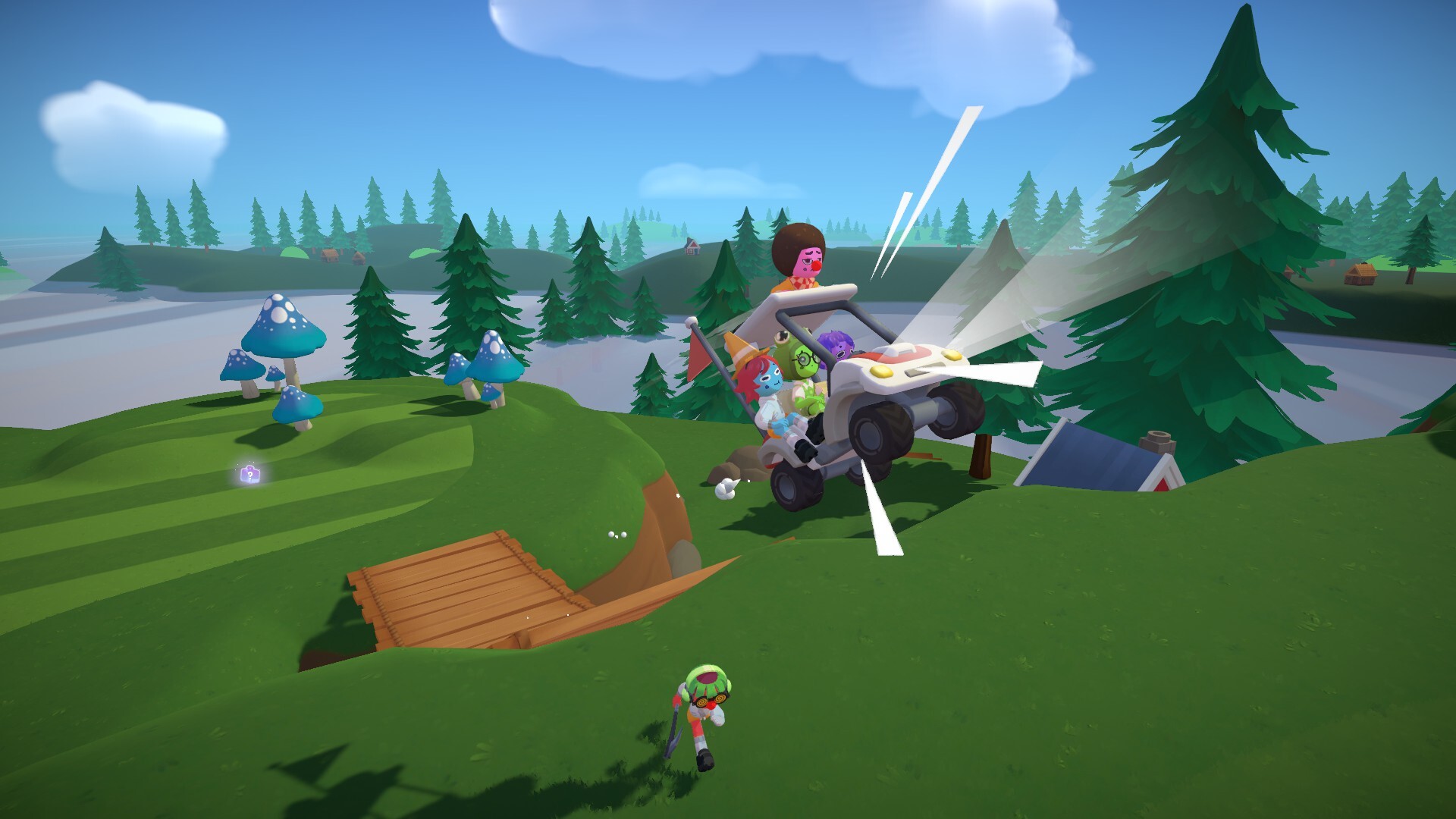
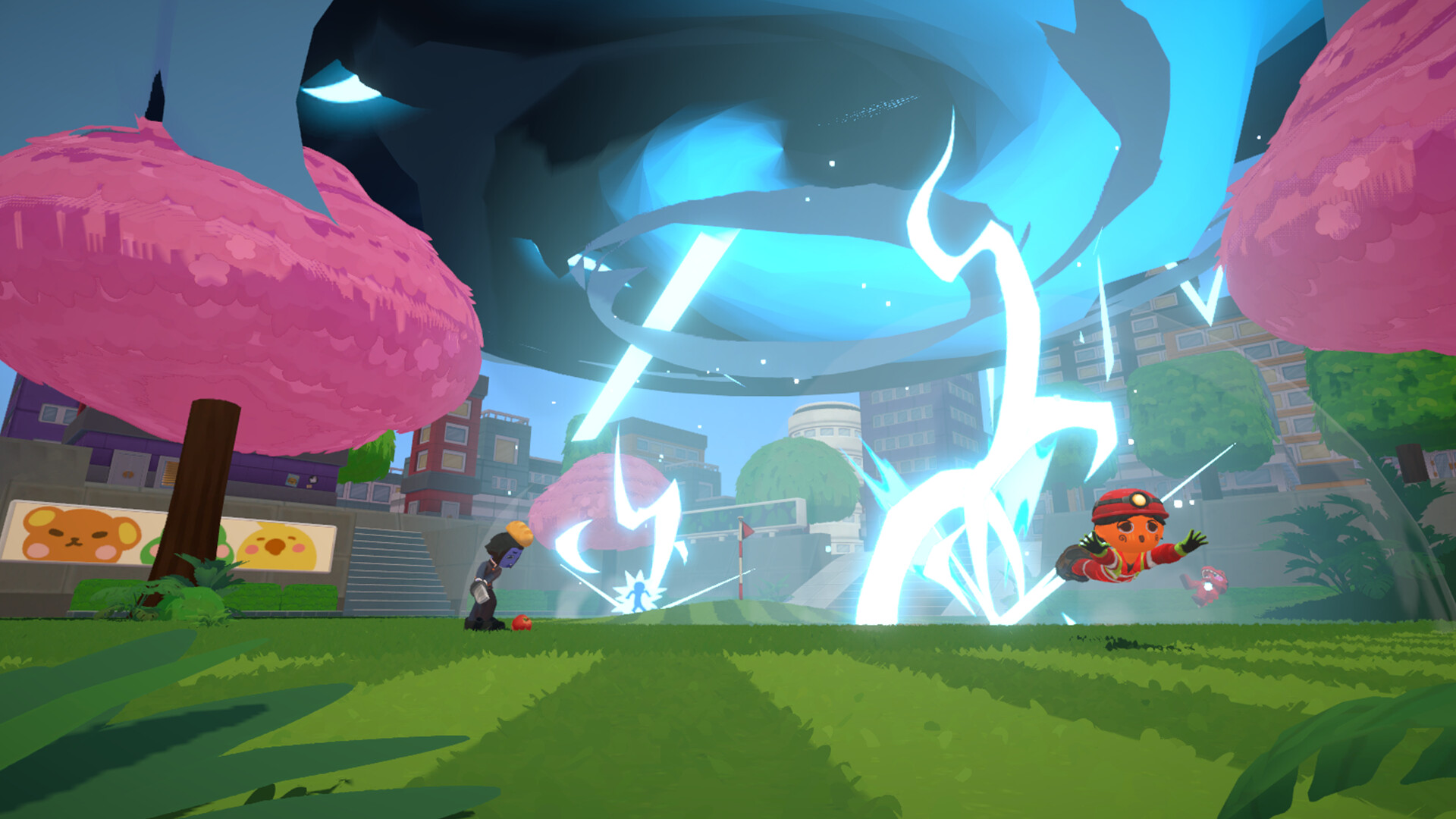
Super Battle Golf is a wild fusion of classic golf and fast-paced action, where measured pace is replaced by total chaos on the course. Competitors don't wait their turn to hit their shots; instead, they work in sync, transforming a manicured green into a combat zone. The main objective isn't so much to accurately place the ball in the hole as to physically eliminate competitors and reach the finish line by any means necessary. The arsenal ranges from simple club strikes to summoning orbital lasers capable of incinerating opponents on the other side of the map. Even vehicles serve as weapons: a spacious golf cart can ram unwary competitors, knocking them off course.

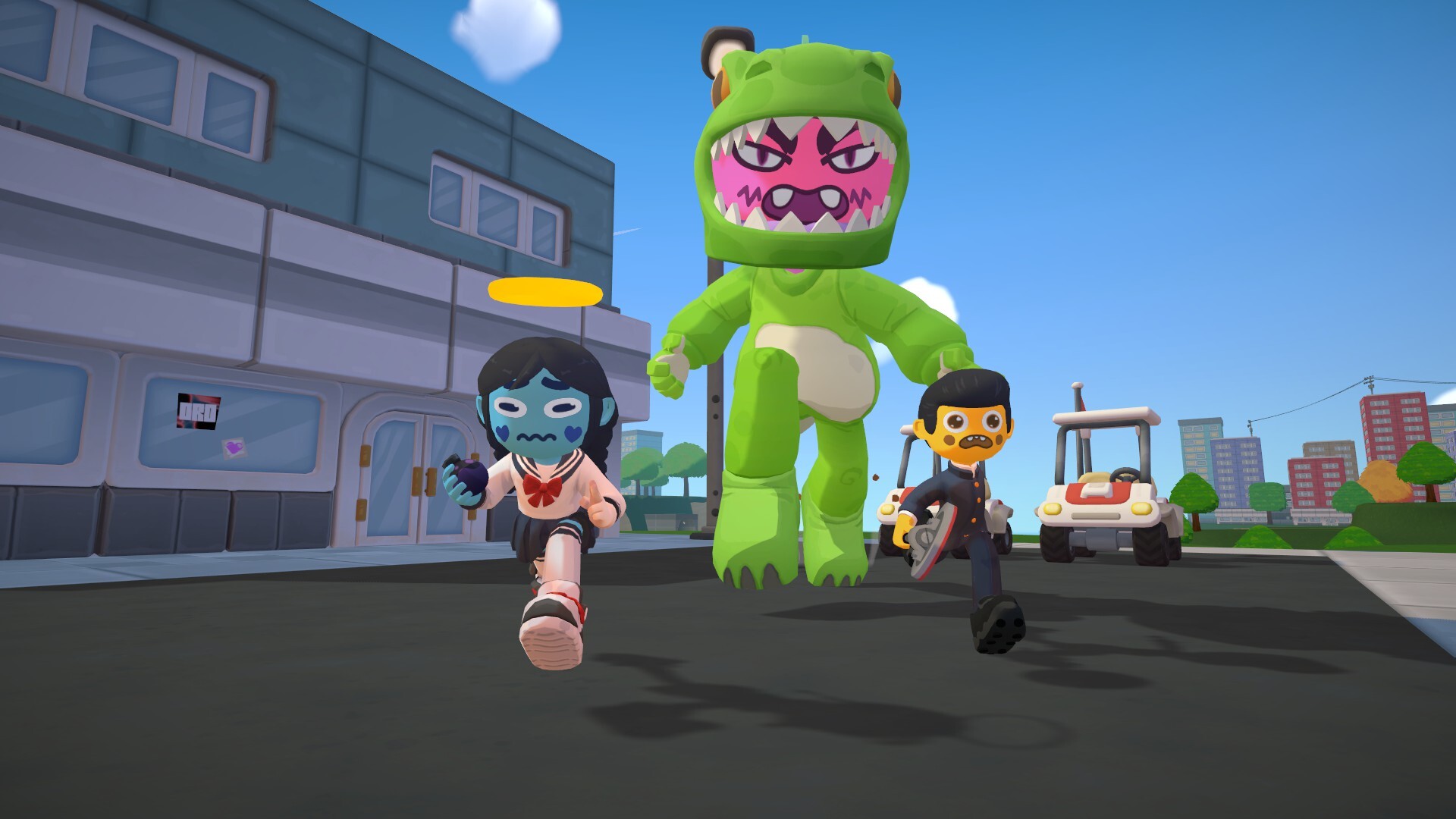
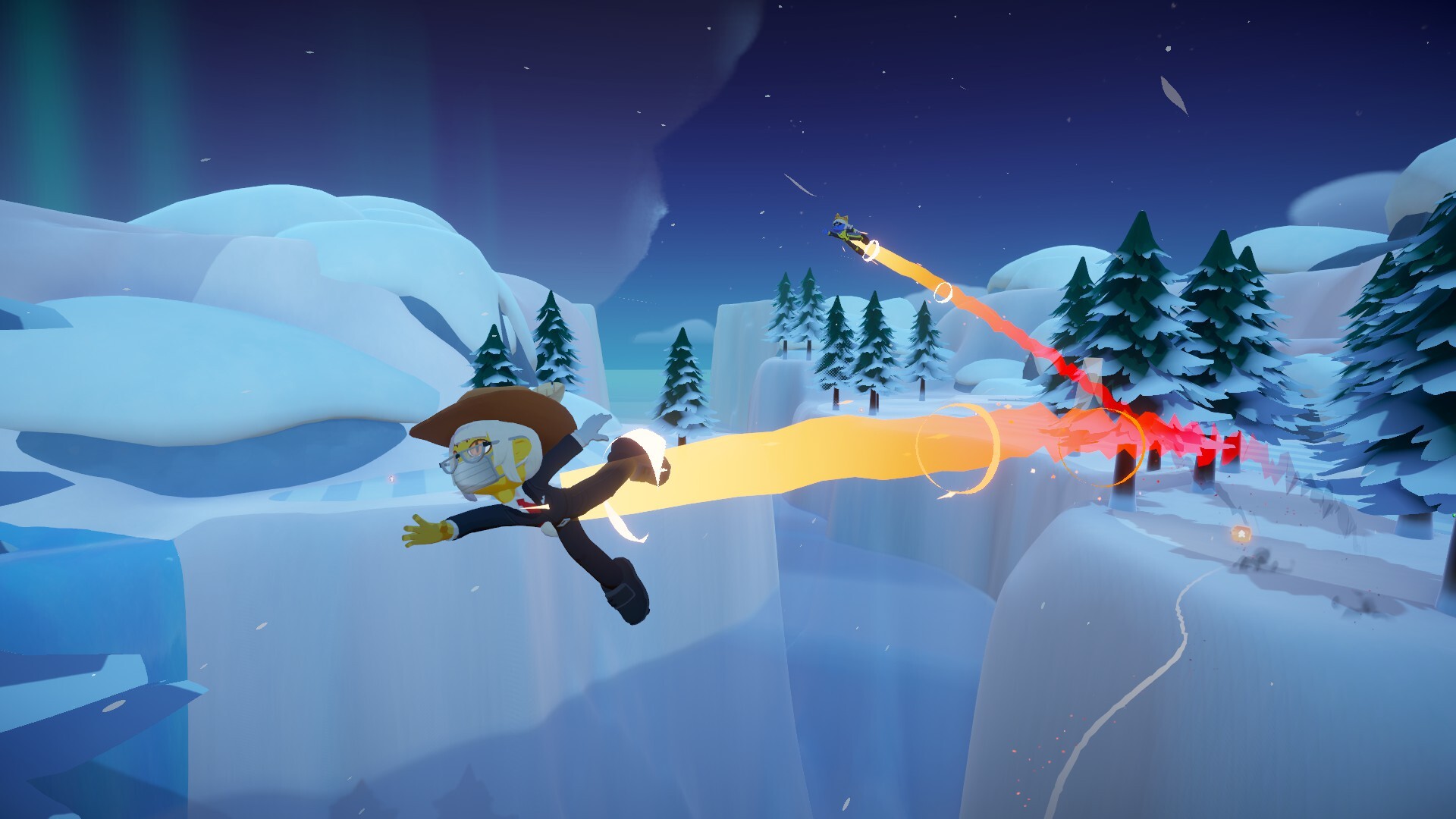
A diverse range of situations is provided by an impressive selection of twenty-seven unique locations, filled not only with familiar sand traps but also with hidden explosives. Super Battle Golf visual aesthetic allows for individual expression through absurd accessories, whether using frozen fish or a chicken leg instead of standard sports equipment. The following elements add depth to the gameplay.

Ключевые особенности

  • Level Architecture – Complex courses with water obstacles, dense vegetation, and minefields.
  • Competition Formats – Single-player races for points or massive online battles for up to eight players.
  • Sabotage Tools – Defensive and offensive equipment for effectively disrupting enemy attacks.
  • Social Features – Built-in voice chat and a private server system for matches with friends.

Системные требования

Минимальные

ОС:
Windows 10
Процессор:
Ryxen 3 3100 or equivalent
ОЗУ:
8 GB RAM
Видеокарта:
GTX 950 4gb or equivalent
Диск:
1 GB available space
DirectX:
Version 11
Сеть:
Broadband Internet connection
Звуковая карта:
Yes

Инструкция по установке

Пошаговый процесс установки для P2P

  1. Игра распространяется уже предустановленной — установщика здесь нет, и он не нужен.

  2. Распакуйте архив RAR/ZIP через WinRAR или 7-Zip, например в C:\Games\GameName.

  3. Запустите игру через Run Me!.bat или основной .exe внутри распакованной папки.

Информация

Разработчик
Brimstone
Издатель
Oro Interactive
Платформа
PC
Дата выхода
Размер файла
1.09 GB
Статус
Уже установлено (Portable)

Скачать игру

Полная игра 6

v1.4.0.798 1.09 GB Обновлено 3 дня назад

Уже установлено (Portable) P2P

Скачать Super.Battle.Golf.v1.4.0.798.torrent

Торрент-файл готов

Контрольные суммы файла (MD5 / SHA-256)
MD5: f8a88b6c68236437bed437365e149eaf
SHA-256: 385bcf8c0460b4fe9205d496328fbaf5fe2b56246179ba3330c1f1c6af9bf9ba

Контрольные суммы подтверждают целостность именно этого файла. Это не абсолютная гарантия от вредоносного ПО — всегда проверяйте загруженные файлы.

Зеркала в облаке

Списки изменений

Официальные списки изменений для сборок игры

Tech Update

Актуально Сборка 26729365

Golf's blessing upon you 3

All's well I hope? We have a small tech update ready for folks! This brings a change to the networking backend, lots of optimizations, bug fixes, as well as a player reporting system (reports are manually reviewed by our team).

Before we dig into the patch notes, we'd like to just give a quick shout that Super Battle Golf will be at Flux Festival in Aarhus this week on November 20th and November 21st! Come play the game, join a little competition against Arrow to win a silly trophy, or check out a neat playable featuring a breakdown of Tup's VFX and Brandon's animations!

But phew ok let's dig into some patch notes!

Patch Notes 1

  • Version Number: 1.4.0-798

Content & Gameplay Additions 1

  • Changed the networking backend from Steam to Epic Online Services, as preparation for crossplay once the game launches on consoles

Super Battle Golf will always remain available on Steam 15

  • Added quick chat messages that are selectable with the arrow keys on keyboard or D-pad on controller. Press left/right to open one of the two quick chat menus, and then select a message to send in the text chat
  • The default keybind on controller for toggling the emote wheel has been reassigned from D-pad right to D-pad up to avoid conflicting inputs

  • When selecting “Start game” on the main menu, a lobby initialization menu will now be displayed where the following settings can be set prior to the lobby being opened:
  • Lobby name

  • Lobby mode (public, friends or invite-only)

  • Password

  • Player capacity

  • Public and friends’ lobbies are now joinable using a lobby code that is automatically generated for each lobby
  • The lobby code for your current lobby can be found and copied on the Match Setup menu

  • The lobby browser now has a button to join a specific lobby via its lobby code

  • Lobby code hiding can be toggled on and off, and is enabled by default while streamer mode is enabled in the Settings menu

  • You can now report players via the pause and Match Setup menus. Reports will be manually reviewed by our official community managers
  • Added an Achievements menu to the pause and main menus, where achievement progress can be tracked
  • The lobby browser now features an advanced filter button, where lobby filtering can be fine-tuned
  • When failing to connect, or losing connection to the internet or backend servers, you will now be informed with an onscreen message, and an “offline” label will appear in the main menu. You will be prompted to either attempt to reconnect or continue to play in offline mode. The game can be played solo in offline mode, although this is not currently an intended way to play the game and certain features that require connection might not work

Changes & Improvements 23

  • Client-side prediction has been overhauled

  • Physical objects such as balls, golf carts and loose items are now significantly less jittery for non-hosts, even at high ping

  • As a result, non-host players driving golf carts no longer have authority over them. This can result in slight rubber banding when driving golf carts with high ping

  • This has been further improved since the public beta, offering a smoother experience to all non-host clients, but most noticeably those with high ping

  • Removed physical interactions that can cause frequent rubber banding and offer no significant gameplay benefits:
  • Players and golf carts are no longer pushed away lightly by Electromagnet shields

  • Players can no longer collide with loose items (unless they've been swung with a golf club)

  • Entries for remote players in the pause menu and in the Match Setup menu now have a dropdown for the following actions:
  • Open Steam profile

  • Mute

  • Kick/votekick

  • Report

  • Block

  • The lobby browser has been updated with:
  • Informative icons for lobbies with custom rules or enabled console commands

  • A legend for all icons that can appear in the lobby browser

  • Ping estimation icons replacing the numbers due to limitations resulting from the networking backend changes

  • The “Mute chat” setting in the General tab of the Settings menu has been replaced by two separate settings, both of which will inherit the value previously set for the “Mute Chat” setting:
  • “Mute Voice Chat”: only affecting voice chat

  • “Mute Text Chat”: only affecting text chat

  • A blocked player list has been added to the General tab of the Settings menu. This list will be used for cross-platform blocking once the game is released on consoles
  • When a votekick begins, voting input is now briefly disabled to make it harder to cast a vote accidentally
  • Added an “off” option to the microphone input mode in the Audio tab of the settings menu, which disables the microphone entirely

Optimization & Fixes 30

  • Optimized main menu rendering

  • Optimized level rendering

  • Optimized decal rendering

  • Optimized cosmetic loading speed

  • Greatly optimized network traffic

  • Fixed players being able to fail connecting to a password-protected lobby while the password prompt is onscreen under certain circumstances

  • Fixed an issue that could cause players connecting to lobbies to fail seemingly at random

  • Fixed non-hosts experiencing large framerate dips when the host selects a preset course in the Courses tab of the Match Setup menu

  • Fixed players having various issues interacting with objects in the world, that would be caused by closing lobbies and re-opening them in certain rare cases

  • Fixed non-hosts being teleported backwards when exiting a moving golf cart. This issue was more noticeable at high ping

  • Fixed golf carts driven by non-host players sometimes not receiving knockback when hit by an explosion

  • Fixed golf club models sometimes being duplicated when switching between Free-for-all and Teams as the host

  • Fixed an area where the player could get stuck on Cliffhanger

  • Fixed players being able to partially clip into some snow piles

  • Fixed an exposed terrain edge on Cliffhanger

  • Fixed being able to change team settings in the Match Setup menu while a match is ongoing

  • Fixed entries for remote players in the Match Setup menu not being selectable using a controller

  • For player entries in the Match Setup menu and hole entries in the Courses tab of the Match Setup menu:

  • Fixed these entries becoming uninteractable if the menu is closed while an entry is being dragged

  • Fixed these entries snapping to their target position mid-animation when moved between lists

  • Fixed these entries being able to move out of view due to player interactions without the scroll bar automatically adjusting to keep them in view

  • Fixed non-hosts being unable to use the vertical scroll bar in the Match setup menu
  • Fixed menu navigation still being possible when using a controller while the Steam overlay is displayed
  • Fixed text fields not accepting input using the Steam virtual keyboard
  • Fixed some main menu buttons being visible while in sub-menus in some languages
  • Fixed an issue that could occasionally cause errors to be spammed in the console, growing the log file in size consistently until the game is closed
  • Fixed hosts being able to change the hole order in the Courses tab of the Match Setup menu during an ongoing match when using a controller (the same applied to non-host players as well, although their changes were fully local to them and did not impact gameplay)
  • Limited concurrent loose physical items to 64, prioritizing armed or arming landmines when this limit is reached
  • Limited concurrent golf carts to 32
  • Fixed exploit

Known Issues 5

  • The game crashes when closed when playing on Steam Deck or Linux, which can cause crash dump files to be generated

  • At the time this update is released, the current Proton 11.0-3 release candidate and experimental versions can be used to prevent these crashes. This issue will be solved for all players once Proton 11.0-3 is released

  • Make sure to restart steam or verify the integrity of your files in order to see the new update. If you come across any issues or bugs, you can reach out to us on the forums, discord, or sending us a shout to support@brimstone.games
  • °‧ 𓆝 𓆟 𓆞 ·。°‧ 𓆝 𓆟 𓆞 ·。°‧ 𓆝 𓆟 𓆞 ·。°‧ 𓆝 𓆟 𓆞 ·。°‧ 𓆝 𓆟 𓆞 ·。°‧ 𓆝 𓆟 𓆞 ·。 𓆝 𓆟 𓆞 ·。° 𓆝 𓆟 𓆞 ·。°
  • We'll be back next week for a fun little thing! May the golf course protect you. okhavefunbyeeeeeeeeeeeeeeeeeeeeeeeeeeeeeeeeeeeee

Источник: Анонс Steam SteamDB

Patch Notes

Сборка 26135757

Patch Notes 4

  • Version Number: 1.3.1-750
  • Added a one-time message when launching the game to inform players of the ongoing beta

  • Make sure to restart steam or verify the integrity of your files in order to see the new update. If you come across any issues or bugs, you can reach out to us on the forums, discord, or sending us a shout to support@brimstone.games
  • Probably the 2nd smallest patch notes so far

Источник: Анонс Steam SteamDB

Отзывы и комментарии

Оценки

4,4 из 5 34 оценок

Архив хранил только оценки, без текста — читать пока нечего.

Поделитесь впечатлением

Помогите другим игрокам понять, чего ожидать.

Оценить игру Ваша оценка (необязательно) Войдите, чтобы оценить
0 / 1000

Оценка превращает ваш пост в отзыв.

Соблюдайте правила нашего сообщества. Открыть правила сообщества