
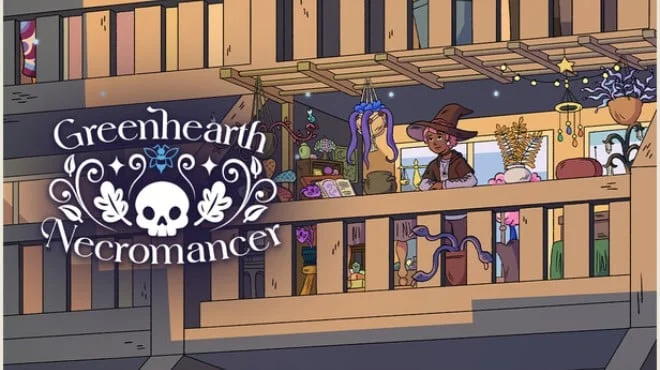
Greenhearth Necromancer
- Платформа
- PC
- Дата выхода
- Размер файла
- 884.51 MB
- Просмотры
- 1 941
- Комментарии
- 0
- Языки
- English
- Добавил
- Добавил Админ
Трейлер игры: Greenhearth Necromancer
Скриншоты
Описание
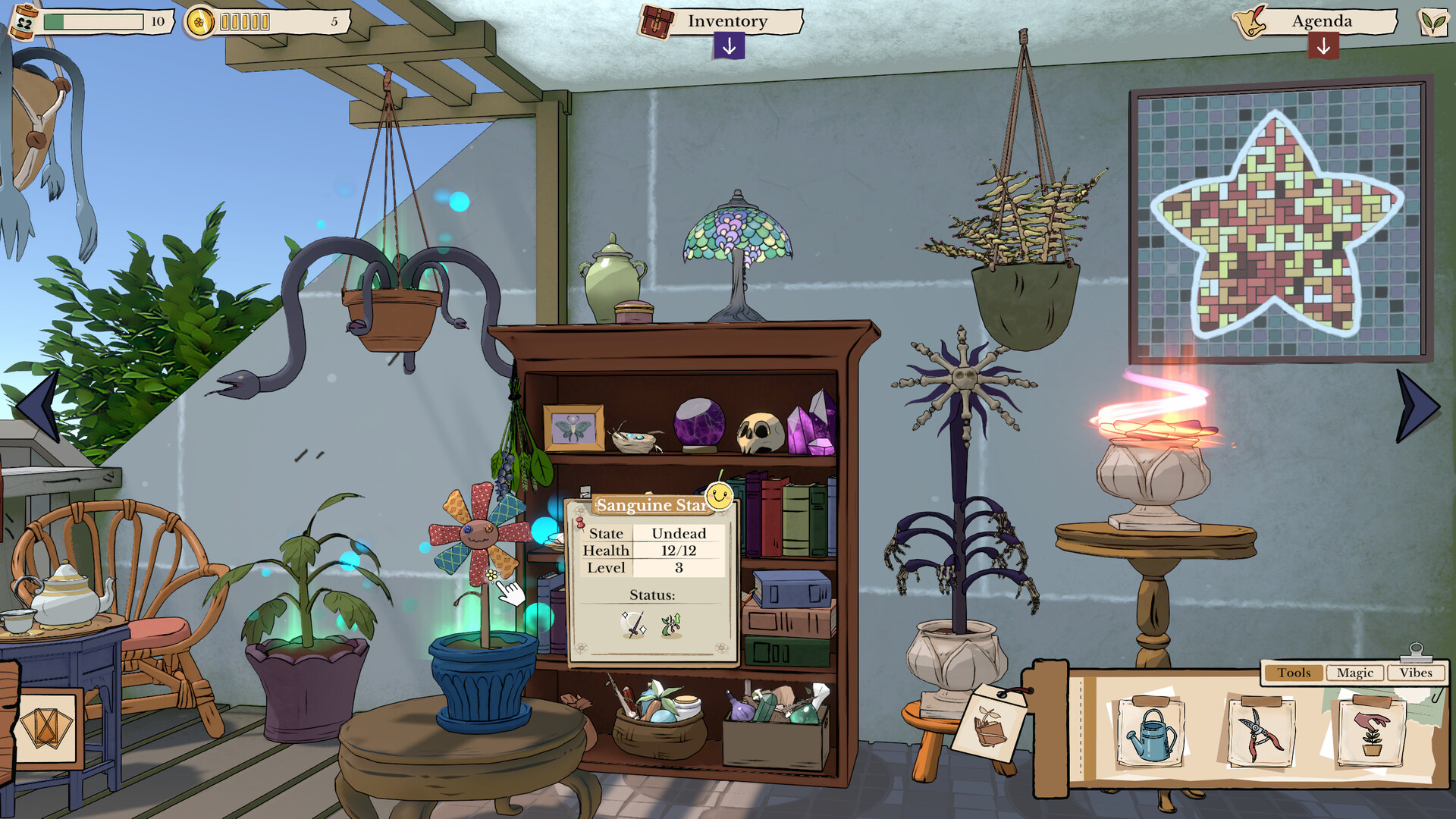
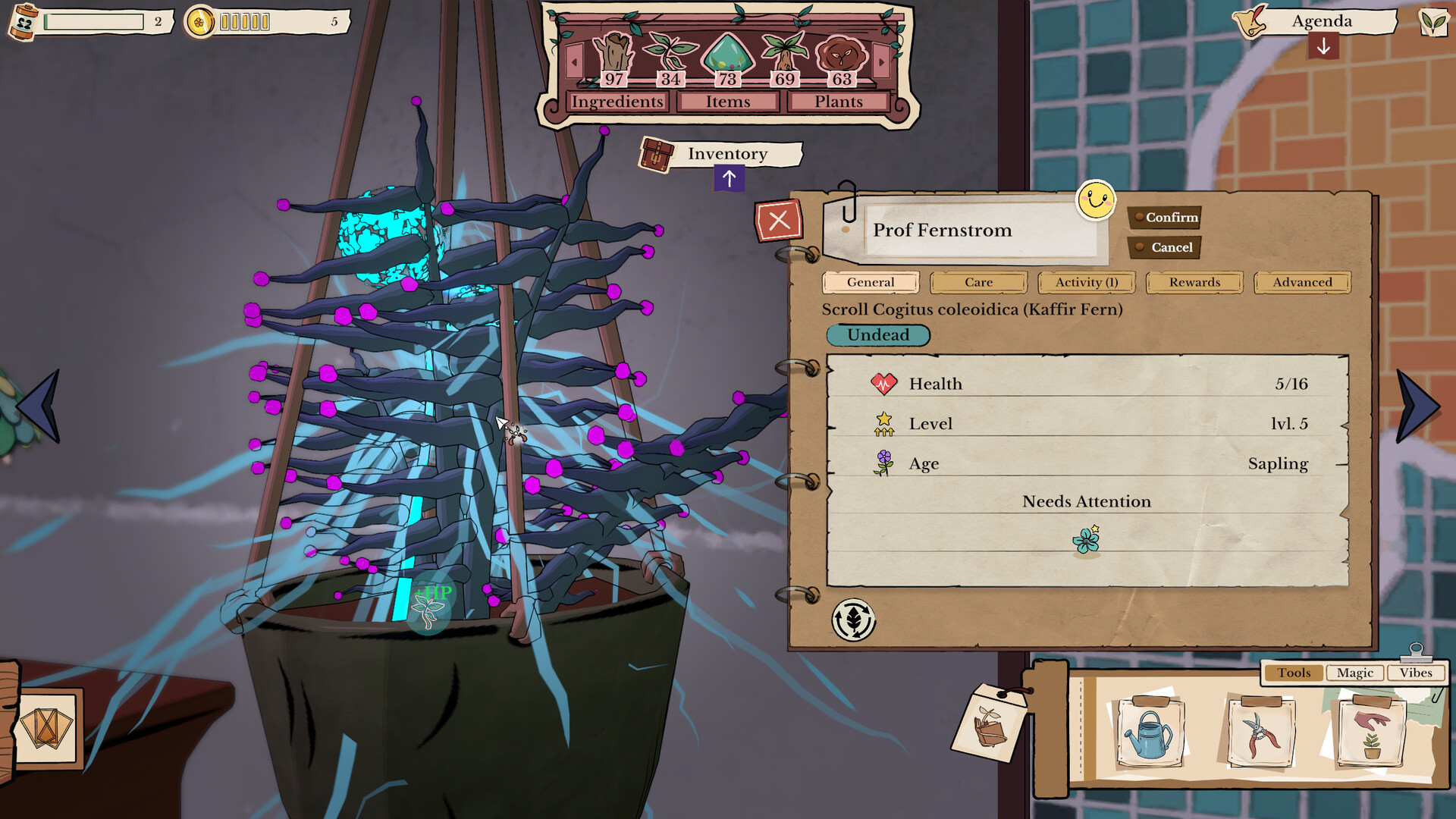
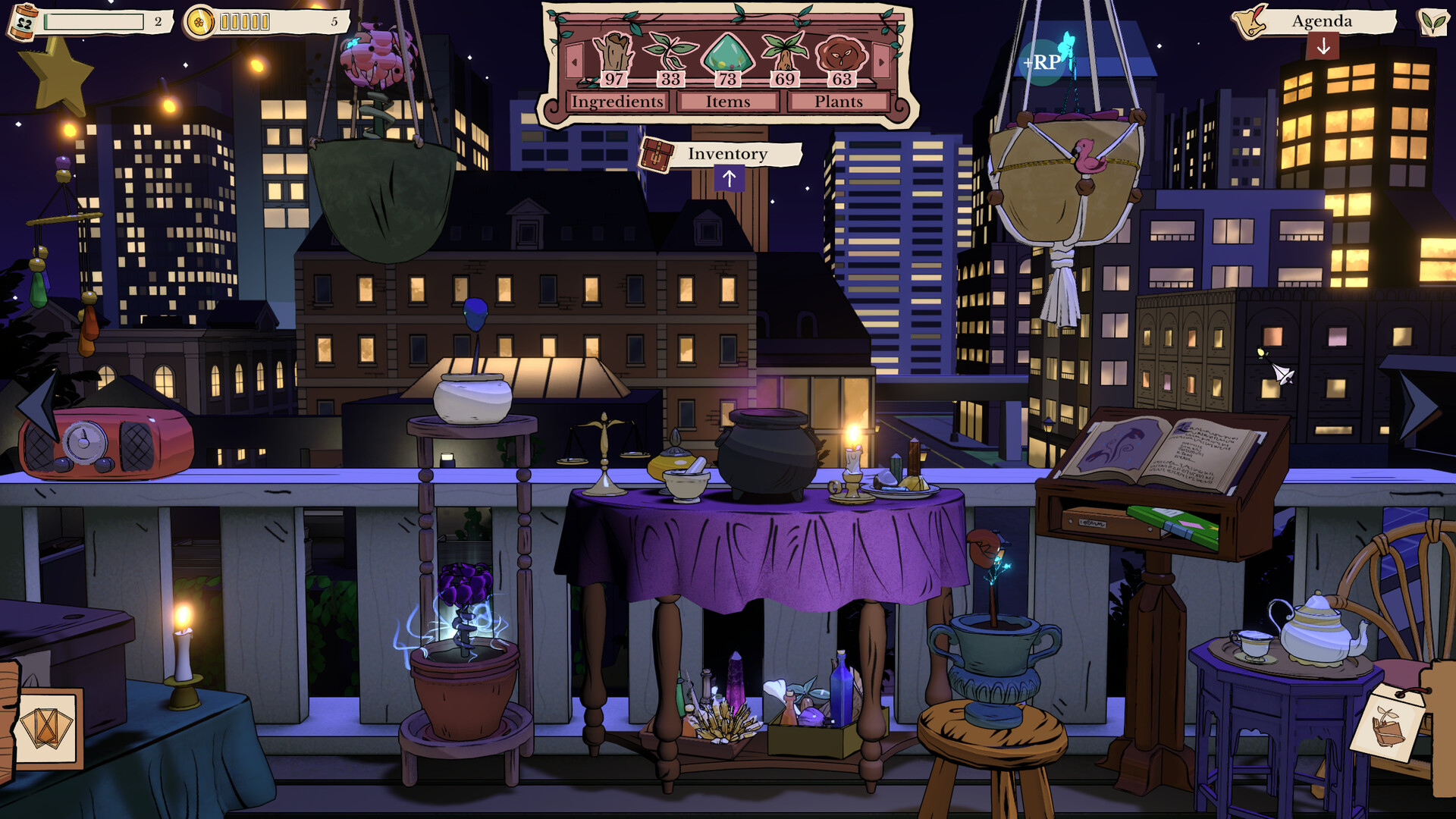
Greenhearth Necromancer is a cozy, semi-idle simulator with elements of magic and light management, where you grow a garden on your balcony, using necromancy to revive plants. Gameplay revolves around tending to plants, balancing resources, and gradual development, allowing you to play actively or leave the process running in the background, returning whenever convenient. Plants dont just grow here they die, return, and change.
You have to monitor water, fertilizer, and the health of the garden, but this routine is complemented by magic, which opens up new ways of development. Withered plants aren't a problem, but an opportunity, as they can be brought back in a transformed form with new properties. The atmosphere is built on calm and rhythm. You can pop in for a while, tidy up, and then leave, letting the garden live its own life. Gradually, the space fills with details, and the process itself begins to feel like a background activity that doesn't require constant attention but provides a sense of development and comfort.
NOTE. Uploaded version: 12 May 2026 [Build 23100413]. This is Full Release and latest version of game. The game is already Pre-Installed and ready to run, read the instruction below.
Ключевые особенности
- Semi-idle gameplay with background progression.
- Necromancy for plant development.
- Care and resource system.
- Customizable atmosphere and music.
Системные требования
Минимальные
- ОС:
- Windows 10 version 21H1 (build 19043) or newer
- Процессор:
- x86, x64 architecture with SSE2 instruction set support, ARM64
- ОЗУ:
- 4 GB RAM
- Видеокарта:
- DX10, DX11, DX12, or Vulkan capable GPUs
- Диск:
- 1 GB available space
Инструкция по установке
Пошаговый процесс установки для TENOKE
-
Смонтируйте .iso-образ — в Windows 10/11 он подключается из контекстного меню, в остальных случаях подойдёт Daemon Tools или похожая программа.
-
Запустите
setup.exeс диска и установите игру — сборки Tenoke взломаны заранее, нужна только установка. -
Если на диске есть папка
Tenoke, скопируйте её содержимое в каталог установленной игры. -
Запустите игру с ярлыка на рабочем столе (от имени администратора).
Информация
- Разработчик
- Silverstring Media Inc.
- Издатель
- indie.io
- Платформа
- PC
- Дата выхода
- Размер файла
- 884.51 MB
- Статус
- Сцена (ISO)
Скачать игру
Полная игра
3d3b4bb354183d6ab63c75b8b6059e14
373b743a9bef88b0dcd3e38dedd85e0effee47bcc49dad93a5da68bc522c53b3
Контрольные суммы подтверждают целостность именно этого файла. Это не абсолютная гарантия от вредоносного ПО — всегда проверяйте загруженные файлы.
Торрент-файл готов
Обзоры
Отзывов пока нет. Будьте первым!






Комментарии (0)
Комментариев еще нет. Будьте первым, кто оставит комментарий!