Перейти к содержимому

Farm Factory Simulator

Скачать бесплатно для ПК · Build 26831802

Ранний доступ Игра продаётся как незаконченная сборка. Функции, контент и сохранения могут измениться до полного релиза.
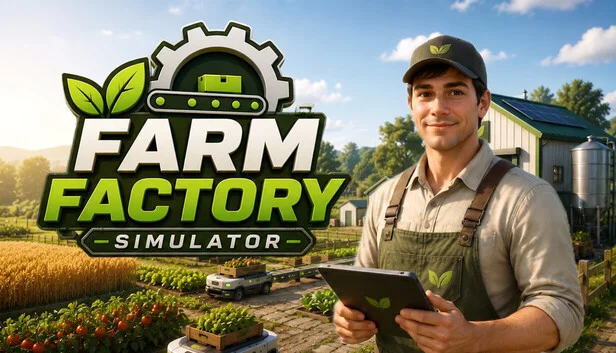
Farm Factory Simulator
Платформа
PC
Дата выхода
Размер файла
1.81 GB
Просмотры
846
Списки изменений
2
Комментарии
0
Языки
English, French, Italian, German, Spanish - Spain, Dutch, Hungarian, Indonesian, Japanese, Korean, Polish, Portuguese - Brazil, Portuguese - Portugal, Russian, Simplified Chinese, Spanish - Latin America, Thai, Traditional Chinese, Turkish, Ukrainian
Добавил
Админ

Режимы игры и совместимость

Режимы игры

  • Одиночная игра

Совместимость

  • Поддержка контроллера
Скачать игру Build 26831802

Статус версии

Текущая версия
Build 26831802
Текущая сборка
26831802
Последняя сборка
26831802
Последнее обновление Steam
Включённые DLC · 1
  • Farm Factory Simulator Demo

Скриншоты

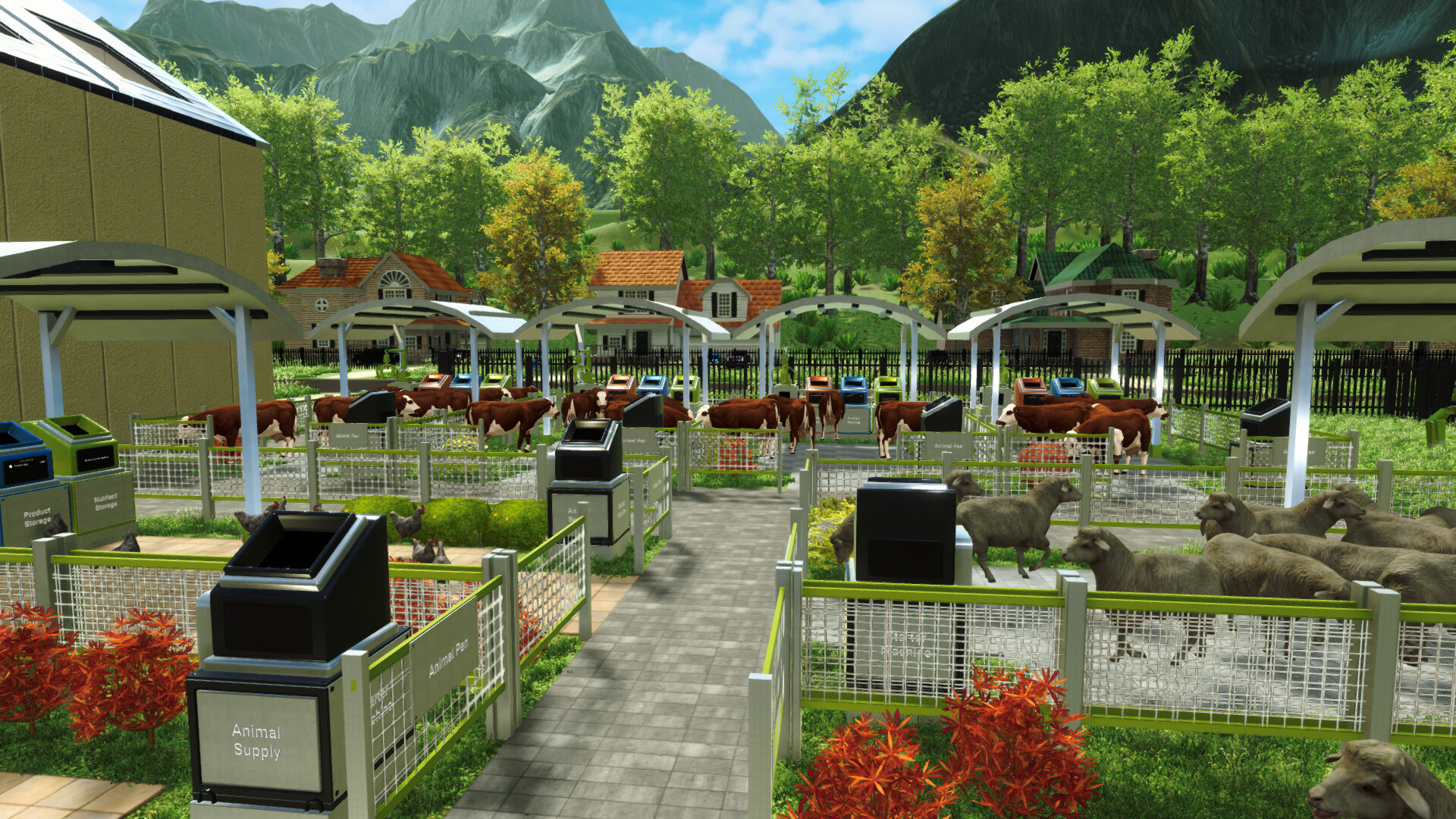
Farm Factory Simulator — Скриншоты 1
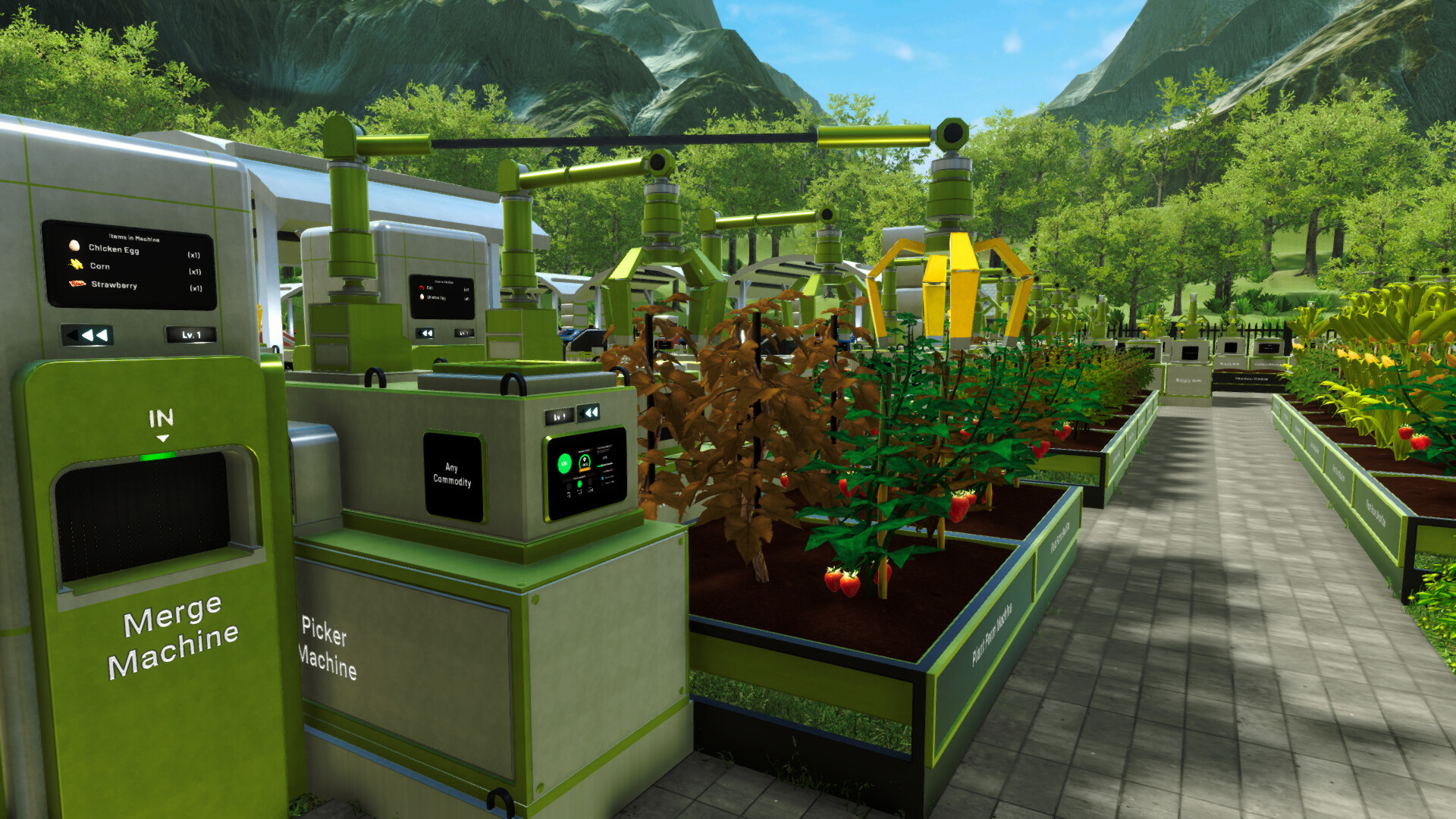
Farm Factory Simulator — Скриншоты 2
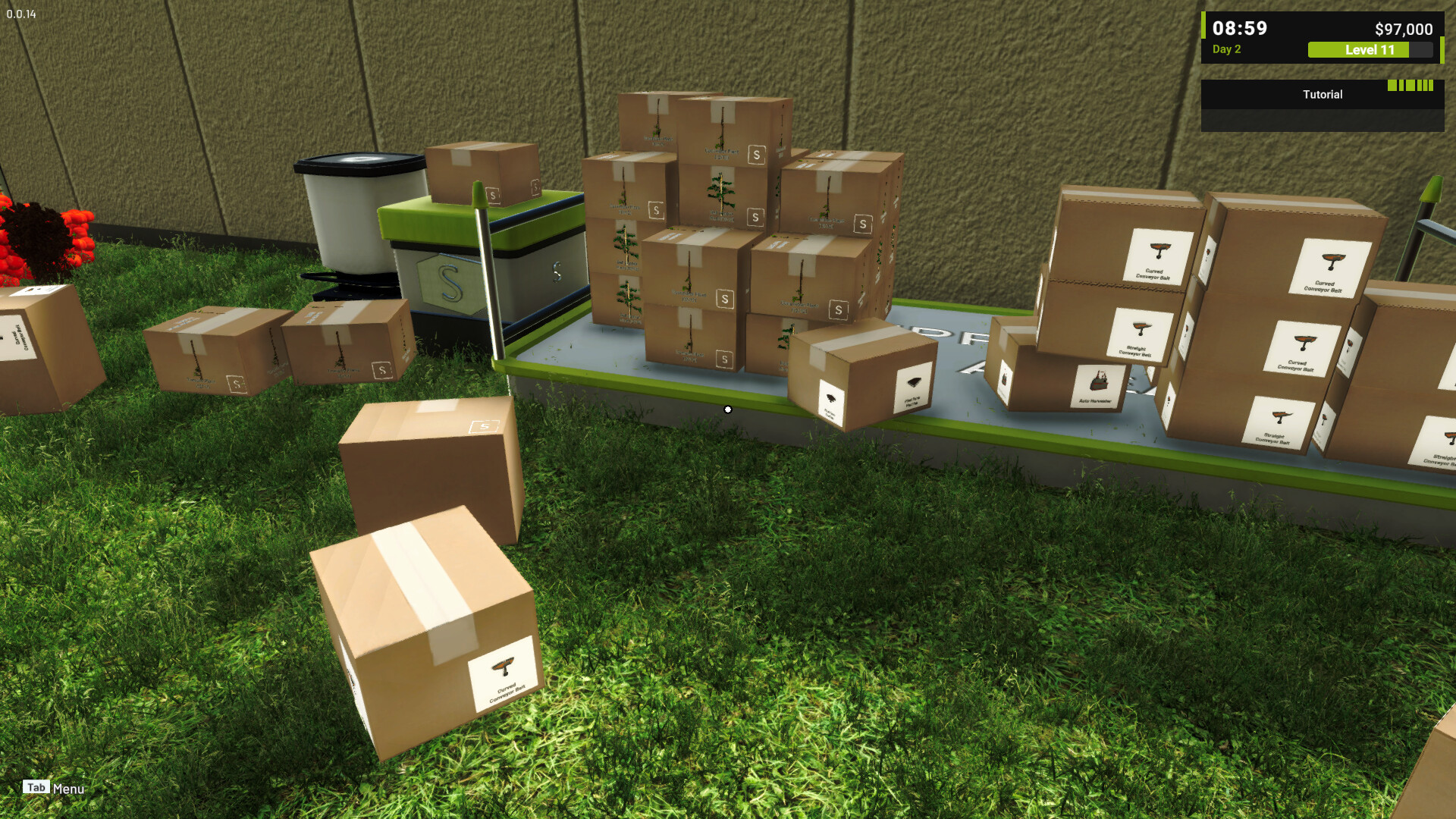
Farm Factory Simulator — Скриншоты 3
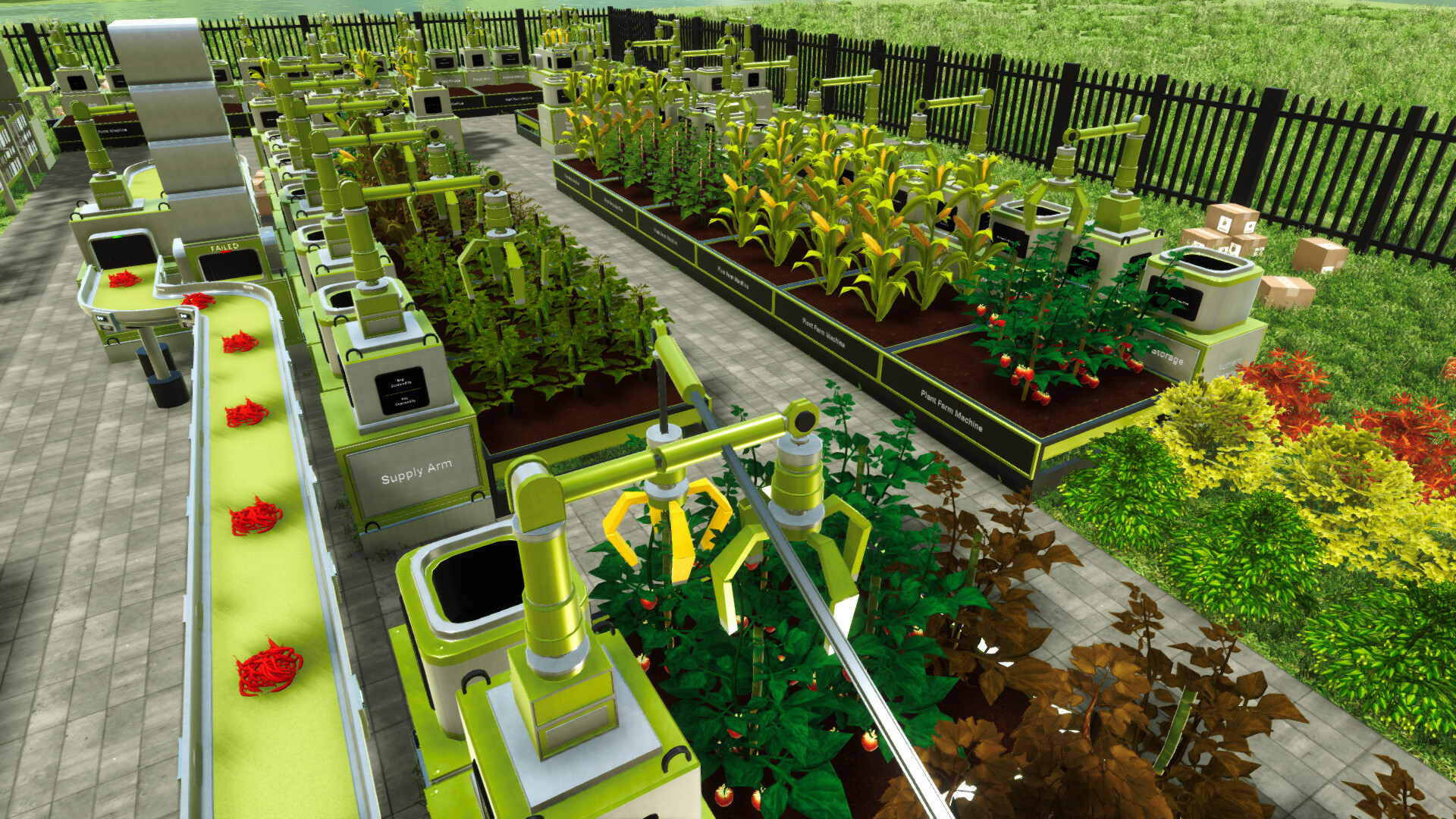
Farm Factory Simulator — Скриншоты 4
Farm Factory Simulator — Скриншоты 5
Farm Factory Simulator — Скриншоты 6
Farm Factory Simulator — Скриншоты 7
Farm Factory Simulator — Скриншоты 8

Описание

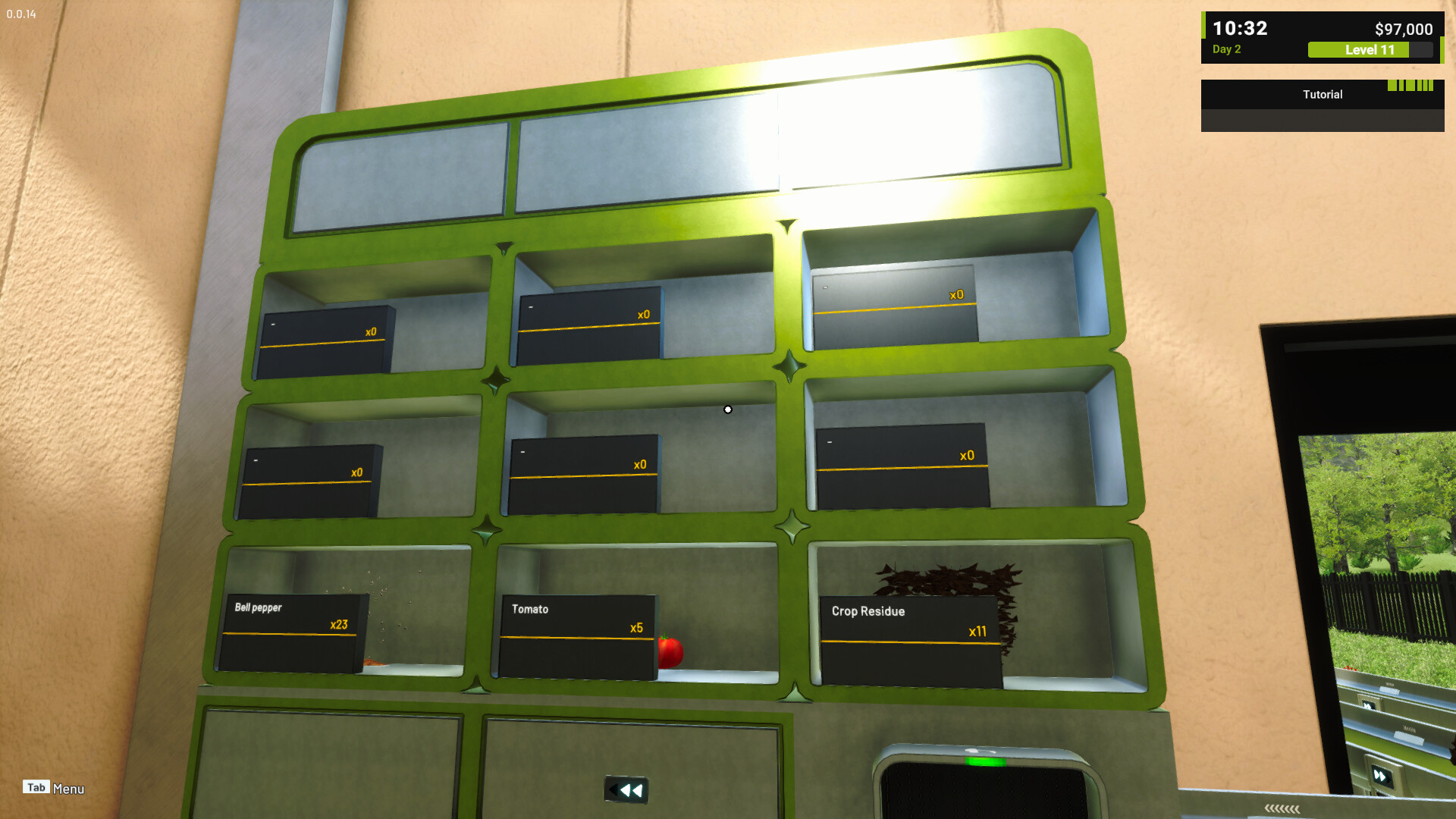
Many people sincerely dream of having their own quiet farm somewhere far from the big noisy city. The gaming industry is well aware of this desire, which is why the genre of farming simulators always remains very popular among players. But the independent studio Bewolba Studios decided to add something completely new to the classic old formula. In 2026 they released a project called Farm Factory Simulator, which is currently actively developing in the early access stage. This is a very interesting indie game that skillfully combines elements of a regular casual farm and a very well-thought-out production simulation. You start your game journey with only a small empty plot of land, but over time you turn it into a real large automated factory where all processes work like one perfect clockwork.

About This Game

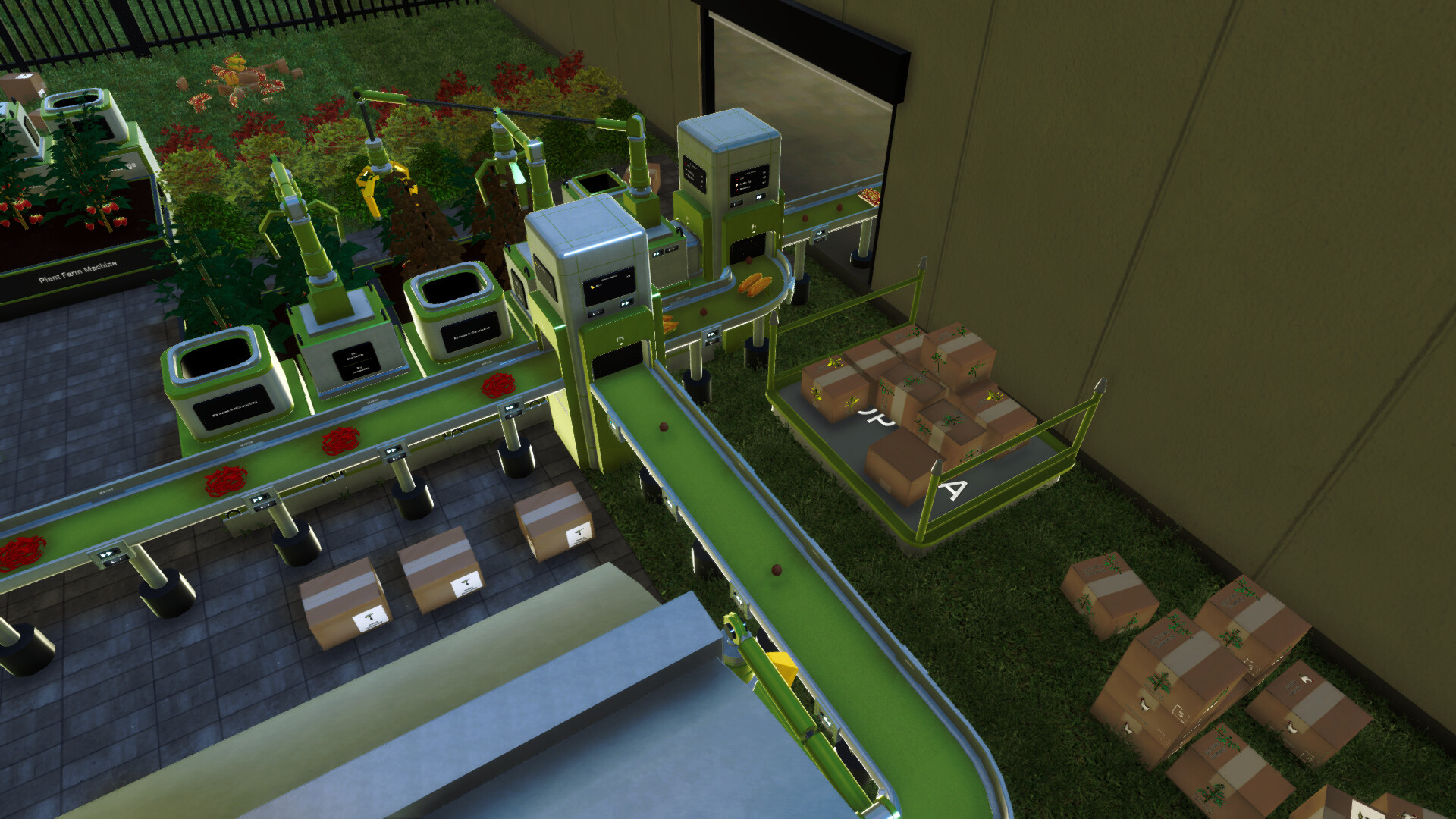
The gameplay is built in such a way that the player can completely relax and simply enjoy their work. There is no unnecessary rush or strict time limits. At first, you plant plants yourself, harvest your first harvest and sell it at the local market. But when you have your first serious finances, the game reveals its main great potential. You start buying conveyor belts, automatic smart sorters and large packaging machines en masse. Your small quiet farm gradually becomes a real industrial complex. Simulation of logistics and production is made very accessible, so even beginners in this complex genre will be able to very quickly figure out how to properly set up a line for wheat processing or fast juice production. This casual mechanic allows you to play absolutely stress-free, just watching your smart iron machines do all the hard routine work for you.

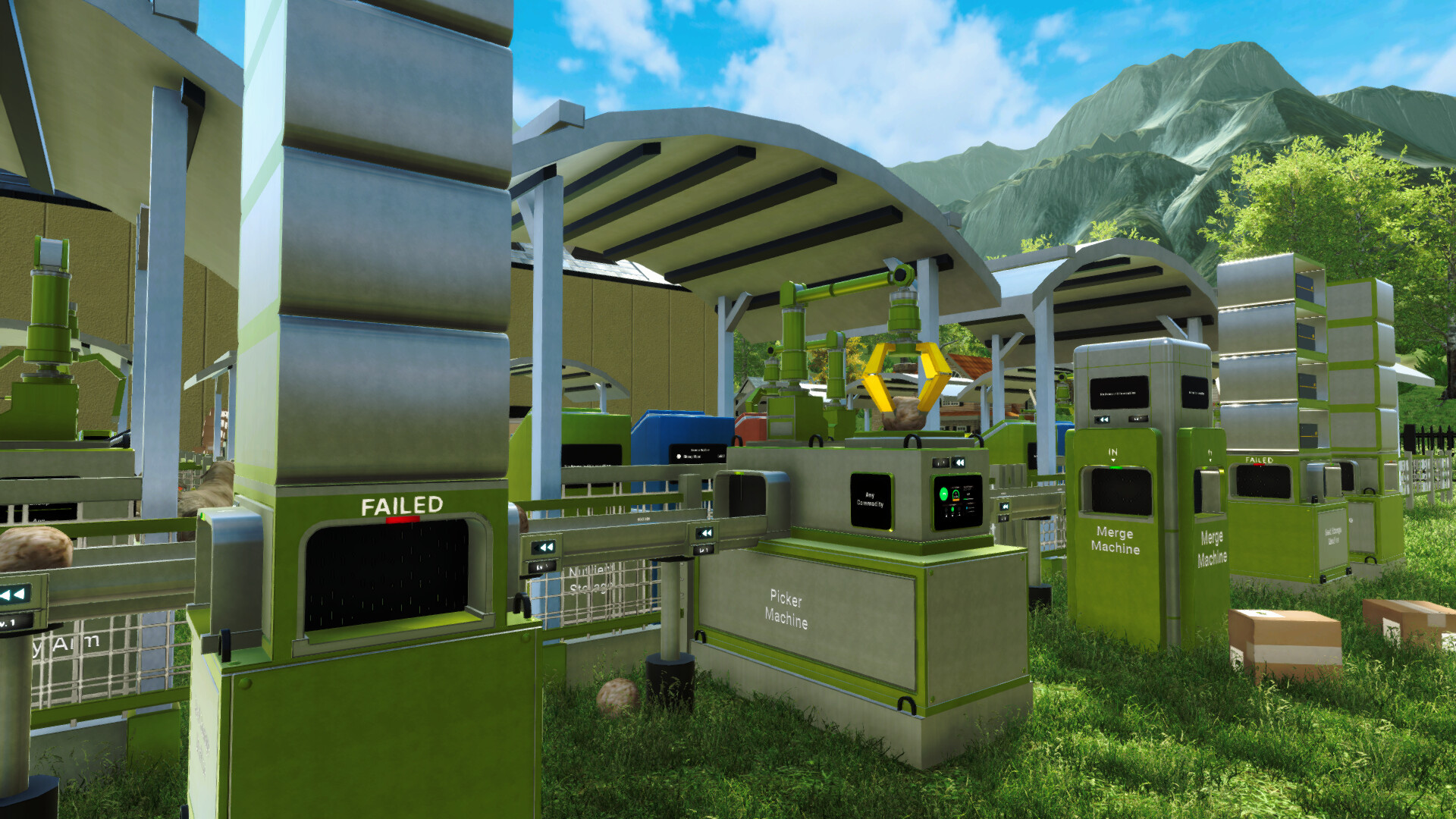
Since the game was released in the popular early access format, the developers from Bewolba Studios constantly maintain close contact with their fan community. They actively listen to player feedback, quickly fix technical errors, and regularly add new types of plants, machines, and useful buildings. This creates a very pleasant feeling that you are personally taking a direct part in the development of this project. Each new major update brings completely fresh game mechanics that make you happily enter the game again to completely remake your old factory lines and make them even more profitable and efficient.

If you have been looking for a long time for the perfect way to relieve emotional stress after hard work, then this indie project is guaranteed to be a real find for you. Farm Factory Simulator generously gives the same pleasant feeling of order when you see with your own eyes how complete chaos turns into a perfectly adjusted working system. You can sit for hours in front of your computer screen and just quietly admire how boxes with finished expensive products continuously travel along your conveyors. This is an extremely cute, fun and very addictive game that will easily take away several dozen hours of your free time and will always leave behind only positive, bright emotions.

Системные требования

Минимальные

ОС:
Windows 10 64bit
Процессор:
AMD Ryzen 5 1600 / Intel Core i5-8400
ОЗУ:
8 GB RAM
Видеокарта:
GeForce GTX 970
Диск:
10 GB available space
DirectX:
Version 11
Звуковая карта:
DirectX compatible

Рекомендуемые

ОС:
Windows 10/11 64bit
Процессор:
AMD Ryzen 5 5600X / Intel Core i5-12400
ОЗУ:
16 GB RAM
Видеокарта:
GeForce RTX 2060 / Radeon RX 5600 XT
Диск:
10 GB available space
DirectX:
Version 11
Звуковая карта:
DirectX compatible

Инструкция по установке

Пошаговый процесс установки

  1. Установка не требуется — релиз полностью готов к игре прямо из коробки: никаких мастеров установки и долгих обновлений.

  2. Распакуйте архив (RAR/ZIP) в короткий путь без кириллицы, например C:\Games\GameName, с помощью WinRAR или 7-Zip — и не запускайте игру прямо из архива: это главная причина проблем с запуском.

  3. Запустите игру через Run Me!.bat (или основной .exe-файл) в папке с игрой. Если ничего не происходит, кликните правой кнопкой мыши и выберите Запуск от имени администратора.

Информация

Разработчик
Bewolba Studios
Издатель
Bewolba Studios
Платформа
PC
Дата выхода
Размер файла
1.81 GB
Статус
Не указано

Скачать игру

Полная игра 6

Build 26831802 1.81 GB Обновлено 3 дня назад
Скачать Farm.Factory.Simulator.Build.26831802.torrent

Торрент-файл готов

Контрольные суммы файла (MD5 / SHA-256)
MD5: e3525e360dccfb5ceb13507a033f6216
SHA-256: 5b9cb12d782b36b48811a8d153fddbe441d46bc12847c03375af9121ad40cf35

Контрольные суммы подтверждают целостность именно этого файла. Это не абсолютная гарантия от вредоносного ПО — всегда проверяйте загруженные файлы.

Зеркала в облаке

Списки изменений

Официальные списки изменений для сборок игры

v0.8.08

v0.8.08 - Hot Fixes and Gameplay Behavior Adjustments

Актуально Сборка 26831802

Hi farmers, 😄

Thank you to everyone who has continued sharing reports and feedback following yesterday's update.

As mentioned in our previous devlog, we recently made changes to some of the base framework and underlying systems used by Farm Factory Simulator. These changes are part of the technical groundwork we are preparing for future development, including our goal toward multiplayer support.

While the existing gameplay systems were tested internally, changes at this level can also cause certain behaviors to differ from the previous system in situations that may only appear across different saves, factory layouts, or player setups.

This v0.8.08 Hot Fix focuses on correcting those differences and restoring several behaviors to work the same way players were familiar with before the framework changes.

A number of the issues below were also identified with the help of reports from the community. Thank you to everyone who sent us details, screenshots, save information, and explanations of the behavior you encountered. Those reports have been very helpful while we review this transition.

Here is what is included in the latest Hot Fix.


1. Picker Collection Behavior 1

  • The Picker has been updated to collect up to a full box's worth of items in a single swing, matching its previous behavior.

Drone Delivery Stations and Supply Arms continue taking items individually.2. Conveyor NamingThe tall 3x1 Conveyor has been renamed to:Straight Conveyor Tall 3x1 2

  • This keeps its naming consistent with other Conveyor variants.

3. Balance Display 4

  • The balance display on the HUD has been improved.
  • The full amount is shown whenever enough space is available.
  • When the amount becomes too long to fit comfortably, a shortened format such as $1.23B is used instead.

4. Mill and Preserving Station Monitors 2

  • The pole-mounted monitors on the Mill and Preserving Station have been raised to improve their positioning and visibility.

5. New Livestock Mode Popup 3

  • The New Livestock Mode popup now highlights the text describing its additional challenge in yellow.
  • The popup will also appear in every new game after the player enters their Shop name.

6. Machine Scan Area Control 2

  • The Machine Scan Area control has been changed from a hold action to a toggle.
  • It now uses:

Z / D-pad Up 2

  • instead of the previous Hold-F control.

7. Placement Grid 3

  • The placement grid now appears underneath the dashed area boundary lines.
  • This makes the area boundary easier to distinguish while placing Machines and other objects.

8. Storage Slot Settings During Move Items 4

  • Storage Slot Settings now provide clearer feedback when an active Move Items transfer is emptying that slot.
  • While the transfer is active, both Disable Taking options appear checked and cannot be changed.
  • Additional explanatory text has also been added and translated into 20 languages.

1. Picker Item Selection 3

  • Fixed an issue that limited the Picker's item selection list to six item types.
  • Players can now select more than six item types, and the Livestock Processor can correctly recognize the seventh livestock type and beyond.

2. Move Items Quantity Input 3

  • Fixed an issue where the quantity entered in Move Items could revert to its previous value while typing.
  • Players can now enter the desired quantity without it changing back.

3. Nearby Machine Sounds 3

  • Fixed an issue that could cause nearby Machine sounds to disappear.
  • Machine sounds should now remain audible while the player is within their intended range.

4. Wholesale Quantities Above 65,535 3

  • Fixed an issue with Sell at Wholesale when entering quantities above 65,535.
  • The quantity sold now correctly matches the amount entered.

5. Drone Delivery Station Arm 3

  • Fixed the Drone Delivery Station arm incorrectly holding an entire box.
  • The arm now holds a single item as intended.

6. Picker Collection Amount 3

  • Fixed the Picker requiring multiple swings to collect the remaining items needed to reach its capacity.
  • For example, if a Picker is currently at 96/100, it can now collect the remaining four items in a single swing.

7. Picker Claw Position 3

  • Fixed the claw position when collecting items from the ground.
  • The claw now aligns correctly with the item being collected.

8. Junction and Rotary Splitter Collision 3

  • Fixed collision issues affecting Junctions and Rotary Splitters.
  • Players can now walk through all Junction and Rotary Splitter variants as intended.

9. Negative Day Counter 3

  • Fixed an issue that could cause the day counter to display negative numbers in long-running saves.
  • The counter now correctly displays the current day.

10. Move Items Transfer Quantity 3

  • Fixed Move Items displaying an incorrect quantity when reopening an ongoing transfer.
  • The interface now displays the original quantity requested when the transfer started.

11. Scan Area Control Binding 3

  • Fixed the Scan Area entry displaying an incorrect key binding in the Controls settings.
  • The entry now shows the correct assigned button.

12. Carried Crates and Start-of-Day Autosave 3

  • Fixed the position of carried crates not being saved correctly during the start-of-day autosave.
  • Their positions are now saved correctly and restored when loading that save.

13. Picker List Scrollbar 3

  • Fixed the Picker list scrollbar overlapping item quantities.
  • Item quantities should now remain clearly readable while scrolling through the list.

14. Thrown Crates 3

  • Fixed thrown crates being available for pickup while they were still moving.
  • Crates can now only be picked up after they have settled on the ground.

15. Machine Humming Sounds 4

  • Fixed incorrect Machine humming behavior.
  • Humming now only plays from Storage and Farm Machines, matching the behavior from the previous system.
  • Double Stack Junctions also no longer incorrectly play Splitter sounds.

16. Settings Selection Appearance 3

  • Fixed indented rows in Settings incorrectly displaying a green line when selected.
  • These rows now use the intended selected appearance.

17. Move Items Controls During Transfer 7

  • Fixed quantity controls remaining editable while a Move Items transfer was already active.
  • During an active transfer:
  • The quantity field is disabled.

  • The [c]-[/c] button is disabled.

  • The [c]+[/c] button is disabled.

  • These controls become available again once the transfer finishes.

18. Double Stack Junction Inputs After Loading 3

  • Fixed an issue that could cause some Double Stack Junction inputs to stop accepting items after loading a save.
  • The Junction now resumes taking items from its inputs in alternating order as intended.

19. Overhead and Double Stack Conveyor Item Height 3

  • Fixed items sinking into the upper belts of Overhead and Double Stack Conveyors.
  • Items now travel at the correct height on top of the conveyor belts.

20. Cashier Queue Positions 3

  • Fixed incorrect customer queue positions that could trigger a false Cashier obstruction message.
  • Customers now queue in their intended positions, matching the previous behavior without incorrectly triggering the obstruction warning.

Save Recovery for Players Affected by the Previous Storage Issue 6

  • An earlier Hot Fix also addressed two issues that could affect stored item data after updating the game:
  • Fixed an issue that could cause stored Conveyor items to disappear after updating the game.

  • Fixed an issue that could limit stored item quantities to 65,535 after updating the game.

  • These issues have been fixed in the current version.
  • However, updating the game does not automatically restore save data that was already affected.
  • If your Storage was affected, you will need to reimport a save file from the previous game version to restore the save condition from before the affected data was changed.

How to Restore the Previous Save 10

  • Make sure Farm Factory Simulator is updated to the latest version.

  • Open the game and go to Load Game.

  • Click Import in the bottom-right corner.

  • When the file browser opens, navigate to:

  • [c]%USERPROFILE%\\AppData\\LocalLow\\Bewolba Studios\\Farm Factory Simulator[/c]
  • Open the folder using your numeric Steam ID.

  • Open the Saves folder.

  • Open the folder corresponding to the save slot from the previous game version.

  • Select the older [c].sav[/c] file and import it.

  • Load the imported save and check that your stored items and quantities have been restored correctly.

Save Recovery Tutorial 7

  • A video showing the recovery process is also available here:

  • Thank you again to everyone who helped us identify and investigate these issues.
  • The recent framework changes are an important part of the technical work we are doing for the future of Farm Factory Simulator, but maintaining the behavior and reliability of existing systems remains important throughout that transition.
  • We have been comparing the updated systems with their previous behavior and addressing differences as they are identified. Community reports have been especially useful here because different saves, factory layouts, and progression conditions can reveal situations that may not appear during internal testing.
  • If you notice any other behavior that differs unexpectedly from the previous version after updating to v0.8.08, please let us know through the in-game Bug Report / Feedback feature or by sharing the details in the Steam Discussions.
  • See you on the farm! 🌱

Источник: Анонс Steam SteamDB

v0.8.02

v0.8.02 - Retiring Livestock, Meat Processing, and System Improvements

Сборка 26815815

Hi farmers, 😄

Thank you for continuing to play Farm Factory Simulator during Early Access, and for sharing your feedback, suggestions, and bug reports through the Steam Discussions and the in-game Bug Report / Feedback feature.

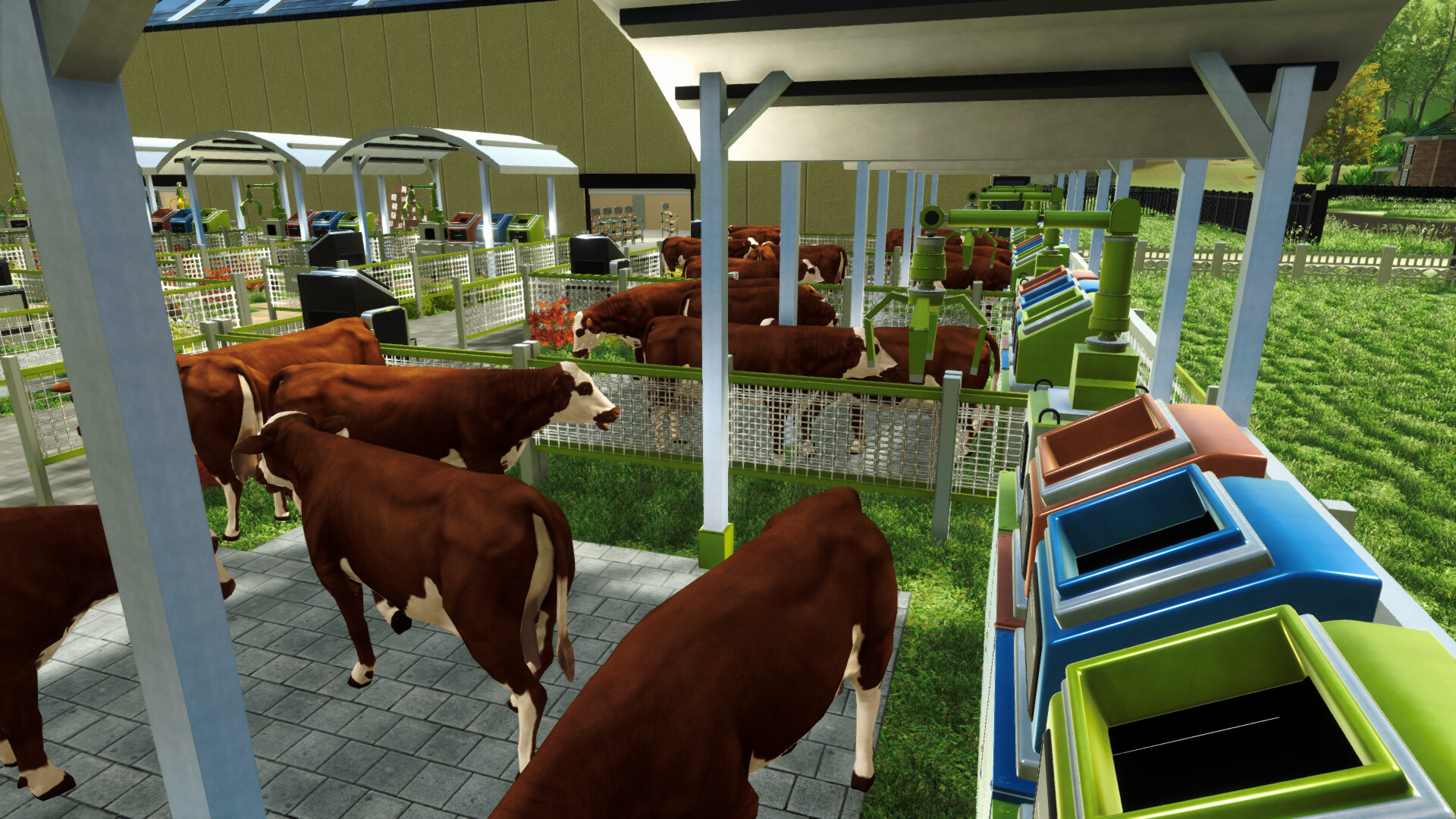
Following the livestock additions in our previous update, this week expands that part of the game with Retiring Livestock Mode, the Livestock Processor, and new meat production.

This update also introduces a completely new Load / Save Game system, visual improvements to the outdoor environment, and some underlying system and technology changes as part of our longer-term preparation toward multiplayer support.

Here is what is included in this update.


1. Retiring Livestock Mode 2

  • A new Retiring Livestock Mode is available through the Playstyle settings.
  • This system is optional, so you can choose how you want livestock progression to work in your save.

a. Enabling Retiring Livestock 4

  • When Retiring Livestock Mode is enabled, livestock can produce for a limited number of production cycles.
  • Once all of their productive cycles have been completed, the animal reaches the end of its productive life and needs to be replaced.
  • Retired livestock can then be collected by the Livestock Processor and converted into meat for further production.
  • This adds another layer of planning to livestock management, including when to replace animals and how to use retired livestock in your production lines.

b. Disabling Retiring Livestock 7

  • If you prefer the existing livestock behavior, you can keep Retiring Livestock Mode disabled.
  • When disabled:
  • Livestock continue producing without a production-cycle limit.

  • Livestock do not retire.

  • Their sale value does not decrease due to age.

  • Meat products from retired livestock are not available.

  • This means players who prefer the previous livestock system can continue using it without being required to manage livestock retirement.

c. Existing Saves 3

  • When loading an existing save, you will receive a prompt explaining Retiring Livestock Mode and can choose whether to enable or disable it.
  • The setting can also be changed later through the Playstyle menu, so your initial choice is not permanent.

2. Livestock Processor 2

  • The Livestock Processor is used to collect livestock that have reached the end of their productive life when Retiring Livestock Mode is enabled.
  • The Machine has also received several improvements to make its role and operation clearer.

a. Processing Retired Livestock 3

  • When an eligible retired animal is available, the Livestock Processor collects it from the Animal Pen and processes it into meat.
  • The collection sequence now has updated visual and audio feedback, making it clearer when an animal is being processed.
  • The Livestock Processor is now located in the Processing category alongside other production Machines.

b. Meat Output 4

  • Processed meat now leaves the Livestock Processor through its conveyor output.
  • There is no manual Eject option for the Machine.
  • If the output cannot currently accept another item, finished meat waits inside the Machine and continues leaving once space becomes available.
  • This helps prevent products from overlapping or appearing outside the intended output area when the conveyor is full.

c. Machine Improvements 7

  • The Livestock Processor has also received several usability improvements:
  • Its footprint has been reduced to one tile.

  • Stored item counts now update correctly.

  • Produced meat is recorded in the Machine log.

  • The Shop now uses the correct Livestock Processor blueprint image.

  • The smaller footprint also makes it easier to place other Machines directly beside it.

3. Meat Production 2

  • Retired livestock can now become part of new meat production chains when Retiring Livestock Mode is enabled.
  • Several processed meat products are available across the production system, including:

Alpaca Charqui 3

  • Meat products have also received updated icons and visual assets to better represent them in the Store, boxes, and production flow.
  • This gives livestock another role beyond their regular products and creates additional production paths for farms using Retiring Livestock Mode.
  • [carousel autoadvance="true"][/carousel]

4. Clearer Livestock and Plant Information 1

  • Livestock and Plant information has been reorganized to make production status easier to read.

a. Livestock Information 7

  • When hovering over livestock, the status display now separates and clarifies information such as:
  • Product production progress

  • Waste production progress

  • Remaining production cycles

  • Nutrient effects

  • When Retiring Livestock Mode is enabled, the remaining production cycles make it easier to see how much productive life an animal has left.
  • Animals that have already retired are also marked with:

Out of productive life 1

  • The information then helps indicate whether the animal should be sold or collected by a Livestock Processor.

b. Supply Cards 6

  • Supply cards for Plants and Livestock have also been cleaned up.
  • Production amount and interval information are now displayed together to make them easier to read.
  • Production Cycle information is also shown more consistently:
  • Plants display their production cycles where applicable.

  • Livestock display production cycles when Retiring Livestock Mode is enabled.

  • This makes it easier to understand production behavior before purchasing a Plant or Livestock.

5. New Load / Save Game System 2

  • The Load Game and Save Game menus have been redesigned to support significantly more save progress.
  • The new system supports up to:

10 separate progress saves within each Profile 5

  • This gives each Profile room for multiple progression saves without requiring players to overwrite their existing progress.
  • The additional save capacity is especially useful for players who want to experiment with different factory layouts, progression choices, Playstyle settings, or other setups while keeping their main progress separate.
  • This also responds to community requests for more save files and greater flexibility when experimenting with the game.
  • Save Profiles can also help when more than one person plays Farm Factory Simulator on the same Steam account or computer, allowing each player to keep their progression more clearly separated.

6. System and Technology Updates Toward Multiplayer 8

  • We have also made changes to some of the underlying systems and technologies used by Farm Factory Simulator.
  • These changes are part of the technical groundwork we are preparing toward our longer-term goal of supporting multiplayer.
  • This does not mean multiplayer is available in this update. The purpose of these changes is to prepare parts of the game so existing systems can continue evolving toward multiplayer support in future development.
  • Because some underlying systems have changed, you may notice small differences in certain visuals, presentation, or behavior compared with previous versions.
  • The existing gameplay systems affected by this work have been tested internally and are expected to continue working normally.
  • However, with changes at this level, community testing across different saves and factory setups is also valuable. If you notice behavior that differs unexpectedly from previous versions, please let us know through the in-game Bug Report / Feedback feature or the Steam Discussions.
  • Those reports will help us investigate any differences that may only appear in specific player setups as we continue this technical transition.

1. Outdoor Environment Visual Improvements 4

  • The outdoor environment has received visual adjustments to improve its overall presentation.
  • Color tones and the general outdoor look have been refined to create a more balanced and consistent appearance across the Farm and Factory surroundings.
  • You may notice differences in how outdoor areas look compared with previous versions as part of these visual improvements.

2. Clearer Playstyle Information 10

  • Playstyle settings now include clearer descriptions for each option.
  • Descriptions have been improved for:
  • Customer Demand

  • Operational Cost

  • Hold to Move / Rename

  • Outdoor Processing

  • Special Visitor

  • Retiring Livestock

  • These explanations make it easier to understand what each Playstyle option changes before selecting it.

3. Updated Livestock and Meat Tutorials 9

  • Tutorial coverage has been expanded for the new livestock and meat systems.
  • New tutorial images have been added for:
  • Raw meat products

  • Processed meat products

  • Livestock Processor

  • Retiring Livestock Mode

  • Playstyle settings related to the new system

  • This should make it easier to understand how livestock retirement connects to meat production and the wider factory system.
  • [carousel autoadvance="true"][/carousel]

4. Processing Machine Monitor Improvements 3

  • The monitors on the Mill and Preserving Station, including their Mirror variants, have been adjusted so their interface is no longer cut off by the Machine model.
  • This improves visibility of monitor controls and information.

5. Purchase Cart Localization 4

  • Machine names shown in the Tablet purchase cart now correctly follow the currently selected language.
  • This also applies to Mirrored Machine variants.
  • Changing the game language while the purchase cart is open now updates the displayed Machine names correctly.

21 November 2026 - v0.8.02 Hotfix 1

  • Following reports from players after the recent update, we identified and fixed two issues affecting items stored in Storage.

Bug Fixes 2

  • Fixed an issue that could cause stored conveyor items to disappear after updating the game.

  • Fixed an issue that could cause stored item quantities to be limited to 65,535 after updating the game.

For Affected Players 7

  • If your stored items were affected by either of these issues, please update the game to v0.8.02 first.
  • Updating to v0.8.02 prevents the issue from occurring again, but it does not automatically restore save data that was already affected.
  • To recover your save condition from before the issue occurred, you will need to reimport a save file from the previous game version:
  • Make sure Farm Factory Simulator is updated to v0.8.02.

  • Open the game and go to Load Game.

  • Click Import (bottom right).

  • When the file browser opens, navigate to:

%USERPROFILE%\\AppData\\LocalLow\\Bewolba Studios\\Farm Factory Simulator 5

  • Open the folder with your numeric Steam ID.

  • Open the Saves folder.

  • Open the folder for the save slot from the previous game version.

  • Select the older .sav file and import it.

  • Load the imported save and check that your stored items and quantities have been restored correctly.

Reimporting a save from the previous game version is required to recover the save state from before the affected data was changed. 8

Tutorial Video: If you still encounter missing items or incorrect stored quantities after following these steps, please let us know through the in-game Bug Report / Feedback feature or the Steam Discussions so we can investigate further.


Thank you again for playing Farm Factory Simulator during Early Access.

This update gives players more choice over how livestock progression works, more flexibility for keeping multiple save progressions, and also includes some important groundwork for where we want to take the game next.

You can continue using livestock without retirement, or enable Retiring Livestock Mode to introduce productive lifecycles, replacement planning, and new meat production chains.

At the same time, we are continuing the technical work needed for our future multiplayer goals. While the existing systems have been tested internally, your reports are especially helpful during changes like these, where different factory layouts and save conditions can reveal behavior that may not appear during internal testing.

If you encounter any issues, visual differences, unexpected behavior, balancing problems, performance issues, or production flow problems, please let us know through the in-game Bug Report / Feedback feature or by sharing your thoughts in the Steam Discussions.

See you on the farm! 🌱

Источник: Анонс Steam SteamDB

Отзывы и комментарии

Оценки

4,4 из 5 7 оценок

Архив хранил только оценки, без текста — читать пока нечего.

Поделитесь впечатлением

Помогите другим игрокам понять, чего ожидать.

Оценить игру Ваша оценка (необязательно) Войдите, чтобы оценить
0 / 1000

Оценка превращает ваш пост в отзыв.

Соблюдайте правила нашего сообщества. Открыть правила сообщества

Ещё от Bewolba Studios

Все игры Bewolba Studios