Перейти к содержимому

Rocket Scrapyard

Скачать бесплатно для ПК · v1.9

Rocket Scrapyard
Платформа
PC (Windows)
Дата выхода
Размер файла
884 MB
Просмотры
19
Списки изменений
2
Комментарии
0
Языки
English, French, Italian, German, Spanish - Spain, Japanese, Korean, Polish, Simplified Chinese, Turkish, Russian, Ukrainian, Czech, Portuguese - Brazil, Portuguese - Portugal, Traditional Chinese, Bulgarian, Danish, Dutch, Greek, Hungarian, Norwegian, Swedish
Добавил
Skigameco Легенда

Режимы игры и совместимость

  • Одиночная игра
Скачать игру v1.9

Статус версии

Текущая версия
v1.9
Текущая сборка
26821643
Последняя сборка
26821643
Последнее обновление Steam
Оценить
Оценок пока нет.
Positive
97%
37

Скриншоты

Rocket Scrapyard — Скриншоты 1
Rocket Scrapyard — Скриншоты 2
Rocket Scrapyard — Скриншоты 3
Rocket Scrapyard — Скриншоты 4
Rocket Scrapyard — Скриншоты 5
Rocket Scrapyard — Скриншоты 6

Описание

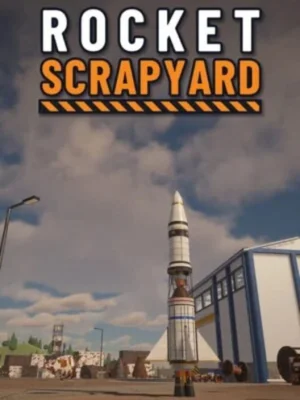
Rocket Scrapyard — космический производственный симулятор, где путь к освоению орбиты начинается с уборки старых деталей на заброшенной площадке. Вместо готовых чертежей вы получаете груды списанного оборудования, из которого необходимо самостоятельно собирать ракеты. Успешные запуски приносят новые возможности, а небольшая мастерская постепенно становится крупным космическим предприятием. Работа начинается с поступления очередной партии металлолома.

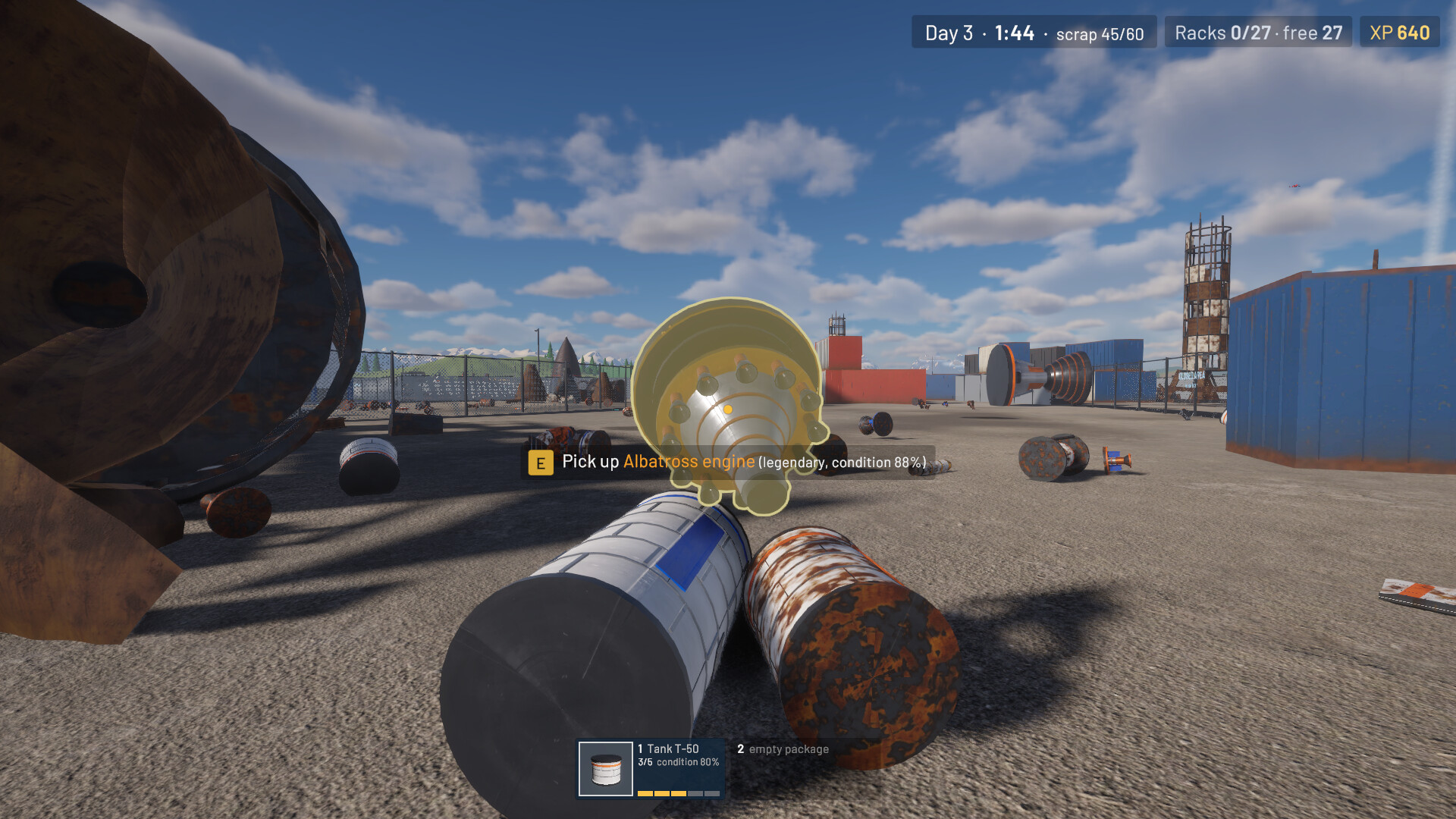
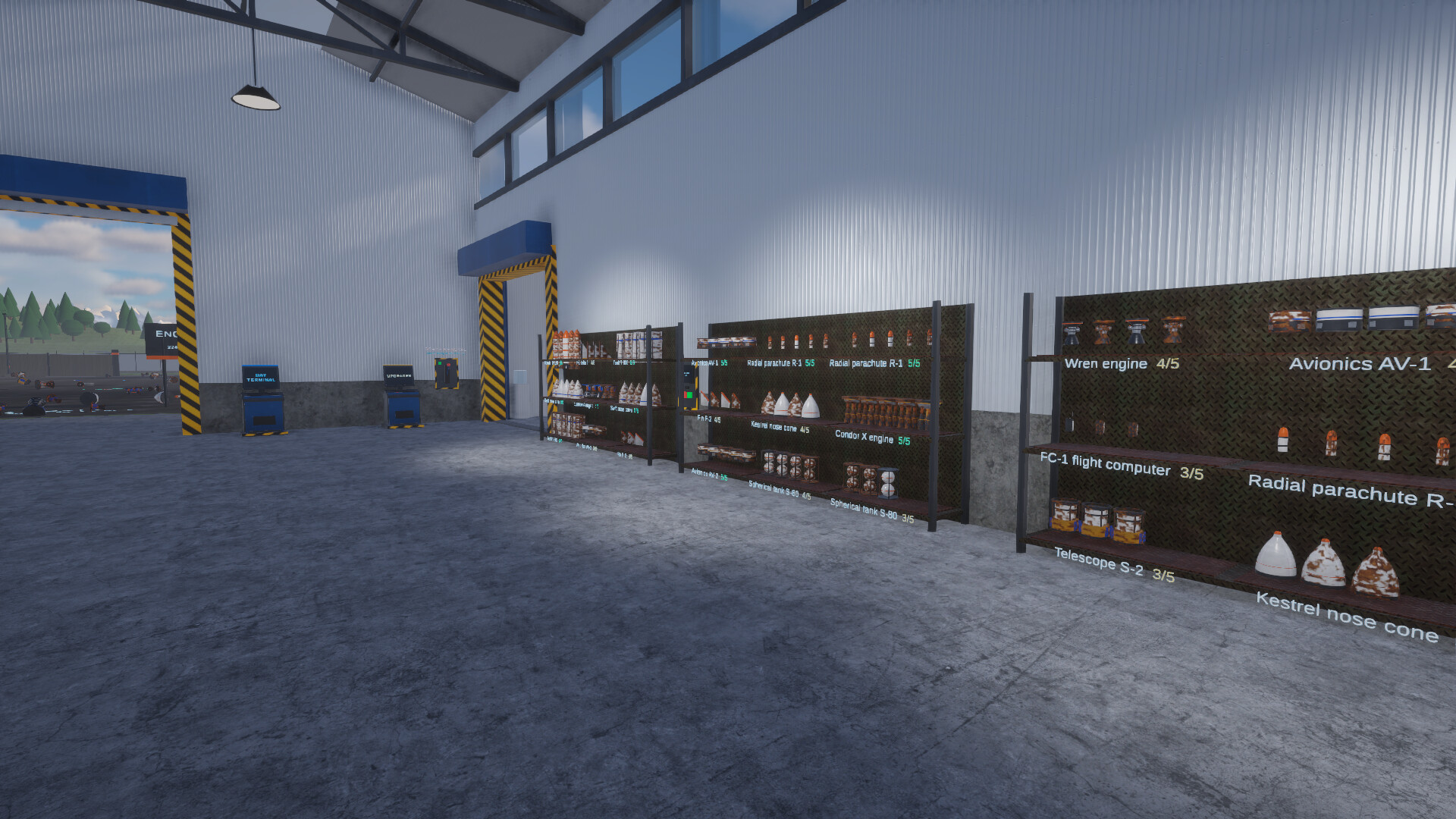
Среди выброшенных компонентов встречаются двигатели, топливные баки и другие элементы будущих летательных аппаратов. Их необходимо подобрать, упаковать и перенести в ангар. Можно заниматься сбором вручную или воспользоваться специальным вакуумным устройством. На стеллажах детали объединяются в комплекты: пять одинаковых предметов дают завершённый набор и приносят очки опыта. Излишки и слабые экземпляры разрешается продавать, освобождая место для более полезных находок. Иногда среди обычного хлама обнаруживаются редкие детали, улучшающие весь соответствующий комплект.

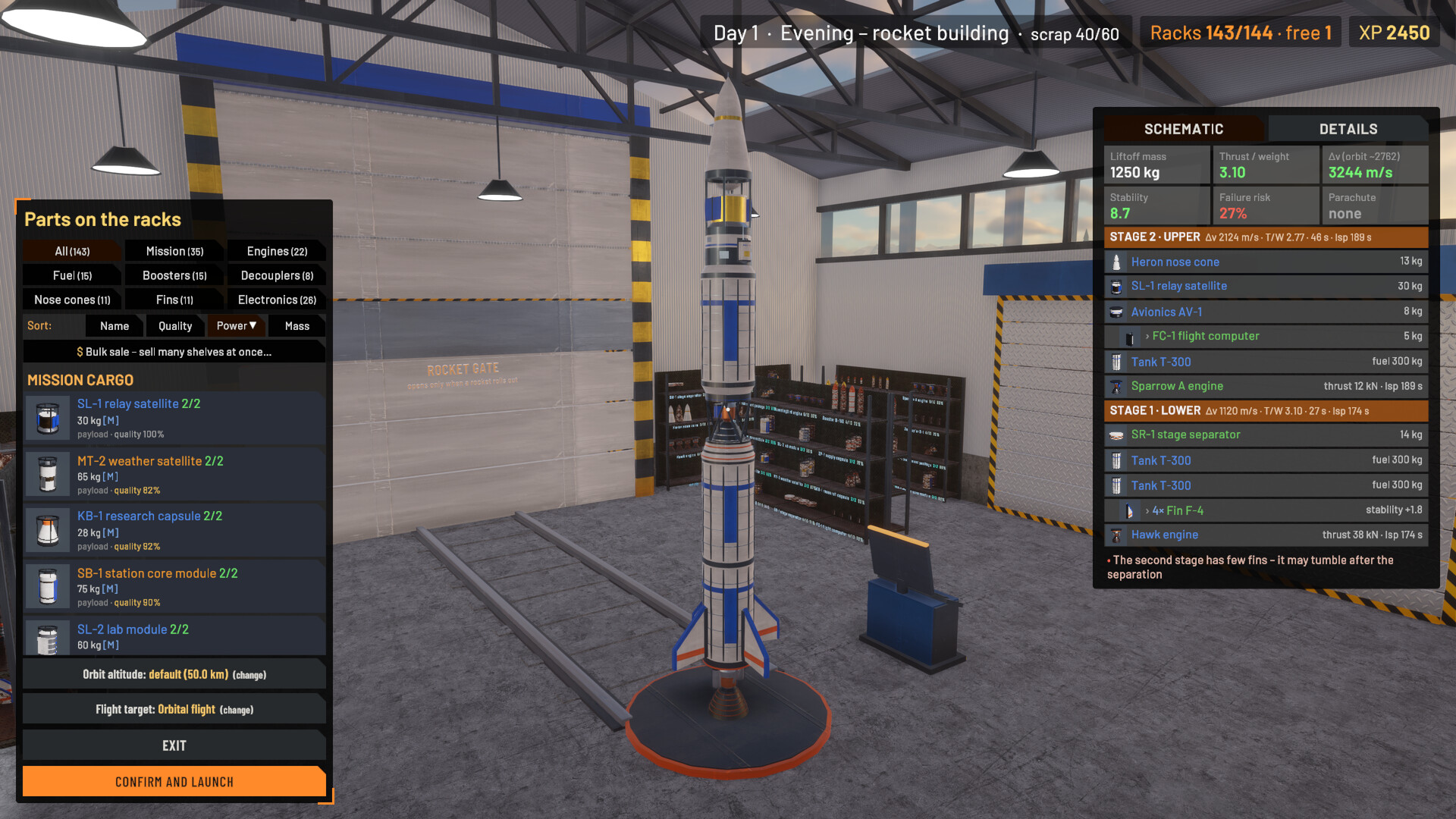
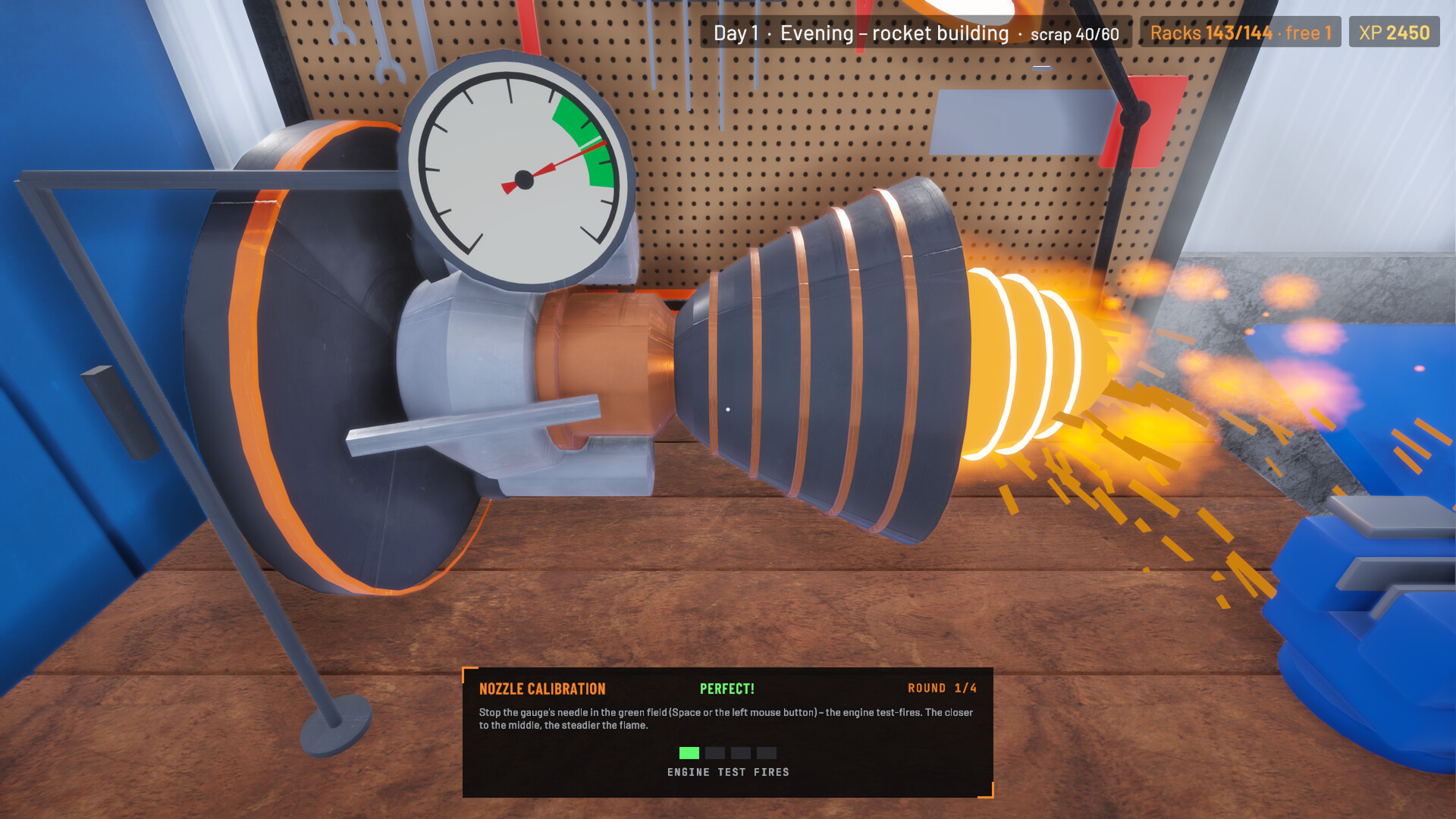
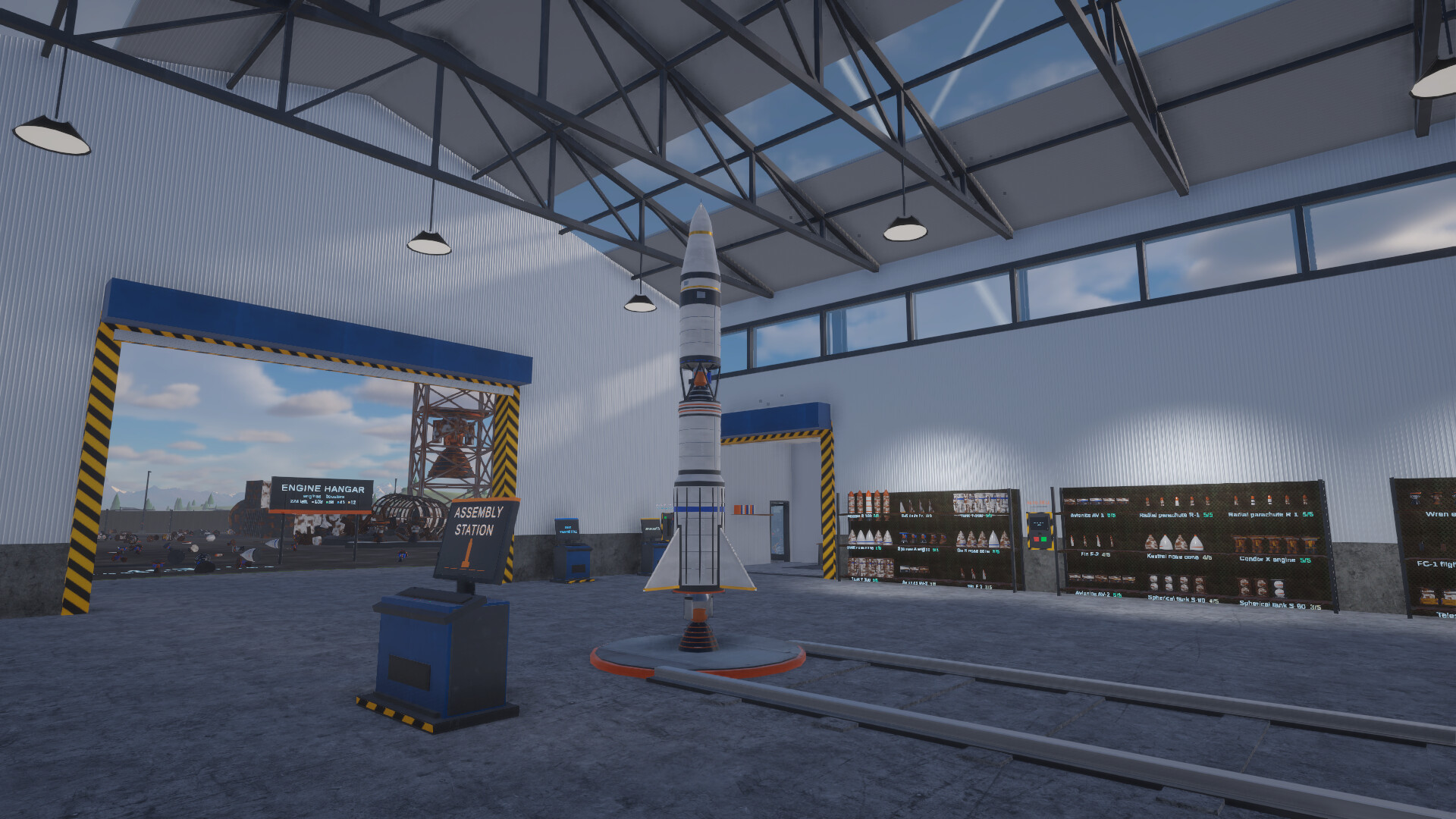
Вечером начинается самое интересное: необходимо превратить накопленные запасы в полноценный летательный аппарат. На сборочной станции доступны двигатели, топливные ёмкости, носовые обтекатели, стабилизаторы, ускорители, разделители ступеней и парашюты. Вы сами определяете расположение элементов и наблюдаете, как меняются характеристики готовой конструкции. Перед использованием изношенные компоненты можно отремонтировать. Для этого придётся выполнять задания на рабочем столе, устраняя повреждения сваркой, шлифовкой и настройкой двигательных сопел. Тем, кто хочет скачать торрент Rocket Scrapyard, понравится возможность самостоятельно собирать аппараты из найденных и восстановленных запчастей.

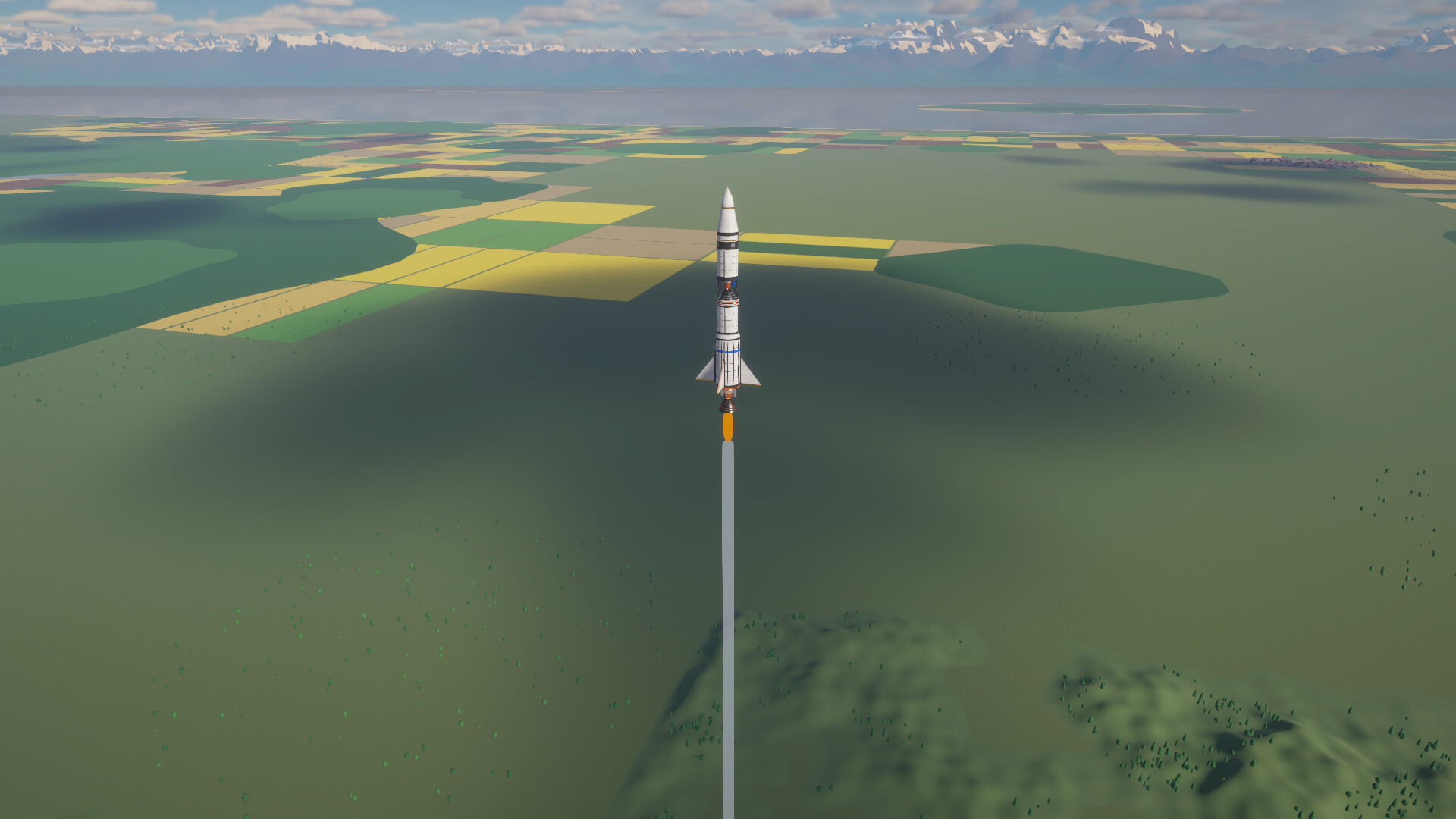
Каждое утро очередная ракета покидает стартовую площадку. Полёт сопровождается отображением высоты, отделения ступеней и работы парашютов. Неудачная конструкция может закончить путешествие аварией, поэтому после каждого запуска полезно анализировать результат. Для достижения орбиты требуется установить бортовой компьютер. При возвращении на Землю необходимо учитывать нагрев корпуса: если аппарат входит в атмосферу на слишком высокой скорости, открытые элементы могут сгореть. Все запуски пополняют коллекцию фотографий, позволяя наблюдать за историей развития вашего предприятия.

Заработанный опыт используется для приобретения улучшений. Можно расширять складские помещения, увеличивать вместимость стеллажей, открывать новые категории деталей и устанавливать дополнительное оборудование. Важным источником развития становятся заказы клиентов. Одним нужны спутники, другим требуется доставка образцов или модули для строительства станции. Выполнение поручений открывает новые возможности и помогает превратить обычную свалку в космический комплекс. Конечной крупной целью становится создание орбитальной станции, состоящей из шести отдельных модулей. При желании можно играть без дневного ограничения времени, не торопясь с выполнением производственных задач.

Системные требования

Минимальные

ОС:
Windows 10 64-bit or newer
Процессор:
i7 6700 / RYZEN 5 1500X
ОЗУ:
12 GB RAM
Видеокарта:
NVIDIA GTX 1060 6GB / AMD RX 570 8GB
Диск:
2 GB available space
DirectX:
Version 11

Рекомендуемые

ОС:
Windows 10 64-bit or newer
Процессор:
i7 8700K / Ryzen 7 2700x
ОЗУ:
16 GB RAM
Видеокарта:
NVIDIA GTX 1080 8GB / AMD RX 6600 8GB
Диск:
2 GB available space
DirectX:
Version 12

Инструкция по установке

Пошаговый процесс установки

  1. Установка не требуется — игра полностью предустановлена и готова к запуску.

  2. Распакуйте архив RAR / ZIP через WinRAR или 7-Zip в любую папку, например C:\Games\GameName.

  3. Запустите игру через Run Me!.bat (или основной .exe-файл) в папке с игрой.

Информация

Разработчик
MR Productions
Издатель
PlayWay SA
Платформа
PC (Windows)
Дата выхода
Размер файла
884 MB
Статус
Не указано

Скачать игру

Полная игра 6

v1.9 884 MB Обновлено 2 часа назад
Скачать Rocket Scrapyard.torrent

Торрент-файл готов

Контрольные суммы файла (MD5 / SHA-256)
MD5: 7d343199d13de2ce0cbfa8bff3742768
SHA-256: cf5b357cf978cd83180f5705f9b0594218a924843b621087b53bf2830f749700

Контрольные суммы подтверждают целостность именно этого файла. Это не абсолютная гарантия от вредоносного ПО — всегда проверяйте загруженные файлы.

Зеркала в облаке

Списки изменений

Официальные списки изменений для сборок игры

Update 1.9 - Orbital operations, new orders and a spaceport that grows

Актуально Сборка 26833720

Update 1.9 is here! The big one this time is what happens after "Orbit!" - and a lot more to do on the way there. As always, many changes come straight from your forum threads, Discord messages and videos. Thank you!

Orbital operations 6

  • You choose what the rocket does in orbit. When a rocket with a flight computer reaches orbit, the replay stops and a ring of choices opens round it: release the payload here, match the order's window, raise the orbit to 100-400 km, dock to the station, land under the parachutes or burn up in the air. Every step shows what it costs in Δv, fuel and time, steps can be combined and undone.

  • Orbit windows, fixed for good: when an orbit misses an order's window (like 60 km ±3 km), the flight computer matches it with a short burn - as long as the upper stage has a little fuel left. Thanks to everyone in the "periapsis / apoapsis" thread!

  • Computer chooses: skip the window (or switch it off in Options -> General) and the flight computer does the sensible thing - docks for station orders, fixes a missed window, brings the rocket home for return orders.

  • The way home is shown in the replay: the rocket turns tail first, brakes and drops glowing into the air.

  • The Moon is already on the ring, greyed out - flights there are on the way.

  • A new Handbook chapter, "In orbit", explains it all.

Launch day 3

  • Before the countdown the camera now shows your whole spaceport - the buildings you put up round the pad are finally in the picture.

  • The first 15 seconds of the flight play at normal speed, and a flight is skipped by holding Space / A (a bar fills under the prompt) - no more skipped launches by accident.

  • Rockets in orbit no longer "wobble" on their laps.

More to do 7

  • New orders: higher orbits of 150-400 km, narrower windows with a bigger precision bonus, return from space, samples, long range, a satellite swarm, a telescope service - and once the station stands, crew swaps and experiments.

  • Series and streaks: a series of orders from one client and a streak of successful orders are rewarded with a crate of parts.

  • Building levels: the workshop, the control tower, the supply office and the drone hangar can now be upgraded.

  • A second medal board in the office - for orders, the station, series, launches and figurines.

  • 10 new challenges and more levels for many upgrades.

  • Balance: a little less XP for altitude (2.5 XP per km) and for repeated altitude milestones (15%), so there is something to save up for longer.

Fixes and quality of life 7

  • The last parts are always outlined: when only a few parts are left on the whole scrapyard, they light up wherever they are - also in an older segment. Parts no longer turn up inside closed containers.

  • A rack shelf now says how many full sets it holds and where the quality comes from.

  • Smoother on weaker PCs: the sky is no longer worked out again in every frame while the rocket climbs - a big relief for integrated graphics. On integrated graphics the volumetric clouds now start switched off (Options -> Graphics), and the lowest quality makes less smoke at liftoff.

  • Every new text is translated into all 25 languages.

  • Found a bug or have an idea? Tell us on the Steam forum or on our Discord - the Report a bug button in the main menu takes you there too.
  • See you at the scrapyard!

Источник: Анонс Steam SteamDB

Update 1.8 - Relaxed or On the clock, a shorter tutorial and clearer building

Сборка 26821643

Update 1.8 is here! This one is all about a smoother start and a clearer assembly station - and almost every change comes straight from your videos, reviews, forum threads and Discord messages. Thank you!

An easier start 4

  • Relaxed or On the clock - a new game now starts with two tiles: Relaxed (no time limit) or On the clock (5-minute days). You can still change it later: pause -> Options.

  • A shorter tutorial: one sentence per step, a longer hint only when you get stuck, and a tick with a sound for every step you finish.

  • The welcome letter now explains the basics in five short points - the day, packages, sets, the evening build and the morning launch. The full rules are in the Handbook.

Building rockets 8

  • Warnings point at the parts: hover a warning in the assembly station and the parts it is about light up on the rocket - the engine and tanks, the fins, the parachutes or the order's cargo.

  • Where does this part go? A side part in your hand outlines every core part it can go on.

  • The stage separator no longer lands on a joint covered by a tall booster, and the builder warns when every parachute sits on the lower stage.

  • When the fuel runs out before the engine's burn time does, the Rocket check tells you how much fuel the full burn would take - no more calculator.

  • Δv turns green only with a margin, and a failed orbit order now says why: a failure, tumbling, or how much of the orbital speed the rocket reached.

  • After a failure, the results show the rocket's failure risk and what raised it (often the G-load of too much thrust for the mass).

  • The control tower forecast counts a rocket that leaves the planet as the highest flight ("2000 km+").

Flights and orders 4

  • Orbit windows: with an order like "60 km ±3 km" the flight computer now finishes the orbit inside the window instead of a few kilometres off.

  • Space skips the flight replay only on a second press – no more skipped launches by accident.

  • The day's event says "Buyer's order fulfilled!", so it can't be mixed up with the trade office's contracts.

Racks and upgrades 5

  • Sort the racks with shelves for two sets now joins each kind of part onto as few shelves as possible.

  • Auto-sell by rarity: the end-of-day window has a new "Keep rare and legendary parts on the racks" option.

  • Upgrades are bought with a second click – the first one shows the description and the price.

  • Welding at the workbench is easier (a wider green speed band).

Steam Deck and options 4

  • Steam Deck: the flight results fit on the screen (the columns scroll inside), A/B/Menu close them, and the right stick scrolls lists at a steady speed.

  • New option Keep running in the background (Options -> Graphics) - by default the game now pauses while its window is in the background.

  • Graphics options: the right arrow raises the quality and no longer jumps from High to Very low.

Clearer descriptions 7

  • A set of 5 makes one part on the rocket - now said on every part card and on the racks.

  • Parachutes say where they go and when they open; the flight computer says it steers by itself and that a second one is a backup; engines show the most fuel they can burn.

  • The first launch photo is explained on the results screen, the port name can be up to 30 characters, and order cargo is named as such in the assembly station.

  • Every new text is translated into all 25 languages.

  • Found a bug or have an idea? Tell us on the Steam forum or on our Discord - the Report a bug button in the main menu takes you there too.
  • See you at the scrapyard!

Источник: Анонс Steam SteamDB

Отзывы и комментарии

Написать пост

0 / 1000

Со звёздами ваш пост становится отзывом; без них остаётся комментарием.

Соблюдайте правила нашего сообщества. Открыть правила сообщества