
Fencing
- Platform
- PC
- Release Date
- File Size
- 1.17 GB
- Views
- 3,264
- Comments
- 0
- Languages
- English
- Added by
- Added by Admin
Game trailer: Fencing
Screenshots
Description
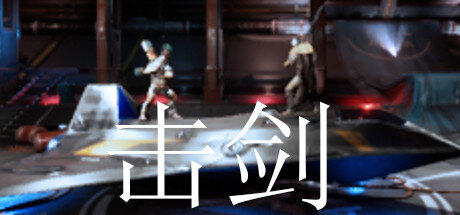
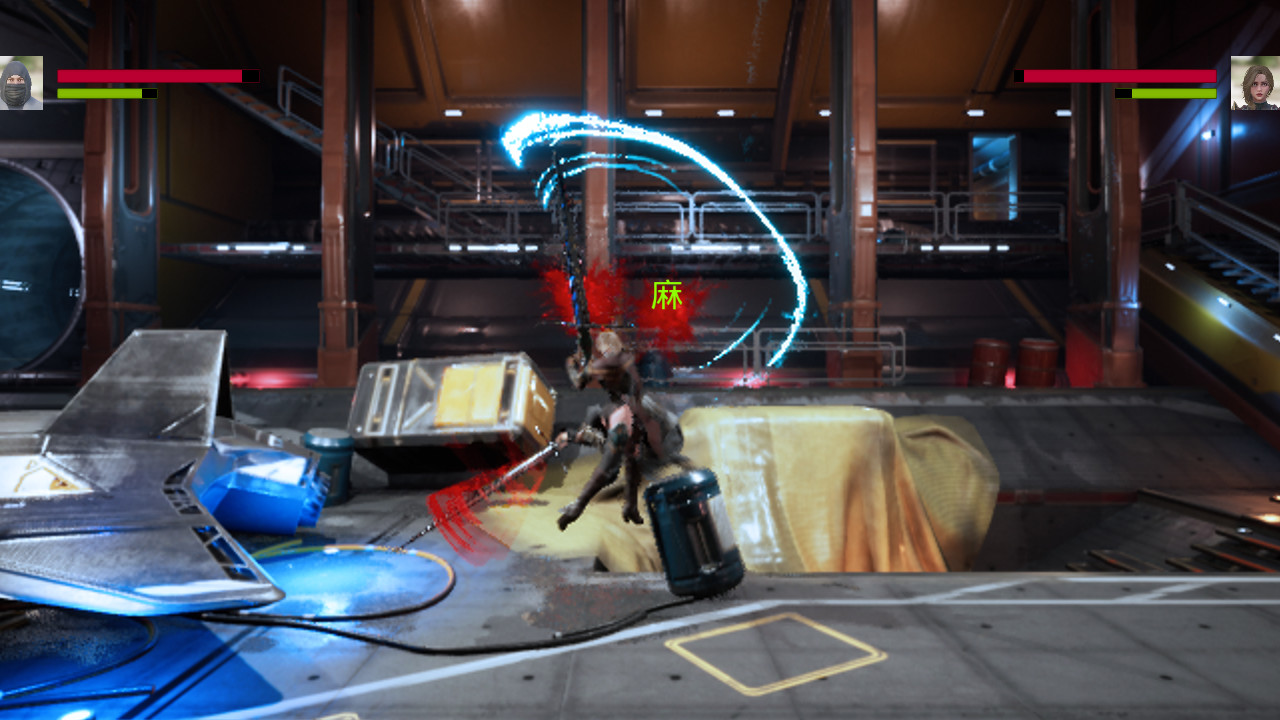
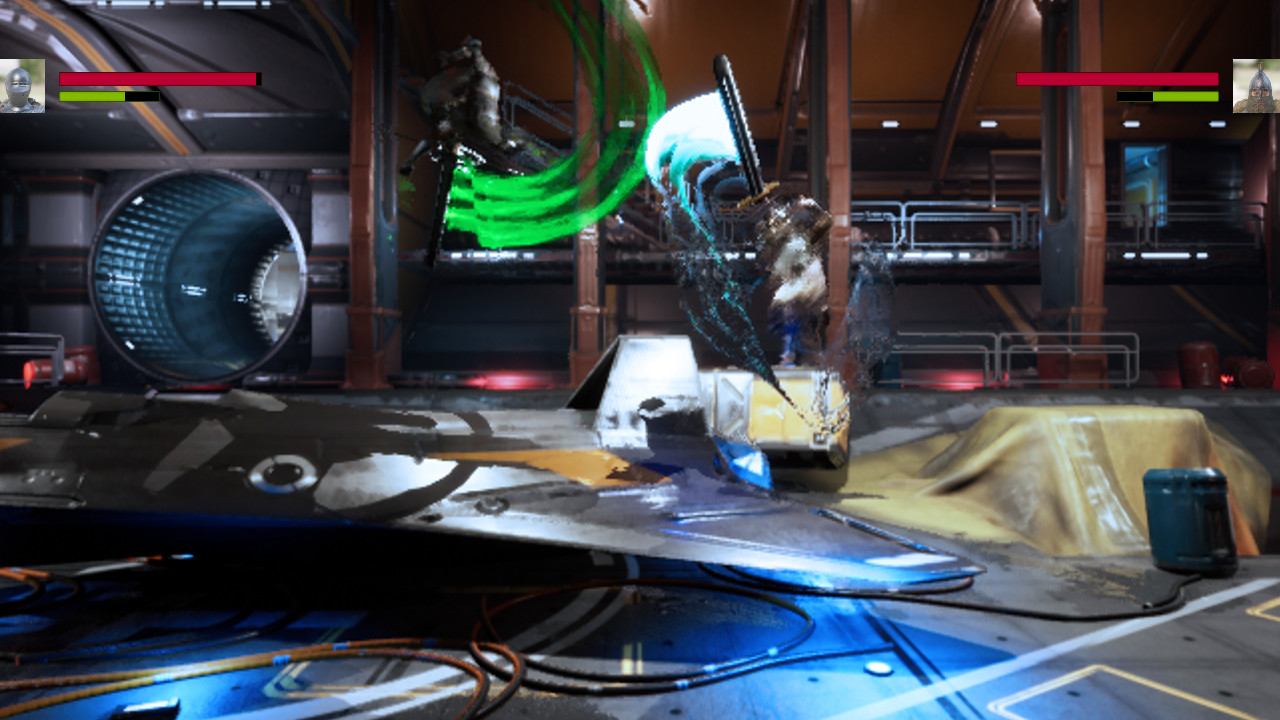
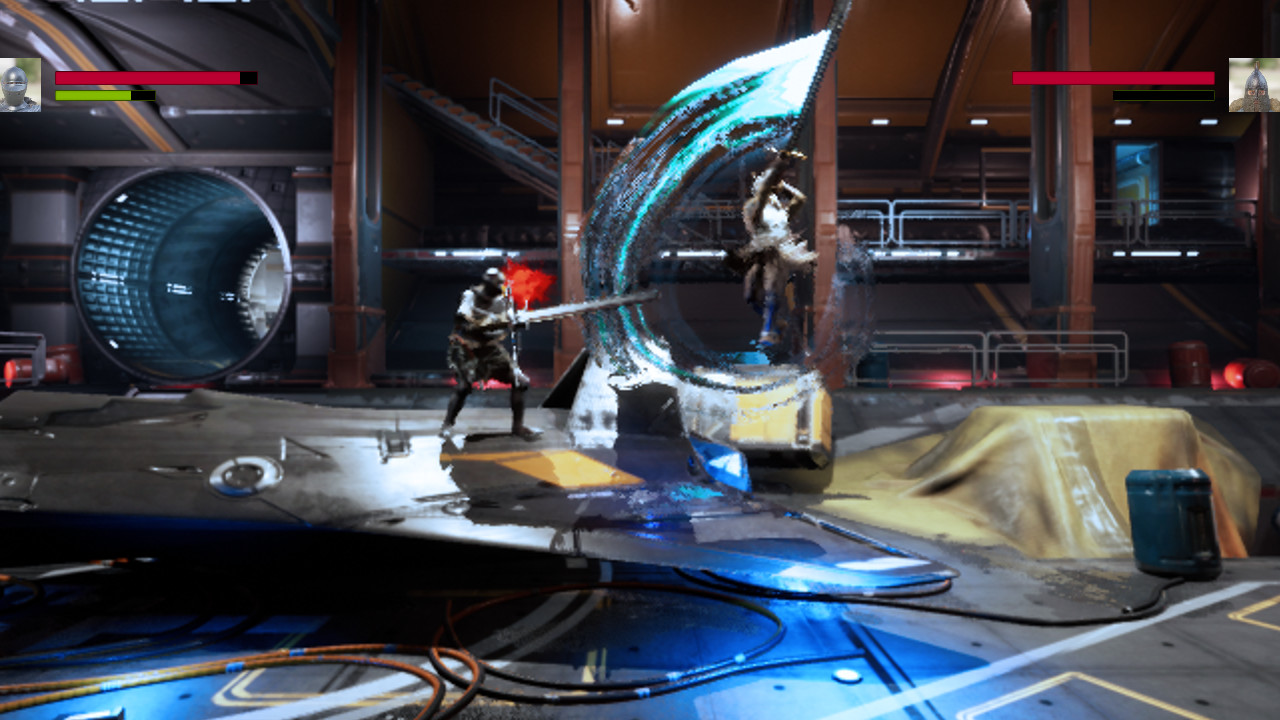
Fencing, you’re not just a player you’re a fencer, honing your skills in the art of swordsmanship. Set in a beautifully rendered world that combines historical settings with artistic flair, this game transports you to a realm where every duel is a dance of blades and every move counts. As you dive into the game, you’ll discover a variety of game modes and challenges to test your fencing prowess. Whether you’re a beginner or a seasoned pro, there’s something for everyone in Fencing. Train in solo drills to master your technique, compete against AI opponents to sharpen your skills, or challenge friends and players from around the world in electrifying multiplayer matches.
The controls are intuitive yet nuanced, allowing you to execute precise attacks, parries, and counters with ease. With each match, you’ll feel the tension mount as you anticipate your opponent’s next move and strategize your response accordingly. But Fencing isn’t just about the thrill of competition it’s also a journey of self-discovery. As you progress through the game, you’ll unlock new equipment, techniques, and customization options to tailor your fencing style to suit your preferences. Will you be a master of the rapier, swift and precise? Or perhaps you prefer the power and reach of the sabre? The choice is yours.
System Requirements
Minimum
- OS:
- Win7/8/10 X64
- Processor:
- Any
- RAM:
- 500 MB RAM
- Graphics:
- Any
- Storage:
- 1 GB available space
- Sound Card:
- Any
Installation Guide
Step-by-step setup process for TENOKE
-
Mount the .iso image — Windows 10/11 mounts it from the right-click menu, otherwise use Daemon Tools or a similar tool.
-
Run
setup.exefrom the disc and install the game — Tenoke builds are already cracked, installation is all it takes. -
If the disc contains a
Tenokefolder, copy its contents into the installed game directory. -
Launch the game from the desktop shortcut (as administrator).
Game Info
- Developer
- Zhou Pengfei
- Publisher
- Zhou Pengfei
- Platform
- PC
- Release Date
- File Size
- 1.17 GB
- Status
- Scene (ISO)
Download Game
Full game
5b8db76a43c9a914da8179ad0851ad00
4fa9d7d3e9b1c345550dddc5372eb74638cd79a9e64dfaf2d0479b5a6a80a75b
Checksums verify the integrity of this specific file. They are not an absolute malware guarantee — always scan downloaded files.
Torrent file ready
Reviews
No reviews yet. Be the first to share your thoughts!






Comments (0)
No comments yet. Be the first to leave one!