Tank Mechanic Simulator v1.6.2 (upd.06.03.2026) + all DLC - RUNE
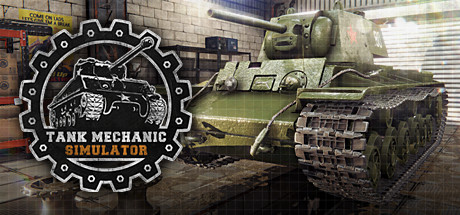
Tank Mechanic Simulator - full game download
RUNE Full gameFree DownloadLatest version Torrent File
Game updated on 6-03-2026, 13:26. Current version: v1.6.2 (upd.06.03.2026) + all DLC.
4.2/ 5
Community Rating: 34 votes

About The Game

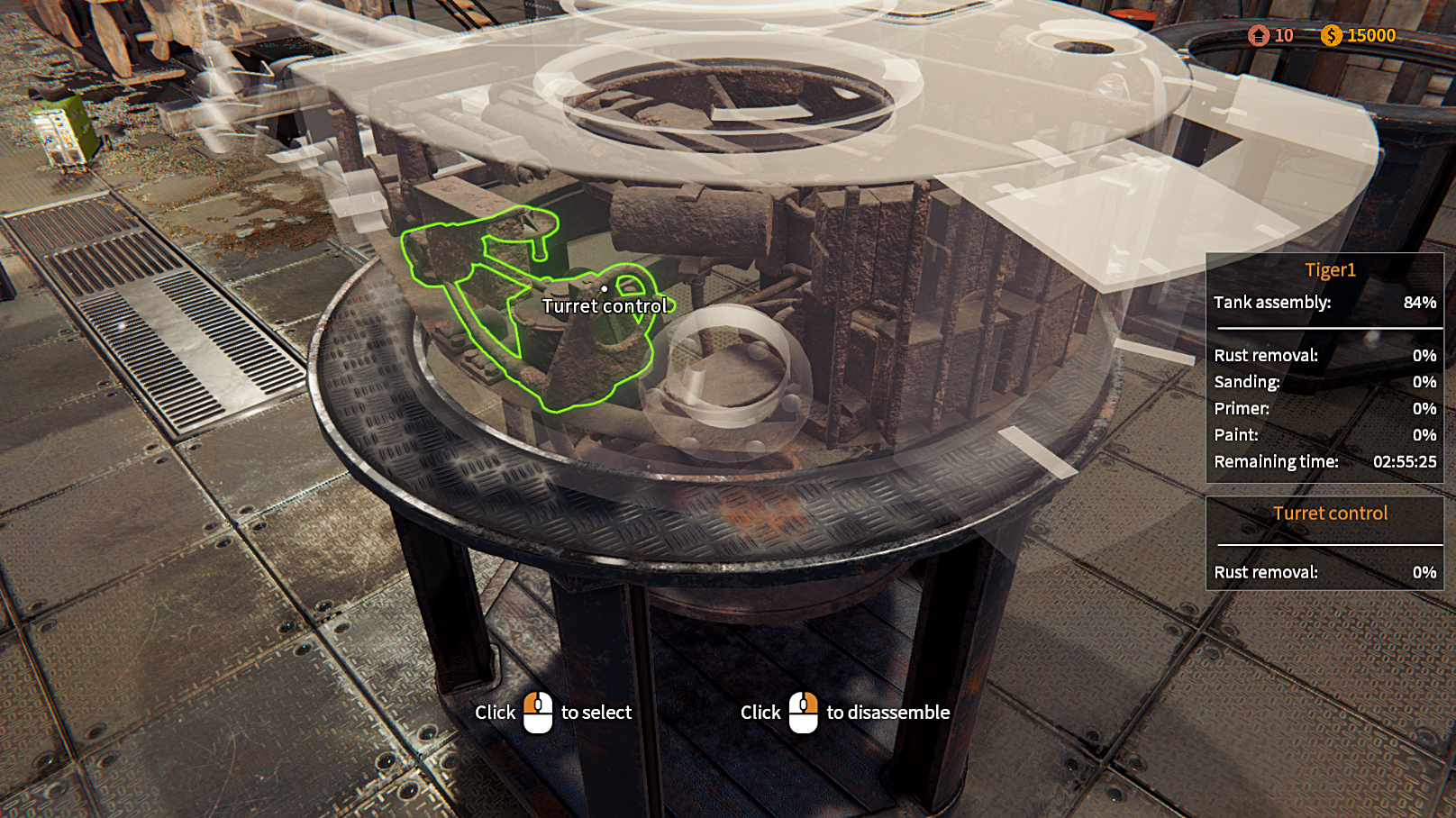
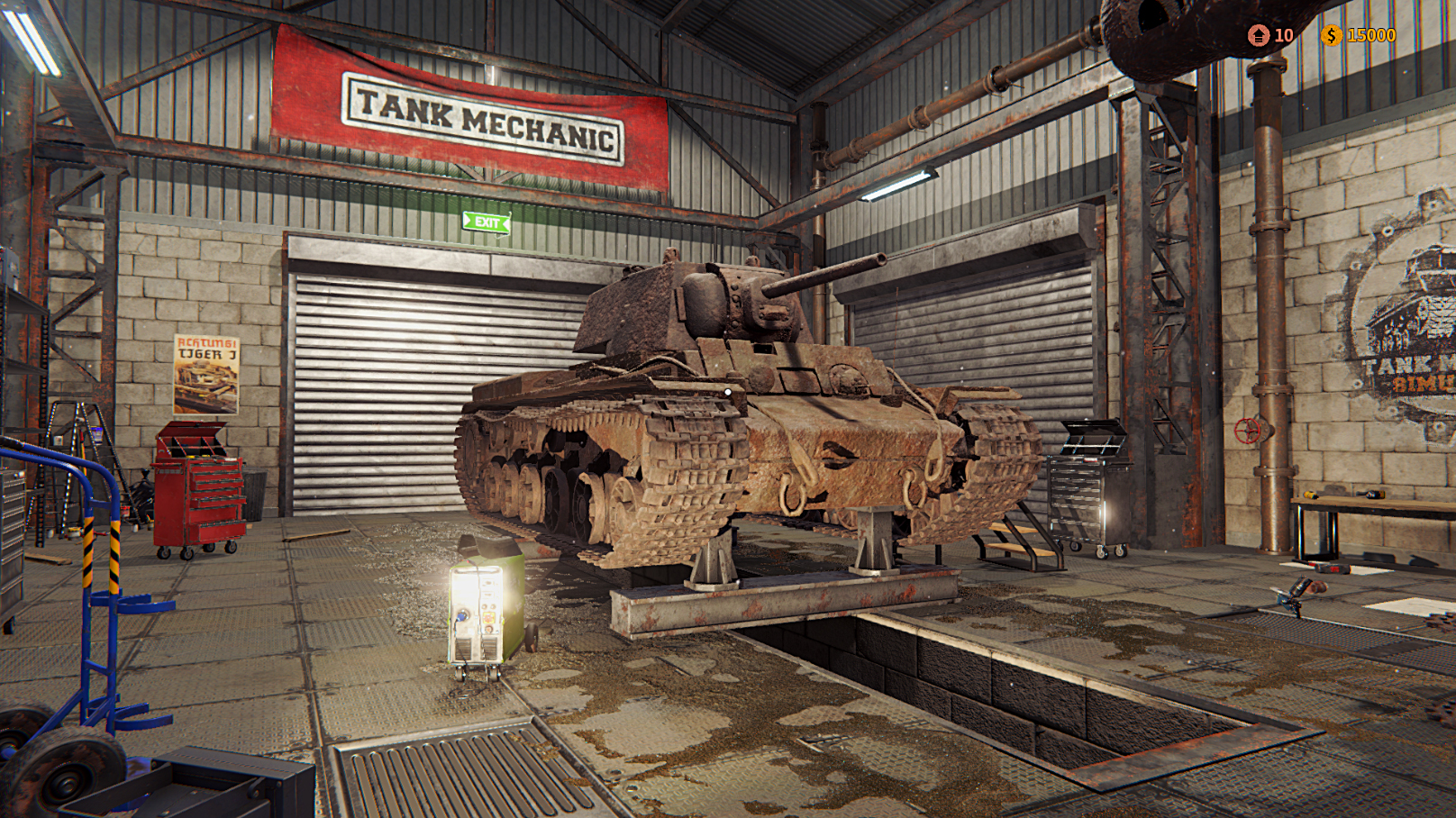
Tank Mechanic Simulator — tank mechanic simulator dedicated to armored vehicles of the Second World War. As the owner of the historical museum of military equipment you have to find abandoned tanks of the last century, repair them and completely restore. Collect information about abandoned tanks, prepare an expedition and hit the road to replenish the collection of their exhibits. In the game Tank Mechanic Simulator you have to use your search trucks to find tanks, or interview local residents to help determine the exact location of old military vehicles. As soon as you establish the exact position of the tank, it is necessary to organize excavations with special equipment in order to get the tank that was buried underground.

NOTE. Uploaded version: 06 March 2026 [v1.6.2]. This is Full Release and latest version of game. The game is already Packaged in ISO File and ready to run the game after install, read the instruction below.

This release is standalone and includes the following DLC:

  • Tank Mechanic Simulator First Supply DLC
  • Tank Mechanic Simulator Shermans DLC
  • Tank Mechanic Simulator Cromwell Mk.IV DLC

Game Details

System Requirements

MINIMUM:
OS: Windows 7 (64-bit) or newer
Processor: Intel Core i3 3,20GHz / AMD Phenon 955 Quad Core
Memory: 4 GB RAM
Graphics: GeForce GTX 570 / AMD R7-260X
DirectX: Version 11
Storage: 8 GB available space

RECOMMENDED:
OS: Windows 8.1 (64-bit) or newer
Processor: Intel Core i5-8400 / AMD Ryzen 5 1600
Memory: 6 GB RAM
Graphics: GeForce GTX 970 / AMD Radeon RX
DirectX: Version 11
Storage: 12 GB available space

Screenshots
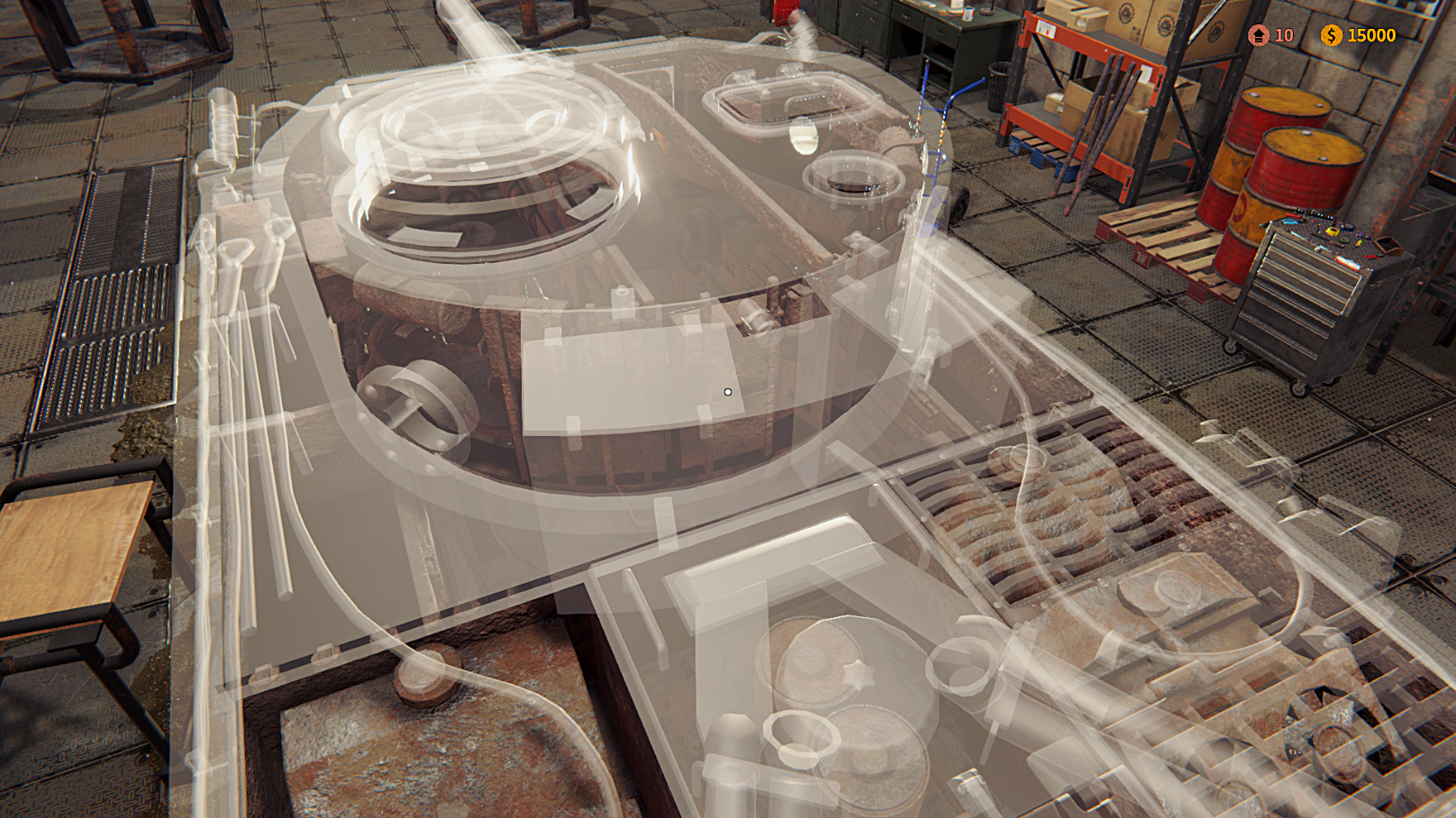
Tank Mechanic Simulator gameplay screenshot 1
Tank Mechanic Simulator gameplay screenshot 2
Tank Mechanic Simulator gameplay screenshot 3

Video

How to Install

1. The first thing we do is download the game’s installation files. 
2. Mount or burn the ISO image in the disk emulator (UltraISO program). 
3. During the installation, we specify the location on the disk where we want to install it. 
4. Wait until the installation process is complete, a shortcut will appear on the desktop.
5. Copy the contents of the folder «RUNE» in the folder with the game. 
6. Start the game.


Download update only: Tank.Mechanic.Simulator.Update.v1.2.9.3-CODEX [ 1.1 GB ]
Download update only: Tank.Mechanic.Simulator.Update.v1.2.6-CODEX [ 1.4 GB ]
Download update only: Tank.Mechanic.Simulator.Update.v1.2.3-CODEX [ 467.2 MB ]
Download update only: Tank.Mechanic.Simulator.Update.v1.1.0-CODEX [ 503.0 MB ]
Download update only: Tank.Mechanic.Simulator.Update.v1.0.14-CODEX [ 358.2 MB ]
Download update only: Tank.Mechanic.Simulator.Update.v1.0.11-CODEX [ 138.6 MB ]
Download update only: Tank.Mechanic.Simulator.Update.v1.0.10-CODEX [ 22.8 MB ]

Download Tank Mechanic Simulator v1.6.2 (upd.06.03.2026) + all DLC — RUNE

File Size: 6.73 GB
How to get your file — 3 quick steps
VPN detected. Our download does not accept VPN connections. Please disable your VPN to continue.
Re-check
1
Click download
Use any button below
2
Install Opera
On the page that opens
3
Get your file
.torrent unlocks here
Download file
Switch to the tab that just opened — Opera installer is already there. After install, open this page in Opera and click Check install.
Opera not detected. Make sure it's installed and open this page in Opera browser, then click Check install again.
Opera is a free, official browser by Opera Software AS — safe to install. [ Opera Install Guide ]

Alternative Download Links

Alternative Mirrors

Searching mirrors…

Other Versions & DLCs

Game Update History

  • Tank Mechanic Simulator v1.3.0 → v1.6.2 [ 06.03.2026 ]
  • Tank Mechanic Simulator v1.2.9.3 → v1.3.0 (First Supply) [ 04.02.2022 ]
  • Tank Mechanic Simulator v1.2.6 → v1.2.9.3 [ 07.01.2022 ]
  • Tank Mechanic Simulator v1.2.3 → v1.2.6 [ 06.09.2021 ]
  • Tank Mechanic Simulator v1.2.0 → v1.2.3 [ 20.04.2021 ]
  • Tank Mechanic Simulator v1.1.0 → v1.2.0 [ 20.02.2021 ]
  • Tank Mechanic Simulator v1.0.14 → v1.1.0 [ 26.04.2020 ]
  • Tank Mechanic Simulator v1.0.11 → v1.0.14 [ 29.02.2020 ]
  • Tank Mechanic Simulator v1.0.10 → v1.0.11 [ 25.02.2020 ]
  • Tank Mechanic Simulator v1.0 → v1.0.10 [ 21.02.2020 ]
  • Tank Mechanic Simulator → v1.0 [ 20.02.2020 ]
Daily Updates

Comments 5

  1. Skigameco 21 February 2020 14:52
    Update v1.0.10:
    Added:
    - Head bob toggle in settings
    - Mouse sensitivity slider in settings
     
    Fixed:
    - Storage menu can now be scrolled by using the mouse scroll (previously it was possible only when targeting the mouse over a tank part)
    - Key controls are now visible when player opens this menu when ingame (through pause menu, previously it was blocked from sight)
    - Screen Space reflection fix (green screen bug with GTX 600 and 700 series)
    - Player won't fall under the map when exiting the quad while upside down
    ------
    Guardian of the Online Empire
  2. Skigameco 25 February 2020 03:49
    Update v1.0.11:
    Added:
    Tank Analysis: clicking on tank part will close the menu, select the part (the camera will show where the part is) and highlight the part for 10 seconds
    Tank Analysis: clicking on tank module will expand a list with tank parts belonging to the clicked module (by default all tank parts are hidden)
    Tank Analysis: tank parts now have a condition state icon
    Tank Status Panel: displayed tank part will also contain information about the module it belongs to and the module state
    Tutorial tanks will always spawn inside workshop, closest to the office room PC (and if the slot was taken, the tank taking the slot will be moved elsewhere)
    An option to skip the tutorial
    Settings to bind the key to disabling tutorial and movement keys (forward, backward, left, right, jump, sprint, crouch)
     
    Tweaked:
    The tutorial mission for de-rusting the sherman, now the player will only need to de-rust the tank turret exterior.
     
    Fixed:
    Mouse sensitivity is correctly applied to vehicle camera and tpp camera in proving grounds
    Small localization fixes
    Panzer IVG tracks are now correctly configured
    Panzer IVG should not have doubled tank parts of the turret interior module type
    Panzer IVG driver and radio operator crew slots are positioned correctly
    The checkout menu for Part Store has a correct collider attached, not allowing the player to click on tank parts
    Now the player can scroll in the shop menu
    Panther tank is now named correctly
    Panther tank wheels have been separated, so the naming is easier
    Panther tank hull interior with proper DecalTexture
    Stug lockers are now correctly configured
    T34/76 loader and commander hatches are not switchable anymore (they will be listed separatly in store and crafting menu)
    Decal "PARKING" was Z-fighting on Warehouse Yard area.
    KV-1 and KV-2 torsion bar glitch fixed.
    Tutorial will display an information, when the tank is outside the workshop room, or if the player is not in the workshop room with the tutorial tank
    ------
    Guardian of the Online Empire
  3. Skigameco 29 February 2020 04:55
    Update v1.0.14:
    Added:
    Rubber wheels for Tiger I tank
    An option to scroll the mail box list
    An option on Extraction missions, to have the radial option to load the tank on the trailer without the need to be near the tank or looking at the tank.
    An option on Proving Grounds, to have the radial option to get back to base without the need to be near the tank and looking at it.
    A fade out when the extraction mission is quit
     
    Tweaked:
    Torque for all tanks, to increase their ability to climb heights
    Screw materials and textures
    Spawning mode ( "Call Towing Service" )
    Spawning metal objects (Extraction 3)
     
    Fixed:
    Objects from other rooms cannot be clicked through wall
    Player cannot select any usable object when switching rooms
    Small fixes for Chinese translation
    Panzer III J Exhaust Manifold localization key is now correct
    Panzer III M Frontal armor collider is now correct
    Tiger I test drive model loaded crewslot is positioned correctly
    Tiger I double outer road wheel is now correctly separated from the double inner road wheel (previously player could not buy the outer road wheel in the shop)
    Sherman M4A3E8 has correct gunner and loader crew slot positions
    M10 Wolverine has correct M2 machine gun position
    Skipping tutorial correctly blocks all instructions or tutorials from popping up.
    Painted decals will be visible after final paint is applied
    Minimap on Proving Grounds should now work correctly after re-entering the scene
     
    Update v1.0.13:
    Fixed:
    Disabled downloading patch notes and development status icons from our server. This caused the 84% crash / freeze. Patch notes and Extras are disabled (for now).
    Key configuration can be set to any key now (with exception of esape and return keys)
    Jump issue from v1.0.11 fixed
     
    Update v1.0.12:
    M10 Wolverine seats are now separated
    Chinese localization small fixes
    Crash fixes
    More decals
    Tank Analisis UI icon fixes
    ------
    Guardian of the Online Empire
  4. Update v1.1.0:
    Added:
    Museum level III (4 more slots)
    Indication that a tank slot is taken by given tank when player points on the tank slot option in radial menu (for example, if the slot is taken by KV-2, the message will be: "Slot is taken by: KV-2")
    Sherman M4A3E8 additional tank parts for fuel tanks (cap)
    Shop cart
    More parts on Panzer III M can be now painted
    Basic controller support
    Hungarian translation
     
    Tweaked:
    Painting on stug is extended on other parts
     
    Fixed:
    Quiting the storage menu after selecting a part and opening repair summary no longer causes the part to be in wrong state.
    KV-2 dependencies
    Game saves and loads correctly the state of fluids between test drive - workshop and proving grounds - workshop
    Crashes when sanding/painting/primering the tank or on proving grounds when shooting
    Loading images should take shorter time
    Trying to assemble a part with screws while being in interior mode does not cause strange camera behaviour
    ------
    Guardian of the Online Empire
  5. The Cromwell IV is more than just another vehicle in your collection. This DLC introduces new restoration challenges and historically inspired mechanical details.
    This DLC includes one vehicle:
    New Tank :The Cromwell Mk. IV.

    New Engine: Rolls-Royce Meteor.

    New Gearbox: Merritt–Brown triple differential tank transmission.

    New Tank Gun: 75mm, Q.F., Mk. V Gun

    Rebuild the tank to full operational condition.

    New Cromwell IV-themed museum posters.

    1 New Achievement.

    ------
    Guardian of the Online Empire
Add comment

Add comment

Got a Question? Feel free to ask for help
Technical Issues? Describe your error clearly
Write a Review Share your gaming experience