
Pawn Simulator

- Platform
- PC
- Release Date
- File Size
- 9.81 GB
- Downloads
- 4
- Views
- 6,060
- Comments
- 0
- Languages
- English, Spanish - Spain, Turkish, Portuguese - Portugal
- Added by
- Added by Admin
Game trailer: Pawn Simulator
Screenshots

Description
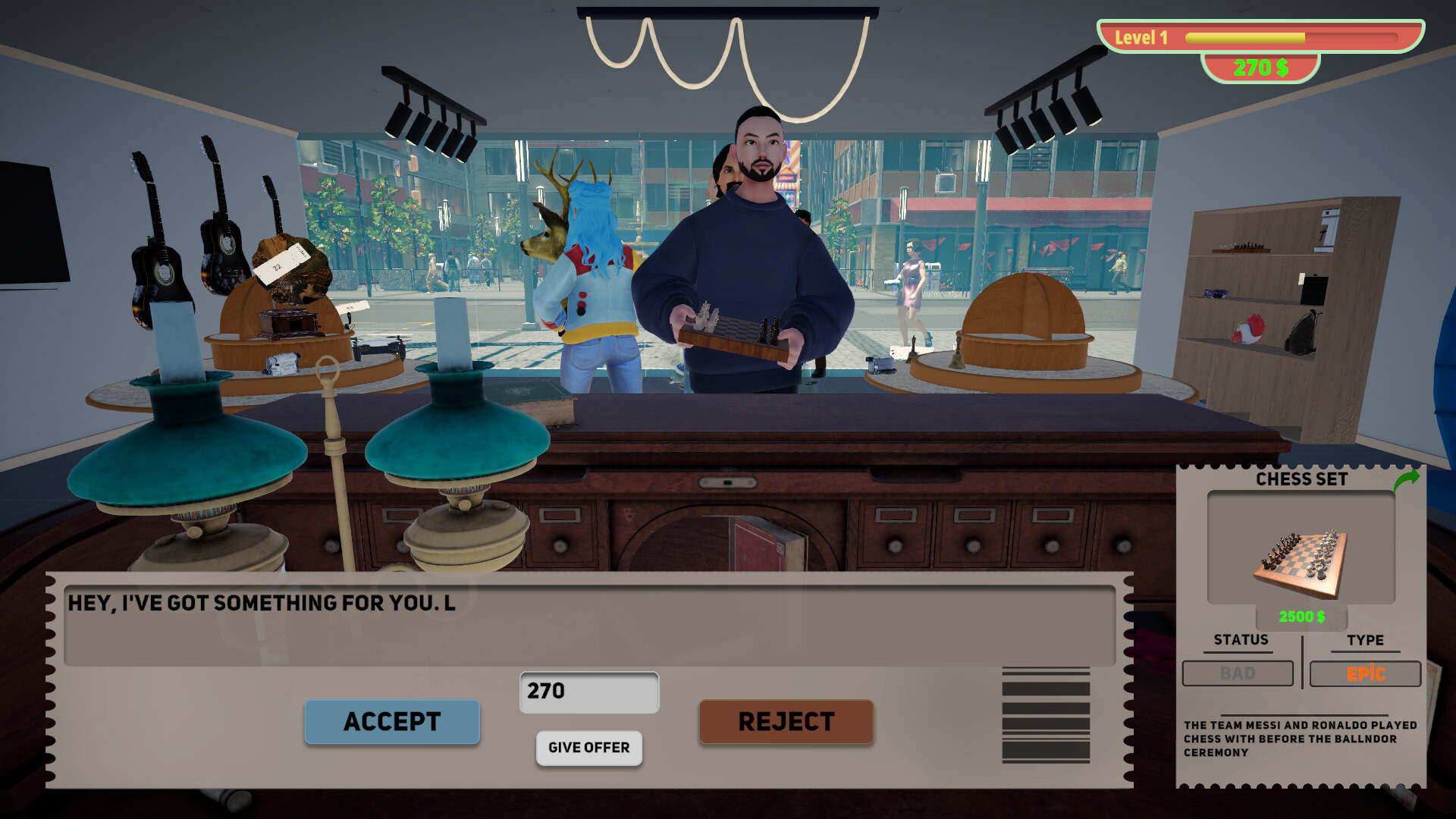
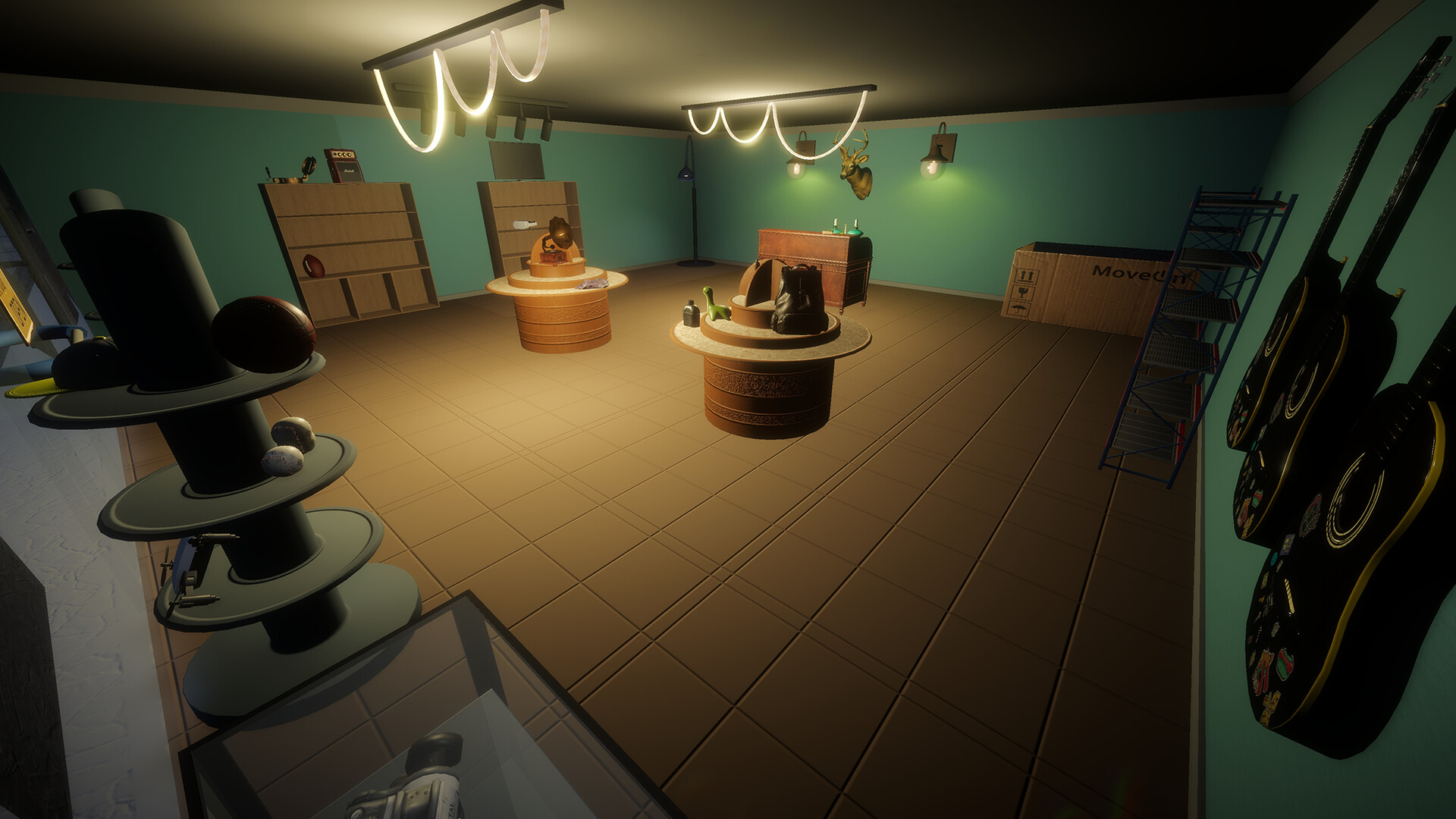
Pawn Simulator is an exciting adventure, casual, indie game, simulation and strategy developed by Editmode. Set in Detroit, players take on the role of a thrift store owner seeking to build a thriving pawn shop empire. The game offers a realistic pawn shop management experience, from trading with customers to restoring and selling unique items. Players can customize the appearance of their store, arranging shelves and decorating displays to attract customers. As they progress, they unlock new abilities that improve their trading skills, such as increasing purchasing prices or increasing profit margins. The game also features «warehouse wars» where players can compete to acquire rare items.
The Pawn Simulator, which includes casino mini-games, provides additional thrills. Players can try their luck at roulette, blackjack or slot machines to increase their income. However, this feature comes with the risk of losing your hard-earned profits. Through a combination of store management, strategic trading and risk-taking elements, «Pawn Simulator» offers a unique gaming experience that challenges players to become the most successful pawn shop owner in Detroit.
NOTE. Uploaded version: 09 August 2024 [v1.0.53 Build 15314514]. This is Full Release and latest version of game. The game is already Packaged in ISO File and ready to run the game after install, read the instruction below.
System Requirements
Minimum
- OS:
- Windows 10 x64
- Processor:
- i5-2500 / FX-8350
- RAM:
- 4 GB RAM
- Graphics:
- NVIDIA GeForce GTX 680 or AMD Radeon R7 Series
- Storage:
- 5 GB available space
- DirectX:
- Version 11
Recommended
- OS:
- Windows 10 x64
- Processor:
- i5-4460 / Ryzen 7 1700x
- RAM:
- 8 GB RAM
- Graphics:
- NVIDIA GeForce GTX 770
- Storage:
- 5 GB available space
- DirectX:
- Version 11
Installation Guide
Step-by-step setup process for TENOKE
-
Mount the .iso image — Windows 10/11 mounts it from the right-click menu, otherwise use Daemon Tools or a similar tool.
-
Run
setup.exefrom the disc and install the game — Tenoke builds are already cracked, installation is all it takes. -
If the disc contains a
Tenokefolder, copy its contents into the installed game directory. -
Launch the game from the desktop shortcut (as administrator).
Game Info
Download Game
Full game
3fd3e368370ed347a5905710c9983cc9
dc0cfa12e3e1b194873a79a6cda6ec44fc76d532bcf488131319260f9dee7663
Checksums verify the integrity of this specific file. They are not an absolute malware guarantee — always scan downloaded files.
Torrent file ready
Reviews
No written reviews for this game yet.
Rate this repack in the form below and your comment becomes the first review here.





Comments (0)
No comments yet. Be the first to leave one!