
Keep on Mining
Free Download for PC · Build 26891888
- Platform
- PC
- Release Date
- File Size
- 57 MB
- Views
- 6,335
- Patch Notes
- 2
- Comments
- 1
- Languages
- English, French, Italian, German, Spanish - Spain, Japanese, Korean, Polish, Portuguese - Brazil, Russian, Simplified Chinese
- Added by
- Admin
Play modes & compatibility
Play modes
- Single-player
Compatibility
- Controller support
Version Status
- Current Version
- Build 26891888
- Current Build
- 26891888
- Latest Build
- 26891888
- Last Steam Update
- Keep on Mining! - Pickaxe skins SUPPORT PACK
Game trailer: Keep on Mining
Screenshots
Description
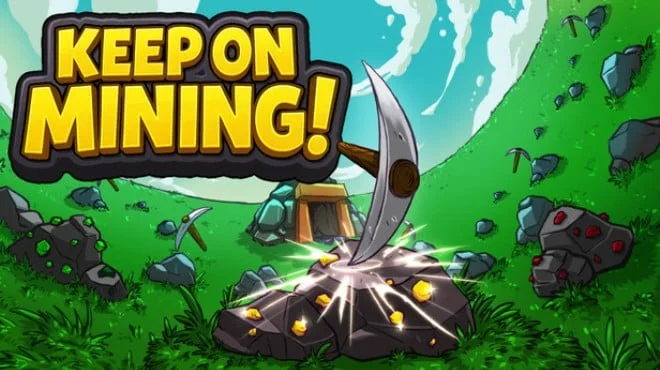
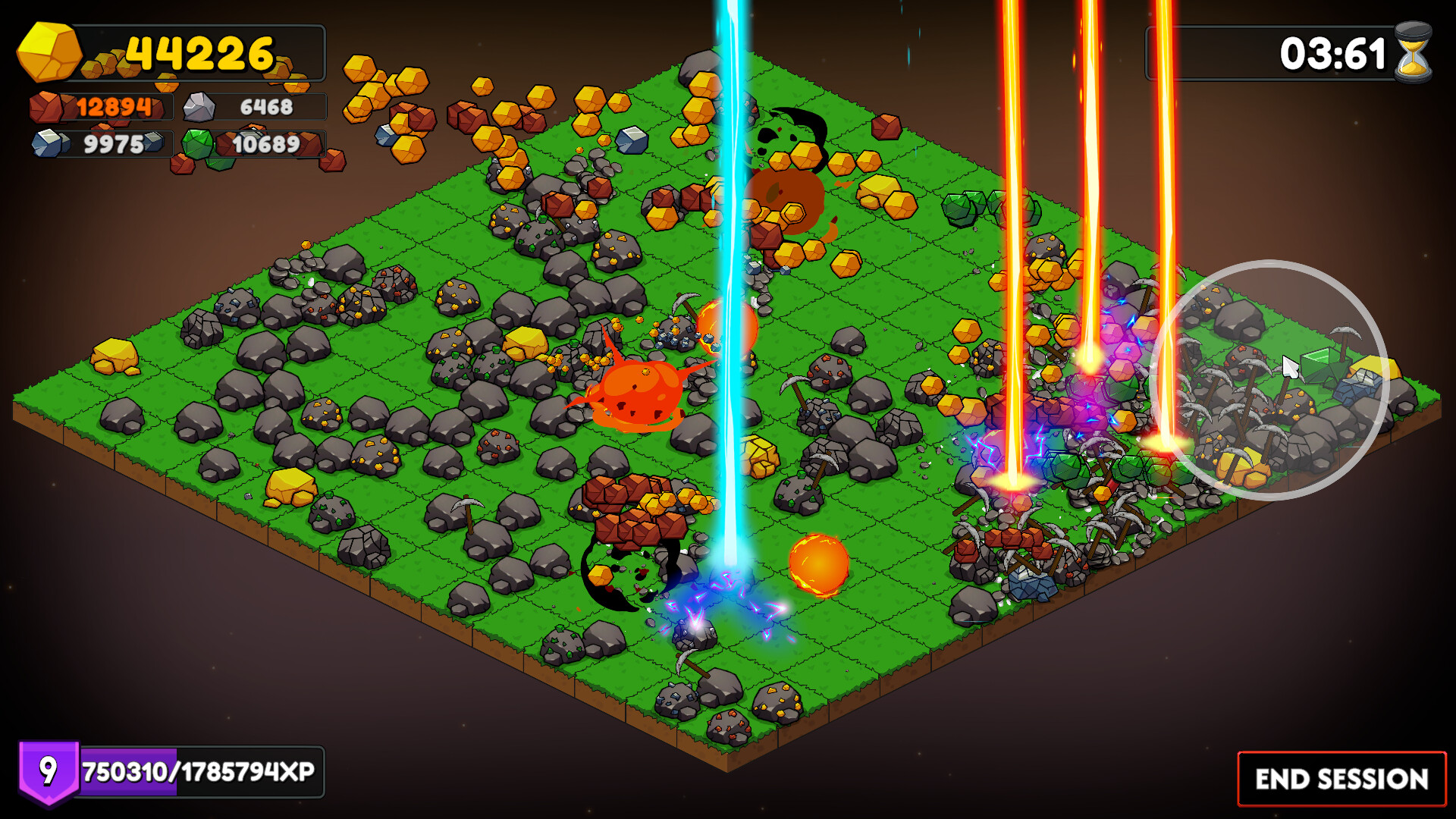
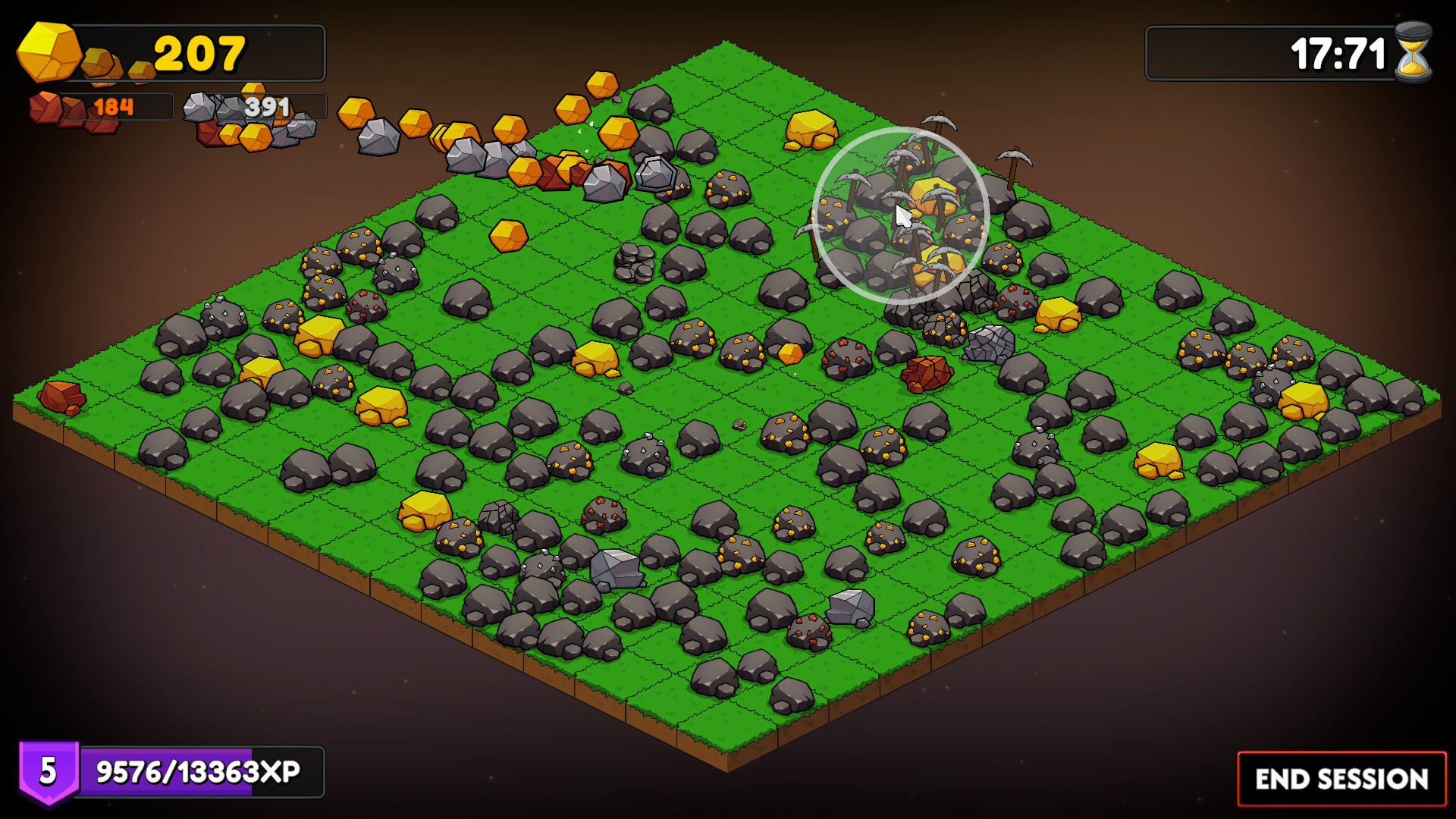
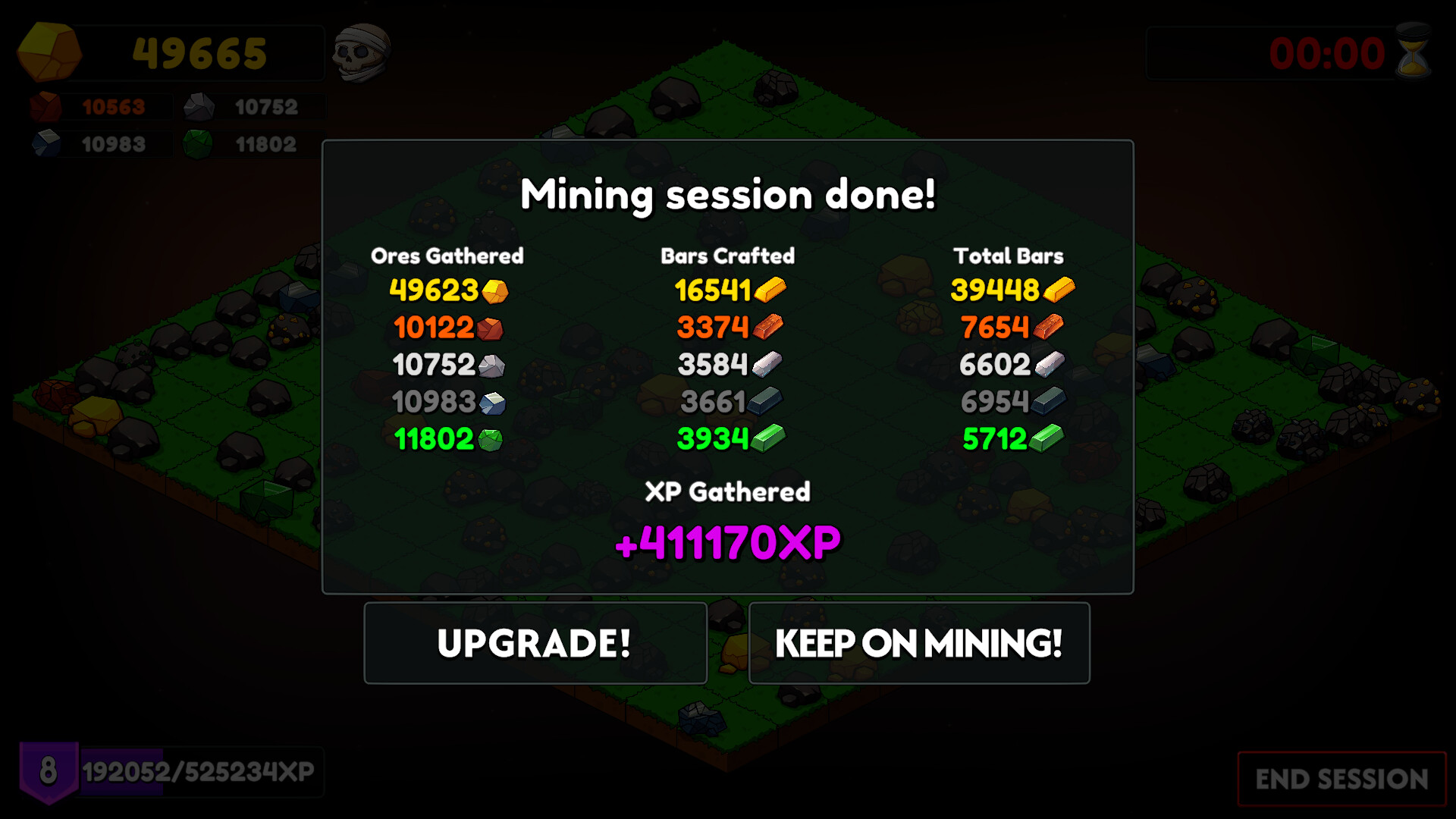
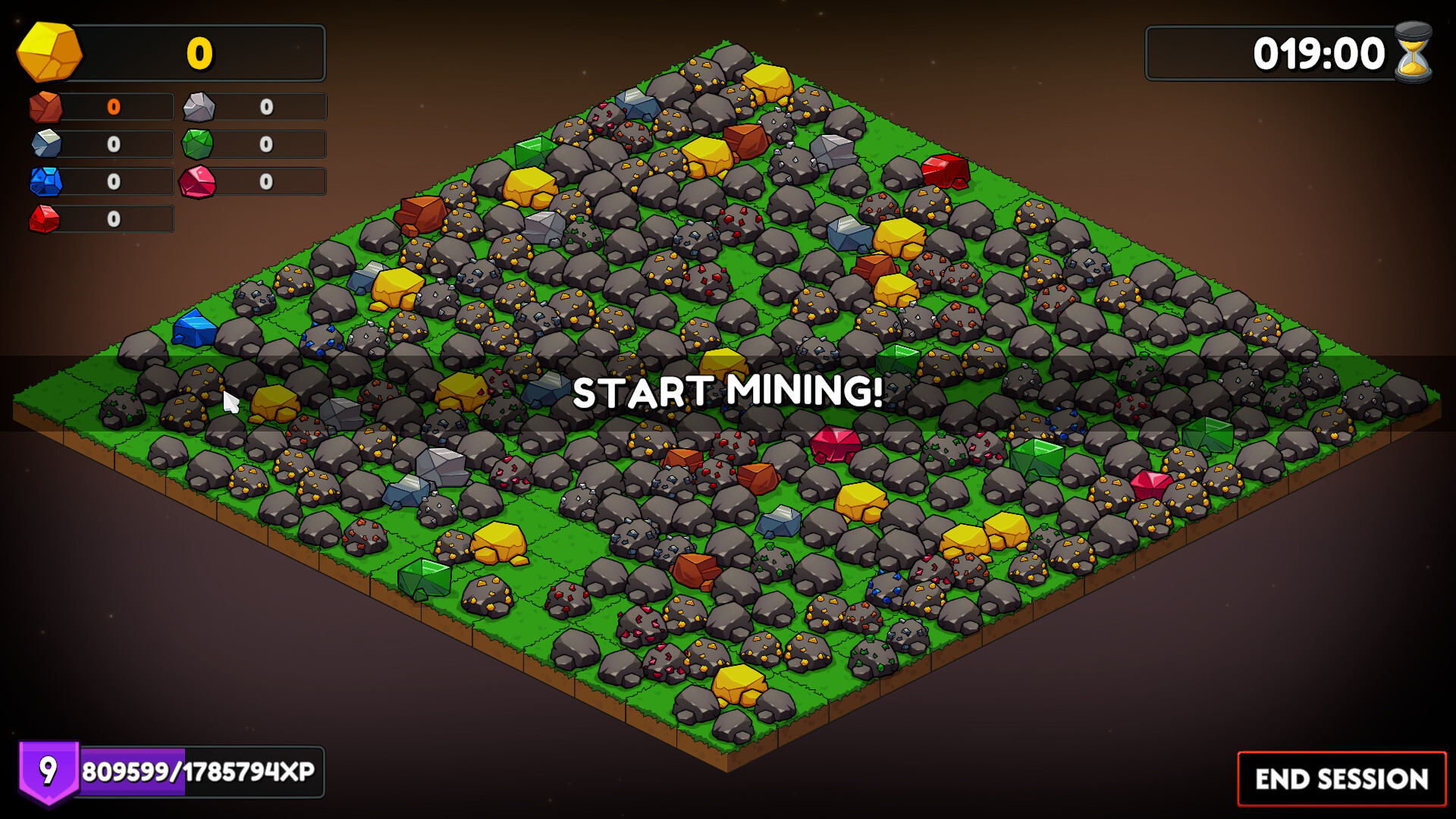
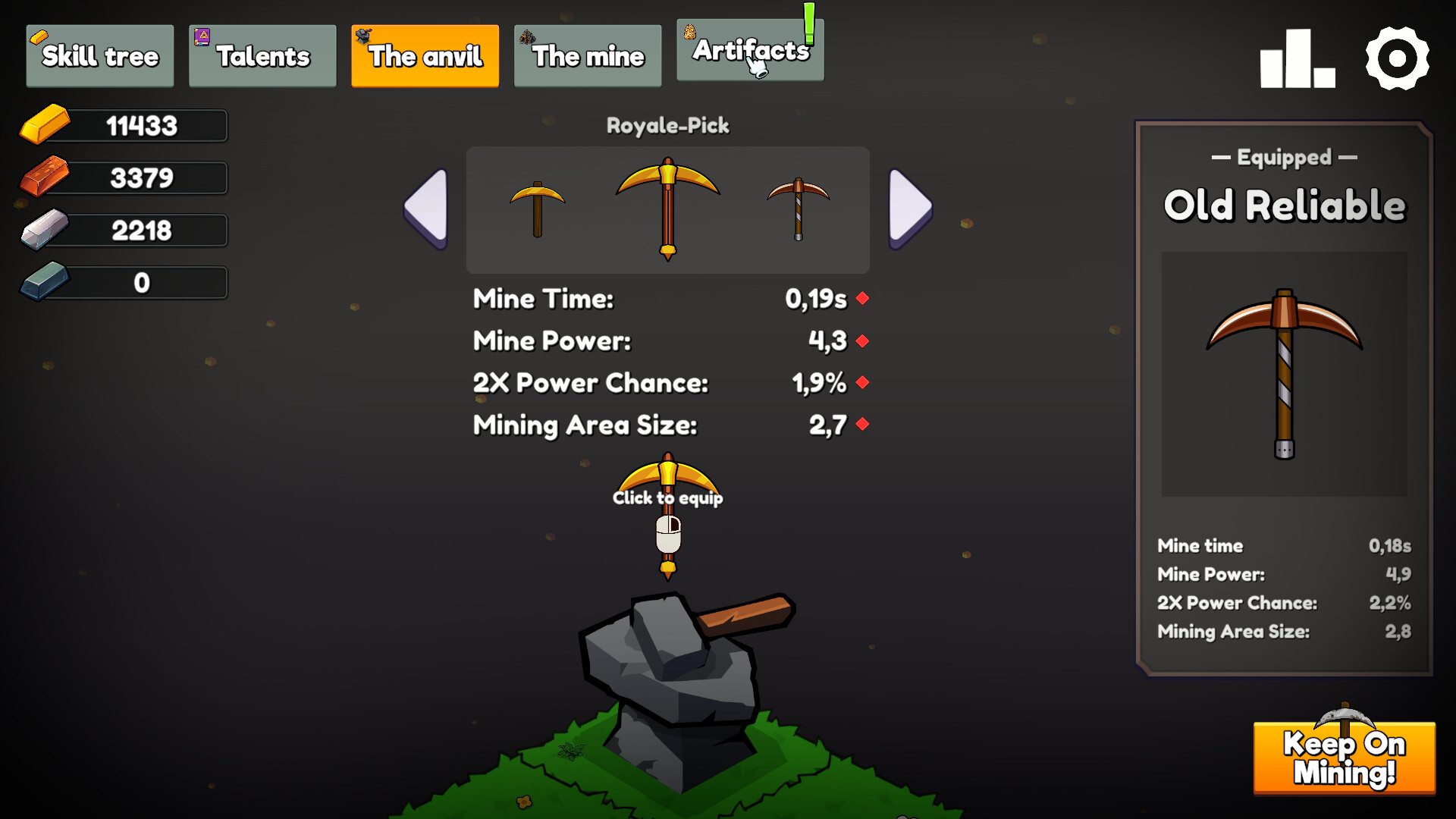
Keep on Mining is an incremental game focused on mineral extraction. Gameplay involves hovering over rocks to trigger an automatic mining process in the area. This action also creates pickaxes, which continue to work independently and strike any rock nearby. Each rock split yields ore, the main component that is later processed into ingots. The entire cycle is built on collecting and converting raw materials, which ensures progression through the project's systems and mechanics.
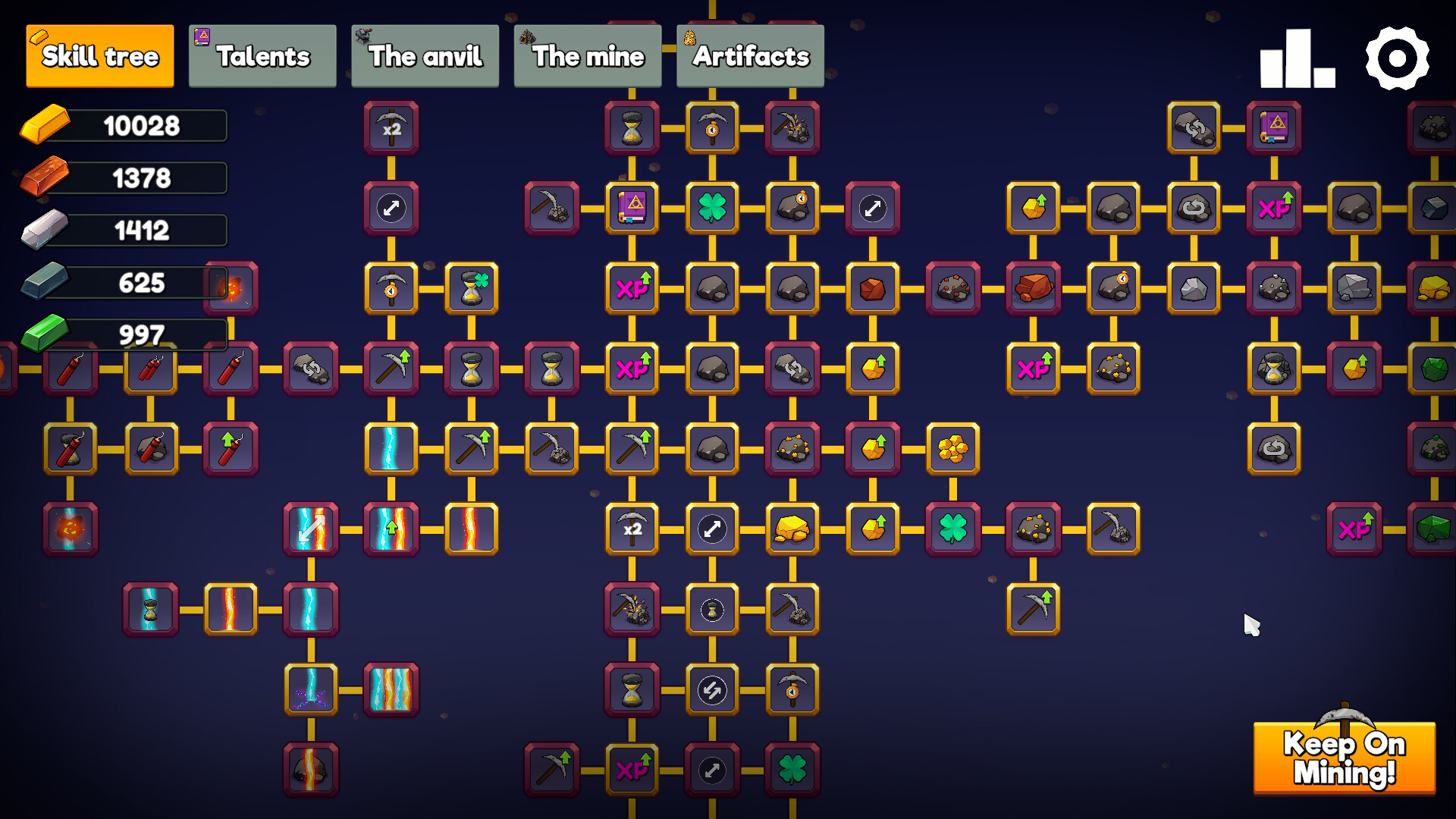
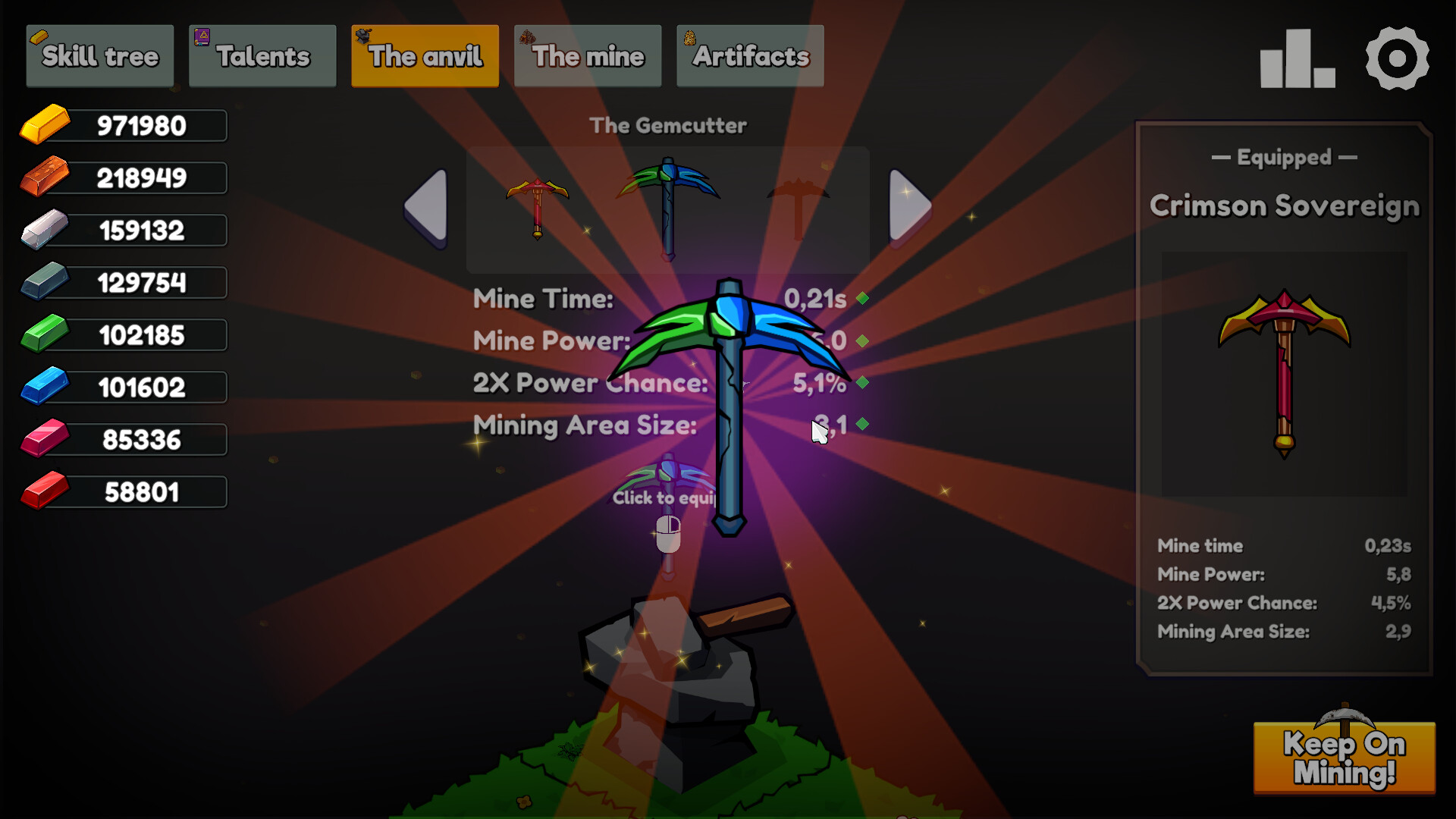
Progression in Keep on Mining depends on the strategic allocation of resources. Crafted bars are spent on activating permanent upgrades in a large skill tree, giving a boost to base stats. These boosts directly increase extraction power and overall efficiency. The player also uses different types of materials to create new pickaxes, where each tool has unique numerical advantages to speed up the work.
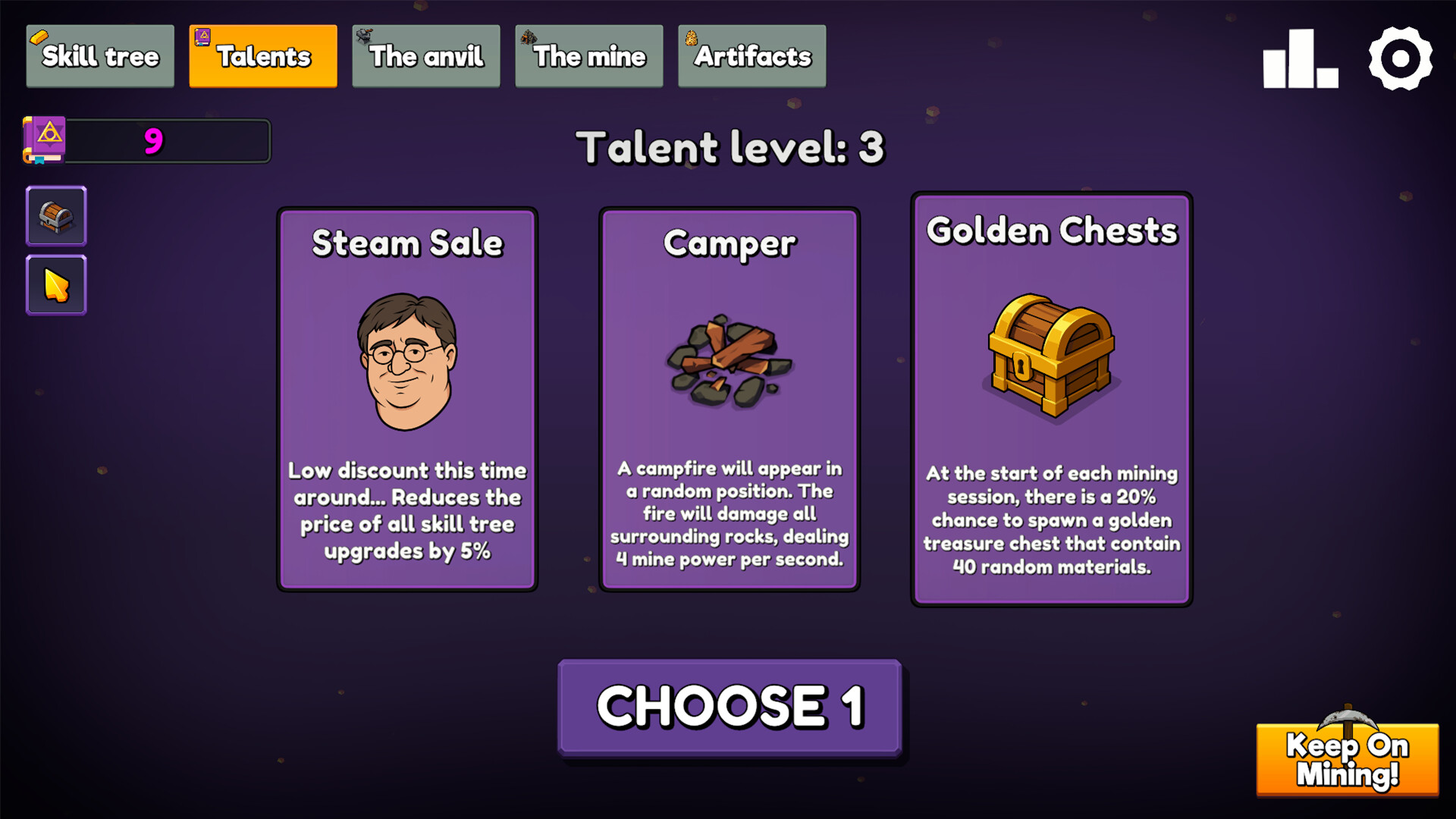
This creates a continuous cycle of improvement: better gear allows you to get more raw materials for subsequent upgrades and crafting equipment. Another system uses skill points earned by leveling up. One point unlocks 3 random talent cards, and the player chooses one of them. The chosen card increases the skill class, but also increases the durability points of all rocks, which is a compromise. Later, the gamer gains access to the Mine, a building that automates the extraction of minerals and the immediate creation of bars for passive accumulation.
System Requirements
Minimum
- OS:
- Windows 10+
- Processor:
- 2Ghz +
- RAM:
- 2048 MB RAM
- Graphics:
- Any Graphics Card
- Storage:
- 400 MB available space
Installation Guide
Step-by-step setup process
-
No installation is needed — this release is fully pre-installed and ready to play, so you can skip setup wizards and long updates entirely.
-
Extract the archive (RAR/ZIP) to a short, Latin-only path like
C:\Games\GameNameusing WinRAR or 7-Zip — and never launch the game from inside the archive, as that is the top cause of launch failures. -
Launch the game via Run Me!.bat (or the main
.exefile) in the game folder. If nothing happens, right-click it and choose Run as administrator.
Game Info
- Developer
- EagleEye Games
- Publisher
- EagleEye Games
- Platform
- PC
- Release Date
- File Size
- 57 MB
- Status
- Not specified
Download Game
Full game 6
Torrent file ready
File checksums (MD5 / SHA-256)
b12632373841c68a59e54be493e86ca3
8a427910e2d6fb669dfb06b21d3dd15fec078b0aec234c8dc1b65ae517539b37
Checksums verify the integrity of this specific file. They are not an absolute malware guarantee — always scan downloaded files.
Cloud mirrors
Patch Notes
Official changelists for the builds of this game
Controller support!
Current
Build 26891888
Controller support!
Current Build 26891888Keep on Mining! update for 29 October 2026
Build 26291469Similar Games Keep on Mining series
2 parts 2025–2026




 This game
Keep on Mining
2025
Reviews and comments
Ratings
4.4 out of 5 132 ratings
The archive stored scores, not text — there is nothing written to read yet.
-Fixed a bug where the Midas Touch golden cursor would not appear. You would get the bonus from the Midas Touch but the golden cursor would not be visible.-Fixed some font issues with the Polish text.