Skip to content

Food Processing Simulator

Free Download for PC · v1.4.09 Build 26801317

Food Processing Simulator
Platform
PC
Release Date
File Size
1005 MB
Downloads
1
Views
5,085
Patch Notes
2
Comments
2
Languages
English, French, Italian, German, Spanish - Spain, Dutch, Hungarian, Indonesian, Japanese, Korean, Polish, Portuguese - Brazil, Portuguese - Portugal, Russian, Simplified Chinese, Traditional Chinese, Turkish, Ukrainian
Added by
Admin

Play modes & compatibility

Play modes

  • Single-player

Compatibility

  • Controller support
Download Game v1.4.09 Build 26801317

Version Status

Current Version
v1.4.09 Build 26801317
Current Build
26801317
Latest Build
26801317
Last Steam Update
Rate & review
4.2 / 5 (130)
Very Positive
88%
363

Screenshots

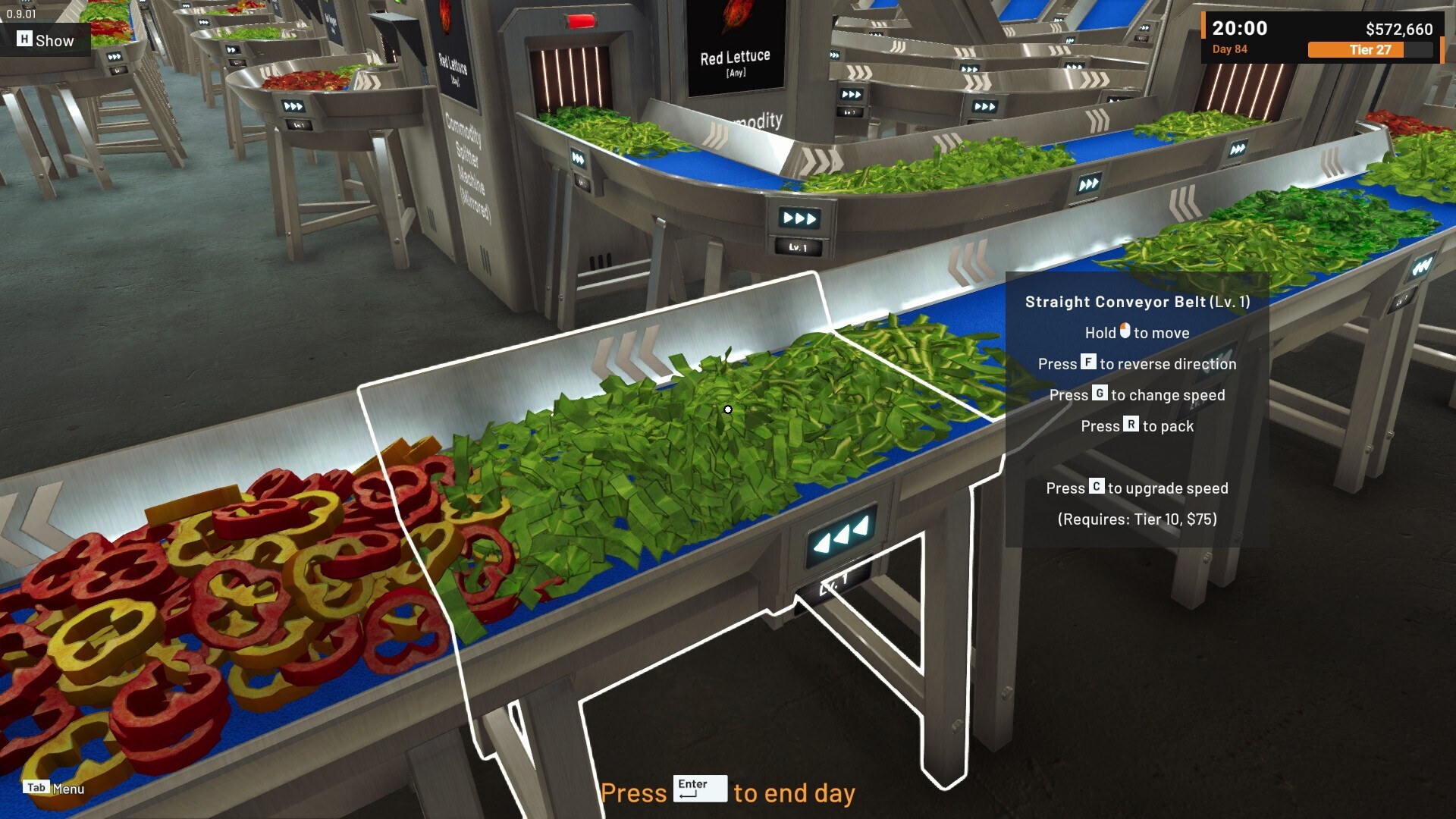
Food Processing Simulator — Screenshots 1
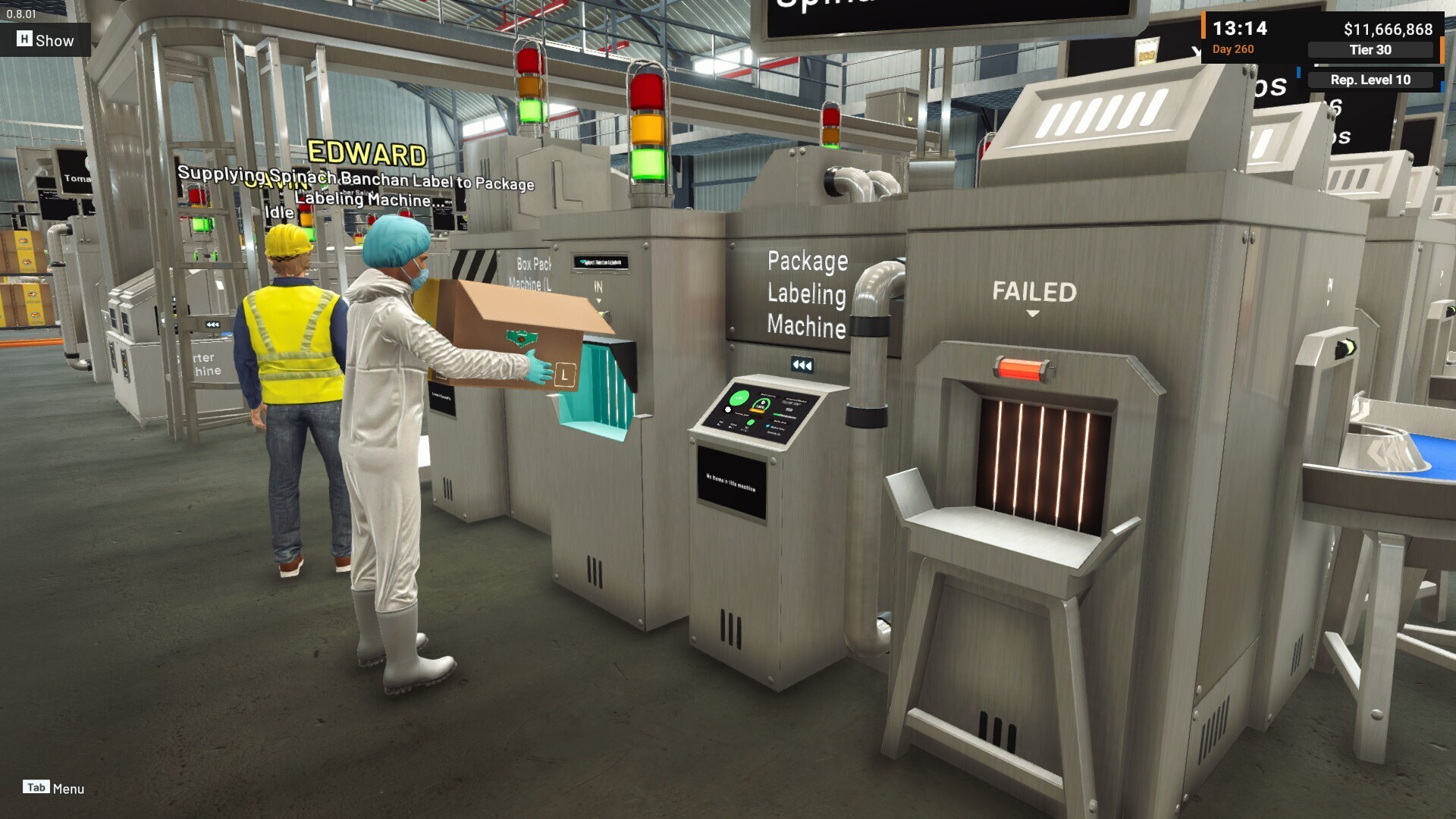
Food Processing Simulator — Screenshots 2
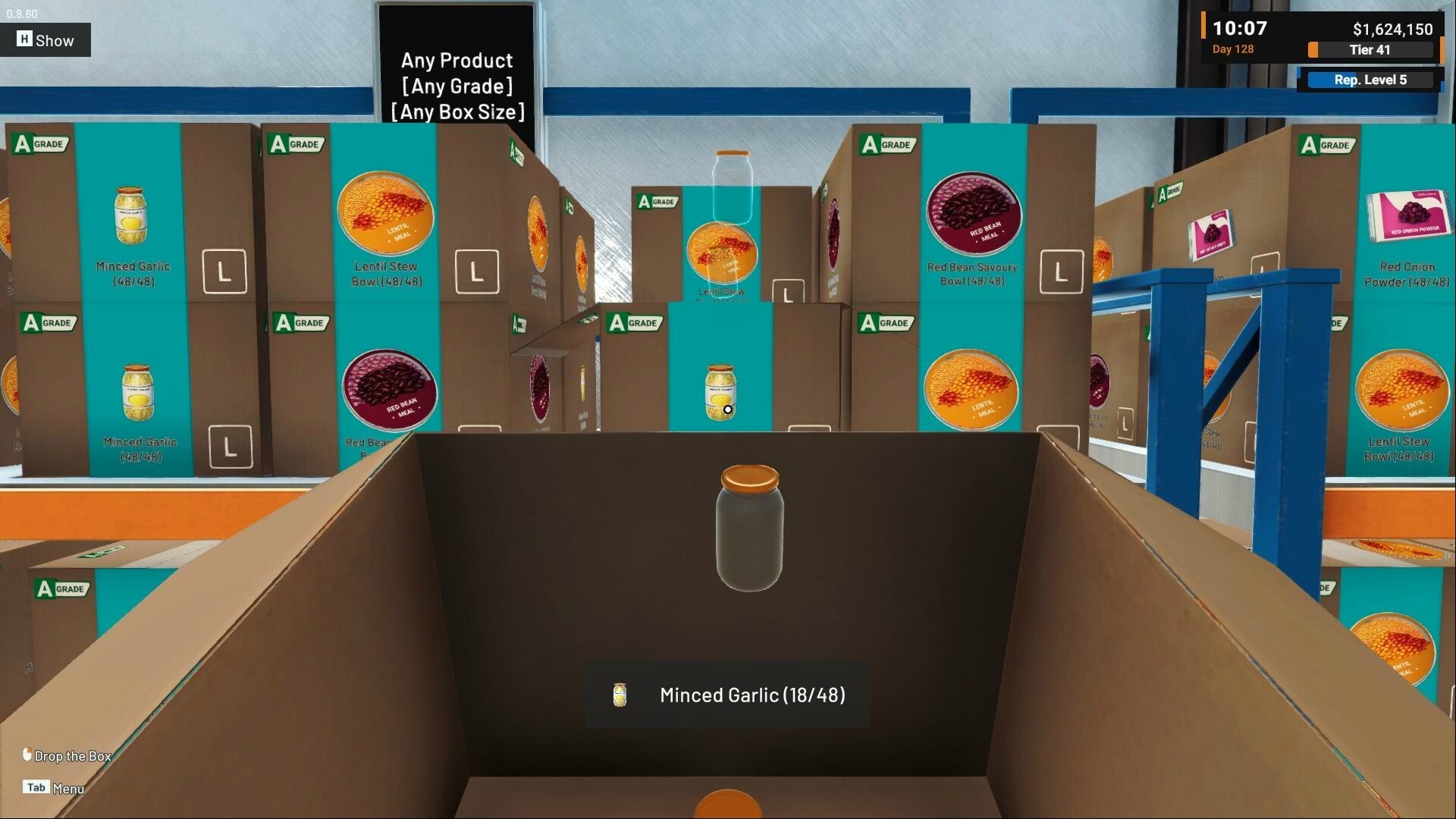
Food Processing Simulator — Screenshots 3
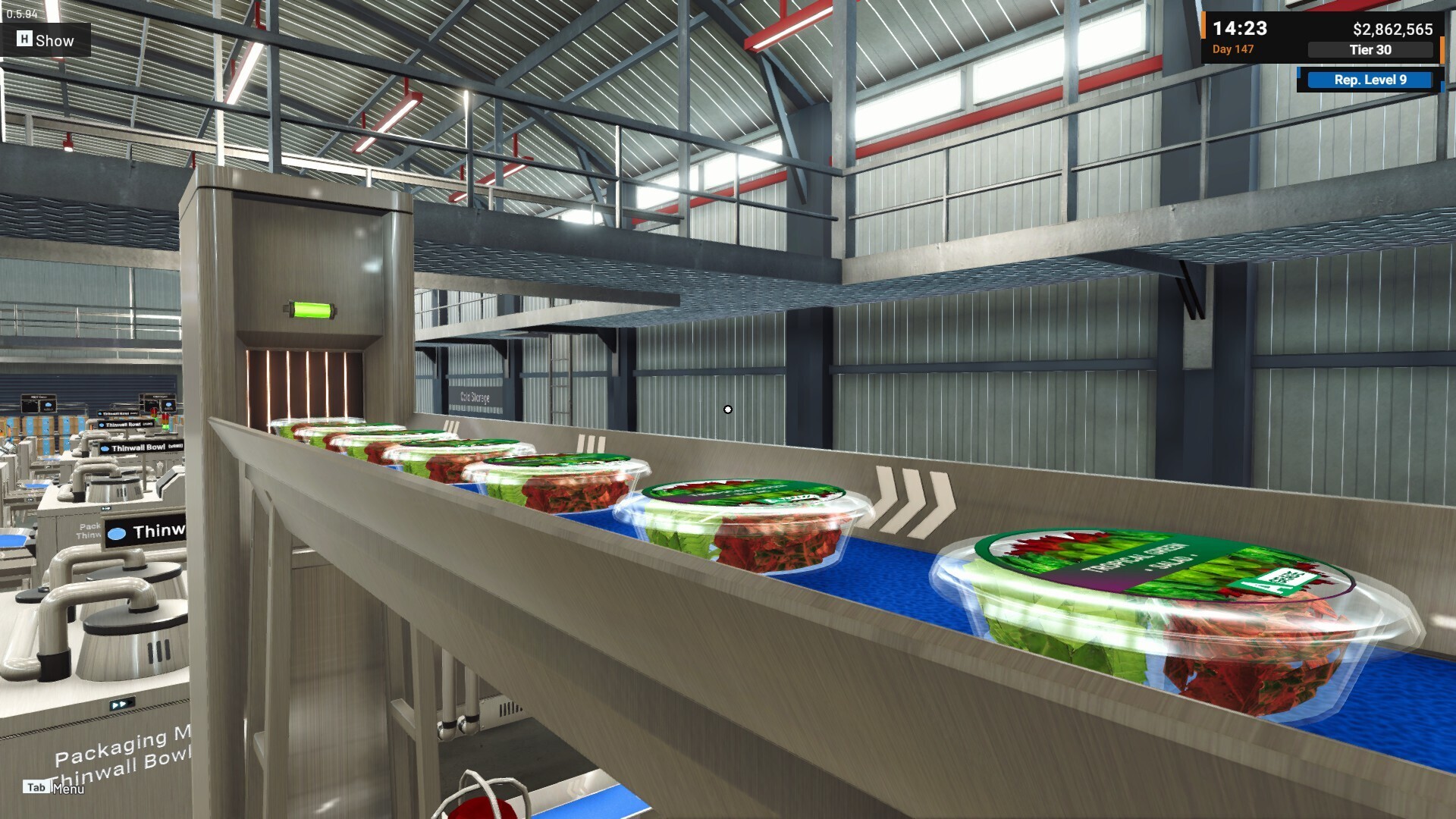
Food Processing Simulator — Screenshots 4
Food Processing Simulator — Screenshots 5
Food Processing Simulator — Screenshots 6
Food Processing Simulator — Screenshots 7
Food Processing Simulator — Screenshots 8

Description

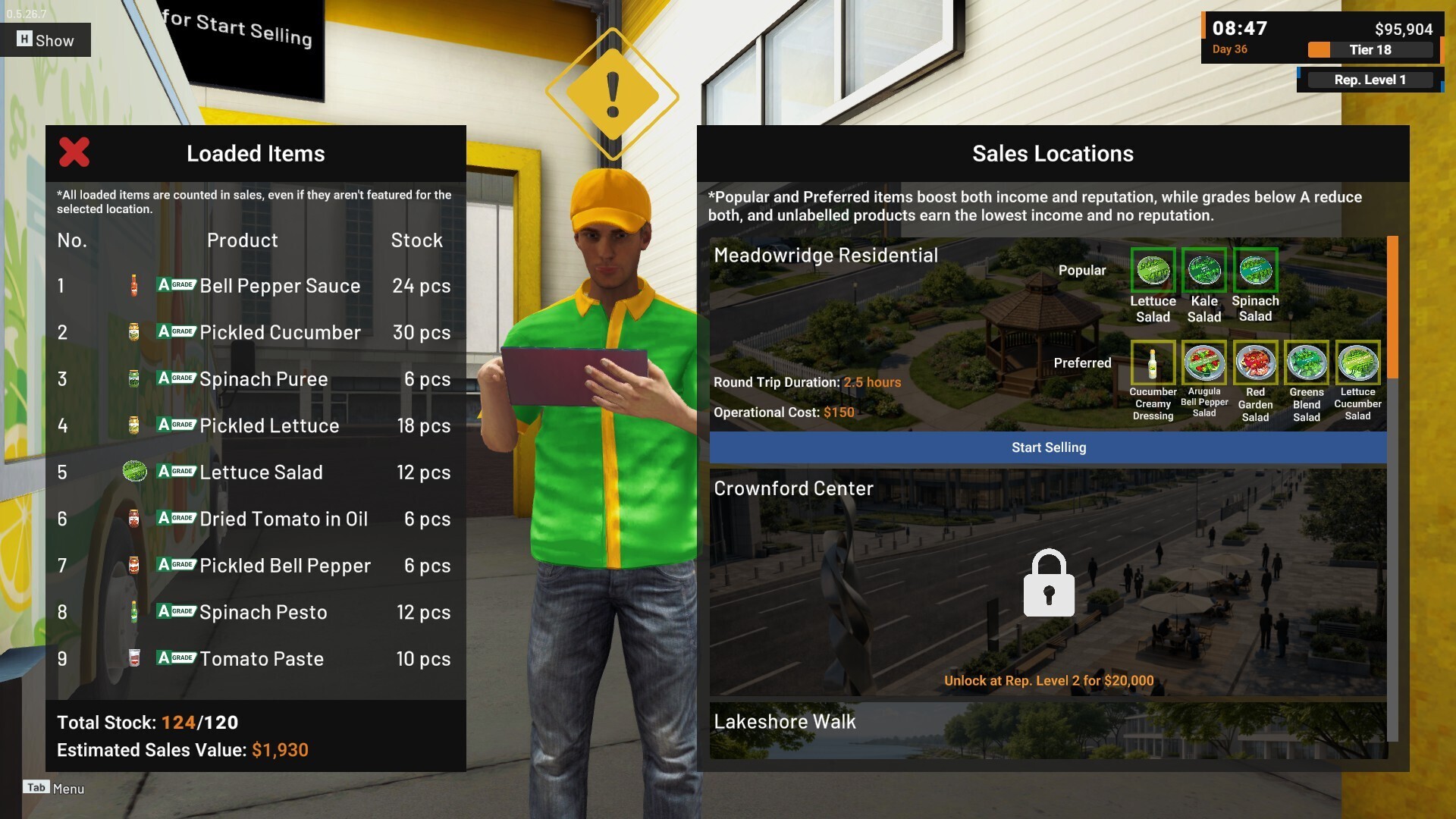
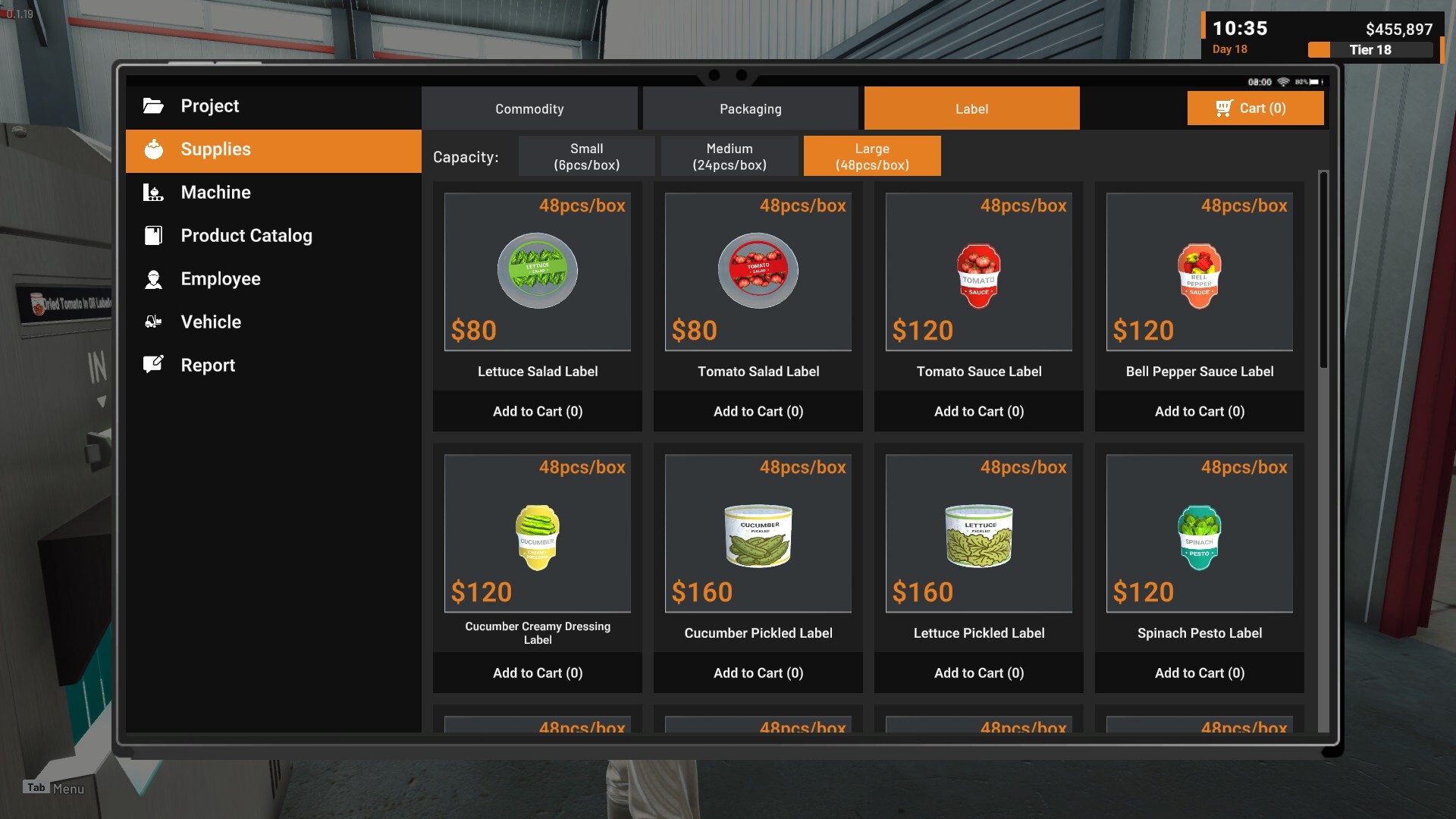
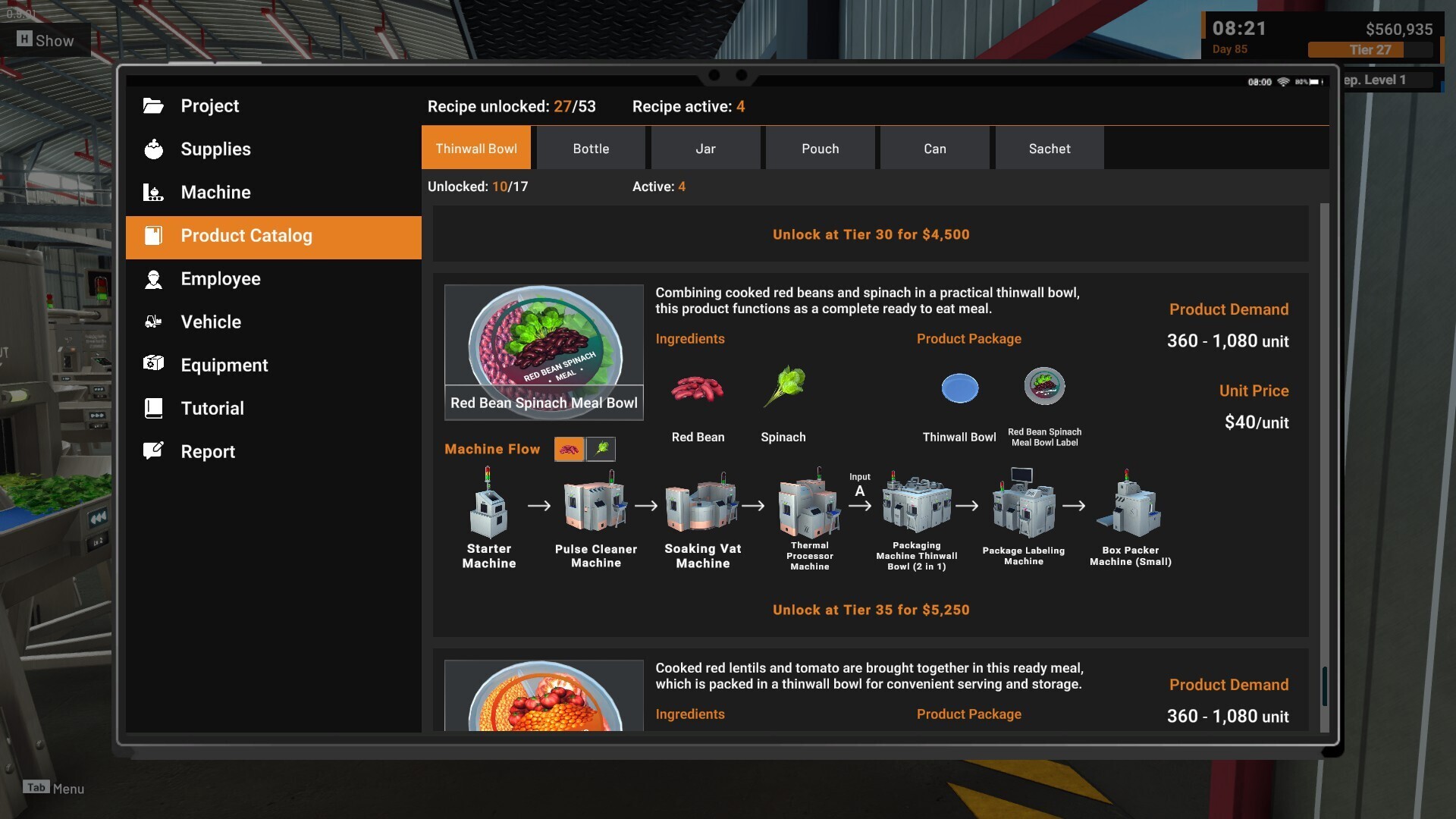
Food Processing Simulator delivers a surprisingly deep industrial Simulation that focuses on the high level complexities of manufacturing and logistical oversight. Rather than just placing machines, players must act as architects of a global supply chain, where every decision impacts the long term viability of their corporate career. Success is built on a foundation of efficient layout design and the meticulous calibration of production rates to meet shifting market demands.

The heart of the experience is rooted in rigorous facility Management. You are tasked with overseeing the delicate balance of operational finance, where profit margins are razor thin and overhead costs for electricity and maintenance are constant pressures. Strategic investments in new technology or larger processing bays are necessary for growth, but they require a careful analysis of your current cash flow to avoid bankruptcy.

Developing a robust corporate strategy involves more than just speed; it requires high level optimization of every conveyor belt and sorter. The game features a comprehensive technological tree where you can invest in automated training modules for your staff and advanced AI for your production lines. These upgrades gradually shift the gameplay from manual intervention to high level systemic supervision, rewarding players who plan several steps ahead.

As an Early Access title, the progression loop is already satisfyingly complex, offering various tiers of food complexity from simple raw sorting to intricate multi stage packaging. Each new product line introduces unique logistical hurdles that test your ability to adapt your existing infrastructure. For a comprehensive look at the detailed financial charts and facility expansion options, we encourage you to review the screenshots and logistics data provided on this page. You can get the latest version of the game today to start building your industrial food empire.

System Requirements

Minimum

OS:
Windows 10 64bit
Processor:
AMD Ryzen 5 1600 / Intel Core i5-8400
RAM:
8 GB RAM
Graphics:
GeForce GTX 970
Storage:
10 GB available space
DirectX:
Version 11
Sound Card:
DirectX compatible

Recommended

OS:
Windows 10/11 64bit
Processor:
AMD Ryzen 5 5600X / Intel Core i5-12400
RAM:
16 GB RAM
Graphics:
GeForce RTX 2060 / Radeon RX 5600 XT
Storage:
10 GB available space
DirectX:
Version 11
Sound Card:
DirectX compatible

Installation Guide

Step-by-step setup process

  1. No installation is needed — this release is fully pre-installed and ready to play, so you can skip setup wizards and long updates entirely.

  2. Extract the archive (RAR/ZIP) to a short, Latin-only path like C:\Games\GameName using WinRAR or 7-Zip — and never launch the game from inside the archive, as that is the top cause of launch failures.

  3. Launch the game via Run Me!.bat (or the main .exe file) in the game folder. If nothing happens, right-click it and choose Run as administrator.

Game Info

Developer
Bewolba Studios
Publisher
Bewolba Studios
Platform
PC
Release Date
File Size
1005 MB
Status
Not specified

Download Game

Full game 6

v1.4.09 Build 26801317 1005 MB Updated 1 day ago
Download Food.Processing.Simulator.v1.4.09.Build.26801317.torrent

Torrent file ready

File checksums (MD5 / SHA-256)
MD5: d8cc369c201011158c792df1507bdaaf
SHA-256: 350147a4d9eadb25ac04ad18c8ca6d7ff7bfc4064958b20018b8c2a4f11816a2

Checksums verify the integrity of this specific file. They are not an absolute malware guarantee — always scan downloaded files.

Cloud mirrors

Patch Notes

Official changelists for the builds of this game

v1.4.09

v1.4.09 - Office Area, New Interactions, and Factory Improvements

Current Build 26801317

Hi everyone, 😄

Thank you very much for all the feedback, reports, and suggestions you continue to share with us.

This update introduces one of our biggest new content additions so far: the Office, a completely new room that gives you another space to customize, organize, and interact with beyond the factory floor.

Alongside the Office, we have also added several improvements for Daily Supplies, Pallet management, repacking, and general factory usability.

With that in mind, here is what is included in this update.


1. The New Office 5

  • A new Office is now available on the second floor, above Cold Storage 3.
  • The Office becomes available at Level 20 and is unlocked separately from the existing factory expansion areas.
  • Before it is unlocked, the room remains closed and its windows appear dark from outside.
  • Once available, the Office provides a dedicated space that can be furnished and customized separately from the main production areas.
  • [carousel][/carousel]

a. Office Delivery and Lighting 4

  • Office items use their own delivery point inside the room instead of being delivered through the factory Supply Drop Areas.
  • This keeps Office customization separate from your normal production logistics and makes newly purchased Office items easier to access.
  • The Office also has its own working light control, allowing the room lighting to be changed without affecting lighting elsewhere in the factory.
  • [carousel][/carousel]

2. Office Furniture and Customization 7

  • This update includes 28 purchasable Office items, covering several categories such as:
  • Furniture

  • Decorations

  • Storage

  • Functional equipment

  • Interactive items

  • Rather than functioning as a fixed room layout, the Office can be arranged based on how you want the space to look and function.

a. Furniture and Decorations 4

  • Furniture and decorative items can be placed throughout the Office to create different layouts and styles.
  • Several furniture surfaces can also be used to place smaller objects, allowing items to be arranged on desks, shelves, tables, and other compatible surfaces.
  • Objects placed on top of another movable object can move together with it, making it easier to reorganize decorated furniture without rebuilding everything from scratch.
  • [carousel][/carousel]

b. Office Partitions 4

  • Office Partitions allow you to divide the room into smaller sections.
  • They use the Office placement grid and can support wall-mounted items, giving you more flexibility when creating your own room layout.
  • When a Partition is moved, compatible wall items attached to it can move together with the Partition instead of being left behind.
  • [carousel][/carousel]

c. Personal Photos 4

  • The Office also includes photo customization.
  • You can use your own screenshots in supported photo frames and the polaroid-style photo board, allowing the Office to display moments from your own factory.
  • Photos are selected from your screenshot gallery rather than through a separate in-game Photo Mode.
  • [carousel][/carousel]

3. Office Connected to Your Factory 2

  • The Office is not only a decorative space.
  • Several Office items are connected directly to information and events happening elsewhere in your factory.

a. Wall Clock and Whiteboard 2

  • The Wall Clock follows the current in-game time.
  • The Whiteboard can display Daily Report information, giving the Office another way to keep track of factory activity.

b. Desk Phone 3

  • The Desk Phone can react to events such as new Project offers or payments becoming available.
  • Interacting with the phone provides a direct connection to the related Project information.
  • [carousel][/carousel]

c. Printer 3

  • The Printer can also react to factory events, including payments becoming ready or truck-related activity.
  • Printed paper can then be physically interacted with inside the Office, making the item more than a static decoration.
  • [carousel][/carousel]

4. Office Activities 1

  • The Office also includes several interactive activities for players who want something to do away from the production floor.

a. Dartboard 1

  • The Dartboard provides an aiming-based activity and keeps track of your results.

b. Mini Basketball 2

  • The Mini Basketball setup lets you take shots using the same general aiming interaction and track your performance.
  • [carousel][/carousel]

c. Foosball 4

  • The Foosball Table includes its own challenge with score tracking, adding another activity that can be placed inside the Office.
  • [carousel][/carousel]
  • These activities are designed as optional interactions and do not affect factory production or progression.

1. Quick Buy for Daily Supplies 2

  • The Daily Supplies panel now includes a new Quick Buy option.
  • This allows you to purchase the currently configured Daily Supplies list immediately instead of waiting for the next day.

a. Buy the Current List Now 3

  • Quick Buy uses the Daily Supplies list currently shown in the panel and purchases it immediately.
  • Using Quick Buy does not replace or cancel the normal Daily Supplies schedule.
  • Your configured Daily Supplies will still be ordered normally at the next scheduled day change.

b. Sell Leftovers First 5

  • If the Supply Drop Area still contains eligible leftovers, Quick Buy can take those into account before making the purchase.
  • The confirmation can show how much money can be recovered by selling eligible leftovers first.
  • If your current money is not enough to complete the purchase, the panel can also indicate whether selling those leftovers would provide enough money to cover the difference.
  • This makes it easier to clean up the previous supply delivery and immediately use the recovered money toward the next purchase.

2. Pallet Loading Cutoff Information 5

  • We have added clearer information about when Employees stop filling Pallets near the end of the shipping period.
  • Previously, a partially filled Pallet could make it appear as though an Employee had stopped working without explanation.
  • The game now explains that after a certain time, Employees stop adding Boxes to Pallets and begin loading Boxes directly onto the truck instead.
  • Pallets that already contain Boxes can still be delivered by Forklift even if they are not completely full.
  • This information is now available in:

Pallet Settings (Employee Settings when interacting with Pallet Generator)The related Tutorial 3

  • The Employee Task Information

  • The underlying Employee behavior has not changed. This update makes the existing behavior clearer to the player.
  • [carousel][/carousel]

3. Faster Repacking for Empty Machines and Equipment 5

  • Repacking empty Machines and Equipment now requires one less step.
  • If the object being repacked contains no production items, Labels, Packaging, or other stored contents, it can now be repacked directly without showing an unnecessary confirmation dialog.
  • Objects that still contain items will continue to show the confirmation warning as before.
  • This keeps the warning where it is useful while making simple factory rearrangement faster.
  • [carousel][/carousel]

1. Surface-Based Footstep Audio 3

  • Footstep sounds now respond to the surface the player is walking on.
  • Different surfaces, such as the factory's metal areas and the Office flooring, now produce more appropriate footstep sounds as you move between them.

2. Contextual Control Legend 8

  • The control legend in the lower-left corner of the screen now appears more contextually.
  • Actions are only shown when they can actually be used, reducing cases where the interface displayed an interaction that was not currently available.

  • Thank you again for your continued support, feedback, reports, and suggestions.
  • The Office gives us a new type of space in Food Processing Simulator: one that can be personalized and interacted with while still staying connected to what is happening throughout your factory.
  • We will continue expanding the game while also improving existing factory management and quality-of-life systems.
  • If you encounter any issues or unexpected behavior, please report them through the in-game Bug Report Menu and/or the Steam Discussions so we can investigate further.
  • See you in the next update! 🥗🚚

Source: Steam announcement SteamDB

v1.3.26

v1.3.26 - Employee Coordination, Vendor Truck Info, and Performance Improvements

Build 26634937

Hi everyone, 😄

Thank you very much for all the requests, reports, feedback, and suggestions you continue to share with us through the community.

Many of the changes in this update were made in response to requests and reports from the community. As with every request, we review how it can fit into Food Processing Simulator and adjust the implementation based on the feasibility of the existing systems, gameplay flow, and technical structure.

This update includes a major performance pass for larger saves, more flexible Vendor Truck controls, easier empty Box cleanup, Employee task improvements, and several smaller quality-of-life changes.

With that in mind, here is what is included in this update.


1. Large Save Performance Improvements 2

  • Following community reports and save files shared by players experiencing slower performance in larger factories, we reviewed several systems that become heavier as a save grows.
  • The implementation focused on areas where optimization could provide meaningful improvements without changing how your factory or save data is expected to work.

a. Faster Large Save Loading 4

  • Loading has been optimized, particularly for larger saves containing many Boxes.
  • In our like-for-like testing with a large late-game save, loading was approximately 16% faster after these changes.
  • One of the areas receiving the most work was Box loading. Several unused parts of the Box setup were removed and other loading processes were streamlined, reducing unnecessary work when rebuilding a large factory from a save.
  • Actual results can vary depending on your save size, number of Boxes, factory layout, and active systems.

b. Saving Improvements 2

  • Saving has also been streamlined to reduce unnecessary processing.
  • Several parts of the save process now avoid rebuilding or rewriting information when it is not needed, helping reduce the amount of work performed during manual saves and other save-related moments.

c. Faster Return to Main Menu 4

  • Returning from gameplay to the Main Menu has also been optimized.
  • This is especially useful for larger saves containing many Boxes, where unloading the factory previously required more processing before the Main Menu could appear.
  • Several background errors that could occur while leaving gameplay have also been addressed as part of this work.

2. Vendor Truck Product Selection Improvements 2

  • The community has also requested more flexible ways to configure Vendor Truck loading without manually selecting every individual product.
  • We adapted this request around the existing Sales Location system so the Employee can make product selections based on the destination the truck is actually serving.

a. Any Popular Product and Any Preferred Product 1

  • Two new options are available in the Vendor Truck product menu:

Any Preferred Product 5

  • When used, the Vendor Truck Loader can collect eligible products based on what is currently considered Popular or Preferred at the selected Sales Location.
  • The existing menu priority still applies. Entries are processed in their configured order, and Employees continue to prioritize nearby eligible Boxes within each entry.
  • Because these selections depend on destination information, they require a Sales Location to be selected.
  • If either option is configured while the truck is still using a manual trip without a Sales Location, the settings cannot be accepted and the panel will explain why.
  • [carousel][/carousel]

b. Sales Location Information 3

  • Based on community requests for clearer destination information while configuring Vendor Trucks, an information button is now available beside the Sales Location selection.
  • This allows you to open the selected Sales Location information directly from the Vendor Truck settings without leaving the panel.
  • [carousel][/carousel]

3. Vendor Truck Departure Reminder 6

  • Another community request was for clearer warning before a Vendor Truck misses its departure window.
  • Vendor Trucks can depart between 08:00 and 18:00.
  • At 17:00, the game will now display a reminder if any Vendor Trucks already contain cargo but have not yet departed.
  • The notification lists the affected truck numbers and reminds you that they will no longer be able to depart after 18:00.
  • We implemented the reminder one in-game hour before the cutoff so there is still time to review the truck and dispatch it, including through the tablet.

1. Remove Empty Boxes 10

  • The community has requested a faster way to clean up empty Boxes without needing to carry each one back to another location.
  • To keep the interaction consistent with the existing Box selling system, empty Boxes now use the same action with a different purpose.
  • An empty Box will show Remove instead of Sell.
  • Removing an empty Box:
  • Does not provide money

  • Does not require confirmation

  • Does not count as sales income

  • You can also press and hold Remove to remove multiple nearby empty Boxes of the same Box size at once.
  • This follows the same bulk interaction pattern already used for selling similar Boxes.
  • [carousel][/carousel]

2. Employee Task Coordination Improvements 9

  • Several community reports described Employees competing for the same destination, stopping Vendor Truck workflows, or taking more Boxes than necessary.
  • We reviewed how Employee tasks coordinate with one another and adjusted several parts of the system while keeping the existing Employee roles and workflow intact.
  • Employees should now behave more reliably in several situations:
  • Two Employees should no longer compete for the final available space on the same Rack.

  • Employee task reservations should no longer leave a Vendor Truck waiting because a previous Box task was never properly released.

  • Boxes already being carried toward a Project delivery are now considered before another Employee takes additional Boxes.

  • Cold Storage Racks using packaging group focus can now be selected correctly by Employees.

  • These changes are intended to reduce unnecessary Box drops, idle behavior, and duplicate work between Employees.

3. Machine Management Level Badge 3

  • The community has also requested clearer information about how far a Machine can still be upgraded.
  • Machine cards in Machine Management now display both the current level and maximum level.
  • For example:

Lv. 1/10 2

  • This makes it easier to see the remaining upgrade progression directly from the Machine card.

4. Machine Placement Grid 7

  • Based on community requests for clearer Machine alignment and layout planning, a floor grid is now displayed while placing a Machine.
  • The grid provides a clearer reference for spacing and alignment, especially when building larger production lines or arranging several Machines next to each other.

  • Thank you again to everyone in the community who continues to send us requests, suggestions, reports, and save files.
  • Community feedback helps us identify not only which parts of the game need attention, but also where existing systems can be expanded or adjusted. We may not always be able to implement a request exactly as originally suggested, but we will continue reviewing each idea and adapting it based on what is feasible and works best with the systems already in Food Processing Simulator.
  • If you encounter any issues or unexpected behavior, please report them through the in-game Bug Report Menu and/or the Steam Discussions so we can investigate further.
  • See you in the next update! 🥗🚚

Source: Steam announcement SteamDB

Reviews and comments

Ratings

4.2 out of 5 130 ratings

The archive stored scores, not text — there is nothing written to read yet.


  1. This update focuses on three big areas:Expanding progression with a higher tier cap and new packaging machinesGiving more control over projects and loading zonesMaking starter production and loading operators more predictable and configurable


  2. 1. Project Updates: Quick vs Contract, Force End Day, and Clearer IconsWe received a lot of feedback that many players prefer projects where the truck arrives on the same day (Quick Projects) instead of projects that require waiting several days (Contract Projects). To address this, we have made several changes:Force End Day information in the Project MenuThe Force End Day feature has actually been available in the Pause Menu. It lets you end the workday early if your stock is ready for a future Contract Project, so you can skip ahead to the day when that truck arrives.The tradeoff stays the same: every day that passes causes all product that is not inside Cold Storage or a Container Truck to lose one grade level.To make this feature more visible, information about Force End Day is now shown at the top of the Project menu, so players understand that this is a valid strategic option.Combination of Quick and Contract Projects after Tier 4Once you reach Tier 4, each day will now offer two projects:One Quick Project, where the truck arrives on the same day.One Contract Project, where the truck arrives after a preparation period.This way, you can decide whether you want a short-term task with immediate action or a longer contract with different scale and pacing.Distinct icons for Quick and Contract ProjectsTo make things readable at a glance, Quick Projects and Contract Projects now use different icons. You can tell the type of project simply by looking at the icon, without needing to open the details every time.  2. Shelf and Cold Storage RulesA bug allowed players to move shelves out of the Cold Storage area, even though shelves were originally intended to stay inside Cold Storage only.Seeing how players experimented with this, we have adjusted the behavior:You can now move shelves, but only within the Cold Storage area.Shelves can no longer be pulled out into other zones, but you gain more flexibility to rearrange them inside Cold Storage to match your layout and stock management needs.Some of the community ideas about using shelves for other purposes have been noted. Those ideas will be considered for future updates with proper design, rather than relying on a bug. 

Share your experience

Help other players know what to expect.

Rate this game Your rating (optional) Log in to rate
0 / 1000

Adding a rating makes your post a review.

Please follow our community standards. Read the community rules

More from Bewolba Studios

All games by Bewolba Studios