
Rune Dice
Free Download for PC · v1.3.1




- Platform
- PC
- Release Date
- File Size
- 577.77 MB
- Views
- 1,577
- Patch Notes
- 1
- Comments
- 0
- Languages
- English, French, German, Spanish - Spain, Japanese, Portuguese - Brazil, Korean, Russian, Simplified Chinese, Traditional Chinese, Ukrainian
- Added by
- antonella.lami Newcomer
Version Status
- Current Version
- v1.3.1
- Current Build
- 25813776
- Latest Build
- 25813776
- Last Steam Update
- Rune Dice Soundtrack
Game trailer: Rune Dice
Screenshots
Description
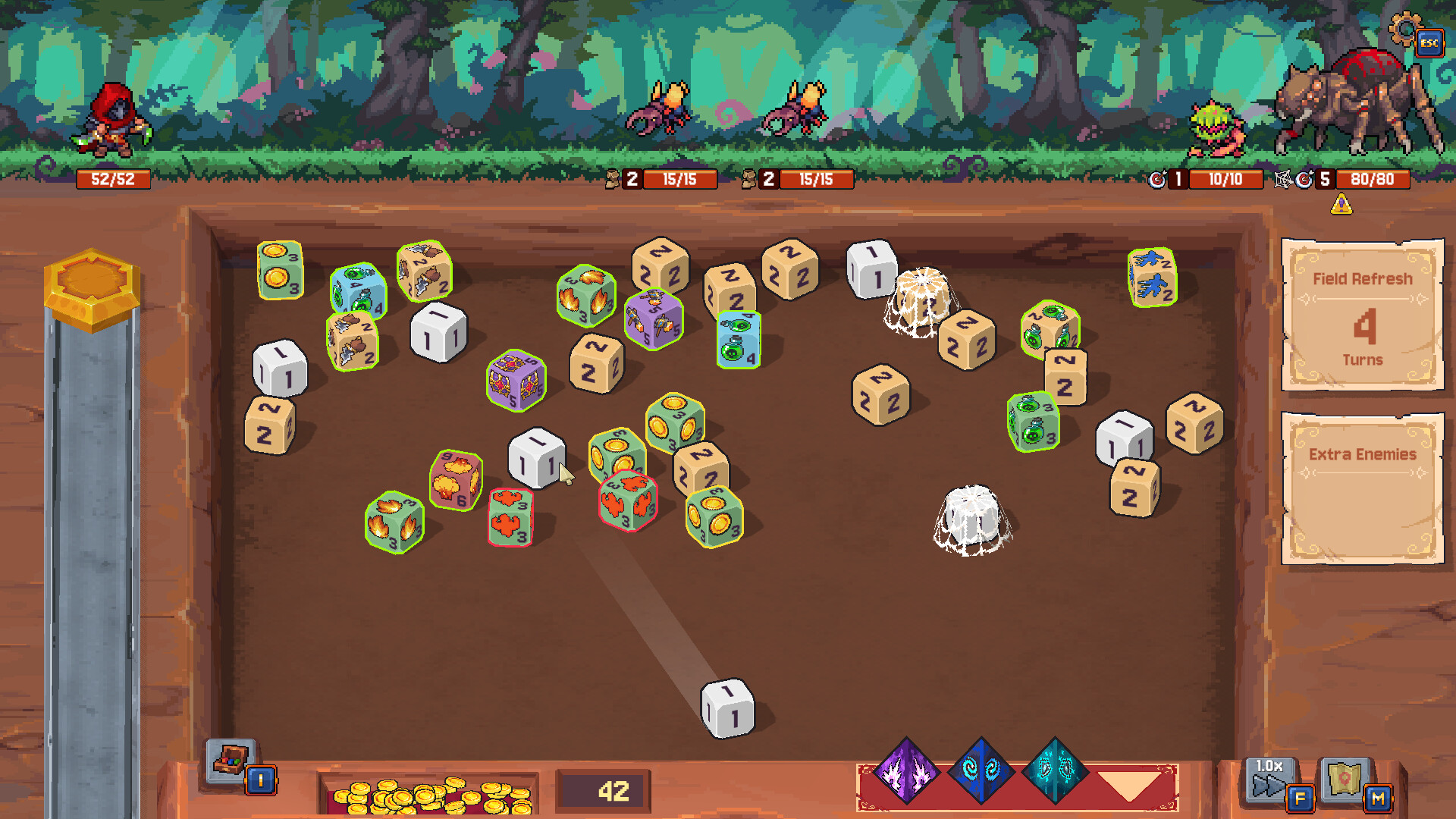
Rune Dice challenges you to build the ultimate dice pool in a tactical RPG where every roll can change the course of battle. Developed by Smart Raven Studio and published by Kwalee for release in 2026, this RPG strategy action game puts you in the role of a dice mage who must master the art of rune carving. You start with a basic six sided die, but as you progress, you unlock new dice faces, elemental affinities, and special powers. Combat is turn based but fast, you roll your pool of dice, match symbols for attacks, and combine elements for devastating combos. The twist is that your dice can be permanently upgraded or even shattered in high risk battles.
About This Game
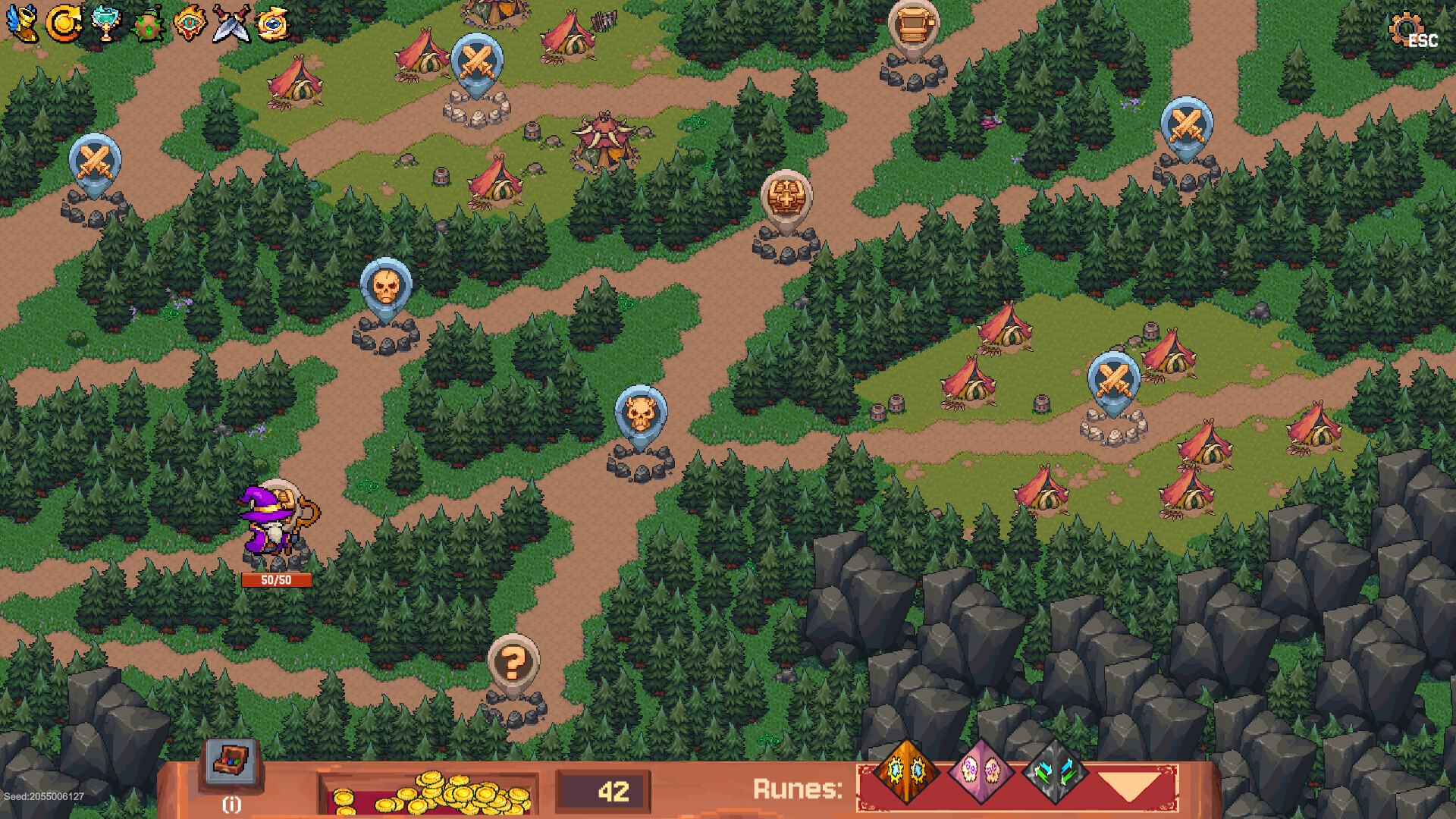
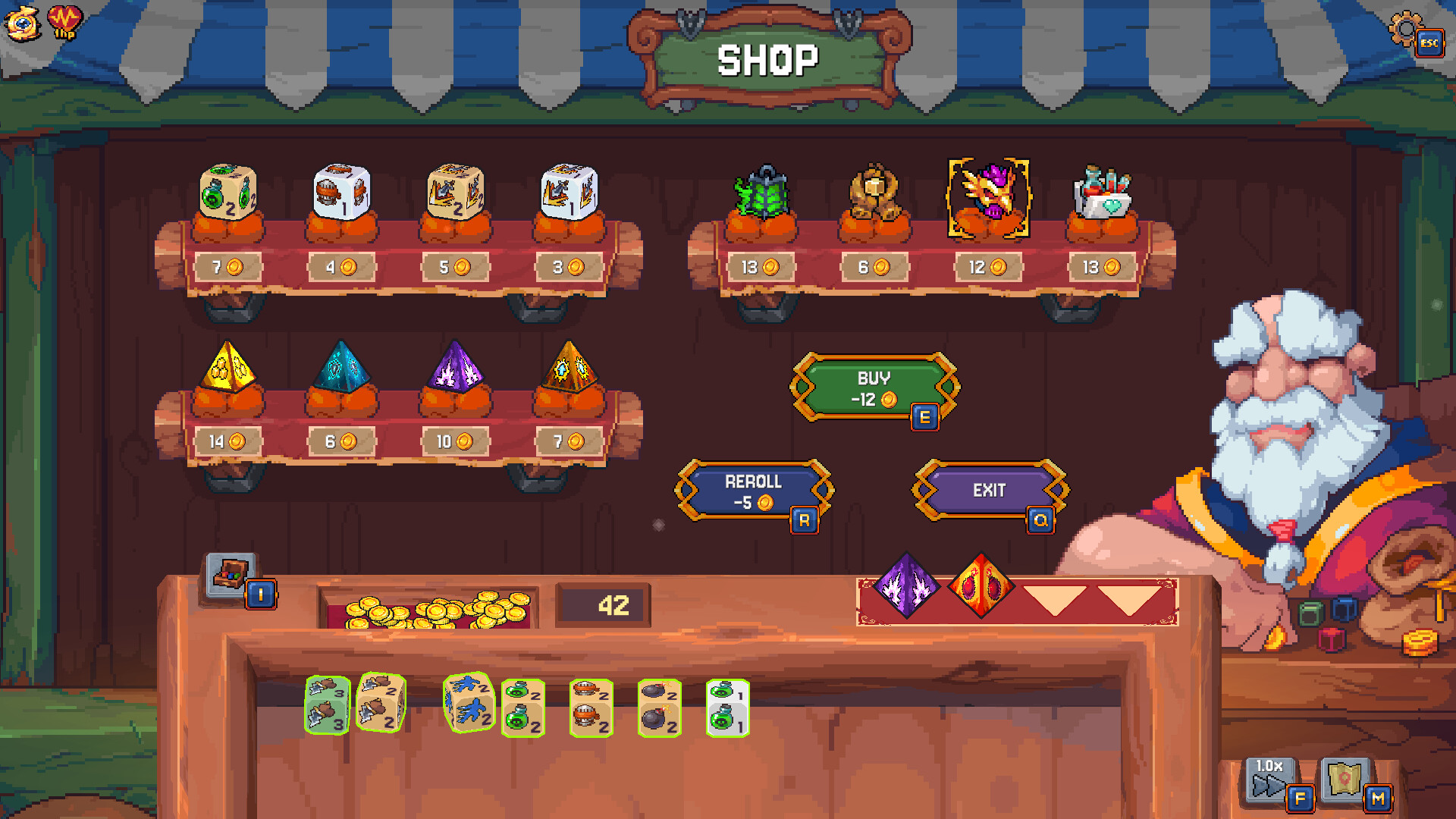
The latest version of the game introduces a roguelite dungeon mode where each floor offers a choice of new dice or modifiers, but failure resets your pool. RPG depth includes a skill tree for die carving, allowing you to specialize in fire, ice, lightning, or physical damage. Strategy comes from choosing which dice to bring into battle, balancing offense, defense, and utility. Action is driven by the thrill of a good roll, with critical hits and fumbles adding unpredictability. You can also craft custom dice by combining runes found in hidden chests. For fans of deckbuilding roguelites and dice games, you can download the game on PC and mobile.
Key Features
- Roguelite dungeon mode added in latest version dice upgrades, risk of reset
- Dice carving skill tree specialize in fire, ice, lightning, or physical
- Elemental combo system match symbols for devastating effects
- Permanent dice upgrades and shatter risk high stakes decisions
- Craft custom dice combine runes from hidden chests
- Turn based tactical combat but fast paced
- Critical hits and fumbles add exciting randomness
- Cross platform saves between PC and mobile
System Requirements
Minimum
- OS:
- Windows 10
- Processor:
- Intel Core i5-4440 or AMD FX-6300
- RAM:
- 4 GB RAM
- Graphics:
- Nvidia GeForce GT 730, AMD Radeon R7 240
- Storage:
- 1 GB available space
- DirectX:
- Version 11
Recommended
- OS:
- Windows 10
- Processor:
- Intel Core i5-4440 or AMD FX-6300
- RAM:
- 4 GB RAM
- Graphics:
- Nvidia GeForce GT 730, AMD Radeon R7 240
- Storage:
- 1 GB available space
- DirectX:
- Version 11
Installation Guide
Step-by-step setup process for TENOKE
-
Mount the .iso image — Windows 10/11 mounts it from the right-click menu, otherwise use Daemon Tools or a similar tool.
-
Run
setup.exefrom the disc and install the game — Tenoke builds are already cracked, installation is all it takes. -
If the disc contains a
Tenokefolder, copy its contents into the installed game directory. -
Launch the game from the desktop shortcut (as administrator).
Game Info
- Developer
- Smart Raven Studio
- Publisher
- Kwalee
- Platform
- PC
- Release Date
- File Size
- 577.77 MB
- Status
- Scene (ISO)
Update Available
v1.3.1Upgrade to v1.3.1 without re-downloading the full game
TENOKE
-
Base download Build 23221003 (upd.20.05.2026)
You get this version with the full game download below
-
v1.2.0 Not available yet
-
v1.3.1 57.9 MBUPLOADY
Rune.Dice.Update.v1.3.1
NITROFLARERune.Dice.Update.v1.3.1
RAPIDGATORRune.Dice.Update.v1.3.1
RAPIDGATOR #2Rune.Dice.Update.v1.3.1
The update chain is incomplete: the following required releases are not available on this page yet — v1.2.0. Install only the updates listed above, or wait until the full game download is updated.
How to apply this update
-
Download the update archive from the links in this section — it is much smaller than the full game, so the download will be quick.
-
Extract the archive (RAR/ZIP) with WinRAR or 7-Zip to a short, Latin-only path like
C:\Games\GameName. -
Run
setup.exeinside the update folder and install the update into your existing game folder — the one that already holds the installed game. Do not install into a new folder. -
Copy the updated files included with the release and confirm replacement when prompted, then launch the game and check the new version in its main menu.
Download Game
The download below is the base version Build 23221003 (upd.20.05.2026). To reach v1.3.1, apply the updates in the chain above.
Full game 6
Scene (ISO) TENOKE
Torrent file ready
File checksums (MD5 / SHA-256)
38fb675bf4c0d5965e8d7ca30369049d
7f4456a1d73549fae05899645428df06616d807085284509d9058af960fcbbb0
Checksums verify the integrity of this specific file. They are not an absolute malware guarantee — always scan downloaded files.
Cloud mirrors
Patch Notes
Official changelists for the builds of this game





Reviews and comments
Ratings
4.7 out of 5 15 ratings
The archive stored scores, not text — there is nothing written to read yet.