
Dog Fox Bunny

- Platform
- PC
- Release Date
- File Size
- 2.80 GB
- Downloads
- 3
- Views
- 8,942
- Comments
- 0
- Languages
- english, simplified chinese
- Added by
- Added by Admin
Game trailer: Dog Fox Bunny
Play Dog Fox Bunny
Screenshots
Description
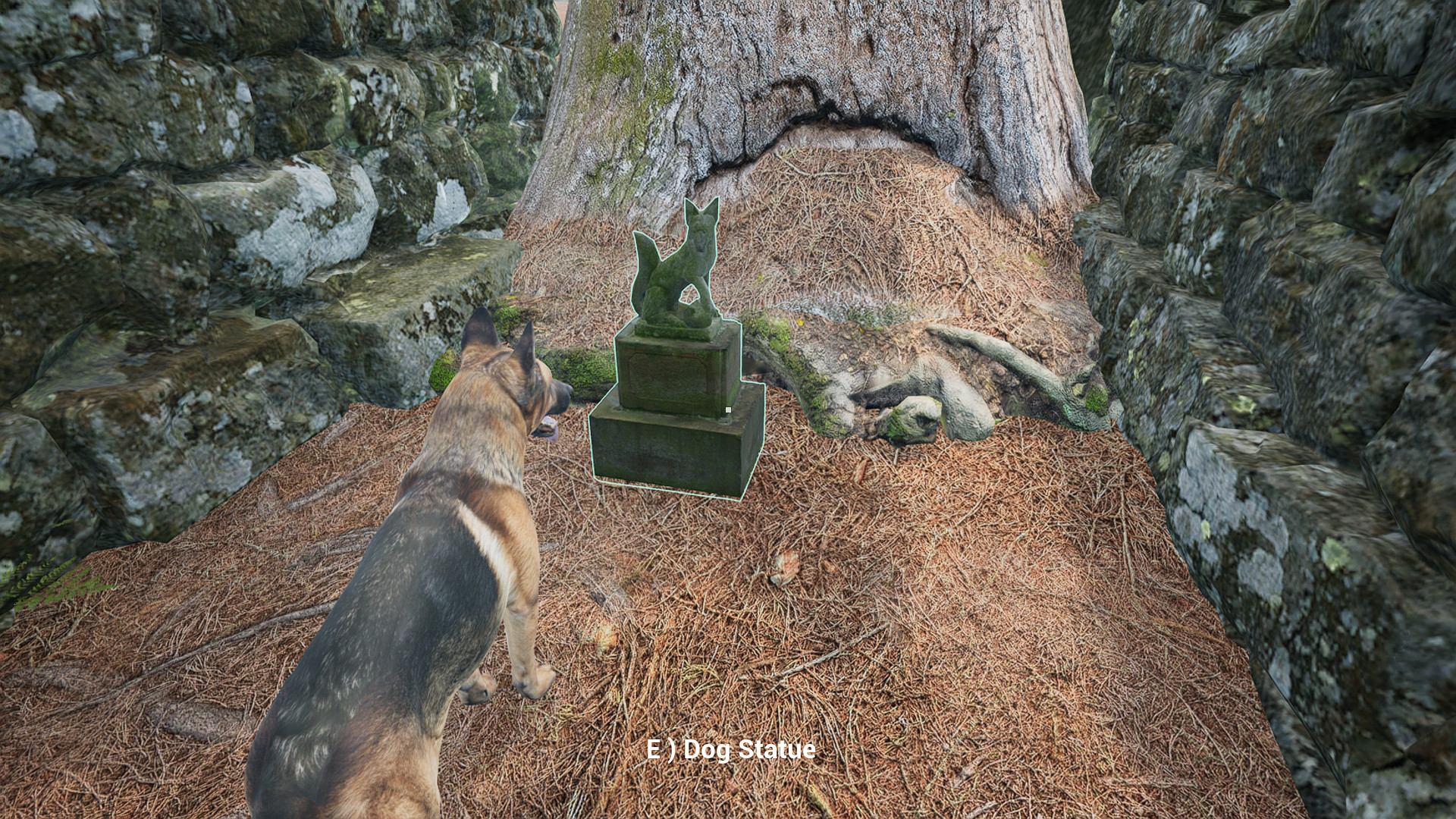
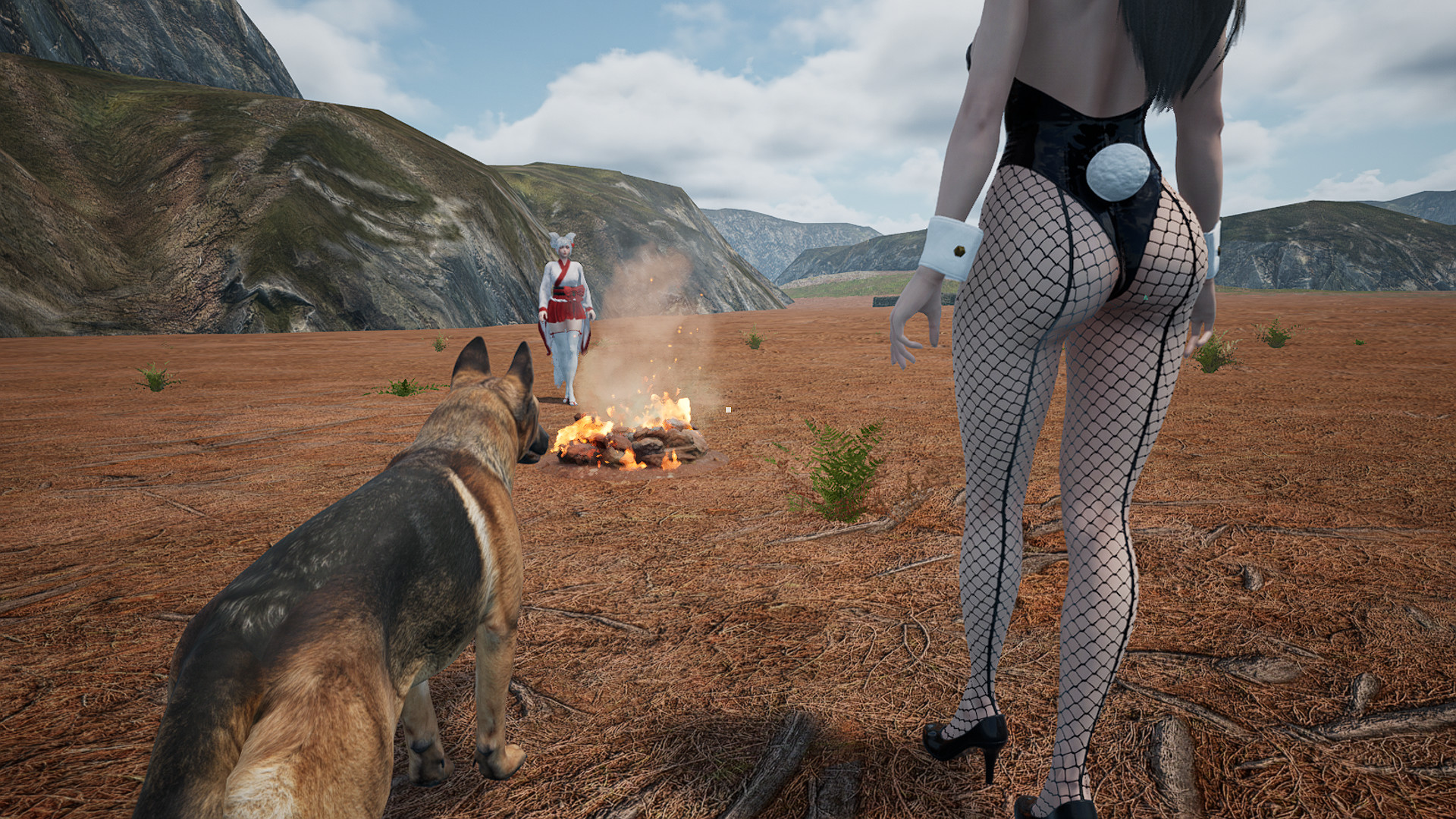
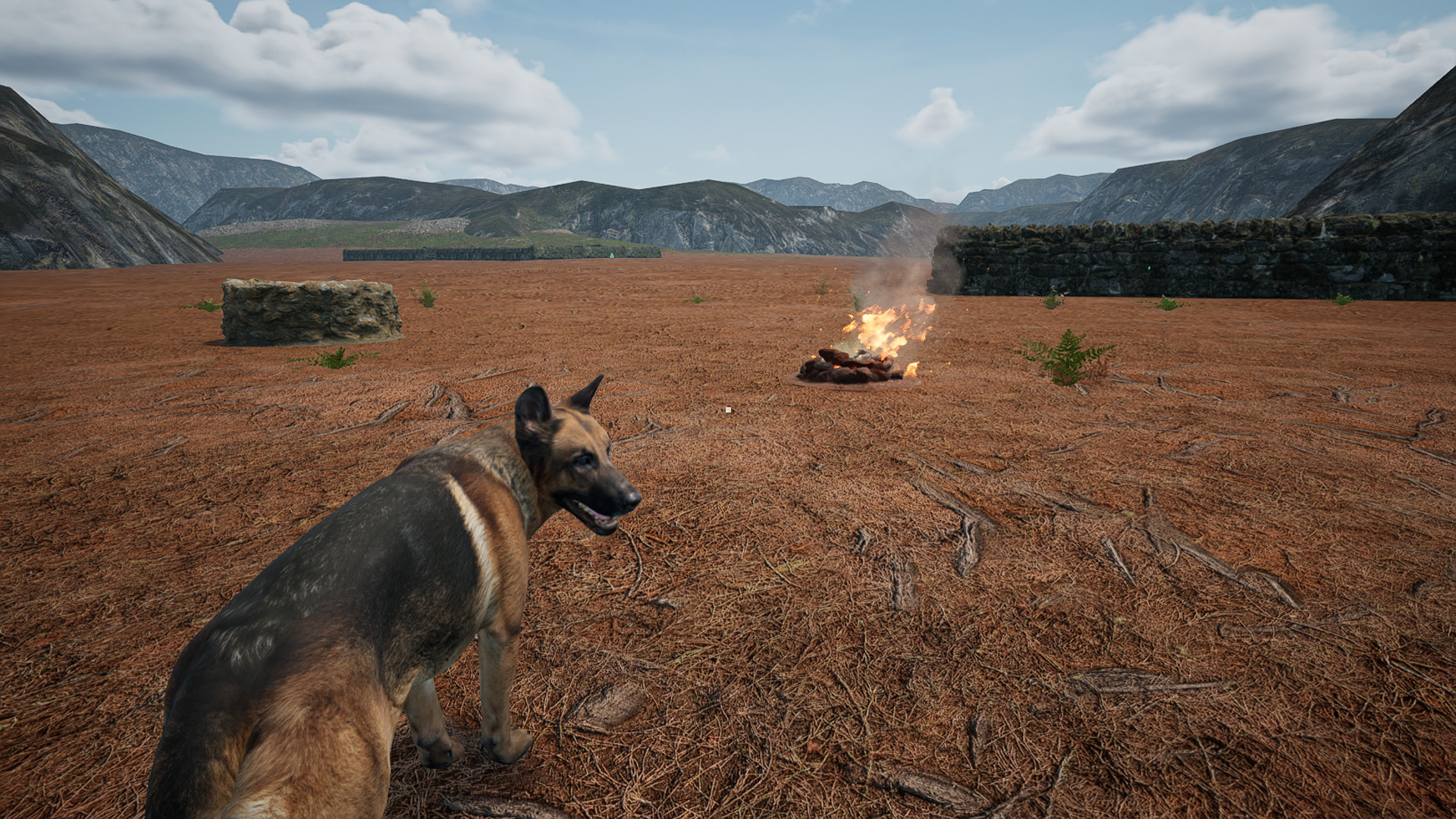
Dog Fox Bunny — is a simulation, logic and racing game developed by WCH for the PC platform. Play the game from the point of view of a dog, in turn this is a kind of hunting dog simulator, but with its own characteristics. Walk around the map with many labyrinths and ruins to explore. Develop your abilities with dog statues. Collect 5 keys and release Bunny and Fox. The style of the game, unfortunately, is not defined, but the following features can be highlighted the following dog walking simulator, a sandbox from a third person, the ability to use loot, relaxing nudity, procedural generation and an open world. All this, in addition to the casual puzzle game, makes it a kind of simulator with elements of realism.
System Requirements
Minimum
- Processor:
- Intel I5-2400 / AMD FX-8300
- RAM:
- 4 GB RAM
- Graphics:
- Nvdia GTX 760 / AMD Radeon R9 280
- Storage:
- 10 GB available space
- DirectX:
- Version 11
Recommended
- Processor:
- Intel I7-3770 / AMD Ryzen R5-1400
- RAM:
- 8 GB RAM
- Graphics:
- Nvidia GTX 1060 / AMD Radeon RX480
- Storage:
- 10 GB available space
- DirectX:
- Version 11
Installation Guide
Step-by-step setup process for DOGE
-
Nothing needs installing — the build is already pre-installed.
-
Unpack the RAR/ZIP archive into any folder, preferably a short path without Cyrillic like
C:\Games\GameName. -
Start the game through
Run Me!.bator the main .exe in the game folder.
Game Info
Download Game
Full game
Download
dog_fox_bunny-doge
MD5:
210a5e585628b3bdb3c8e4cad4f53a1e
SHA-256:
ddc35f765adc82771f7afe45771d5a076c9bc3c9f1af5f0c5ff9f56c1215e5af
Checksums verify the integrity of this specific file. They are not an absolute malware guarantee — always scan downloaded files.
Torrent file ready
Reviews
4.2
out of 5
78 ratings
No reviews yet. Be the first to share your thoughts!





Comments (0)
No comments yet. Be the first to leave one!