
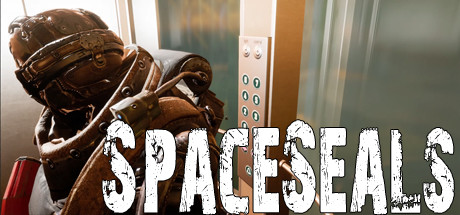
SpaceSeals
- Platform
- PC
- Release Date
- File Size
- 1.50 GB
- Views
- 4,328
- Comments
- 0
- Languages
- english
- Added by
- Added by Admin
Game trailer: SpaceSeals
Play SpaceSeals
Screenshots
Description
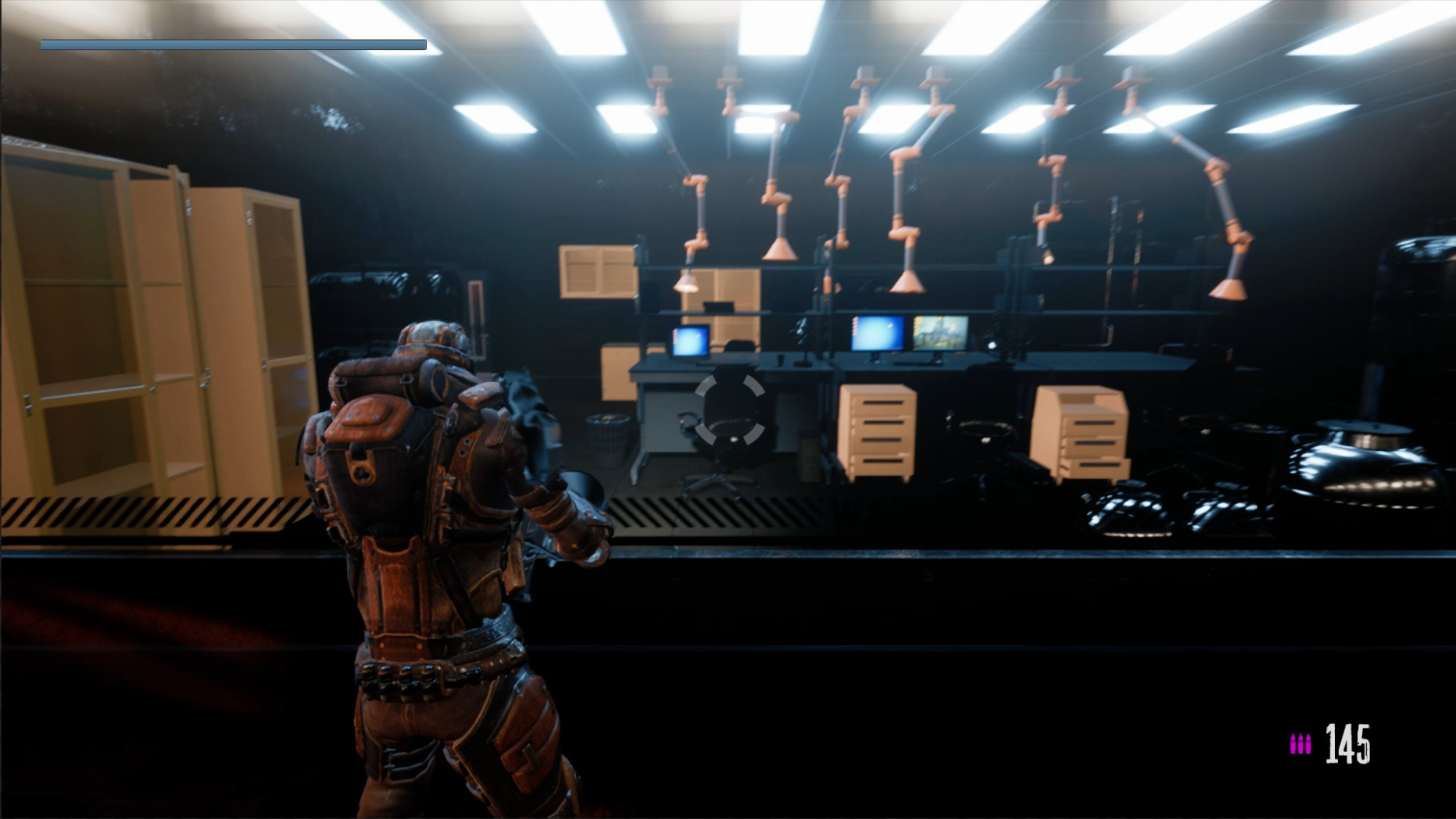
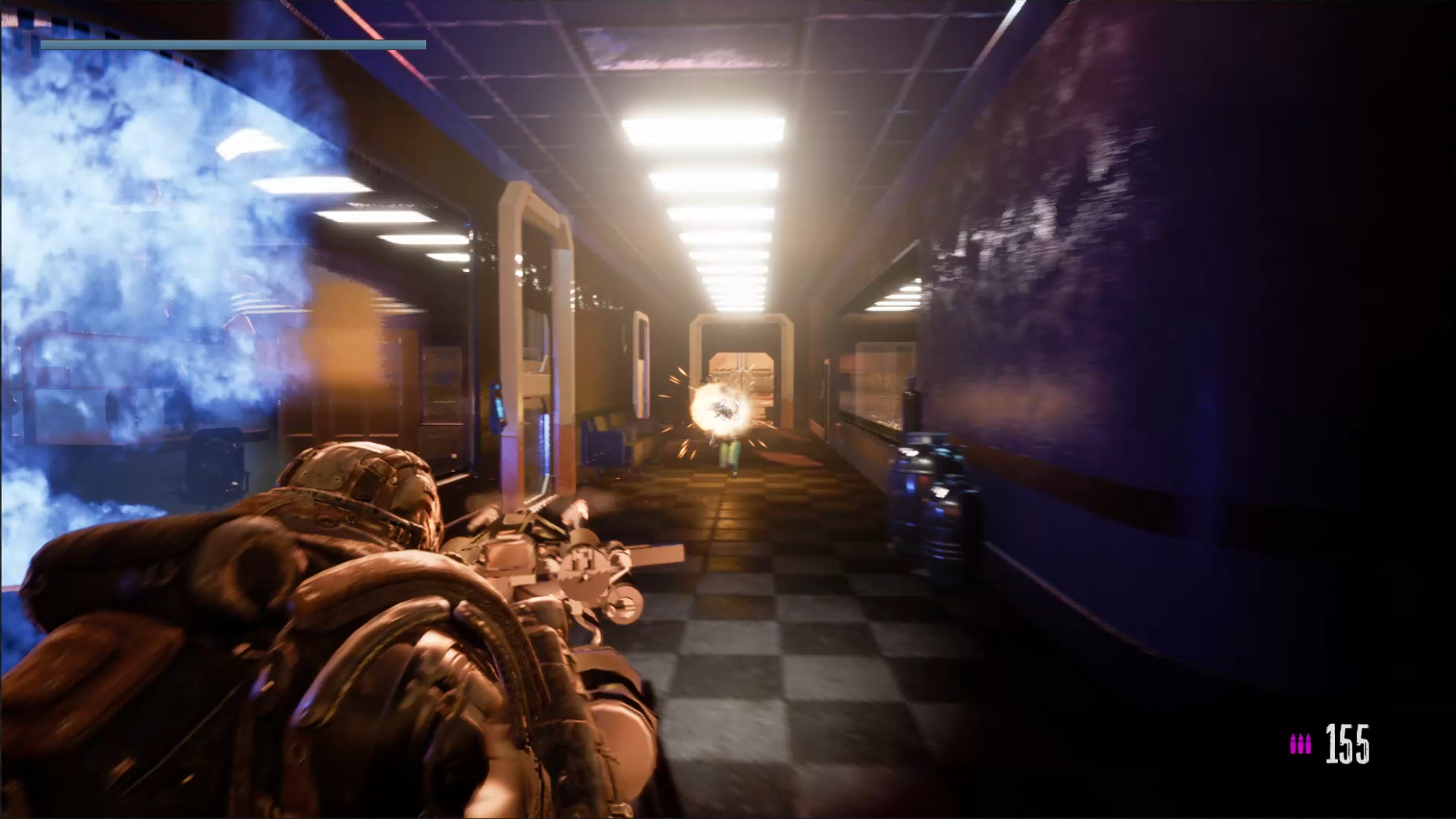
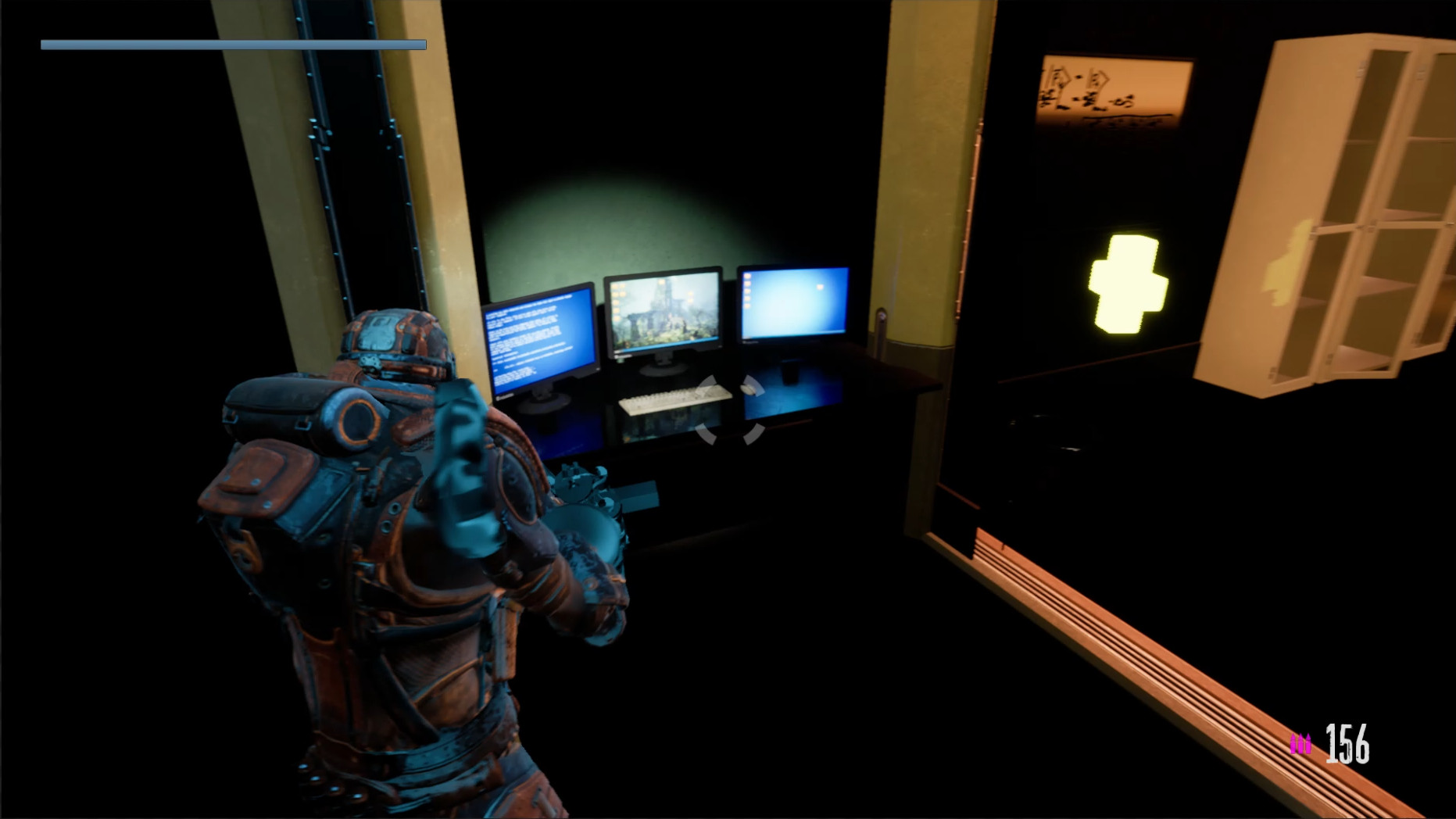
SpaceSeals — is an exciting third-person shooter that takes place on a spaceship captured by enemy robots. You are a brave space paratrooper who has to get out of the ship, overcoming crowds of enemy and dangerous invaders. Shoot the robots using different cartridges wisely, but do not forget that the robots explode after death, creating additional difficulties. Realistic three-dimensional graphics and well-chosen sounds and music will immerse you in the action, creating an atmosphere of space adventure. Escape from captivity and save yourself and your team by leaving the ship.
System Requirements
Minimum
- OS:
- Windows 7
- Processor:
- Intel Dual-Core 2.4 GHz
- RAM:
- 4 GB RAM
- Graphics:
- NVIDIA GeForce 8800GT
- Storage:
- 5 GB available space
- DirectX:
- Version 11
- Sound Card:
- DirectX®-compatible
Recommended
- OS:
- Windows 7
- Processor:
- Quad Core Processor
- RAM:
- 4 GB RAM
- Graphics:
- NVIDIA GeForce GTX 560
- Storage:
- 5 GB available space
- DirectX:
- Version 11
- Sound Card:
- DirectX®-compatible
Installation Guide
Step-by-step setup process for DOGE
-
Nothing needs installing — the build is already pre-installed.
-
Unpack the RAR/ZIP archive into any folder, preferably a short path without Cyrillic like
C:\Games\GameName. -
Start the game through
Run Me!.bator the main .exe in the game folder.
Game Info
- Developer
- Andrey Mikheev
- Publisher
- Piece Of Voxel
- Platform
- PC
- Release Date
- File Size
- 1.50 GB
- Status
- Pre-installed (Portable)
Download Game
Full game
Download
spaceseals-doge
MD5:
a48eb053b363c66a4e389717d993f16c
SHA-256:
ae0f9bec1e279b7a2bd235e38375ac97fd7b69da0c9548c987130a0ab873ac15
Checksums verify the integrity of this specific file. They are not an absolute malware guarantee — always scan downloaded files.
Torrent file ready
Reviews
4.6
out of 5
276 ratings
No reviews yet. Be the first to share your thoughts!




Comments (0)
No comments yet. Be the first to leave one!