
Lost Alone Episode 1 Sorellina

- Platform
- PC
- Release Date
- File Size
- 4.65 GB
- Downloads
- 3
- Views
- 1,071
- Comments
- 0
- Languages
- english, Italian
- Added by
- Added by Admin
Game trailer: Lost Alone Episode 1 Sorellina
Play Lost Alone Episode 1 Sorellina
Screenshots


Description
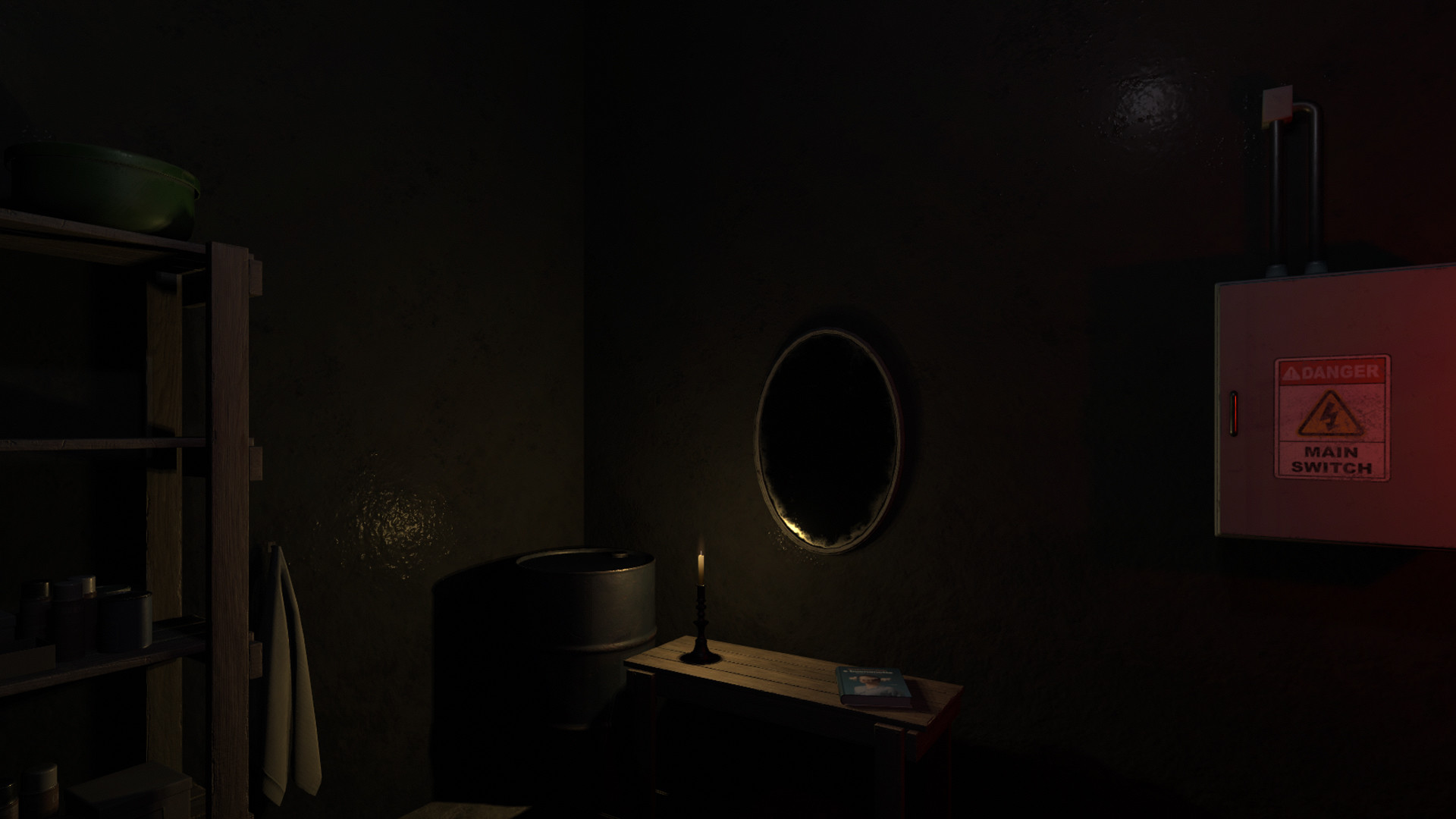
Lost Alone Episode 1 Sorellina — George is a man with a turbulent past. Growing up with his paternal grandmother after his father was arrested for his mothers murder, George emerges from the spiral of alcohol dependence to meet his fiancée Hannah. But his childhood injuries will soon return to haunt him, pushing him into the abyss of despair. First-person psychological horror players take on the role of George Tellasel and face a spiral of first-person nightmares. The torment and despair of George, haunted by his past, becomes a lazy observer of the tragedies with which he has tarnished himself. Explore George thoughts in three chapters divided into three different games. A few hours of nightmare await you. Solve puzzles that will help you understand the thoughts of Zherog. Discover the traumas that led you to this spiral of fear and try to change everything.
System Requirements
Minimum
- OS:
- WINDOWS® 7, 8, 8.1, 10, 11
- Processor:
- Intel® Core™ i3 or AMD Ryzen™ 3
- RAM:
- 6 GB RAM
- Graphics:
- NVIDIA® GeForce® GTX 950 or AMD Radeon™ R7 370
- Storage:
- 10 GB available space
- DirectX:
- Version 10
Installation Guide
Step-by-step setup process for TiNYiSO
-
Mount the .iso with any virtual drive tool and browse the disc.
-
Install the game via
setup.exe, the usual way. -
Copy the contents of the
TiNYiSOfolder on the image into the installed game folder and let it replace files. -
Start the game from the shortcut — administrator rights help on the first run.
Game Info
- Developer
- Daniele Doesnt Matter
- Publisher
- Doesnt Matter Games
- Platform
- PC
- Release Date
- File Size
- 4.65 GB
- Status
- Scene (ISO)
Download Game
Full game
Download
lost_alone_ep_1_sorellina-tinyiso
MD5:
af65b956db2631b2c3910754934b697d
SHA-256:
52d1b1f18080e6b99d6038cc18103edc540021cca5564809c5797556cd337acd
Checksums verify the integrity of this specific file. They are not an absolute malware guarantee — always scan downloaded files.
Torrent file ready
Reviews
4.3
out of 5
49 ratings
No reviews yet. Be the first to share your thoughts!





Comments (0)
No comments yet. Be the first to leave one!