
Palehollow Hospital
Free Download for PC · Build 26842978












- Platform
- PC (Windows)
- Release Date
- Views
- 5
- Comments
- 0
- Languages
- English, French, German, Spanish - Spain, Russian, Japanese, Simplified Chinese, Korean
- Added by
- Skigameco Legend
Play modes & compatibility
Play modes
- Single-player
Compatibility
- Controller support
Build 26842978
Request this game
Version Status
- Current Version
- Build 26842978
- Current Build
- 26842978
- Latest Build
- 26842978
- Last Steam Update
Included DLC · 2
- Palehollow Hospital | 灰谷医院 Demo
- Palehollow Hospital | 灰谷医院 Playtest
Game trailer: Palehollow Hospital
Play Palehollow Hospital
Screenshots




Description
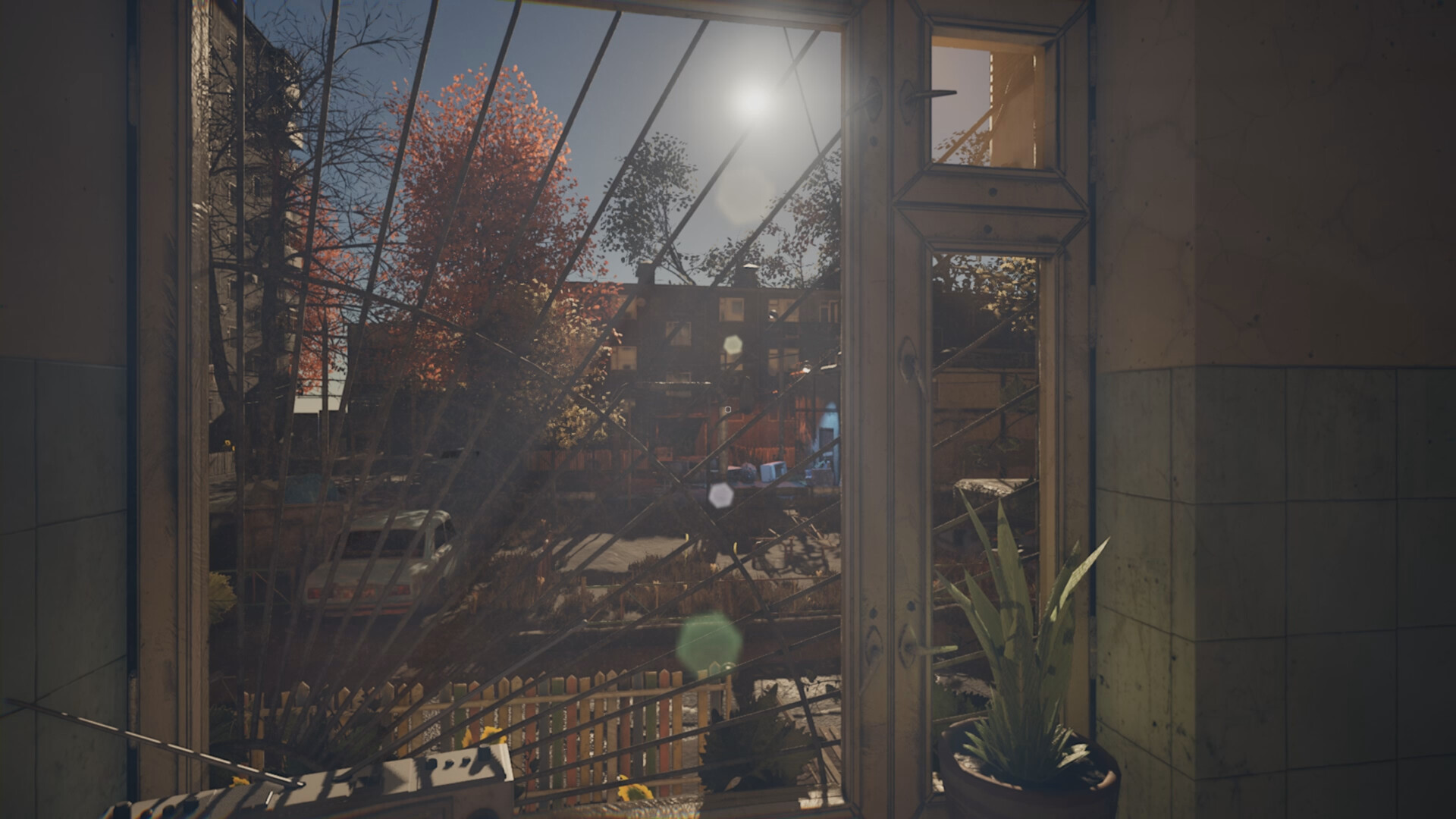
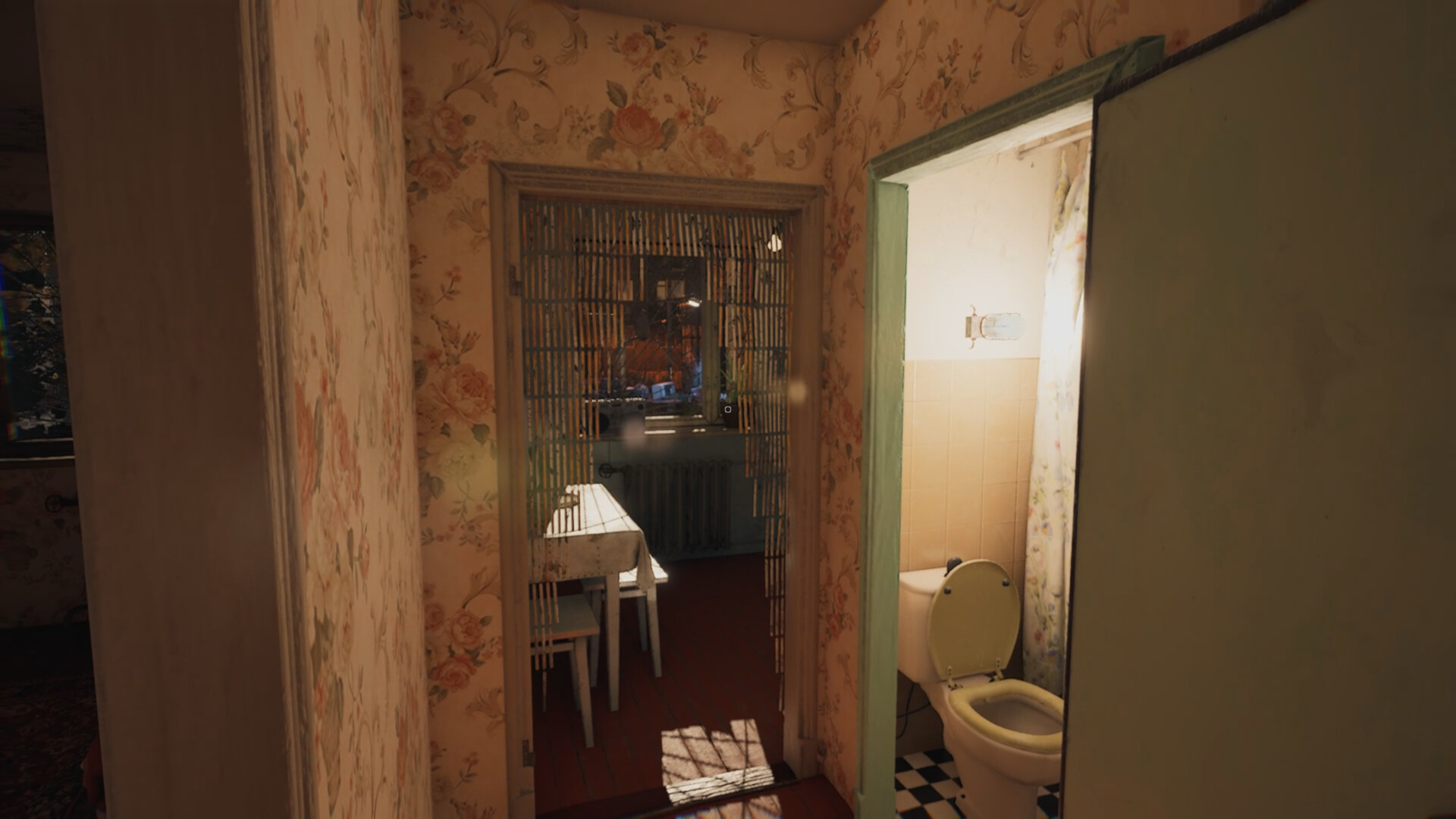
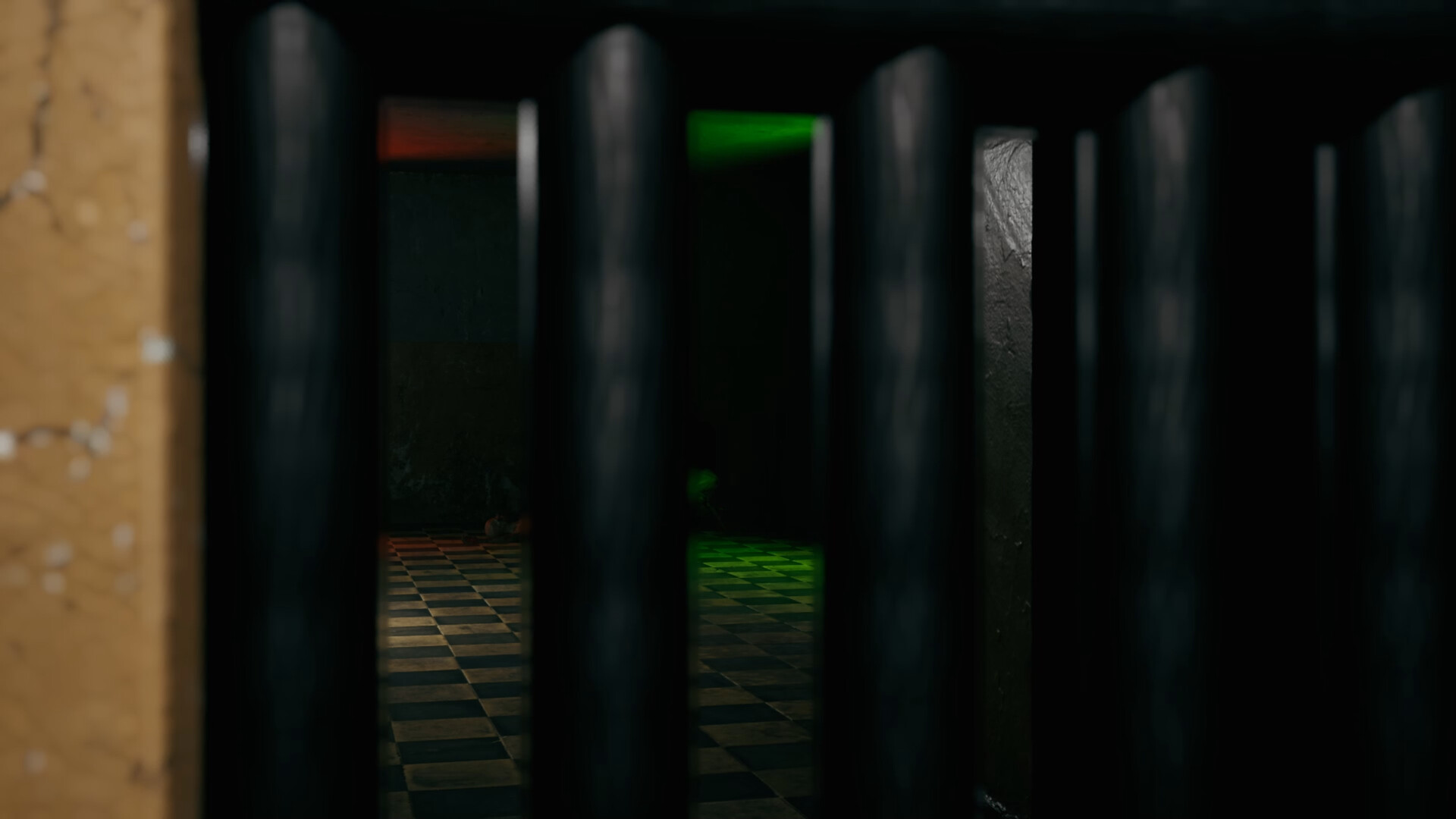
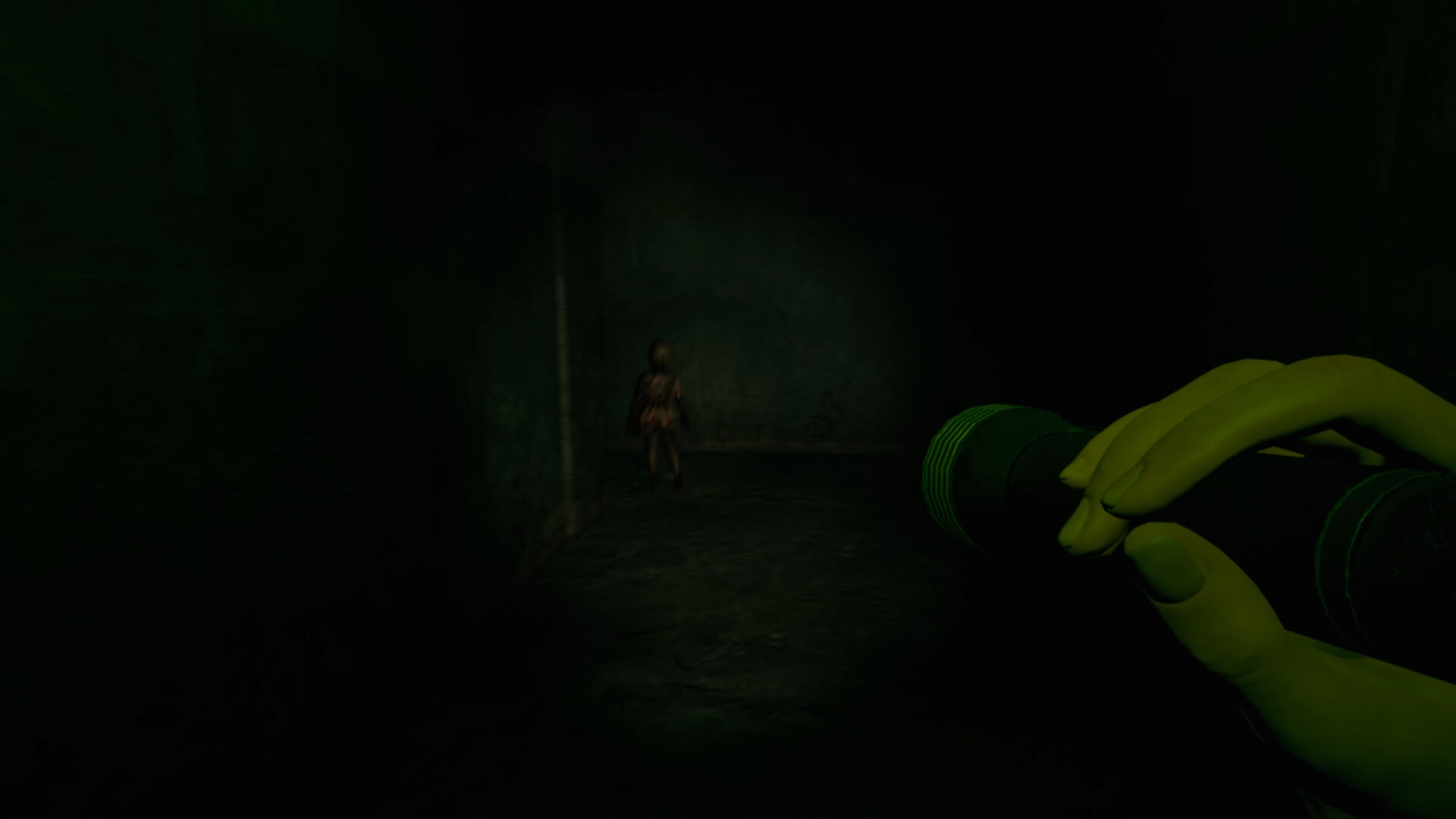
This is a first-person indie horror game. You play as a video blogger exploring an abandoned hospital, uncovering the dark secrets hidden within its walls.
System Requirements
Minimum
- OS:
- Win10/11
- Processor:
- Intel® Core™ i5
- RAM:
- 16 GB RAM
- Graphics:
- NVIDIA GeForce GTX 1660 Ti
- Storage:
- 6 GB available space
- DirectX:
- Version 11
Recommended
- OS:
- Win10/11
- Processor:
- Intel® Core™ i7
- RAM:
- 16 GB RAM
- Graphics:
- NVIDIA GeForce RTX 3070
- Storage:
- 6 GB available space
- DirectX:
- Version 11
Installation Guide
Step-by-step setup process
-
No installation is needed — the game comes fully pre-installed and ready to play.
-
Extract the RAR / ZIP archive with WinRAR or 7-Zip into any folder, for example
C:\Games\GameName. -
Launch the game via
Run Me!.bat(or the main .exe file) inside the game folder.
Game Info
- Developer
- HeZhiQiang
- Publisher
- HeZhiQiang
- Platform
- PC (Windows)
- Release Date
- Status
- Not specified


Reviews and comments