
Stolen Realm Bard Pack
Free Download for PC · v1.4.8









- Platform
- PC (Windows)
- Release Date
- File Size
- 1.41 GB
- Views
- 9
- Comments
- 0
- Languages
- English, French, German, Spanish - Spain, Japanese, Korean, Simplified Chinese, Italian, Polish, Portuguese - Brazil, Russian, Spanish - Latin America, Traditional Chinese, Turkish
- Added by
- Skigameco Legend
Play modes & compatibility
Play modes
- Single-player
- Multiplayer
- Co-op
Compatibility
- Controller support
- Stolen Realm: Chaos Pack
- Stolen Realm: Bard Pack
- Stolen Realm Soundtrack
Game trailer: Stolen Realm Bard Pack
Screenshots
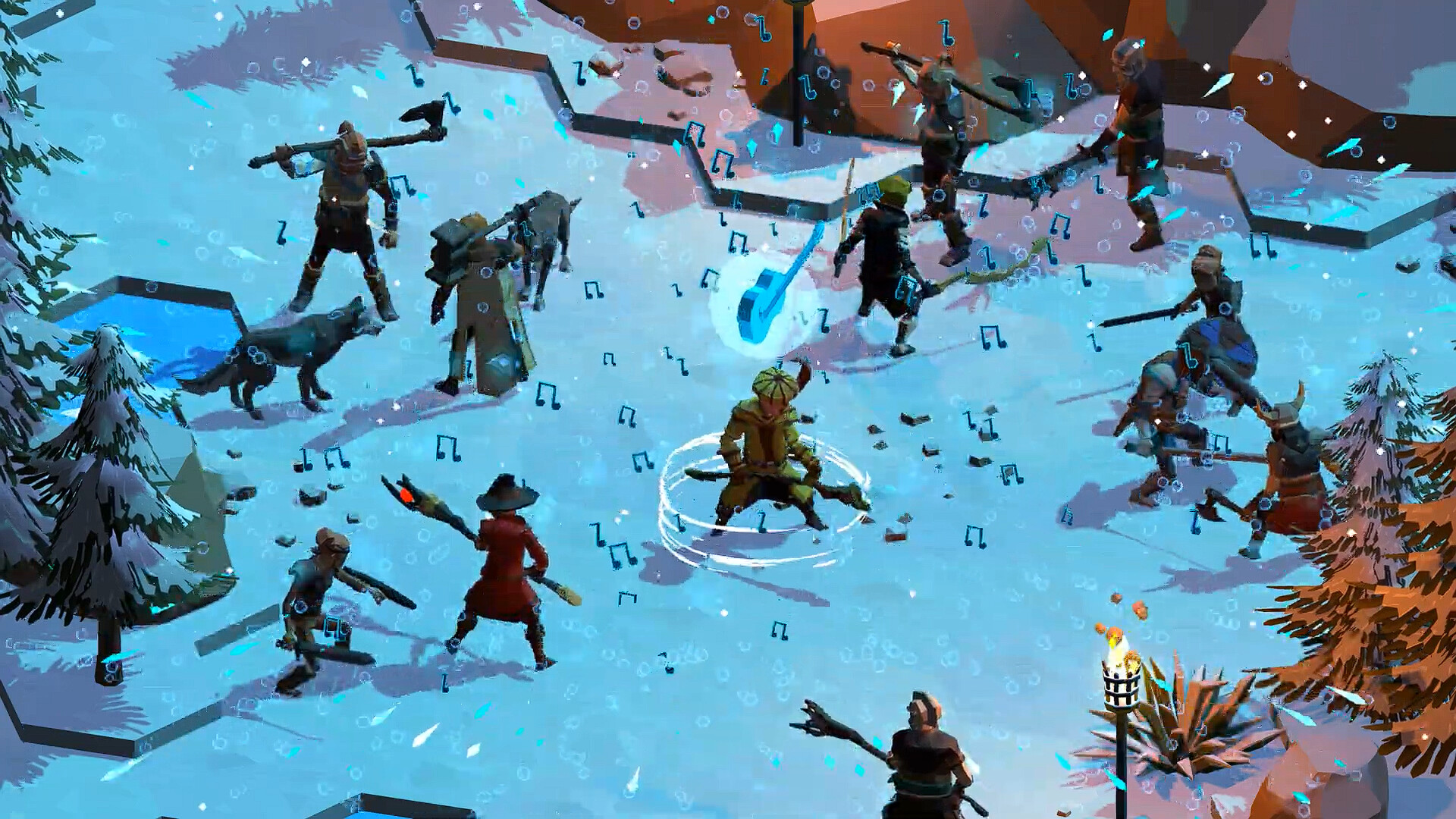
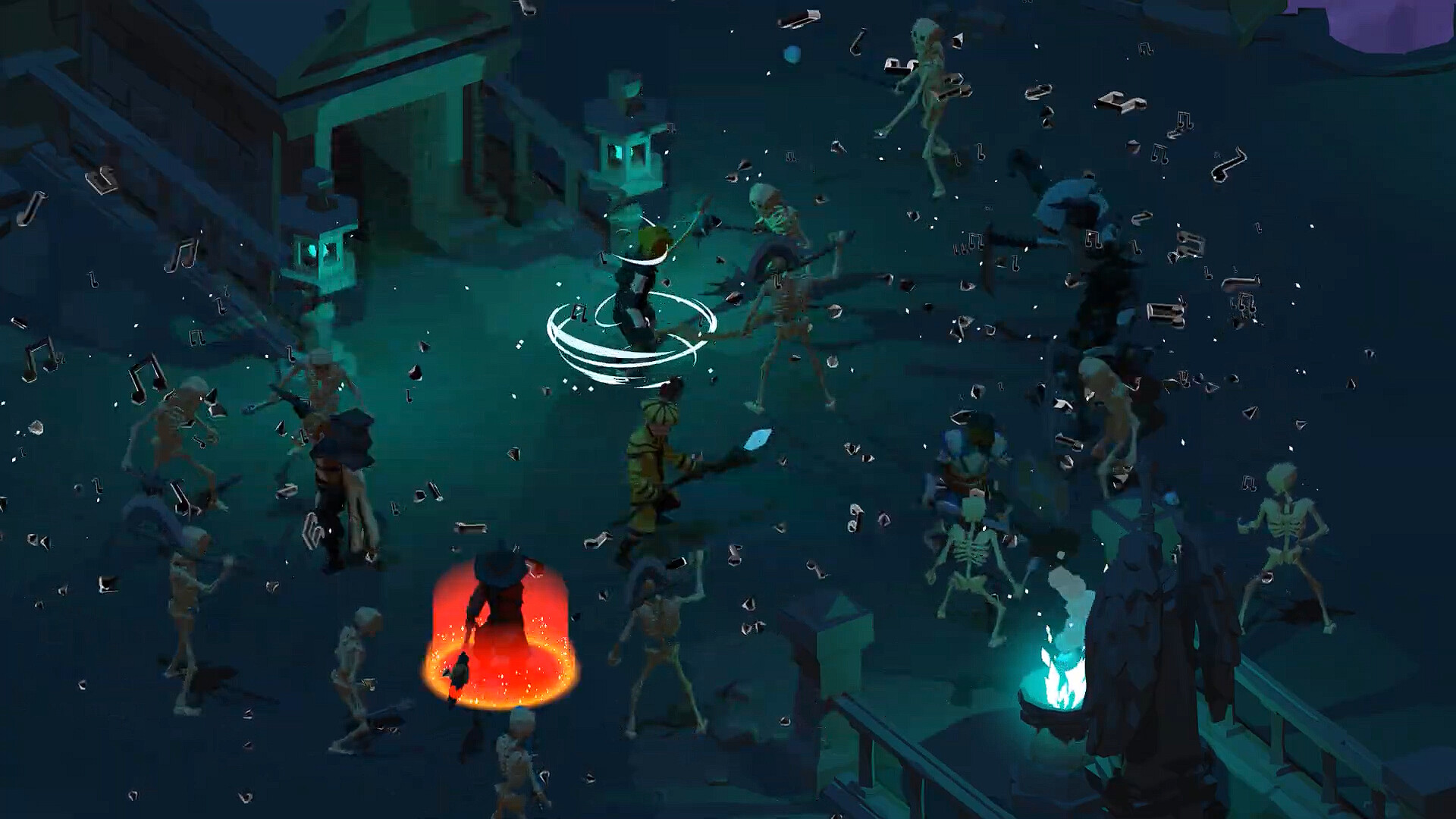
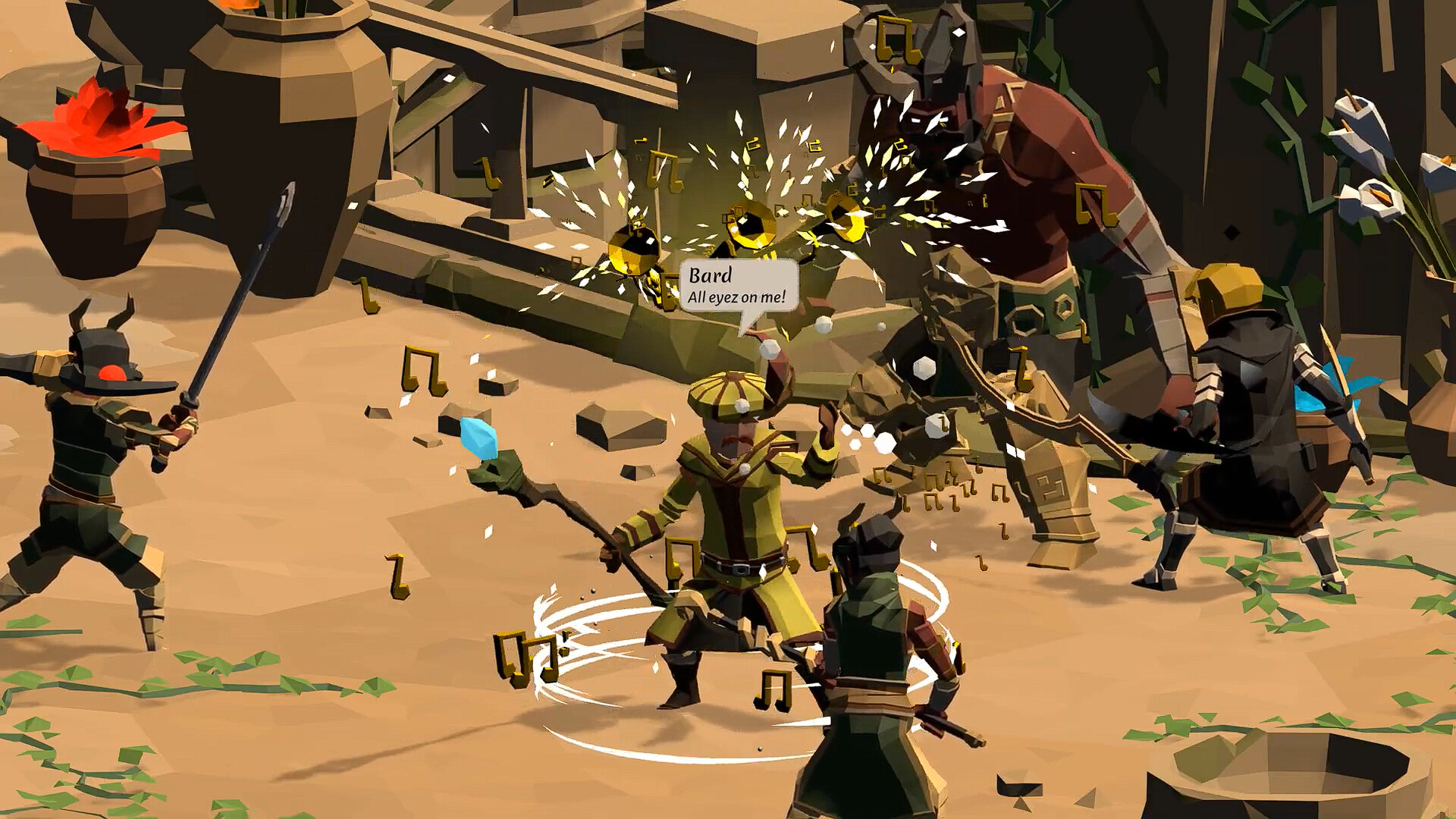
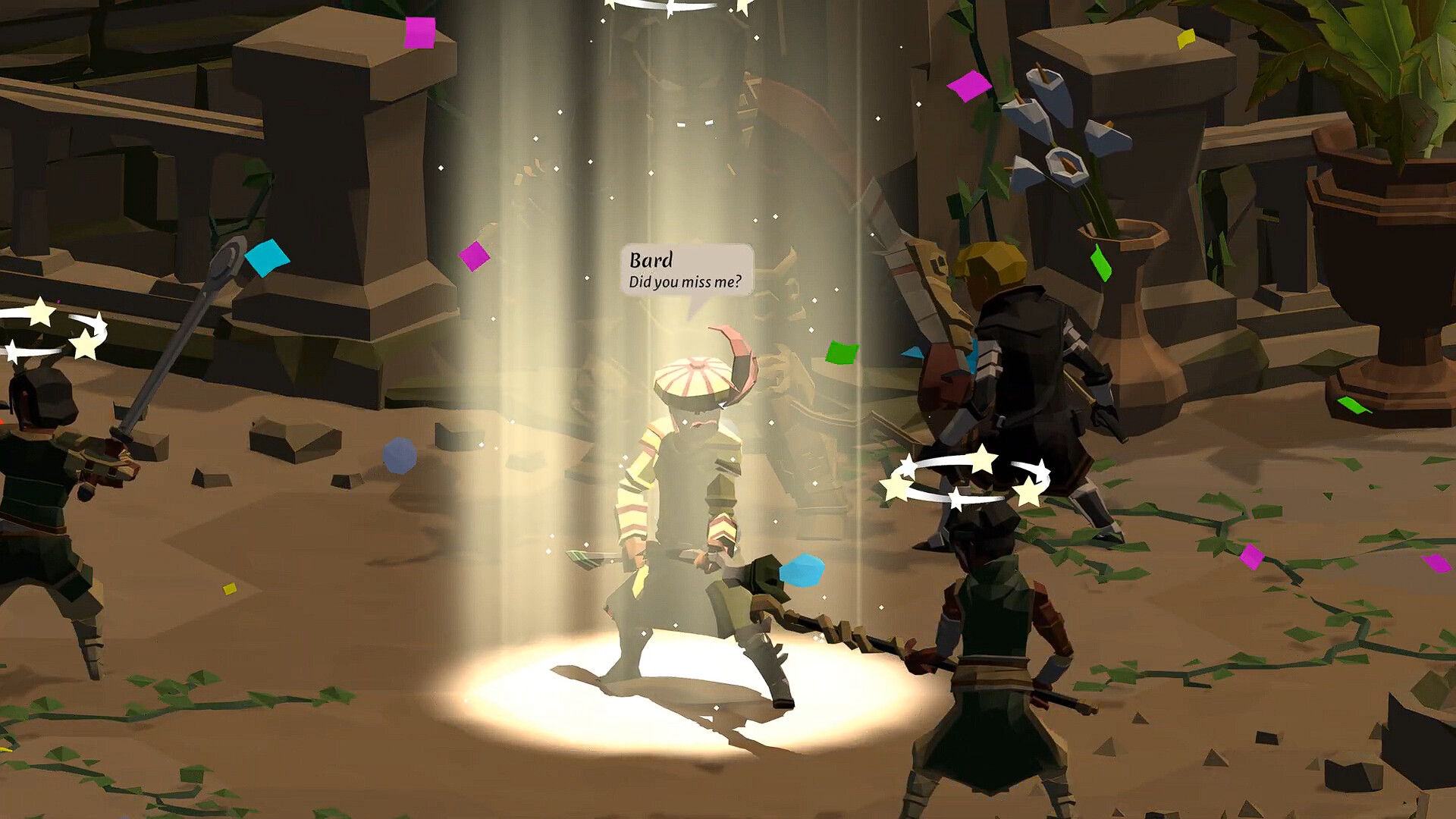
Description
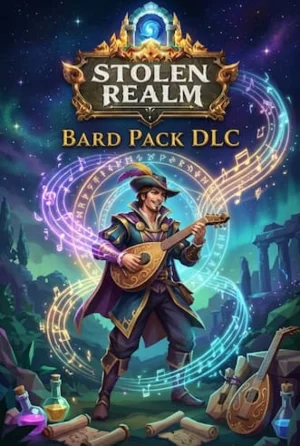
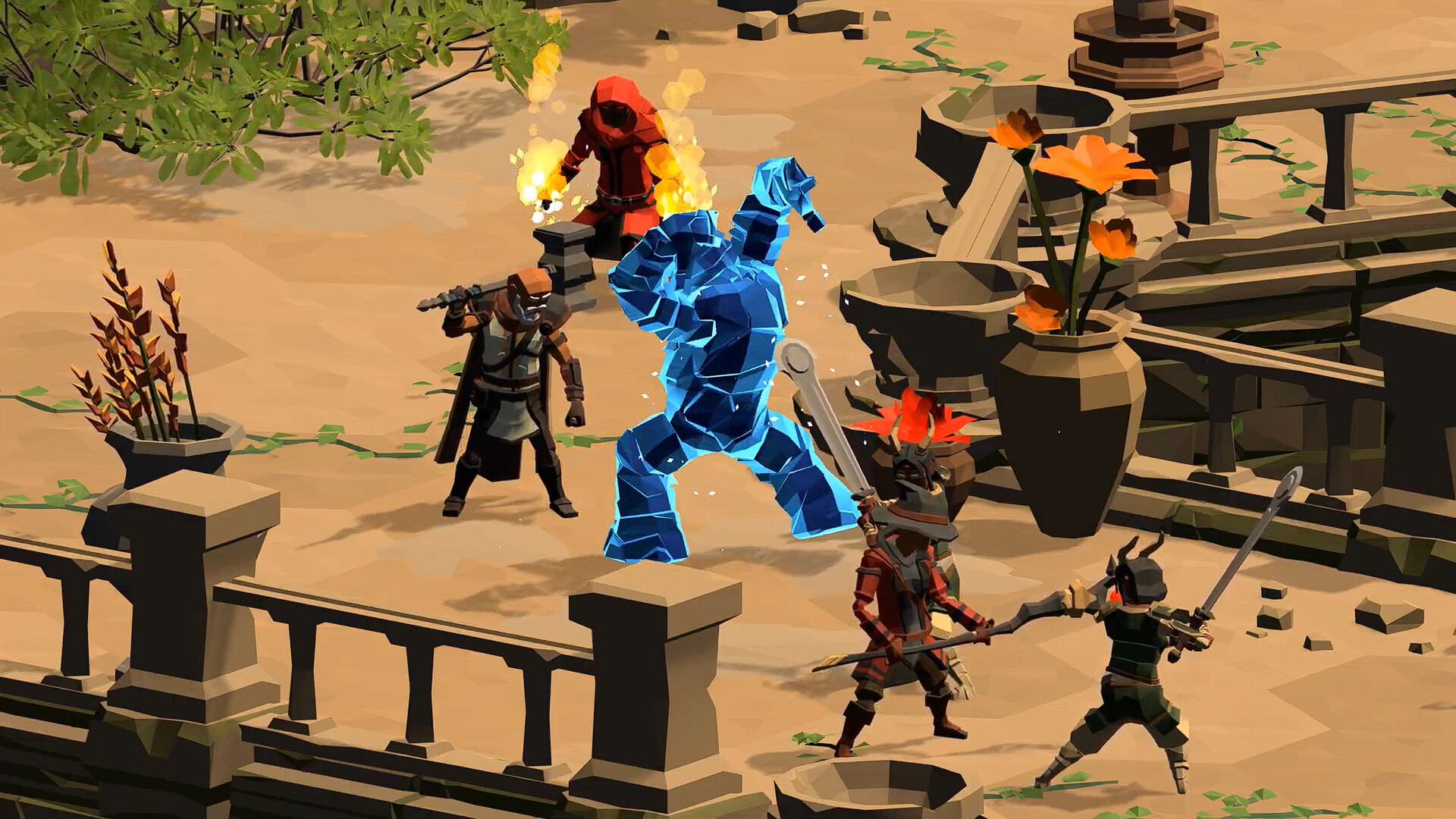
Controlling the tempo of a hex-grid battle with musical buffs and crowd control changes how your entire party fights. Stolen Realm Bard Pack is an official class expansion from developer and publisher Burst2Flame Games for their simultaneous turn-based tactical fantasy RPG, playable solo or with up to 6 players in online and local co-op. Built for the low-poly dungeon crawler on Windows PC and macOS, this DLC introduces a complete Bard skill tree centered on Songs and Crescendo mechanics. Before adding the new class to your roster, you can inspect the PC hardware requirements, look through screenshots, and watch gameplay videos right here on this page.
In combat, you perform Songs that boost nearby allies with extra stats, resistances, healing, or lower mana costs while stacking Crescendo across consecutive turns. Unlocking the Improvise passive lets you maintain multiple Songs at once, each building its own momentum until you cash it in for heavy barrages and explosive finishers. You can also shape your build around battlefield control by taunting foes, applying Fear or Sleep, stripping enemy buffs, and granting your squad immunity to crowd control. Full controller support and seamless multiclassing let you mix Bard abilities with existing trees across the main campaign or Endless Mode.
Because Burst2Flame Games continues to expand the base game alongside new releases, this hub keeps track of the latest patch notes and studio updates. You can check back anytime to follow ongoing work on class balance, bug fixes, and performance optimization across both the DLC and the main Stolen Realm experience.
Installation Guide
Step-by-step setup process for TENOKE
-
Mount the .iso image — Windows 10/11 mounts it from the right-click menu, otherwise use Daemon Tools or a similar tool.
-
Run
setup.exefrom the disc and install the game — Tenoke builds are already cracked, installation is all it takes. -
If the disc contains a
Tenokefolder, copy its contents into the installed game directory. -
Launch the game from the desktop shortcut (as administrator).
Game Info
- Developer
- Burst2Flame Games
- Publisher
- Burst2Flame Games
- Platform
- PC (Windows)
- Release Date
- File Size
- 1.41 GB
- Status
- Scene (ISO)
Download Game
Full game
Scene (ISO) TENOKE
Torrent file ready
File checksums (MD5 / SHA-256)
4f93daf5838e9cefa3941c08d5e5d95f
d2755c44f30f77e49623ea7799af440ee1040e1ca7338a602c4793471c58b771
Checksums verify the integrity of this specific file. They are not an absolute malware guarantee — always scan downloaded files.
Other versions of this game
Similar Games Stolen Realm series
2 parts 2024–2026




Reviews and comments