
The False Alice Retold Tale
Free Download for PC · Build 26889569












- Platform
- PC (Windows)
- Release Date
- File Size
- 5.02 GB
- Views
- 4
- Patch Notes
- 1
- Comments
- 0
- Languages
- Japanese, English, Simplified Chinese
- Added by
- Skigameco Legend
Play modes & compatibility
- Single-player
Version Status
- Current Version
- Build 26889569
- Current Build
- 26889569
- Latest Build
- 26889569
- Last Steam Update
- The False Alice -Retold Tale- Demo
- The False Alice -Retold Tale- Original Soundtrack
- The False Alice -Retold Tale- Digital Artbook
Game trailer: The False Alice Retold Tale
Screenshots



Description
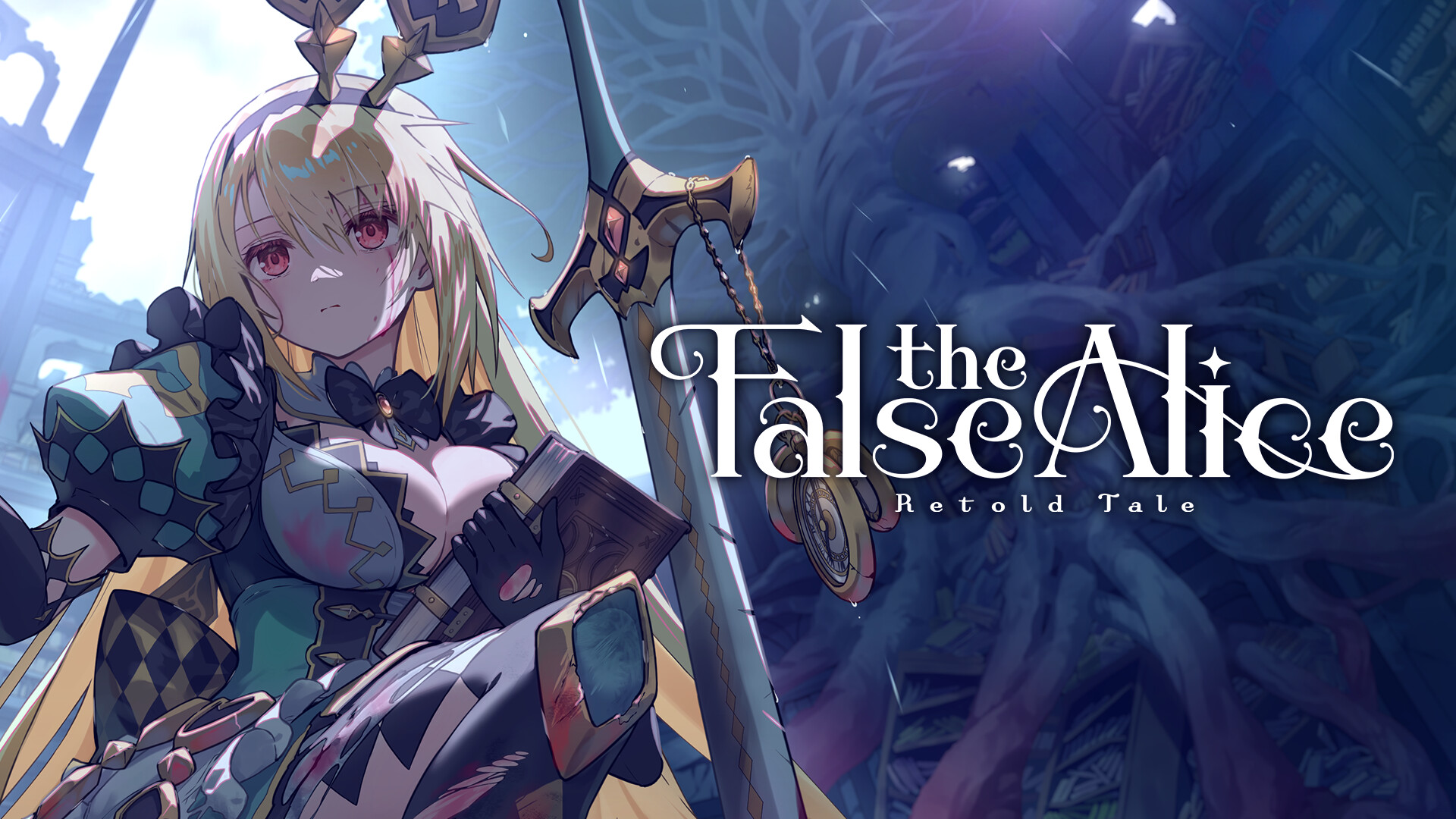
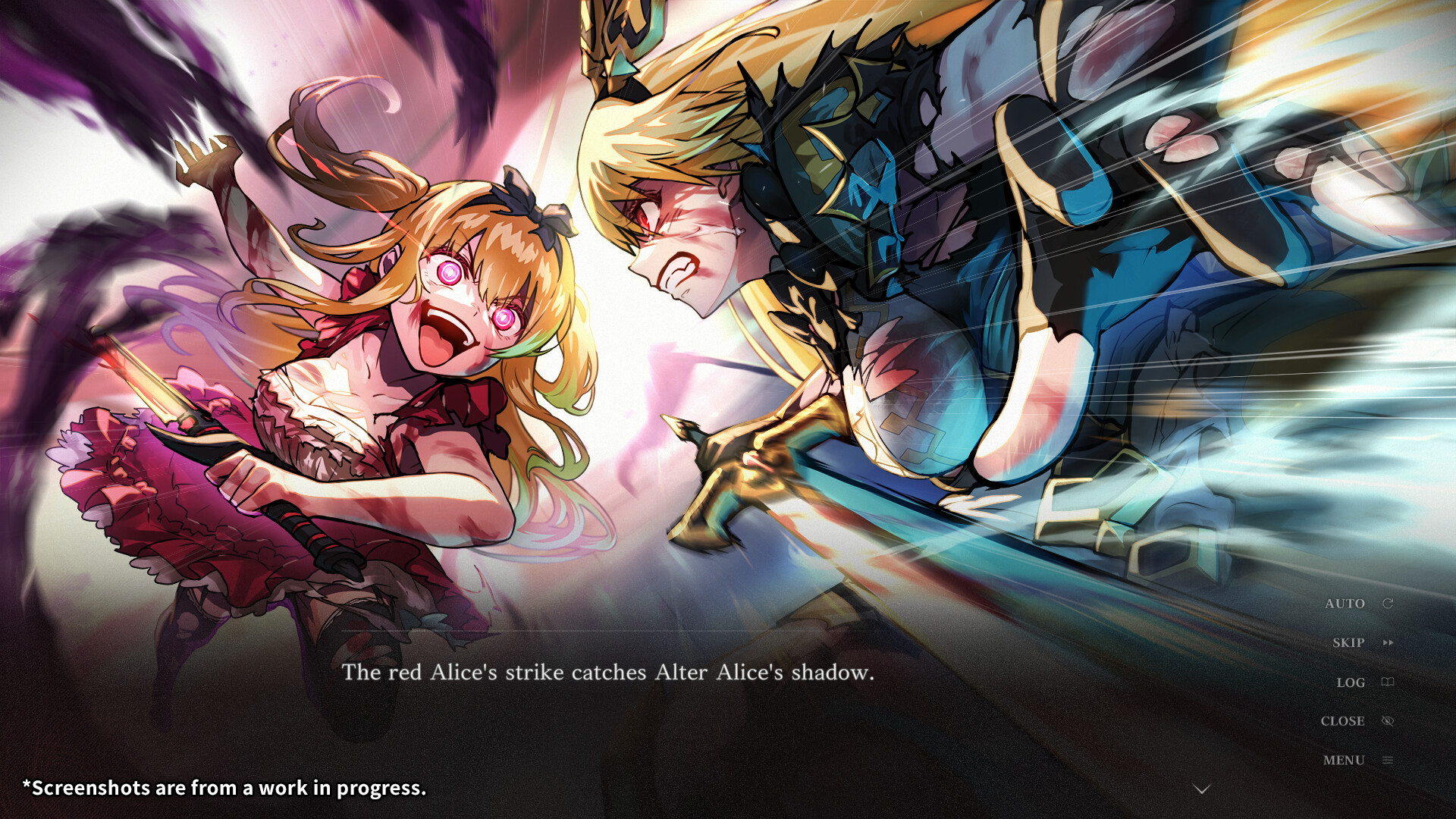
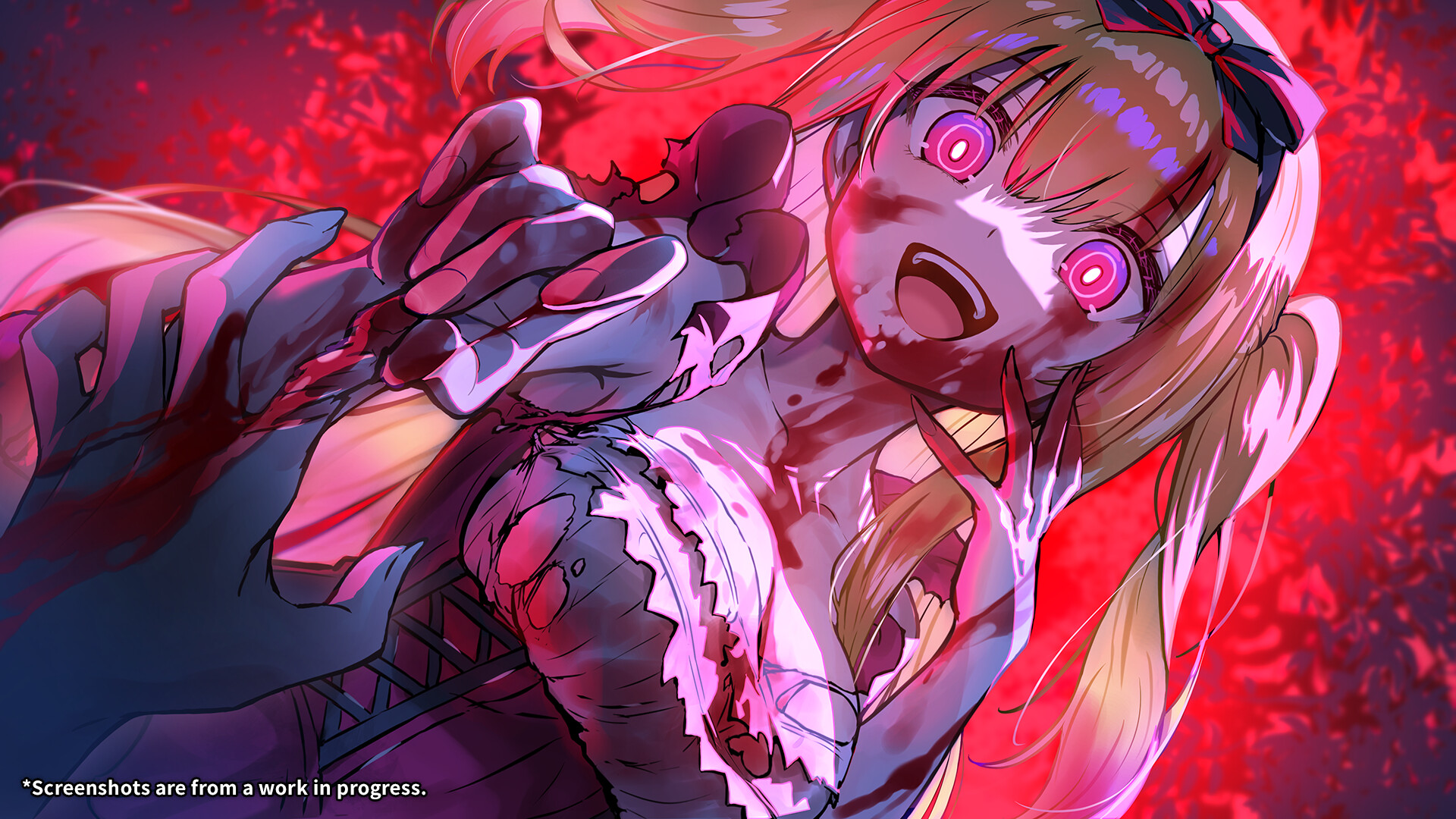
Guiding three rejected Alice clones as their trusted Teacher and strategist through a grim fairy tale world defines the story of The False Alice Retold Tale. Built by VISUAL ARTS / team Aeca and published by VISUAL ARTS, this single-player dark fantasy visual novel reimagines the mobile RPG Itsuwari no Alice as a complete standalone narrative on Windows PC. Before starting your playthrough, check the minimum and recommended system specs, screenshots, and gameplay trailers gathered on this page.
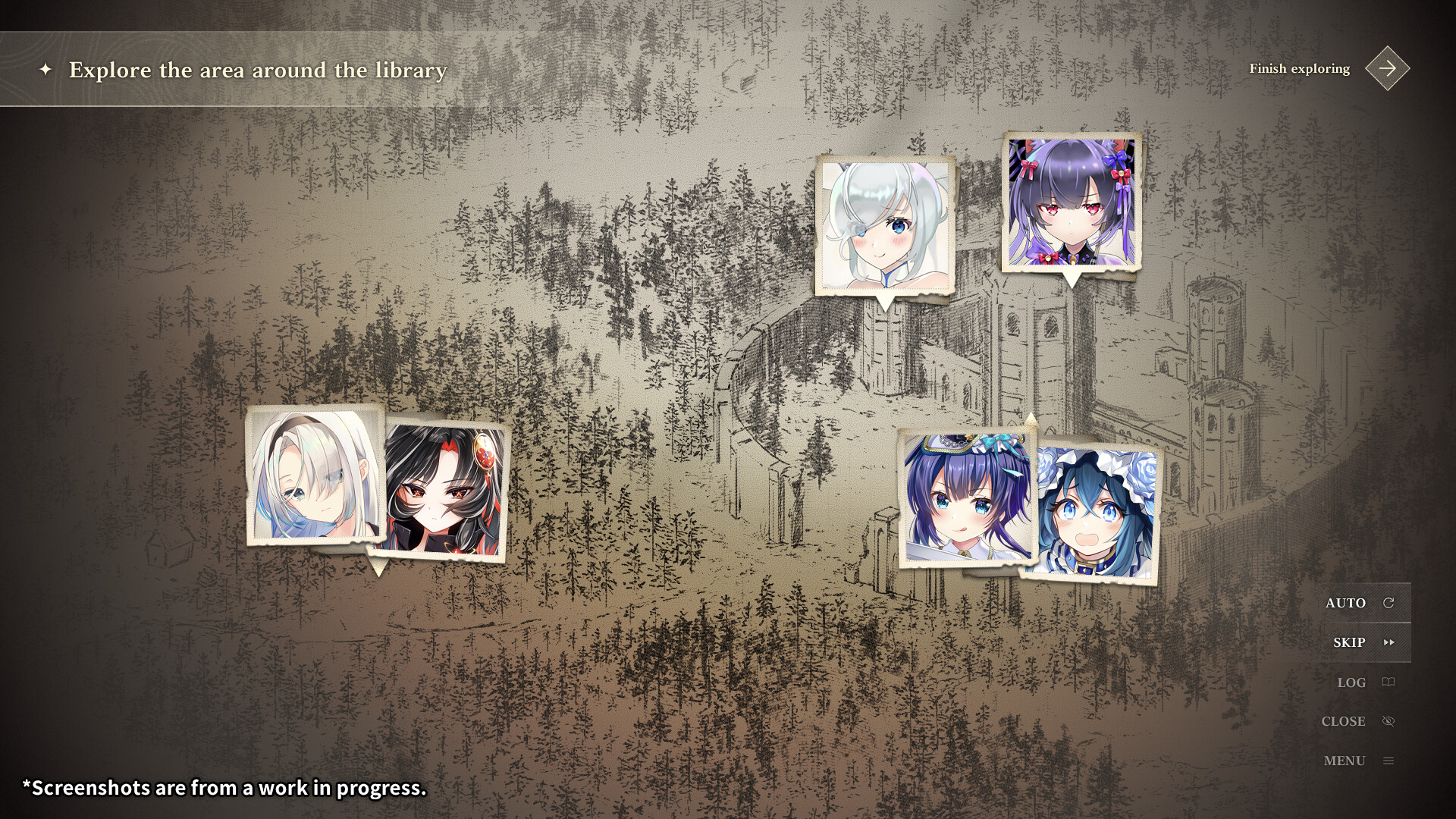
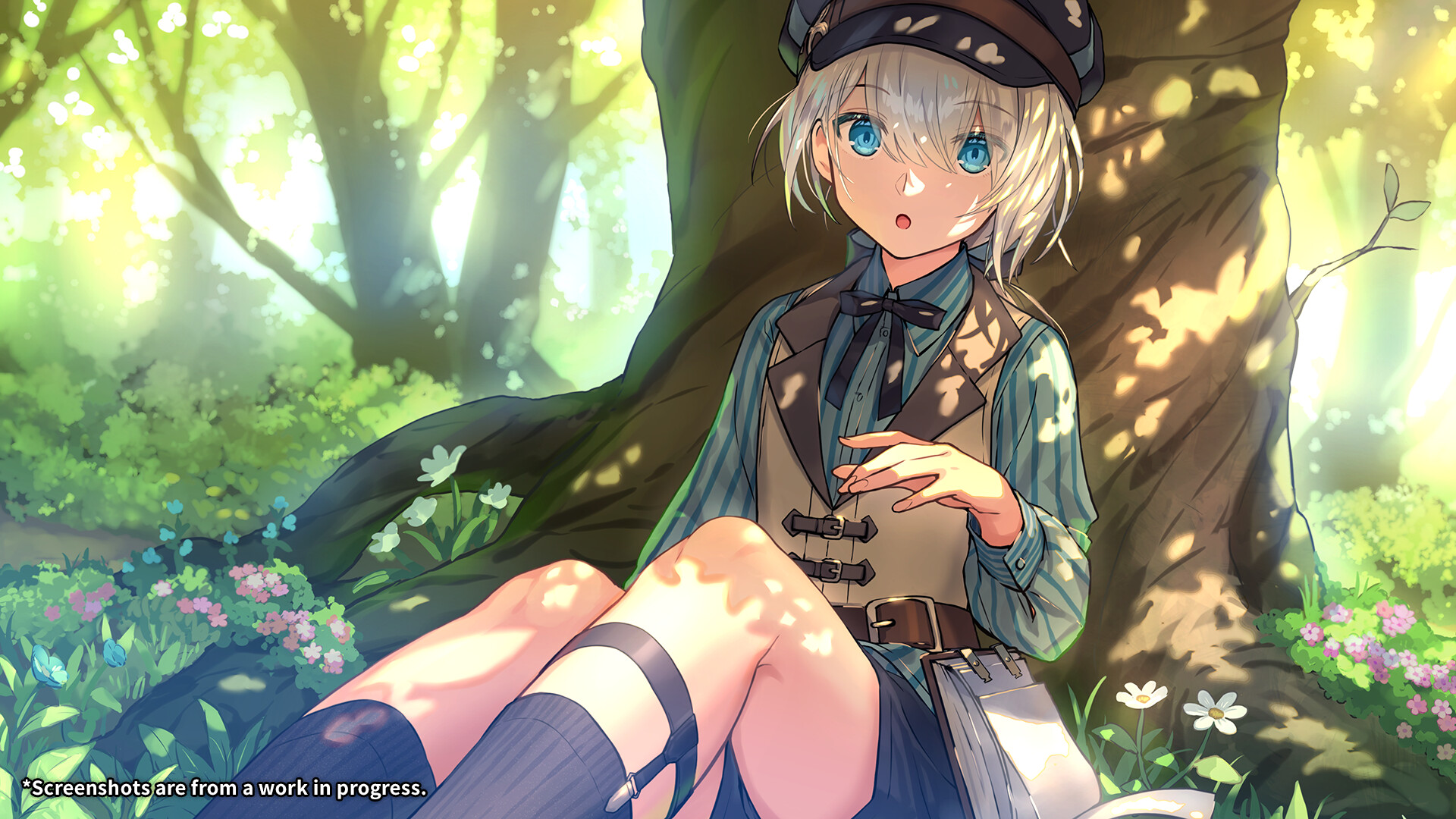
Instead of gacha pulls or daily grind, you read through linear story chapters centered on Destructor Alice, Hunter Alice, and Sorcerer Alice while uncovering why the girls carry the label of failures. Each heroine has a distinct combat specialty and personality, backed by full Japanese voice acting from cast members like Chiwa Saito and Misato Fukuen alongside English and Simplified Chinese text support. Separate digital extras, including the Original Soundtrack and Digital Artbook, are also available for fans of the artwork and music.
Stop by this hub whenever VISUAL ARTS / team Aeca posts fresh patch notes covering text corrections, audio timing, and post-launch bug fixes. Follow the update feed to keep track of technical improvements and any new details around the official DLC releases.
System Requirements
Minimum
- OS:
- Windows® 11 64bit
- Processor:
- Intel® Core™ i5
- RAM:
- 8 GB RAM
- Graphics:
- VRAM 4 GB
- Storage:
- 5 GB available space
- DirectX:
- Version 11
Installation Guide
Step-by-step setup process for TENOKE
-
Mount the .iso image — Windows 10/11 mounts it from the right-click menu, otherwise use Daemon Tools or a similar tool.
-
Run
setup.exefrom the disc and install the game — Tenoke builds are already cracked, installation is all it takes. -
If the disc contains a
Tenokefolder, copy its contents into the installed game directory. -
Launch the game from the desktop shortcut (as administrator).
Game Info
- Developer
- VISUAL ARTS / team Aeca
- Publisher
- VISUAL ARTS
- Platform
- PC (Windows)
- Release Date
- File Size
- 5.02 GB
- Status
- Scene (ISO)
Download Game
Full game 6
Scene (ISO) TENOKE
Torrent file ready
File checksums (MD5 / SHA-256)
482c5c00f9dbb077907a837969d23bc3
69c81ce734a83956733996f1b6788344021c3cd32b00c6011e29fa0940a58d19
Checksums verify the integrity of this specific file. They are not an absolute malware guarantee — always scan downloaded files.
Cloud mirrors
Patch Notes
Official changelists for the builds of this game
Please Use Spoiler Tags When Posting Screenshots
Current
Build 26889569
Please Use Spoiler Tags When Posting Screenshots
Current Build 26889569Similar Games The False series
2 parts 2026




 This game
The False Alice Retold Tale
2026
Reviews and comments