Little Wu Chang Build 16402614 (upd.18.11.2024) - TENOKE
About The Game
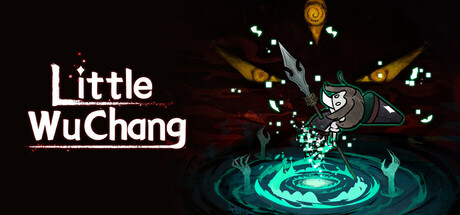
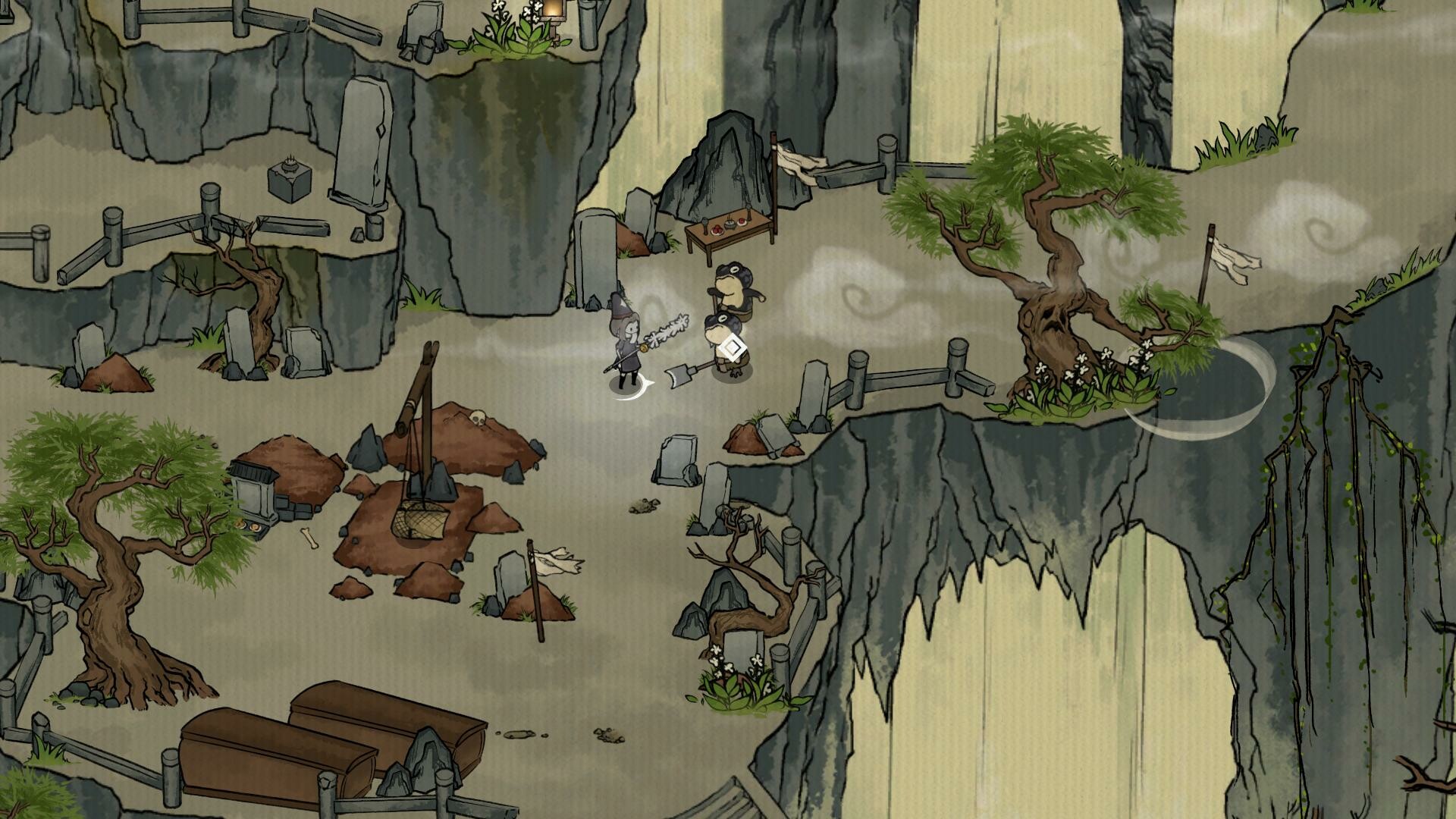
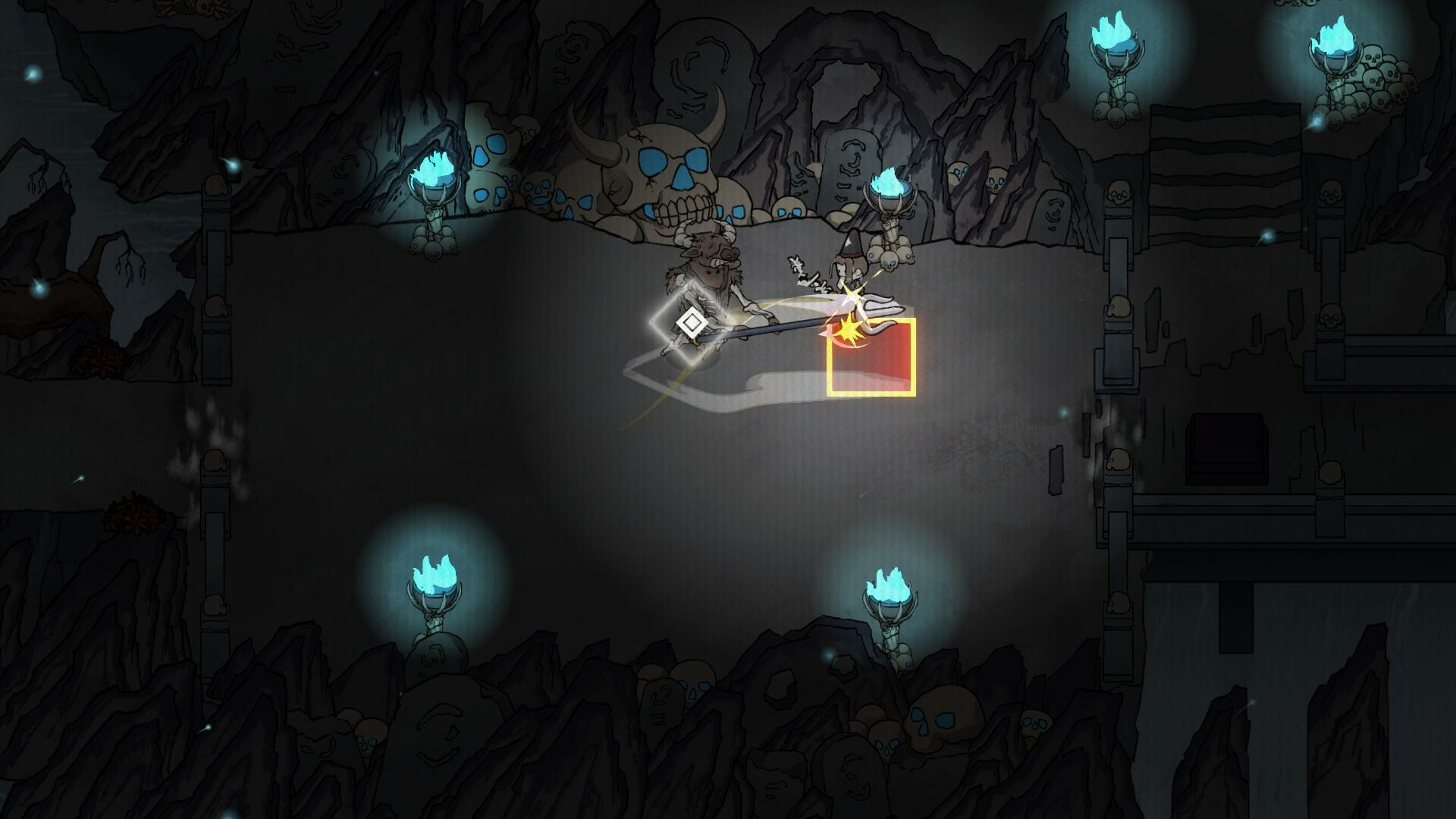
Step into the captivating world of Little Wu Chang, an action-packed indie RPG crafted by Little Impermanence Game Studio. Released in 2024, this game combines intense combat, enchanting storytelling, and breathtaking visuals to deliver a unique gaming experience. Whether you’re a fan of epic adventures or intricate RPG mechanics, Little Wu Chang invites you to explore a universe filled with mystery and wonder. In Little Wu Chang, players take on the role of Wu Chang, a young warrior with an extraordinary destiny. The game is set in a richly detailed world inspired by ancient Chinese mythology, where you’ll encounter formidable enemies, solve intriguing puzzles, and uncover hidden secrets.
The dynamic combat system rewards skill and strategy, allowing you to customize your playstyle with a vast array of weapons, skills, and upgrades. The journey is as emotional as it is challenging, offering players a deeply immersive narrative filled with twists and turns. Ready to begin your adventure? Download Little Wu Chang today and experience the thrill of mastering its challenging battles and unraveling its mystical story. With its stunning visuals, engaging gameplay, and unforgettable characters, this game is a must-play for fans of action, adventure, and indie RPGs. Don’t miss your chance to be part of Wu Chang’s incredible tale.
NOTE. Uploaded version: 18 November 2024 [v1.0 Build 16402614]. This is Full Release and latest version of game. The game is already Packaged in ISO File and ready to run the game after install, read the instruction below.
Game Details
- Title: Little Wu Chang
- Genre: Action, Adventure, Indie, RPG
- Developer: Little Impermanence Game Studio
- Publisher: Little Impermanence Game Studio
- Release year: 2024
- Available Languages: English, Japanese, Russian, Simplified Chinese
- Release Name: Little.Wu.Chang-TENOKE
- Game Version: Build 16402614 (upd.18.11.2024)
- Game Releaser: TENOKE
- Size: 6.19 GB
System Requirements
Minimum:
OS: Windows 10
Processor: AMD Athlon II X2 255
Memory: 4 GB RAM
Graphics: Anything above on-board graphics cards
Storage: 2 GB available space
Recommended:
OS: Windows 10+
Processor: Intel i7+, 2.6GHz+
Memory: 8 GB RAM
Graphics: GTX 960 and above or equivalent
Storage: 2 GB available space
Screenshots

Video
How to Install
1. The first thing we do is download the game’s installation files.
2. Unzip the archive to the hard disk.
3. Mount or burn the ISO image in the disk emulator (UltraISO program).
4. After mount ISO, go to the folder and run the file «setup.exe».
5. During the installation, we specify the location on the disk where we want to install it.
6. Copy the contents of the folder «CRACK» in the folder with the game.
7. At the end of the unpacking process, a shortcut appears on the desktop.
8. Launch the game!
Download Little Wu Chang Build 16402614 (upd.18.11.2024) — TENOKE
Alternative Download Links
Alternative Mirrors
Game Update History
- Little Wu Chang → Build 16402614 [ 18.11.2024 ]