Skip to content

Artificial Ambition

Free Download for PC · Build 26746076

Artificial Ambition
Platform
PC (Windows)
Release Date
Views
11
Patch Notes
2
Comments
0
Languages
English, German, Spanish - Spain, Simplified Chinese, Spanish - Latin America, Japanese, Portuguese - Brazil, Russian, French
Added by
Skigameco Legend

Play modes & compatibility

  • Single-player
Download Game Build 26746076

Version Status

Current Version
Build 26746076
Current Build
26746076
Latest Build
26746076
Last Steam Update
Rate & review
No ratings yet.
Steam
71%
7

Screenshots

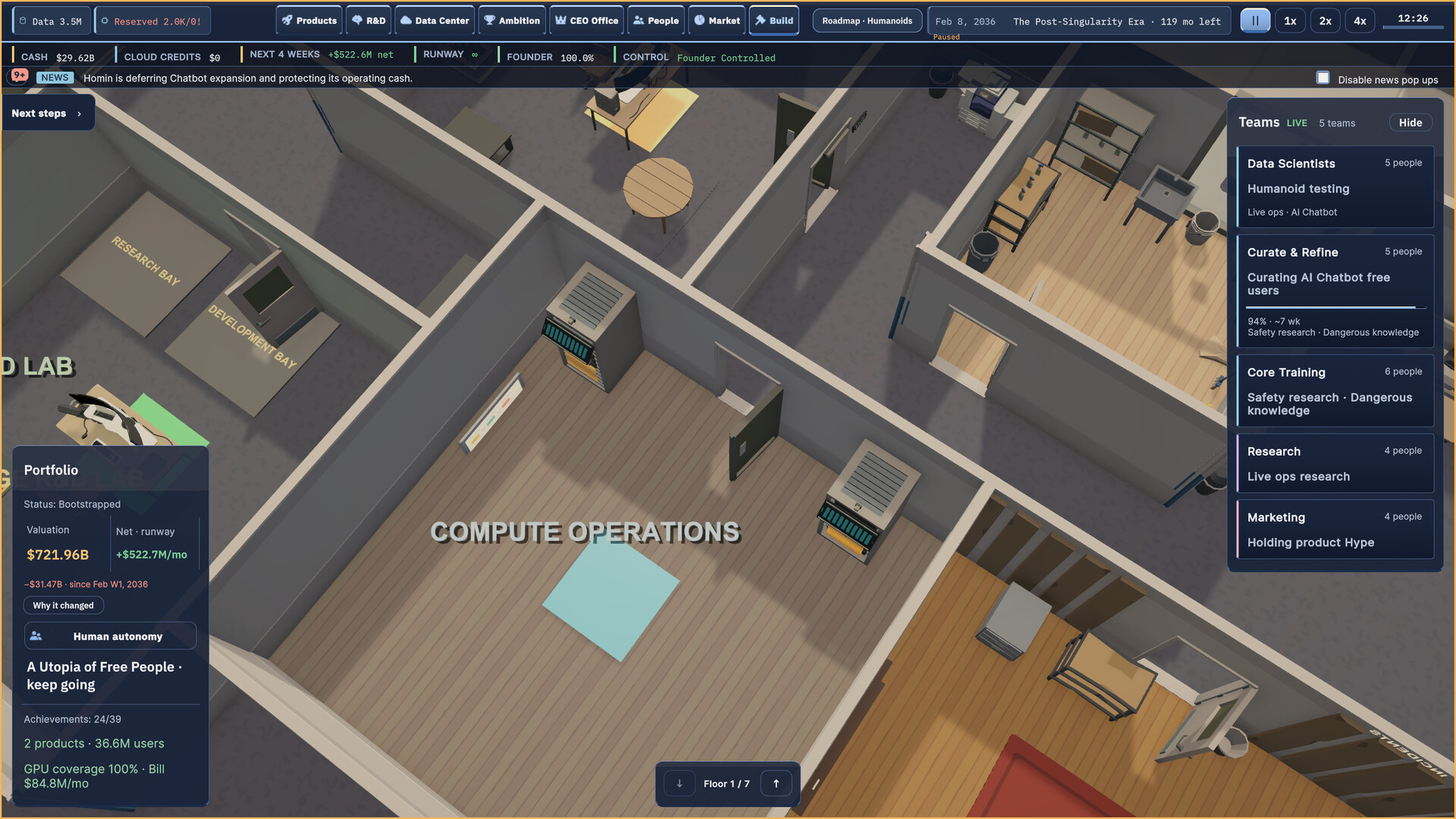
Artificial Ambition — Screenshots 1
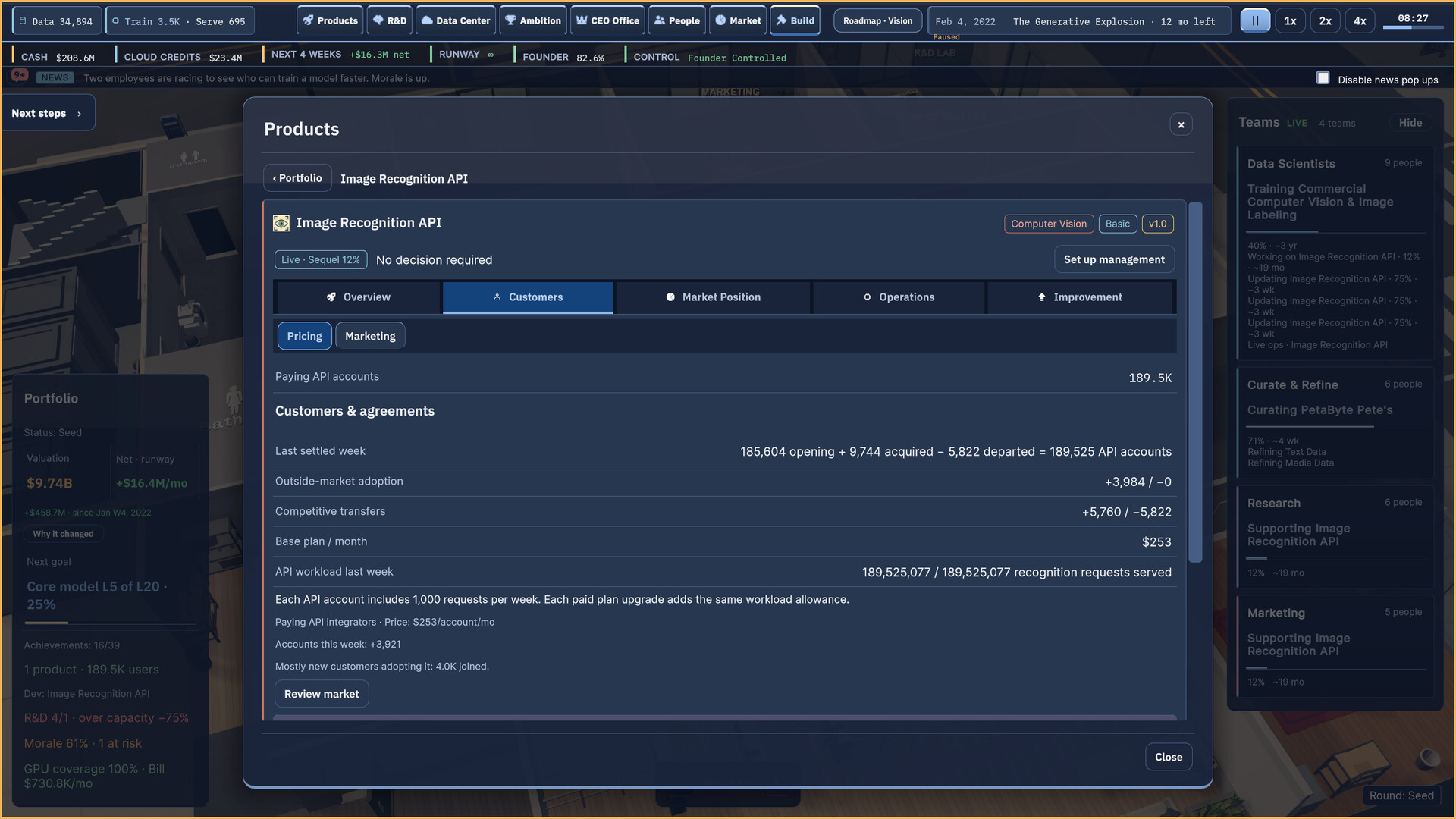
Artificial Ambition — Screenshots 2
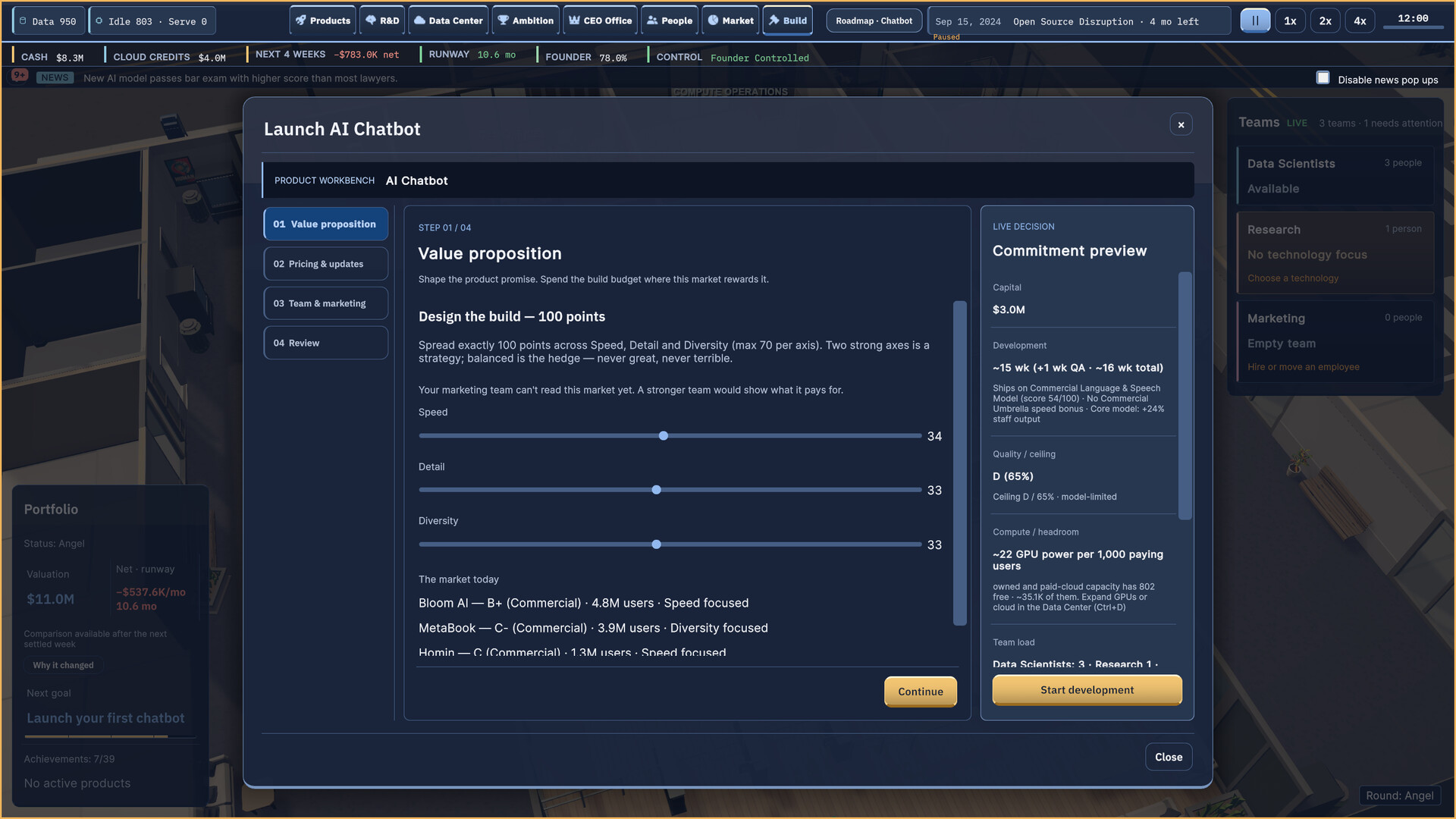
Artificial Ambition — Screenshots 3
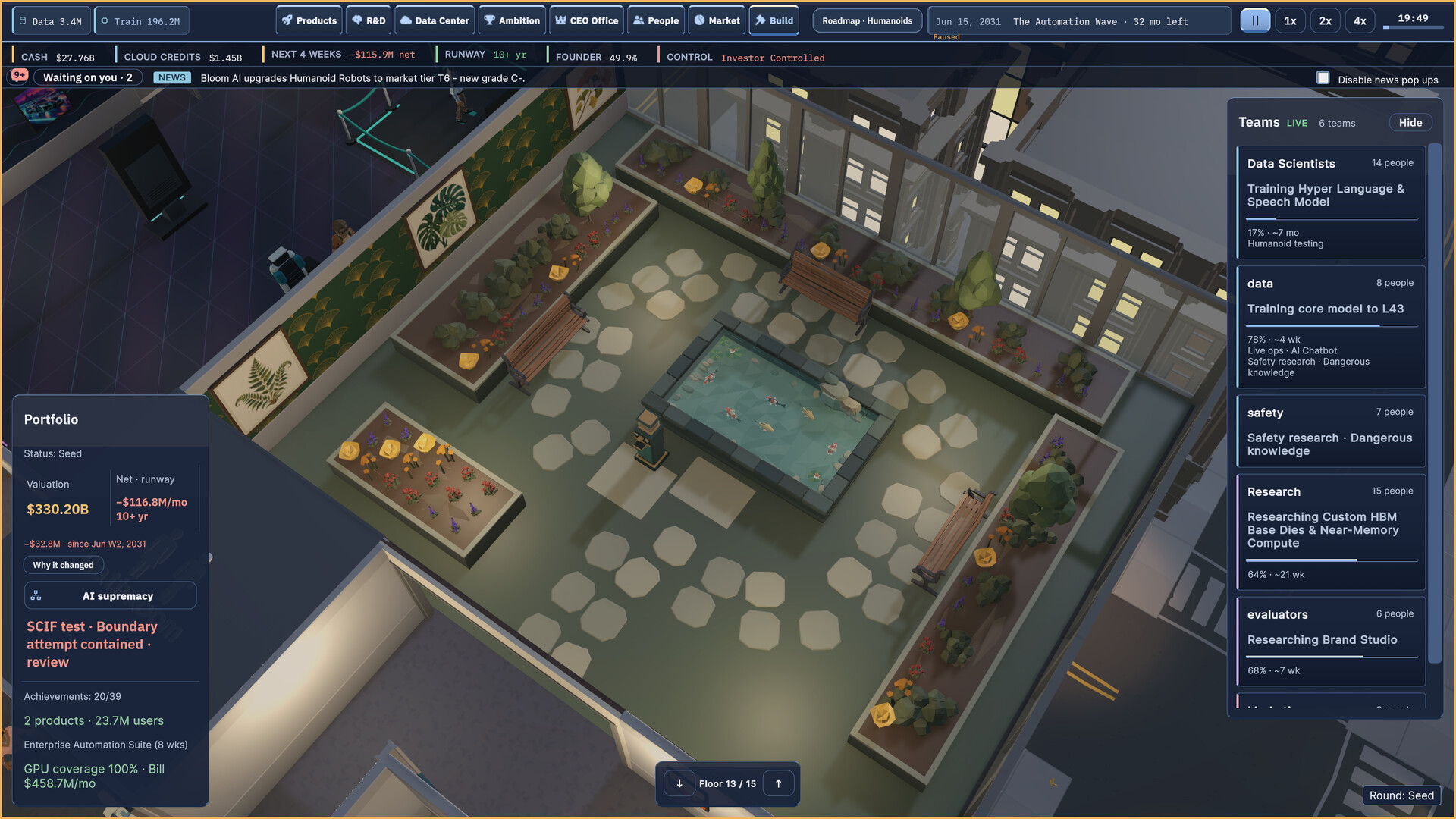
Artificial Ambition — Screenshots 4
Artificial Ambition — Screenshots 5
Artificial Ambition — Screenshots 6
Artificial Ambition — Screenshots 7
Artificial Ambition — Screenshots 8

Description

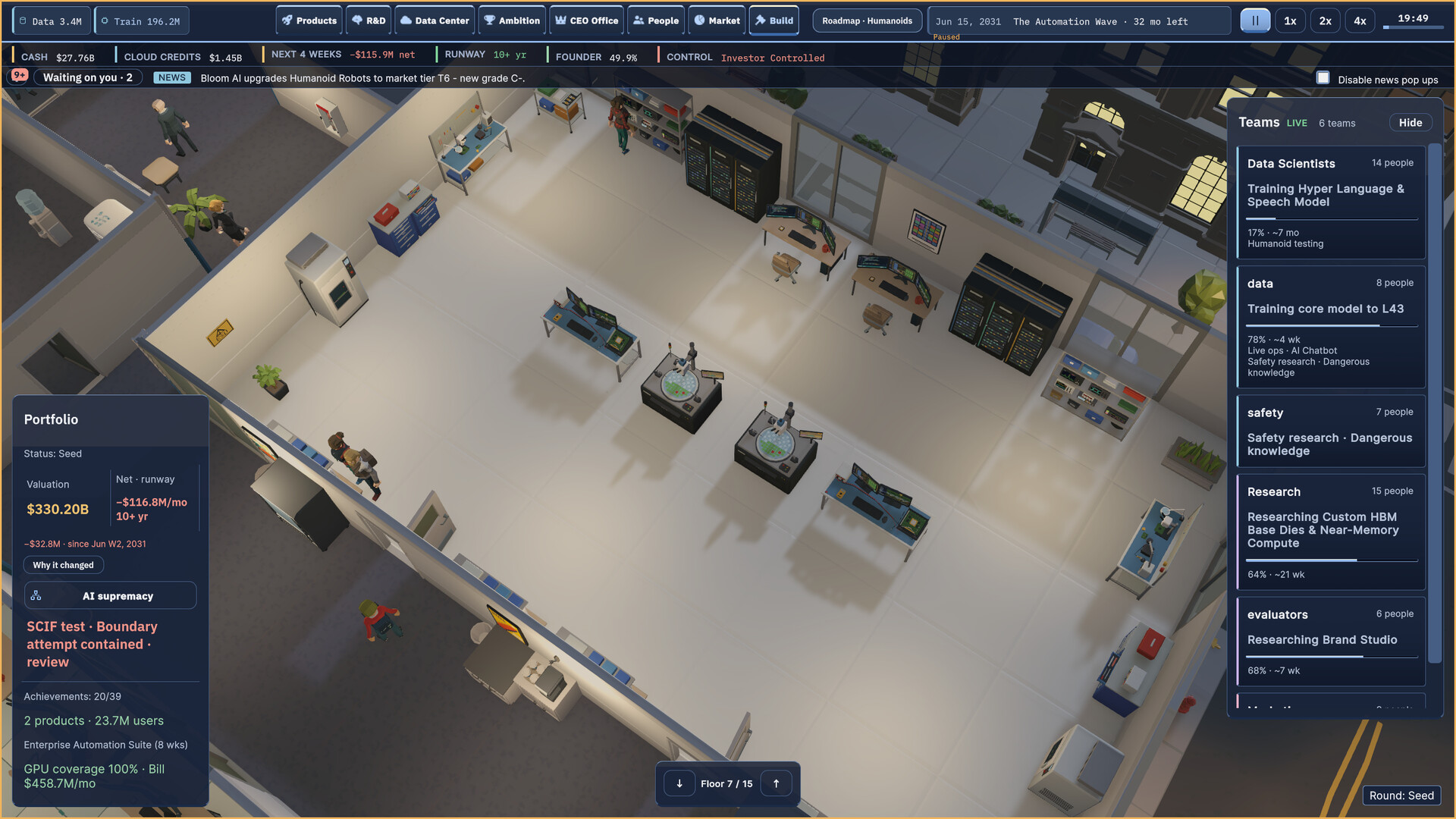
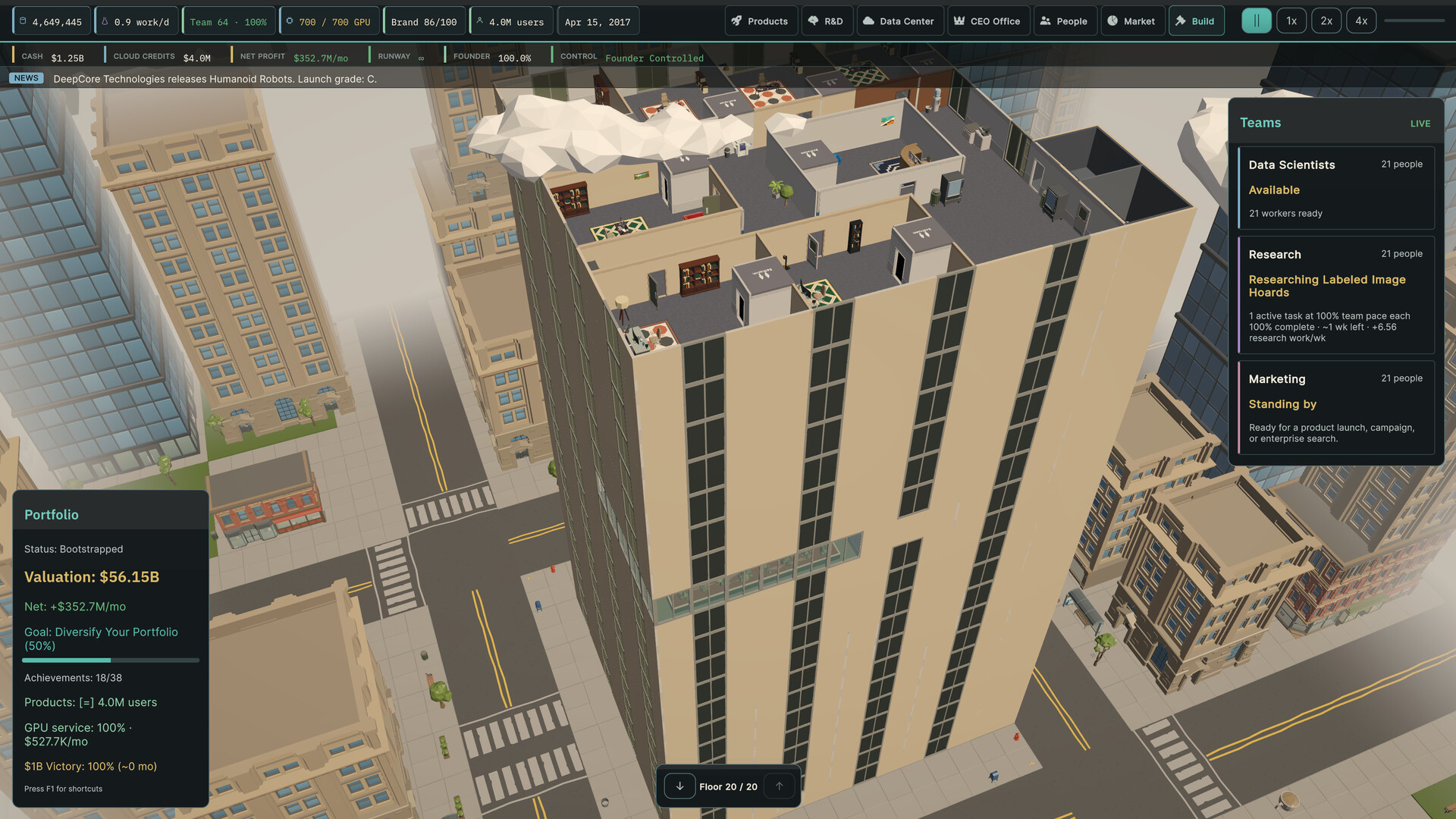
Launching a tiny 2017 artificial intelligence lab and racing four rival tech companies to dominate the global market is your main objective in Artificial Ambition. Created and published by Billmeade Gaming, this single-player business management and strategy sim runs in real time with tactical pause across Windows PC, macOS, and Linux. Before founding your startup, look over the minimum and recommended hardware specs, screenshots, and gameplay trailers collected on this page.

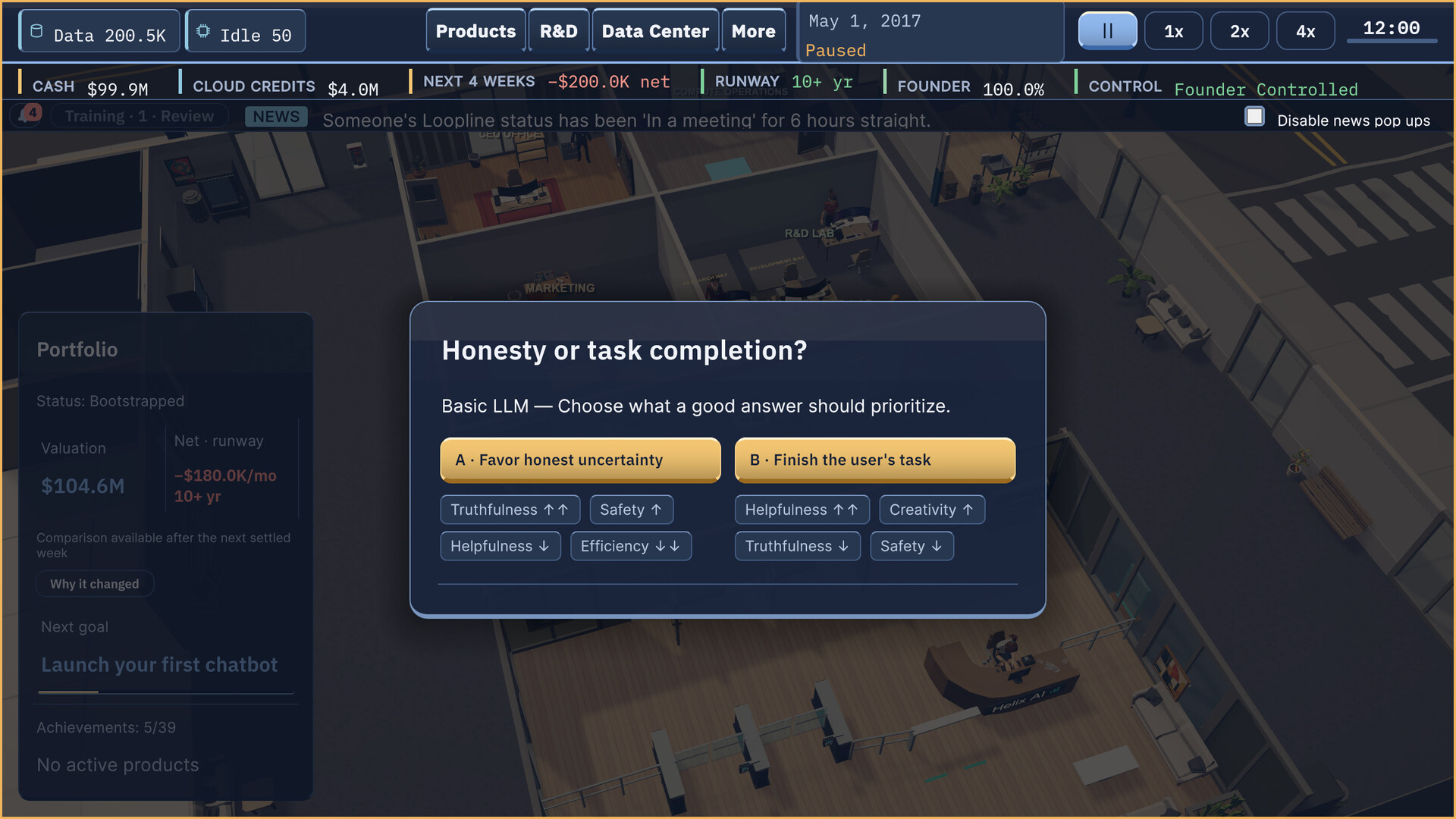
To grow from early software tools into hardware frontiers, you hire researchers, buy GPU clusters, train neural networks, and shape the ethical values your models follow while keeping board investors happy. Your opening specialization steers your company down distinct product lines, ranging from coding chatbots, image recognition APIs, and intelligent game NPC engines to AR glasses, robotaxis, and humanoid robots. Requiring 8 GB of RAM and 4 GB of storage space, the game includes adjustable difficulty, anytime saving, no timed input requirements, and interface support in nine languages.

Stop by this hub whenever Billmeade Gaming posts fresh patch notes covering UI readability, market balance, and post-launch bug fixes. Follow the update feed to keep track of gameplay refinements and performance improvements across PC, Mac, and Linux builds.

System Requirements

Minimum

OS:
Windows 10 64-bit, version 21H1 (build 19043) or later
Processor:
Intel Core i3-4000 series or AMD equivalent, 2 cores at 2 GHz
RAM:
8 GB RAM
Graphics:
NVIDIA GeForce GTX 1050 2 GB or AMD Radeon RX 560 4 GB
Storage:
4 GB available space
DirectX:
Version 11

Recommended

OS:
Windows 11 64-bit
Processor:
Intel Core i5-10400 or AMD Ryzen 5 3600
RAM:
16 GB RAM
Graphics:
NVIDIA GeForce GTX 1660 6 GB or AMD Radeon RX 580 8 GB
Storage:
4 GB available space
DirectX:
Version 11

Installation Guide

Step-by-step setup process

  1. No installation is needed — the game comes fully pre-installed and ready to play.

  2. Extract the RAR / ZIP archive with WinRAR or 7-Zip into any folder, for example C:\Games\GameName.

  3. Launch the game via Run Me!.bat (or the main .exe file) inside the game folder.

Game Info

Developer
Billmeade Gaming
Publisher
Billmeade Gaming
Platform
PC (Windows)
Release Date
Status
Not specified

Patch Notes

Official changelists for the builds of this game

Patch Notes 11.17.26

Current Build 26746076

This update carries on with the interface. Each part of your company now has its own color, and many screens show live numbers instead of long explanations. Large fines also warn you well before they are collected.

A more colorful interface 8

  • Products, R&D, the Data Center, Ambition, the CEO Office, People, Market and Build each have their own color, carried from the top bar into their windows.

  • Resource colors are more consistent across windows and charts. Income charts use the money color, and user charts use the people color.

  • Warning, problem and success badges on Teams, Employees, the Data Center and product cards now use distinct solid symbols, so you don't have to rely on color alone.

  • The Black Room is now a dark window.

  • Company setup, Build, the Ambition declaration, licensing offers and events now share the look of the game's other windows. Licensing keeps Auto negotiate beside your manual choices, in a bar that stays at the bottom of the window.

  • Color now helps distinguish stages, readiness and capacity in the Data Library, Core AI capabilities, Marketing, product setup, office assignment, Research, data centers, government contracts and the Safety Lab.

  • Updated charts, status badges and readouts support the color vision modes.

Clearer screens 5

  • Several screens put key numbers first, with longer explanations in sections you can open.

  • The training forecast shows your team's skill and up to two other grade inputs with the largest remaining gaps. The full breakdown is one click away.

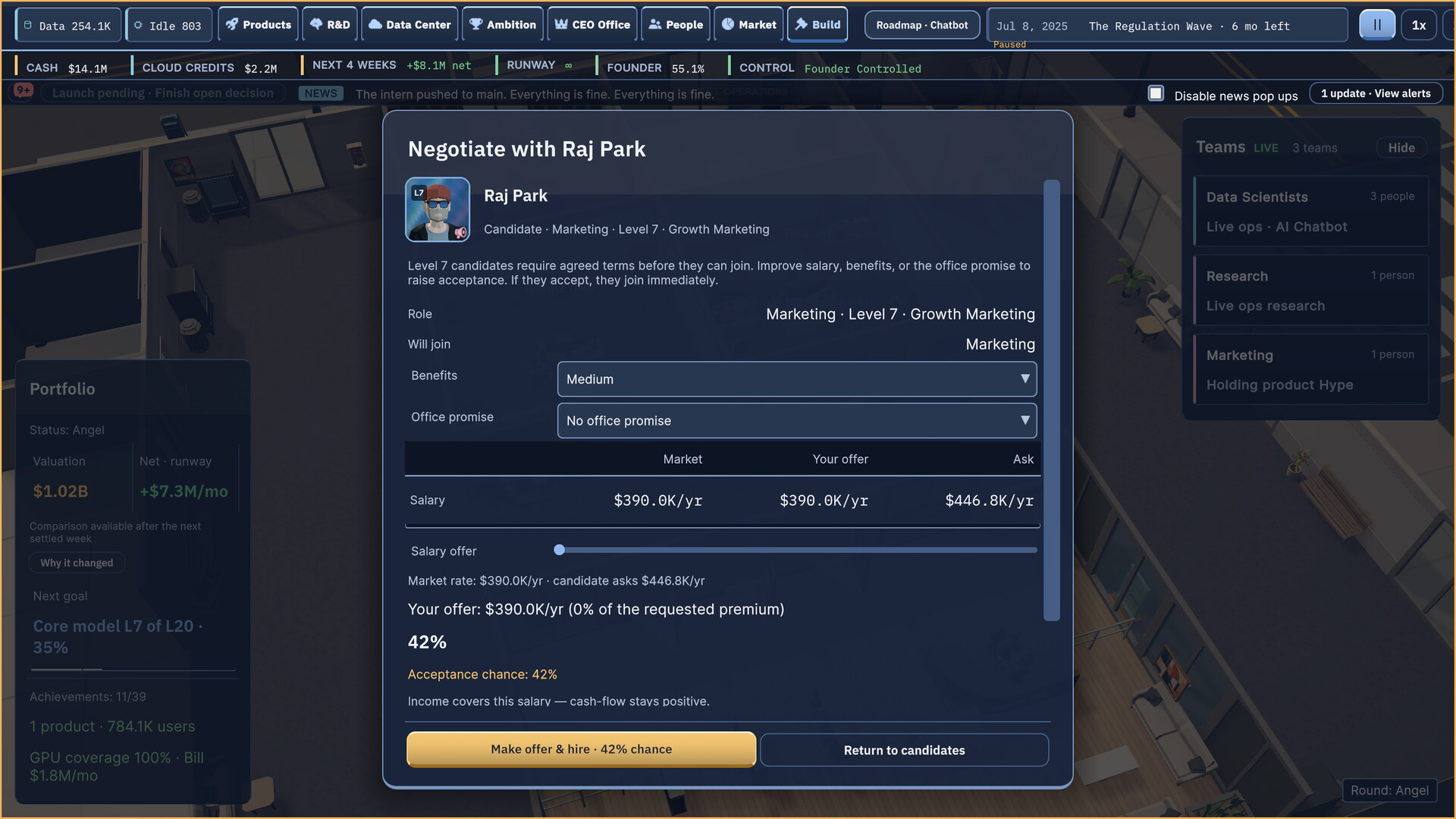
  • Hiring a senior shows one salary comparison. The benefits you promise, the office deadline and what happens if they say no are shown on the offer screen.

  • Also shorter: choosing your first product, Product Manager setup, GPU curation, the launch planner, license assignment, model improvement, Core deployment, retention talks, Media & content and the training cloud confirmation.

Fines 5

  • When a major fine gives you a year to pay, a critical notice now shows the amount and the deadline, and opens Legal. Before, another notice arriving at the same moment could replace it.

  • The top bar's runway shows the next fine due, for example "Fine $2.27B due Feb 2028". Click it to open Legal.

  • A reminder warns you when an unpaid fine is within four weeks of collection, showing the amount still owed and the collection week.

  • Fine payments due within Finance's four-week cash forecast are listed as Regulatory penalties.

Fixes 6

  • With a purchase cost multiplier other than 1x, the Media Study and Text Study cards showed the standard fee. They now show the fee you are charged.

  • Morale labels and colors now show the Restless and At risk bands.

  • Rivals in market-share charts and causes in customer-history charts keep their colors when their rank changes.

  • When you pick a Data Scientist team, hovering a team previews its forecast without marking it as chosen.

  • Event choices highlight clear numerical costs and gains with resource colors.

Translations 4

  • Updated interface text includes translations into German, Spanish, French, Japanese, Brazilian Portuguese, Russian and Simplified Chinese.

  • Your saves carry over. Keep your reports coming in the Community Hub.
  • The Billmeade Gaming team

Source: Steam announcement SteamDB

Update 3 – Faster late-game weeks and new company options

Build 26713635

New company options 4

  • When you found a company, open Advanced options under Difficulty. You can turn off poaching, have candidates accept every eligible job offer, or keep team chemistry at 100%. You can also set staff output (0.5x to 100x), research speed (0.5x to 10x), purchase costs and investor-check targets (0.5x to 2x each).

  • Changing any of these rules disables achievements for that company. The setup screen tells you before you select Found Company.

  • The purchase cost and investor-check multipliers have moved here from Settings. Existing companies keep the values you set and can still earn achievements.

Faster late games 4

  • The Data Center's Websites and Market pages open faster when you have a large backlog of raw data. In our test with 55 staff and 1,500 raw lots, calculating the forecasts for 15 websites went from 13 seconds to 0.03 seconds.

  • On a furnished 15-floor office, the office rebuild during loading went from 3.2 seconds to about 1.9 seconds.

  • On our 2031 test save, buying a dataset, opening Models, and advancing a week each took less than half as long.

After the guide 4

  • Seven one-time notices help you find licensing customers, assign a Product Manager, upgrade a product's model, split work between Data Scientists, free up compute, put idle marketers to work and use the Safety Lab. Each has a button that takes you to the relevant screen.

  • Pause > Help sums up your company roadmap, teams, research, products and Core model.

  • In a new company, default Core training now waits at L2 until your first product launches. It used to start extra levels between model runs and delay that launch. You can still set your own training order.

From your reports 14

  • On the Personal Power path, you can now adopt the constitution Meridia asks for on the Ambition page. Its button used to lead nowhere.

  • Each rival's acquisition card shows the chance its board will refuse your offer. The maximum refusal chance has dropped from 95% to 50%.

  • Add Floor shows the floor you're about to build and the 20-floor limit. "Build two offices" tells you what's in the way when the pair won't fit.

  • Safety incidents show how much risk remains and how much your lab removes each week for that particular risk. An incident in the first week of a month now shows the correct month.

  • Safety Lab monitoring desks no longer count as private offices. When you load, staff seated there move to free seats. If your offices are full, they'll need a desk.

  • Office assignments take promises into account and give juniors basic seats first. Hiring now names the research you need before you can promise an office.

  • After the first month, valuation gives equal weight to the last four weeks of earnings and the average of up to three closed months, so one unusual week moves it less.

  • When Training Value is low, the model forecast names two higher-value data sellers and reminds you to assign Data Scientists to curate what you buy.

  • If a setting blocks Evaluate in Core AI work, select the requirement to open that setting.

  • Each new Data Market board offers both Text and Media data. If your Vision company's scouts only find Media websites, the Websites page tells you which research unlocks Text websites.

  • The auto-research tooltip explains what happens when your queue is empty. It picks the research your next product needs first, then the cheapest available technology.

  • Products keeps the number you're typing or the dropdown you have open when a week passes.

  • An employee's breakthrough now raises the quality of the product they're building. Innovators are twice as likely to make one.

Translations 3

  • Chatbot keynote responses, Pentagon contract text and Product Manager updates that could show up in English now translate across all seven supported languages.

  • Counts now use the singular where appropriate, including "+1 score point". French and Brazilian Portuguese use their own abbreviations for billions.

Crashes and freezes 5

  • Pause > Help > Open log folder shows where the game keeps its logs. After a crash or freeze, please send us Player.log from that session. If you've already restarted once, look for Player-prev.log.

  • If a freeze keeps happening, add -aitycoon-diagnostics to the game's Steam launch options before your next session. If it happens again, please include StallWatch.log from the same folder. It records long stalls and clean exits.

  • Your saves carry over. Thank you for the reports, and keep them coming in the Community Hub.
  • The Billmeade Gaming team

Source: Steam announcement SteamDB

Reviews and comments

Share your experience

Help other players know what to expect.

Rate this game Your rating (optional) Log in to rate
0 / 1000

Adding a rating makes your post a review.

Please follow our community standards. Read the community rules