Polylithic v1.0 (upd.26.08.2026) - RUNE

About The Game
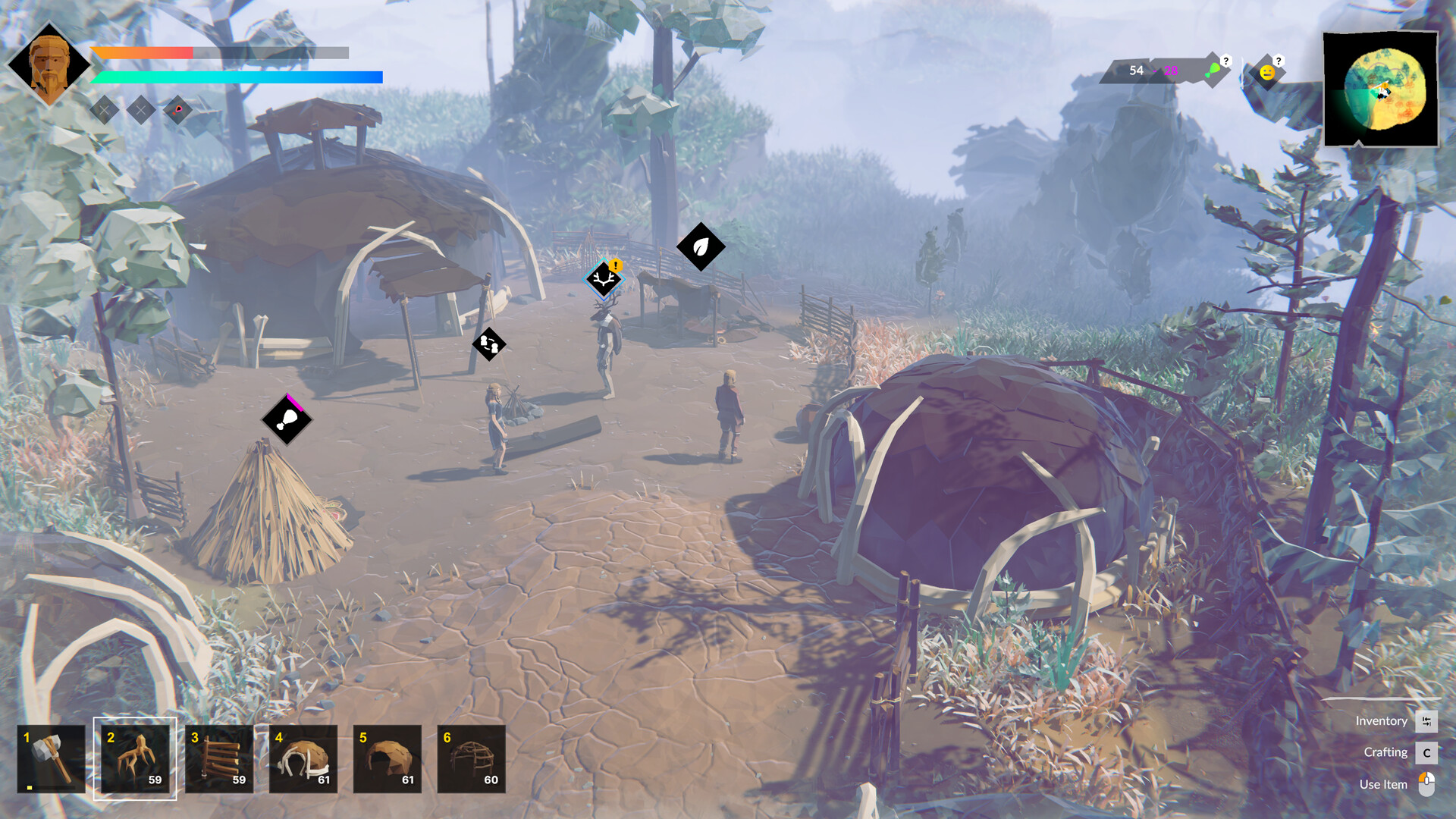
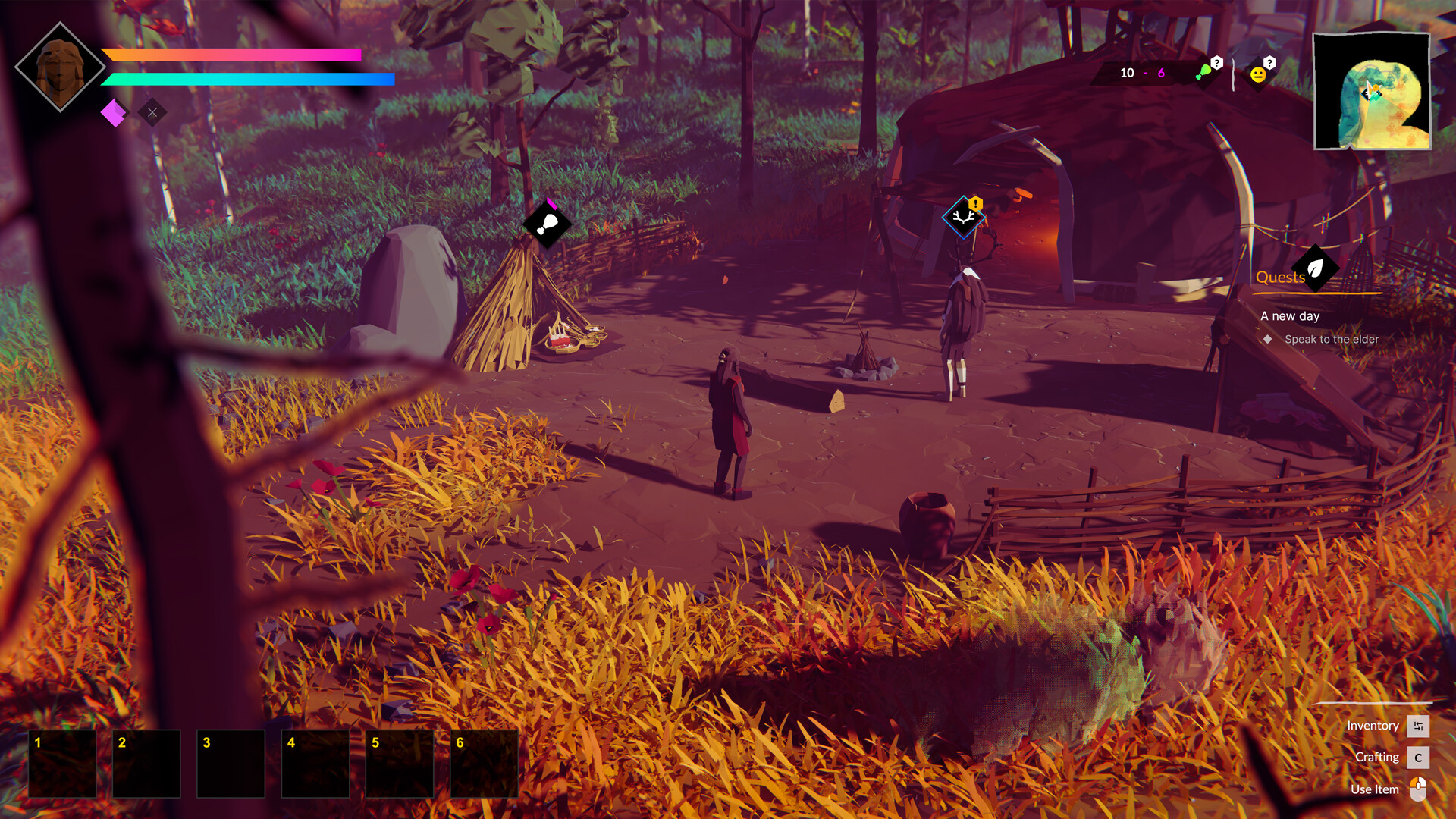
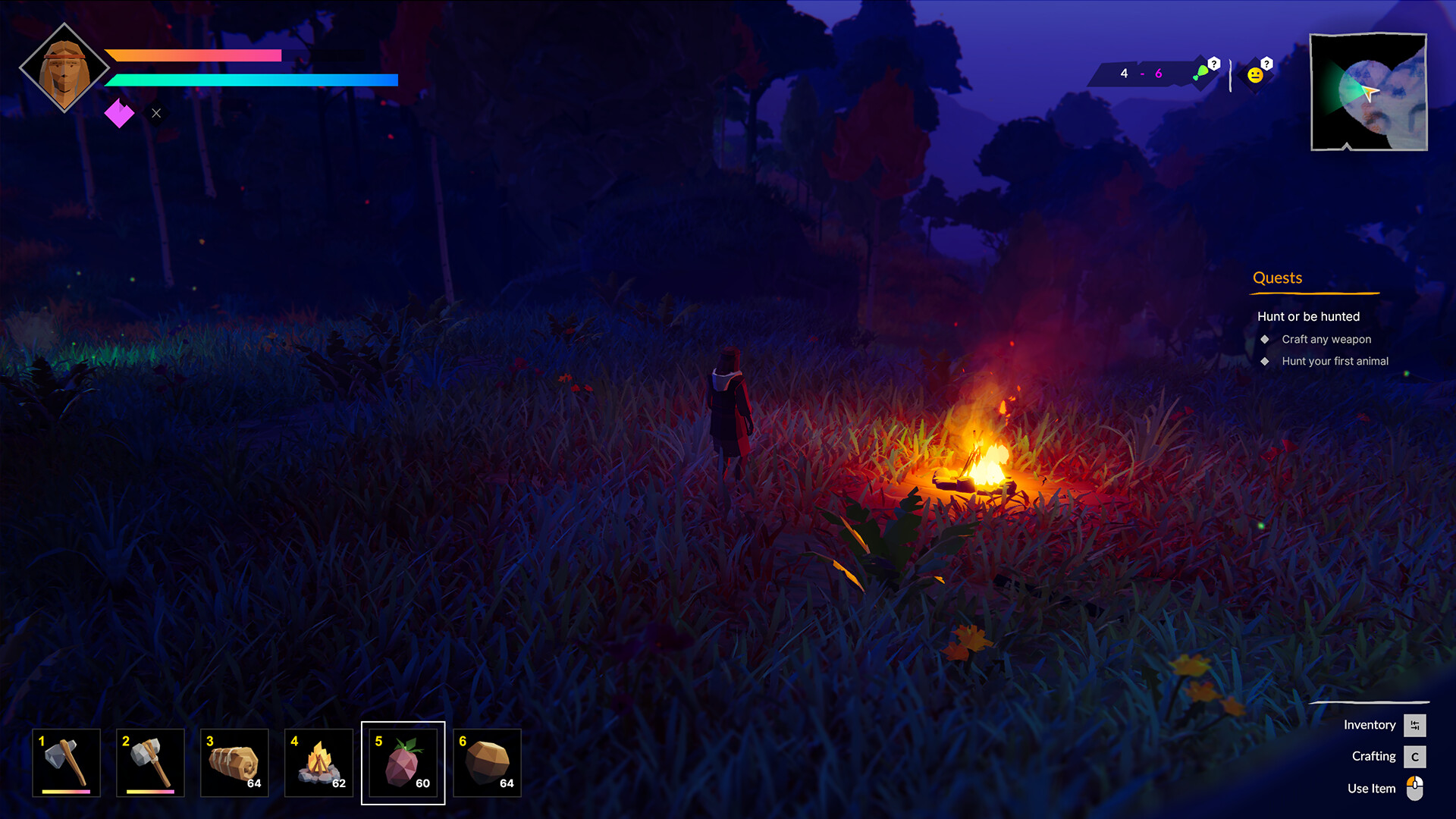
Polylithic is a survival simulator with an isometric camera that invites you to go to the vastness of the ancient world to personally make every effort to save your family or just your personal life. Time and your choice will tell what exactly needs to be saved, because in this adventure you are free to choose: survive alone or become the one who will unite other ancient people into a single settlement. You just need to start taking action and the result will not take long to arrive. The interesting thing about the adventure is that you are free to do whatever you want. You can just wander around the world and look for survival items.
You can attack others and take away all their excessively acquired property, or you can start organizing local residents. All you have to do is choose the path you want to follow and the rest will gradually follow. Explore the entire available environment, strive for a good result and gradually discover new opportunities for yourself. Only this approach will allow you to get a lot of positive emotions and choose your further path. The ancient world is unique in that it is dangerous, unpredictable and full of opportunity. Build, engage in crafting and hunting, discover new abilities and simply strive for success.
NOTE. Uploaded version: 26 August 2026 [v1.0 Build 24934897]. This is Full Release and latest version of game. The game is already Pre-Installed and ready to run the game, read the instruction below.
Game Details
- Title: Polylithic
- Genre: Adventure, Indie, Early Access
- Developer: polyperfect
- Publisher: polyperfect
- Release year: 2023
- Available Languages: English, Czech
- Release Name: Polylithic.v1.0-RUNE
- Game Version: v1.0 (upd.26.08.2026)
- Game Releaser: RUNE
- Size: 1.16 GB
System Requirements
MINIMUM:
Requires a 64-bit processor and operating system
OS: Windows 10
Processor: i5 7400
Memory: 8 GB RAM
Graphics: GTX 970
Storage: 1500 MB available space
RECOMMENDED:
Requires a 64-bit processor and operating system
OS: Windows 10
Processor: i5 7400
Memory: 16 GB RAM
Graphics: GTX 2070
Storage: 1500 MB available space
Screenshots
Video
How to Install
1. The first thing we do is download the game's installation files.
2. Unzip the archive to the hard disk.
3. Mount or burn the ISO image in the disk emulator (UltraISO program).
4. After mount ISO, go to the folder and run the file «setup.exe».
5. During the installation, we specify the location on the disk where we want to install it.
6. Copy the contents of the folder «RUNE» in the folder with the game.
7. At the end of the unpacking process, a shortcut appears on the desktop.
8. Launch the game!
Download Polylithic v1.0 (upd.26.08.2026) — RUNE
Alternative Download Links
Alternative Mirrors
Game Update History
- Polylithic v0.8.1.2 → v1.0 Build 24934897 [ 26.08.2026 ]
- Polylithic v0.7.9 → v0.8.1.2 Build 20365399 [ 15.10.2025 ]
- Polylithic v0.3.2 → v0.7.9 [ 08.02.2025 ]
- Polylithic Upcoming → v0.3.2 [ 10.11.2023 ]
- Polylithic → Upcoming [ 06.11.2023 ]