Foreign Fortress Build 13003659 (upd.30.12.2023) - TENOKE

About The Game
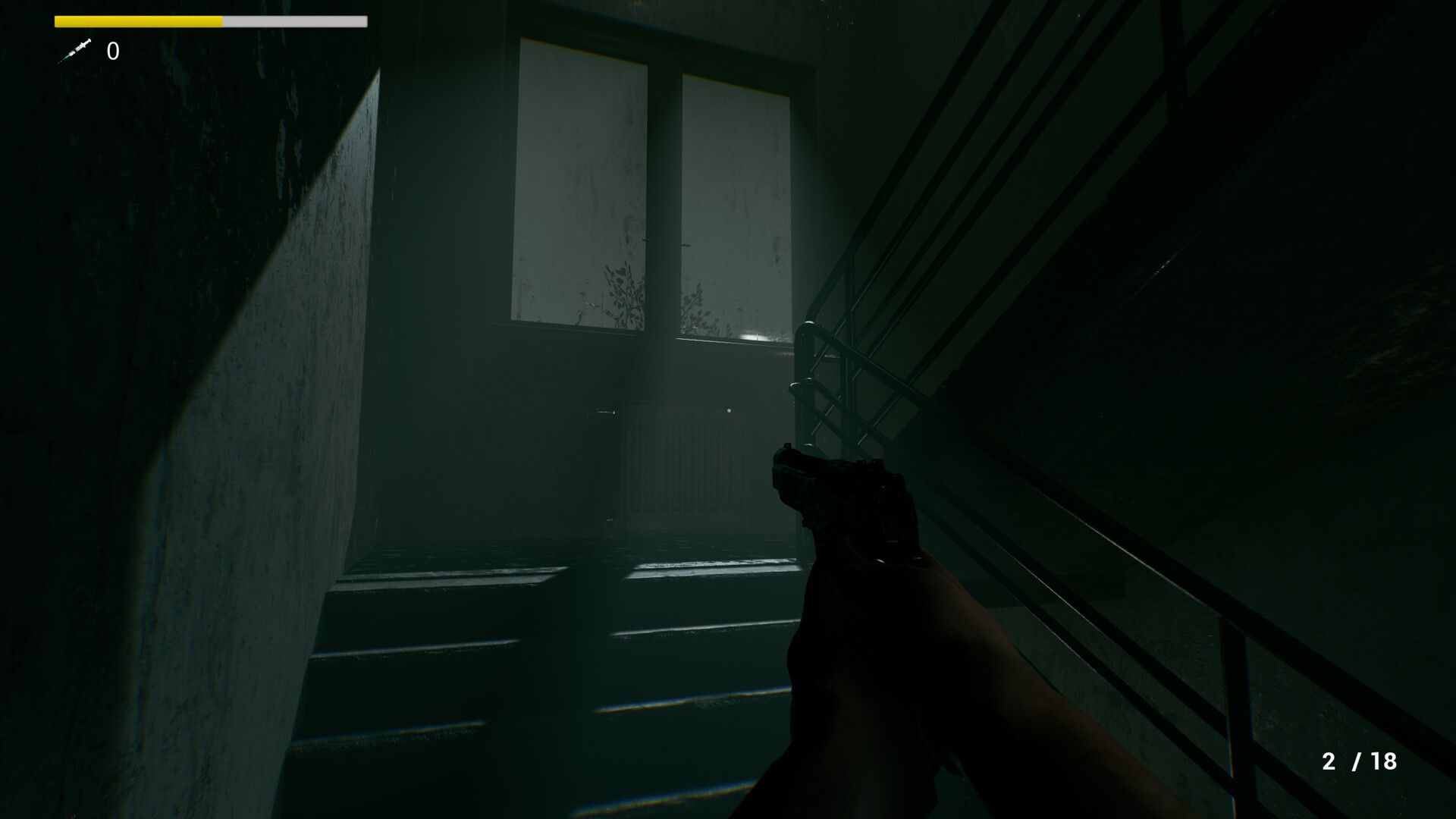
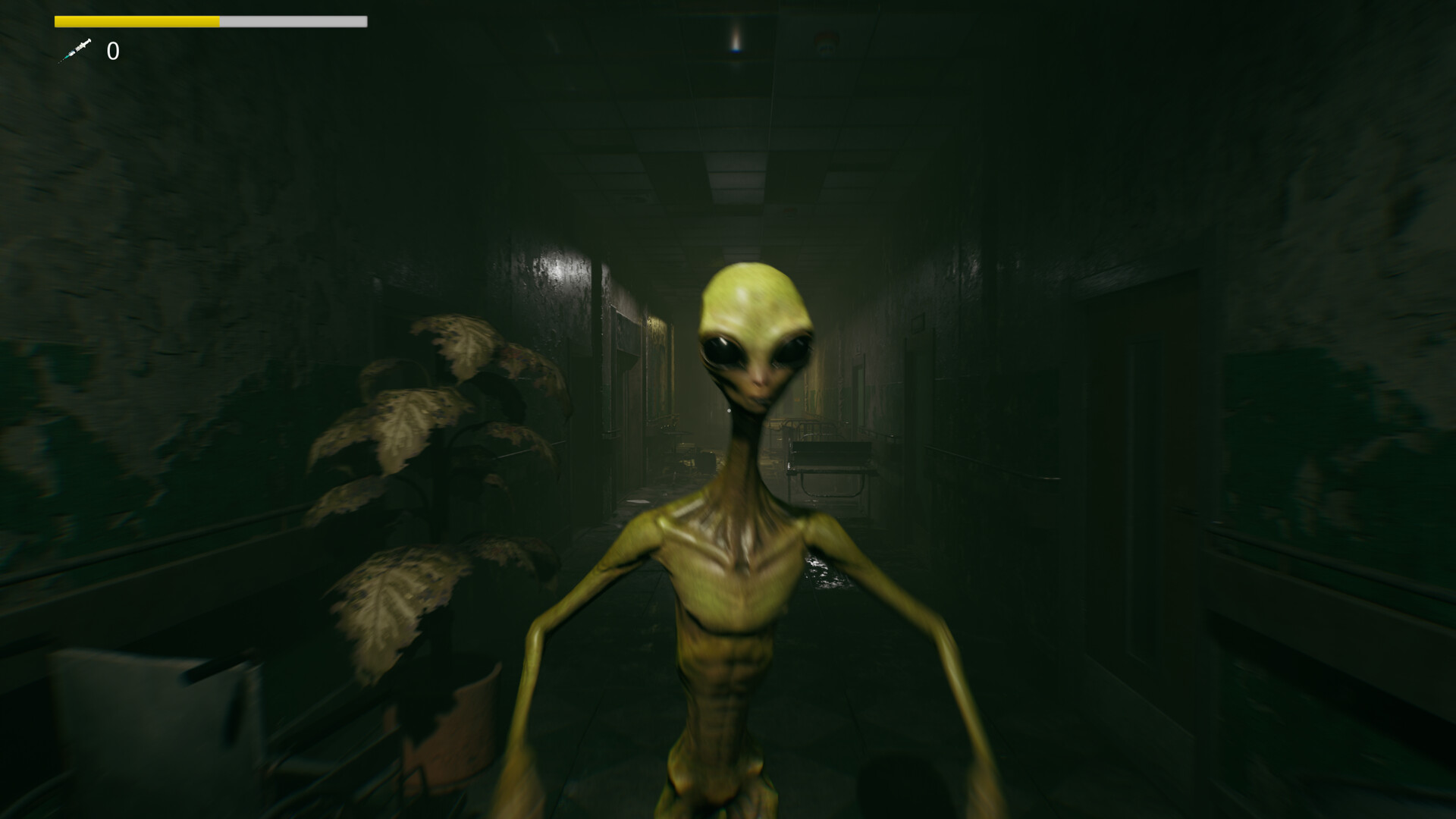
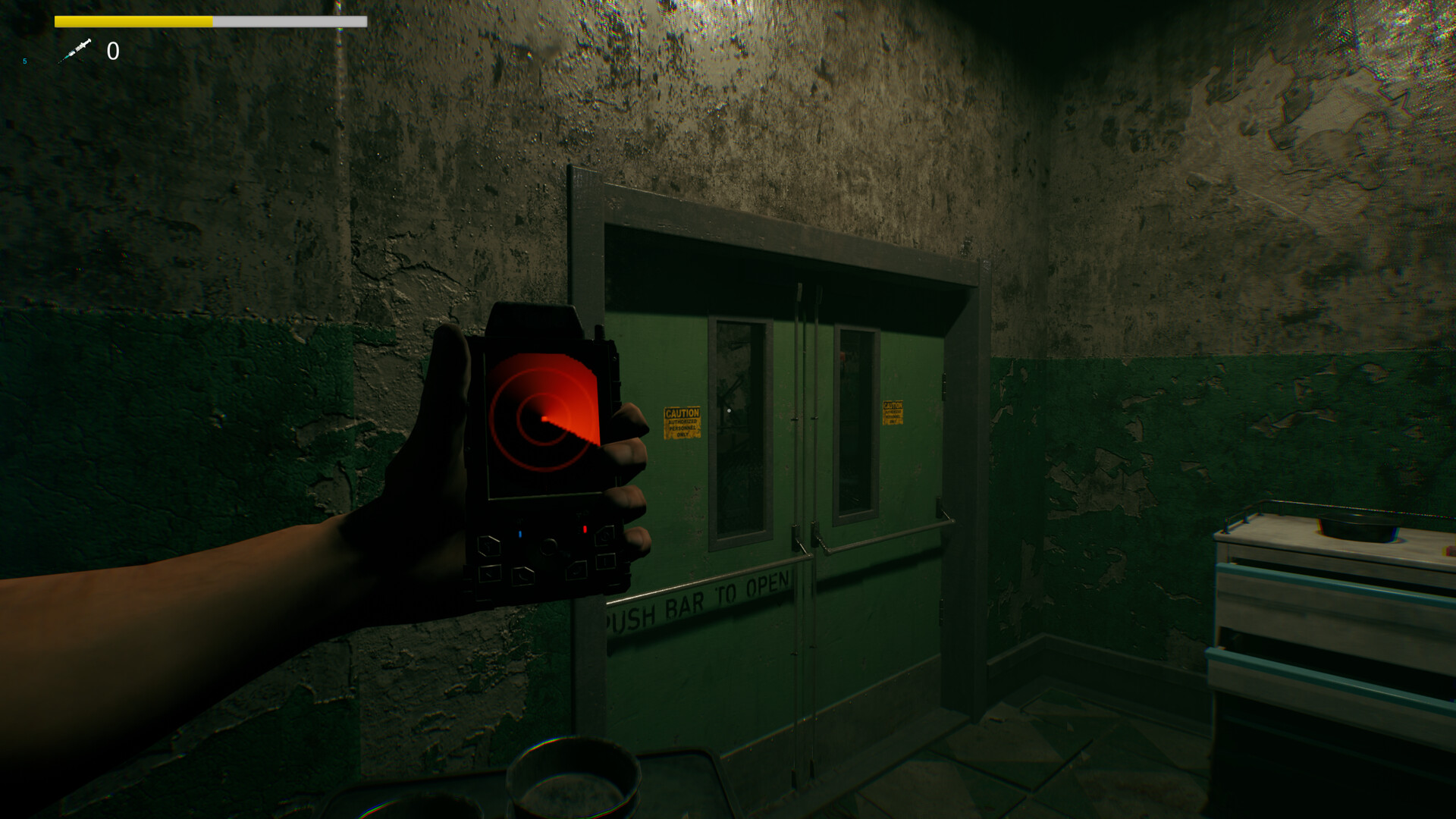
Foreign Fortress — Greg, a distinguished American military veteran, received a special assignment from the United States military to tackle the alien epidemic, acknowledging his courageous feats in the previous World War on Earth. Unfortunately, he found himself in a coma within a long-forgotten hospital, ensnared by extraterrestrial entities for decades. Stirred by dreams of his past life and family, Greg finally awakens. However, he soon discovers that he is not alone in the desolate, lifeless structure. His new mission: eliminate the alien threat. Recalling he had a weapon when captured, Greg must now locate and deploy it. Navigate the ominous hospital, utilizing your weapon and radar strategically. Seek refuge behind walls, under tables, and closed doors to evade the alien.
Exercise caution during exploration, as the alien can detect your footsteps when you least expect it. Confident in his ability to employ both his firearm and stealth tactics, Greg aims to escape the alien, collect items for expelling alien life on Earth, and reclaim his former life with his family post-coma and the preceding World War. Equip yourself with a radar and gun to accomplish your mission. Track the alien’s location, ensuring a clear path forward. Additionally, use a lighter to illuminate dark areas within the abandoned hospital, as the lights have dimmed over the years of Greg’s slumber. Will Greg overcome the challenges and find a semblance of normalcy after decades in this alien stronghold?
Game Details
- Title: Foreign Fortress
- Genre: Action, Adventure, Casual, Indie
- Developer: FrisbyStudio
- Publisher: FrisbyStudio
- Release year: 2023
- Available Languages: English
- Release Name: Foreign.Fortress-TENOKE
- Game Version: Build 13003659 (upd.30.12.2023)
- Game Releaser: TENOKE
- Size: 1.34 GB
System Requirements
MINIMUM:
Requires a 64-bit processor and operating system
OS: Windows 10 64 bit(1903)
Processor: INTEL E3-1230v2 / AMD FX-8350
Memory: 8 GB RAM
Graphics: NVIDIA GTX960(4G)
DirectX: Version 11
Storage: 5 GB available space
Additional Notes:
RECOMMENDED:
Requires a 64-bit processor and operating system
OS: Windows 10 64 Bit(2004)
Processor: INTEL i7-4790K / AMD FX-9590
Memory: 16 GB RAM
Graphics: NVIDIA GTX1060(6G)
DirectX: Version 12
Storage: 5 GB available space
Additional Notes: (Hight Ray Tracing):NVIDIA RTX 3080 / (Normal Ray Tracing):NVIDIA RTX 3060
Screenshots
Video
How to Install
1. The first thing we do is download the game’s installation files.
2. Unzip the archive to the hard disk.
3. Mount or burn the ISO image in the disk emulator (UltraISO program).
4. After mount ISO, go to the folder and run the file «setup.exe».
5. During the installation, we specify the location on the disk where we want to install it.
6. Copy the contents of the folder «CRACK» in the folder with the game.
7. At the end of the unpacking process, a shortcut appears on the desktop.
8. Launch the game!
Download Foreign Fortress Build 13003659 (upd.30.12.2023) — TENOKE
Alternative Download Links
Alternative Mirrors
Game Update History
- Foreign.Fortress-TENOKE → Build 13003659 [ 30.12.2023 ]