CRYO Build 21240475 (upd.07.01.2026) + Multiplayer

About The Game
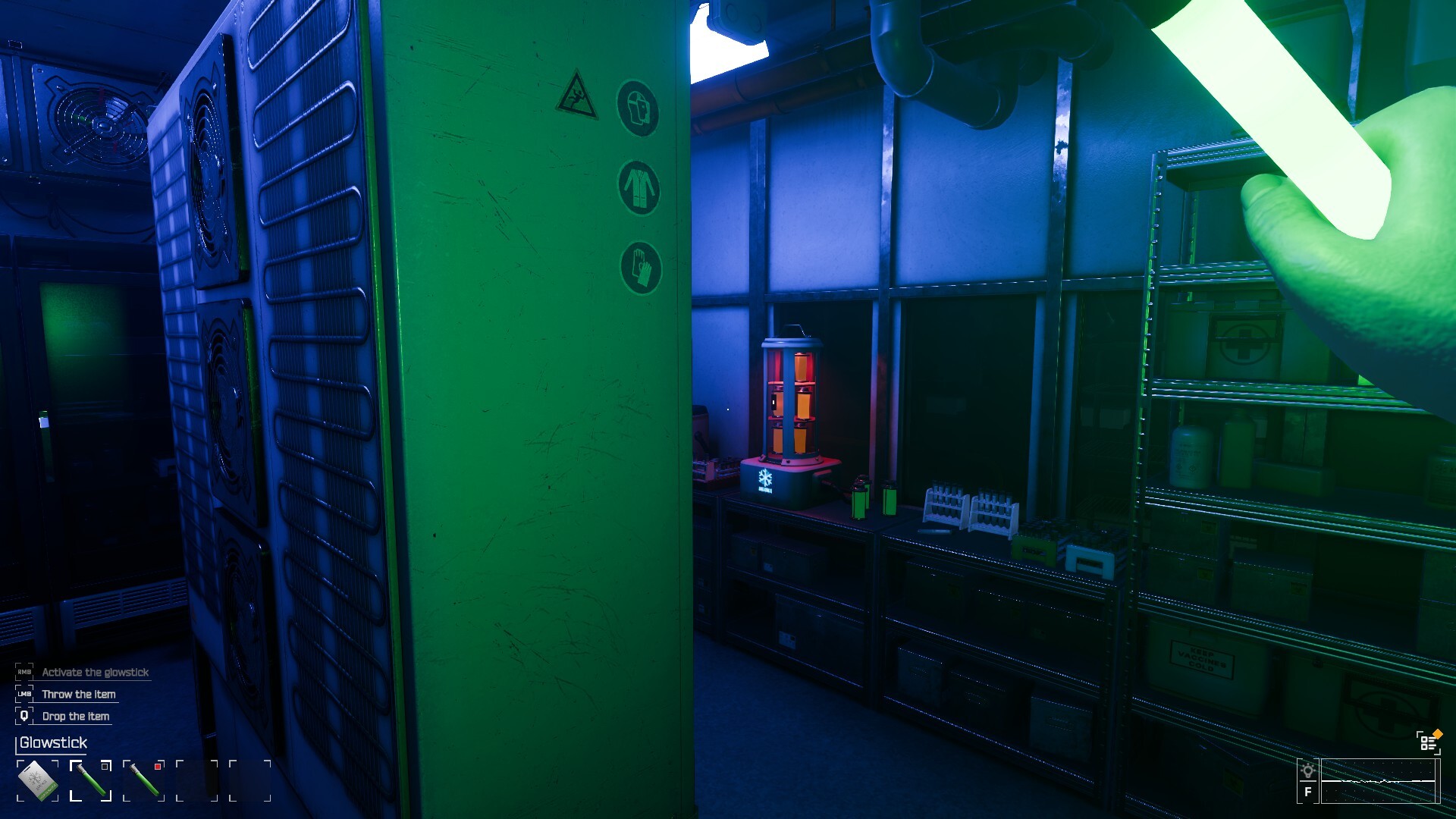
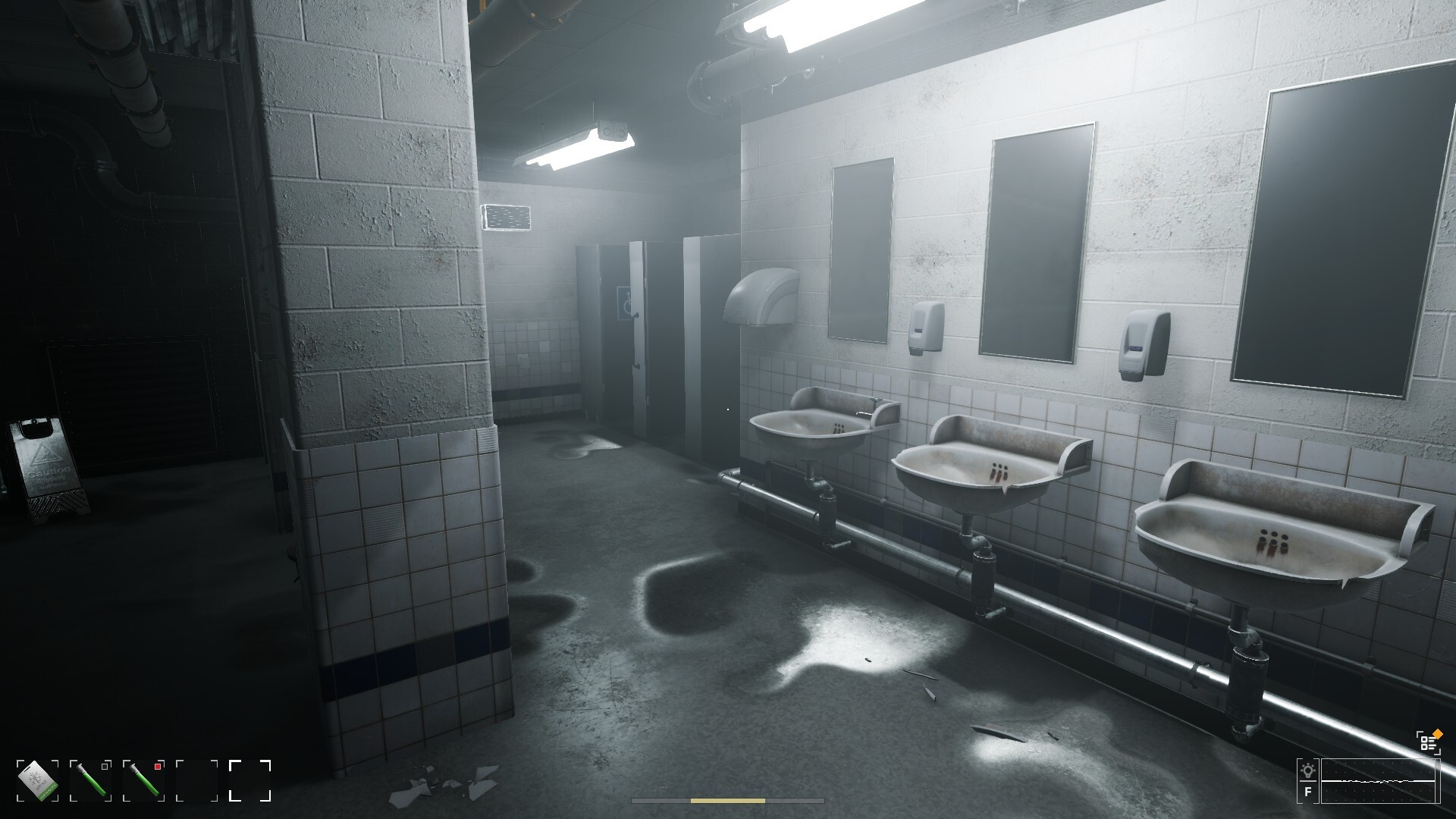
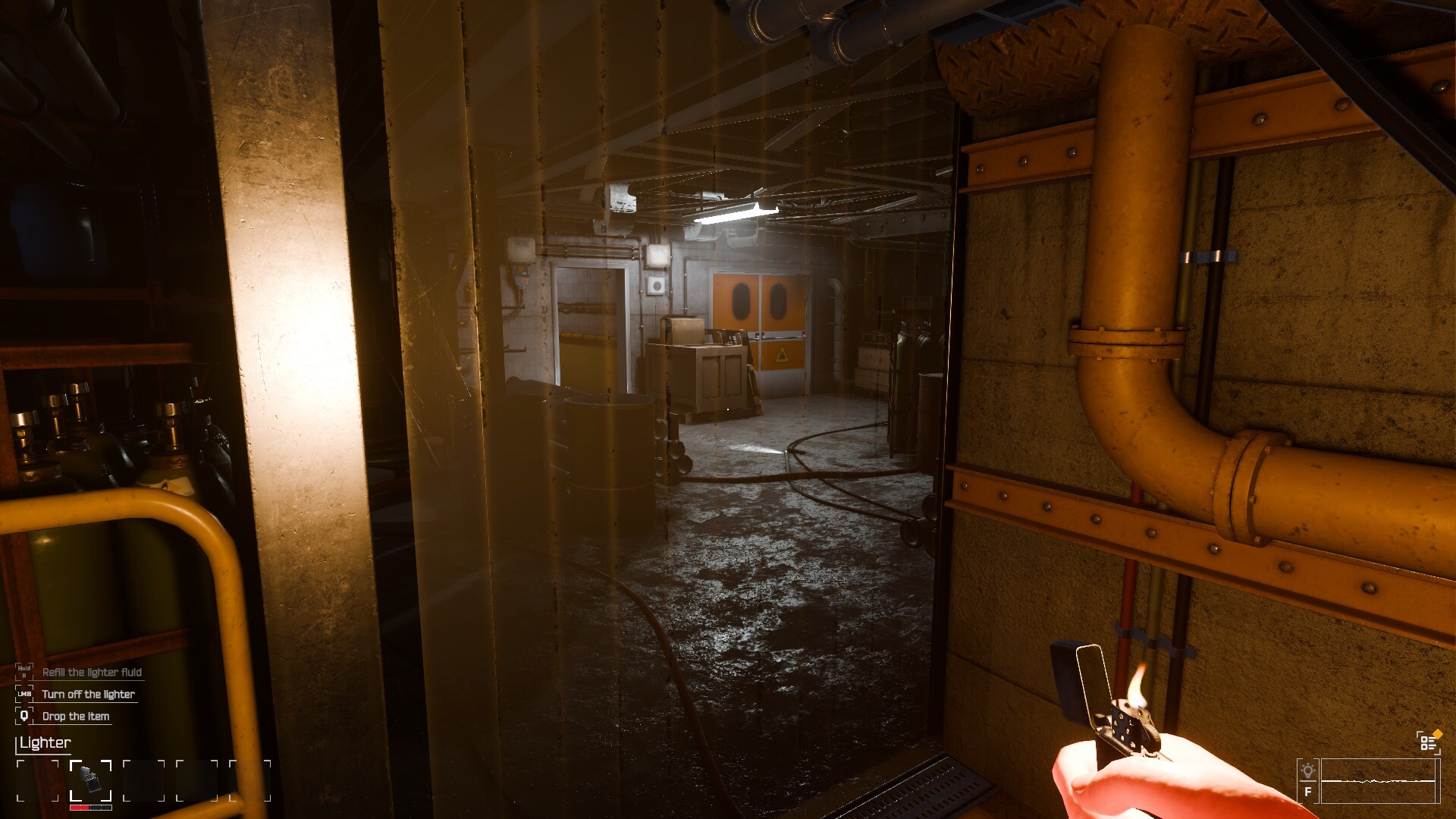
CRYO is a chillingly effective entry into the Survival Horror genre, establishing a pervasive sense of dread not just through monstrous threats, but through the environment itself. Valko Game Studios successfully delivers the core fantasy of being trapped and isolated in a vast, collapsing arctic research base where every tick of the clock brings you closer to freezing to death. This is a game where resource management is every bit as terrifying as the grotesque creatures stalking the corridors.
The gameplay centers on the Thermoregulation mechanic. Maintaining your core body temperature is an ever present challenge, requiring constant attention to insulation levels, finding fuel for temporary heat sources, and navigating the frigid exteriors quickly. The unique progression system involves salvaging damaged research logs and broken infrastructure. These items are the only way to upgrade your environmental suit and unlock permanent cold resistance modules, tying narrative discovery intrinsically to your continued survival. Combat is deliberately slow and messy, forcing players to rely on tactical retreats and carefully aimed shots to conserve precious, limited ammunition.
The developers have recently introduced a new series of deep sea exploration zones and optimized the environmental lighting effects in the latest version of the game. For veterans of the genre seeking a challenging, atmosphere dense Horror experience that punishes reckless action, this title is an essential download.
NOTE. Uploaded version: 07 January 2026 [Build 21240475]. This is Full Release and latest version of game. The game is already Pre-Installed and ready to run the game, read the instruction below.
Game Details
- Title: CRYO
- Genre: Horror, Action, Survival
- Developer: Valko Game Studios
- Publisher: Valko Game Studios
- Release year: 2025
- Available Languages: English
- Release Name: CRYO.Build.21240475
- Game Version: Build 21240475 (upd.07.01.2026) + Multiplayer
- Size: 5.60 GB
System Requirements
Minimum:
Requires a 64-bit processor and operating system
OS: Windows 10 / Windows 11
Processor: Current Gen i5 / i3 | Ryzen 5 2600
Graphics: GTX 1650 or AMD equivalent
Network: Broadband Internet connection
Storage: 20 GB available space
Additional Notes: Please note, this is the lowest spec we have tested that is able to run the game. You may be able to run the game with lower hardware. We do not support integrated graphics.
Recommended:
Requires a 64-bit processor and operating system
OS: Windows 10 / Windows 11
Processor: Current Gen i5 / i7 or AMD equivalent
Graphics: RTX 3060 or AMD equivalent
Network: Broadband Internet connection
Storage: 20 GB available space
Screenshots
Video
How to Install
1. The first thing we do is download the game files.
2. Unzip the archive to the hard disk. (how to unzip .rar)
3. Wait for the unpacking process to finish.
4. Start the game «CRYO.exe» from game folder.
5. The language changes in the menu.
CRYO: Multiplayer Setup Guide
1. Preparation:
Download: CRYO-Multiplayer-Fix-Online.exe [ 1.66 MB ]
-
Launch Steam and log in to your profile.
-
Start the game via Cryo.exe (run as Administrator to avoid connection drops).
2. Hosting a Game:
-
Select HOST / SOLO -> HOST.
-
Wait in the lobby for players to discover and join your session.
3. Joining a Game:
-
Select PLAY ONLINE.
-
Choose an active server from the list to enter the game.
Visibility: If the server list is empty, ensure your Steam region is set correctly and the game is allowed through Windows Firewall.
Direct Join: You can use
Shift + Tab to invite friends directly via the Steam Friends list. Sync: All players must use the same game version to see each other's lobbies.
Download CRYO Build 21240475 (upd.07.01.2026) + Multiplayer
Alternative Download Links
Alternative Mirrors
Other Versions & DLCs
Game Update History
- CRYO Build 20625328 → Build 21240475 [ 07.01.2026 ]
- CRYO → Build 20625328 [ 03.11.2025 ]