Dig Island v0.5.0.0 (upd.07.06.2026)

Dig Island - full game download
Early AccessFree DownloadLatest version Torrent File
Game updated on 7-06-2026, 17:20. Current version: v0.5.0.0 (upd.07.06.2026).
4.4/ 5
Community Rating: 39 votes

About The Game

Welcome to Dig Island, an island that has become your prison after a plane crash. You'll start practically from scratch, collecting resources and gradually rebuilding your plane to escape this mysterious place. The key to survival is digging, crafting, and delving into the island's depths, where not only essential materials but also dangers are hidden.

As you progress, you'll find not just stone, coal, and quartz, but also rarer and more valuable resources: silver, gold, platinum, and even diamonds. It's important to remember that every action you take requires energy, so balancing risk and reward is critical. The deeper you go, the more resources you'll gain, but the more difficult your survival becomes.

The resources you gather are the foundation of your progress. Chop down trees with an axe to obtain timber, smelt ore into ingots in a furnace, and build tools and structures at stations. Each new station opens up new crafting opportunities and brings you closer to your goal. But remember, digging and diving aren't free. Your energy is constantly depleted, so resource management and finding ways to restore it are key to success.

NOTE. Uploaded version: 7 June 2026 [v0.5.0.0]. This is Full Early Access Release and latest version of game. The game is already Packaged in ISO File and ready to run the game, read the instruction below.

Game Details

System Requirements

Minimum:
OS: Windows 10 (64-bit)
Processor: AMD Ryzen 5 1600 / Intel Core i5-8400
Memory: 8 GB RAM
Graphics: AMD Radeon RX-Vega 64 / GeForce GTX 1080
DirectX: Version 11
Storage: 5 GB available space

Recommended:
OS: Windows 10 (64-bit)
Processor: AMD Ryzen 5 3600 / Intel Core i7 7700K
Memory: 16 GB RAM
Graphics: AMD Radeon RX 5700 XT (8 GB), AMD Radeon RX 6600 XT (8 GB), NVIDIA GeForce RTX 2070 SUPER (8 GB), NVIDIA GeForce RTX 3060 (8 GB)
Storage: 5 GB available space

Screenshots

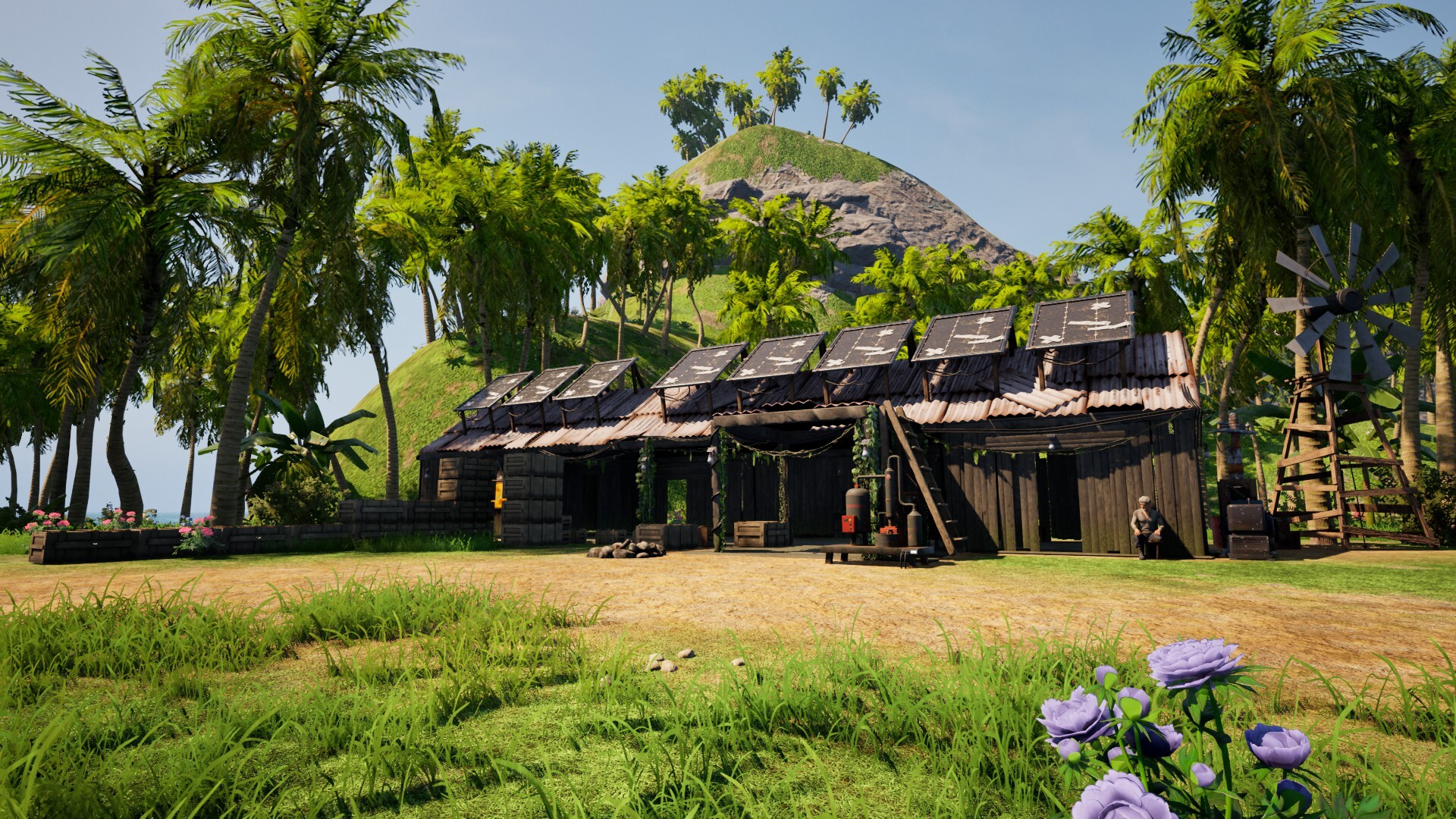
Dig Island gameplay screenshot 1
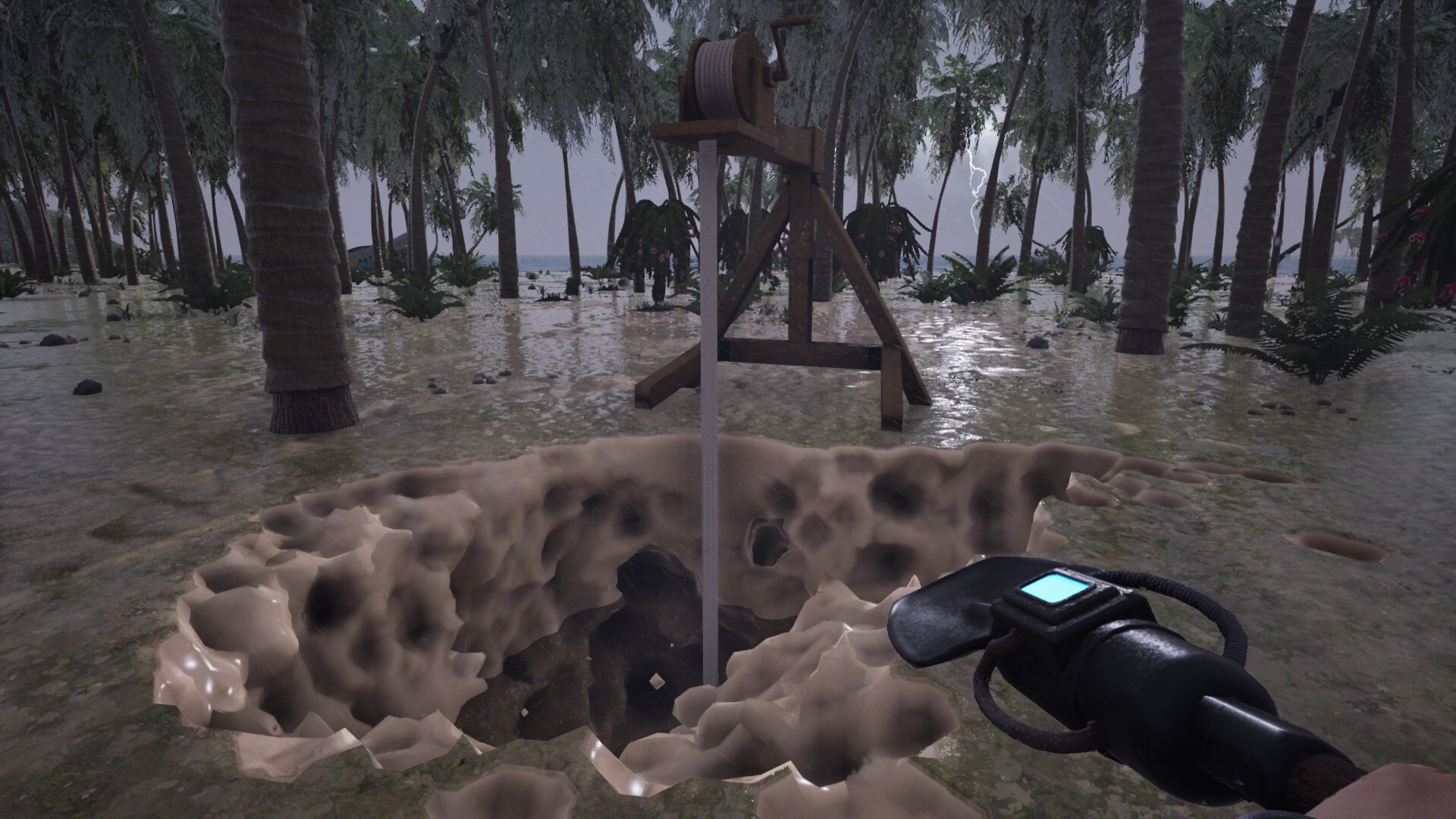
Dig Island gameplay screenshot 2
Dig Island gameplay screenshot 3

Video

How to Install

1. The first thing we do is download the game files.
2. Unzip the archive to the hard disk. (how to unzip .rar)
3. Wait for the unpacking process to finish.
4. Start the game «Dig.Island.exe» from game folder.
5. The language changes in the menu.

Download Dig Island v0.5.0.0 (upd.07.06.2026)

File Size: 4.31 GB
How to get your file — 3 quick steps
VPN detected. Our download does not accept VPN connections. Please disable your VPN to continue.
Re-check
1
Click download
Use any button below
2
Install Opera
On the page that opens
3
Get your file
.torrent unlocks here
Download file
Switch to the tab that just opened — Opera installer is already there. After install, open this page in Opera and click Check install.
Opera not detected. Make sure it's installed and open this page in Opera browser, then click Check install again.
Opera is a free, official browser by Opera Software AS — safe to install. [ Opera Install Guide ]

Alternative Download Links

Alternative Mirrors

Searching mirrors…

Game Update History

  • Dig Island v0.1.6 → v0.5.0.0 [ 07.06.2026 ]
  • Dig Island → v0.1.6 / Build 21804921 [ 09.02.2026 ]

Daily Updates

Comments 1

  1. Skigameco 9 February 2026 14:53

    Quality of Life Improvements
    Players can now use items directly from their inventory while crafting.
    Upgrade tooltips now display level change information more clearly.
    Some item holding visuals and animations have been adjusted to feel more user-friendly.
    Missing footstep sounds on metal surfaces have been added.
    Ghost actor placement has been improved to be more intuitive and easier to use.
    Visual issues caused by the split menu opened with the middle mouse button in the inventory have been fixed.
    An issue preventing interaction with crafting stations at night in certain situations has been resolved.
    River flow speed now increases during rainy weather.
    Elevator ropes can now be freely swapped between Wood, Carbon, and Steel variants after installation.
    Elevator base levels now affect elevator movement speed.
    The GPS Watch now displays the day count.
    Items dropped in water can now be collected.

    Balance Changes
    Starting from Level 2 shovels, tool energy usage has been reduced by 20%.
    Hunger consumption has been reduced by 10%.
    Fishing rewards have been increased.
    The fishing mini-game duration has been extended, and the second mini-game has been made easier.

    Gameplay & UI Fixes
    Fixed an issue where survivor voice lines could trigger multiple times in certain situations.
    The Research Scanner at Level 2 and 3 can now detect Crude Oil and other ore chunks.
    Resolved a bug where notes could disappear and reappear after saving and loading the game.
    Tracking icons have been added to the HUD compass for some to-do list objectives.
    Campfire warning text has been changed from “Not enough energy” to “No fuel.”
    The Deadpot indicator is now visible only to the owning player.
    The Fill Mode input has been changed from C to V.
    Fixed an issue where the campfire VFX would stop randomly.
    Elevator rope descriptions have been updated.

    ------
    Guardian of the Online Empire
Add comment

Add comment

Got a Question? Feel free to ask for help
Technical Issues? Describe your error clearly
Write a Review Share your gaming experience