Starship EVO v26w25a (upd.17.06.2026)

About The Game
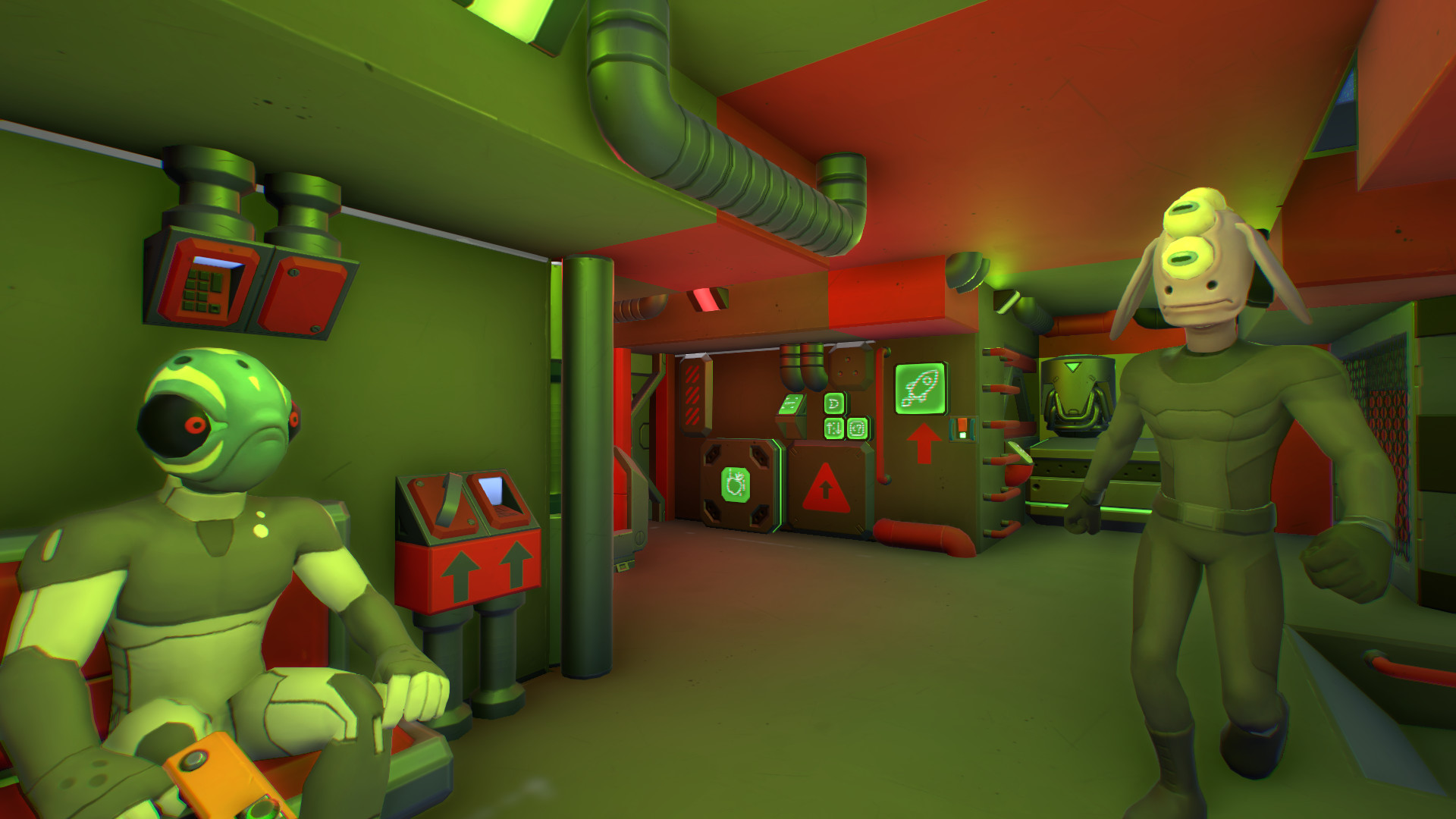
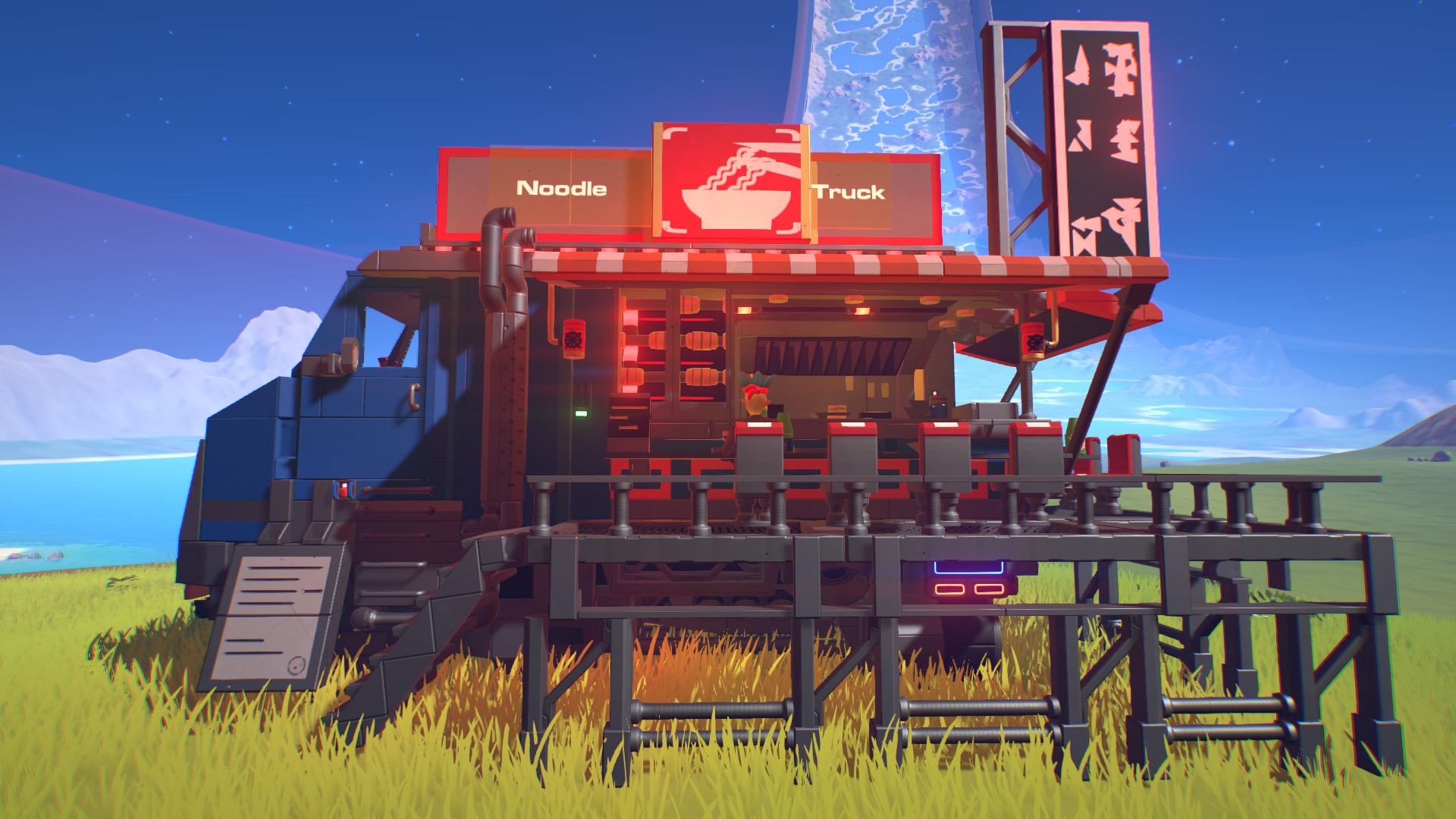
Starship EVO — is an adventure game in which the authors invite players to set off to conquer the vastness of the galaxy in a self-assembled starship. Players can create almost any ship they want from a small starfighter to a huge star dreadnought and then customize it in the smallest detail, from exterior to interior. After that, players can set off to explore a world full of both hostile and friendly NPCs, various worlds and huge space stations. Starship EVO is still ongoing. Content is added regularly, and game performance and overall experience improve over time.
NOTE. Uploaded version: 17 June 2026 [v26w25a]. This is Full Release and latest version of game. The game is already Pre-Installed and ready to run, read the instruction below.
Game Details
- Title: Starship EVO
- Genre: Action, Adventure, Indie, Simulation, Early Access
- Developer: Moonfire Entertainment
- Publisher: Moonfire Entertainment
- Release year: 2020
- Available Languages: english
- Release Name: Starship.EVO.Early.Access.v26w25aaa
- Game Version: v26w25a (upd.17.06.2026)
- Size: 359 MB
Key Features
- Pick bricks from a large selection and rescale them on the fly to create unique shapes. Simple yet powerful! Paint everything and apply decals to make something really unique and personal.
- Blend large and small bricks to make small Starfighter or massive Dreadnought down to the smallest details. Customize interior and cockpit to your liking.
- Make use of a comprehensive selection of logic bricks and mechanism like sliders, rotors or hinges of various size to create the wildest moving contraption you can envision. Landing gear, turrets, cockpit opening or anything you can dream off!
- Play with gravity by building configurable gravity field generators or jump pads.
- Use the repulsor system and the hovercraft computer to create and control funny anti-grav machines!
- Build custom handheld weapons using small bricks! Give them a personal look and design their balance with weapon addons.
- Assemble space stations in a modular way using the docking port. Create shipyards in various configurations: landing pads, drydocks, hangars.
- Put your multi-tool to good use: link systems, repair your ship, use symmetry or have fun pushing things around with the anti-grav tool.
- Use the Mag-lock block to grab other ships or simply store your smaller ships inside a carrier.
- Steam Workshop: Share your creations and explore the community amazing builds.
System Requirements
Requires a 64-bit processor and operating system
OS: Microsoft Windows 10 (latest SP) 64-bit
Processor: Intel i5 @ 3.0 GHz or higher (or AMD equivalent)
Memory: 8 GB RAM
Graphics: Geforce 750/Radeon R9 270X or higher
DirectX: Version 11
Storage: 4 GB available space
Sound Card: DirectX® compatible on-board
RECOMMENDED:
Requires a 64-bit processor and operating system
OS: Microsoft Windows 10 (latest SP) 64-bit
Processor: Intel Quad Core i7 @ 4.5 GHz or higher (or AMD equivalent)
Memory: 16 GB RAM
Graphics: Geforce 1070 GTX / Radeon RX Vega 56 or higher
DirectX: Version 11
Storage: 4 GB available space
Sound Card: DirectX® compatible on-board
Screenshots

Video
How to Install
1. The first thing we do is download the game’s installation files.
2. After downloaded, go to the folder and run the file «setup.exe».
3. During the installation, we specify the location on the disk where we want to install it.
4. At the end of the unpacking process, a shortcut appears on the desktop.
5. Start the game.
Download Starship EVO v26w25a (upd.17.06.2026)
Alternative Download Links
Alternative Mirrors
Game Update History
- Starship EVO v26w24a → v26w25a [ 17.06.2026 ]
- Starship EVO v26w23a → v26w24a [ 10.06.2026 ]
- Starship EVO v26w22a → v26w23a [ 05.06.2026 ]
- Starship EVO v25w14a → v26w22a [ 01.06.2026 ]
- Starship EVO Build 11777443 → v24w011a (Build 13698495) [ 25.03.2024 ]
- Starship EVO Early Access → Build 11777443 [ 28.07.2023 ]
- Starship EVO → Early Access [ 30.11.2020 ]