Zombie Wars v1.0 (upd.03.06.2021) - DOGE
DOGE Full gameFree DownloadFirst Release Torrent File
About The Game
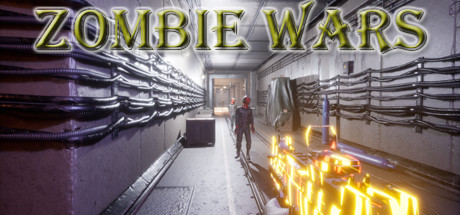
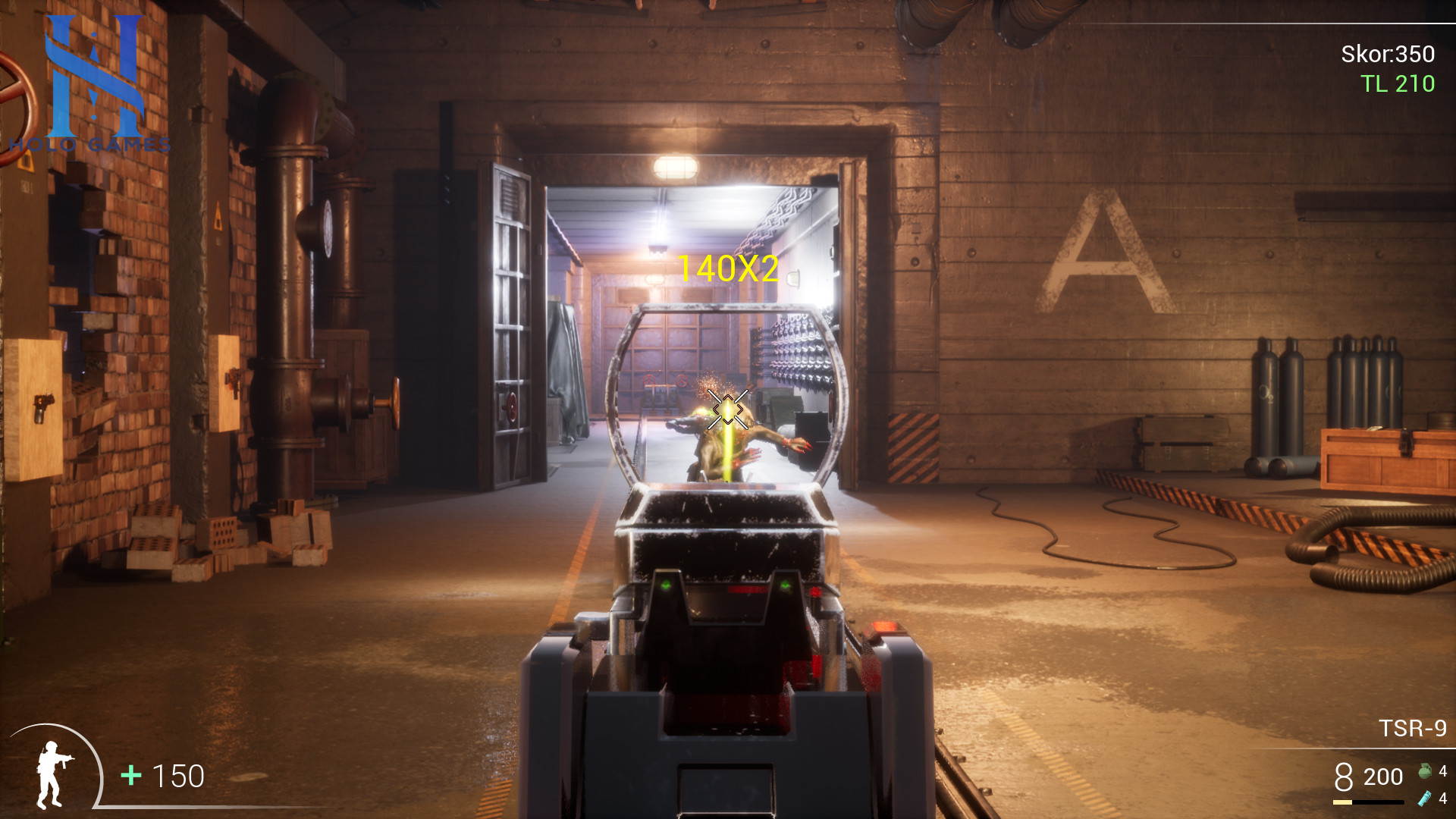
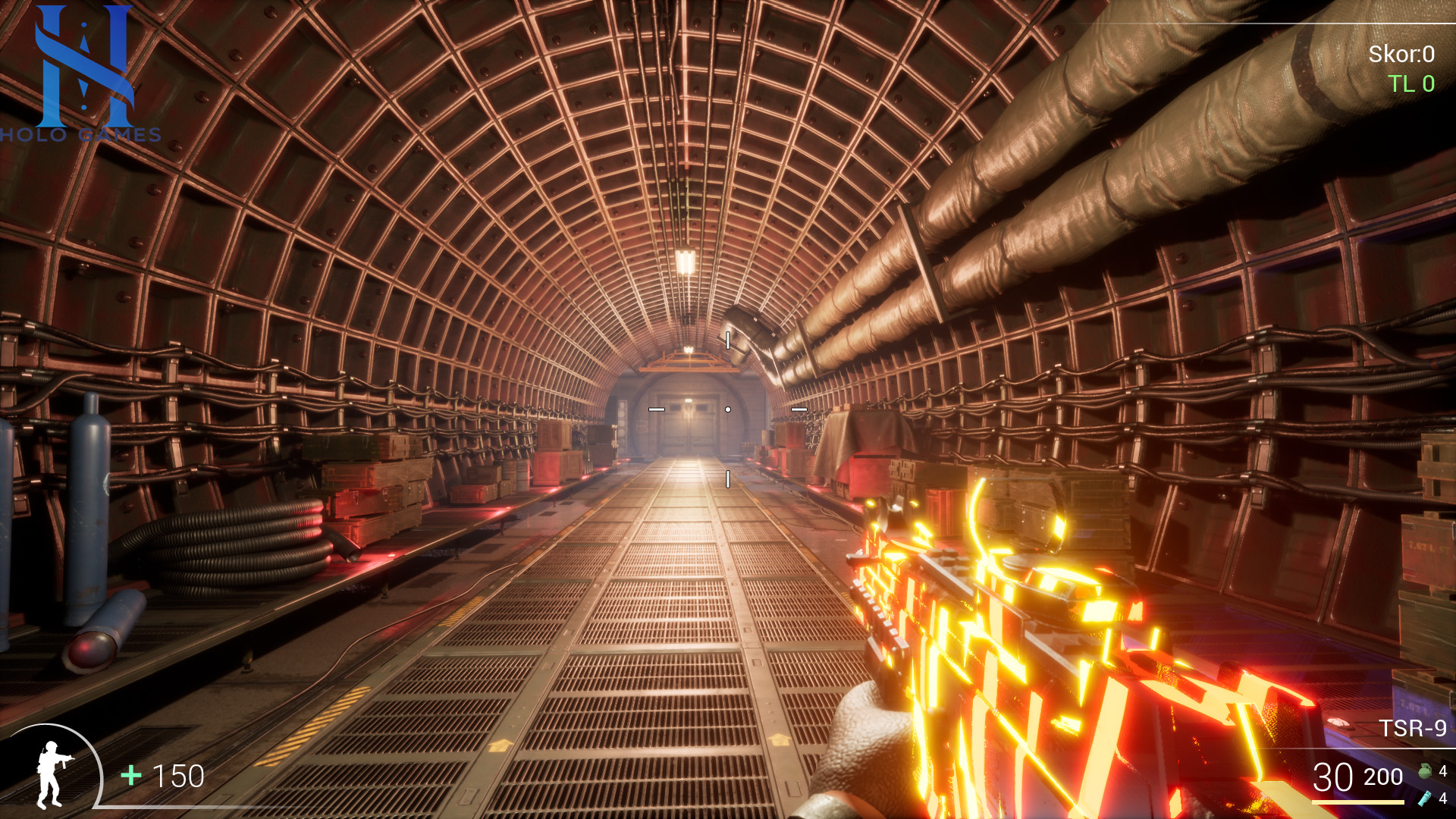
Zombie Wars — impressive weapons, simple entertainment and exciting cards. Survive and destroy the zombies. Kill more zombies and get more money. Improve your skills and participate in races on training cards. You have to kill all the zombies up to 20 waves. No extra lives, no bombs, just guns and bullets. Collect falling objects in zombies and survive. Kill more zombies and earn money to get more different weapons and open boxes with weapons. Once you have finished all the waves, you can move on to the next section. You can log on to one of the training cards and test your skills and test the weapon.
Game Details
- Title: Zombie Wars
- Genre: Action, Casual, Indie
- Developer: İsmail GÜNGÖR
- Publisher: HOLO GAMES
- Release year: 2021
- Available Languages: english, german, turkish
- Release Name: Zombie.Wars-DOGE
- Game Version: v1.0 (upd.03.06.2021)
- Game Releaser: DOGE
- Size: 5.62 GB
Full Description
You will also learn a little about the general game mechanics and weapon dynamics. Remember, you must first survive. Up-to-date maps will always be added, updated weapons and various zombies will be added. Let us know about your experience, problems and everything you want to change in the game. Steam collectible cards and game achievements will be updated soon. We want to state that the game is currently being tested. We will develop and grow with you, valuable players.
System Requirements
MINIMUM:
Requires a 64-bit processor and operating systemOS: 64 bits Windows
Processor: Intel Core [email protected] or AMD FX [email protected]
Memory: 4 GB RAM
Graphics: Nvidia GeForce GTX 780 or AMD Radeon R9 290
DirectX: Version 11
Storage: 7 GB available space
RECOMMENDED:
Requires a 64-bit processor and operating system
OS: 64 bits Windows
Processor: Intel Core [email protected] or Ryzen 5 [email protected]
Memory: 8 GB RAM
Graphics: Nvidia GeForce GTX 1060 or AMD Radeon RX 580
DirectX: Version 11Storage: 7 GB available space
Screenshots

Video
How to Install
1. The first thing we do is download the game’s installation files.
2. Mount or burn the ISO image in the disk emulator (UltraISO program).
3. During the installation, we specify the location on the disk where we want to install it.
4. Wait until the installation process is complete, a shortcut will appear on the desktop.
5. Copy the contents of the folder «CODEX SKIDROW PLAZA» in the folder with the game.
6. Start the game.
2. Mount or burn the ISO image in the disk emulator (UltraISO program).
3. During the installation, we specify the location on the disk where we want to install it.
4. Wait until the installation process is complete, a shortcut will appear on the desktop.
5. Copy the contents of the folder «CODEX SKIDROW PLAZA» in the folder with the game.
6. Start the game.
Download Zombie Wars v1.0 (upd.03.06.2021) — DOGE
File Size: 5.62 GB
How to get your file — 3 quick steps
VPN detected. Our download does not accept VPN connections. Please disable your VPN to continue.
Re-check
1
Click download
Use any button below
2
Install Opera
On the page that opens
Switch to the tab that just opened — Opera installer is already there. After install, open this page in Opera and click Check install.
Opera not detected. Make sure it's installed and open this page in Opera browser, then click Check install again.
Opera is a free, official browser by Opera Software AS — safe to install. [ Opera Install Guide ]
Alternative Download Links
Alternative Mirrors
Searching mirrors…
Source Name
Size
Seeds
Leeches
Game Update History
- Zombie Wars → v1.0 [ 03.06.2021 ]