Synthetik v25.3 (upd.13.05.2020) - PLAZA
PLAZA Full gameFree DownloadLatest version Torrent File
Game updated on 28-05-2021, 11:21. Current version: v25.3 (upd.13.05.2020).
About The Game
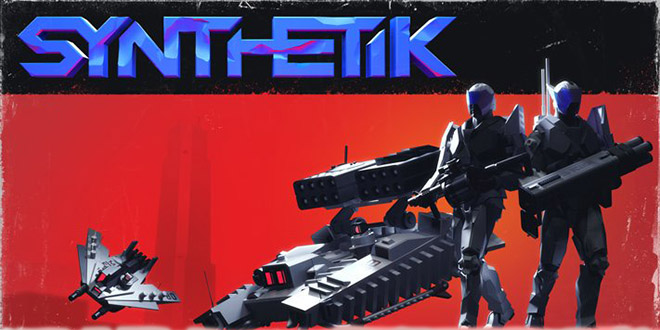
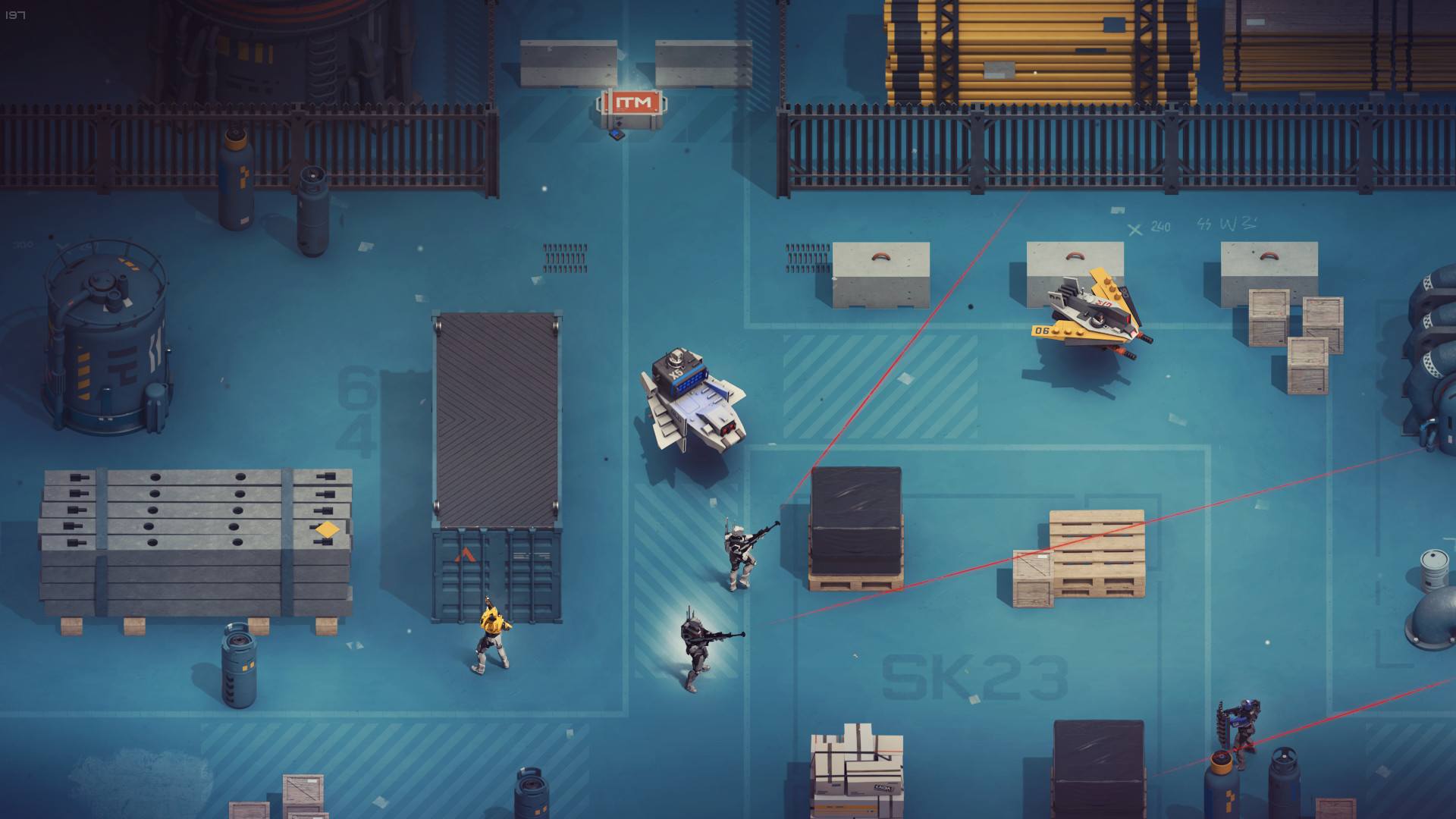
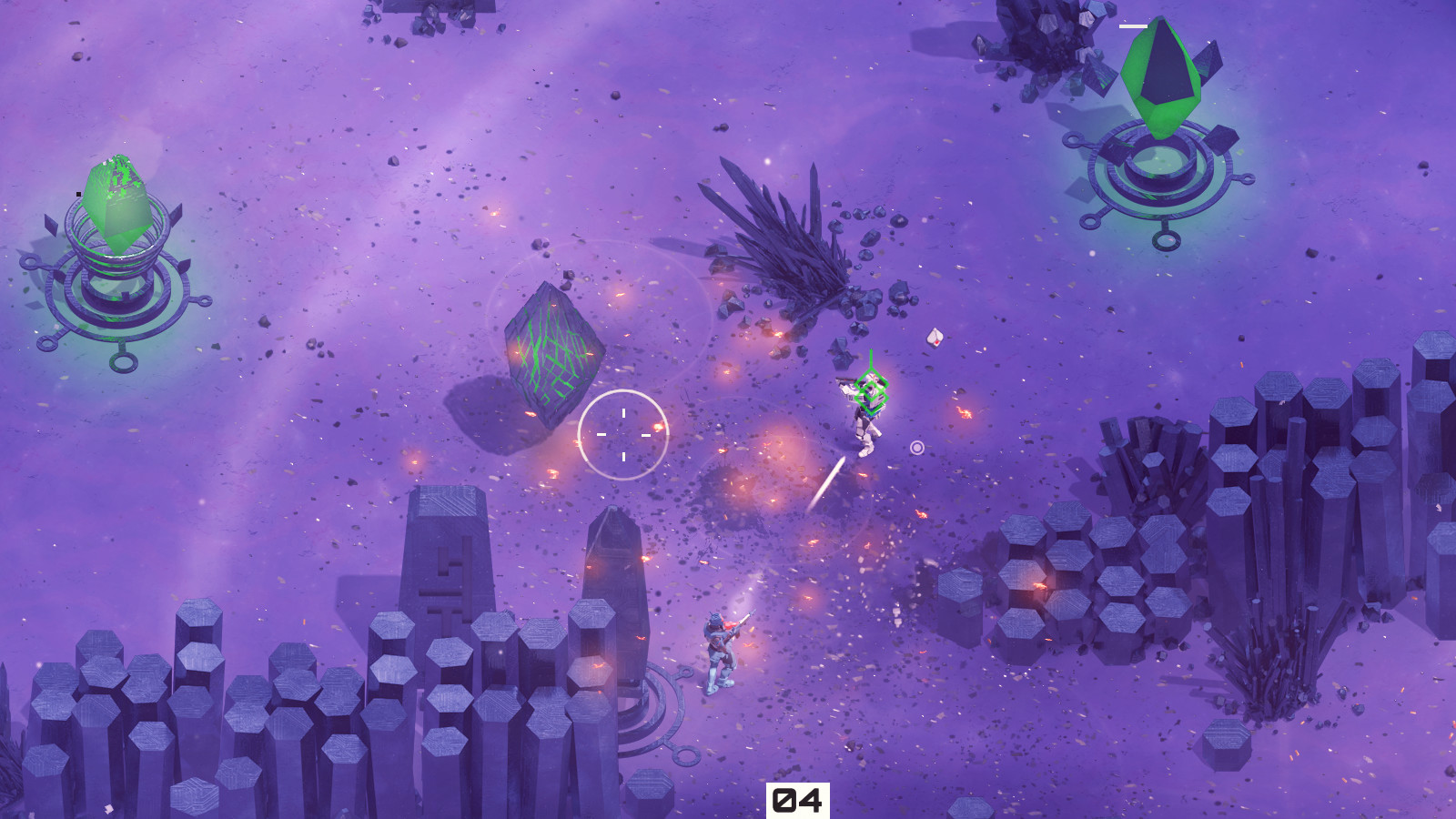
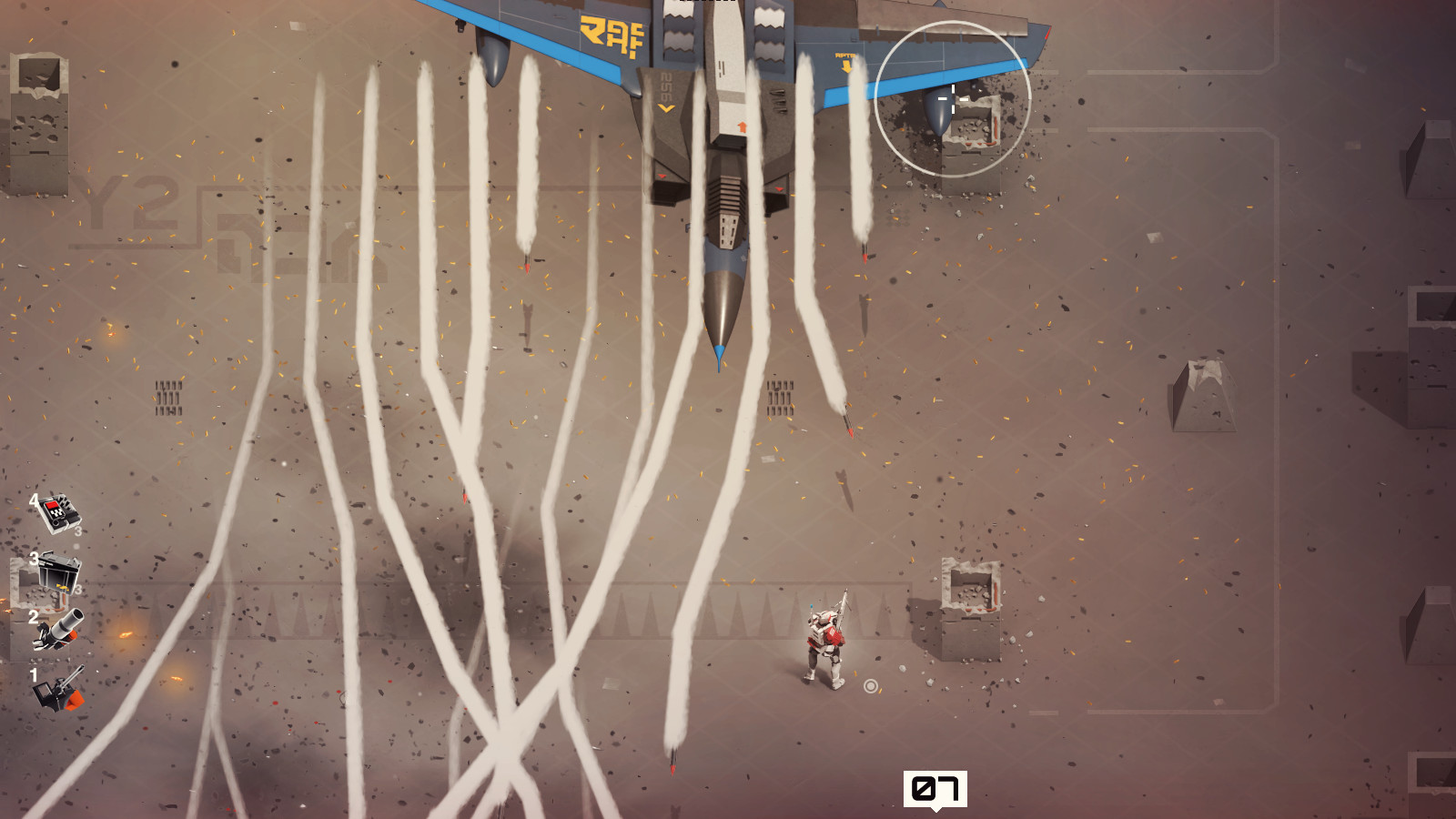
Synthetik — in the courtyard of 1985, an alternative reality. The leading robotics corporation «Kaida Corporation» loses control over artificial intelligence and machines rebel against humanity. The «Legion of Machines» was created for one purpose only — to exterminate humanity. You play for a forgotten experimental model of the android, endowed with a human mind. You are the last person who can stop the «Legion». The game Synthetik — is an action shooter with elements of a bagel. Various weapons, an unusual system of recharging, overheating and possible weapon breakdown, not stupid enemies, various maps, a pumping system and a fairly complex gameplay that requires not only agility and good shooting, but also tactics — all this can drag on for long hours.
NOTES:
NOTES:
- This release is standalone because the game files changed alot.
- The game is updated to update 24 and contains all content and DLC from our previous releases and updates.
Game Details
- Title: Synthetik
- Genre: Action, Indie
- Developer: Flow Fire Games
- Publisher: Flow Fire Games
- Release year: 2018
- Available Languages: english, russian, german
- Release Name: SYNTHETIK.Legion.Rising.INTEL-PLAZA
- Game Version: v25.3 (upd.13.05.2020)
- Game Releaser: PLAZA
- Size: 660 MB
System Requirements
MINIMUM:
OS: Windows XP SP3, Vista or higherProcessor: Intel Celeron G1820 2.7 GHz / AMD FX 8320 3.5 GHz
Memory: 4 GB RAM
Graphics: GeForce GTX 460, Radeon HD 5770, 768 MB Vram
DirectX: Version 9.0
Storage: 600 MB available space
RECOMMENDED:
OS: Windows XP SP3, Vista or higherProcessor: Intel Core i3-4160 3.6 GHz / AMD QC A8-7670K 3.6GHz
Memory: 4 GB RAM
Graphics: GeForce GTX 560+ Series, Radeon R9 270+
DirectX: Version 9.0
Network: Broadband Internet connection
Storage: 600 MB available space
Screenshots
Video
How to Install
1. The first thing we do is download the game’s installation files.
2. Mount or burn the ISO image in the disk emulator (UltraISO program).
3. During the installation, we specify the location on the disk where we want to install it.
4. Wait until the installation process is complete, a shortcut will appear on the desktop.
5. Download and install Update v25.2 / v25.3 in game folder.
5. Copy the contents of the folder «PLAZA» in the folder with the game.
6. Start the game.
Download update only: SYNTHETIK.Legion.Rising.INTEL.Update.v25.3-PLAZA [ 94.7 MB ]
Download update only: SYNTHETIK.Legion.Rising.INTEL.Update.v25.2-PLAZA [ 190.0 MB ]
Download update only: Synthetik.Update.v16-PLAZA [ 302.42MB ]
2. Mount or burn the ISO image in the disk emulator (UltraISO program).
3. During the installation, we specify the location on the disk where we want to install it.
4. Wait until the installation process is complete, a shortcut will appear on the desktop.
5. Download and install Update v25.2 / v25.3 in game folder.
5. Copy the contents of the folder «PLAZA» in the folder with the game.
6. Start the game.
Download update only: SYNTHETIK.Legion.Rising.INTEL.Update.v25.3-PLAZA [ 94.7 MB ]
Download update only: SYNTHETIK.Legion.Rising.INTEL.Update.v25.2-PLAZA [ 190.0 MB ]
Download update only: Synthetik.Update.v16-PLAZA [ 302.42MB ]
Download Synthetik v25.3 (upd.13.05.2020) — PLAZA
File Size: 660 MB
How to get your file — 3 quick steps
VPN detected. Our download does not accept VPN connections. Please disable your VPN to continue.
Re-check
1
Click download
Use any button below
2
Install Opera
On the page that opens
Switch to the tab that just opened — Opera installer is already there. After install, open this page in Opera and click Check install.
Opera not detected. Make sure it's installed and open this page in Opera browser, then click Check install again.
Opera is a free, official browser by Opera Software AS — safe to install. [ Opera Install Guide ]
Alternative Download Links
Alternative Mirrors
Searching mirrors…
Download SYNTHETIK Legion Rising ULTIMATE v39 - Razor1911 [ 490 MB ]
How to get your file — 3 quick steps
VPN detected. Our download does not accept VPN connections. Please disable your VPN to continue.
Re-check
1
Click download
Use any button below
2
Install Opera
On the page that opens
Switch to the tab that just opened — Opera installer is already there. After install, open this page in Opera and click Check install.
Opera not detected. Make sure it's installed and open this page in Opera browser, then click Check install again.
Opera is a free, official browser by Opera Software AS — safe to install. [ Opera Install Guide ]
Alternative Download Links
Source Name
Size
Seeds
Leeches
synthetik_legion_rising_ultimate_v39-razor1911.torrent [Server 1]
10.13 Kb
- Checking...
-
Download
synthetik_legion_rising_ultimate_v39-razor1911.torrent [Server 2]
10.13 Kb
- Checking...
-
Download
synthetik_legion_rising_ultimate_v39-razor1911.torrent [Server 3]
10.13 Kb
- Checking...
-
Download
Alternative Mirrors
Searching mirrors…
Download Synthetik Legion Rising v37 (44007) - GOG [ 503 MB ]
How to get your file — 3 quick steps
VPN detected. Our download does not accept VPN connections. Please disable your VPN to continue.
Re-check
1
Click download
Use any button below
2
Install Opera
On the page that opens
Switch to the tab that just opened — Opera installer is already there. After install, open this page in Opera and click Check install.
Opera not detected. Make sure it's installed and open this page in Opera browser, then click Check install again.
Opera is a free, official browser by Opera Software AS — safe to install. [ Opera Install Guide ]
Alternative Download Links
Source Name
Size
Seeds
Leeches
synthetik_legion_rising-v37-44007-gog.torrent [Server 1]
40.79 Kb
- Checking...
-
Download
synthetik_legion_rising-v37-44007-gog.torrent [Server 2]
40.79 Kb
- Checking...
-
Download
synthetik_legion_rising-v37-44007-gog.torrent [Server 3]
40.79 Kb
- Checking...
-
Download
Alternative Mirrors
Searching mirrors…
How to get your file — 3 quick steps
VPN detected. Our download does not accept VPN connections. Please disable your VPN to continue.
Re-check
1
Click download
Use any button below
2
Install Opera
On the page that opens
Switch to the tab that just opened — Opera installer is already there. After install, open this page in Opera and click Check install.
Opera not detected. Make sure it's installed and open this page in Opera browser, then click Check install again.
Opera is a free, official browser by Opera Software AS — safe to install. [ Opera Install Guide ]
Alternative Download Links
Alternative Mirrors
Searching mirrors…
Other Versions & DLCs
Game Update History
- SYNTHETIK Legion Rising v25.2 → v25.3 [ 13.05.2020 ]
- SYNTHETIK Legion Rising v25 → v25.2 [ 14.04.2020 ]
- SYNTHETIK Legion Rising v24 → v25 (INTEL) [ 12.03.2020 ]
- SYNTHETIK Legion Rising v23.2 → v24 [ 03.11.2019 ]