
Ctrl Alt Ego v1.5.4 (upd.04.09.2025)
About The Game
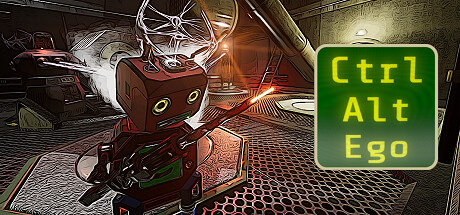
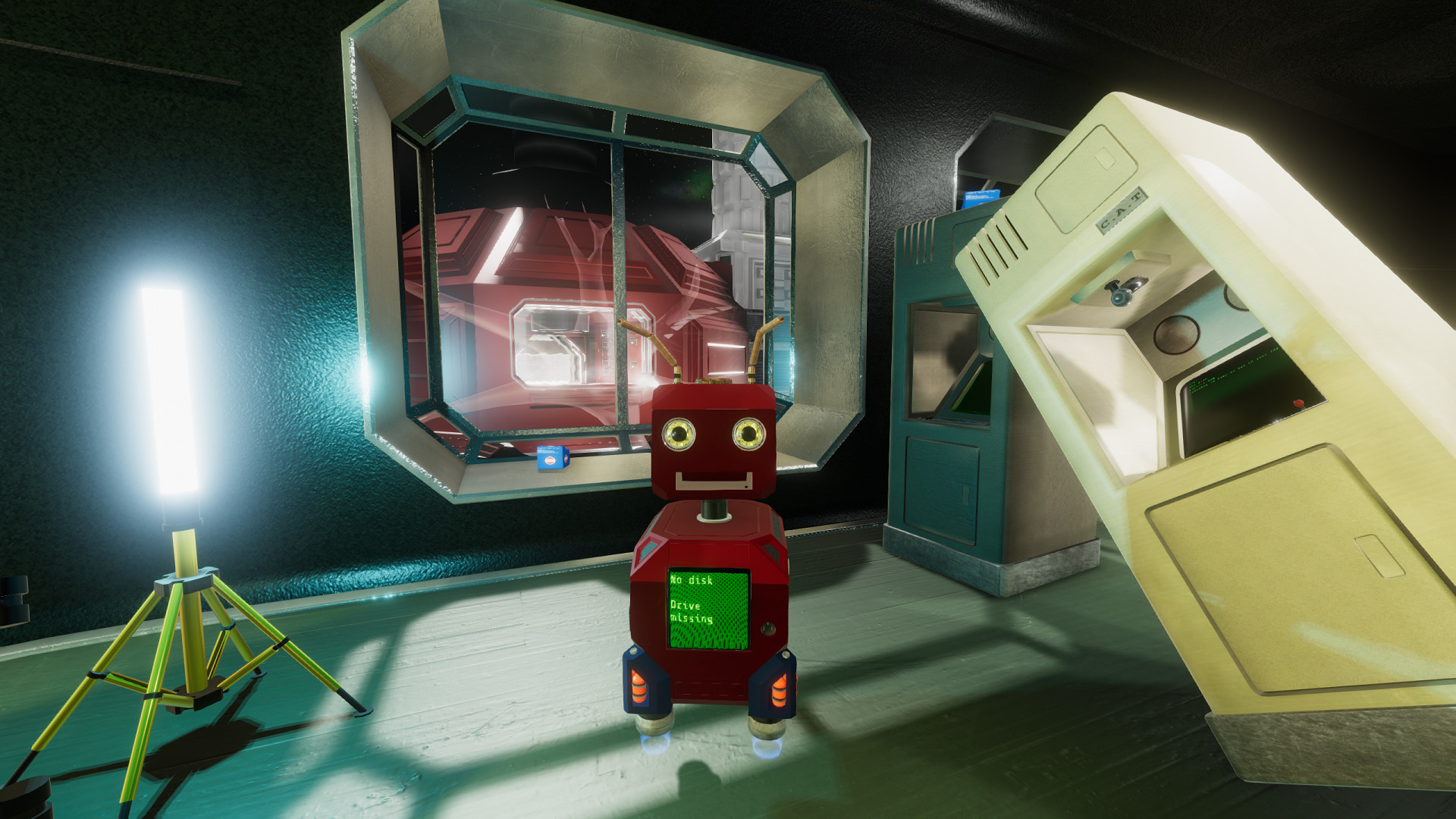
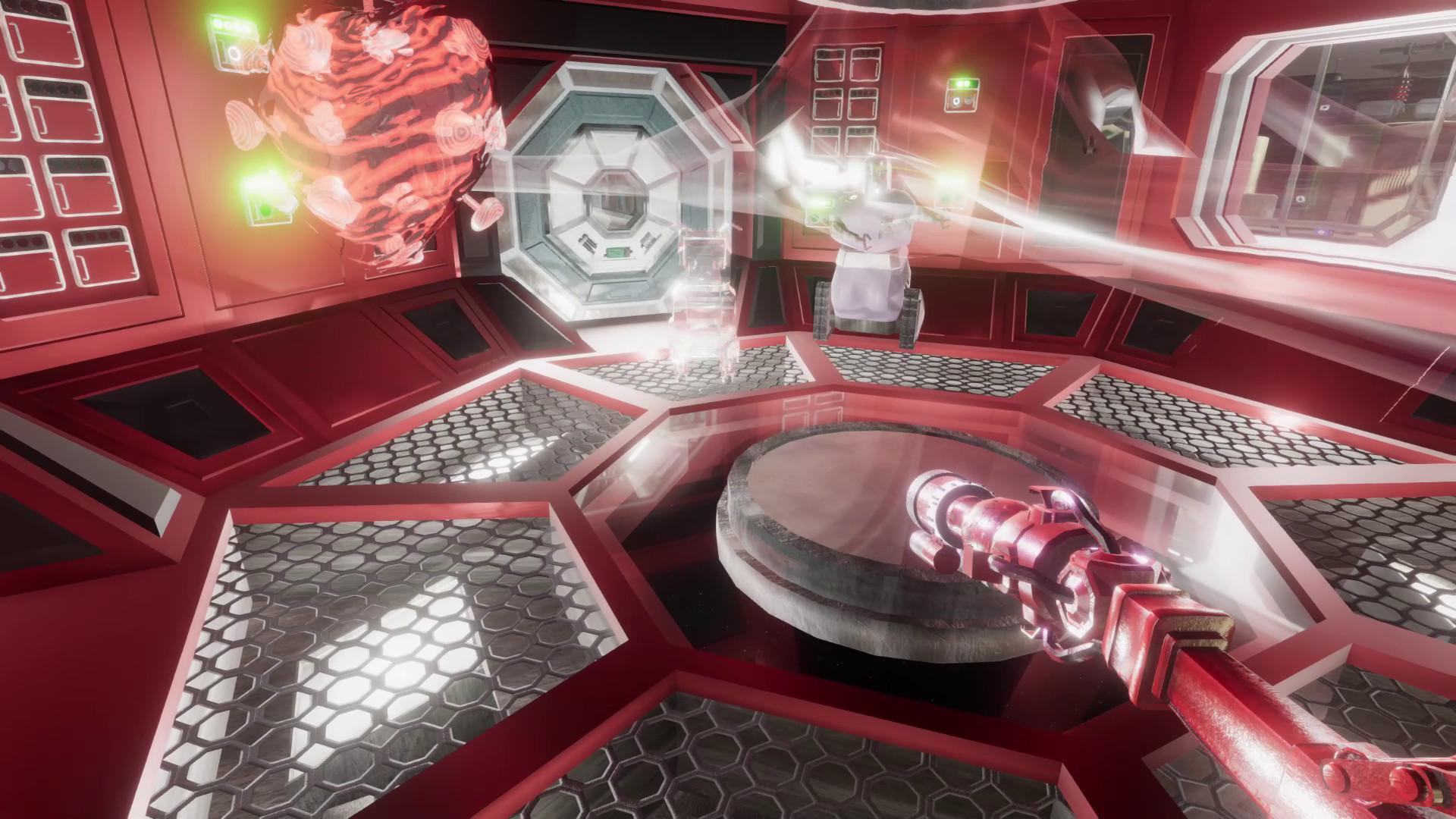
If you understand what an immersive sim is and were looking for a good game project in this genre, then we offer you an excellent option — Ctrl Alt Ego. This immersive simulator at first causes strange sensations, a feeling of misunderstanding, but if you are not afraid of this, then you will very soon enjoy the game. Ctrl Alt Ego simply forces you to use unconventional mechanics to solve puzzles. Even though this is a non-linear world, everything in it is interconnected! You just need to understand it. You will be able to inhabit various robots and devices to use their capabilities.
NOTE. Uploaded version: 04 September 2025 [v1.5.4]. This is Full Release and latest version of game. The game is already Pre-Installed and ready to run the game, read the instruction below.
Game Details
System Requirements
MINIMUM:
Requires a 64-bit processor and operating system
OS: Windows 7 or newer
Processor: x86, x64 with SSE2
Memory: 2 GB RAM
Graphics: Anything from the last 10 years
DirectX: Version 10
Storage: 16 GB available space
RECOMMENDED:
Requires a 64-bit processor and operating system
OS: Windows 10 or newer
Processor: x86, x64 with SSE2
Memory: 8 GB RAM
Graphics: Nvidia GTX 1050 or better
DirectX: Version 11
Storage: 16 GB available space
Screenshots
Video
How to Install
1. The first thing we do is download the game files.
2. Unzip the archive to the hard disk.
3. Wait for the unpacking process to finish.
4. Start the game «ctrl_alt_ego.exe» from game folder.
5. The language changes in the menu.
Download Ctrl Alt Ego v1.5.4 (upd.04.09.2025)
Alternative Download Links
Alternative Mirrors
Game Update History
- Ctrl Alt Ego v1.4.18.05 → v1.5.4 [ 04.09.2025 ]
- Ctrl Alt Ego v1.4.7.02 → v1.4.18.05 [ 06.06.2025 ]
- Ctrl Alt Ego v1.3.15.02.pt.br → v1.4.7.02 [ 21.07.2024 ]
- Ctrl Alt Ego v1.3.14.02b → v1.3.15.02.pt.br [ 07.04.2024 ]
- Ctrl Alt Ego v1.3.10 → v1.3.14.02b [ 20.02.2024 ]
- Ctrl Alt Ego v1.3.5 → v1.3.10 [ 10.12.2023 ]
- Ctrl Alt Ego v1.3.5 → v1.3.9 [ 30.11.2023 ]
- Ctrl Alt Ego v1.3.4 → v1.3.5 [ 28.09.2023 ]
- Ctrl Alt Ego v1.2.2 → v1.3.4 [ 11.09.2023 ]
- Ctrl Alt Ego v1.0.1 Build 9193830 → v1.2.2 [ 12.06.2023 ]
- Ctrl Alt Ego → v1.0.1 Build 9193830 [ 27.07.2022 ]

























































