Plasma v0.4.0.0 (upd.22.02.2024) - TENOKE

About The Game
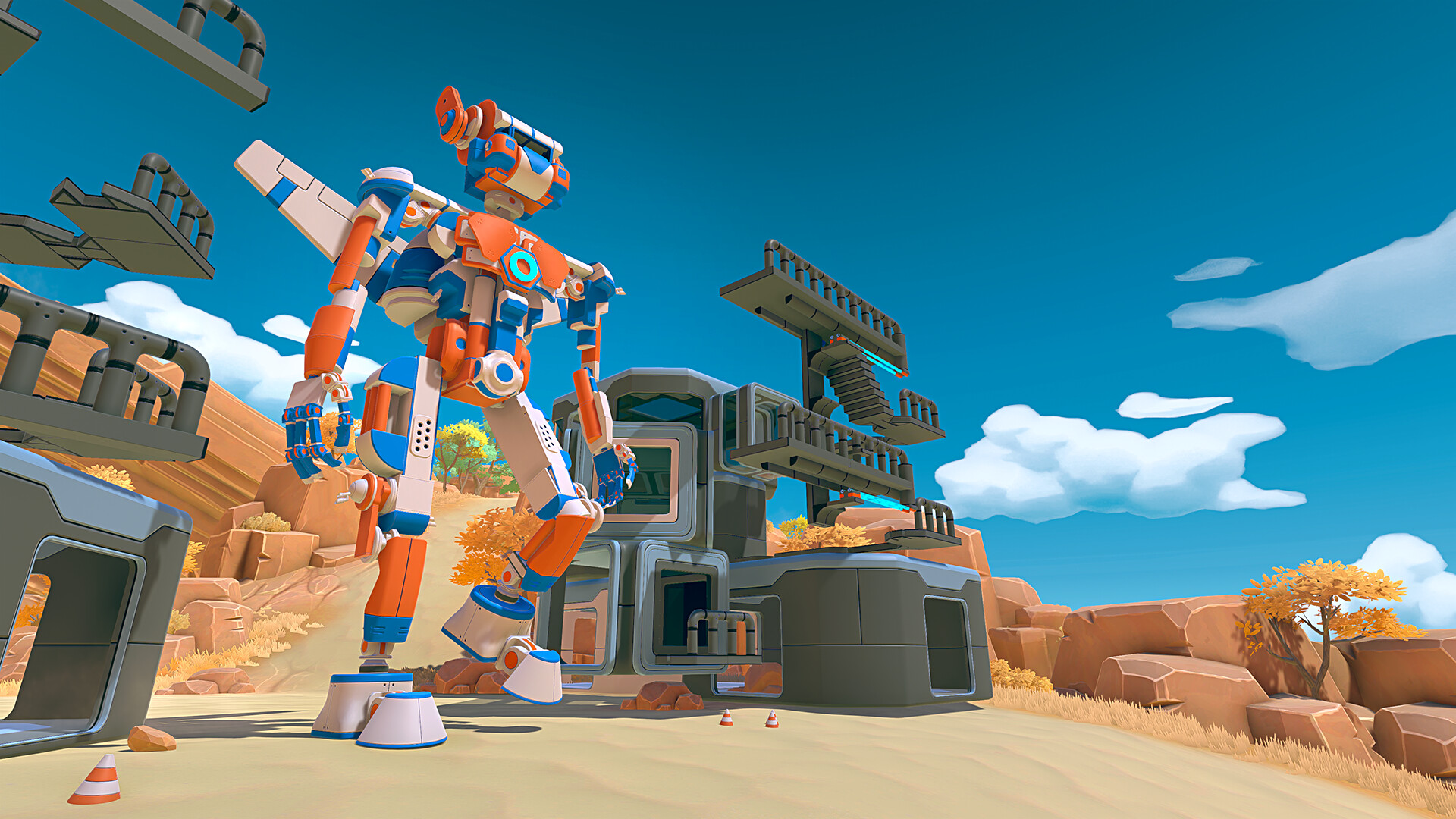
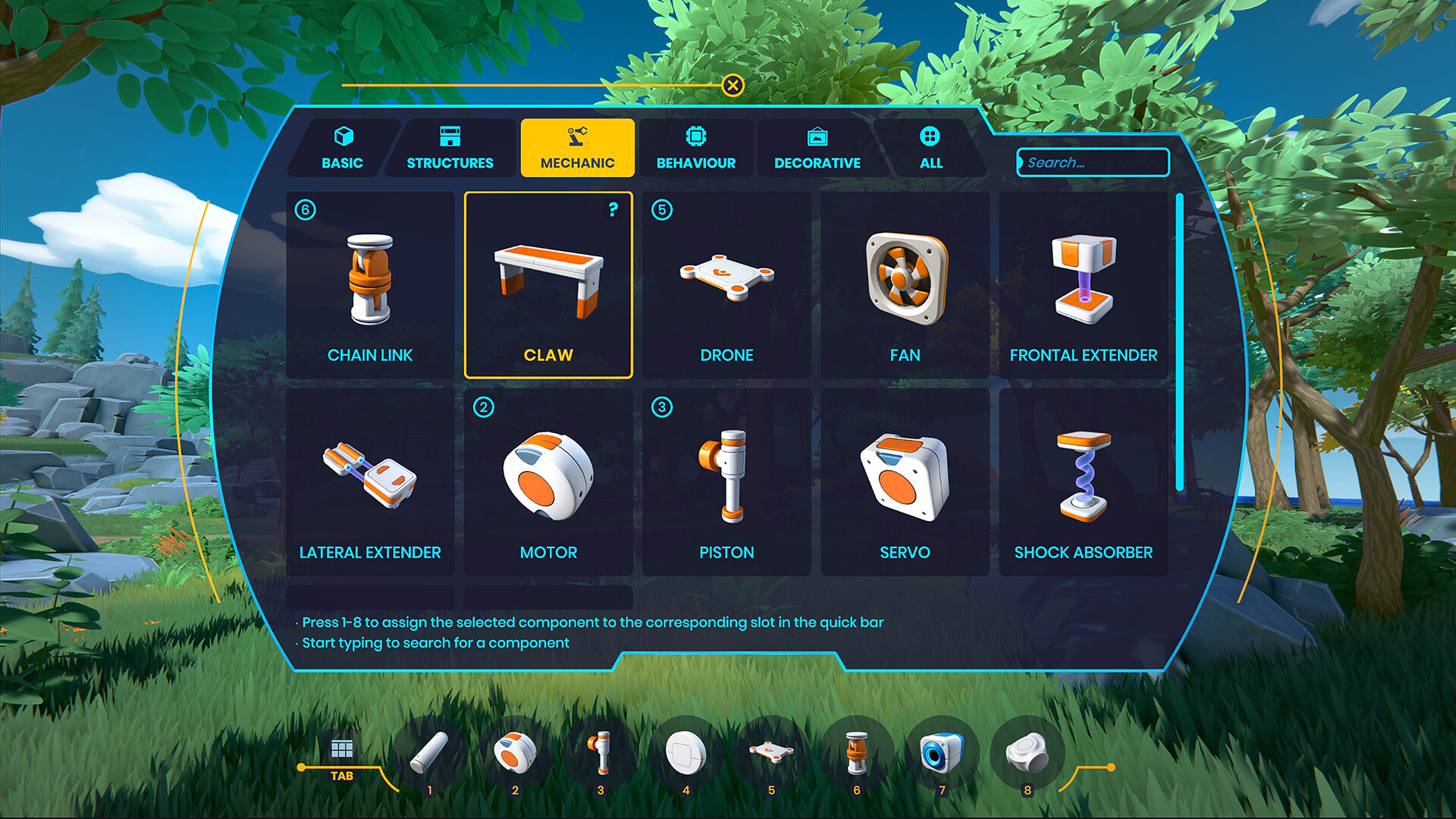
Plasma — is a very peculiar version of the engineering sandbox game. In which you can show your creative abilities to the maximum. Apply unusual robotic tools, physical laws or even visual programming. Well, just have a good time. The developers presented their project as a creative engineering platform where you can create almost anything. Now you have the opportunity to make all your dreams come true and build: incredible robots, giant powerful spiders, good old arcade machines and much more.
NOTE. Uploaded version: 14 September 2023 [Build 11450513] + Update v0.4.0.0. This is Full release and latest version of game. The game is already Packaged in ISO File and ready to run the game after install, read the instruction below.
Game Details
- Title: Plasma
- Genre: Indie, Simulation, Early Access
- Developer: Dry Licorice
- Publisher: Dry Licorice
- Release year: 2022
- Available Languages: English
- Release Name: Plasma-TENOEK + Update v0.4.0.0
- Game Version: v0.4.0.0 (upd.22.02.2024)
- Game Releaser: TENOKE
- Size: 5.0 GB
Key Features
- Ability to build a building of any shape using a large number of presented components.
- Using a handy visual programming tool to control logic and behavior.
- Special section in the Steam Workshop with a large number of devices and worlds inhabited by players.
System Requirements
MINIMUM:
Requires a 64-bit processor and operating system
OS: Windows 10 or above
Processor: Intel/AMD
Memory: 8 GB RAM
Graphics: NVIDIA/AMD GPUs
DirectX: Version 11
Storage: 4 GB available space
RECOMMENDED:
Requires a 64-bit processor and operating system
Screenshots

Video
How to Install
1. The first thing we do is download the game’s installation files.
2. Unzip the archive to the hard disk.
3. Mount or burn the ISO image in the disk emulator (UltraISO program).
4. After mount ISO, go to the folder and run the file «setup.exe».
5. During the installation, we specify the location on the disk where we want to install it.
6. Copy the contents of the folder «CRACK» in the folder with the game.
7. Download and install Update v0.4.0.0, in game folder.
8. Launch the game!
Download update only: Plasma.Update.v0.4.0.0-TENOKE [ 94.8 MB ]
-
Extract.
-
Run Update\PATCH.exe and install the update.
- Copy crack to install dir.
-
Play!
Download Plasma v0.4.0.0 (upd.22.02.2024) — TENOKE
Alternative Download Links
Alternative Mirrors
Game Update History
- Plasma Build 11450513 → Update v0.4.0.0 [ 22.02.2024 ]
- Plasma v0.3.0.1 → Build 11450513 (TENOKE RELEASE) [ 14.09.2023 ]
- Plasma v0.1.96 → v0.3.0.1 [ 31.03.2023 ]
- Plasma v0.1.89 → v0.1.96 [ 18.10.2022 ]
- Plasma v0.1.78 → v0.1.89 [ 11.10.2022 ]
- Plasma v0.1.77 → v0.1.84 [ 05.10.2022 ]
- Plasma → v0.1.77 [ 03.10.2022 ]