Ursine Science Build 12136119 (upd.25.09.2023) - TENOKE

About The Game
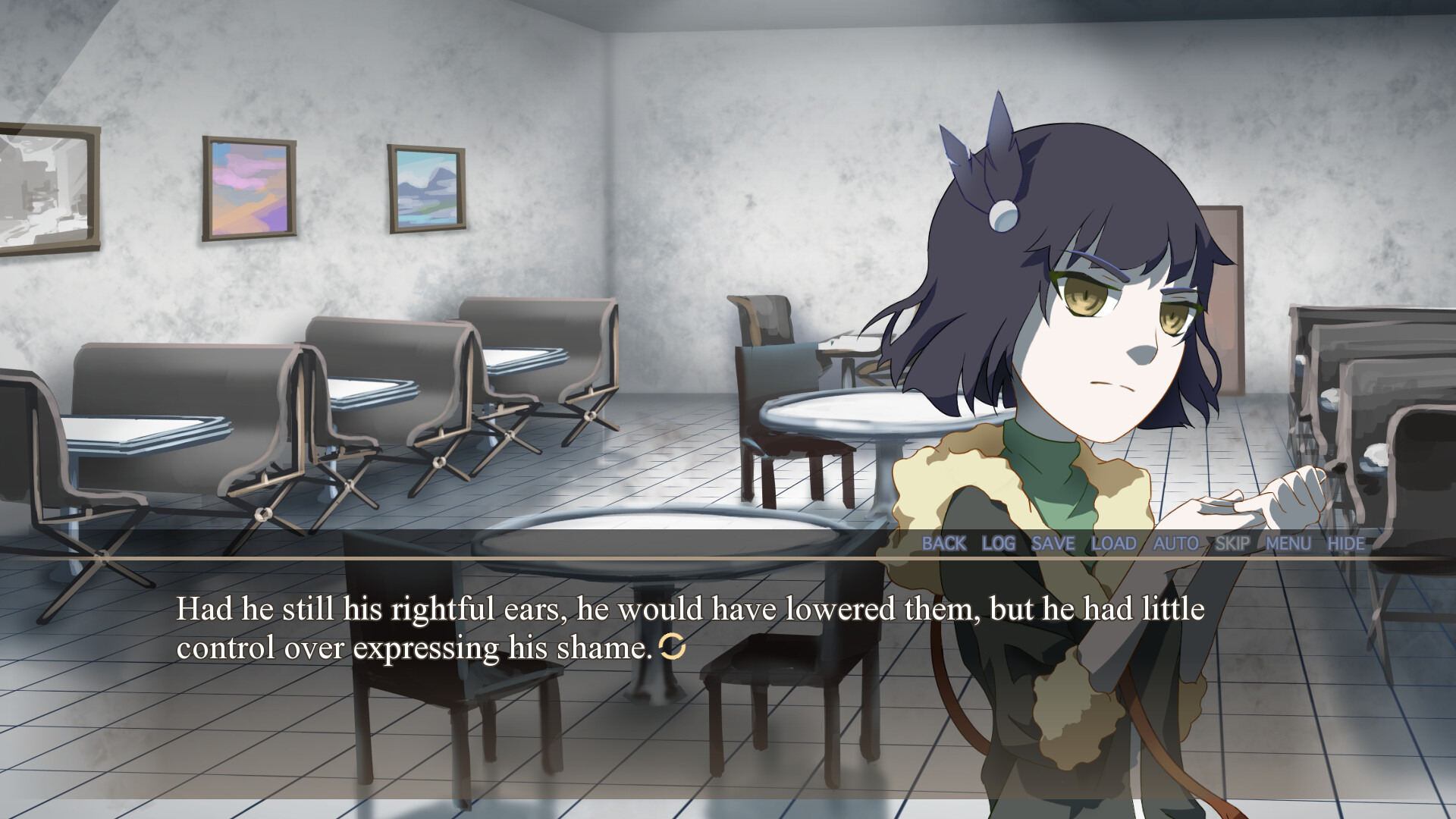
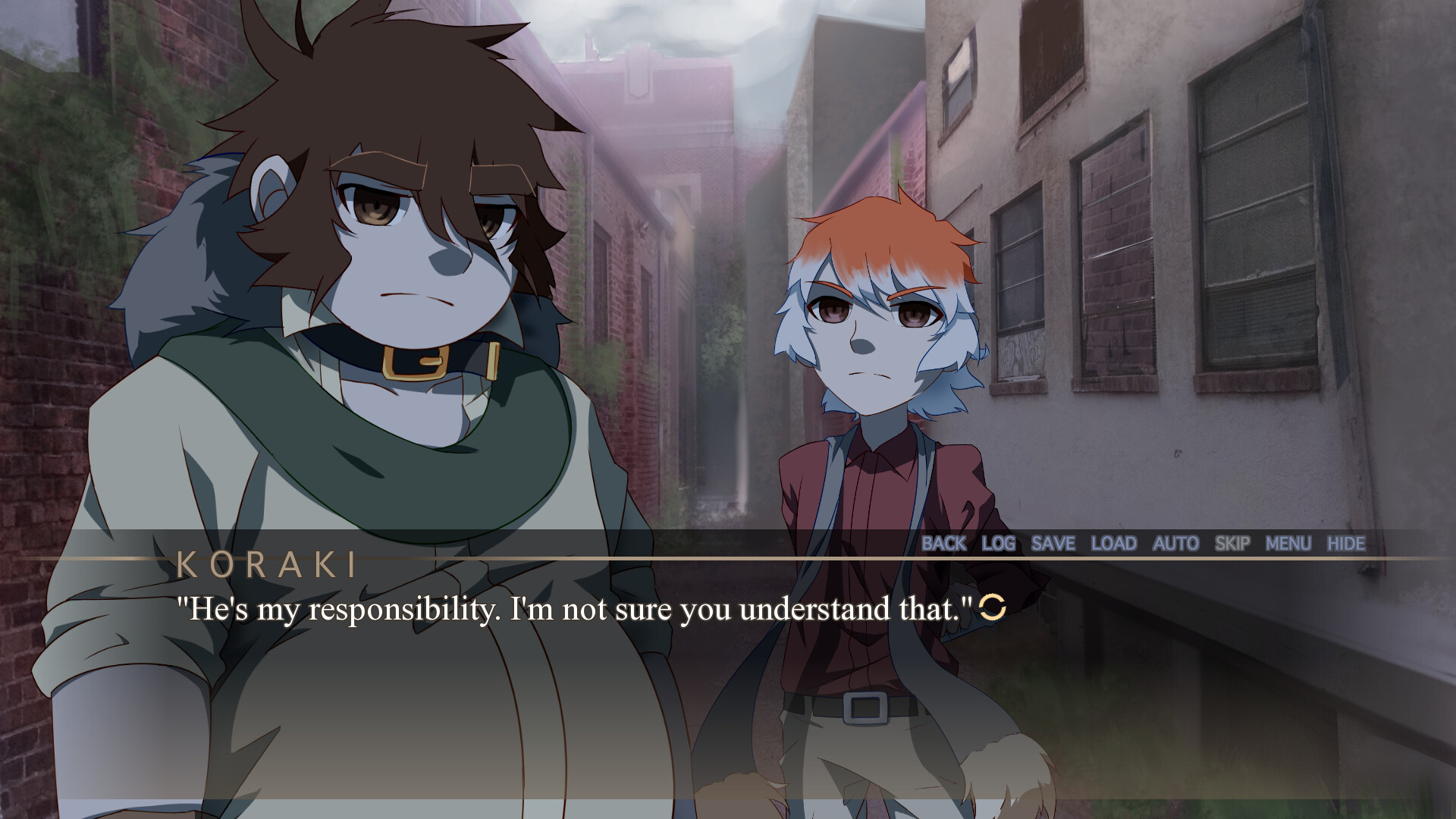
Ursine Science — Within the sprawling metropolis of Enonoia, a city marred by inequality and oppression, injustice and crime fester like an unhealed wound. Koraki Mavrosa, once leading a life of relative comfort, is thrust into a harsh reality that shatters her illusions. Her world unravels when her family falls victim to the iron grip of the city’s authoritarian regime: the Master Order Trained Hire. In a twist of fate, Koraki stumbles upon a hidden technology that allows her to witness a breathtaking transformation a fierce grizzly bear morphs into a man right before her eyes. With nothing left to lose, she enlists the aid of this enigmatic figure, whom she dubs Arkuma.
Little does she know that beneath his stoic exterior lies a wild spirit with a score to settle against the authorities. Koraki’s yearning for peace collides with Arkuma’s deep-seated resentment for her kind as they unite to challenge the very institution that has wronged them both. Can their contrasting ideals coexist and fuel a revolution that will dismantle the corrupt system, or will their quest inadvertently sow further discord and chaos?
Game Details
- Title: Ursine Science
- Genre: Adventure, Indie
- Developer: Amorous Ursidae
- Publisher: Amorous Ursidae
- Release year: 2023
- Available Languages: English
- Release Name: Ursine.Science-TENOKE
- Game Version: Build 12136119 (upd.25.09.2023)
- Game Releaser: TENOKE
- Size: 970 MB
Key Features
- An adventure-style visual novel.
- Experience two unique perspectives and view the world through the eyes of both human and beast.
- The thrill of survival awaits. With high-octane action around every corner, Enonoia has never been this dangerous.
- Serving as a continuation to Ovine Replica, this marks the exciting conclusion to The Enonoia Saga, now with more immersive visual and audio presentation.
System Requirements
MINIMUM:
Requires a 64-bit processor and operating system
OS: Microsoft® Windows® 7 SP1 or higher, 64-bit
Processor: 64-bit, with clock frequency higher than 1.6GHz
Memory: 4 GB RAM
Graphics: Memory size larger than 2 GB and DirectX® 10/OpenGL 3.0 support
DirectX: Version 10
Storage: 2 GB available space
Sound Card: Compatible with DirectX®
RECOMMENDED:
Requires a 64-bit processor and operating system
OS: Microsoft® Windows® 10, 64-bit installation
Processor: 64-bit, with clock frequency higher than 2.5GHz
Memory: 6 GB RAM
Graphics: Memory size larger than 4 GB and DirectX® 11/OpenGL 4.2 support
DirectX: Version 11
Storage: 3 GB available space
Sound Card: Compatible with DirectX®
Screenshots

Video
How to Install
1. The first thing we do is download the game’s installation files.
2. Unzip the archive to the hard disk.
3. Mount or burn the ISO image in the disk emulator (UltraISO program).
4. After mount ISO, go to the folder and run the file «setup.exe».
5. During the installation, we specify the location on the disk where we want to install it.
6. Copy the contents of the folder «CRACK» in the folder with the game.
7. At the end of the unpacking process, a shortcut appears on the desktop.
8. Launch the game!
Download Ursine Science Build 12136119 (upd.25.09.2023) — TENOKE
Alternative Download Links
Alternative Mirrors
Game Update History
- Ursine Science → v1.0 Build 12136119 [ 25.09.2023 ]