
Playtown v2.4 (Build 12684086) - TENOKE
About The Game
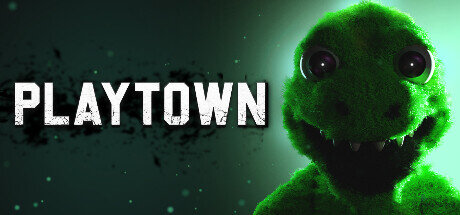
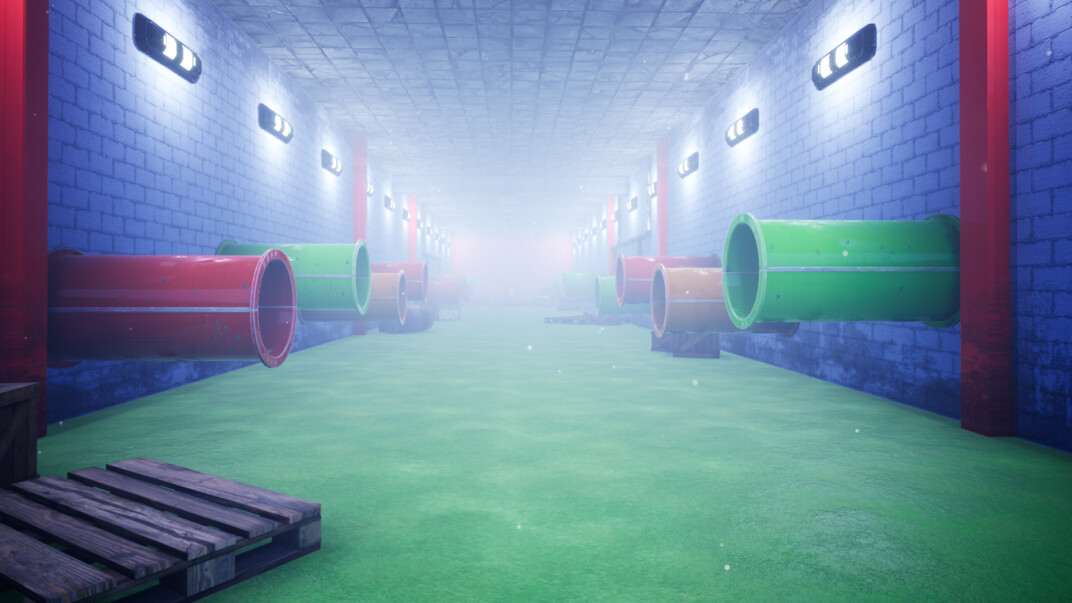
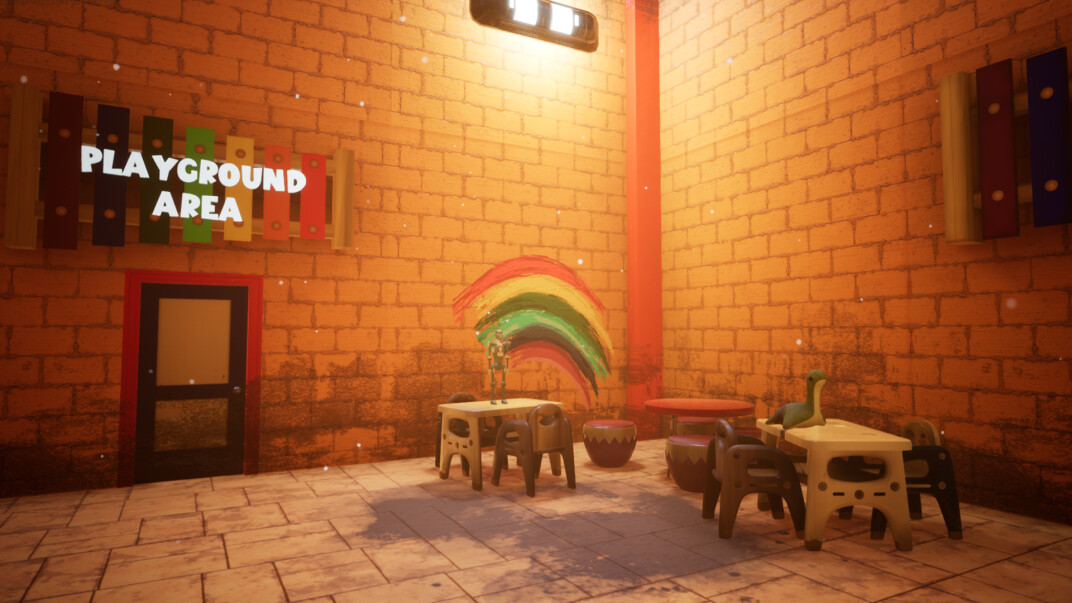
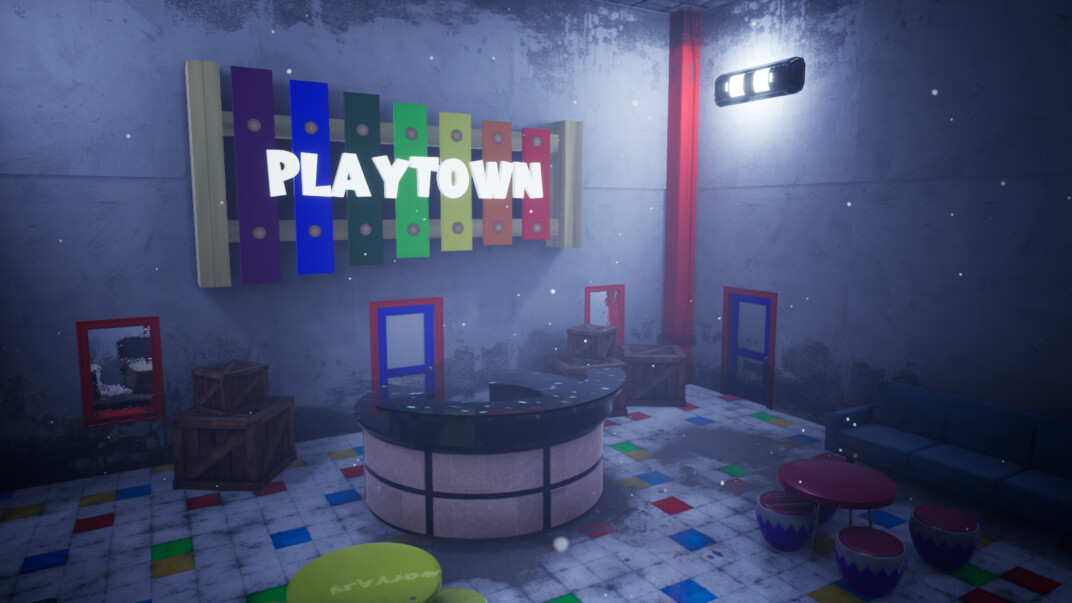
Playtown is an immersive first-person adventure horror game set within the confines of a whimsical indoor playground designed for children. Assume the role of a devoted father on a mission to recover his daughter’s missing necklace, but exercise caution—perils may be concealed in every nook and cranny. Navigate through treacherous traps, tackle mind-bending puzzles, and traverse the enigmatic playground, all while striving to survive and unearth the mysteries that lie within. Beware, for getting caught is not an option. Engage with a gripping narrative and unravel challenging puzzles as you delve into what was once a haven of joy. Embark on an emotional journey to reclaim your daughter’s precious necklace within the vast expanse of the indoor playground.
This captivating adventure horror game promises to elicit a myriad of emotions, pulling at the strings of your heart. Walk in the shoes of a determined and caring father, unwavering in his quest to reunite his daughter with her cherished possession. Encounter mind-bending puzzles that demand both wit and resilience to solve. In this once-entertaining attraction, players must decipher puzzles to navigate the dangers lurking around every turn. Each step taken carries the weight of potential peril, requiring careful decision-making to maintain your sanity and survival. Once a fantasyland for every child, the dinosaur-themed indoor park was a source of boundless joy. Steg the dinosaur, a beloved figure, captured the hearts of many. However, what unfolded behind the closed doors of this playground remains shrouded in mystery. Venture into the establishment, peel back the layers, and expose the sinister secrets that have tainted the once-idyllic atmosphere.
Game Details
- Title: Playtown
- Genre: Action, Adventure, Indie, Simulation
- Developer: TNP Games
- Publisher: Mascot Bro Studio
- Release year: 2023
- Available Languages: English
- Release Name: Playtown-TENOKE
- Game Version: v2.4 (Build 12684086)
- Game Releaser: TENOKE
- Size: 1.10 GB
System Requirements
MINIMUM:
Requires a 64-bit processor and operating system
OS: Windows® 10 (64-bit)
Processor: Intel® Core™ i5-2400 (quad-core) / AMD® FX-Series™ FX-8100 (quad-core)
Memory: 4 GB RAM
Graphics: NVIDIA® GeForce® GTX 650 (2 GB) / AMD® Radeon™ HD 7750 (2 GB)
DirectX: Version 11
RECOMMENDED:
Requires a 64-bit processor and operating system
OS: Windows® 10 (64-bit)
Processor: Intel® Core™ i5-3570 (quad-core) / AMD® FX-Series™ FX-8300 (quad-core)
Memory: 4 GB RAM
Graphics: NVIDIA® GeForce® GTX 970 (4 GB) / AMD® Radeon™ R9 290X (4 GB)
DirectX: Version 12
Screenshots
Video
How to Install
1. The first thing we do is download the game’s installation files.
2. Unzip the archive to the hard disk.
3. Mount or burn the ISO image in the disk emulator (UltraISO program).
4. After mount ISO, go to the folder and run the file «setup.exe».
5. During the installation, we specify the location on the disk where we want to install it.
6. Copy the contents of the folder «CRACK» in the folder with the game.
7. At the end of the unpacking process, a shortcut appears on the desktop.
8. Launch the game!
Download Playtown v2.4 (Build 12684086) — TENOKE
Alternative Download Links
Alternative Mirrors
Other Versions & DLCs
Game Update History
- Playtown → v2.4 Build 12684086 [ 22.11.2023 ]

























































