Flashing Light (EMS) Simulator Build 21223378 (upd.12.01.2026) + Guerrero Pursuit SUV Pack - TENOKE
About The Game
Flashing Light (EMS) Simulator stands as a testament to indie innovation, seamlessly blending the intricate elements of police, fire, and EMS simulation into a dynamic and engaging gameplay experience. Take on the role of a first responder, tackling emergencies across a sprawling cityscape, with the flexibility of shaping the game’s future during its Early Access phase. Nils Jakrins meticulous development brings to life a realistic and evolving world where emergencies unfold in real-time. From high-speed police chases to blazing infernos and medical crises, every decision you make as a first responder resonates, affecting the city and its denizens.
Published by Excalibur Games, Flashing Lights embodies the spirit of indie gaming, infusing the simulation genre with authenticity, attention to detail, and an ever-expanding world. The Early Access release allows players to actively contribute to the game’s development, providing feedback and shaping the future updates. Whether you’re donning the badge, fighting fires, or saving lives as a paramedic, Flashing Lights delivers a multifaceted simulation experience. The game’s dynamic nature ensures that no two emergencies are the same, keeping players on their toes and fostering a sense of realism.
NOTE. Uploaded version:30 September 2025 [Update v20250929 (K9) Build 20114531] + Update v20251218 (Build 21223378). This is Full Release and latest version of game. The game is already Packaged in ISO File and ready to run the game after install, read the instruction below.
The following DLCs are included:
- Flashing Lights: Pickup Truck Triple Pack (Police, Fire, EMS)
- Flashing Lights: Visor Lights DLC (Police, Fire, EMS)
- Flashing Lights: Beast Swat Truck DLC
- Flashing Lights: Emergency Response Lightbar Collection
- Flashing Lights: Thunder Sport Sedan Pack (Police, Fire, EMS)
- Flashing Lights: Interceptor SUV Pack (Police, Fire, EMS)
- Flashing Lights: BUCK — Police, Fire, Rescue Pack
- Flashing Lights: Guerrero Pursuit SUV Pack
Game Details
- Title: Flashing Lights Chief Edition
- Genre: Indie, Simulation, Early Access
- Developer: Nils Jakrins
- Publisher: Excalibur Games
- Release year: 2023
- Available Languages: english, japanese, german, russian, spanish
- Release Name: Flashing.Lights.Guerrero.Pursuit.SUV.Pack-TENOKE + Update v20251218 (Build 21223378)
- Game Version: Build 21223378 (upd.12.01.2026) + Guerrero Pursuit SUV Pack
- Game Releaser: TENOKE
- Size: 4.01 GB
Full Description
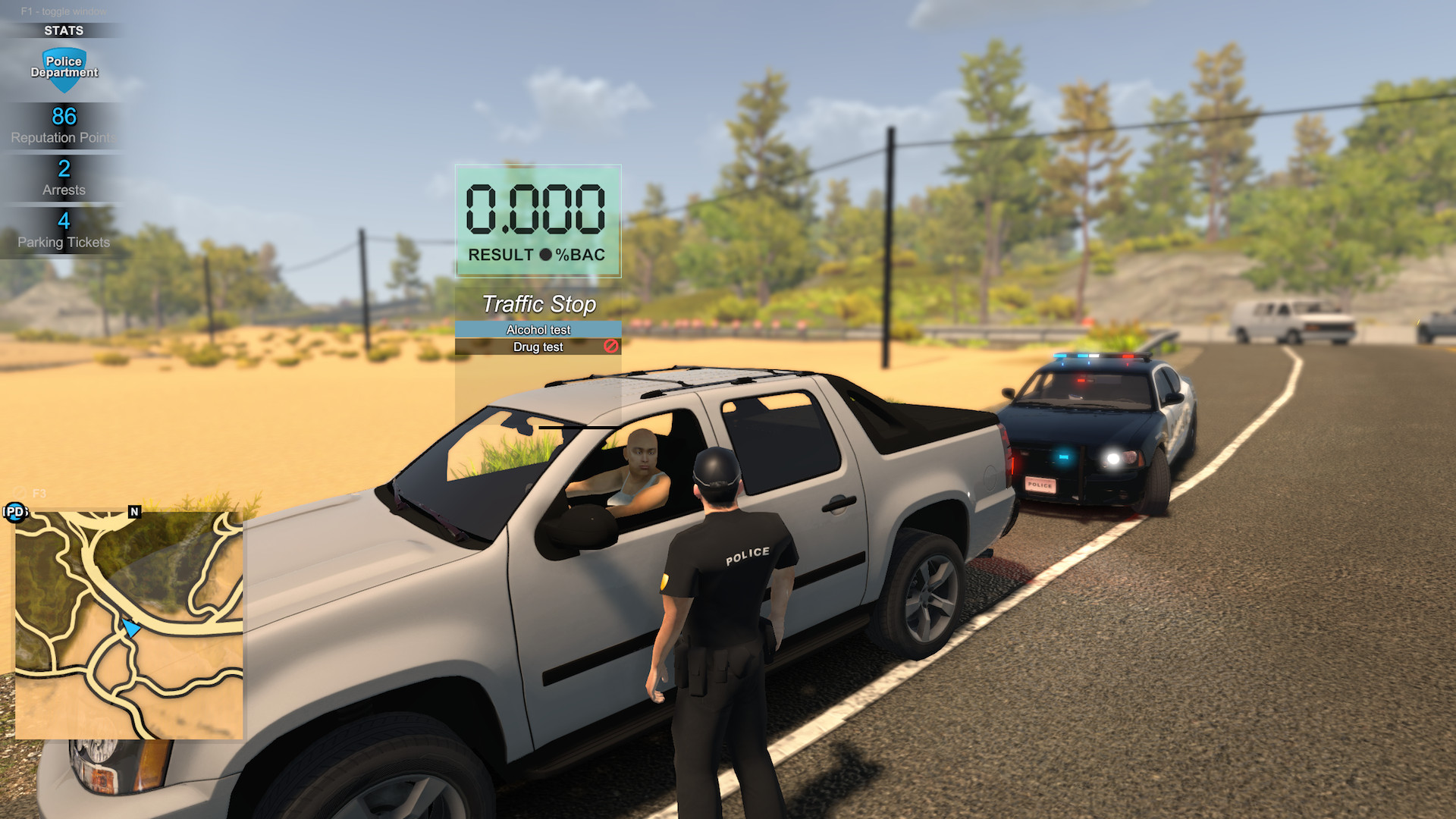
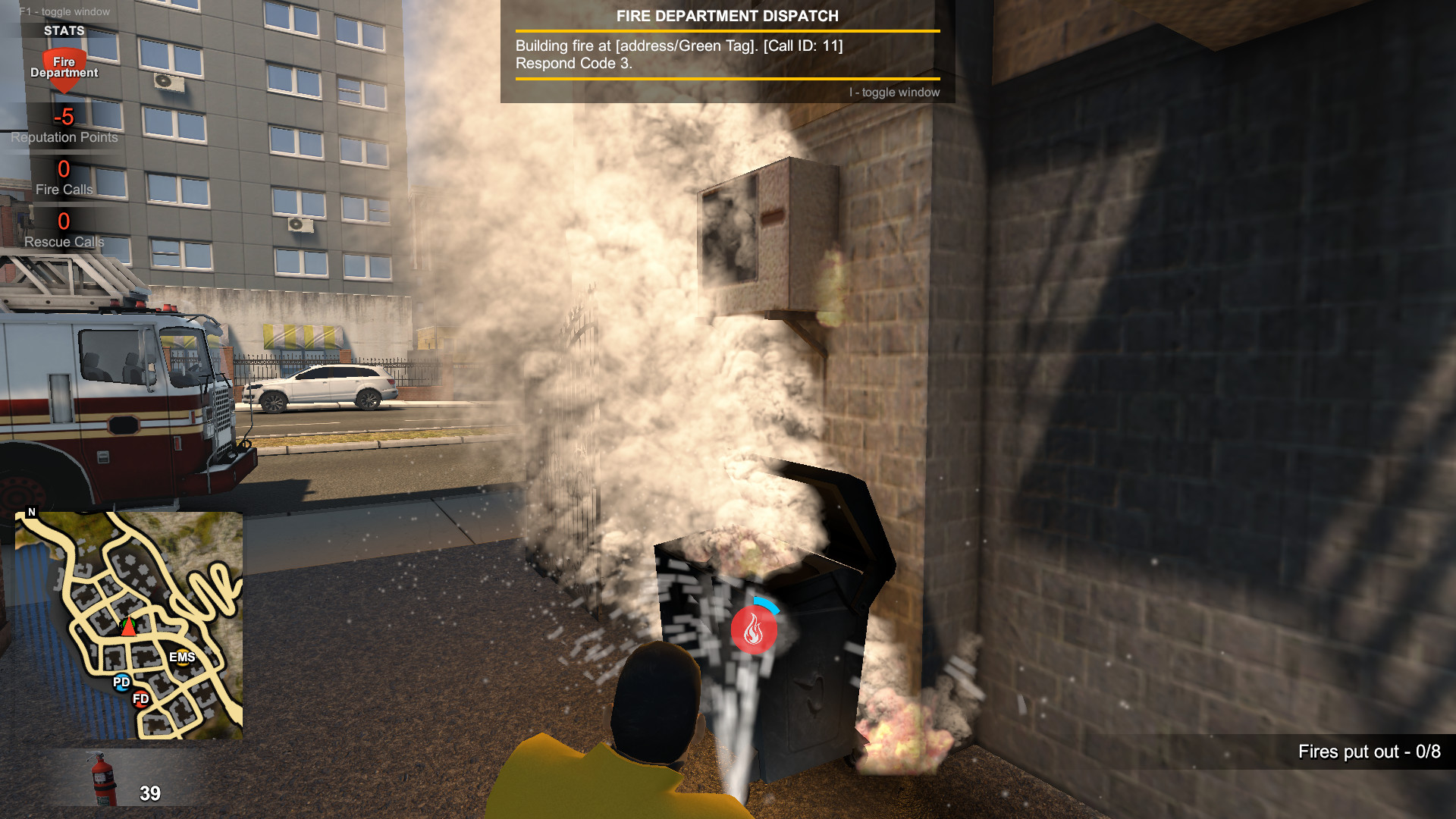
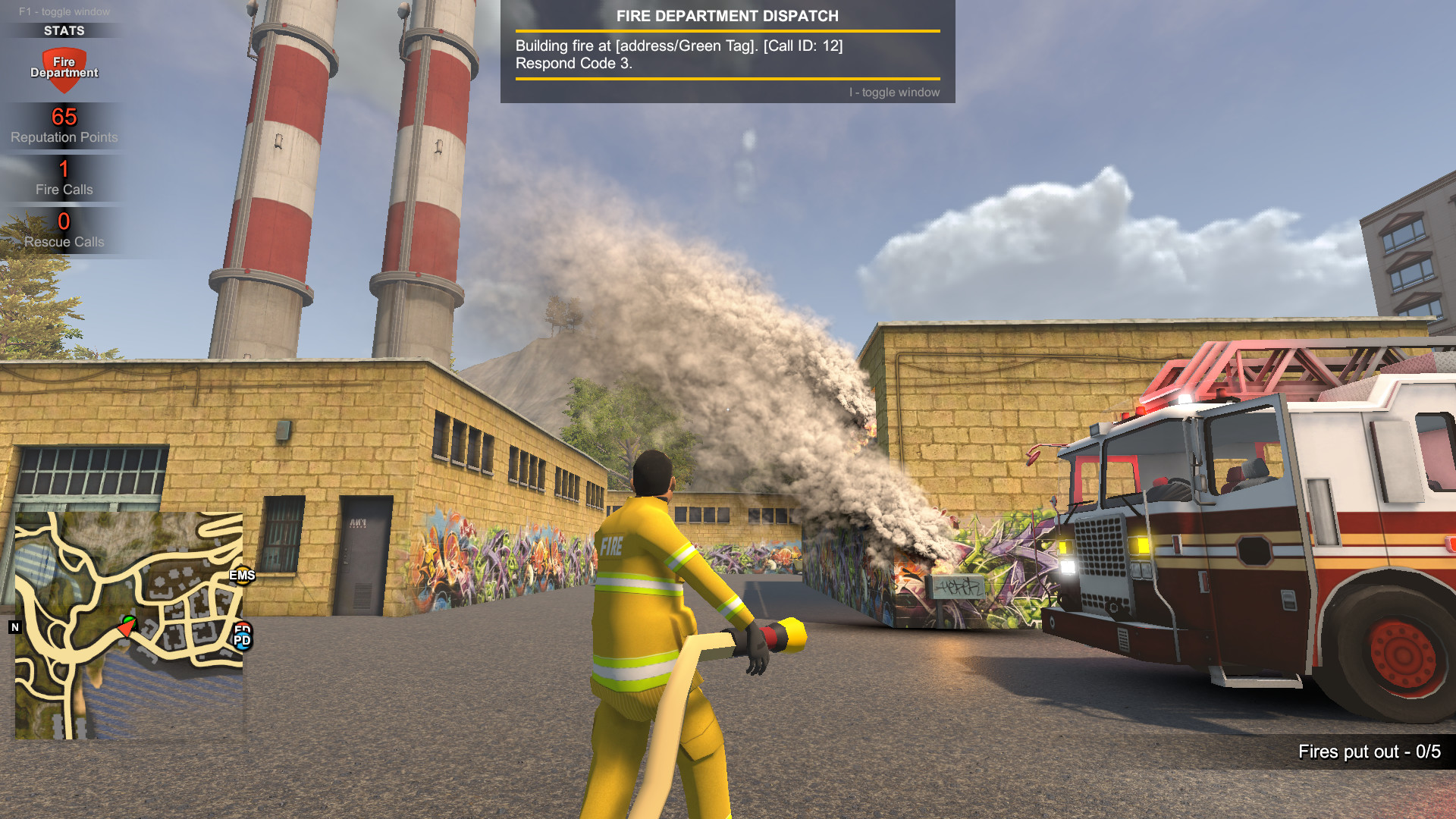
You’ll have access to a range of police equipment, such as handcuffs, firearms, and police vehicles, to aid you in your duties. In the firefighter gameplay mode, you’ll become part of a dedicated team responsible for extinguishing fires and rescuing civilians. You’ll need to respond to emergency calls, assess the situation, and deploy the appropriate equipment and strategies to combat the blaze. Firetrucks, hoses, and other firefighting tools will be at your disposal. The EMS gameplay mode puts you in the role of a medical professional, responding to medical emergencies and providing life-saving treatment. You’ll be dispatched to various incidents, including car accidents, injuries, and illnesses, where you’ll need to assess the patients and administer the appropriate care.
Time is of the essence, and your decisions can mean the difference between life and death. Flashing Lights Police Fire EMS emphasizes realistic gameplay mechanics and attention to detail. Players can expect authentic emergency scenarios, realistic physics, and a day-night cycle that affects the gameplay and atmosphere. The game also offers multiplayer functionality, allowing players to cooperate and coordinate their efforts with friends or other players online. With its immersive simulation gameplay, Flashing Lights: Police Fire EMS offers an engaging experience for those who are interested in the challenging and rewarding world of emergency services.
System Requirements
OS: Windows 7/8/10 (64bit)
Processor: Intel Core i3 2GHz or equivalent
Memory: 4 GB RAM
Graphics: Dedicated graphics card with 1GB memory
DirectX: Version 11
Storage: 4 GB available space
Screenshots
Video
How to Install
1. The first thing we do is download the game’s installation files.
2. Mount or burn the ISO image in the disk emulator (UltraISO program).
3. During the installation, we specify the location on the disk where we want to install it.
4. Wait until the installation process is complete, a shortcut will appear on the desktop.
5. Copy the contents of the folder «CRACK» in the folder with the game.
6. Download and install Update v20251218, in game folder.
7. Start the game.
Download update only: Flashing.Lights.Guerrero.Pursuit.SUV.Pack.Update.v20251218-TENOKE, MIRROR [ 866.4 MB ]
- Extract.
- Run setup.exe and install the update.
- Copy crack to install dir.
- Play!
Download update only: Flashing.Lights.BUCK.Police.Fire.Rescue.Pack.Update.v20250606-TENOKE, MIRROR, MIRROR 2 [ 265.1 MB ]
Download update only: Flashing.Lights.Beast.Swat.Truck.Update.v20250325-TENOKE [ 49.9 MB ]
Download update only: Flashing.Lights.Police.Firefighting.Emergency.Services.Simulator.Update.v20250217-TENOKE [ 48.7 MB ]
Download update only: Flashing.Lights.Beast.Swat.Truck.Update.v20241217-TENOKE [ 39 MB ]
Download update only: Flashing.Lights.Beast.Swat.Truck.Update.v20241031.incl.DLC-TENOKE [ 741.9 MB ]
Download update only: Flashing.Lights.Beast.Swat.Truck.Update.v20240322-TENOKE [ 305 MB ]
Download Flashing Light (EMS) Simulator Build 21223378 (upd.12.01.2026) + Guerrero Pursuit SUV Pack — TENOKE
Alternative Download Links
Alternative Mirrors
Game Update History
- Flashing Lights v20250929 → Update v20251218 (Build 21223378) [ 12.01.2025 ]
- Flashing Lights v20250606 → Update v20250929 (K9) Build 20114531 [ 30.09.2025 ]
- Flashing Lights v20250325 → Update v20250606 [ 15.07.2025 ]
- Flashing Lights Build 17383189 → Update v20250325 [ 15.04.2025 ]
- Flashing Lights Build 17050904 → Update v20250217 Build 17383189 [ 10.03.2025 ]
- Flashing Lights Build 16721774 → v20250121 Build 17050904 [ 26.01.2025 ]
- Flashing Lights Build 16219930 → Update v20241217 Build 16721774 [ 04.01.2025 ]
- Flashing Lights Build 13816303 → Update v20241031 Build 16219930 [ 02.11.2024 ]
- Flashing Lights Build 13737753 → Update v20240322 (Build 13816303) [ 24.03.2024 ]
- Flashing Lights Build 12751312 → Update v20240314 (Build 13737753) [ 15.03.2024 ]
- Flashing Lights Chief Edition → Build 12751312 [ 22.11.2023 ]