Tobacco Shop Simulator v1.02 (upd.14.12.2025) - TENOKE

About The Game
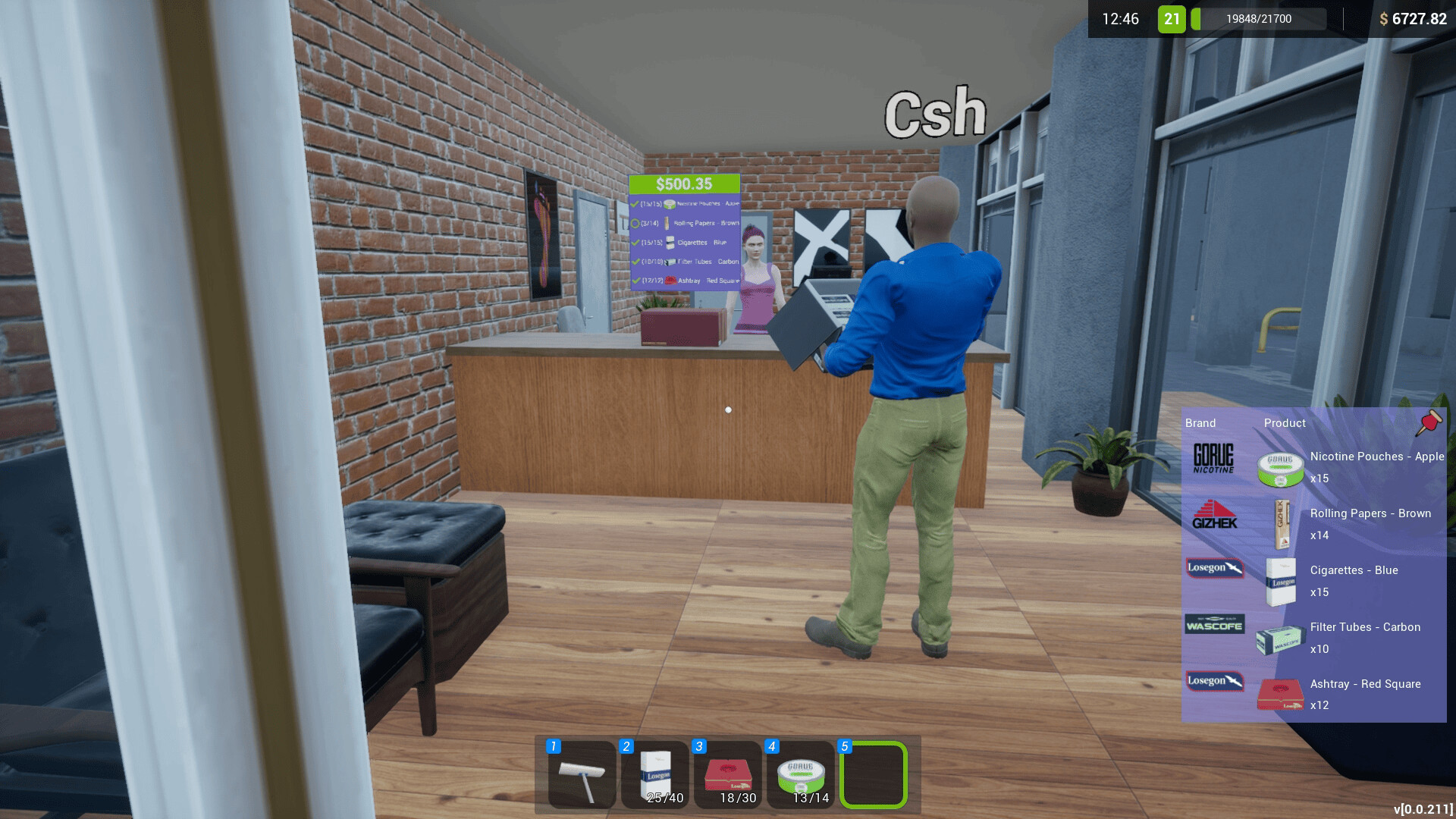
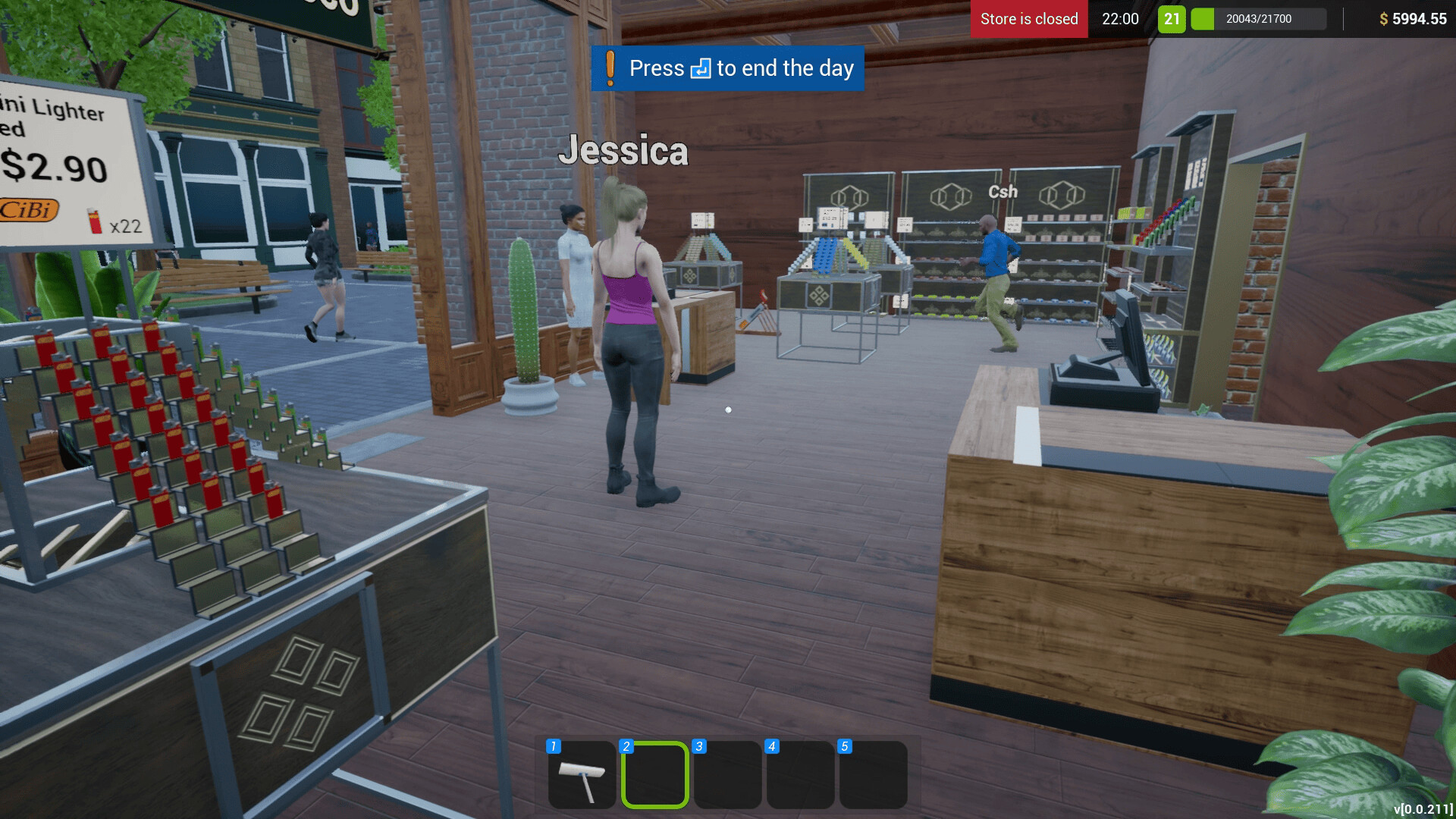
Tobacco Shop Simulator is a tobacco shop owner simulator where you build your business from scratch. From a simple shop to a large business this is a journey into the world of sales, logistics and management. The game allows you to manage all aspects of the store: from purchasing goods and price control to customer service and fighting thieves. Provide customers with everything they need: from cigarettes and hookahs to ashtrays and electronic cigarettes. Monitor prices on the market to buy goods at favorable prices and increase your profits. You can work alone or invite up to three friends to jointly manage. Expand the store, hire employees and improve logistics to reduce queues and increase customer satisfaction.
Game Features
- Strategic store management: from purchasing to service
- Cooperative mode for up to 4 players with division of duties
- Expand the store and hire staff to automate processes
- Realistic simulator with interactive actions such as unpacking goods and setting prices
NOTE. Uploaded version: 25 June 2025 [v1.0 (Build 18913110)] + Update v1.02 (upd.14.12.2025). This is Full Release and latest version of game. The game is already Packaged in ISO File and ready to run the game after install, read the instruction below.
Game Details
- Title: Tobacco Shop Simulator
- Genre: Casual, Indie, Simulation, Early Access
- Developer: Business Tycoon
- Publisher: Business Tycoon
- Release year: 2024
- Available Languages: English, multi25
- Release Name: Tobacco.Shop.Simulator-TENOKE + Update v1.02 (upd.14.12.2025)
- Game Version: v1.02 (upd.14.12.2025)
- Game Releaser: TENOKE
- Size: 1.41 GB
System Requirements
Minimum:
Requires a 64-bit processor and operating system
OS: Windows 7 64-bit | Windows 8 64-bit | Windows 10 64-bit
Processor: Intel Core i5-9400F | AMD Ryzen 5 3600
Memory: 8 GB RAM
Graphics: NVIDIA GeForce GTX 1050 | AMD Radeon RX-580
Network: Broadband Internet connection
Storage: 1200 MB available space
Recommended:
Requires a 64-bit processor and operating system
OS: Windows 7 64-bit | Windows 8 64-bit | Windows 10 64-bit
Processor: Intel Core i5-11400F | AMD Ryzen 5 5600x
Memory: 16 GB RAM
Graphics: NVIDIA GeForce GTX 1060 | AMD Radeon R9-290X
Network: Broadband Internet connection
Storage: 1200 MB available space
Screenshots

Video
How to Install
1. The first thing we do is download the game’s installation files.
2. Unzip the archive to the hard disk.
3. Mount or burn the ISO image in the disk emulator (UltraISO program).
4. After mount ISO, go to the folder and run the file «setup.exe».
5. During the installation, we specify the location on the disk where we want to install it.
6. Copy the contents of the folder «CRACK» in the folder with the game.
7. Download and install Update v1.01 + Update v1.02, in game folder.
8. Launch the game!
Download update only: Tobacco.Shop.Simulator.Update.v1.02-TENOKE, MIRROR [ 72.5 MB ]
- Extract.
- Run setup.exe and install the update.
- Copy crack to install dir.
- Play!
Download update only: Tobacco.Shop.Simulator.Update.v1.01-TENOKE, MIRROR, MIRROR 2 [ 80.9 MB ]
Download Tobacco Shop Simulator v1.02 (upd.14.12.2025) — TENOKE
Alternative Download Links
Alternative Mirrors
Game Update History
- Tobacco Shop Simulator v1.01 → Update v1.02 [ 14.12.2025 ]
- Tobacco Shop Simulator v1.0 → Update v1.01 [ 21.09.2025 ]
- Tobacco Shop Simulator v0.1.018 → v1.0 (Build 18913110) TENOKE Release [ 25.06.2025 ]
- Tobacco Shop Simulator v0.1.013 → v0.1.018 [ 20.01.2025 ]
- Tobacco Shop Simulator v0.1.011 → v0.1.013 [ 26.12.2024 ]
- Tobacco Shop Simulator → v0.1.011 Build 16802554 [ 20.12.2024 ]