Lunar Eclipse v0.42 (upd.26.11.2025)

About The Game
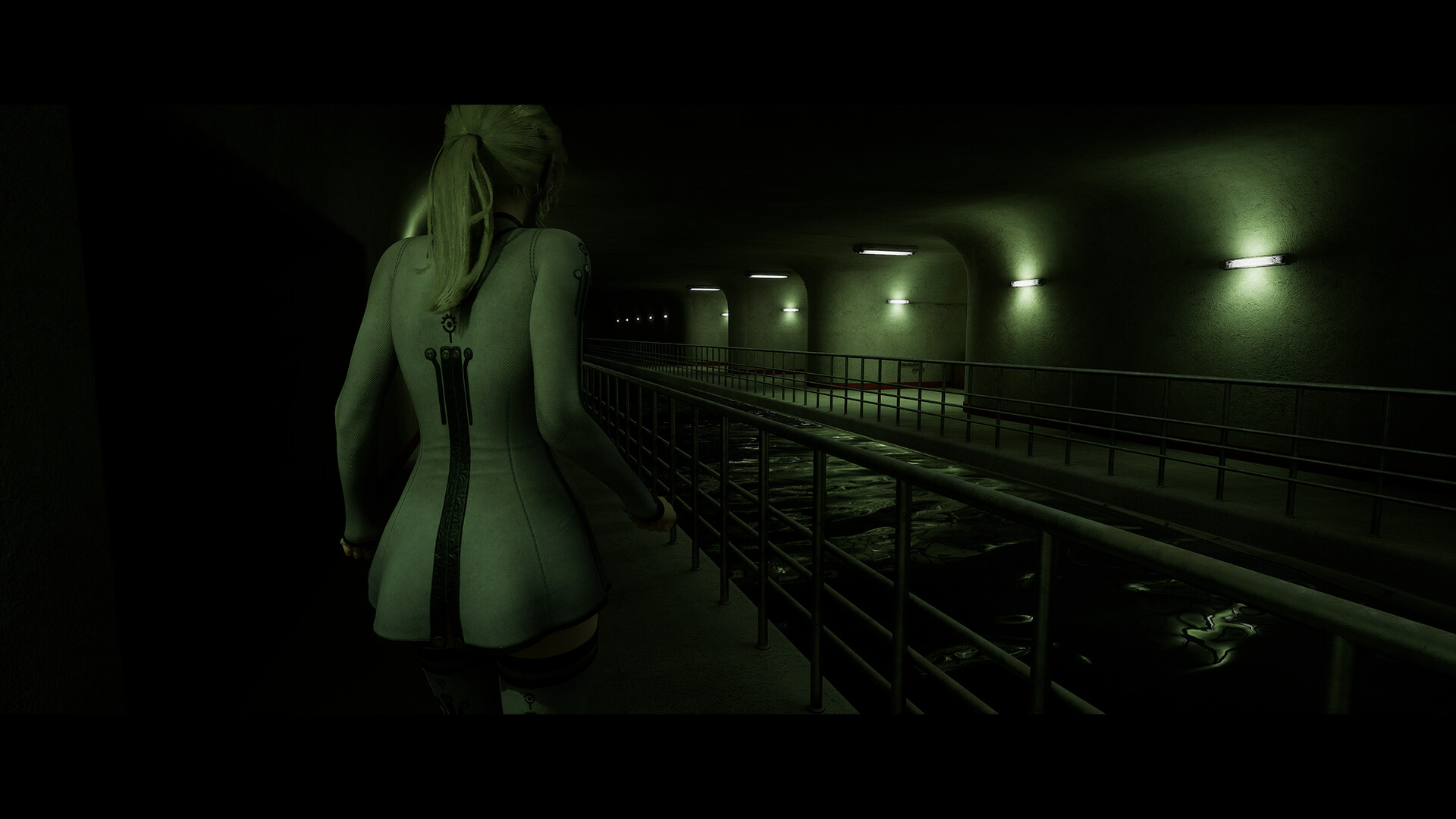
Lunar Eclipse immerses the player in the story of a woman who wakes up under a familiar ceiling in oppressive silence. Her home seems empty and alien, which makes her look for answers to the question of where everyone disappeared to. The heroine’s path runs through frightening darkness and abandoned corridors, concealing unknown threats. To find out why she was left alone, the girl moves forward, driven by one goal to understand what happened. Advancing through the plot of Lunar Eclipse will require solving puzzles that gradually shed light on the true essence of what is happening.
NOTE. Uploaded version: 26 November 2025 [v0.42 (Build 20721516)]. This is Early Access Release and latest version of game. The game is already Pre-Installed and ready to run the game, read the instruction below.
The main character will have to explore locations, overcoming physical obstacles: climbing over rubble, crawling into narrow passages and climbing to high places. Fights with zombies are implemented in the form of close combat, where a kitchen knife is the main weapon. Such gameplay turns each skirmish into a direct confrontation, requiring the gamer to be accurate at a risky distance with the creatures. This game introduces a world where even ordinary dead people pose a serious threat, and every encounter with them keeps you on edge.
Left alone, she confronts the silence of dark halls and gloomy corners of once native places, which increases the feeling of isolation. Her vulnerability becomes a key element, because she has to deal with bloodthirsty creatures with meager means. The plot poses the question: if the world has fallen, who will save it? And the heroine’s goal is to find the answer.
Game Details
- Title: Lunar Eclipse
- Genre: Adventure, Casual, Early Access
- Developer: Black Rabbit's Tales
- Publisher: Black Rabbit's Tales
- Release year: 2025
- Available Languages: English, Russian, Ukrainian, Simplified Chinese
- Release Name: Lunar-Eclipse-v0.42-Build-20721516
- Game Version: v0.42 (upd.26.11.2025)
- Size: 1.80 GB
System Requirements
Minimum:
OS: Windows 10, 11 (64bit) or later
Processor: Intel Core i5-8400 / AMD Ryzen 3 3300X
Memory: 4096 MB RAM
Graphics: NVIDIA GeForce GTX 1070 / AMD Radeon RX 580 (8GB VRAM)
DirectX: Version 12
Storage: 2 GB available space
Recommended:
Memory: 4096 MB RAM
DirectX: Version 12
Storage: 2 GB available space
Screenshots


How to Install
1. The first thing we do is download the game files.
2. Unzip the archive to the hard disk. (how to unzip .rar)
3. Wait for the unpacking process to finish.
4. Start the game «Lunar.Eclipse.exe» from game folder.
5. The language changes in the menu.
Download Lunar Eclipse v0.42 (upd.26.11.2025)
Alternative Download Links
Alternative Mirrors
Other Versions & DLCs
Game Update History
- Lunar Eclipse Build 18881347 → v0.42 (Build 20721516) [ 26.11.2025 ]
- Lunar Eclipse → Build 18881347 [ 03.07.2025 ]