
Block Factory Build 19368990 (upd.03.08.2025) - P2P
About The Game
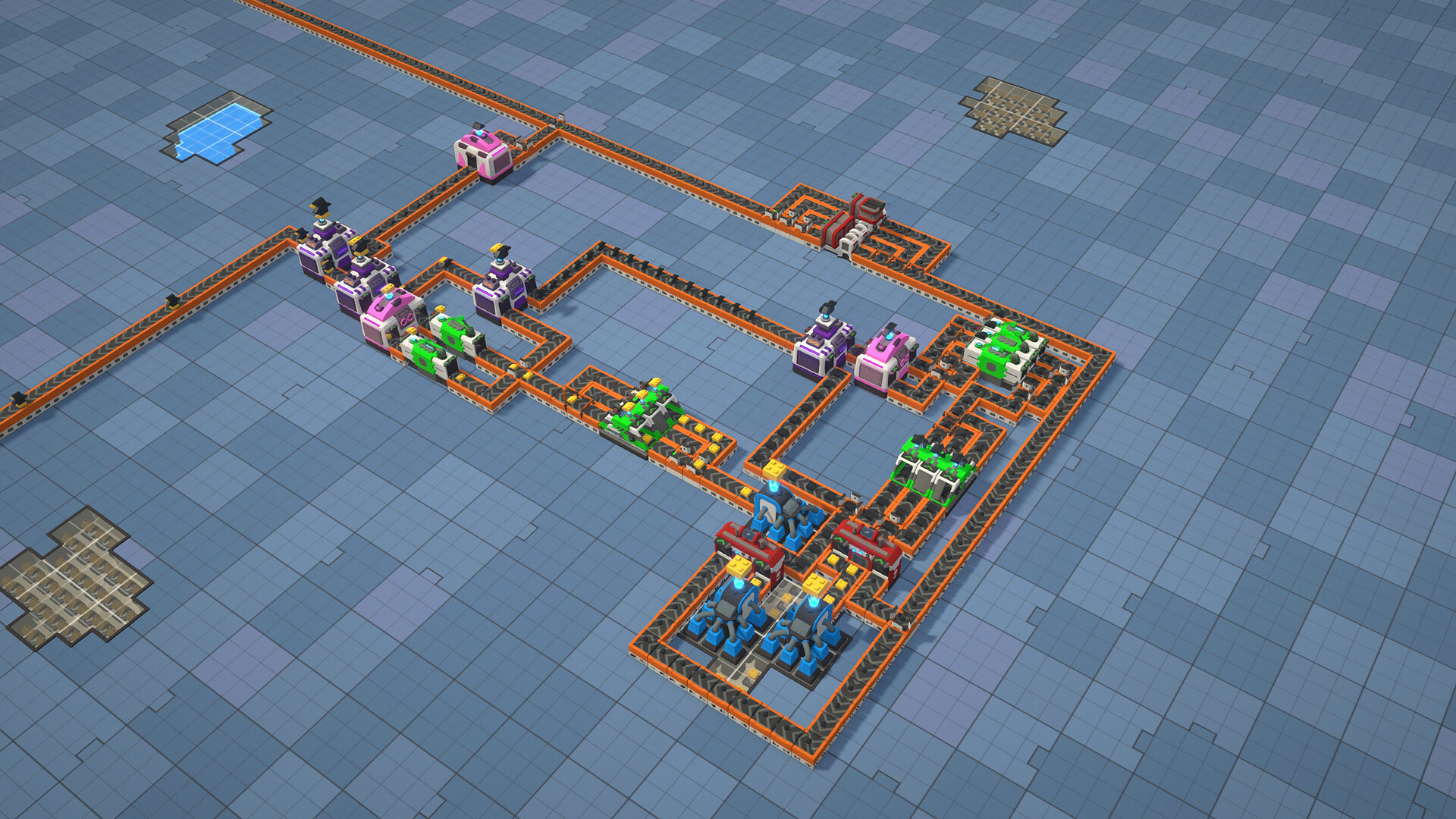
Block Factory — everything is based on the automation of processes and the creation of sets of incredible three-dimensional figures. Hurry up and start setting up your own factory to optimize all stages of its work and assemble creations of absolutely any complexity. First, you will need to work on the project of your factory and optimize its work in order to assemble finished figures using modules. Therefore, it will be important to carefully study the drawings and responsibly approach the installation of conveyors.
Do not forget about specialized machines, with the help of which the collection and transformation of parts becomes much more accessible. And in advanced versions of conveyors, you can not only fold, but also glue and assemble together many modules. Hurry up and start optimizing and improving the production of your cute figures.
NOTE. Uploaded version: 03 August 2025 [Build 19368990]. This is Full Release and latest version of game. The game is already Pre-Installed and ready to run the game, read the instruction below.
Game Details
- Title: Block Factory
- Genre: Simulation, Management, Building, Puzzle, Strategy, Casual
- Developer: OverPowered Team
- Publisher: Shiro Unlimited
- Release year: 2025
- Available Languages: English, French, German, Spanish - Spain, Russian, Simplified Chinese, Italian, Galician
- Release Name: Block.Factory.Build.19368990-P2P
- Game Version: Build 19368990 (upd.03.08.2025)
- Game Releaser: P2P
- Size: 663.11 MB
Key Features
- Automation and logistics.
- Gradual expansion of capabilities.
- Discovery of new technologies.
System Requirements
Minimum:
Requires a 64-bit processor and operating system
OS: Windows 10 64bit
Processor: Intel(R) Core(TM) i5-4440 CPU
Memory: 4 GB RAM
Graphics: Intel(R) UHD Graphics 630, 1GB VRAM
Storage: 2 GB available space
Recommended:
Requires a 64-bit processor and operating system
OS: Windows 10 64bit
Processor: Intel(R) Core(TM) i7-8700 CPU
Memory: 8 GB RAM
Graphics: NVIDIA GeForce GTX 1050 Ti
Storage: 2 GB available space
Screenshots


How to Install
1. The first thing we do is download the game files.
2. Unzip the archive to the hard disk. (how to unzip .rar)
3. Wait for the unpacking process to finish.
4. Start the game «Block.Factory.exe» from game folder.
5. The language changes in the menu.
Download Block Factory Build 19368990 (upd.03.08.2025) — P2P
Alternative Download Links
Alternative Mirrors
Game Update History
- Block Factory Build 19193970 → Build 19368990 [ 03.08.2025 ]
- Block Factory → Build 19193970 [ 12.07.2025 ]

























































