Greenhearth Necromancer Build 23100413 (upd.12.05.2026) - TENOKE
About The Game
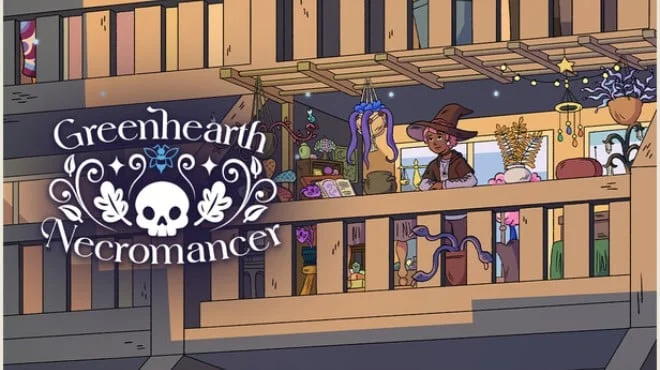
Greenhearth Necromancer is a cozy, semi-idle simulator with elements of magic and light management, where you grow a garden on your balcony, using necromancy to revive plants. Gameplay revolves around tending to plants, balancing resources, and gradual development, allowing you to play actively or leave the process running in the background, returning whenever convenient. Plants dont just grow here they die, return, and change.
You have to monitor water, fertilizer, and the health of the garden, but this routine is complemented by magic, which opens up new ways of development. Withered plants aren't a problem, but an opportunity, as they can be brought back in a transformed form with new properties. The atmosphere is built on calm and rhythm. You can pop in for a while, tidy up, and then leave, letting the garden live its own life. Gradually, the space fills with details, and the process itself begins to feel like a background activity that doesn't require constant attention but provides a sense of development and comfort.
NOTE. Uploaded version: 12 May 2026 [Build 23100413]. This is Full Release and latest version of game. The game is already Pre-Installed and ready to run, read the instruction below.
Game Details
- Title: Greenhearth Necromancer
- Genre: Casual, Visual Novel, Simulation
- Developer: Silverstring Media Inc.
- Publisher: indie.io
- Release year: 2026
- Available Languages: English
- Release Name: Greenhearth.Necromancer.Build.23100413-TENOKE
- Game Version: Build 23100413 (upd.12.05.2026)
- Game Releaser: TENOKE
- Size: 884.51 MB
Key Features
- Semi-idle gameplay with background progression.
- Necromancy for plant development.
- Care and resource system.
- Customizable atmosphere and music.
System Requirements
Minimum:
OS: Windows 10 version 21H1 (build 19043) or newer
Processor: x86, x64 architecture with SSE2 instruction set support, ARM64
Memory: 4 GB RAM
Graphics: DX10, DX11, DX12, or Vulkan capable GPUs
Storage: 1 GB available space
Screenshots
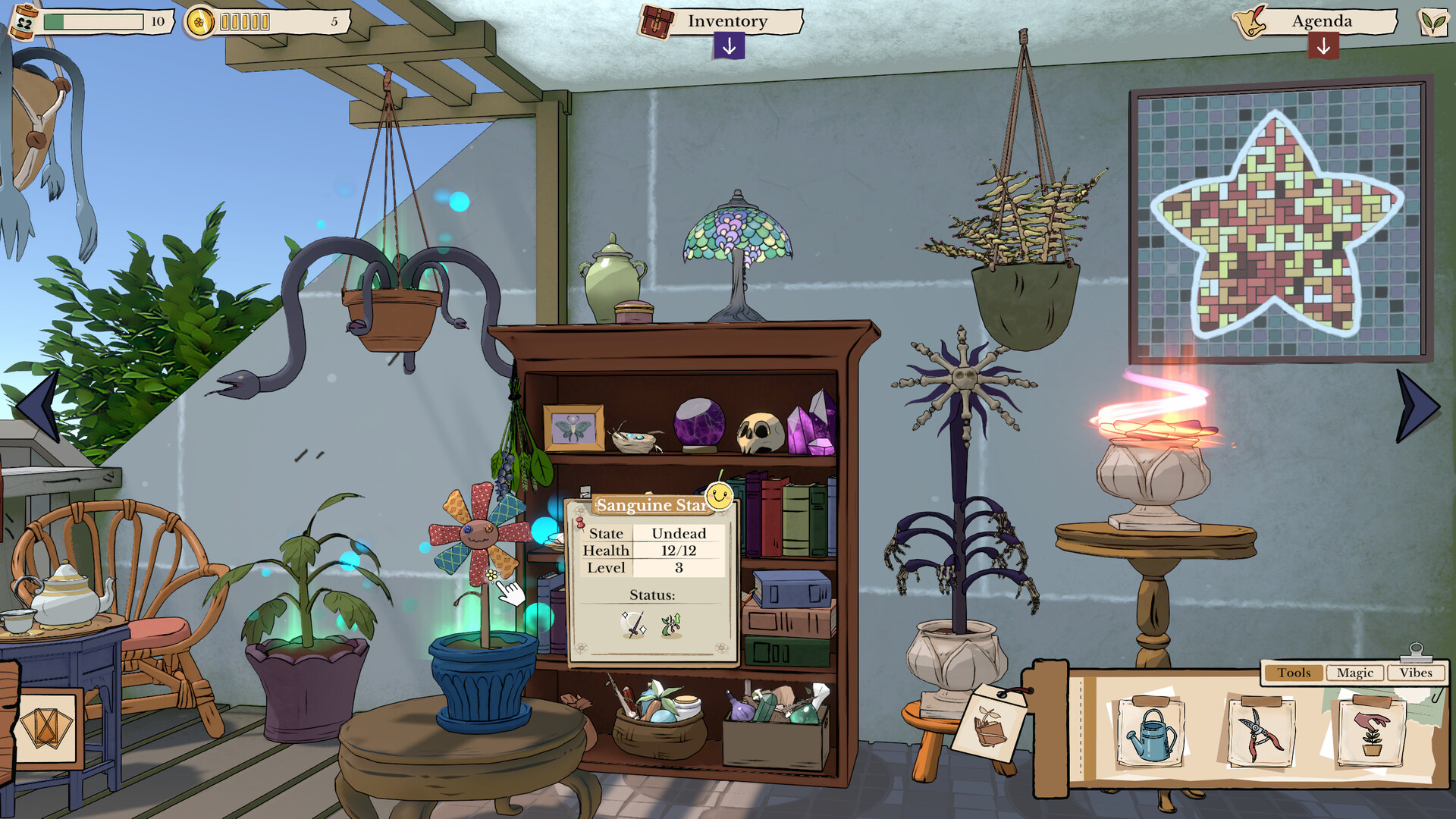
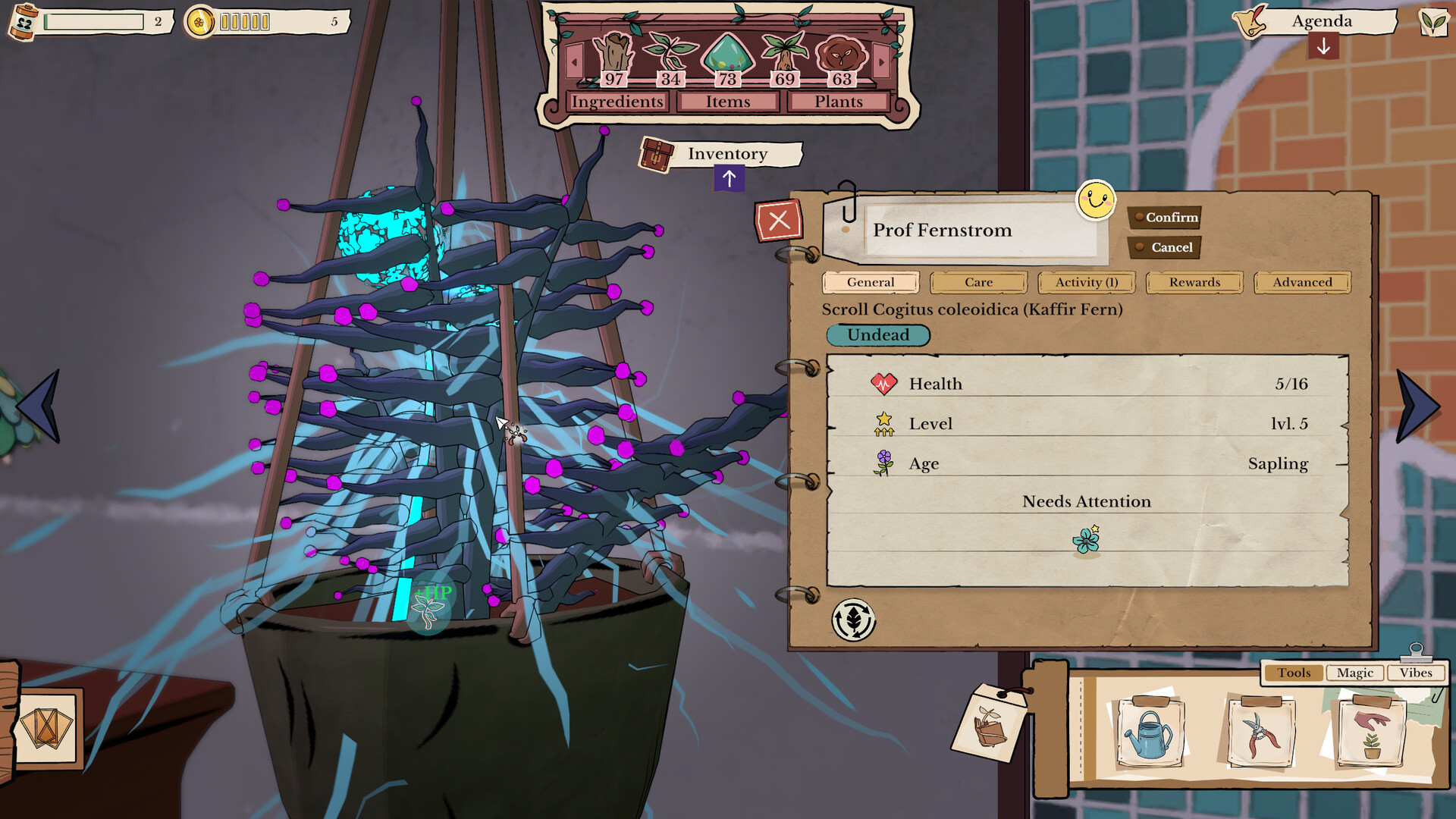
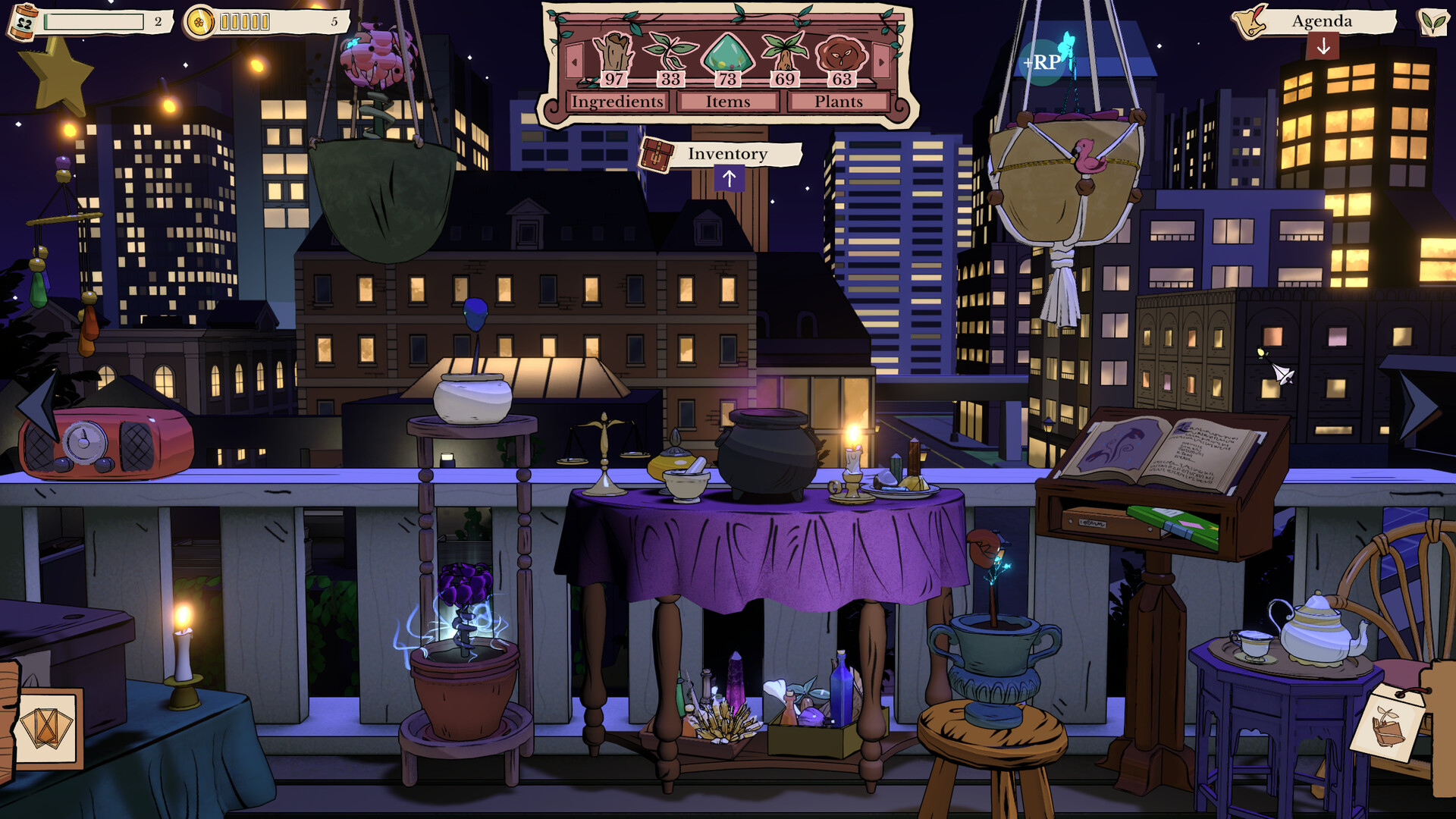
Video
How to Install
1. The first thing we do is download the game's installation files.
2. Unzip the archive to the hard disk.
3. Mount or burn the ISO image in the disk emulator (UltraISO program).
4. After mount ISO, go to the folder and run the file «setup.exe».
5. During the installation, we specify the location on the disk where we want to install it.
6. Copy the contents of the folder «CRACK» in the folder with the game.
7. At the end of the unpacking process, a shortcut appears on the desktop.
8. Launch the game!
Download Greenhearth Necromancer Build 23100413 (upd.12.05.2026) — TENOKE
Alternative Download Links
Alternative Mirrors
Game Update History
- Greenhearth Necromancer → Build 23100413 [ 12.05.2026 ]