The Line v1.1 (upd.11.08.2020) - HOODLUM
HOODLUM Full gameFree DownloadLatest version Torrent File
Game updated on 11-08-2020, 11:13. Current version: v1.1 (upd.11.08.2020).
About The Game
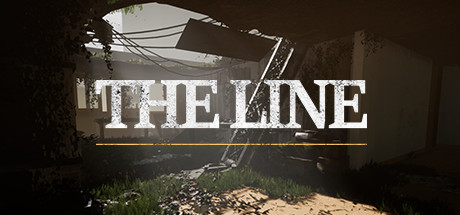
The Line — is a short but intense game, you need to be mindful of everything you read. In the near future, most of the land was flooded due to the sudden rise of the seas, which led to social collapse. Several survivors decided to try again to take control of the situation, so they organized themselves into small teams called lines. These lines consisted of three people, a leader, a security officer, and a medical worker. Their mission was to find survivors among the remains of abandoned cities, prepare them and take them to the few areas where water has not yet reached, to form communities. Everything went well at first, but over time, some of the lines disappeared without a trace, so a team of researchers was formed to try to restore the stock of these old lines and find out what happened. You are a scout and your mission is to find out what happened to Line 14.
Game Details
- Title: The Line
- Genre: Adventure, Indie
- Developer: K148 Game Studio
- Publisher: K148 Game Studio
- Release year: 2020
- Available Languages: english, spanish - spain
- Release Name: The_Line-HOODLUM
- Game Version: v1.1 (upd.11.08.2020)
- Game Releaser: HOODLUM
- Size: 15.96 GB
Key Features
- In order to move forward, you will need to find any part of the story, in those parts are the keys to solve the puzzles.
- Follow the path that led to line 14 until its disappearance, over six chapters.
- Overcome four highly difficult puzzles.
- The Line is a short but intense game, you will have to be attentive to everything you read.
System Requirements
MINIMUM:
OS: Windows 7 64-bit or Mac OS X 10.9.2 or laterProcessor: Quad-core Intel or AMD processor, 2.5 GHz or faster
Graphics: NVIDIA GeForce 470 GTX or AMD Radeon 6870 HD series card or higher
Additional Notes: 8 GB RAM
RECOMMENDED:
OS: Windows 10 64-bit
Processor: Quad-core Intel or AMD, 2.5 GHz or faster
Graphics: DirectX 11 or DirectX 12 compatible graphics card
Additional Notes: 8 GB RAM
Screenshots
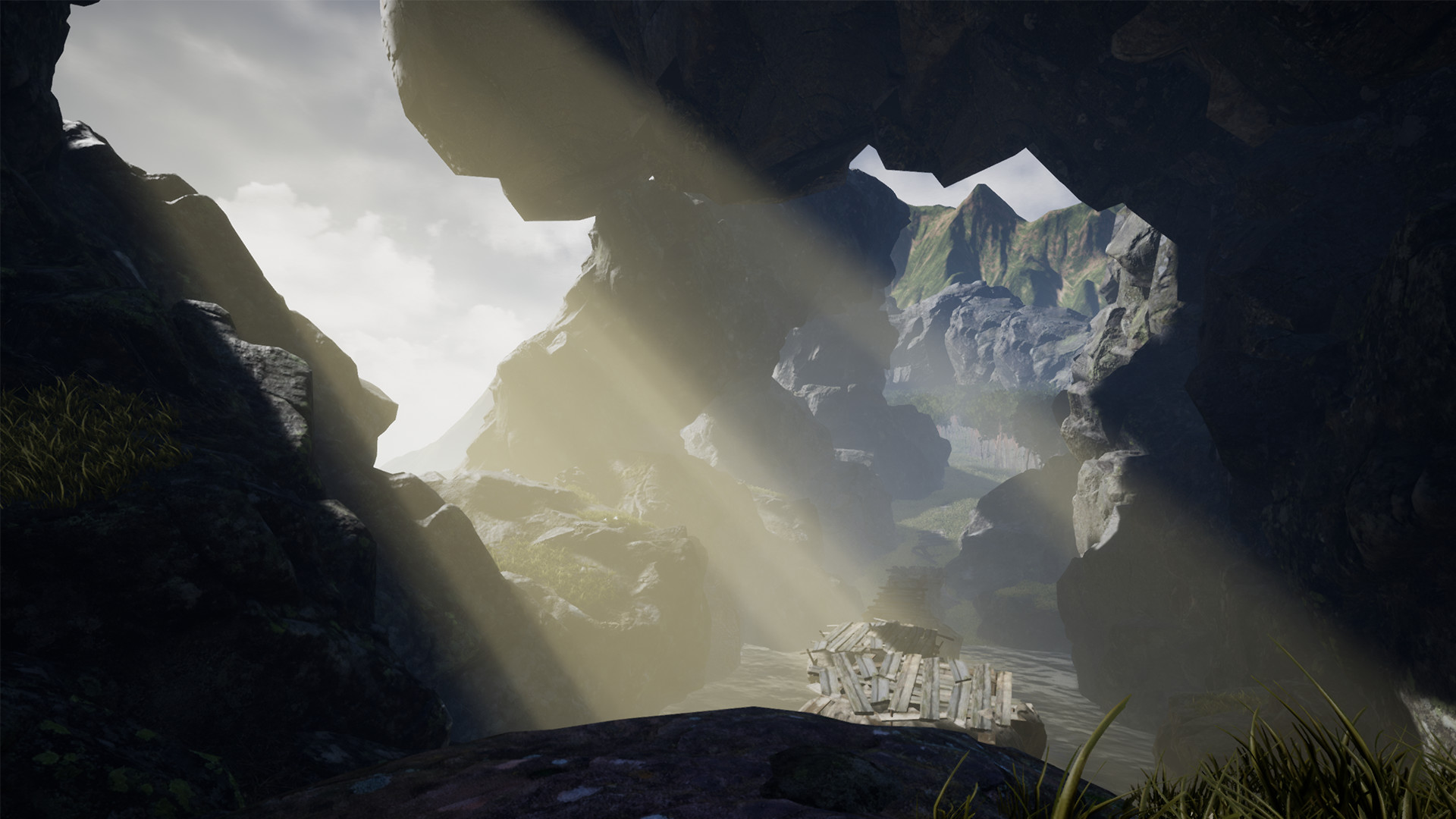
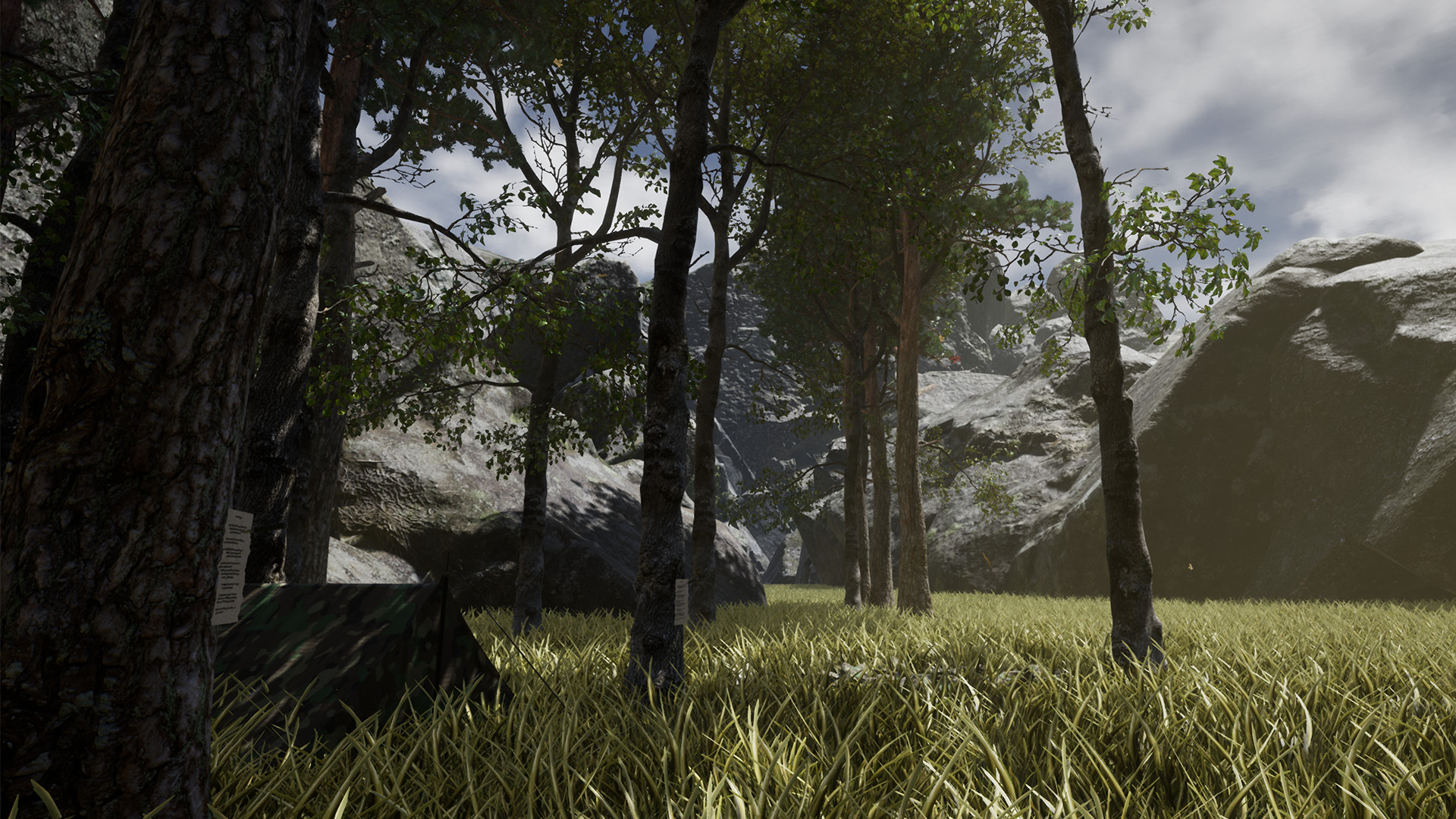
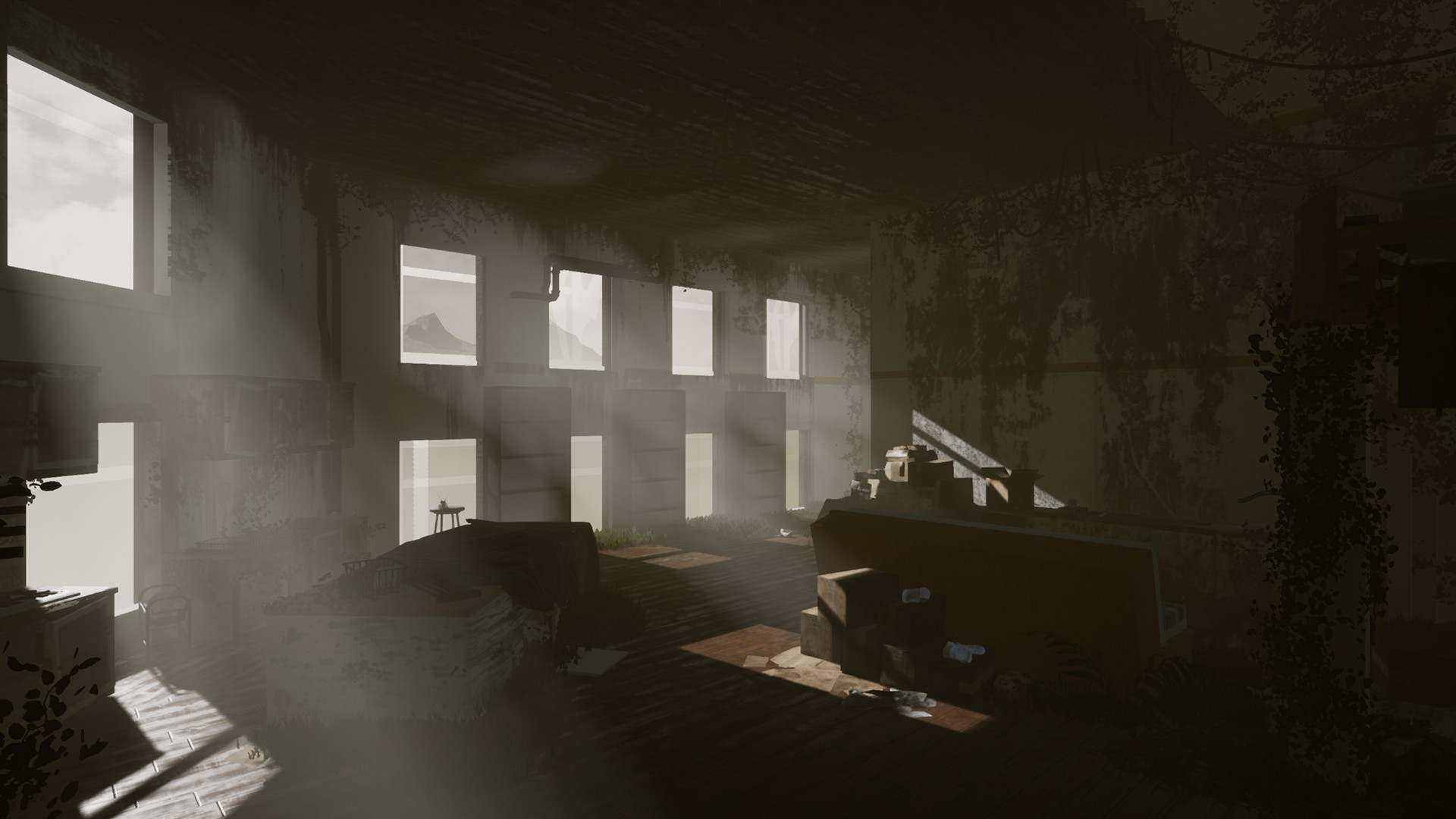
Video
How to Install
1. The first thing we do is download the game’s installation files.
2. Mount or burn the ISO image in the disk emulator (UltraISO program).
3. During the installation, we specify the location on the disk where we want to install it.
4. Wait until the installation process is complete, a shortcut will appear on the desktop.
5. Download & install Update v1.1, in game folder.
6. Start the game.
Download update only: The.Line.Update.v1.1-ANOMALY [ 231.2 MB ]
2. Mount or burn the ISO image in the disk emulator (UltraISO program).
3. During the installation, we specify the location on the disk where we want to install it.
4. Wait until the installation process is complete, a shortcut will appear on the desktop.
5. Download & install Update v1.1, in game folder.
6. Start the game.
Download update only: The.Line.Update.v1.1-ANOMALY [ 231.2 MB ]
Download The Line v1.1 (upd.11.08.2020) — HOODLUM
File Size: 15.96 GB
How to get your file — 3 quick steps
VPN detected. Our download does not accept VPN connections. Please disable your VPN to continue.
Re-check
1
Click download
Use any button below
2
Install Opera
On the page that opens
Switch to the tab that just opened — Opera installer is already there. After install, open this page in Opera and click Check install.
Opera not detected. Make sure it's installed and open this page in Opera browser, then click Check install again.
Opera is a free, official browser by Opera Software AS — safe to install. [ Opera Install Guide ]
Alternative Download Links
Alternative Mirrors
Searching mirrors…
Source Name
Size
Seeds
Leeches
Other Versions & DLCs
Game Update History
- The Line v1.0 → v1.1 [ 11.08.2020 ]
- The Line → v1.0 [ 06.08.2020 ]