Hyper 5 Build 8062472 upd.28.01.2022 - PLAZA
PLAZA Full gameFree DownloadFirst Release Torrent File
Game updated on 28-01-2022, 16:23. Current version: Build 8062472 upd.28.01.2022.
About The Game
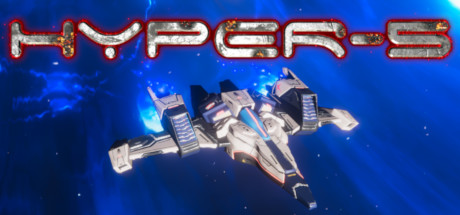
Hyper 5 — is a cinematic shmap inspired by the classics of the golden era of the 90s. Responding to the distress signal, the reconnaissance spacecraft Hyper 5 is involved in a terrible battle with an unknown enemy. Will Hyper-5 survive the meeting on the planet 4GDT. Each of the five levels has its own environment and its own problems. Fight the enemy in the air, over land and under water. In total, you will meet more than forty different types of enemies, including five unique bosses. Task-based progress system. Complete game tests to unlock more than twenty weapon systems, as well as improve ship records in the gallery. Hyper 5 is suitable for all skill levels, offering both progressive and accurate game styles. Immerse yourself in the cinematic plot and learn the fate of Hyper 5. Test yourself in arcade mode and earn your place in the global online leaderboard.
Game Details
- Title: Hyper 5
- Genre: Action
- Developer: Hyper Productions
- Publisher: Hyper Productions
- Release year: 2021
- Available Languages: english
- Release Name: Hyper.5-PLAZA
- Game Version: Build 8062472 upd.28.01.2022
- Game Releaser: PLAZA
- Size: 2.4 GB
Key Features
- Five levels, each with its own environment and difficulties.
- 20 upgradeable weapon systems to unlock.
- Over forty different types of enemies, including five unique bosses.
- Test-based development system.
- Modern 3D graphics, including volumetric lighting, clouds and effects.
- Three levels of difficulty for the scene mode.
- Cinematic storyline, allowing you to learn the fate of Hyper-5.
System Requirements
MINIMUM:
Requires a 64-bit processor and operating systemOS: Windows 7
Processor: i5
Memory: 8 GB RAM
Graphics: NVIDIA 1050Ti (or equivalent)
DirectX: Version 11
Storage: 4 GB available space
Additional Notes: Sufficient for 720p
RECOMMENDED:
Requires a 64-bit processor and operating system
OS: Windows 10
Processor: i7-6700HQ
Memory: 8 GB RAM
Graphics: NVIDIA 1070 (or equivalent)
DirectX: Version 11
Storage: 4 GB available space
Additional Notes: Sufficient for 1080p
Screenshots
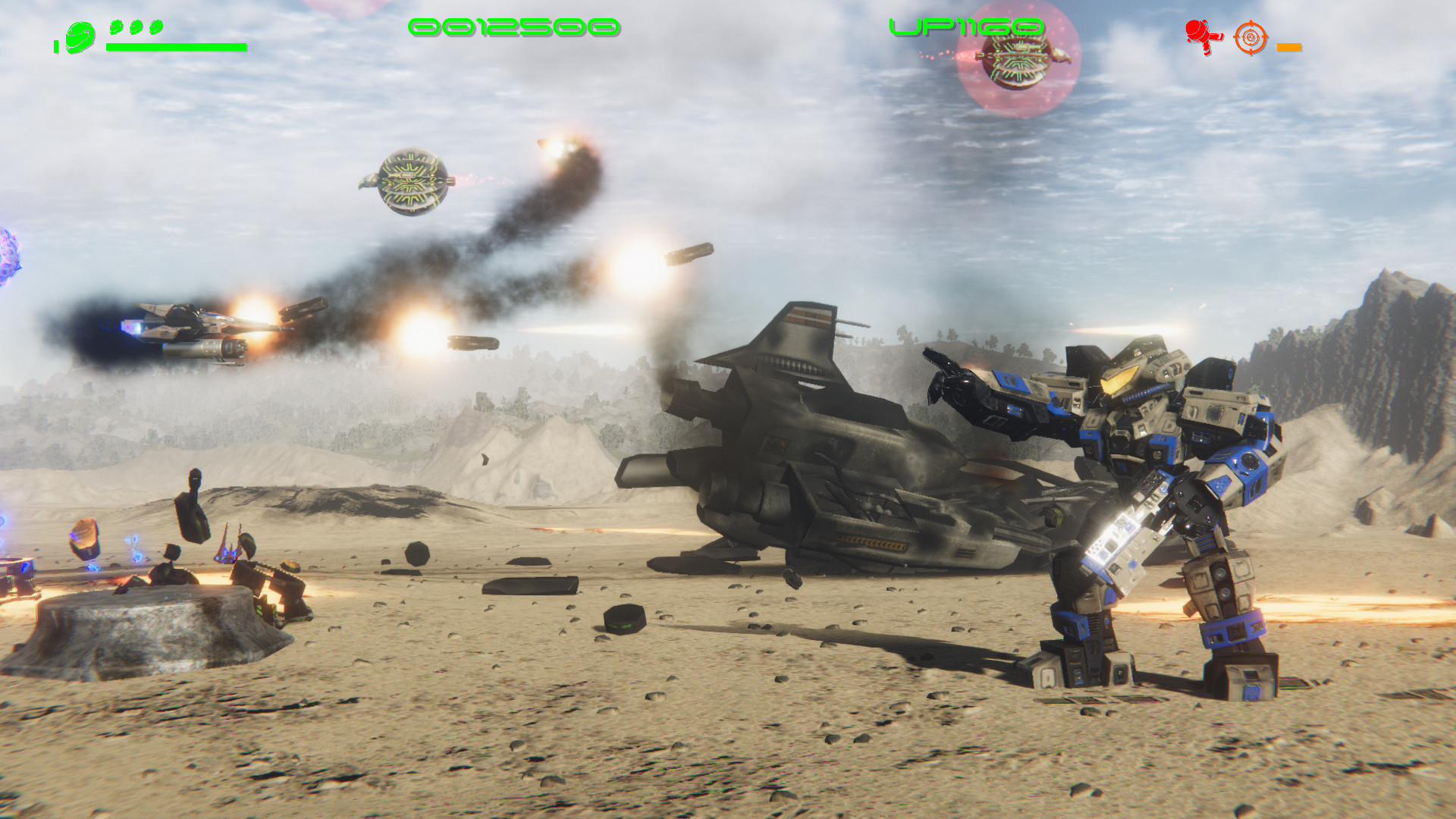
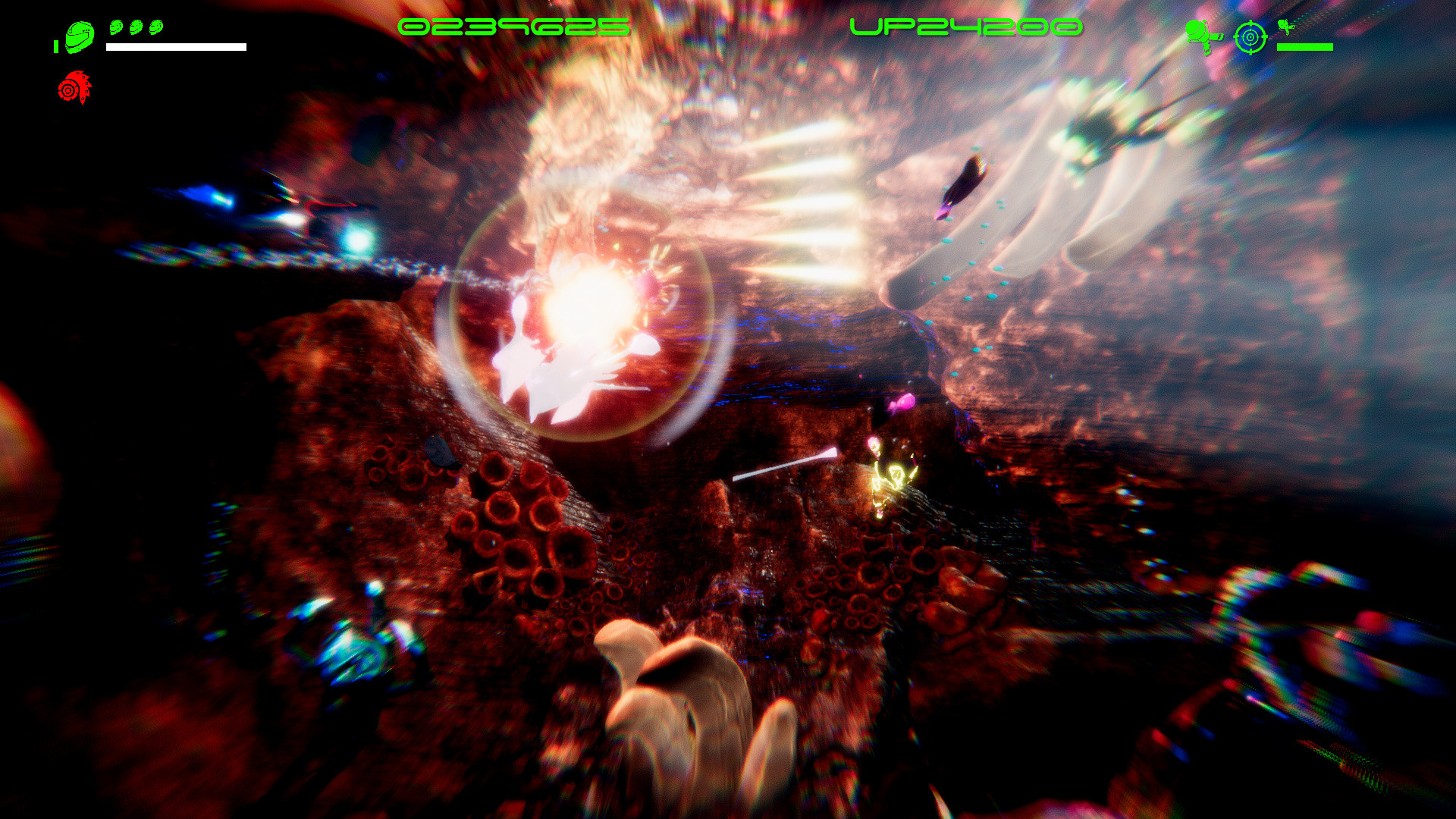
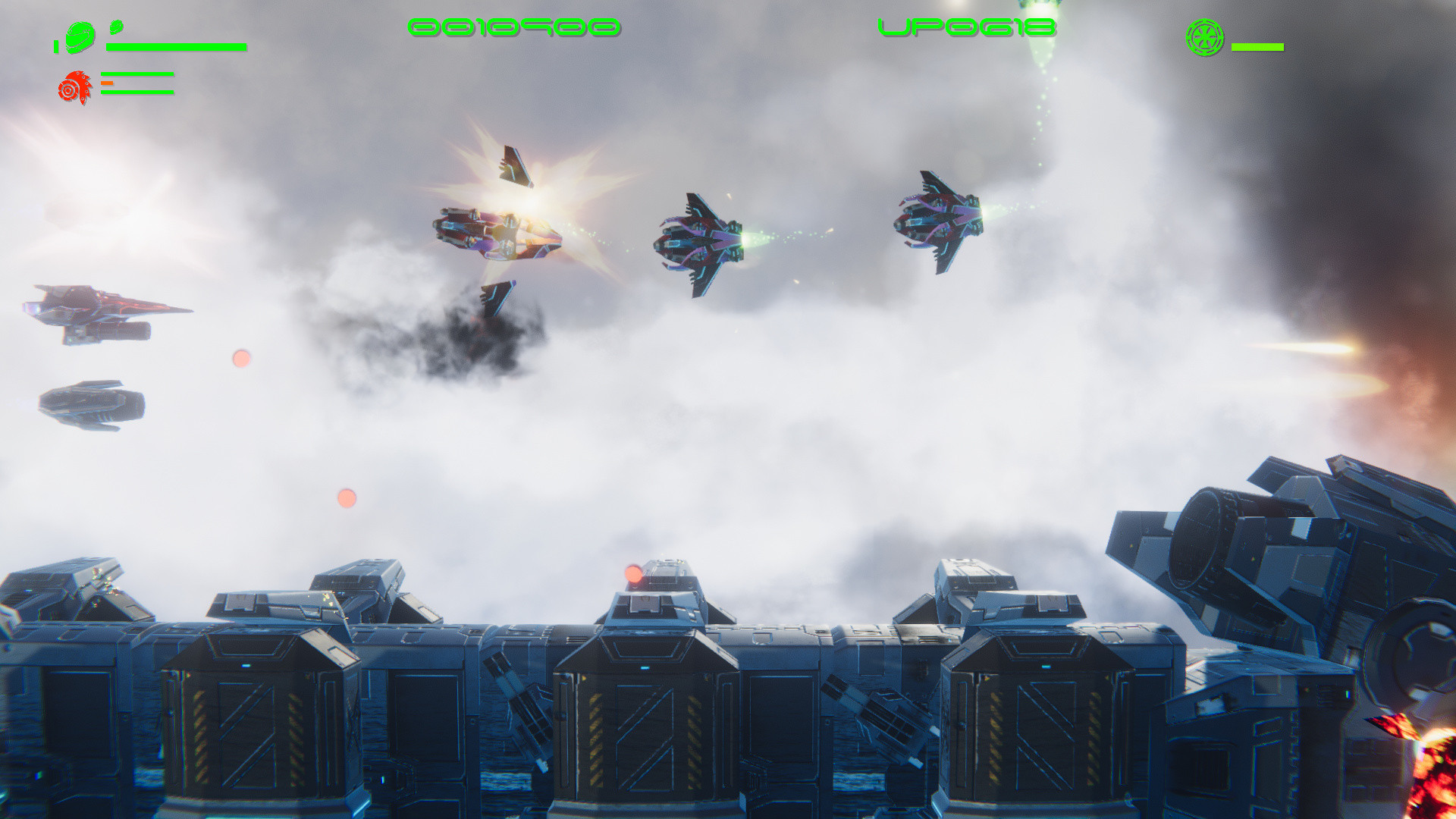
Video
How to Install
1. The first thing we do is download the game’s installation files.
2. Mount or burn the ISO image in the disk emulator (UltraISO program).
3. During the installation, we specify the location on the disk where we want to install it.
4. Wait until the installation process is complete, a shortcut will appear on the desktop.
5. Copy the contents of the folder «PLAZA» in the folder with the game.
6. Start the game.
2. Mount or burn the ISO image in the disk emulator (UltraISO program).
3. During the installation, we specify the location on the disk where we want to install it.
4. Wait until the installation process is complete, a shortcut will appear on the desktop.
5. Copy the contents of the folder «PLAZA» in the folder with the game.
6. Start the game.
Download Hyper 5 Build 8062472 upd.28.01.2022 — PLAZA
File Size: 2.4 GB
How to get your file — 3 quick steps
VPN detected. Our download does not accept VPN connections. Please disable your VPN to continue.
Re-check
1
Click download
Use any button below
2
Install Opera
On the page that opens
Switch to the tab that just opened — Opera installer is already there. After install, open this page in Opera and click Check install.
Opera not detected. Make sure it's installed and open this page in Opera browser, then click Check install again.
Opera is a free, official browser by Opera Software AS — safe to install. [ Opera Install Guide ]
Alternative Download Links
Alternative Mirrors
Searching mirrors…
Source Name
Size
Seeds
Leeches
Game Update History
- Hyper 5 v5 → Build 8062472 [ 28.01.2022 ]
- Hyper 5 v3 → v5 [ 17.11.2021 ]
- Hyper 5 → Early Access v3 [ 11.07.2021 ]