Intravenous v1.5.1 (upd.25.06.2025)
About The Game
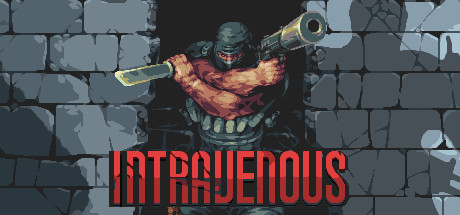
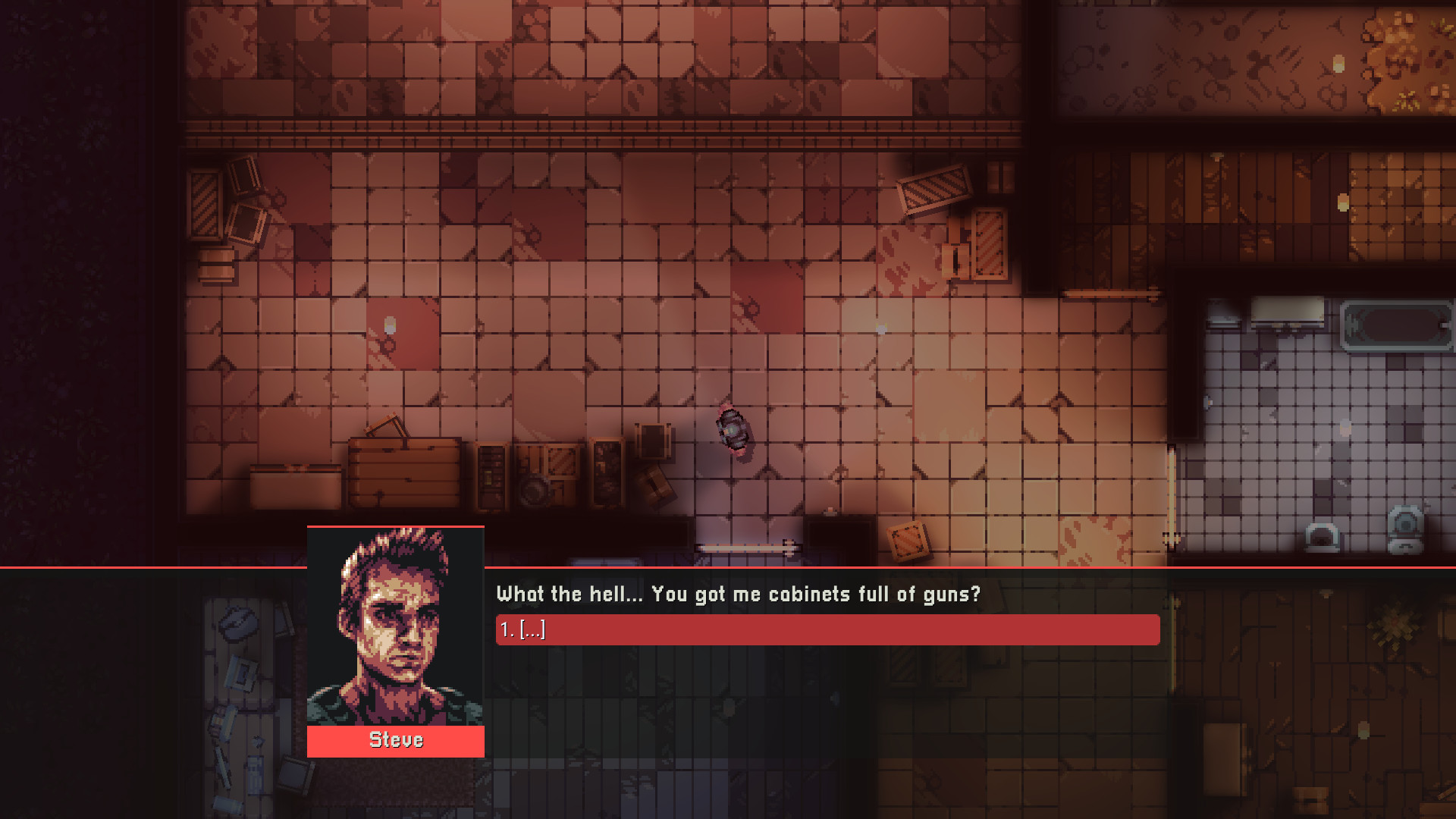
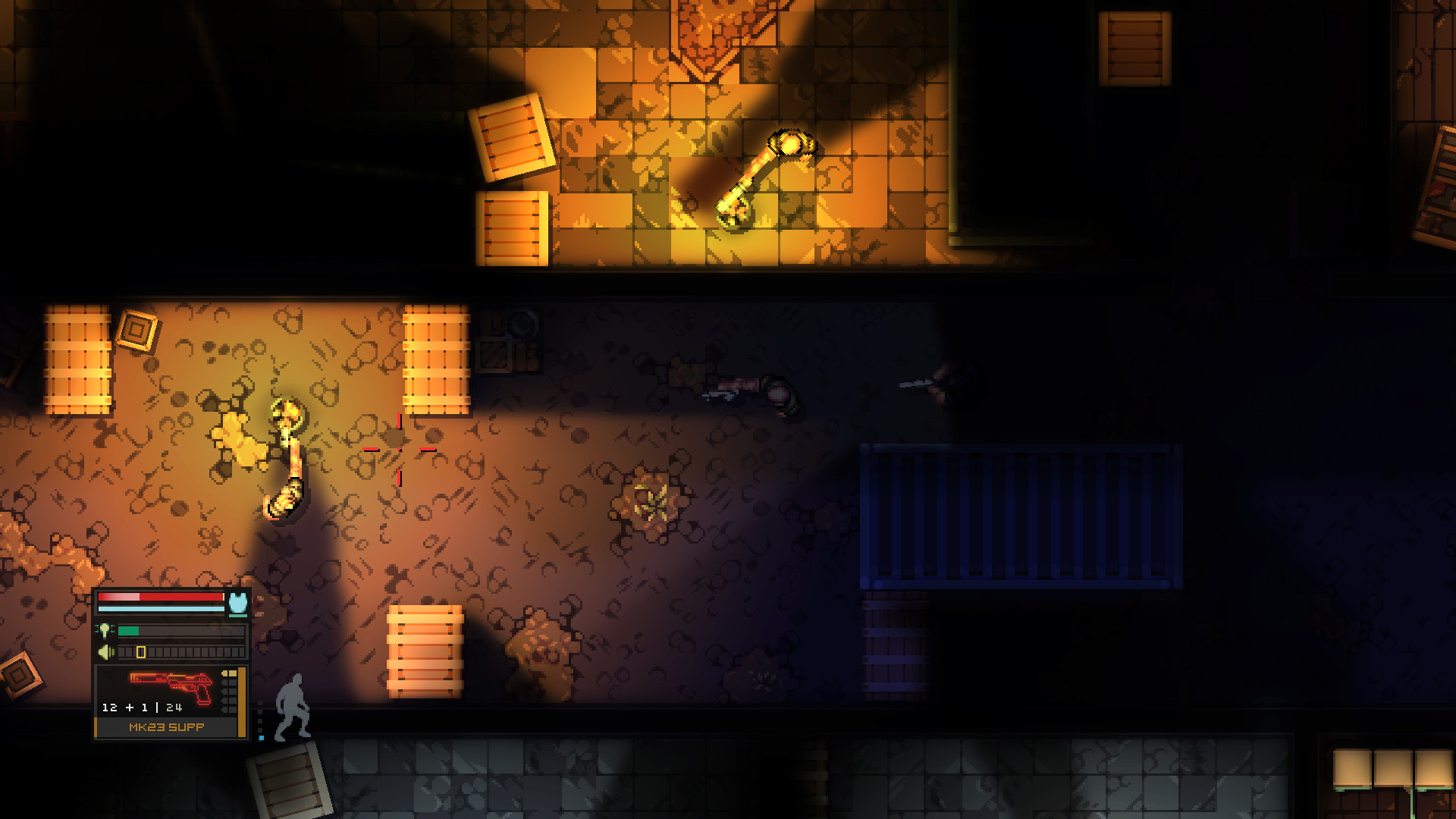
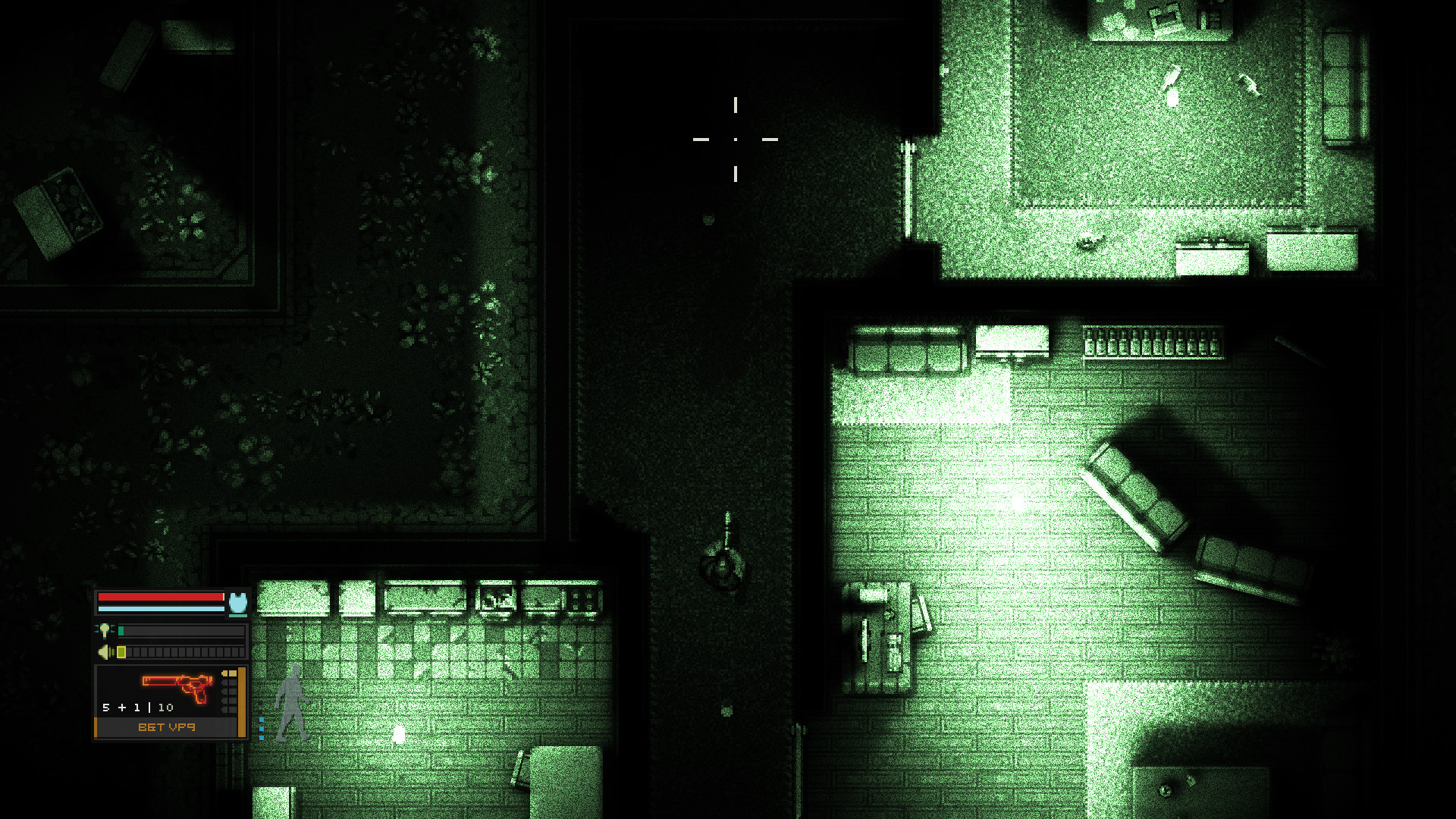
Intravenous — is a tactical indie top-down shooter with stealth elements. In the game, you will go to conquer a dark world as Steve Robbins, who decides to avenge the death of his brother. The main character goes to the streets of a gangster city to get even with drug addicts and other evil spirits. You can infiltrate the circles of crime under the cover of darkness, or break in with a submachine gun and a bulletproof vest on your chest. Tactical gameplay, noir atmosphere, pixelated visual style and a huge arsenal of weapons await you.
The game almost immediately plunges you into a dark plot, where the main character Steve Robbins takes revenge on the underworld for killing his brother. Intravenous is a stealth shooter that strongly resembles games like Splinter Cell, Hotline Miami and Metal Gear. Although the emphasis in the game is on stealth, you can easily equip your hero with the right weapon and try to destroy enemies in direct firefights. Of course, this will not be easy, because the game does not forgive mistakes and even one bullet can kill you.
Game Details
- Title: Intravenous
- Genre: Action, Indie
- Developer: Roman Glebenkov
- Publisher: Roman Glebenkov
- Release year: 2021
- Available Languages: English, Russian, Spanish - Spain, German, Turkish, Simplified Chinese, Spanish - Latin America
- Release Name: Intravenous v1.5.1 (upd.25.06.2025)
- Game Version: v1.5.1 (upd.25.06.2025)
- Size: 6.50 GB
System Requirements
OS: Windows XP SP3
Processor: Athlon II X2 270 or equivalent
Memory: 2 GB RAM
Graphics: 256 MB VRAM, Intel HD 5500 Graphics or equivalent
DirectX: Version 9.0c
Storage: 654 MB available space
Additional Notes: 1280x720 Normal settings, 60+ FPS
RECOMMENDED:
OS: WIndows 7 and above
Processor: Ryzen 3 1200 or equivalent
Memory: 2 GB RAM
Graphics: 512 MB VRAM, RX 460/GTX 1050 or equivalent
DirectX: Version 9.0c
Storage: 654 MB available space
Additional Notes: 1920x1080 High settings, 144+ FPS
Screenshots
Video
How to Install
1. The first thing we do is download the game’s installation files.
2. After downloaded, go to the folder and run the file «setup.exe».
3. During the installation, we specify the location on the disk where we want to install it.
4. At the end of the unpacking process, a shortcut appears on the desktop.
5. Start the game.
Download Intravenous v1.5.1 (upd.25.06.2025)
Alternative Download Links
Alternative Mirrors
Other Versions & DLCs
Game Update History
- Intravenous v1.4.2 → v1.5.1 [ 25.06.2025 ]
- Intravenous v1.4.1 → v1.4.2 [ 08.06.2023 ]
- Intravenous v1.4.0.5 → v1.4.1 [ 18.05.2023 ]
- Intravenous v1.4.0.4h1 → v1.4.0.5 [ 08.04.2023 ]
- Intravenous v1.3.37.6 → v1.4.0.4h1 [ 11.03.2023 ]
- Intravenous v1.3.37.2 → v1.3.37.6 [ 23.07.2022 ]
- Intravenous v1.3.19 → v1.3.37.2 [ 11.05.2022 ]
- Intravenous v1.3.12 → v1.3.19 [ 31.01.2022 ]
- Intravenous v1.3.9 → v1.3.12 [ 25.01.2022 ]
- Intravenous v1.3.6 → v1.3.9 [ 15.01.2022 ]
- Intravenous v1.1.2 → v1.3.6 [ 05.01.2022 ]
- Intravenous v1.0 → v1.1.2 [ 24.10.2021 ]
- Intravenous → v1.0 [ 27.07.2021 ]