Distant Worlds 2 v1.3.1.1.1 (upd.07.08.2025)
About The Game
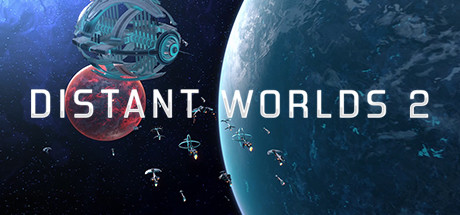
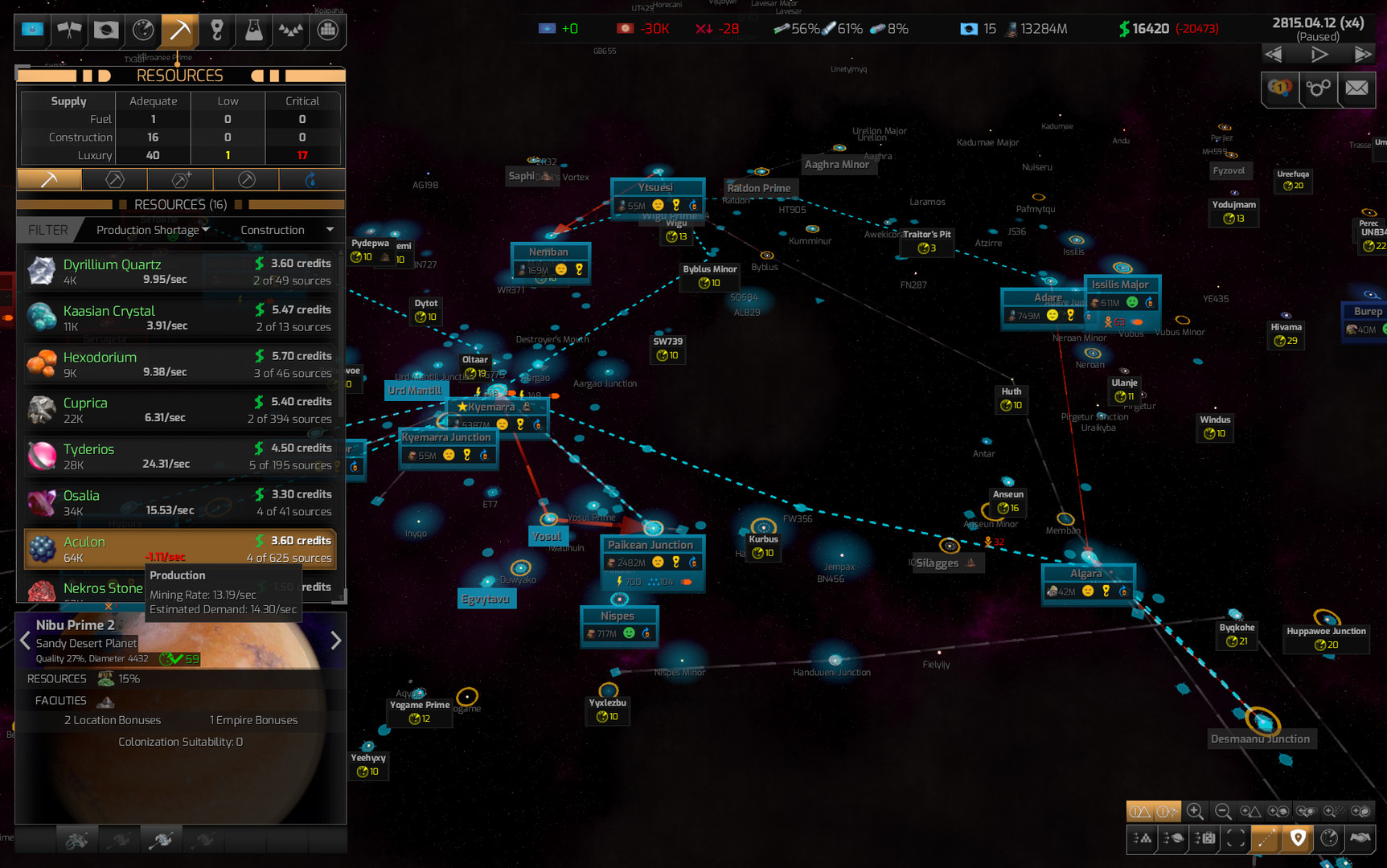
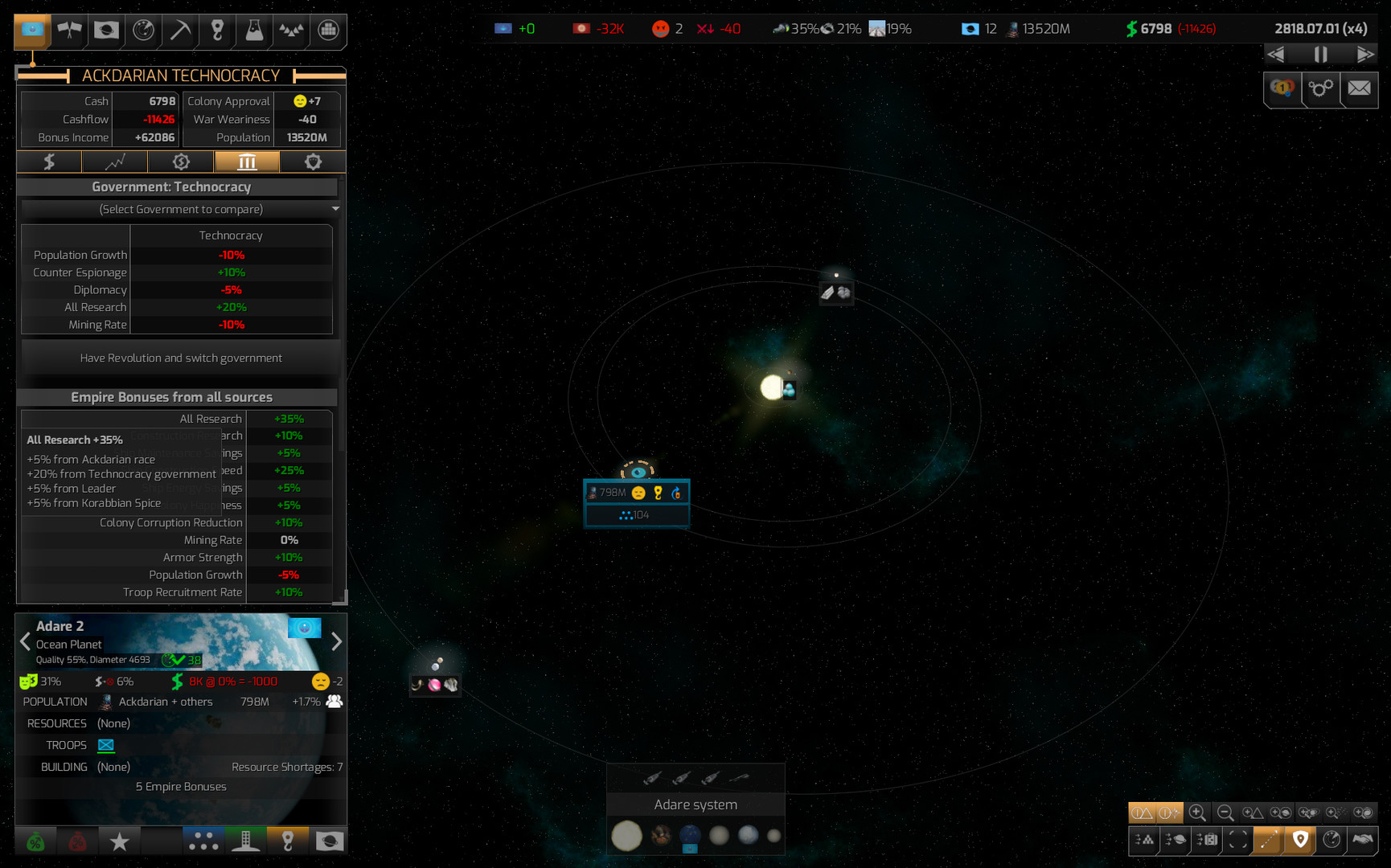
Distant Worlds 2 is a real-time strategy that will allow you to immerse yourself in adventures on a galactic scale, you will find a large number of galaxies with more than 2000 star systems, tens of thousands of planets, asteroids and moons, you can explore them all. Your plans for the galaxy can be different, you can live in peace and use diplomacy, extract minerals, trade, and there is a path of the conqueror to get everything by force. You will have 7 playable factions at your disposal, each of which has its own characteristics. The game can be developed in accordance with the storylines, where you need to win or go into sandbox mode.
All galaxies have their secrets, you will meet other empires, independent colonies, pirates, merchants or monsters that inspire everything alive. You will be able to explore all-star systems, asteroids, black holes and galactic storms, all of which will allow you to uncover the secrets of galaxies and the distant past. In the game Distant Worlds 2, you will have the opportunity to customize the gameplay so that you participate in some moments of the game to a minimum, focusing only on those game areas that interest you the most, the rest will happen automatically. The game will also offer you to create a galaxy by yourself by adding and removing star systems, asteroids, empires, monsters and more, all the settings are at your disposal, even the aspect balance adjustment, which will allow you to fully create the perfect gaming experience for yourself.
NOTE. Uploaded version: 07 August 2025 [v1.3.1.1.1]. This is Full Release and latest version of game. The game is already Packaged in Installer and ready to run the game after install, read the instruction below.
DLC:
— Ikkuro and Dhayut
— Quameno and Gizureans
— Return of the Shakturi
— Atuuk and Wekkarus.
Game Details
- Title: Distant Worlds 2 - GOG
- Genre: Simulation, Strategy
- Developer: CodeForce
- Publisher: Slitherine Ltd.
- Release year: 2022
- Available Languages: english
- Release Name: Distant_Worlds_2_v1.3.1.1.1
- Game Version: v1.3.1.1.1 (upd.07.08.2025)
- Size: 9.66 GB
System Requirements
OS: Windows 8, 10 (64-bit only) - The game runs on Windows 7 but no support will be provided
Processor: 4+ Core CPU @ 2.5GHz
Memory: 8 GB RAM
Graphics: NVidia GTX 760-equivalent or better, 2+Gb VRAM, DirectX 11 compliant
DirectX: Version 11
Storage: 20 GB available space
Sound Card: DirectX 11 compatible sound card
Additional Notes: Screen Resolution: 1024x768 minimum but not ideal for best UI experience
RECOMMENDED:
OS: Windows 8, 10 (64-bit only) - The game runs on Windows 7 but no support will be provided
Processor: 8+ Core CPU @ 3GHz
Memory: 8 GB RAM
Graphics: NVidia GTX 1050-equivalent or better, 4+Gb VRAM, DirectX 11 compliant
DirectX: Version 11
Storage: 20 GB available space
Sound Card: DirectX 11 compatible sound card
Additional Notes: Screen Resolution: 1920x1080+ for best UI experience; Mouse: Recommend using a mouse with a scroll wheel
Screenshots

Video
How to Install
1. The first thing we do is download the game’s installation files.
2. After downloaded, go to the folder and run the file «setup_distant_worlds_2.exe».
3. During the installation, we specify the location on the disk where we want to install it.
4. At the end of the unpacking process, a shortcut appears on the desktop.
5. Start the game.
Download update only: Distant.Worlds.2.Factions.Atuuk.and.Wekkarus.Update.v1.3.1.1-RUNE, MIRROR, MIRROR 2 [ 768.9 MB ]
- Extract.
- Run setup.exe and install the update.
- Copy crack from RUNE dir to install dir.
- Play!
Download Distant Worlds 2 v1.3.1.1.1 (upd.07.08.2025)
Alternative Download Links
Alternative Mirrors
Other Versions & DLCs
Game Update History
- Distant Worlds 2 v1.2.7.7 → v1.3.1.1.1 [ 07.08.2025 ]
- Distant Worlds 2 v1.2.6.7 → v1.2.7.7 [ 16.12.2024 ]
- Distant Worlds 2 v1.2.2.0 → v1.2.6.7 [ 06.11.2024 ]
- Distant Worlds 2 v1.2.0.5 → v1.2.2.0 [ 18.04.2024 ]
- Distant Worlds 2 v1.2.0.4 → v1.2.0.5 [ 12.04.2024 ]
- Distant Worlds 2 v1.1.8.1 → v1.2.0.4 [ 29.01.2024 ]
- Distant Worlds 2 v1.1.6.7 → v1.1.8.1 [ 24.11.2023 ]
- Distant Worlds 2 v1.1.6.5 → v1.1.6.7 [ 06.09.2023 ]
- Distant Worlds 2 v1.1.4.4 → v1.1.6.5 [ 25.08.2023 ]
- Distant Worlds 2 v1.1.2.4 → v1.1.4.4 [ 26.05.2023 ]
- Distant Worlds 2 v1.0.8.6 → v1.1.2.4 [ 18.03.2023 ]
- Distant Worlds 2 v1.0.8.3 → v1.0.8.6 [ 13.12.2022 ]
- Distant Worlds 2 v1.0.6.4 → v1.0.8.3 [ 04.11.2022 ]
- Distant Worlds 2 v1.0.4.9 (56224) → v1.0.6.4 [ 25.08.2022 ]
- Distant Worlds 2 → v1.0.4.9 (56224) GOG version [ 10.08.2022 ]