Epic Knight 2 Build 11415736 (upd.23.06.2023) - TENOKE
About The Game
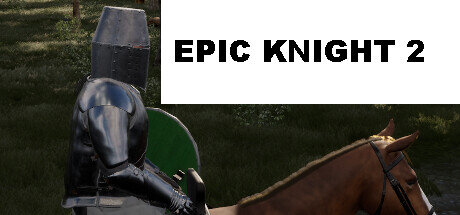
Embark on an extraordinary journey through a realm of enchanted wonders in Epic Knight 2, the eagerly awaited sequel to the acclaimed adventure game. Developed by the visionary minds at Archor Wright and published by Archor Games, this magnum opus of immersive storytelling takes players on an unforgettable odyssey filled with perilous quests, mythical creatures, and heroic feats. Set in a vibrant and meticulously crafted world, «Epic Knight 2» seamlessly blends fantasy and adventure into a mesmerizing tapestry of breathtaking landscapes.
From lush forests teeming with ancient secrets to towering mountain peaks that pierce the heavens, every corner of this meticulously detailed realm invites you to explore and unravel its mysteries. As the valiant protagonist, you step into the shoes of an aspiring knight, chosen by destiny to safeguard the realm from an encroaching darkness. Armed with a mighty sword and a heart ablaze with courage, you venture forth, braving treacherous dungeons, vanquishing menacing creatures, and unraveling the secrets that lie buried in the deepest recesses of the land.
Game Details
- Title: Epic Knight 2
- Genre: Adventure
- Developer: Archor Wright
- Publisher: Archor Games
- Release year: 2023
- Available Languages: English
- Release Name: Epic.Knight.2-TENOKE
- Game Version: Build 11415736 (upd.23.06.2023)
- Game Releaser: TENOKE
- Size: 4.52 GB
System Requirements
MINIMUM:
Requires a 64-bit processor and operating system
OS: Windows 10 (Version 1909 or Newer)
Processor: AMD Ryzen 5 1500X, Intel Core i7-4770K
Memory: 16 GB RAM
Graphics: AMD Radeon RX 470 (4 GB), AMD Radeon RX 6500 XT (4 GB), NVIDIA GeForce GTX 970 (4 GB), NVIDIA GeForce 1050 Ti (4 GB)
Storage: 5 GB available space
Additional Notes: SSD Recommended
RECOMMENDED:
Requires a 64-bit processor and operating system
OS: Windows 10 (Version 1909 or Newer)
Processor: AMD Ryzen 5 3600X, Intel Core i7-8700
Memory: 16 GB RAM
Graphics: AMD Radeon RX 5700 XT (8 GB), AMD Radeon RX 6600 XT (8 GB), NVIDIA GeForce RTX 2070 SUPER (8 GB), NVIDIA GeForce RTX 3060 (8 GB)
Storage: 5 GB available space
Additional Notes: SSD Recommended
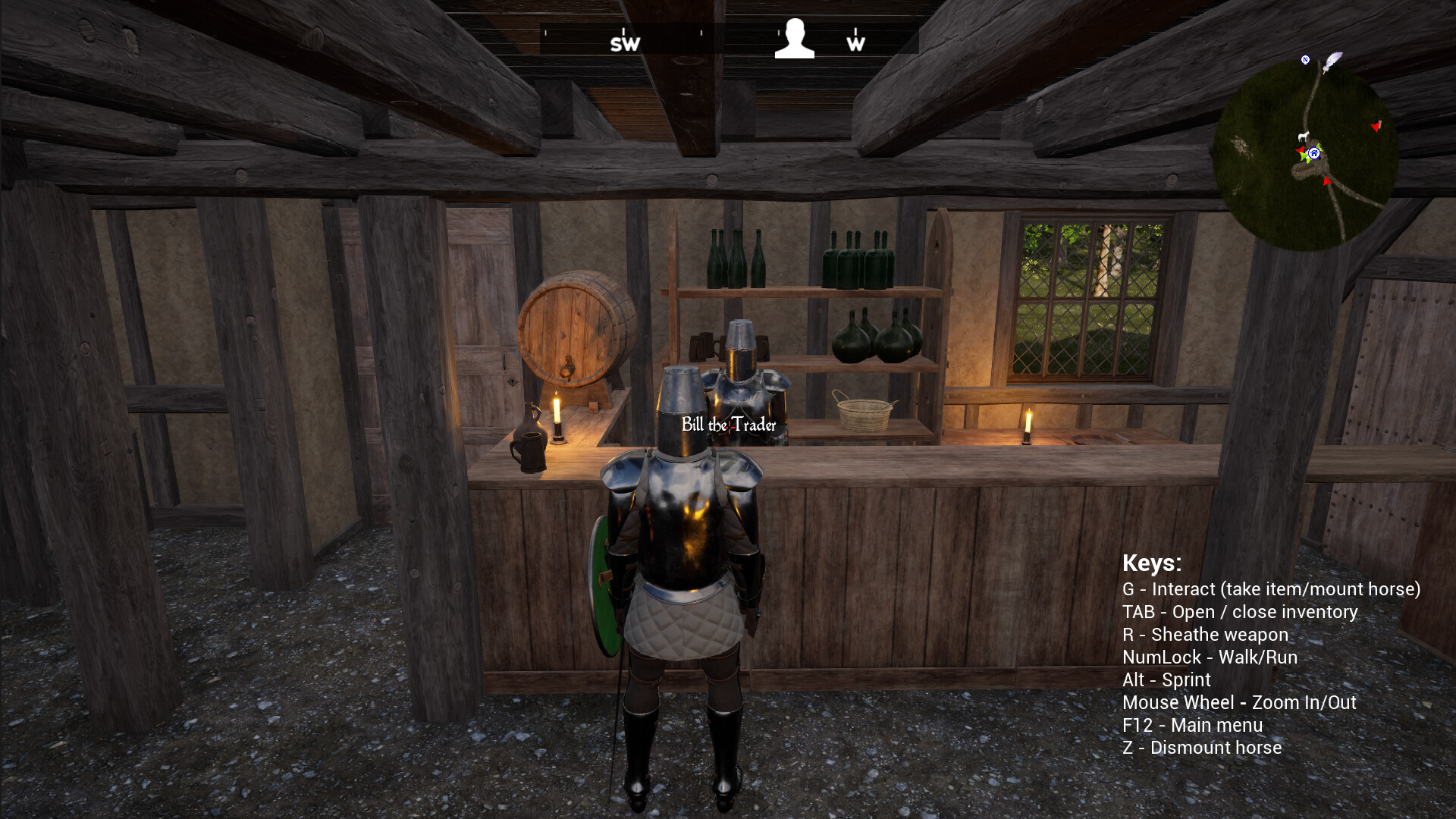
Screenshots
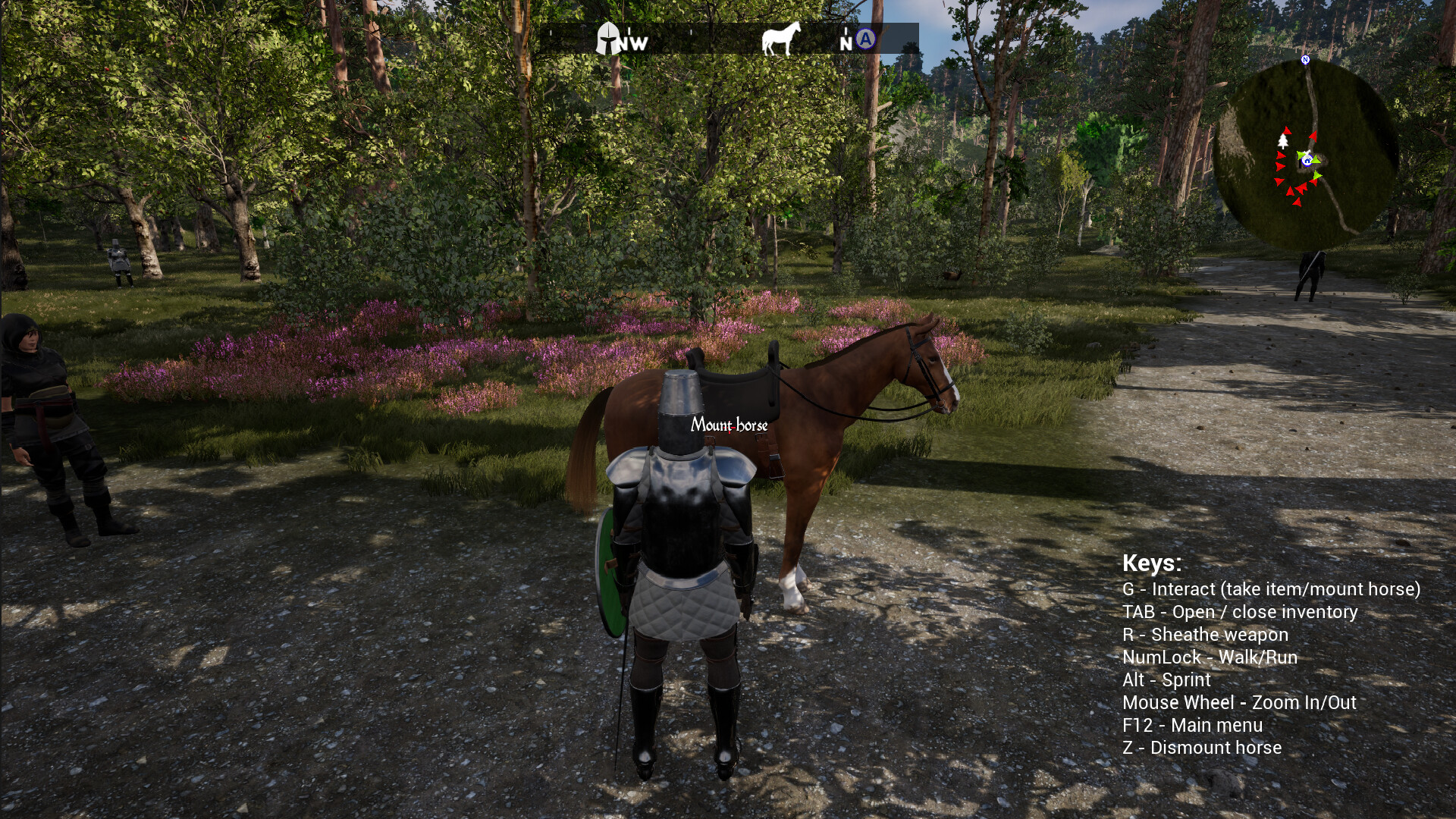
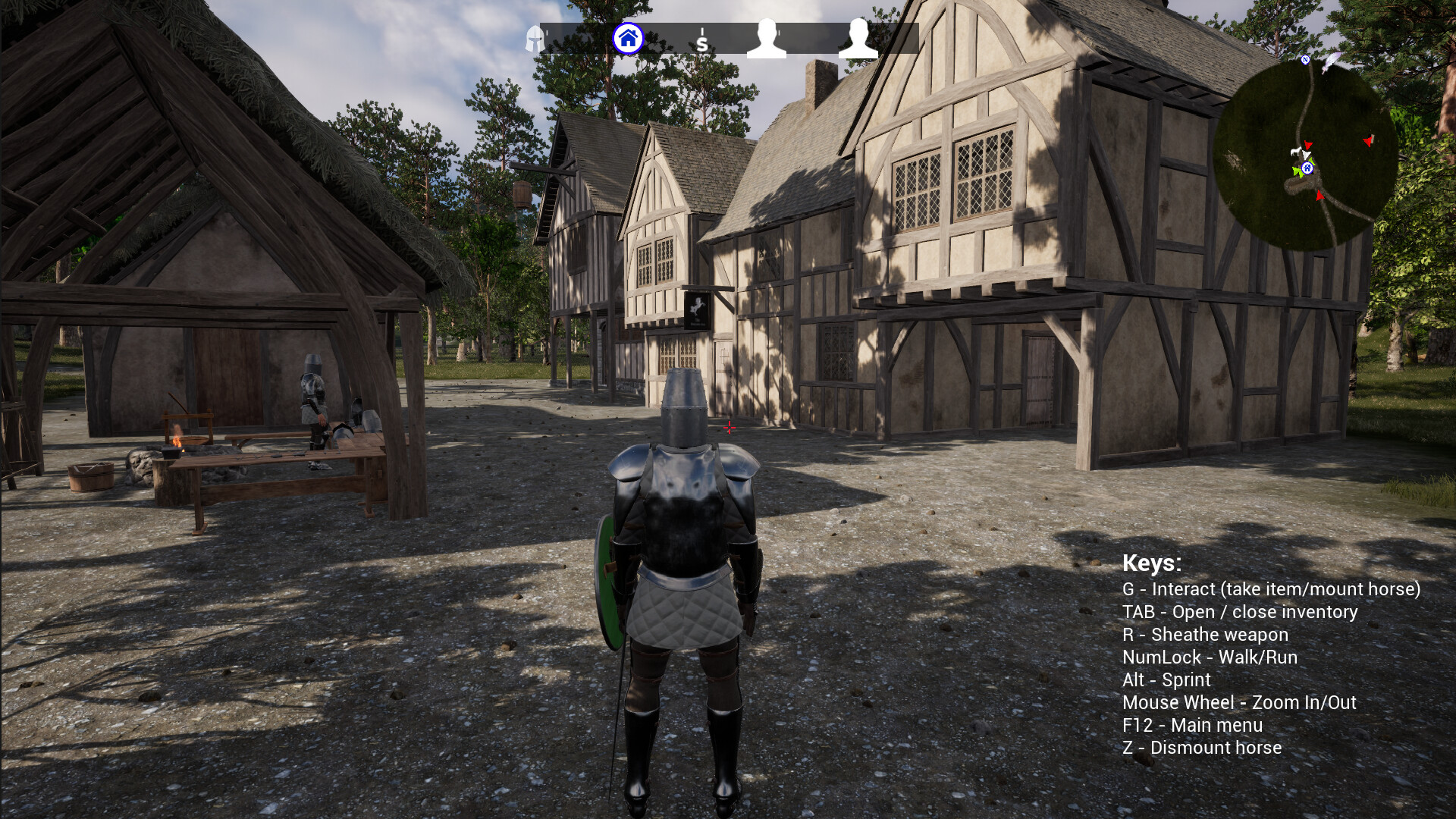
Video
How to Install
1. The first thing we do is download the game’s installation files.
2. Mount or burn the ISO image in the disk emulator (UltraISO program).
3. During the installation, we specify the location on the disk where we want to install it.
4. Wait until the installation process is complete, a shortcut will appear on the desktop.
5. Copy the contents of the folder «TENOKE» in the folder with the game.
6. Start the game.
Download Epic Knight 2 Build 11415736 (upd.23.06.2023) — TENOKE
Alternative Download Links
Alternative Mirrors
Game Update History
- Epic Knight 2 → Build 11415736 [ 23.06.2023 ]