Grunenberg Build 12135003 (upd.11.09.2023) - TENOKE
About The Game
Renowned mythologist and explorer, Michael Soloman, renowned for his relentless pursuit of the unknown, embarks on yet another adventure. His quest leads him to the desolate region of Grunenberg, drawn by whispers of an obscure witch’s tale that promises untold mysteries. Meanwhile, Michael’s grandson, Jimmy Soloman, leads a life distanced from his adventurous grandfather. However, fate intervenes when a letter from Michael arrives. In it, the elder Soloman urgently implores Jimmy to journey to Grunenberg without delay, armed with a camera that should never cease recording. Despite their distant relationship, Jimmy feels compelled to heed the summons, venturing into the enigmatic Grunenberg to unravel the unfolding mystery and find his missing grandfather.
Game Details
Key Features
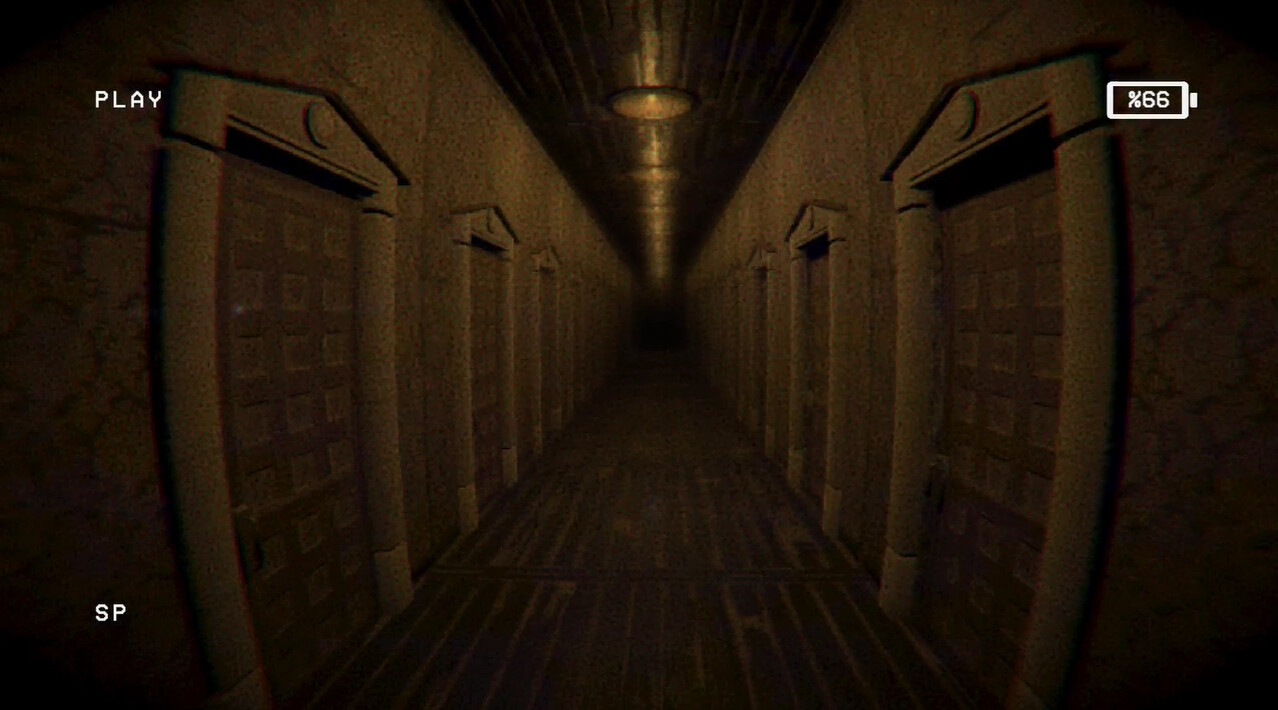
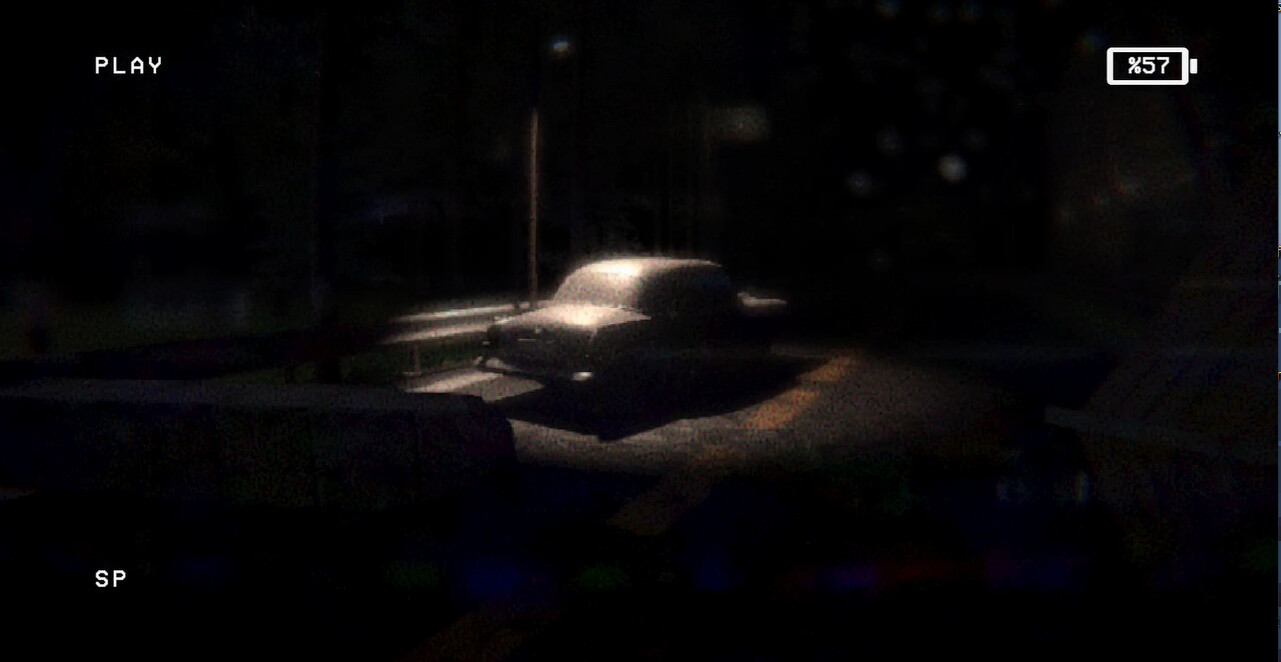
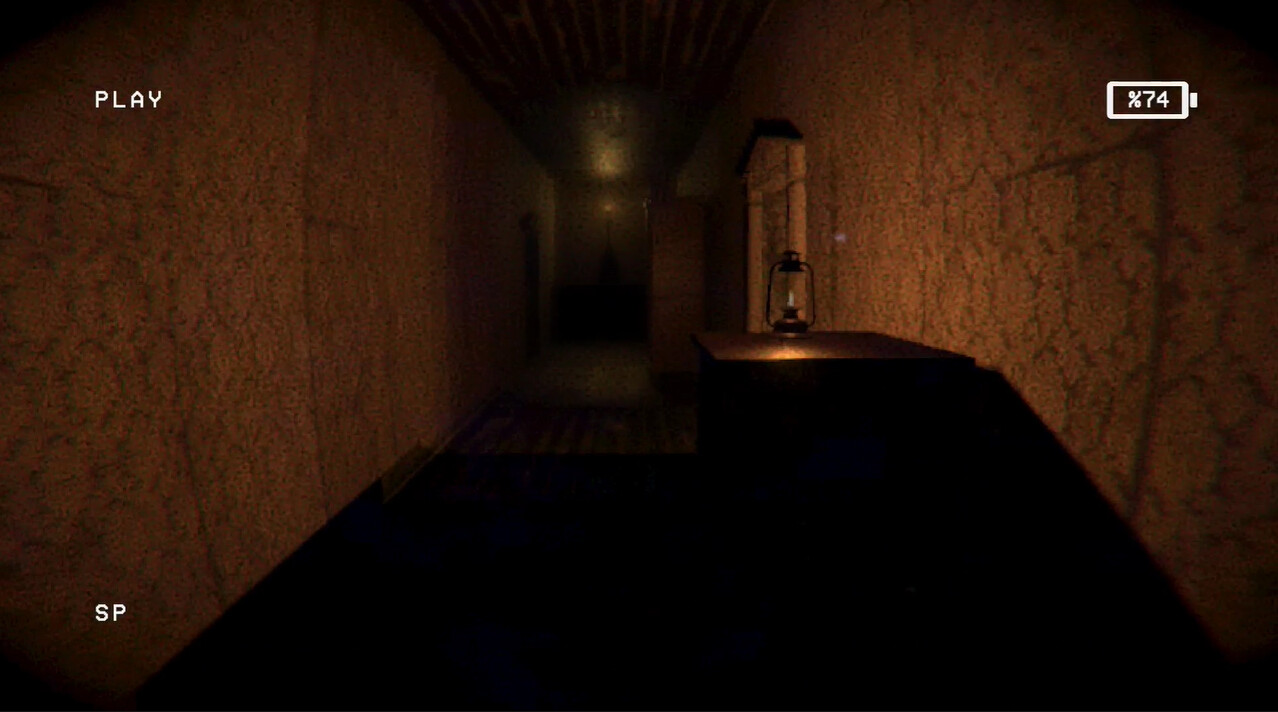
- Visuals and audio design reminiscent of VHS cassette tapes.
- An unsettling and claustrophobic atmosphere instead of cheap horror.
- Blending immersive progression with puzzles.
- Interludes and a plethora of discoverable story content.
- Dynamic enemy AI that tracks your movements.
- Light and flashlight mechanics affected by the enemy.
System Requirements
OS: Windows 7 or newer
Processor: 1.8GHz single core
Memory: 4 GB RAM
Graphics: Radeon HD 7870 / Geforce GTX 750
DirectX: Version 11
Storage: 11 GB available space
Screenshots
Video
How to Install
1. The first thing we do is download the game’s installation files.
2. Unzip the archive to the hard disk.
3. Mount or burn the ISO image in the disk emulator (UltraISO program).
4. After mount ISO, go to the folder and run the file «setup.exe».
5. During the installation, we specify the location on the disk where we want to install it.
6. Copy the contents of the folder «CRACK» in the folder with the game.
7. At the end of the unpacking process, a shortcut appears on the desktop.
8. Launch the game!
Download Grunenberg Build 12135003 (upd.11.09.2023) — TENOKE
Alternative Download Links
Alternative Mirrors
Game Update History
- Grunenberg → Build 12135003 [ 11.09.2023 ]