Hail to the Rainbow v1.10 (upd.20.08.2026) - TENOKE

About The Game
Hail to the Rainbow — go with Ignat on a rather dangerous adventure through a world that is very reminiscent of post-apocalyptic cyberpunk. After all, after the tragic military events, few managed to survive. And now you have to adapt to modern realities. A rather difficult path for the young protagonist. After Ignat lost his parents, he has to independently establish his life and learn many things in the conditions of the new reality. It would seem that everything is going as usual. But then a strange message comes to the mail. Simply put, this project is presented as a story-driven adventure with a first-person view, seasoned with classic horror and shooter elements.
NOTE. Uploaded version: 20 August 2026 [v1.08] + Update v1.10. This is Full Release and latest version of game. The game is already Packaged in ISO File and ready to run the game, read the instruction below.
Game Details
- Title: Hail to the Rainbow
- Genre: Action, Adventure, Indie
- Developer: Noskov Sergey
- Publisher: Noskov Sergey
- Release year: 2024
- Available Languages: English, Russian, German, Simplified Chinese, Japanese, Spanish - Spain
- Release Name: Hail_to_the_Rainbow-TENOKE + Update v1.10 (upd.20.08.2026)
- Game Version: v1.10 (upd.20.08.2026)
- Game Releaser: TENOKE
- Size: 7.65 GB
Key Features
- Deep story and immersion in the universe.
- Spectacular cyberpunk — the style of post-apocalyptic Russia.
- Logical technical challenges and intense battles with opponents.
- Bonuses after walkthrough.
- Photo mode.
- Atmospheric soundtrack from «Nobody’s Nail Machine».
System Requirements
Minimum:
Requires a 64-bit processor and operating system
OS: Windows 10
Processor: Intel Core i5-7500 / AMD Ryzen 5 1500
Memory: 8 GB RAM
Graphics: NVIDIA GeForce GTX 960 / AMD Radeon RX 470
DirectX: Version 11
Storage: 11 GB available space
Recommended:
Requires a 64-bit processor and operating system
OS: Windows 10
Processor: Intel Core i7-8700 / AMD Ryzen 7 2700X
Memory: 16 GB RAM
Graphics: NVIDIA GeForce GTX 1070 / AMD Radeon RX 5700
DirectX: Version 11
Storage: 11 GB available space
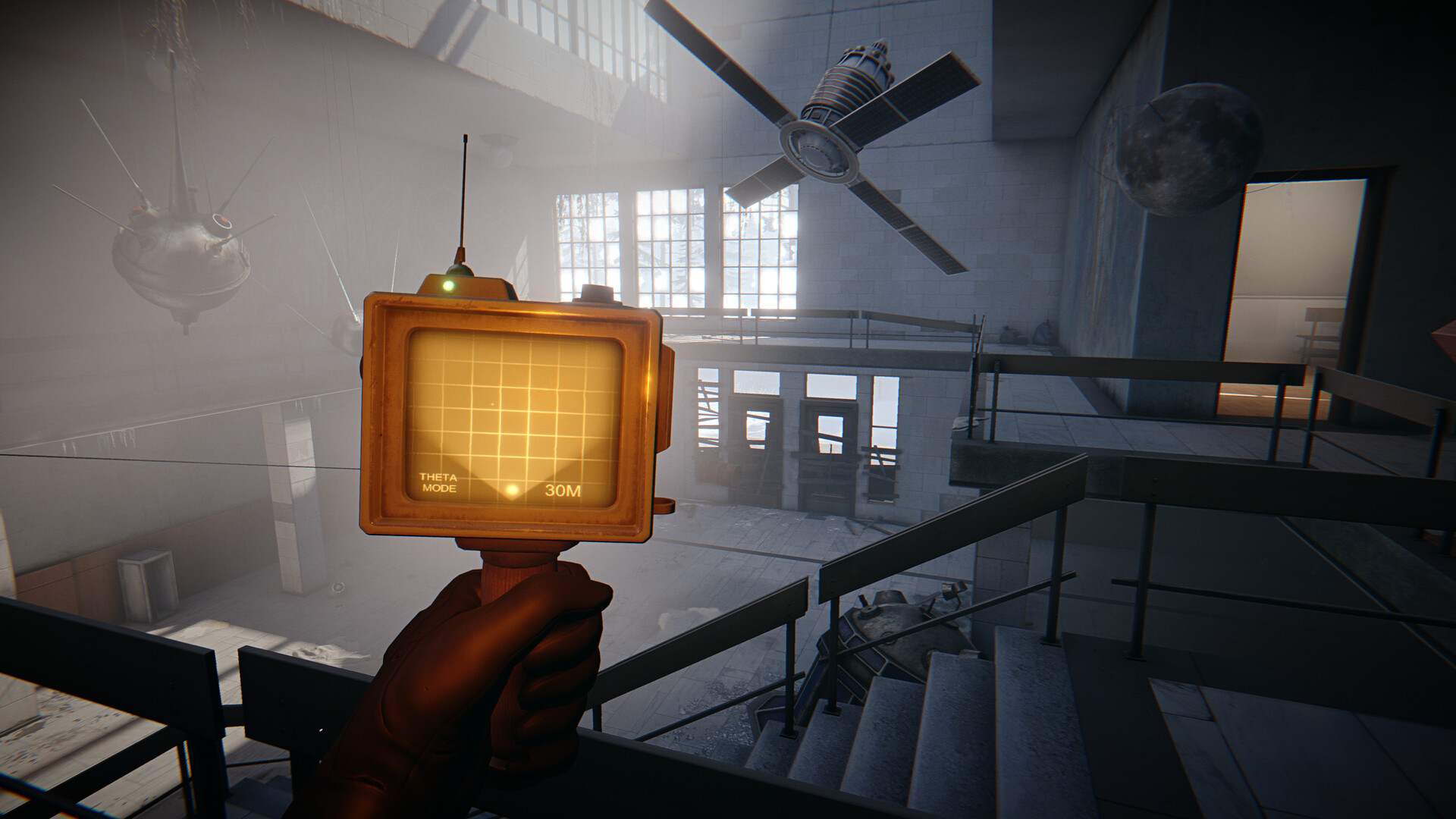
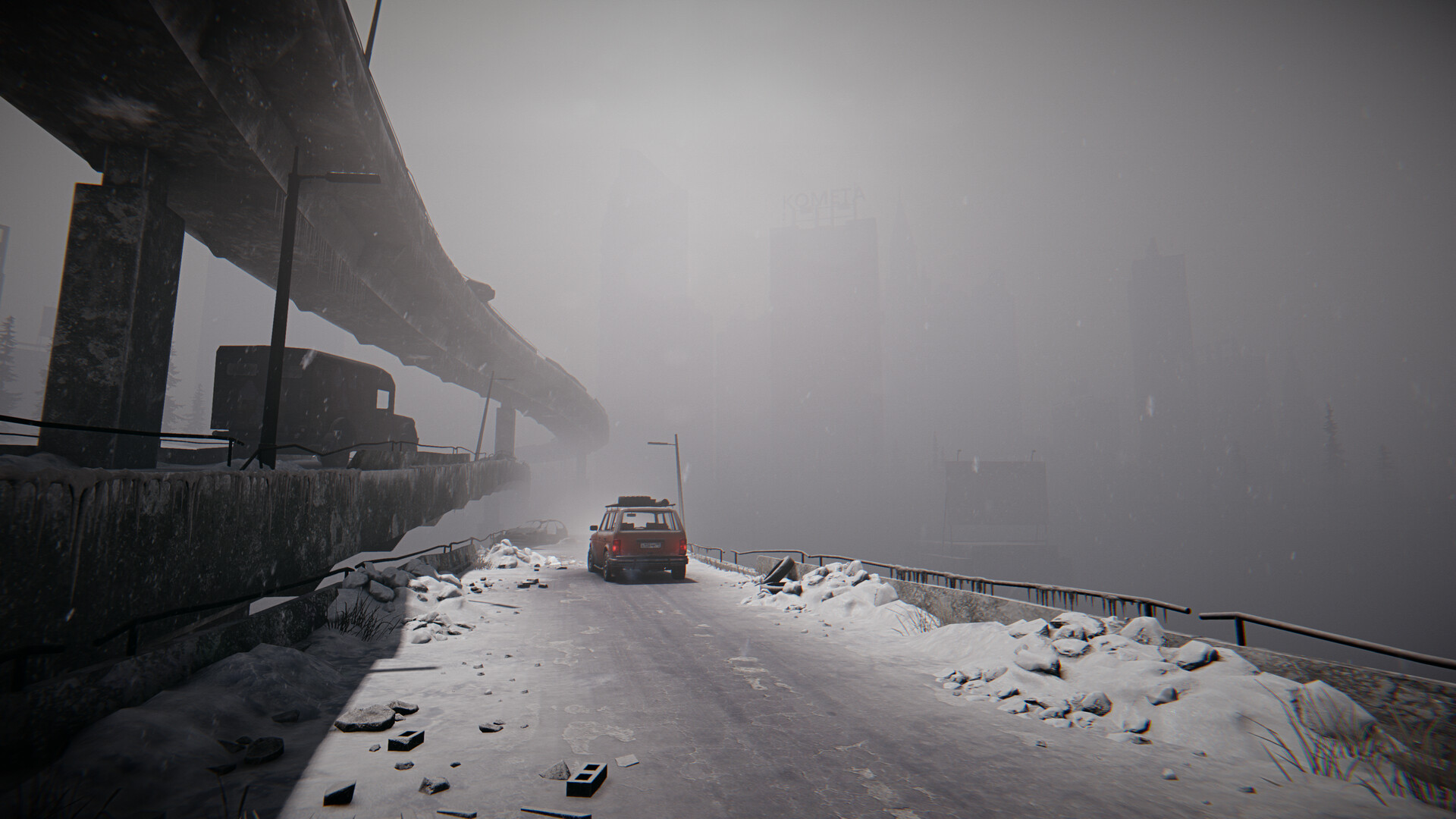
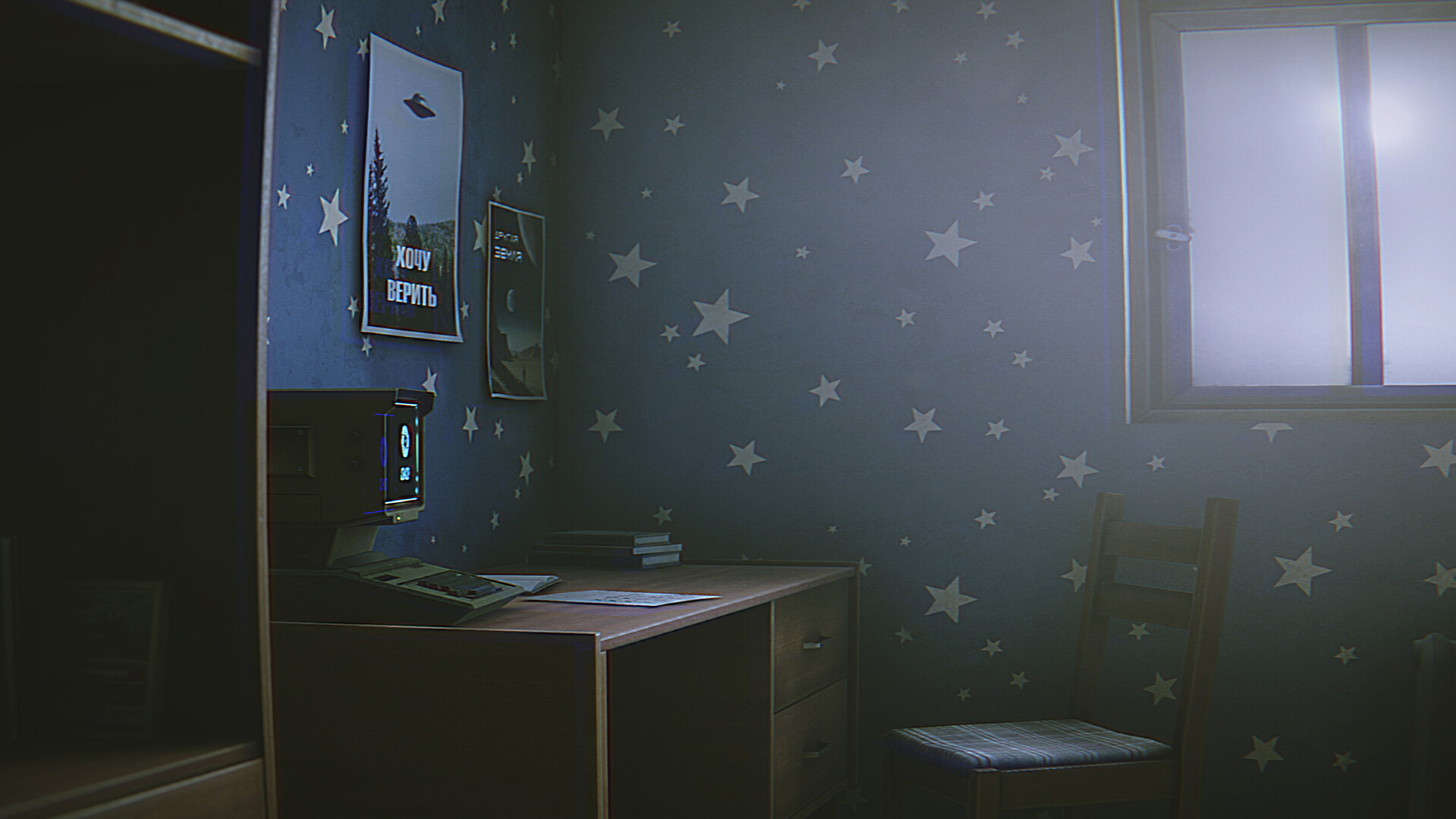
Screenshots
Video
How to Install
1. The first thing we do is download the game’s installation files.
2. Unzip the archive to the hard disk.
3. Mount or burn the ISO image in the disk emulator (UltraISO program).
4. After mount ISO, go to the folder and run the file «setup.exe».
5. During the installation, we specify the location on the disk where we want to install it.
6. Copy the contents of the folder «CRACK» in the folder with the game.
7. Download and install Update v1.05 + Update v1.07 + Update v1.08 + Update v1.10, in game folder.
8. Launch the game!
Download update only: Hail.to.the.Rainbow.Update.v1.10-TENOKE, MIRROR [ 263.5 MB ]
- Extract.
- Run setup.exe and install.
- Copy crack from TENOKE dir to install dir.
- Play!
Download update only: Hail.to.the.Rainbow.Update.v1.08-TENOKE, MIRROR [ 164.1 MB ]
Download update only: Hail.to.the.Rainbow.Update.v1.07-TENOKE, MIRROR [ 70.9 MB ]
Download update only: Hail.to.the.Rainbow.Update.v1.05-TENOKE, MIRROR [ 280.6 MB ]
Download Hail to the Rainbow v1.10 (upd.20.08.2026) — TENOKE
Alternative Download Links
Alternative Mirrors
Game Update History
- Hail to the Rainbow v1.08 → Update v1.10 [ 20.08.2026 ]
- Hail to the Rainbow v1.07 → Update v1.08 [ 17.06.2026 ]
- Hail to the Rainbow v1.05 → Update v1.07 [ 19.03.2026 ]
- Hail to the Rainbow Build 20964708 → Update v1.05 [ 25.01.2026 ]
- Hail to the Rainbow Latest version → Build 20964708 [ 28.11.2025 ]
- Hail to the Rainbow → Latest version [ 18.10.2024 ]