School Paranormal Laboratory v1.0.2 (Build 14041620) - TENOKE

About The Game
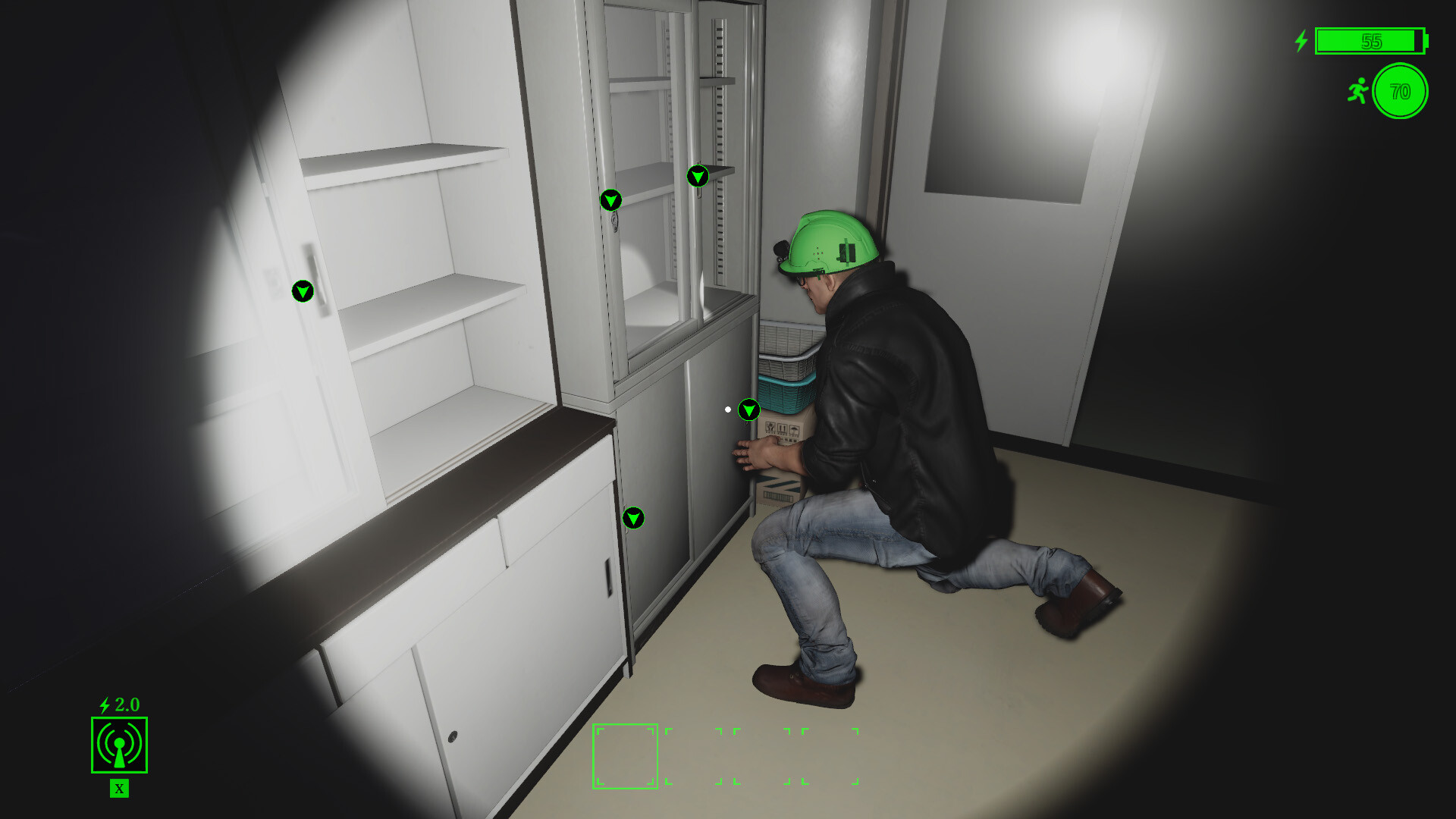
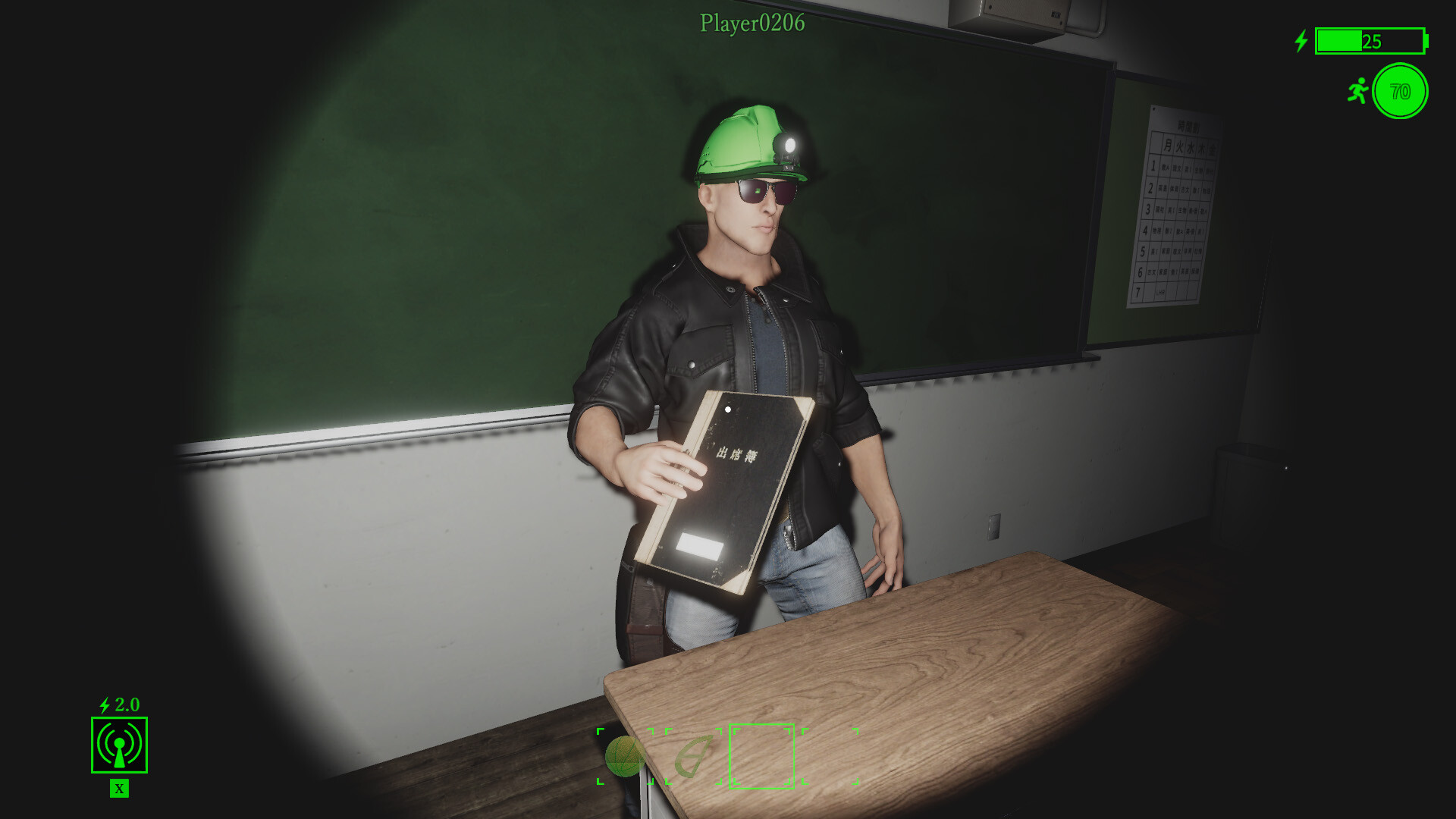
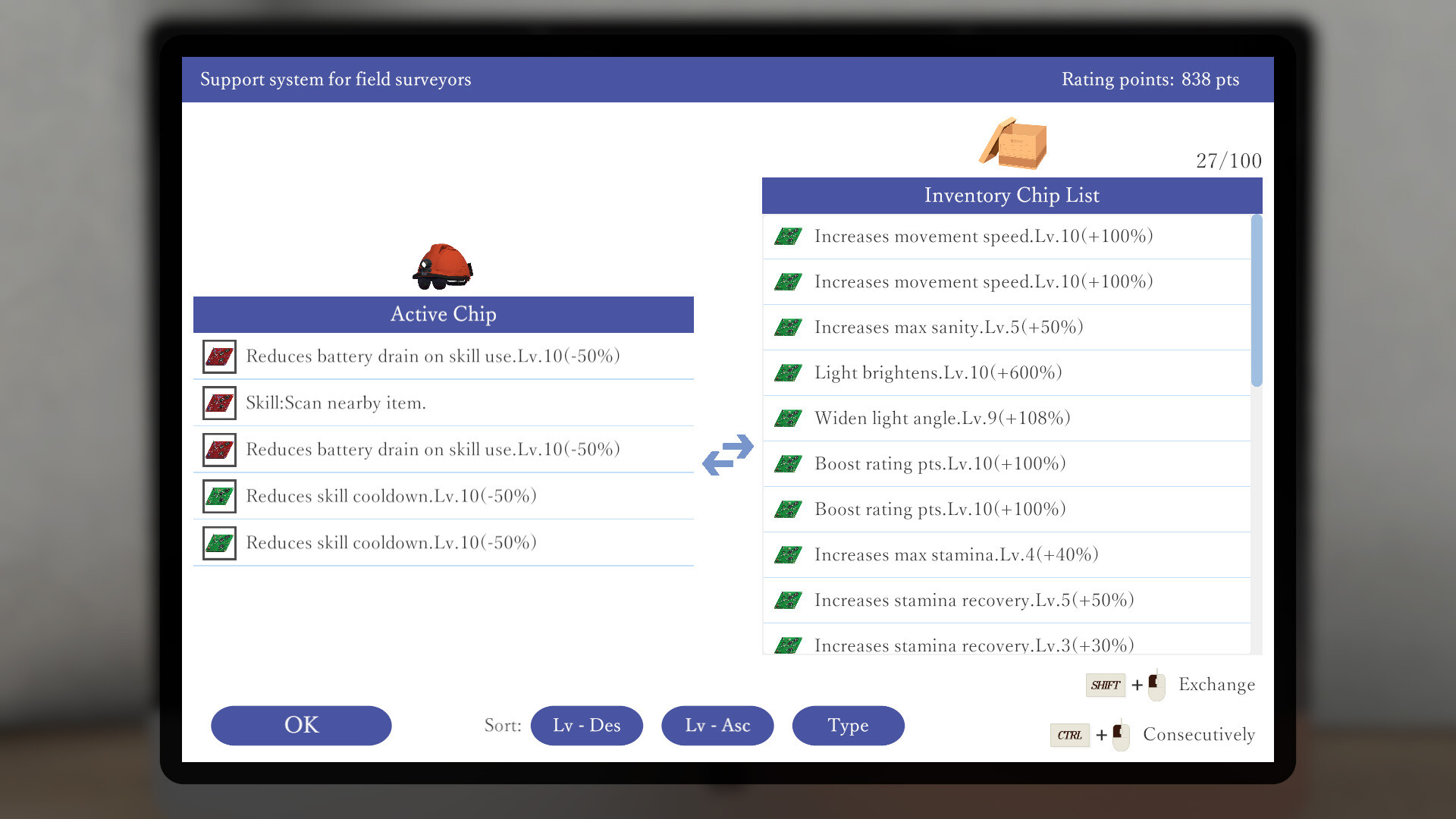
Welcome to the School Paranormal Laboratory — a place where the line between reality and the supernatural fades and the mystery becomes your teacher. In this unique game, you will find yourself in a mysterious laboratory, frozen in time, which hides many secrets and unknown forces. Go on a mission to this school, where every corner is riddled with mysteries and danger. Your task is to unravel the mysteries of the laboratory by uncovering its ancient secrets and solving the riddles that stand in your way. But attention! You are not alone in this adventure. During your exploration, you will encounter various spirits and supernatural phenomena that will test your courage and intelligence. Your actions will determine the survival not only of you, but also of your comrades.
Game Details
- Title: School Paranormal Laboratory
- Genre: Adventure, Casual, Indie
- Developer: KIMIDORI SOFT
- Publisher: KIMIDORI SOFT
- Release year: 2024
- Available Languages: English, Japanese
- Release Name: School.Paranormal.Laboratory-TENOKE
- Game Version: v1.0.2 (Build 14041620)
- Game Releaser: TENOKE
- Size: 1.34 GB
System Requirements
MINIMUM:
Requires a 64-bit processor and operating system
OS: Windows 7/8.1/10/11 (64-bit versions)
Processor: Intel Core2Quad Q8400 @ 2.6 GHz or AMD Athlon II X4 620 @ 2.6 GHz
Memory: 4 GB RAM
Graphics: Nvidia Geforce GTX 650 or AMD Radeon HD 7750
DirectX: Version 11
Storage: 4 GB available space
RECOMMENDED:
Requires a 64-bit processor and operating system
OS: Windows 7/8.1/10/11 (64-bit versions)
Processor: Intel Core2Quad Q8400 @ 2.6 GHz or AMD Athlon II X4 620 @ 2.6 GHz
Memory: 4 GB RAM
Graphics: Nvidia GeForce GTX1050Ti or AMD Radeon RX560
DirectX: Version 11
Storage: 4 GB available space
Screenshots
Video
How to Install
1. The first thing we do is download the game’s installation files.
2. Mount or burn the ISO image in the disk emulator (UltraISO program).
3. During the installation, we specify the location on the disk where we want to install it.
4. Wait until the installation process is complete, a shortcut will appear on the desktop.
5. Copy the contents of the folder «TENOKE» in the folder with the game.
6. Start the game.
Download School Paranormal Laboratory v1.0.2 (Build 14041620) — TENOKE
Alternative Download Links
Alternative Mirrors
Game Update History
- School Paranormal Laboratory → v1.0.2 Build 14041620 [ 15.04.2024 ]