Welcome Home Build 14849720 (upd.28.06.2024) - TiNYiSO

About The Game
Welcome to Welcome Home a life simulator where every day brings new opportunities and challenges. Created and published by D.W.O Studios, this indie game invites players to immerse themselves in a warm and cozy world where you can build your ideal life. In «Welcome Home», you take on the role of a character who returns to his hometown after a long absence. Your goal is to restore old connections, create new friendships and make your city prosperous. Manage your time by doing a variety of activities, from working on the farm and repairing the house to participating in local festivals and events. Every aspect of your life affects the development of the city.
You can choose which buildings to build, which events to organize and how to interact with other residents. Discover new opportunities, improve your skills and help your neighbors to create the community you’ve always dreamed of. The game is characterized by detailed graphics, cozy atmosphere and wide possibilities for customization. Your home is a reflection of you and you can decorate it however you want with a variety of decor items and furniture. Welcome Home is more than just a life simulator. It’s a game about community, interaction, and creating a happy future. Immerse yourself in a world where every day brings something new, and where your heart will find its true place.
Game Details
- Title: Welcome Home
- Genre: Indie, Simulation
- Developer: D.W.O Studios
- Publisher: D.W.O Studios
- Release year: 2024
- Available Languages: English
- Release Name: Welcome.Home-TiNYiSO
- Game Version: Build 14849720 (upd.28.06.2024)
- Game Releaser: TiNYiSO
- Size: 4.77 GB
System Requirements
MINIMUM:
Requires a 64-bit processor and operating system
OS: Windows 10 64bit
Processor: Quad-core Intel or AMD 2.5 GHz or superior
Memory: 8 GB RAM
Graphics: DirectX 11 or 12 compatible card
Storage: 4 GB available space
RECOMMENDED:
Requires a 64-bit processor and operating system
OS: Windows 10 64-bit (Version 20H2)
Processor: Six-Core Xeon E5-2643 @ 3.4GHz
Memory: 16 GB RAM
Graphics: NVIDIA GeForce RTX 2080 SUPER
Storage: 4 GB available space
Screenshots
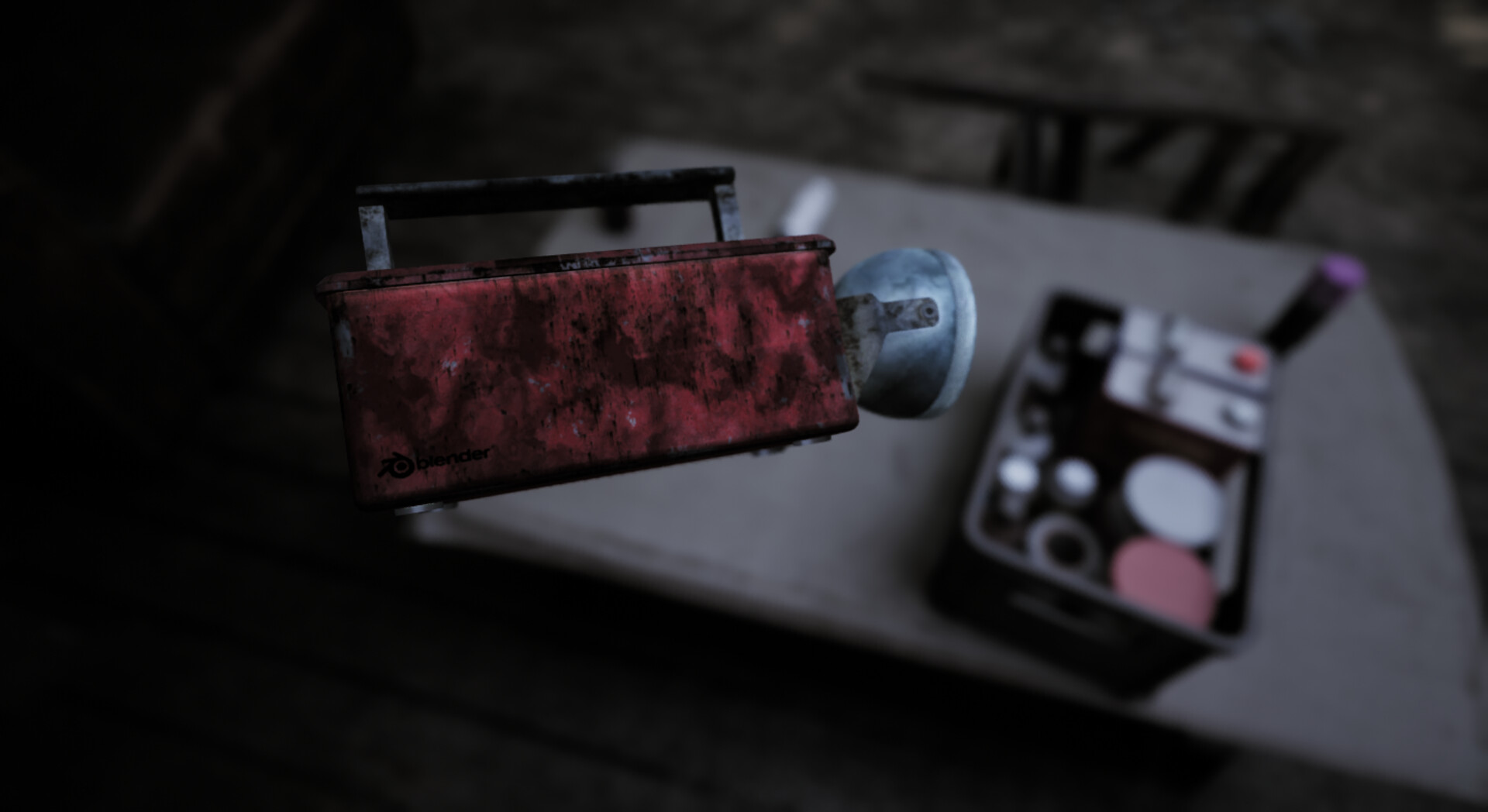
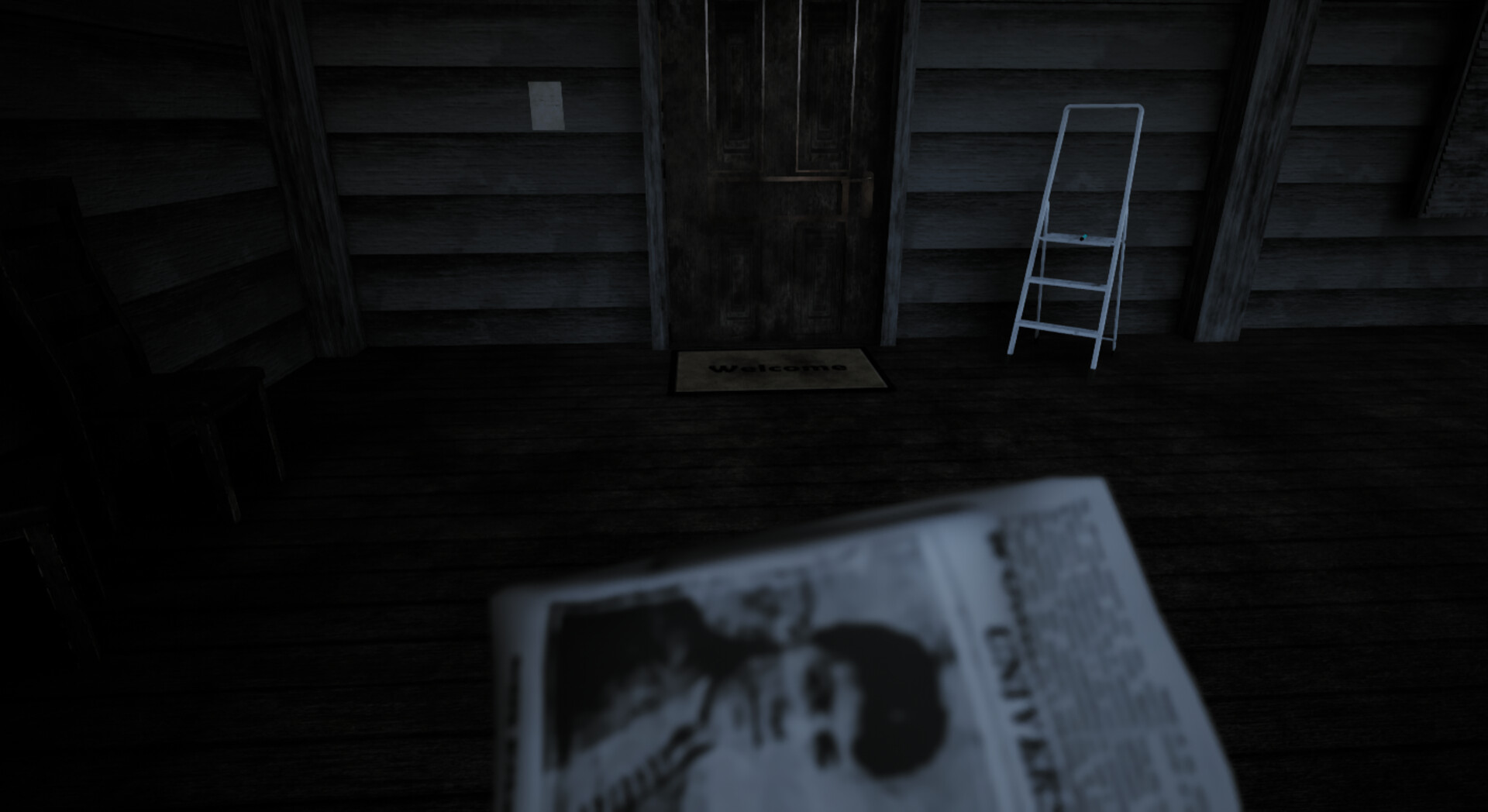
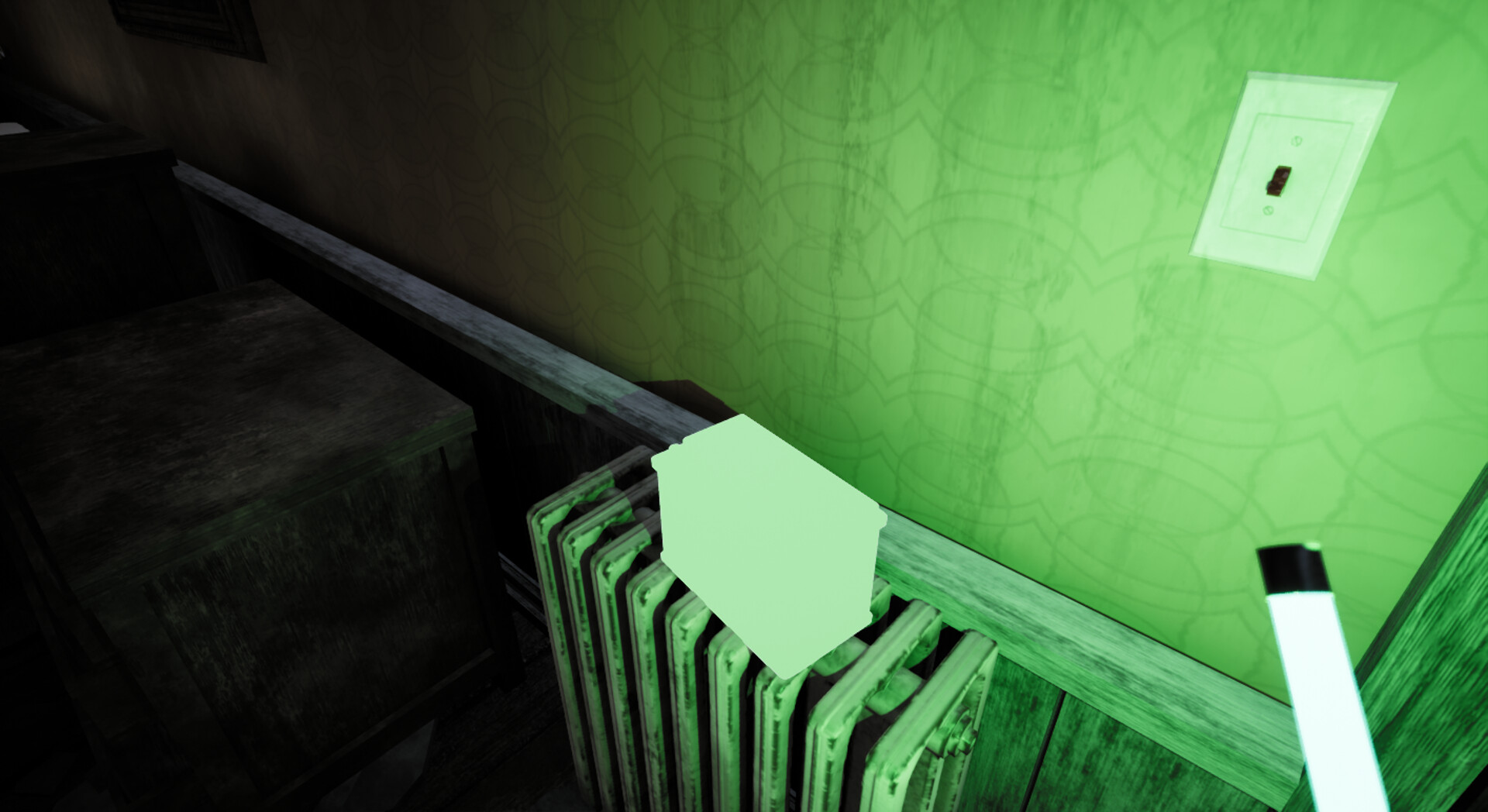
Video
How to Install
1. The first thing we do is download the game’s installation files.
2. Mount or burn the ISO image in the disk emulator (UltraISO program).
3. During the installation, we specify the location on the disk where we want to install it.
4. Wait until the installation process is complete, a shortcut will appear on the desktop.
5. Copy the contents of the folder «TiNYiSO» in the folder with the game.
6. Start the game.
Download Welcome Home Build 14849720 (upd.28.06.2024) — TiNYiSO
Alternative Download Links
Alternative Mirrors
Game Update History
- Welcome Home → Build 14849720 [ 28.06.2024 ]