The Crimson Maid Build 24146294 (upd.15.07.2026) - TENOKE

About The Game
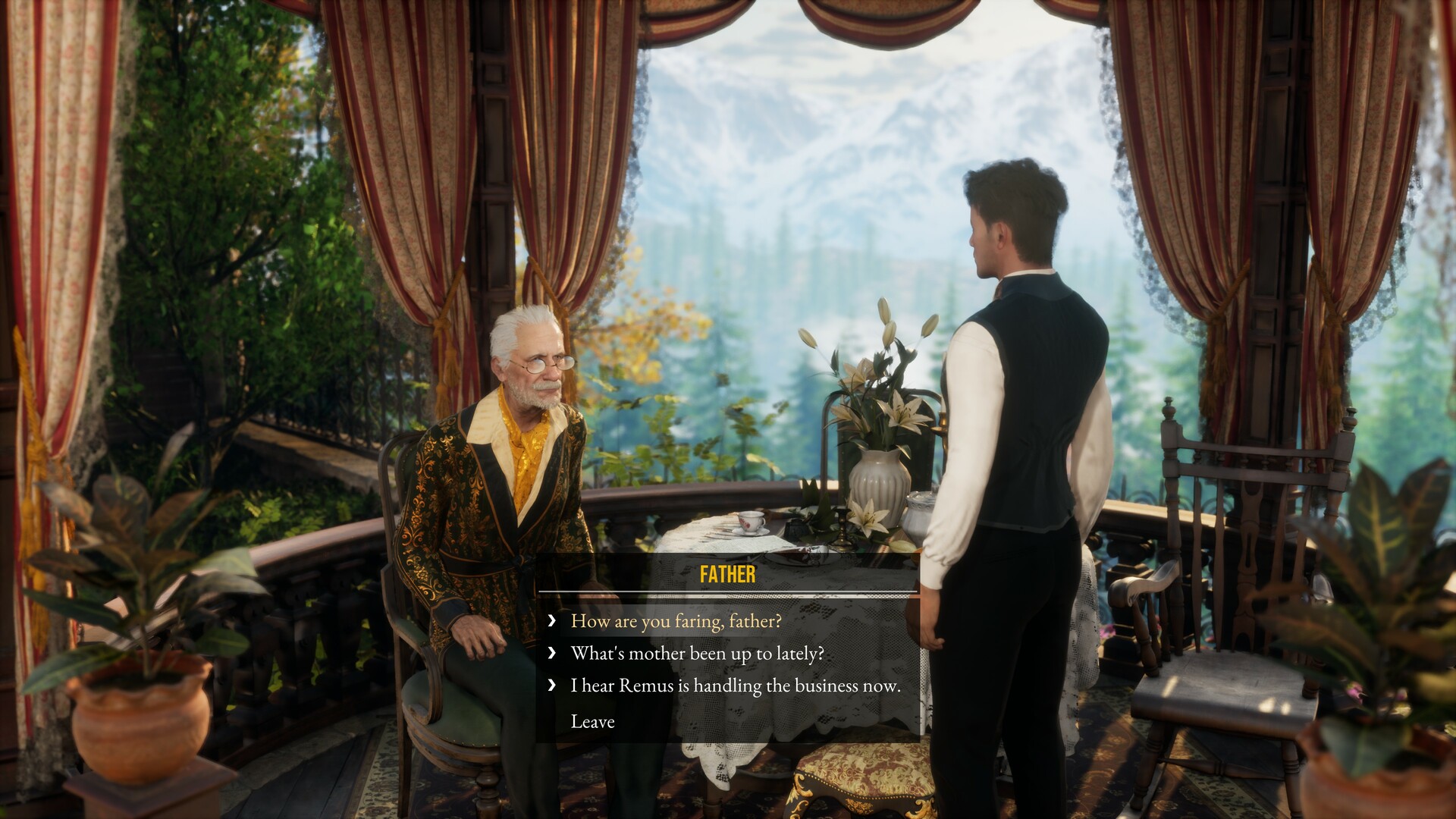
In The Crimson Maid, a clergyman father falls victim to a mysterious celestial curse, while simultaneously becoming captivated by the charms of an incredibly beautiful young woman. In short, this is a historical drama spiced with a dash of romance, murder mystery, and the supernatural. After being away from home for a couple of years, a young man finally returns to his native lands. Upon learning of his father's illness, Marius puts his long term studies on hold to spend his loved one's final days by his side. However, the protagonist is completely unprepared for what awaits him upon his arrival. At its core, this is a traditional adventure game featuring dialogue, exploration, and simple puzzle solving.
NOTE. Uploaded version: 15 July 2026 [Build 24146294]. This is Full Release and latest version of game. The game is already Pre-Installed and ready to run, read the instruction below.
Game Details
- Title: The Crimson Maid
- Genre: Adventure, Visual Novel, Puzzle
- Developer: GrimTalin, Darkania Works
- Publisher: Wales Interactive
- Release year: 2026
- Available Languages: English, French, German, Simplified Chinese
- Release Name: The.Crimson.Maid.Build.24146294-TENOKE
- Game Version: Build 24146294 (upd.15.07.2026)
- Game Releaser: TENOKE
- Size: 5.77 GB
Key Features
- An incredible and deeply intricate story
- The ability to read Marius's diary
- Collectibles to find, and much more
System Requirements
Minimum:
Requires a 64-bit processor and operating system
OS: Windows 10
Processor: Intel Core i5 @ 2.4Ghz
Memory: 8 GB RAM
Graphics: nVidia GTX 960 / AMD R9 380
DirectX: Version 11
Storage: 10 GB available space
Recommended:
Requires a 64-bit processor and operating system
OS: Windows 10
Processor: Intel Core i7 @ 3Ghz
Memory: 16 GB RAM
Graphics: nVidia GTX 1070 / AMD RX 580
DirectX: Version 11
Storage: 10 GB available space
Screenshots


Video
How to Install
1. The first thing we do is download the game's installation files.
2. Unzip the archive to the hard disk.
3. Mount or burn the ISO image in the disk emulator (UltraISO program).
4. After mount ISO, go to the folder and run the file «setup.exe».
5. During the installation, we specify the location on the disk where we want to install it.
6. Copy the contents of the folder «CRACK» in the folder with the game.
7. At the end of the unpacking process, a shortcut appears on the desktop.
8. Launch the game!
Download The Crimson Maid Build 24146294 (upd.15.07.2026) — TENOKE
Alternative Download Links
Alternative Mirrors
Game Update History
- The Crimson Maid → Build 24146294 [ 15.07.2026 ]