Office Simulator Build 23966048 (upd.02.07.2026) - TENOKE
About The Game
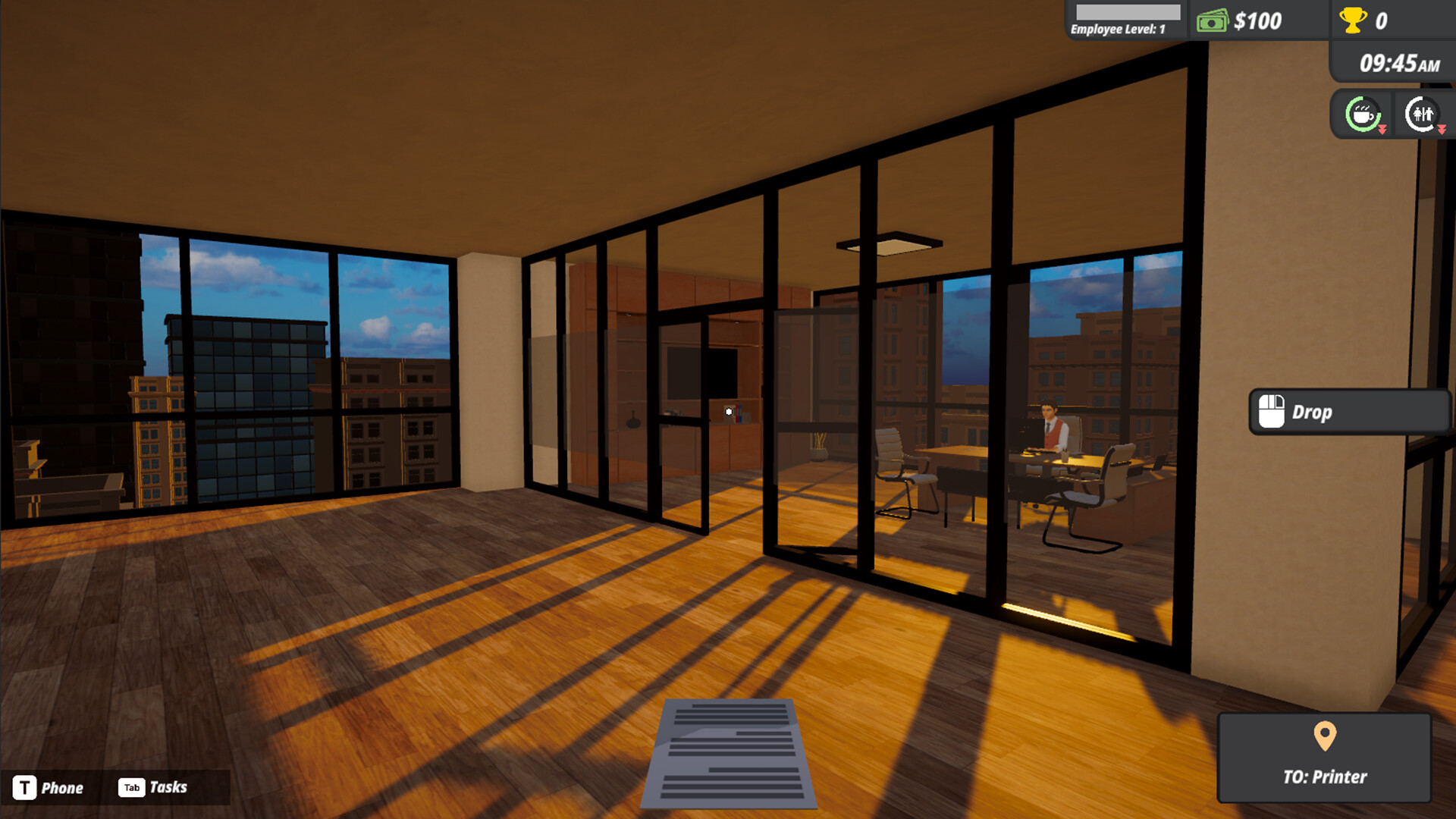
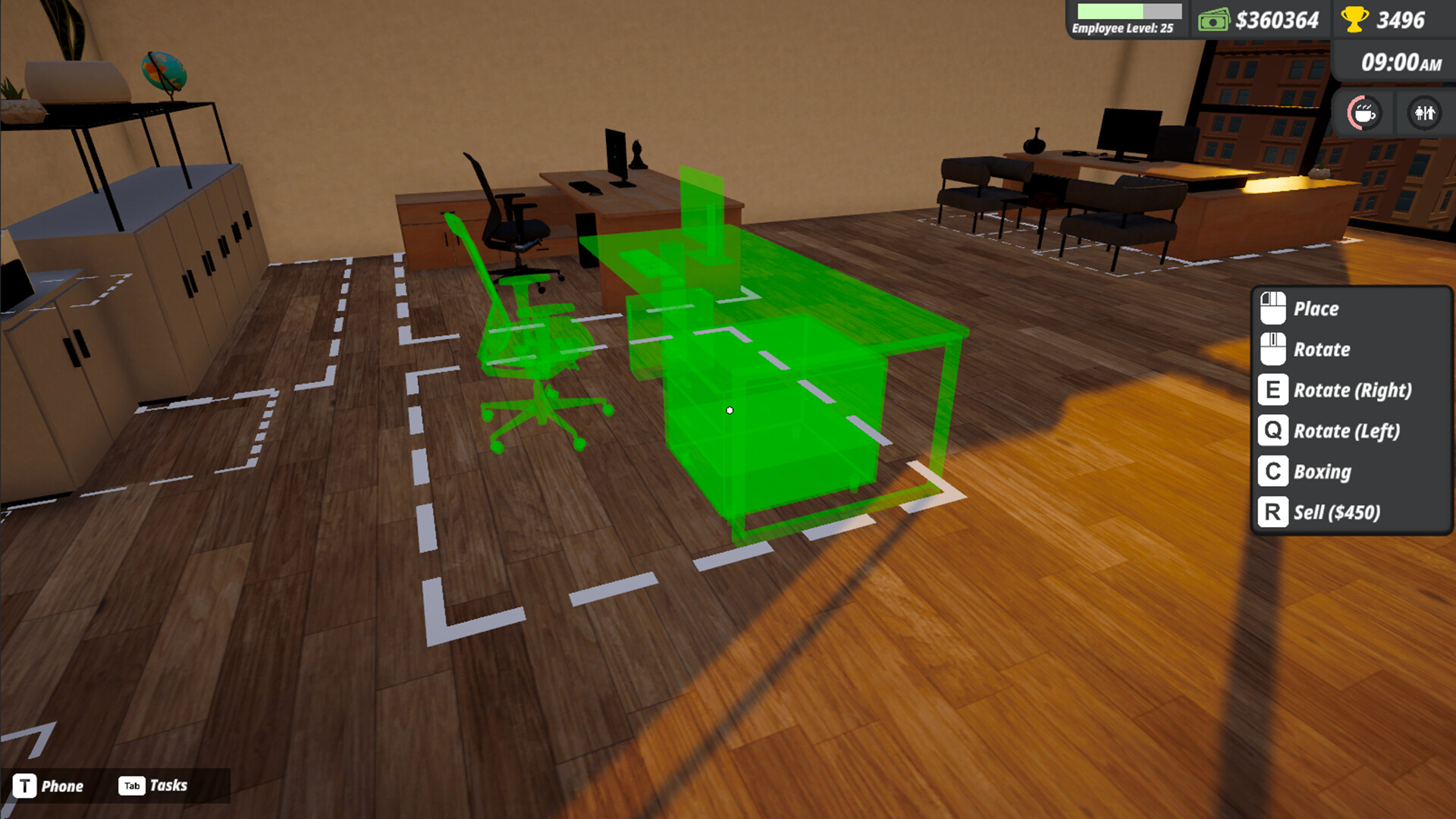
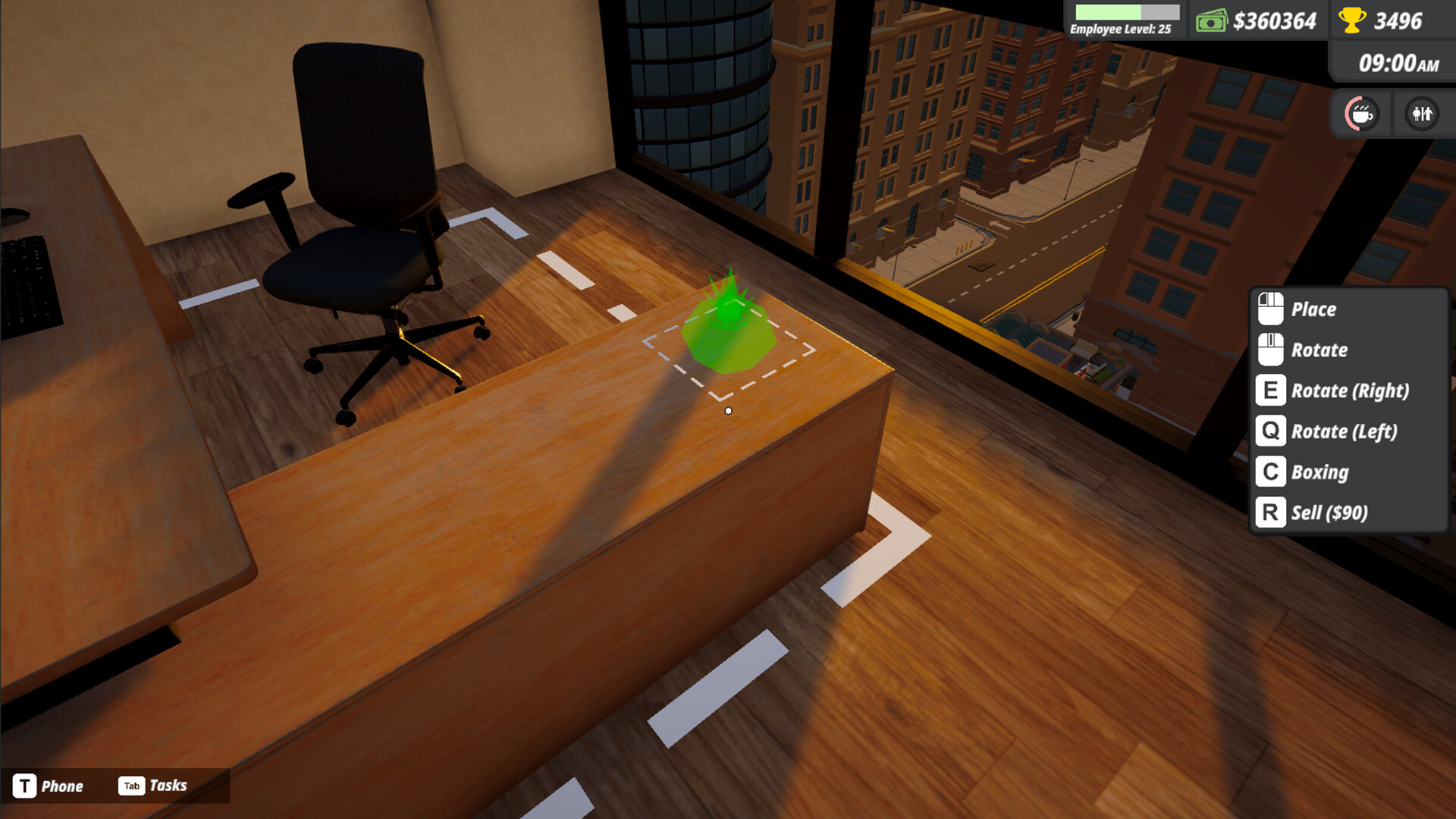
Office Simulator is a business simulation game from Tzn Games that puts you in the corporate life. Starting out as an intern doing basic office tasks like filing paperwork and handling emails, you’ll work your way up the ladder to run your own company. You can upgrade your office with productivity-boosting items, and keep your employees happy by serving them coffee their mood affects productivity. As you progress, you’ll be able to hire assistants to delegate work, decorate your office space, and expand your business.
Gameplay involves bidding on the market and assigning projects to your team while meeting your character’s basic needs like energy (through coffee) and bathroom breaks. Whether you want to become a supportive boss or just climb the corporate ladder, this casual sim will let you experience office life without the burnout.
NOTE. Uploaded version: 2 July 2026 [Build 23966048]. This is Full Release and latest version of game. The game is already Packaged in ISO File and ready to run the game, read the instruction below.
Game Details
- Title: Office Simulator
- Genre: Casual, Simulation, Management
- Developer: Tzn Games
- Publisher: Tzn Games
- Release year: 2025
- Available Languages: English, French, Italian, German, Spanish - Spain, Simplified Chinese, Portuguese - Brazil, Japanese, Korean, Russian, Turkish, Portuguese - Portugal
- Release Name: Office.Simulator-TENOKE Build 23966048
- Game Version: Build 23966048 (upd.02.07.2026)
- Game Releaser: TENOKE
- Size: 1.01 GB
System Requirements
Minimum:
Requires a 64-bit processor and operating system
OS: Windows (64-bit) 10
Processor: i5 3550 / RYZEN 5 2500X
Memory: 4 GB RAM
Graphics: NVIDIA GTX 1050 / AMD R9 270X
DirectX: Version 11
Storage: 5 GB available space
Recommended:
Requires a 64-bit processor and operating system
OS: Windows (64-bit) 10
Processor: i5 7600K / Ryzen 5 2600x
Memory: 8 GB RAM
Graphics: NVIDIA GTX 1060 / AMD RX 480
DirectX: Version 11
Storage: 5 GB available space
Screenshots
Video
How to Install
1. The first thing we do is download the game’s installation files.
2. Unzip the archive to the hard disk.
3. Mount or burn the ISO image in the disk emulator (UltraISO program).
4. After mount ISO, go to the folder and run the file «setup.exe».
5. During the installation, we specify the location on the disk where we want to install it.
6. Copy the contents of the folder «CRACK» in the folder with the game.
7. Launch the game!
Download Office Simulator Build 23966048 (upd.02.07.2026) — TENOKE
Alternative Download Links
Alternative Mirrors
Other Versions & DLCs
Game Update History
- Office Simulator Build 21246066 → Build 23966048 [ 02.07.2026 ]
- Office Simulator Build 18357763 → Build 21246066 [ 20.12.2025 ]
- Office Simulator → Build 18357763 [ 09.05.2025 ]