A Corgis Cozy Hike Build 19802030 (upd.02.09.2025) - TENOKE

About The Game
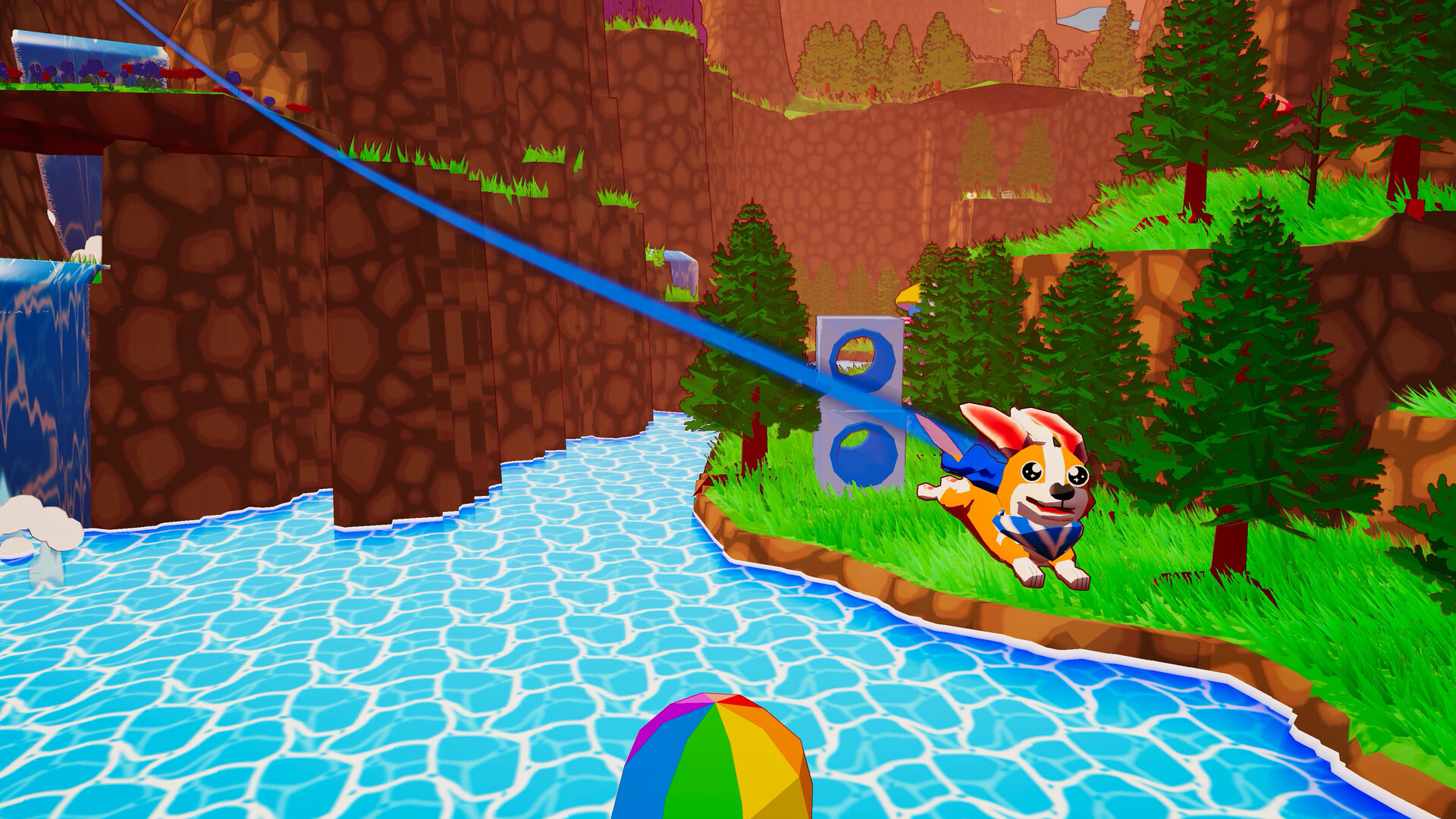
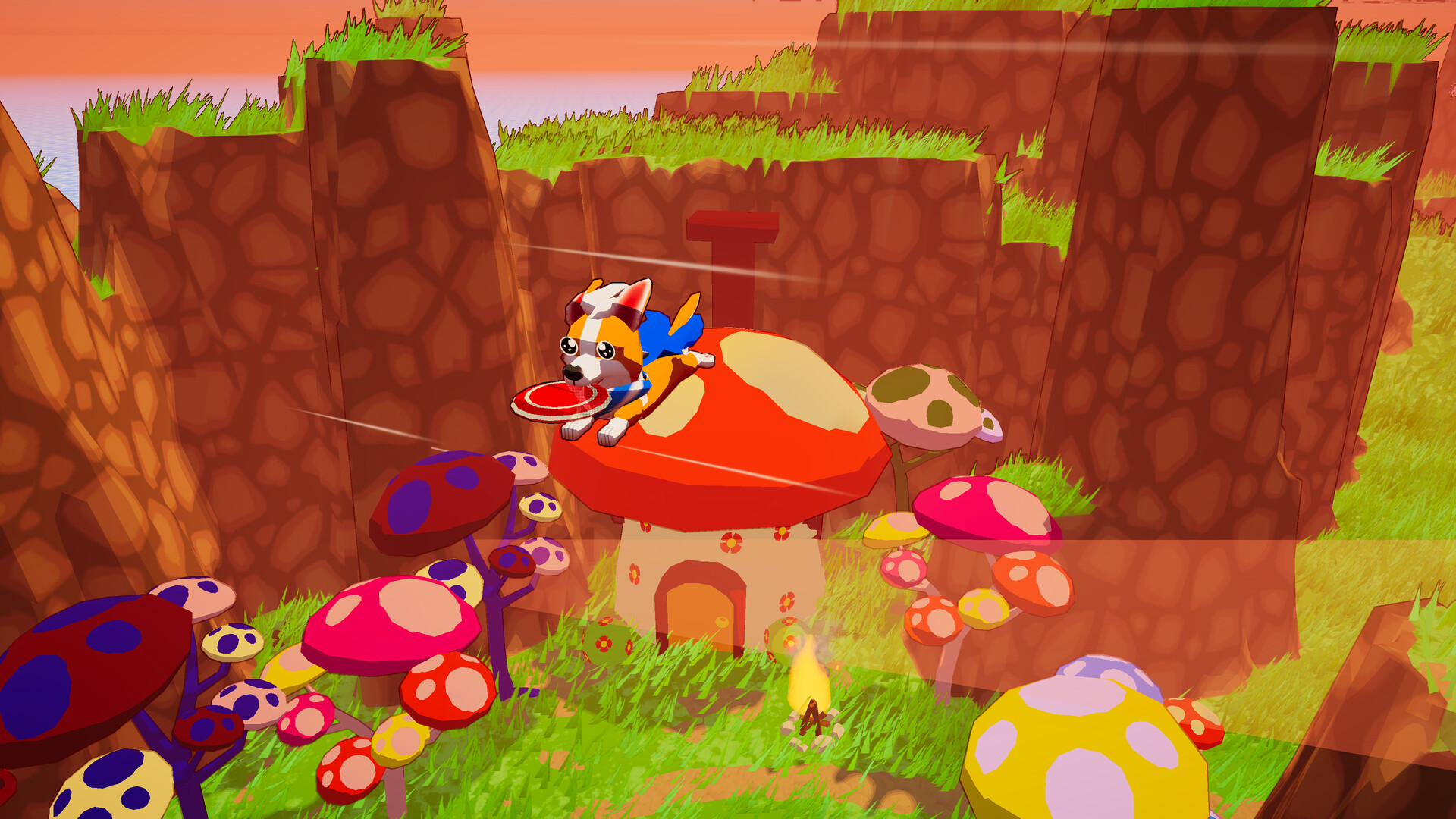
A Corgis Cozy Hike sends the protagonist dog on an adventure across an island using a special climbing and flying power. This ability, called Corgi Butt Power, compensates for the hero's short legs by allowing him to access any part of the 3D environment. As you move around the open world, you need to find edible rewards and specially designated sleeping areas. The core of the gameplay is exploration and platforming around the island's terrain to reach any desired location.
This central mechanic of A Corgis Cozy Hike allows the player to traverse the landscape without any restrictions. The game offers a structure for self-guided play, allowing you to determine your own route and pace. There is no predetermined path, which encourages exploration at your own pace. During your travels, you will encounter local inhabitants with whom you can communicate.
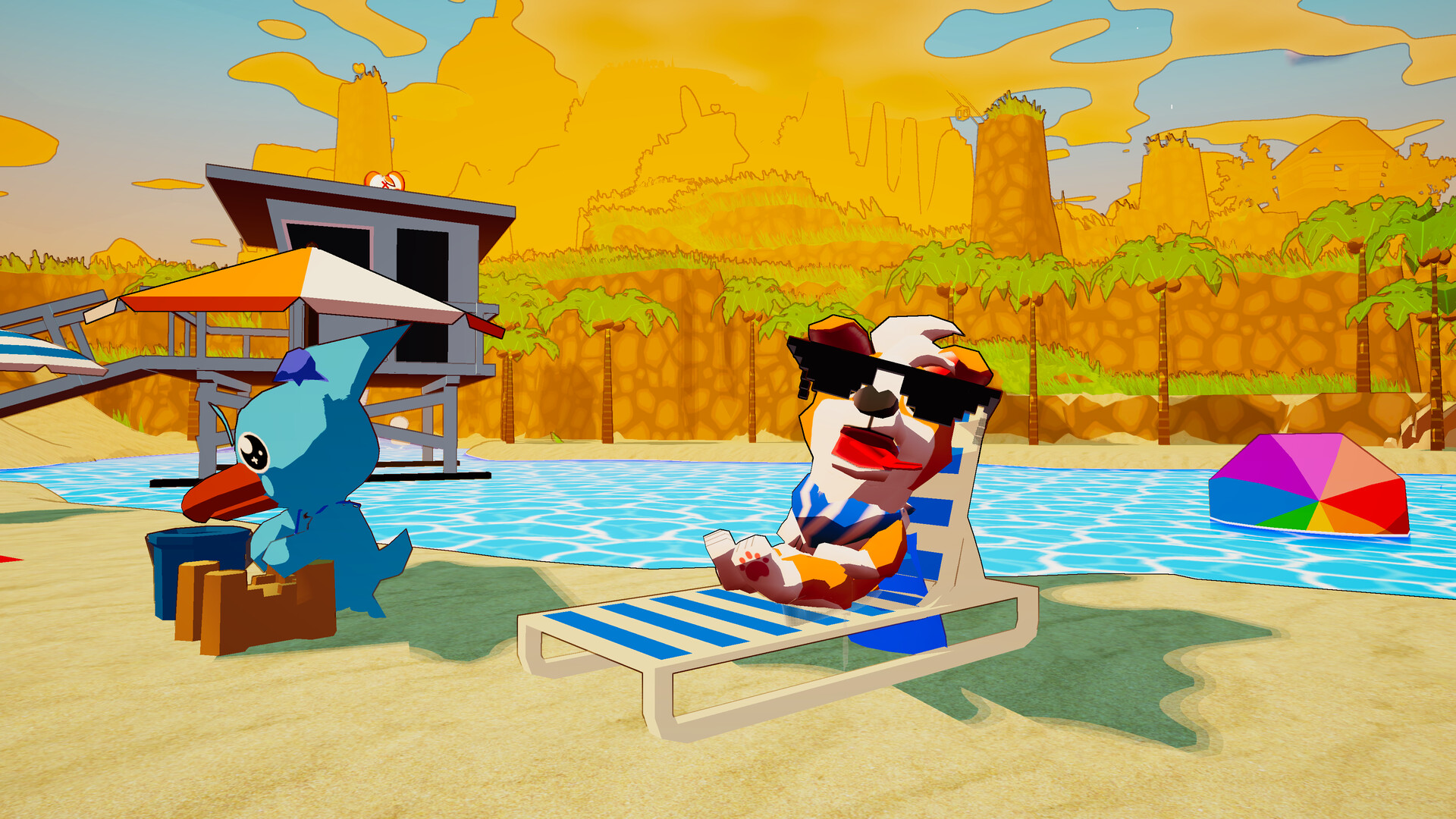
Helping the islanders in their difficulties is one of several available activities, along with adding items to your personal collections. This design allows for different styles of interaction with the environment. Character customization is a key element, offering options for changing the appearance of the corgi. You can choose from various coat colors, including tricolor and blue merle varieties. Additional decorative items are offered for equipping the hero: hats, glasses and capes.
NOTE. Uploaded version: 2 September 2025 [Build 19802030]. This is Full Release and latest version of game. The game is already Packaged in ISO File and ready to run the game, read the instruction below.
Game Details
Key Features
- Explore every corner of the island using the unique ability to fly.
- Plan your own route at your own pace.
- Interact with residents and help them solve their problems.
- Create a unique corgi by choosing a color and accessories.
- Find special places to relax and enjoy the peace.
System Requirements
Minimum:
OS: Windows 10 (or later)
Processor: 3 GHz or better
Memory: 2 GB RAM
Graphics: GeForce GTX 960 or equivalent
DirectX: Version 11
Storage: 1000 MB available space
Screenshots
How to Install
1. The first thing we do is download the game’s installation files.
2. Unzip the archive to the hard disk.
3. Mount or burn the ISO image in the disk emulator (UltraISO program).
4. After mount ISO, go to the folder and run the file «setup.exe».
5. During the installation, we specify the location on the disk where we want to install it.
6. Copy the contents of the folder «CRACK» in the folder with the game.
7. At the end of the unpacking process, a shortcut appears on the desktop.
8. Launch the game!
Download A Corgis Cozy Hike Build 19802030 (upd.02.09.2025) — TENOKE
Alternative Download Links
Alternative Mirrors
Game Update History
- A Corgis Cozy Hike → Build 19802030 [ 02.09.2025 ]