ZM Desktop Elf Build 19869998 (upd.23.09.2025) - P2P

About The Game
ZM Desktop Elf brings a playful elf companion right to your screen where she chats, dances, and adds a touch of magic to your daily routine. Developed and published by Duoyi Games in 2025, this mature casual game lets you interact with your virtual elf through simple commands, watch her perform cute animations, and unlock new outfits or expressions. She follows your mouse, reacts to your music, and even teases you during work breaks. The latest version of the game adds more personality traits and smoother gestures, perfect for users who want a fun desktop buddy.
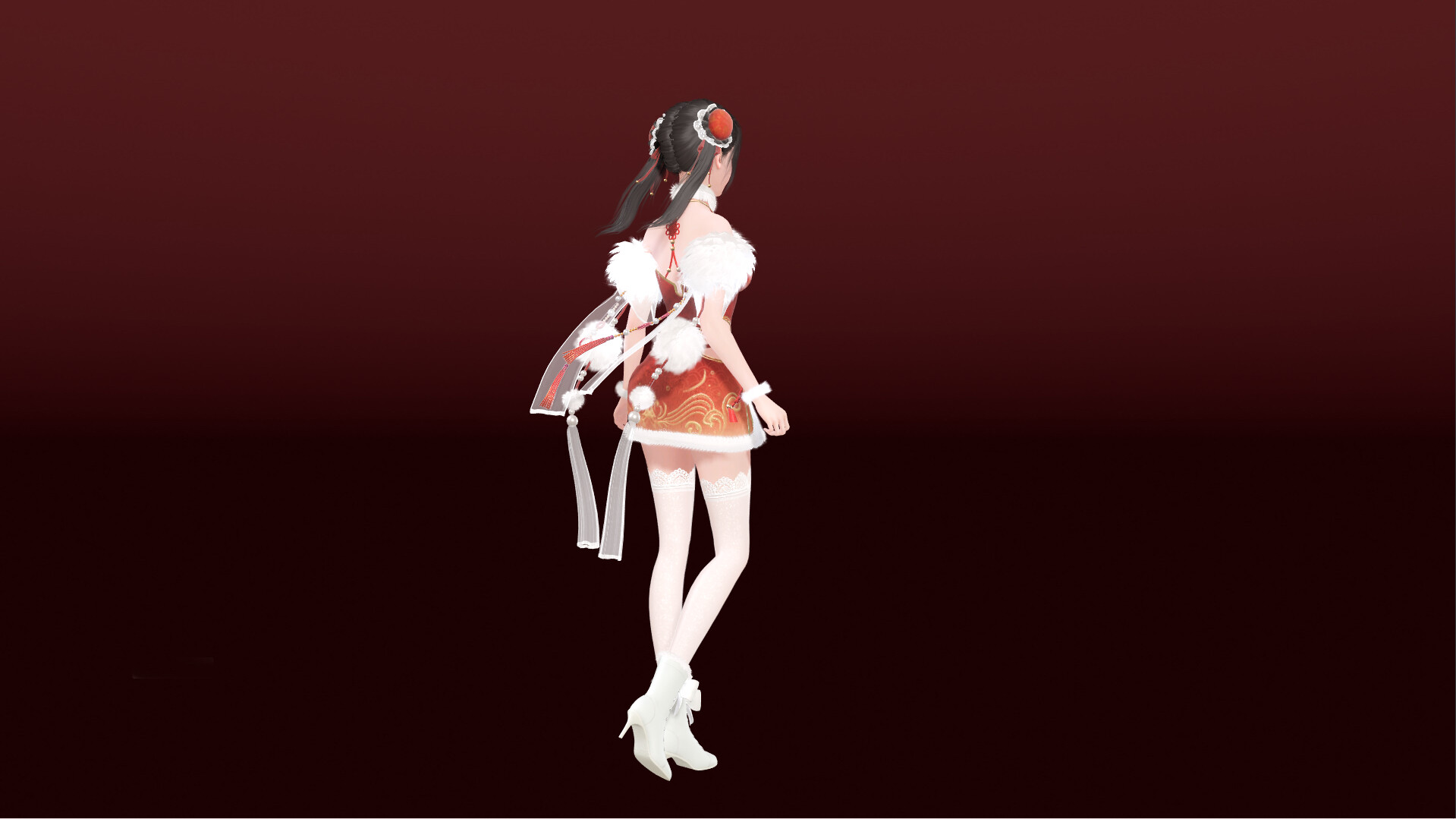
Gameplay is light and engaging with easy customizations. In ZM Desktop Elf, you type messages for her to respond, drag her around the screen, or set moods like happy or flirty to change her behavior. Casual means no goals, just relaxing company, while mature touches include cheeky dialogues and subtle animations for adults. The elf's design is adorable with big eyes and flowing hair, and she comes with voice lines in multiple languages.
This casual app is great for solo desktop use, ideal if you need a break from boredom. The latest version of the game brings new themes and interaction logs, so you can replay moments. With its charm and whimsy, it keeps your day brighter for hours. Ready to meet your elf? Download the game now and welcome ZM Desktop Elf.
NOTE. Uploaded version: 23 September 2025 [Build 19869998]. This is Full Release and latest version of game. The game is already Pre-Installed and ready to run the game, read the instruction below.
Game Details
- Title: ZM Desktop Elf
- Genre: Mature, Casual
- Developer: Duoyi Games
- Publisher: Duoyi Games
- Release year: 2025
- Available Languages: English, Simplified Chinese, Traditional Chinese
- Release Name: ZM.Desktop.Elf.Build.19869998-P2P
- Game Version: Build 19869998 (upd.23.09.2025)
- Game Releaser: P2P
- Size: 1013.85 MB
System Requirements
Minimum:
Requires a 64-bit processor and operating system
OS: Windows 10
Processor: Intel Core i5-7400/AMD Ryzen 3 1300X
Memory: 4 GB RAM
Graphics: GeForce GTX 760/AMD HD7950
DirectX: Version 11
Network: Broadband Internet connection
Storage: 2 GB available space
Recommended:
Requires a 64-bit processor and operating system
OS: Windows 10
Processor: Intel Core i5-10500/AMD Ryzen 5 6600H
Memory: 8 GB RAM
Graphics: GeForce GTX 1050ti/AMD RX 470
DirectX: Version 11
Network: Broadband Internet connection
Storage: 2 GB available space
Screenshots


How to Install
1. The first thing we do is download the game files.
2. Unzip the archive to the hard disk. (how to unzip .rar)
3. Wait for the unpacking process to finish.
4. Start the game «ZM.Desktop.Elf.exe» from game folder.
5. The language changes in the menu.
Download ZM Desktop Elf Build 19869998 (upd.23.09.2025) — P2P
Alternative Download Links
Alternative Mirrors
Game Update History
- ZM Desktop Elf → Build 19869998 [ 23.09.2025 ]