Holo vs Robo Build 21566607 (upd.20.01.2026) - TENOKE

About The Game
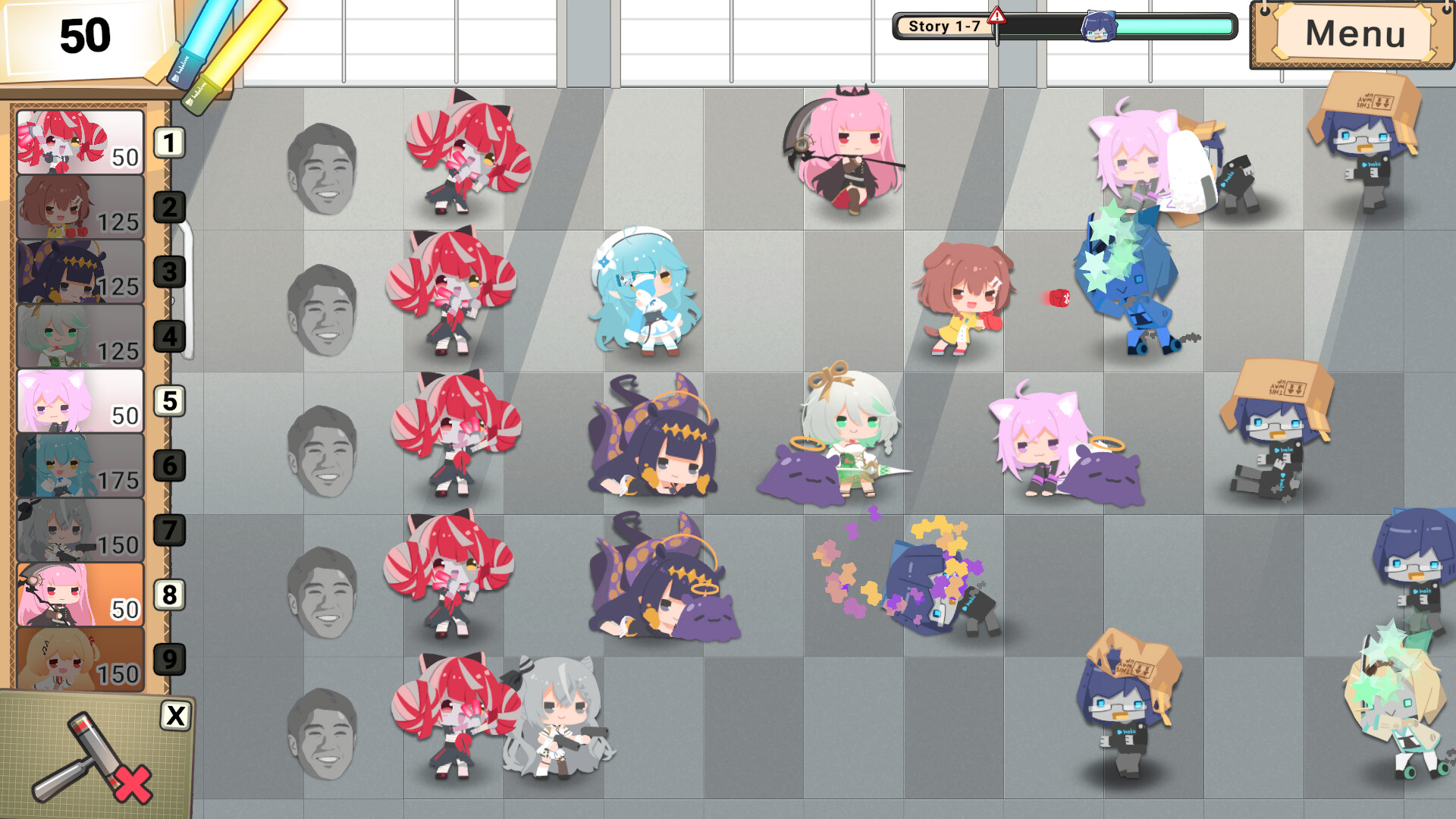
Holo vs Robo is a fast-paced tower defense game where you must build a sturdy defense using Hololive dolls to stop an army of robots. Carefully place defensive elements, combine abilities, and strategize as you fend off waves of enemies in a vibrant and immersive world inspired by the Hololive universe. Build a powerful defense with Hololive dolls to defeat the robot army in this exciting Hololive-themed tower defense game.
NOTE. Uploaded version: 20 January 2026 [Build 21566607]. This is Full Release and latest version of game. The game is already Packaged in ISO File and ready to run the game, read the instruction below.
Game Details
- Title: Holo vs Robo
- Genre: Strategy, Tower Defense, Anime, Sci-fi
- Developer: Pompmaker1
- Publisher: holo Indie
- Release year: 2026
- Available Languages: English, Japanese
- Release Name: Holo.vs.Robo.Build.21566607-TENOKE
- Game Version: Build 21566607 (upd.20.01.2026)
- Game Releaser: TENOKE
- Size: 563.56 MB
System Requirements
Minimum:
OS: Windows 10 version 21H1 (build 19043) or newer
Processor: x86, x64 architecture
Memory: 1 GB RAM
Graphics: DX10, DX11, DX12 or Vulkan capable GPUs
Storage: 4 GB available space
Recommended:
OS: Windows 11 version 24H2 or newer
Processor: x86, x64 architecture
Memory: 2 GB RAM
Graphics: DX10, DX11, DX12 or Vulkan capable GPUs
Storage: 4 GB available space
Screenshots
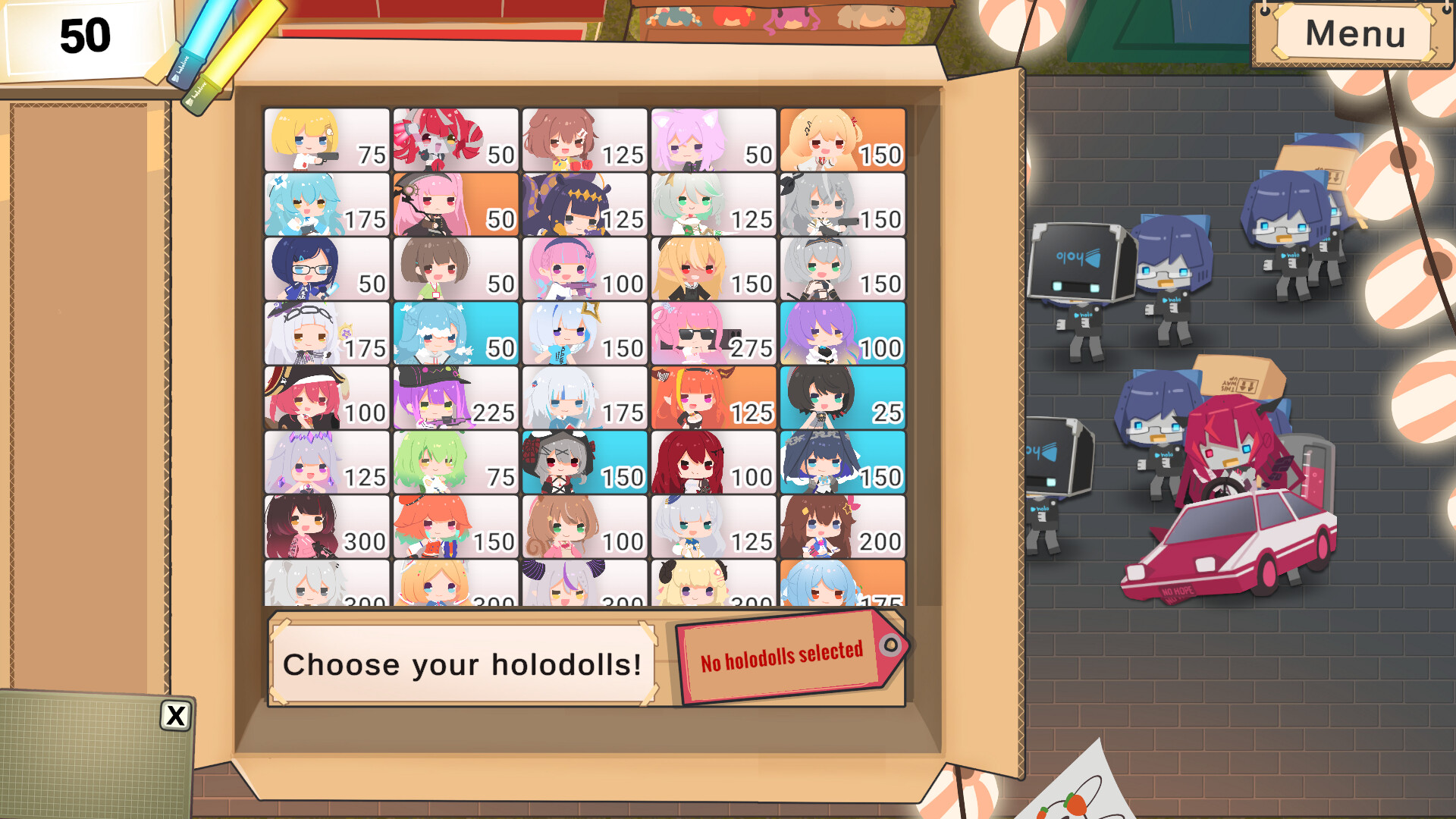
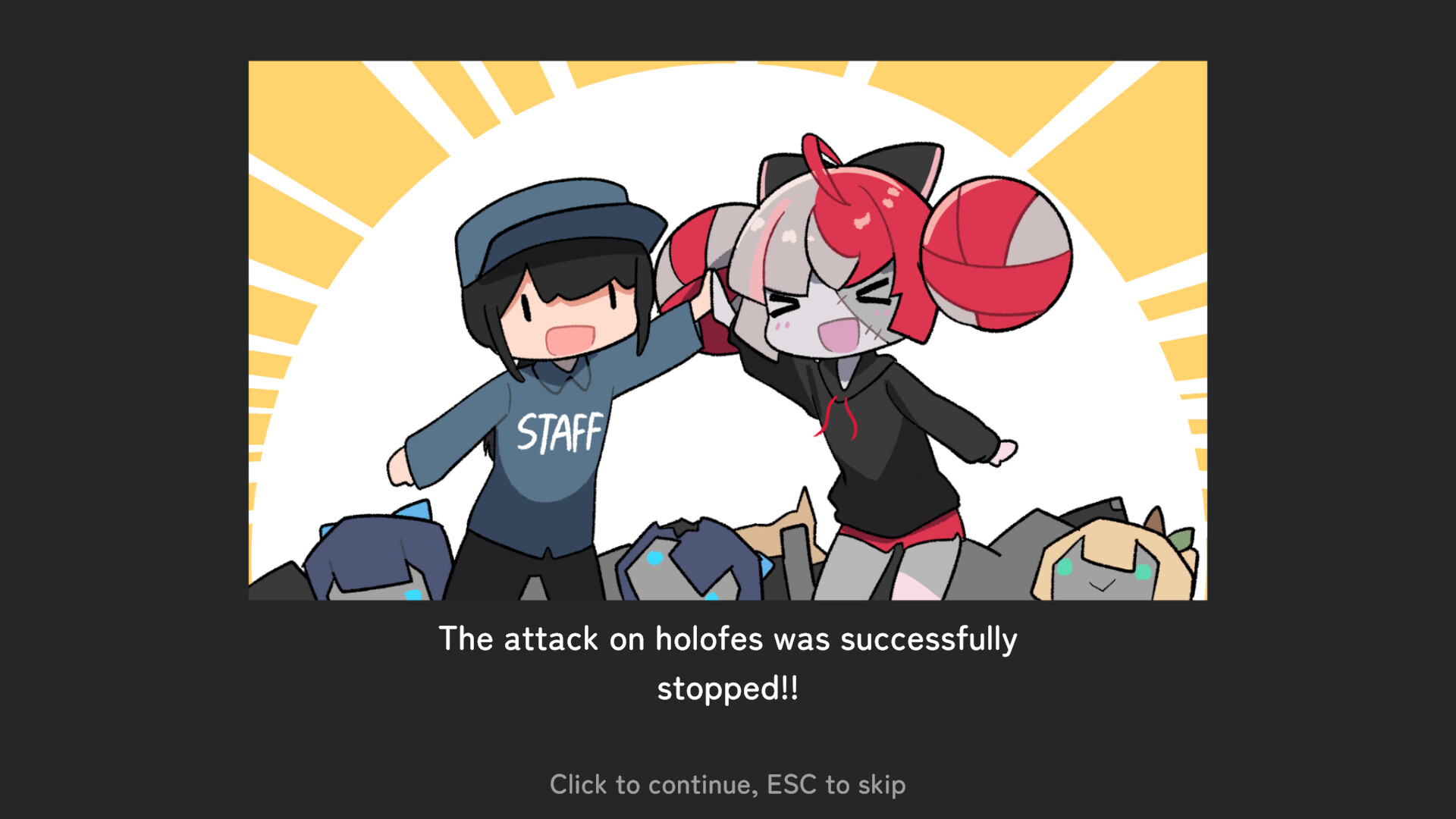
Video
How to Install
1. The first thing we do is download the game’s installation files.
2. Unzip the archive to the hard disk.
3. Mount or burn the ISO image in the disk emulator (UltraISO program).
4. After mount ISO, go to the folder and run the file «setup.exe».
5. During the installation, we specify the location on the disk where we want to install it.
6. Copy the contents of the folder «CRACK» in the folder with the game.
7. At the end of the unpacking process, a shortcut appears on the desktop.
8. Launch the game!
Download Holo vs Robo Build 21566607 (upd.20.01.2026) — TENOKE
Alternative Download Links
Alternative Mirrors
Game Update History
- Holo vs Robo → Build 21566607 [ 20.01.2026 ]